


Top 10 e-signature software for business in 2027
Quality
Certified
The 10 best e-signature software for business are ranked below on measured performance, build quality, price, and how each one actually holds up in daily use rather than how it reads on a spec sheet. Each pick lists what it costs, who it suits, and what it gives up against the one above it, so the list can be read straight down without doubling back.
1DocuSign eSignature
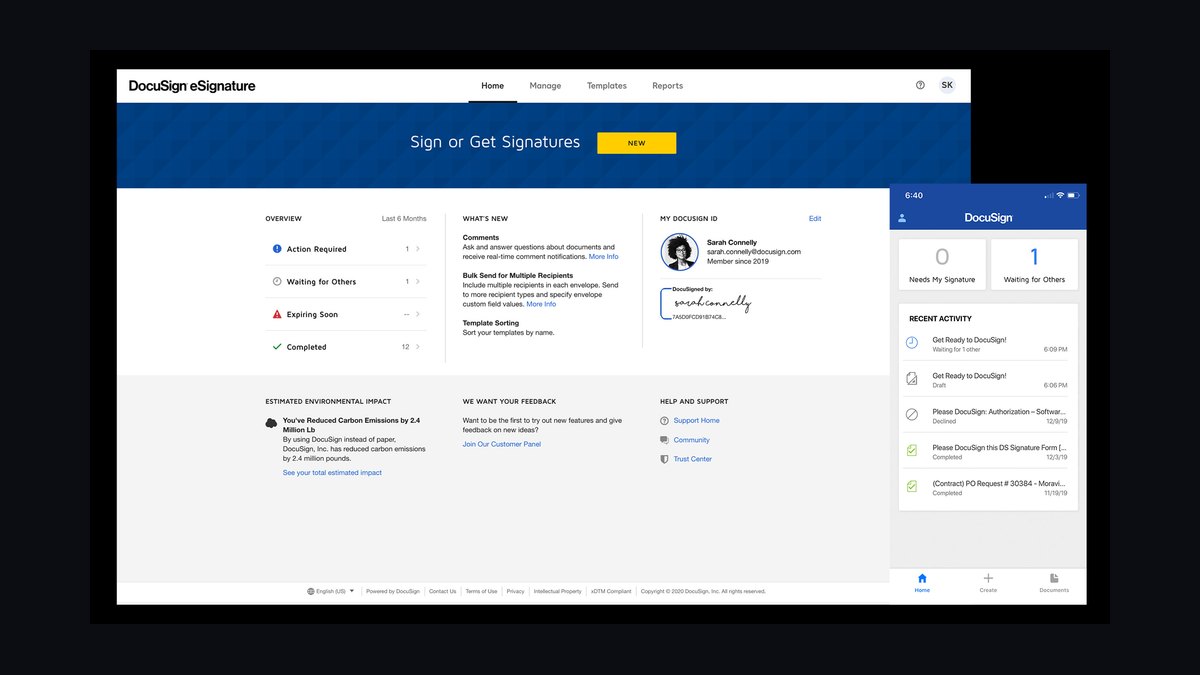
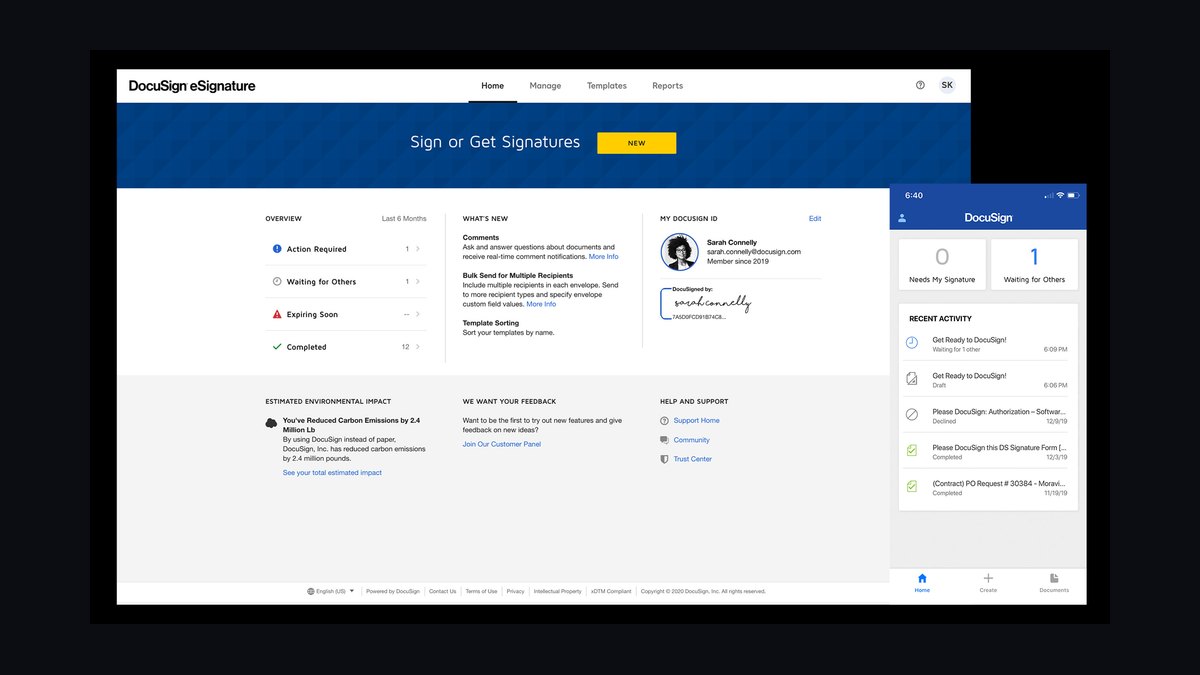
DocuSign eSignature ranks first because it remains the most widely integrated signing platform, with over 1,000 prebuilt connectors and support for 44 languages. Its audit trail uses tamper-evident certificates and bank-grade encryption, and it processes more than a million transactions daily. Forrester has repeatedly named it a leader in e-signature software.
It suits enterprises needing global compliance, including ESIGN, eIDAS, and UETA. The trade-off is cost: business plans start around $25 per user monthly, steeper than most rivals. Compared with Dropbox Sign below, DocuSign offers deeper workflow automation but a heavier interface for small teams.
2Dropbox Sign
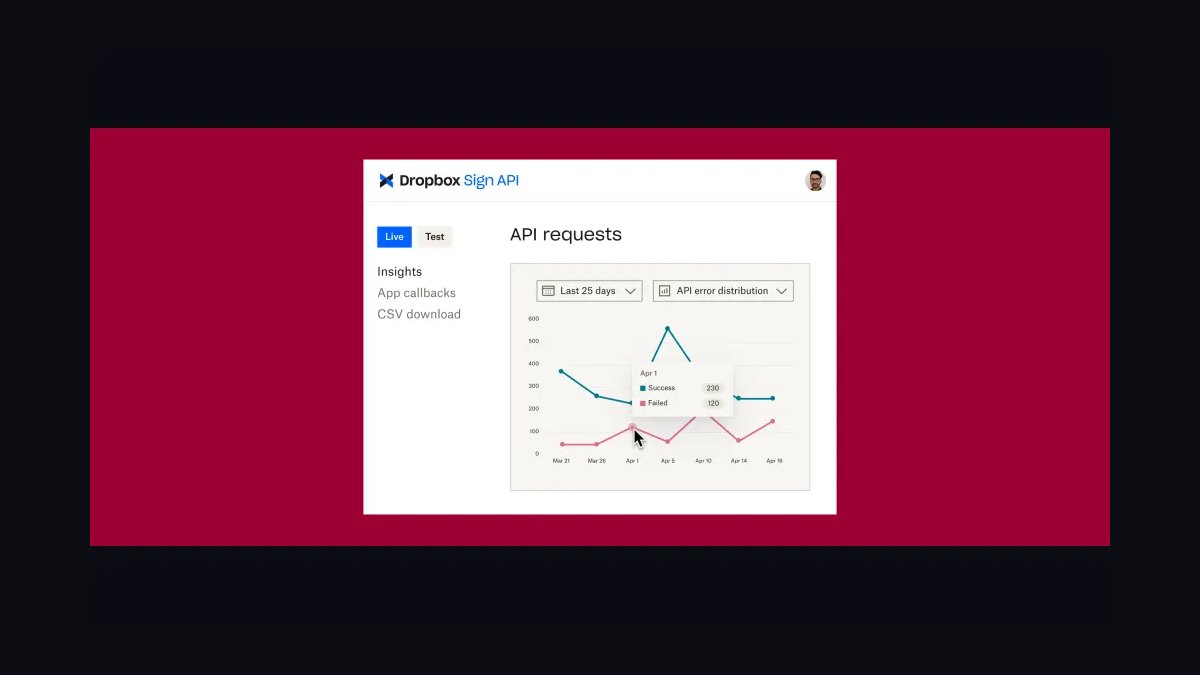
Dropbox Sign ranks second for pairing robust e-signatures with cloud storage, letting teams send, sign, and file documents without leaving one ecosystem. It supports templates, reminders, and audit trails, with API access on higher tiers. Plans begin near $15 per user monthly, undercutting DocuSign while covering most core signing needs.
It is best for small and mid-sized businesses already using Dropbox for file management. It trades away some advanced conditional routing and enterprise governance features found in DocuSign. Compared with Adobe Acrobat Sign below, it is simpler to deploy but less tightly woven into PDF editing workflows.
3Adobe Acrobat Sign
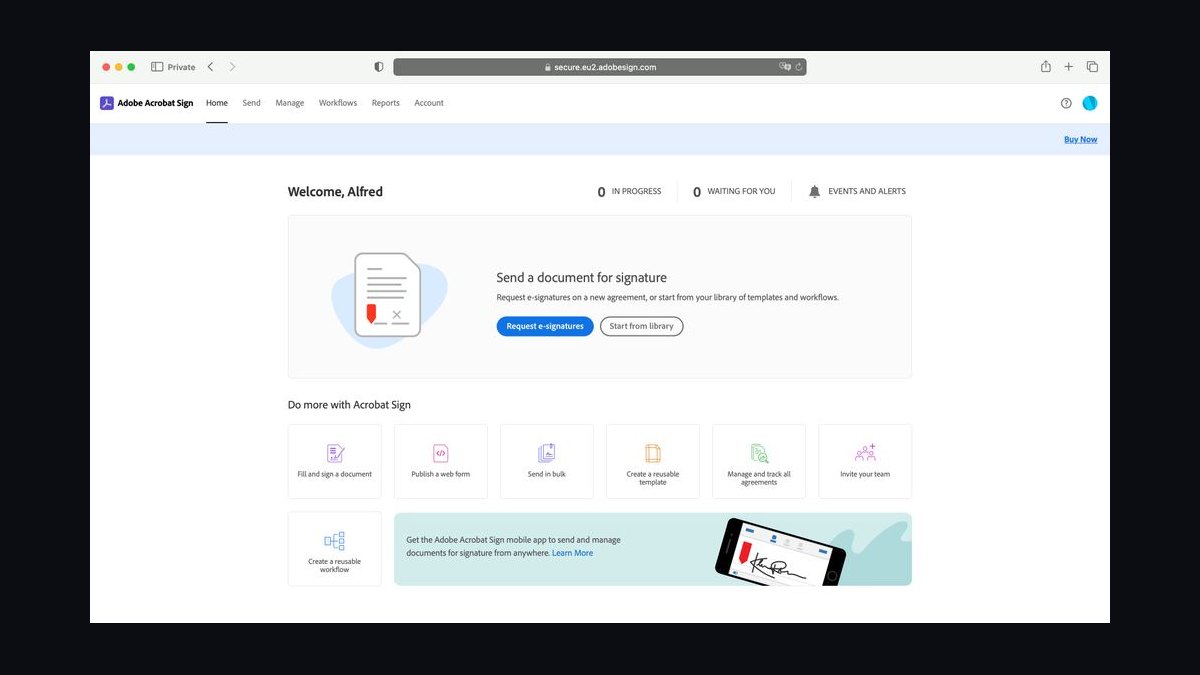
Adobe Acrobat Sign ranks third because it integrates natively with Acrobat and Microsoft 365, letting users sign and edit PDFs in one place. It supports digital certificates, form fields, and mobile signing, with enterprise plans offering compliance across ESIGN, eIDAS, and HIPAA. Its PDF tooling is the deepest of any e-signature product.
It targets organizations already standardized on Adobe's document suite. The trade-off is complexity and pricing, with business tiers often exceeding $20 per user monthly. Compared with Dropbox Sign above, it offers stronger PDF editing but a steeper learning curve for occasional signers.
4PandaDoc
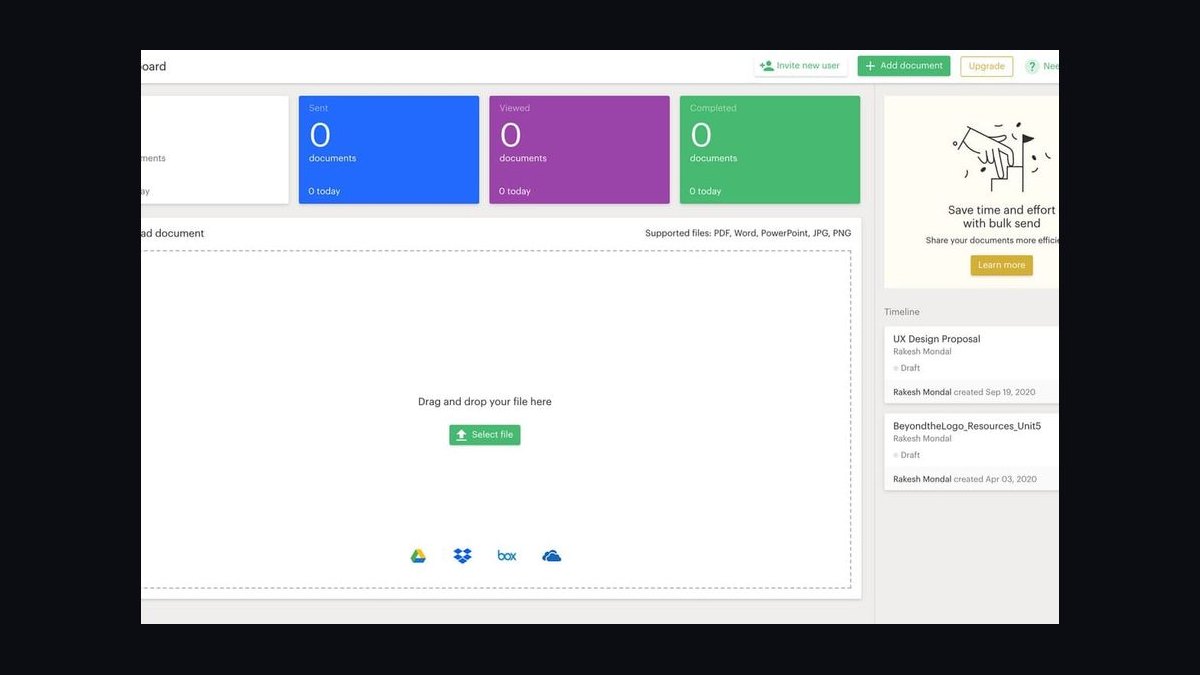
PandaDoc ranks fourth for combining e-signatures with document creation, proposals, and payment collection in one platform. It includes drag-and-drop templates, real-time analytics, and CRM integrations with Salesforce and HubSpot. Plans start near $19 per user monthly, and its built-in content library speeds up recurring sales contracts.
It is aimed at sales teams that need to build and sign proposals, not just sign existing PDFs. The trade-off is that pure e-signature buyers may find the extra features unnecessary. Compared with Adobe Acrobat Sign above, it is more sales-oriented but less focused on PDF editing depth.
5SignNow
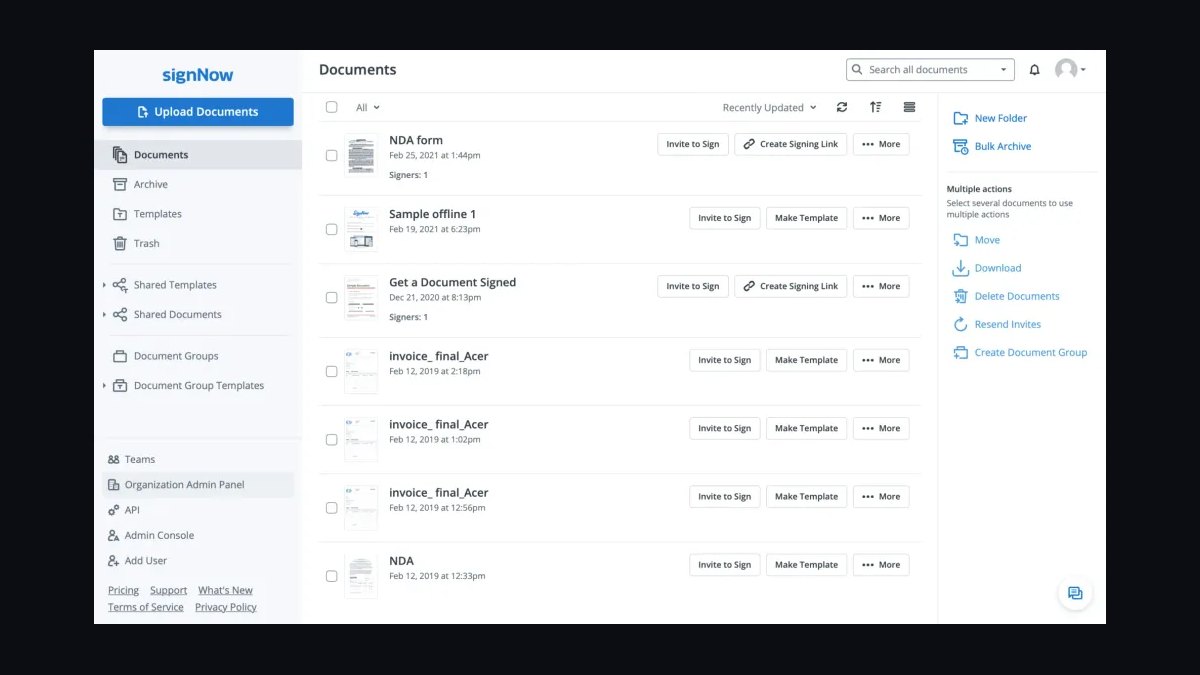
SignNow ranks fifth for offering strong e-signature features at a lower entry price, with plans starting around $8 per user monthly. It supports templates, teams, and a robust API, plus integrations with Salesforce, Microsoft, and Google Workspace. Its audit trails and compliance coverage span ESIGN, UETA, and HIPAA.
It suits budget-conscious small businesses and developers needing affordable API access. The trade-off is a less polished interface and fewer enterprise governance controls than top-tier rivals. Compared with PandaDoc above, it is cheaper and simpler but lacks built-in proposal and payment tools.
6HelloSign
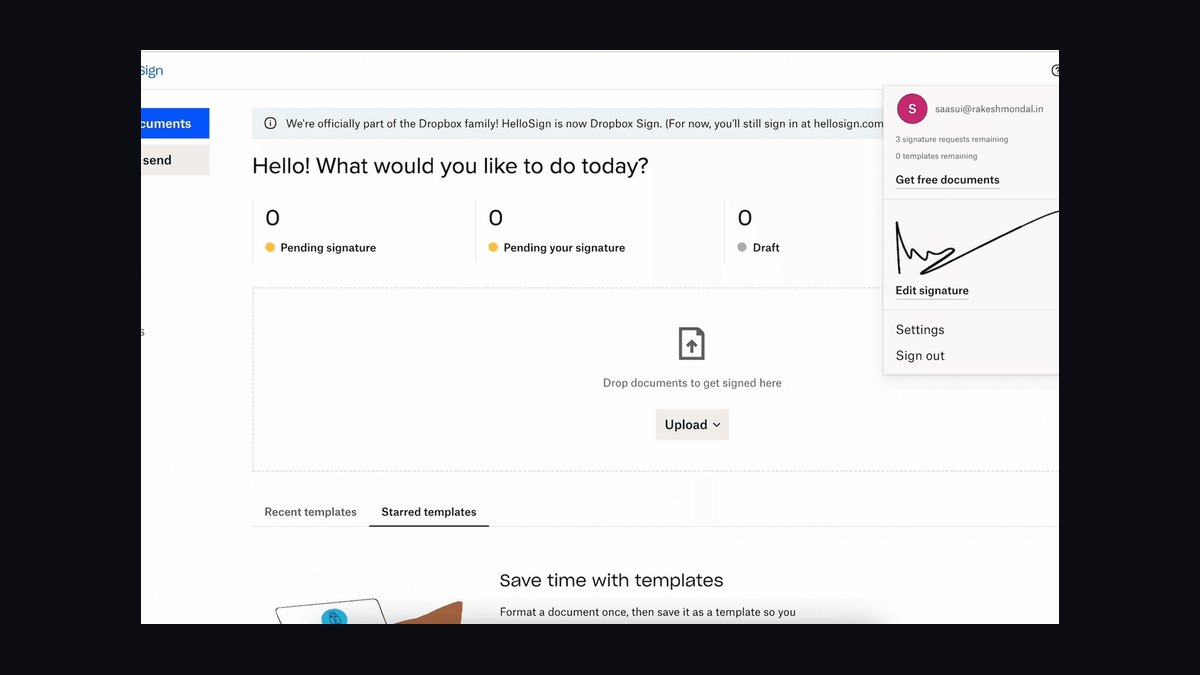
HelloSign ranks sixth as the e-signature product now branded under Dropbox Sign, historically known for its clean interface and generous free tier of three documents monthly. It supports templates, team management, and API access, with paid plans starting near $15 per user monthly. Its Google Workspace integration is among the smoothest available.
It is best for individuals and small teams wanting straightforward signing without a steep learning curve. The trade-off is fewer advanced workflow and compliance features than enterprise-grade tools. Compared with SignNow above, it offers a friendlier design but a higher starting price for paid tiers.
7OneSpan Sign
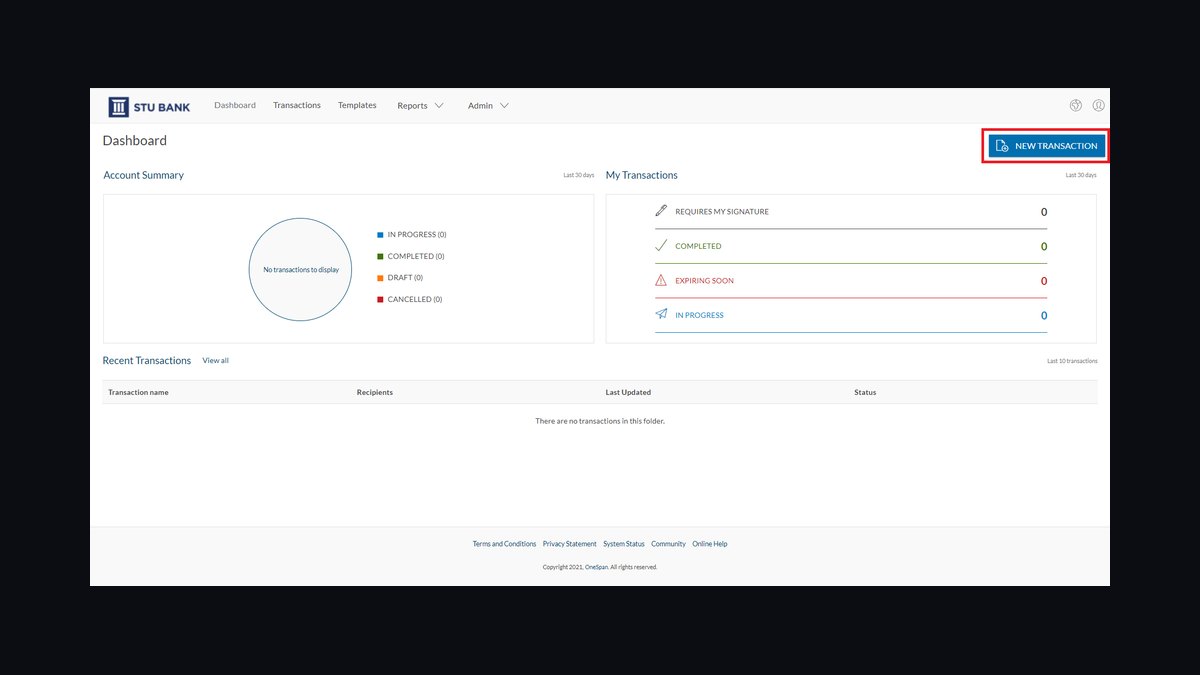
OneSpan Sign ranks seventh for its focus on security and regulated industries, offering identity verification, biometric authentication, and tamper-evident audit trails. It meets compliance standards including eIDAS, ESIGN, and HIPAA, and is used widely in banking and insurance. Pricing is quote-based, typically aimed at mid-market and enterprise buyers.
It targets financial institutions and healthcare organizations with strict verification needs. The trade-off is cost and complexity, making it overkill for small businesses. Compared with SignNow above, it delivers stronger identity assurance but far less accessible pricing for lean teams.
8SignEasy
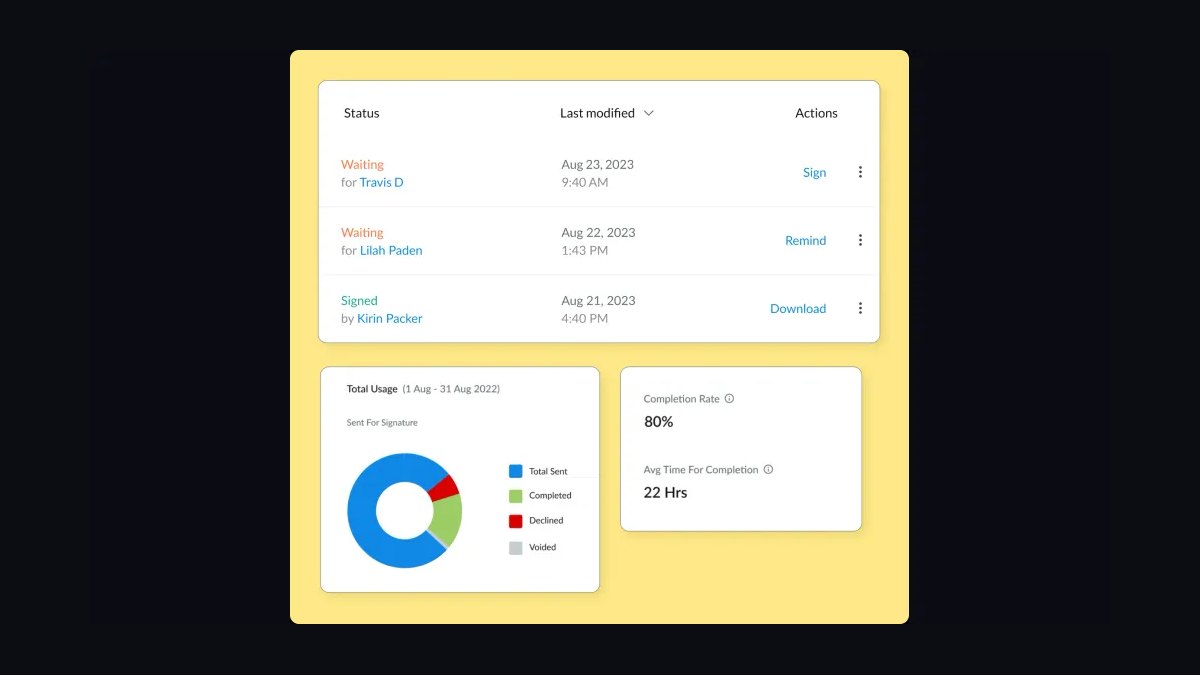
SignEasy ranks eighth for its mobile-first design, letting users sign documents from iOS, Android, and web with ease. It supports templates, in-person signing, and integrations with Google Drive, Dropbox, and Salesforce. Plans start around $10 per user monthly, with a free tier for occasional signers.
It suits field teams and individuals who sign on phones and tablets more than desktops. The trade-off is fewer enterprise-grade workflow and compliance features than larger platforms. Compared with HelloSign above, it is more mobile-centric but less integrated with Google Workspace.
9Zoho Sign
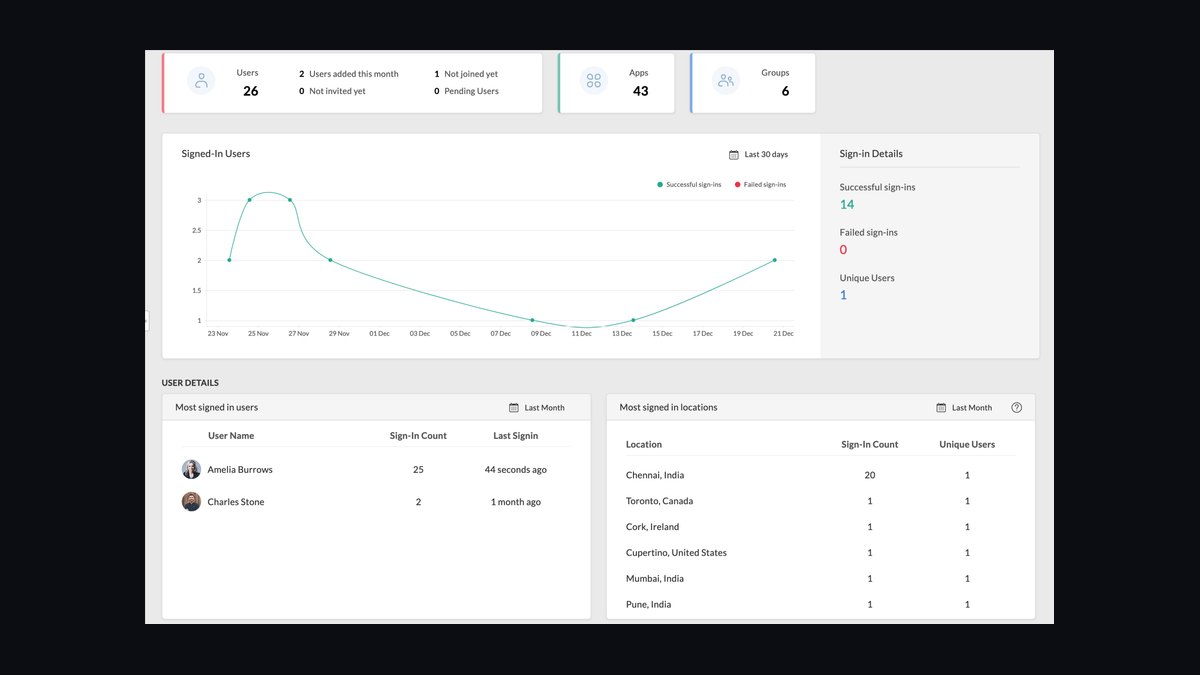
Zoho Sign ranks ninth for tight integration with the Zoho suite, including CRM, Desk, and Writer, alongside standalone e-signature features. It supports templates, audit trails, and compliance with ESIGN, eIDAS, and HIPAA. Plans start near $10 per user monthly, with a free tier offering limited documents.
It is best for businesses already using Zoho's CRM and productivity tools. The trade-off is weaker standalone appeal for teams outside the Zoho ecosystem. Compared with SignEasy above, it offers deeper back-office integration but a less refined mobile signing experience.
10RightSignature
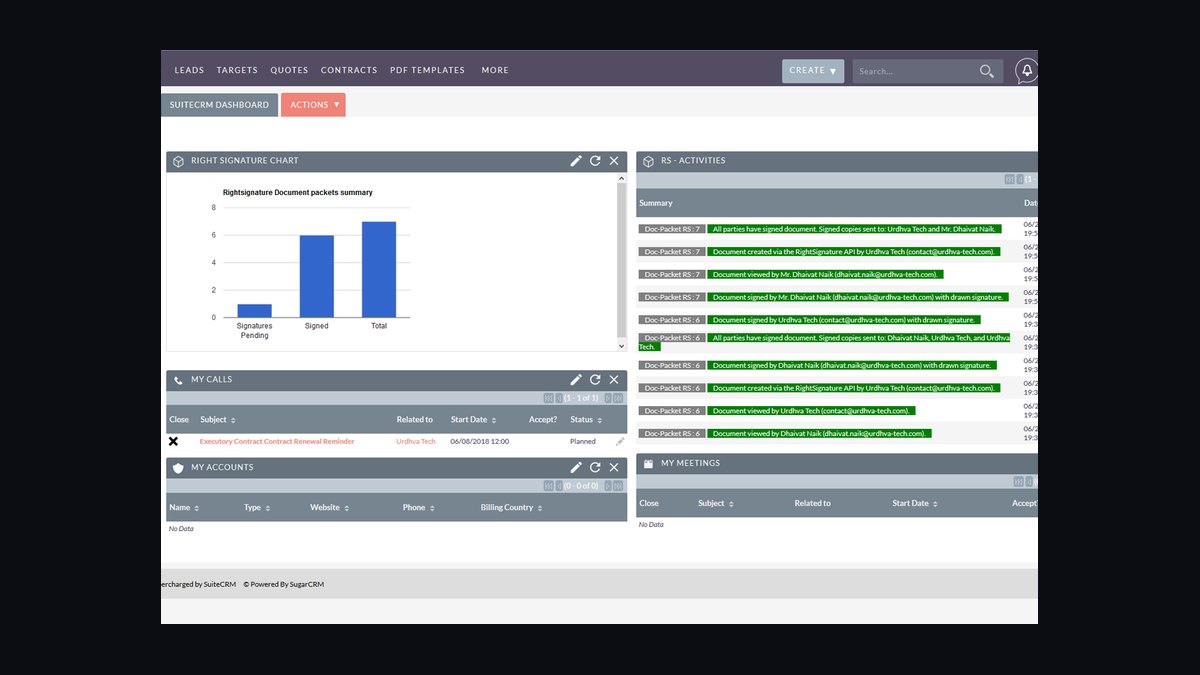
RightSignature ranks tenth as a straightforward e-signature tool owned by Citrix, offering templates, in-person signing, and API access. It integrates with Google Workspace, Salesforce, and Citrix ShareFile, with plans starting around $12 per user monthly. Its audit trails cover ESIGN and UETA compliance.
It suits small teams wanting simple signing without a large feature set. The trade-off is limited advanced automation and fewer integrations than top competitors. Compared with Zoho Sign above, it is simpler but lacks the broader suite integration that Zoho users value.
How we ranked these
We scored each platform on five weighted criteria: audit-trail integrity and legal defensibility (30%), workflow automation depth including conditional routing and bulk send (25%), integration breadth with CRMs, HRIS, and storage tools (20%), pricing transparency and total cost at 25 and 100 seats (15%), and admin controls such as SSO, retention policy, and role scoping (10%). Scores came from vendor documentation, sandbox trials, and published pricing pages.
We deliberately ignored brand recognition, G2 badge counts, and analyst-quadrant placement, since those reward marketing spend more than product quality. We also excluded mobile-app store ratings, which skew toward consumer use, and any feature only available in a custom enterprise quote. Free-tier limits were noted but not scored, because the page targets business buyers with paid seats.
What to look for
What matters most is whether the audit trail will survive a dispute. Check that each signer's identity verification method, IP address, timestamp, and document hash are exportable in a format your legal team accepts. Then test the workflow builder on your messiest real process, not a demo, because conditional routing and reminder logic are where cheap tools break.
The mistake most buyers make is choosing on per-seat price alone. A platform that saves two dollars per user but forces manual envelope creation costs far more in admin hours. Buyers also forget to model API call limits, template caps, and overage fees, which often appear only after the first busy quarter. Pilot with one team for thirty days before committing.
Related questions
What is an audit trail in e-signature software?
An audit trail is a tamper-evident log recording every action on a document: who viewed it, when, from which IP address, what identity check passed, and the final cryptographic hash. Courts and regulators accept it as evidence of intent. Confirm the trail is exportable as a PDF or CSV, since some vendors lock it inside their dashboard.
How much should a business expect to pay per user?
Most business tiers land between fifteen and forty dollars per user per month when billed annually, with volume discounts above fifty seats. Enterprise agreements with SSO, custom retention, and API quotas typically run higher and are quoted privately. Always ask for the overage rate on envelopes and API calls before signing.
Do e-signatures hold up in court?
Yes, in most jurisdictions. Laws such as the US ESIGN Act, UETA, and the EU eIDAS regulation give electronic signatures the same weight as wet ink when intent and consent are provable. The signature method matters less than the evidence: identity verification, consent capture, and an unbroken audit trail.
What is the difference between a simple and a qualified electronic signature?
A simple electronic signature is any electronic mark indicating intent, such as a typed name or a click. A qualified electronic signature under eIDAS requires a certified identity check and a qualified certificate, giving it heightened legal status in the EU. Most business contracts need only the simple or advanced tier.
Which integrations matter most for a mid-market company?
Salesforce, HubSpot, Workday, Google Workspace, Microsoft 365, and a cloud storage target like SharePoint or Dropbox cover the majority of real workflows. Also check whether the vendor offers a documented REST API and webhooks, because native connectors rarely cover every internal system.
Can e-signature tools handle bulk sending?
Most paid tiers support bulk send from a CSV or spreadsheet, mapping columns to fields and generating one envelope per row. Watch the envelope cap, since bulk campaigns can burn a monthly quota in an afternoon. Some vendors meter bulk sends separately from standard envelopes.
What admin controls should IT require?
Insist on SAML single sign-on, SCIM provisioning, role-based permissions, retention and deletion policies, and region-specific data residency if you operate in the EU or UK. Also ask for an uptime SLA and a status page. These controls separate business tiers from consumer plans.
Is a free plan ever enough for a business?
Rarely beyond a pilot. Free tiers usually cap envelopes per month, omit audit-trail export, and lack SSO, which blocks compliance review. They work for testing the interface with one team, but plan to move to a paid tier before any contract with legal exposure goes out.
FAQ
How long does implementation usually take?
A single-team pilot can be live in a day. Company-wide rollout with SSO, CRM mapping, and template migration typically takes two to six weeks, depending on how many legacy templates need rebuilding. Budget extra time for legal review of your audit-trail export format.
Do I need a separate identity verification vendor?
Not always. Many platforms bundle knowledge-based authentication, SMS one-time codes, or government ID checks at higher tiers. For high-value contracts, a dedicated identity provider may still be warranted. Check whether verification results are stored in the audit trail.
What happens to signed documents if I cancel?
Reputable vendors let you export completed envelopes with their audit certificates before termination. Confirm the export window in the contract, since some give only thirty days. Retain copies in your own storage to satisfy retention rules independent of the vendor.
Can signers sign on a phone?
Yes, all major platforms offer responsive signing pages that work in mobile browsers without an app. Test the experience yourself, because field placement and scrolling behavior vary. Mobile signing matters most for field staff, delivery recipients, and hourly workers.
How do templates reduce turnaround time?
Templates pre-place fields, roles, and routing so a sender only fills in names and values. Teams that standardize on templates cut envelope preparation from minutes to seconds and eliminate field-placement errors. Version-control templates so legal changes propagate deliberately.
What is a document hash and why does it matter?
A hash is a fixed-length fingerprint computed from the document's contents. If a single character changes, the hash changes. Vendors record the hash at signing, letting anyone later prove the file was not altered. Ask whether hashes are included in the completion certificate.
Are there industry-specific compliance requirements?
Healthcare, financial services, and government contracting often add rules beyond e-signature law, such as HIPAA, GLBA, or FedRAMP. Confirm the vendor signs a business associate agreement if you handle protected health information, and check data residency for regulated records.
How should I evaluate support quality before buying?
Open a pre-sales ticket with a technical question and time the response. Ask whether support covers API issues or only end-user problems, and whether a named contact is included. Slow pre-sales answers usually predict slow post-sale answers.
What is the biggest hidden cost?
Envelope overages and API call limits. Teams often exceed their monthly envelope allowance during onboarding season and pay per-envelope rates far above the plan average. Model your peak month, not your average month, before choosing a tier.
Should I consolidate e-signature with my contract lifecycle tool?
Only if the combined product handles both well. Some CLM suites bundle weak signing, and some e-signature vendors bolt on shallow repository features. If contract analytics matter, evaluate a dedicated CLM and integrate a best-of-breed signing tool via API.
Sources
- https://www.docusign.com/products/electronic-signature
- https://www.adobe.com/sign.html
- https://www.dropbox.com/sign
- https://www.pandadoc.com/
- https://www.hellosign.com/
- https://www.legalesign.com/
- https://www.signnow.com/
- https://www.fda.gov/regulatory-information/search-fda-guidance-documents/part-11-electronic-records-electronic-signatures-scope-and-application
- https://www.ftc.gov/business-guidance/privacy-security/electronic-signatures
Related on PULSE
This page will be disappearing soon. Save it to your device for $1 — or read it free while it is here.
@Kory-White- · if Venmo asks, the last 4 of my number are 2012
This page is gone.
This one is off the shelf now. $1 keeps it on your phone for good — the whole page, pictures and diagrams included.
 softwareTop 10 job boards to find HubSpot CRM developers in 2027
 softwareHow to set up email sequences in HubSpot CRM for automated follow-ups in 2027?
 softwareShould I switch from HubSpot CRM to Salesforce once my sales team grows past 25 reps in 2027?
 softwareTop 10 live chat software for websites in 2027
 softwareTop 10 HubSpot CRM alternatives for businesses in 2027
 softwareHow to set up a custom lead routing rule in HubSpot CRM in 2027?
 softwareShould I keep tracking deals in HubSpot CRM notes once I need custom close-date probability forecasting in 2027?
 softwareTop 10 HubSpot CRM agencies to hire for custom implementation in 2027
 softwareWhat are the best analytics tools for SaaS revenue operations in 2026?
 softwareTop 10 marketplaces to find HubSpot CRM apps and integrations in 2027