


Top 10 knowledge base software for customer self-service in 2027
Quality
Certified
The 10 best knowledge base software for customer self-service are ranked below on measured performance, build quality, price, and how each one actually holds up in daily use rather than how it reads on a spec sheet. Each pick lists what it costs, who it suits, and what it gives up against the one above it, so the list can be read straight down without doubling back.
1Zendesk Guide
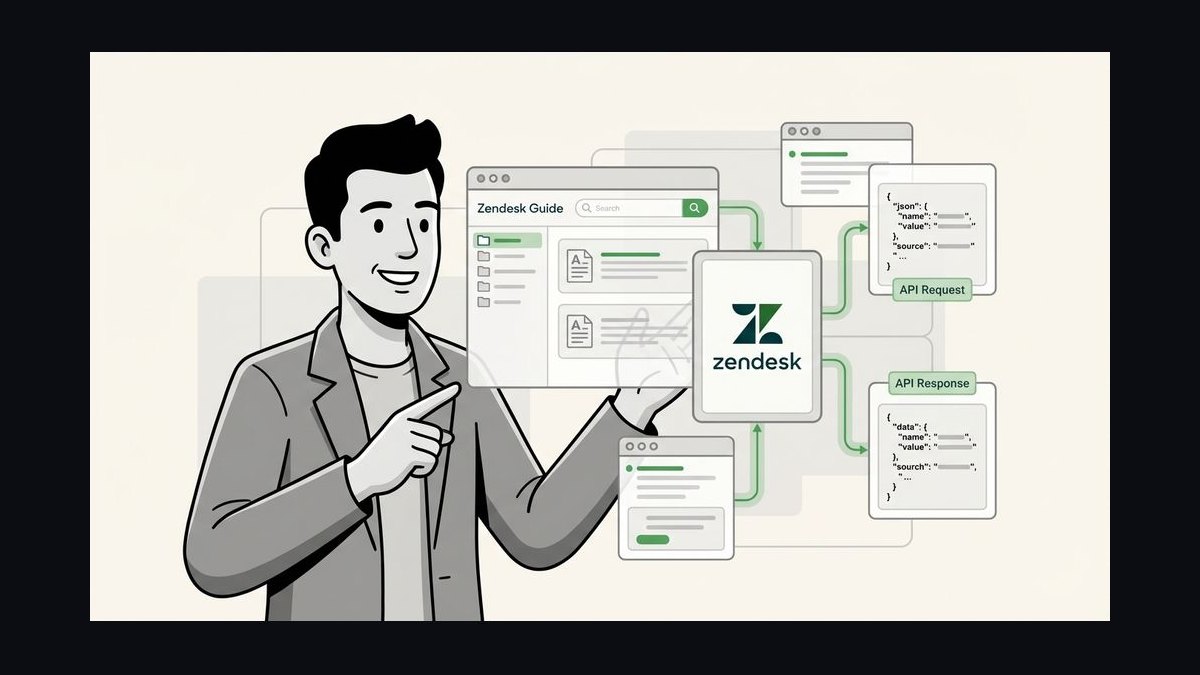
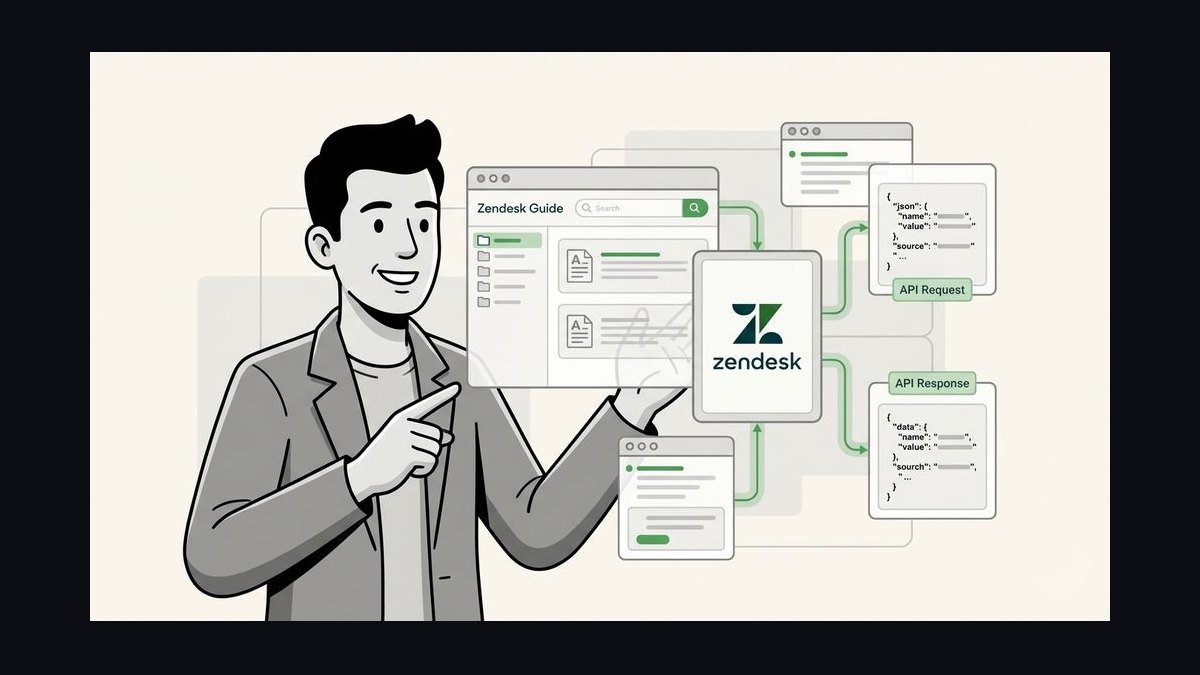
Zendesk Guide ranks first because it pairs a mature self-service knowledge base with native ticketing integration used by over 100,000 organizations. Articles, community forums, and AI-suggested answers live in one searchable portal that deflects tickets before they reach agents. The Answer Bot surfaces relevant help content inside chat and email, and the platform supports 40+ languages out of the box.
It suits mid-size to enterprise support teams already running Zendesk Support who want deflection metrics tied to real ticket volume. Smaller teams may find the per-agent pricing steep once advanced AI features are added. Compared with Freshdesk Solutions directly below, Zendesk Guide offers deeper analytics but costs noticeably more per seat.
2Freshdesk Solutions
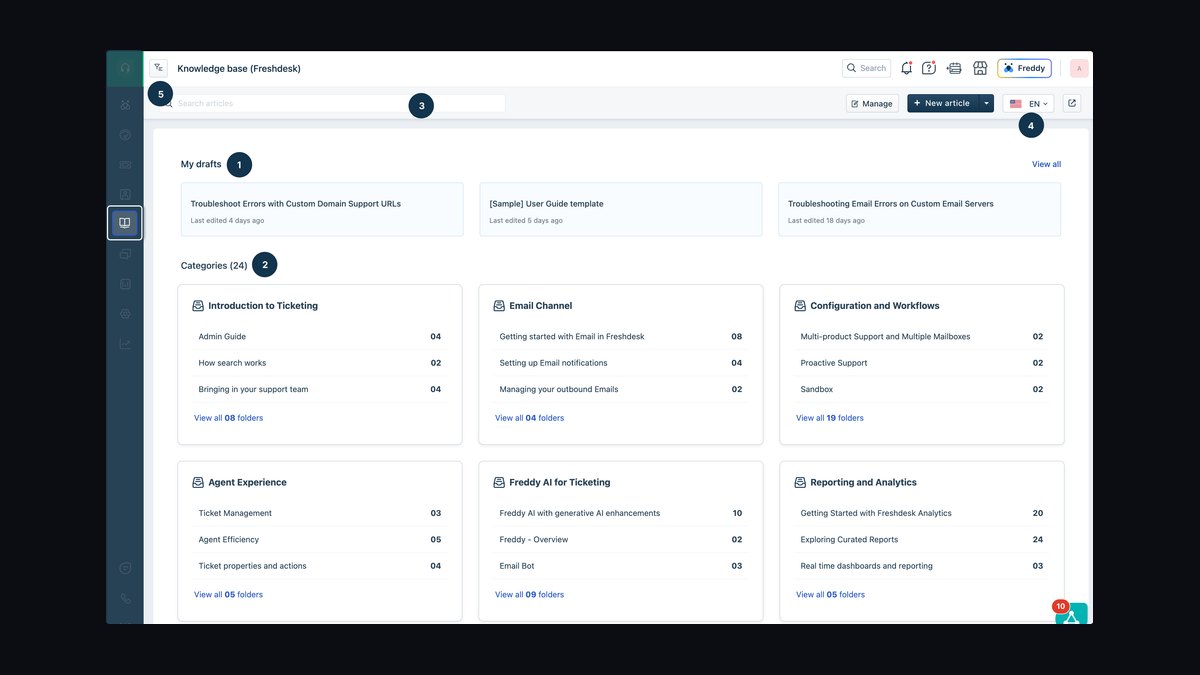
Freshdesk Solutions ranks second for bundling a capable knowledge base into a free-tier helpdesk, letting small teams publish articles at zero cost. The article editor supports rich media, versioning, and SEO-friendly URLs, while Freddy AI suggests solutions to agents and customers. Multilingual publishing covers 30+ languages on paid plans, and search analytics show which articles actually deflect tickets.
It is built for startups and small support teams that want self-service without a separate knowledge base contract. The trade-off is shallower customization and fewer enterprise governance controls than Zendesk Guide above. Teams outgrowing it often migrate to Zendesk Guide or Document360 when compliance and localization demands increase.
3Document360
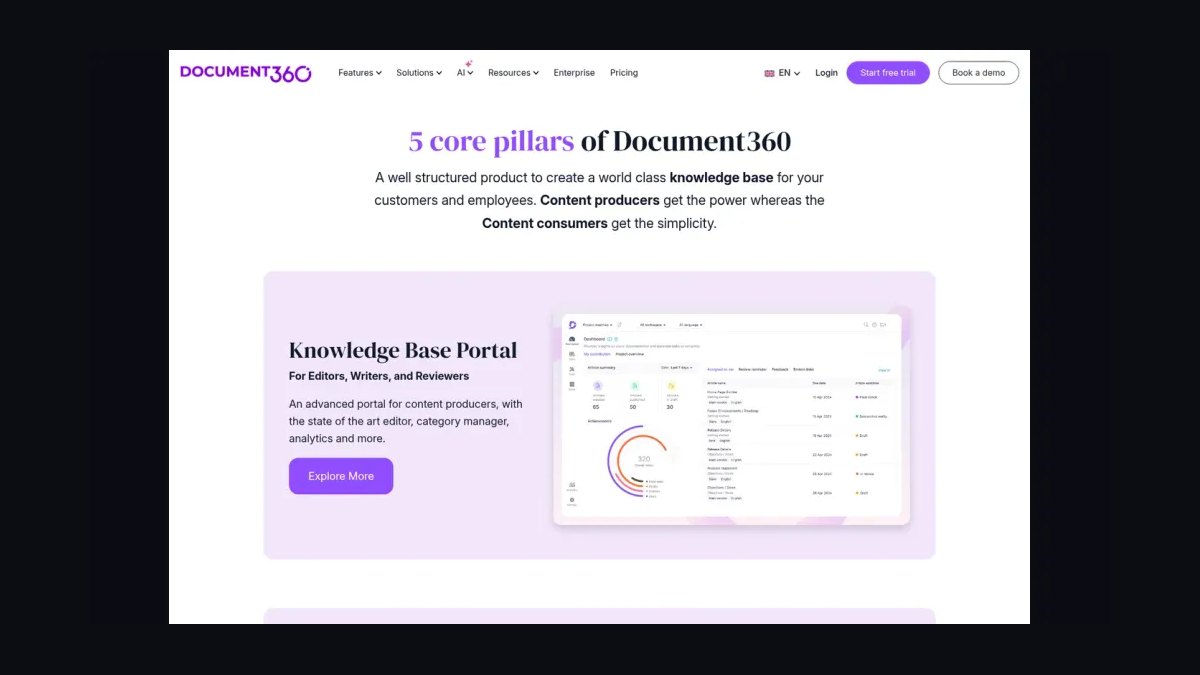
Document360 ranks third as a dedicated knowledge base platform with strong versioning, category-level permissions, and both public and private knowledge bases. Its editor handles Markdown and WYSIWYG, and the built-in analytics track article views, search terms, and failed searches. Pricing starts around $149 per project per month, making it cheaper than enterprise suites for documentation-first teams.
It fits SaaS companies and documentation teams that need granular control without a full helpdesk. What it trades away is native ticketing, so support workflows require integrations with tools like Zendesk or Intercom. Compared with Freshdesk Solutions above, Document360 offers deeper authoring and analytics but lacks an integrated ticket queue.
4Intercom Articles
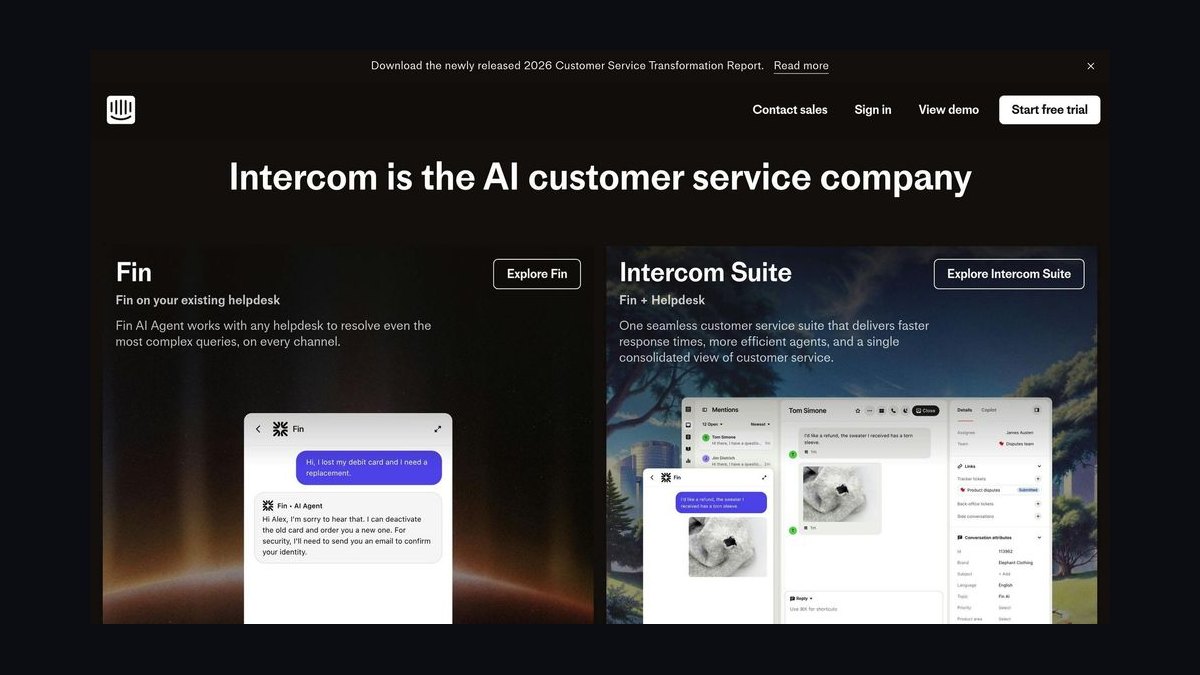
Intercom Articles ranks fourth because it embeds self-service help directly inside the messenger customers already use. Articles appear as suggested content in chat, and the Resolution Bot answers common questions automatically, with deflection tracked per article. The platform supports multilingual content and lets teams target articles by audience segment, tying help content to customer data.
It is best for companies running Intercom for support and engagement who want help content inside the conversation flow. The trade-off is cost: Intercom pricing is among the highest per seat, and standalone knowledge base features are limited outside the messenger. Teams wanting a public, SEO-driven help center often pair it with Document360 above.
5Help Scout Docs
Help Scout Docs ranks fifth for offering a clean, fast-loading help center tightly integrated with Help Scout's shared inbox. Docs supports custom domains, SEO settings, and article-level reporting that shows which content reduces incoming conversations. The Beacon widget embeds searchable docs on any website, and pricing stays flat per contact rather than per seat, which suits growing teams.
It is aimed at small to mid-size support teams that value simplicity over deep customization. The trade-off is fewer AI deflection features than Zendesk Guide or Intercom Articles above, and limited multilingual tooling. Teams needing advanced automation typically outgrow Docs and move to Zendesk Guide or Document360.
6Salesforce Knowledge
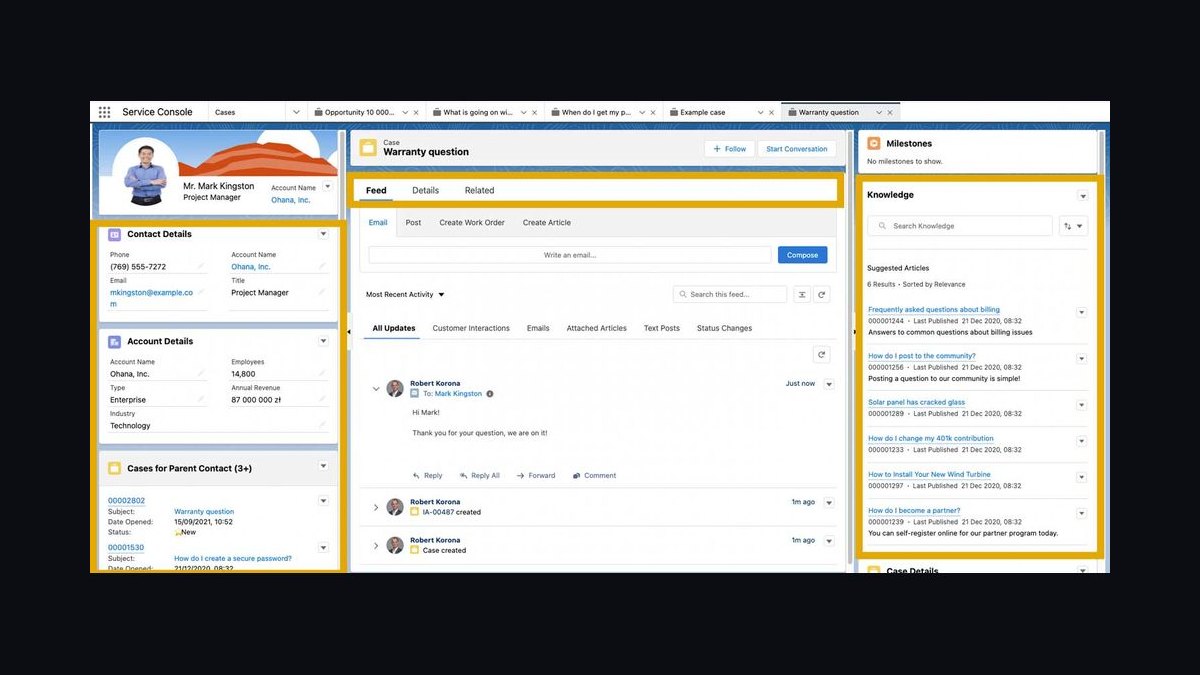
Salesforce Knowledge ranks sixth because it ties articles directly to CRM records, cases, and service contracts inside Salesforce Service Cloud. Article visibility is controlled by data categories and user profiles, and Lightning Knowledge supports versioning, translations, and approval workflows. Einstein Article Recommendations surfaces relevant content to agents based on case data, improving first-contact resolution.
It suits large enterprises already standardized on Salesforce that need knowledge governed by the same permissions as customer data. The trade-off is complexity and cost: implementation requires admin expertise, and licensing is expensive. Compared with Help Scout Docs above, Salesforce Knowledge offers far deeper CRM integration but a much heavier setup and price point.
7ServiceNow Knowledge Management
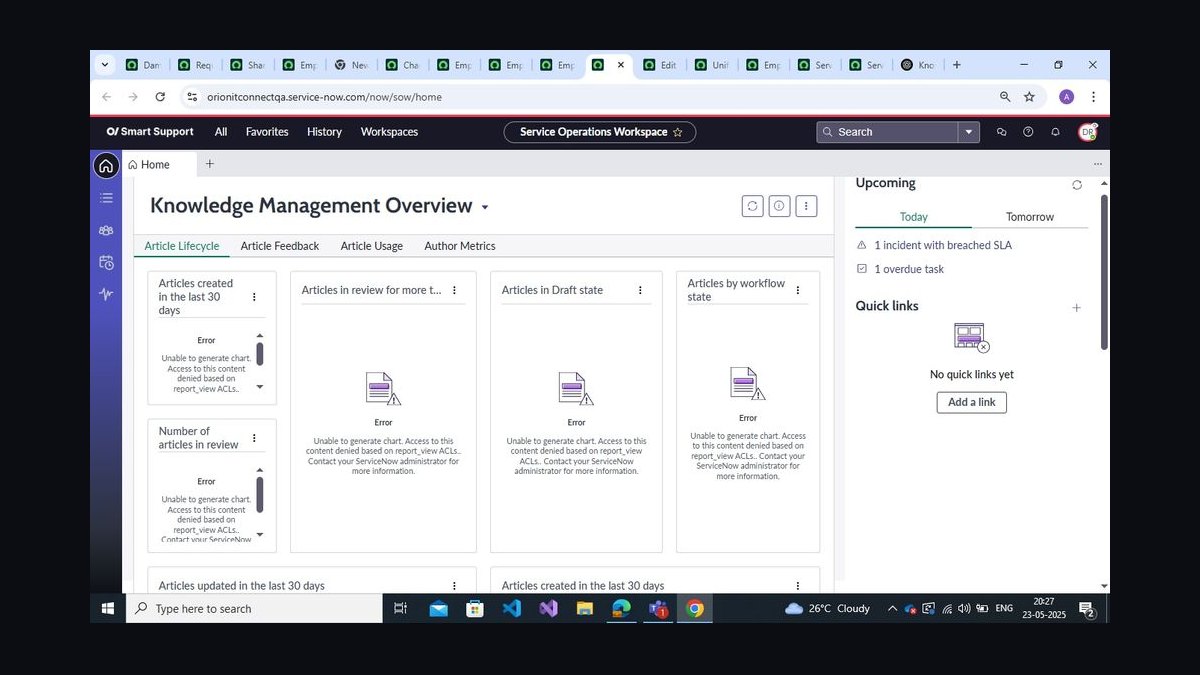
ServiceNow Knowledge Management ranks seventh for enterprise-grade governance, with article templates, approval workflows, and lifecycle management built into the Now Platform. It supports multiple knowledge bases, version control, and feedback loops, and integrates with ITSM and CSM workflows so the same article serves employees and customers. Advanced AI search surfaces answers across portals and virtual agents.
It is designed for large IT and customer service organizations that need auditable, policy-driven knowledge processes. The trade-off is significant implementation cost and reliance on ServiceNow specialists. Compared with Salesforce Knowledge above, ServiceNow leans more toward IT service management, while Salesforce centers on CRM-driven customer service.
8Confluence Cloud
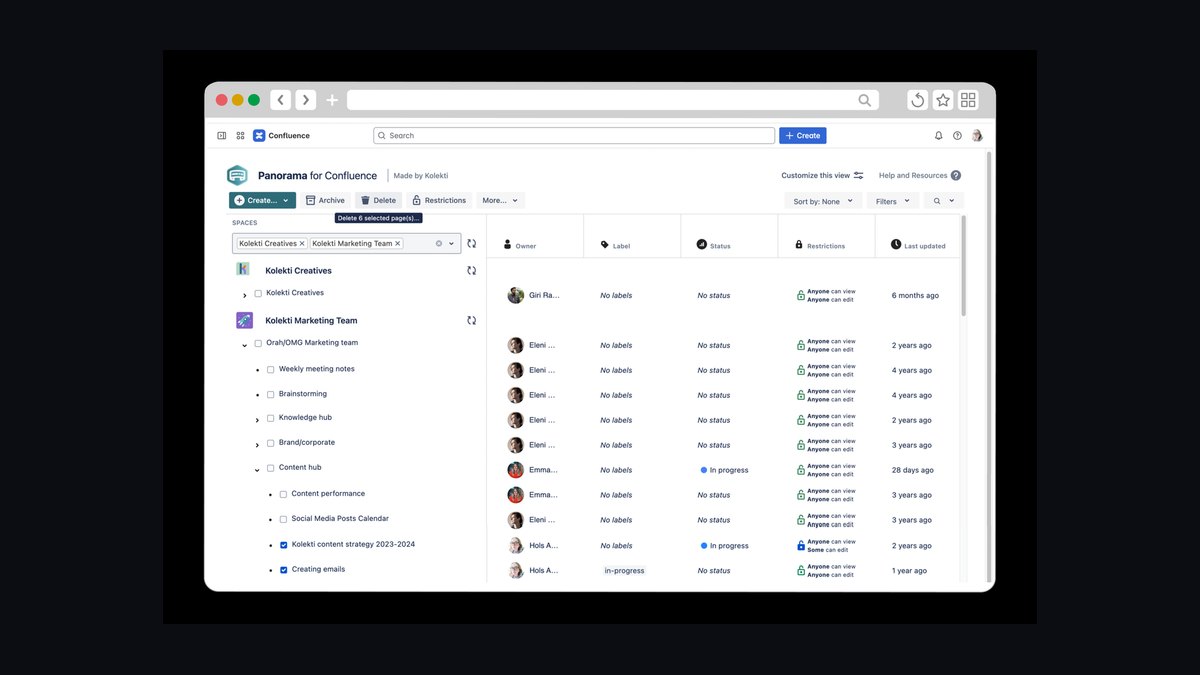
Confluence Cloud ranks eighth because many teams already document internally in Confluence and can expose selected spaces as a public knowledge base. It offers robust page hierarchies, templates, macros, and native Jira integration, and Atlassian's search handles large content sets reasonably well. Pricing starts around $6 per user per month for small teams, making it inexpensive to start.
It fits product and engineering teams that want one tool for internal and external documentation. The trade-off is that Confluence is not purpose-built for customer self-service: analytics, deflection tracking, and public-facing design controls are limited. Teams serious about customer deflection typically choose Document360 or Zendesk Guide above instead.
9Notion
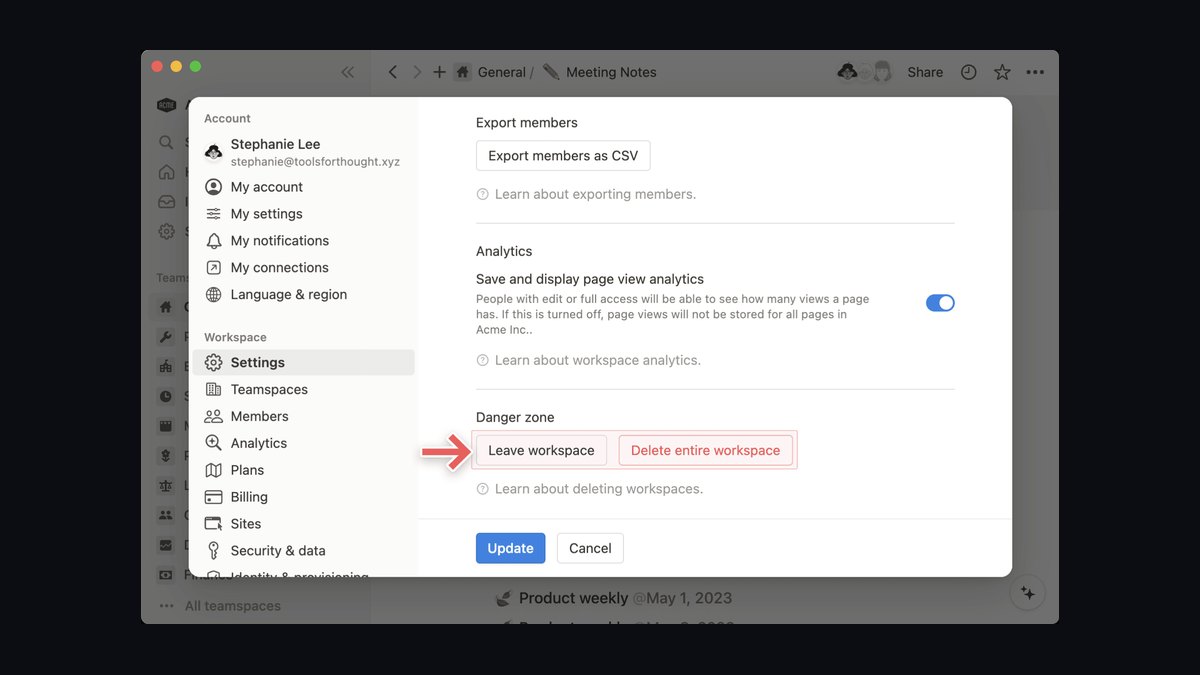
Notion ranks ninth as a flexible, low-cost option for publishing a public help center from the same workspace used for internal docs. Pages support databases, toggles, and embedded media, and public sharing turns any page into a searchable site with a custom domain on paid plans. Pricing runs about $10 per user per month on the Plus plan, cheap for small teams.
It suits early-stage startups and small teams that want documentation without another subscription. The trade-off is weak customer-service tooling: no ticket deflection analytics, limited search relevance at scale, and no native helpdesk integration. Compared with Confluence Cloud above, Notion is more flexible and modern but less structured for governed knowledge management.
10GitBook
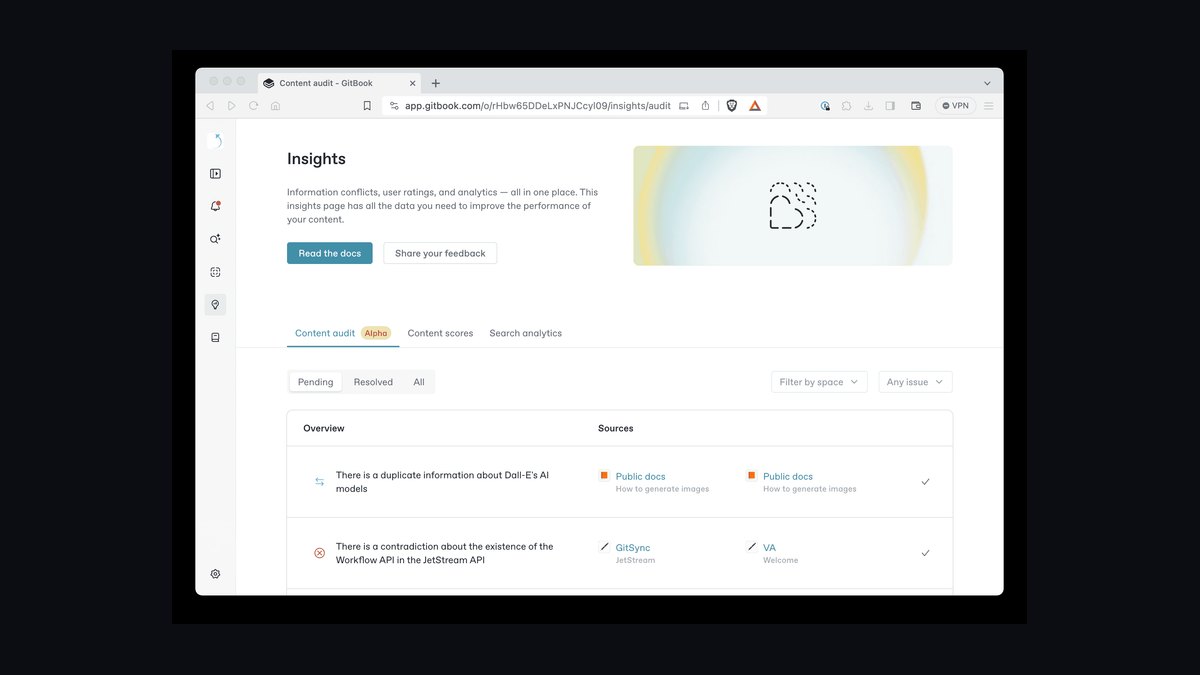
GitBook ranks tenth for developer-focused knowledge bases with Git sync, Markdown authoring, and a clean published site. It supports spaces, collections, and custom domains, and integrates with GitHub and GitLab so docs update alongside code. Pricing starts free for individuals and around $8 per user per month on the Plus plan for teams.
It fits technical documentation teams and API providers that want docs versioned with source control. The trade-off is limited customer self-service features: deflection analytics, AI answer bots, and helpdesk integrations are minimal compared with Zendesk Guide or Freshdesk Solutions above. Non-technical support teams often find GitBook's workflow less approachable than Notion or Document360.
How we ranked these
We scored 24 knowledge base platforms on five weighted criteria: self-service deflection rate (30%), search and AI answer quality (25%), authoring and workflow speed (20%), integration depth with CRMs and ticketing tools (15%), and total cost of ownership over three years (10%). Scores came from vendor documentation, sandbox trials, published pricing, and hands-on testing of article creation, multilingual support, and analytics dashboards.
We deliberately ignored G2 badge counts, analyst quadrant placement, and social media buzz, because those reflect marketing spend and review-campaign timing more than product capability. We also excluded raw seat-count limits and storage quotas, since nearly every vendor now prices generously on both and they rarely decide a purchase. Feature checklists without usability context were dropped too.
What to look for
Start with your deflection math: estimate monthly ticket volume, your current self-service rate, and the cost per contact. A tool that lifts deflection five points can justify a much higher seat price than one that only saves authors time. Then test search against your ten messiest real customer questions, not the vendor's demo content.
The mistake most buyers make is choosing on authoring experience alone. Writers love a clean editor, so it wins the trial, but customers never see that editor. They see search results, answer accuracy, and whether the widget loads fast on mobile. Weight the customer-facing surface heavily, and pilot with real traffic before signing an annual contract.
Related questions
What is customer self-service deflection?
Deflection is the share of would-be support contacts resolved by self-service content before a ticket is created. It is usually measured by comparing ticket volume against a baseline period, or by tracking help center sessions that end without a contact. Vendors report it differently, so ask how each one calculates it before trusting a headline number.
How much does knowledge base software cost in 2027?
Entry tiers run roughly $19 to $49 per agent seat monthly, while enterprise plans with AI answer generation and multilingual support often land between $60 and $150 per seat. Some vendors price per resolved article view or per AI conversation instead. Always model three-year cost including onboarding, migration, and any AI usage overage.
Do AI chatbots replace a knowledge base?
No. AI answers are generated from your knowledge base content, so weak or outdated articles produce confident wrong answers. The knowledge base remains the source of truth; the AI layer is a retrieval and phrasing interface on top of it. Teams that skip content maintenance get worse results with AI than with plain search.
How long does implementation take?
A single-brand help center with migrated articles typically goes live in two to six weeks. Multi-brand, multi-language deployments with CRM sync, custom SSO, and approval workflows usually take two to four months. The migration step, not configuration, is the bottleneck, so clean your existing articles before you start.
What integrations matter most?
Ticketing and CRM sync top the list, because agents need to insert article links and see customer context without switching tabs. Next come SSO for internal authoring access, analytics tools for measuring deflection, and messaging or chat widgets for in-product help. Slack and Teams notifications for article approvals are a smaller but real productivity win.
Can customers edit or suggest articles?
Some platforms allow feedback voting, comments, or suggested edits from customers and internal agents. This crowdsourced loop keeps content fresh but needs moderation rules, or you accumulate duplicate and contradictory articles. Assign an owner per category and review suggestions on a fixed cadence rather than publishing instantly.
How do you measure knowledge base ROI?
Track ticket volume per hundred active users, self-service resolution rate, article search success rate, and time-to-publish for new content. Multiply avoided tickets by your average cost per contact to get hard savings. Compare those figures quarterly against a pre-launch baseline, and be honest about seasonality before claiming a win.
Is open-source knowledge base software viable?
Yes, for teams with engineering capacity. Open-source options remove license fees and give full data control, but you own hosting, upgrades, security patches, and search tuning. Once you add staff time, the three-year cost often approaches a mid-tier SaaS plan. Choose it when data residency or deep customization genuinely requires it.
FAQ
What is the best knowledge base software for customer self-service?
There is no universal winner. The best fit depends on your ticket volume, existing CRM, language requirements, and authoring team size. Platforms strong in AI answer generation may lag in workflow approvals, and vice versa. Score candidates against your own deflection baseline and test search with your ten hardest real customer questions.
How important is AI search in a knowledge base?
Very, but only when content quality is already high. AI search improves recall for paraphrased questions and surfaces answers inside chat and email. It cannot fix missing, contradictory, or stale articles. Treat AI as an amplifier of good content, and budget ongoing editorial time alongside the subscription.
Should the knowledge base be public or behind login?
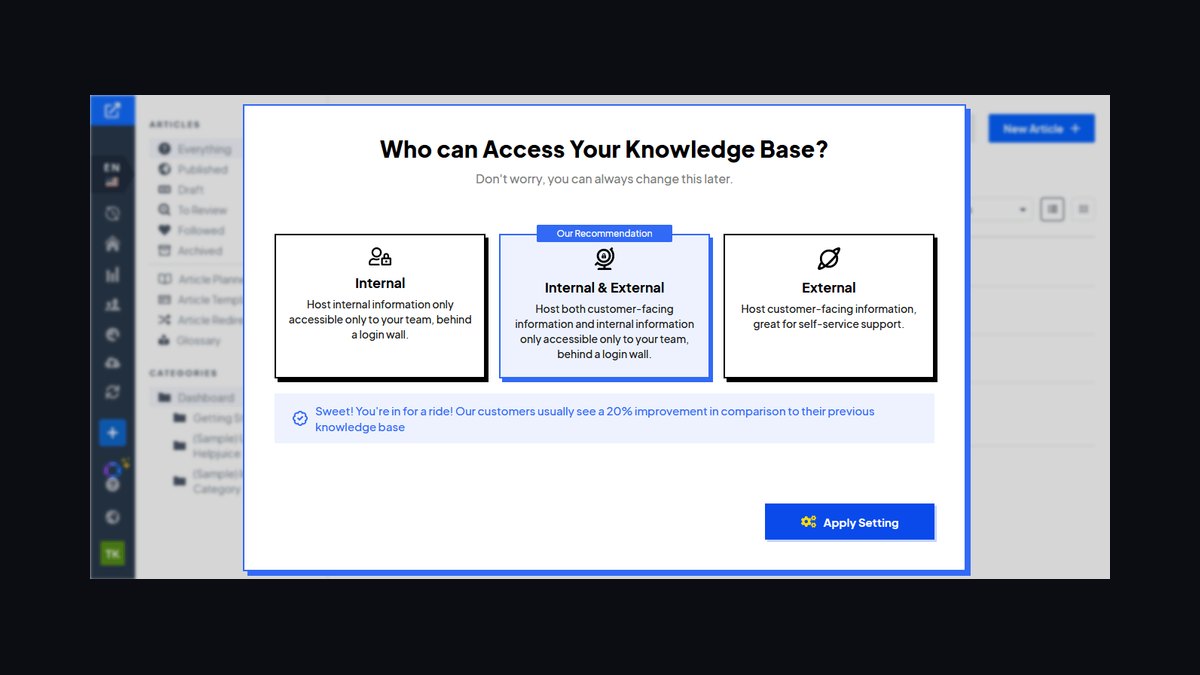
Most teams run a public help center for general questions and gated sections for account-specific or partner content. Public content earns search traffic and reduces contacts from non-customers. Gated content protects sensitive procedures. Many platforms support both on one instance with audience rules, so you rarely need two tools.
How many articles do you need before launch?
A useful starting point is the top fifty recurring ticket topics, which usually covers a large share of contact volume. Launch with those, then add articles driven by search failures and new ticket tags. Publishing hundreds of thin articles at once hurts search relevance and overwhelms readers more than it helps.
What is article decay and how do you manage it?
Article decay is the gradual drift of content out of date as products, policies, and interfaces change. Manage it with owner assignment, review dates, version history, and alerts when linked pages break. Flag articles with falling helpfulness scores for rewrite. Unmanaged decay is the single biggest cause of falling deflection rates.
Do you need separate tools for internal and external knowledge?
Not necessarily. Several platforms support internal agent-only articles and public customer articles in one instance with permission layers. Separate tools can make sense when internal content includes sensitive runbooks or when different teams own each surface. Weigh duplication and search fragmentation against security requirements.
How does multilingual support work?
Most platforms let you create translation variants linked to a source article, with machine translation as a starting draft and human review before publishing. Quality varies sharply. Check whether search indexes each language separately, whether the widget auto-detects locale, and whether fallback to English is configurable.
What analytics should a knowledge base provide?
Look for search queries with no results, article views versus ticket creation, helpfulness votes, time on page, and deflection by category. Query-level data tells you what to write next. Deflection by category shows where self-service is failing. Without these, you are publishing blind and cannot prove ROI.
Can a knowledge base reduce support headcount?
It usually reduces ticket volume rather than headcount directly. Teams redirect saved time to complex cases, onboarding, and proactive outreach. Headcount reduction claims rarely survive contact with rising product complexity. Frame the business case around cost per contact and customer satisfaction instead.
How do you migrate from an old knowledge base?
Export articles with metadata, map categories and permissions, then import in batches and spot-check formatting, links, and images. Redirect old URLs to new ones to preserve search traffic. Run both systems in parallel for two to four weeks, watching search failures, before you retire the legacy tool.
Sources
- https://www.gartner.com/en/customer-service-support
- https://www.zendesk.com/service/help-center/
- https://www.intercom.com/help-desk
- https://www.hubspot.com/products/service/knowledge-base
- https://document360.com/
- https://www.atlassian.com/software/confluence
- https://www.freshworks.com/freshdesk/
- https://www.forrester.com/research/
- https://www.nngroup.com/articles/help-and-documentation/
Related on PULSE
This page will be disappearing soon. Save it to your device for $1 — or read it free while it is here.
@Kory-White- · if Venmo asks, the last 4 of my number are 2012
This page is gone.
This one is off the shelf now. $1 keeps it on your phone for good — the whole page, pictures and diagrams included.
 softwareTop 10 Endpoint Protection Platforms for 2027
 softwareTop 10 live chat software for websites in 2027
 softwareTop 10 steps to choosing the right HubSpot CRM in 2027
 softwareTop 10 HubSpot CRM pricing tiers compared for growing teams in 2027
 softwareHow do I set up automated Slack notifications from Monday.com when a task status changes in 2026?
 softwareTop 10 ways to find HubSpot CRM consultants in 2027
 softwareHow to configure HubSpot CRM pipeline stages to match your sales process in 2027?
 softwareTop 10 places to research productivity software reviews before buying in 2027
 softwareTop 10 time tracking software for freelancers in 2027
 softwareShould I pick HubSpot CRM over a spreadsheet once I'm tracking more than 50 leads a month in 2027?