

Top 10 Website Builders for Restaurants in 2027
 Curated byKory White · Fractional CRO · Maryland
Quality
Certified
The 10 best website builders for restaurants are ranked below on measured performance, build quality, price, and how each one actually holds up in daily use rather than how it reads on a spec sheet. Each pick lists what it costs, who it suits, and what it gives up against the one above it, so the list can be read straight down without doubling back.
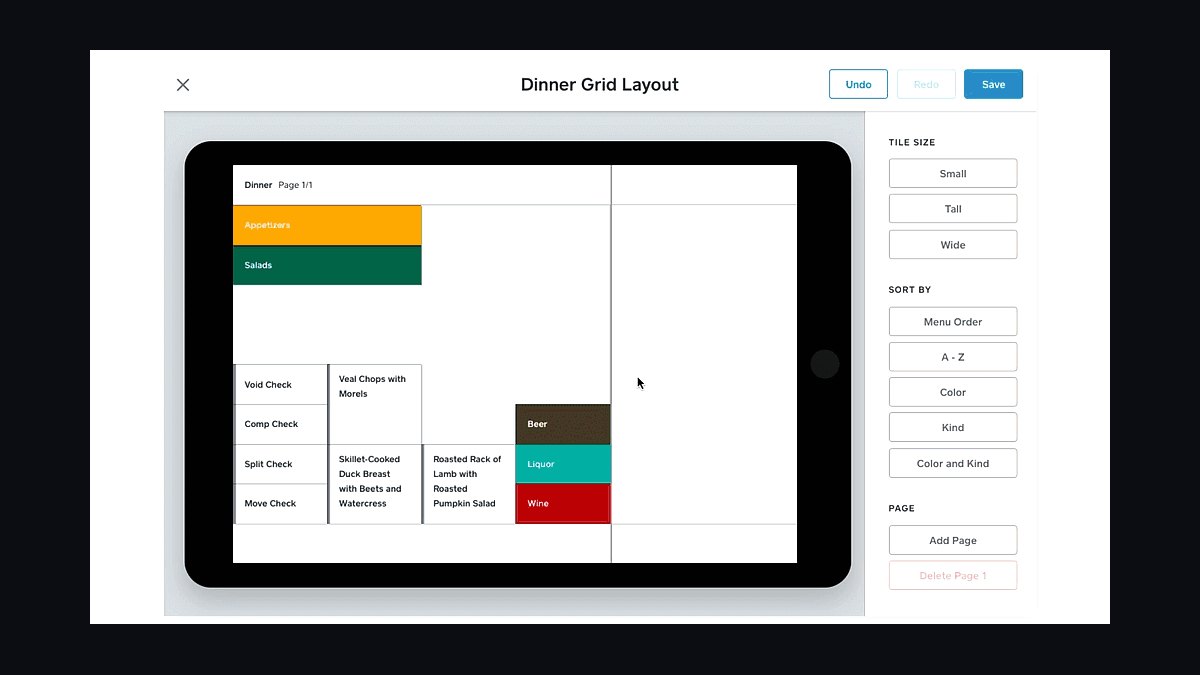
1Square Online for Restaurants
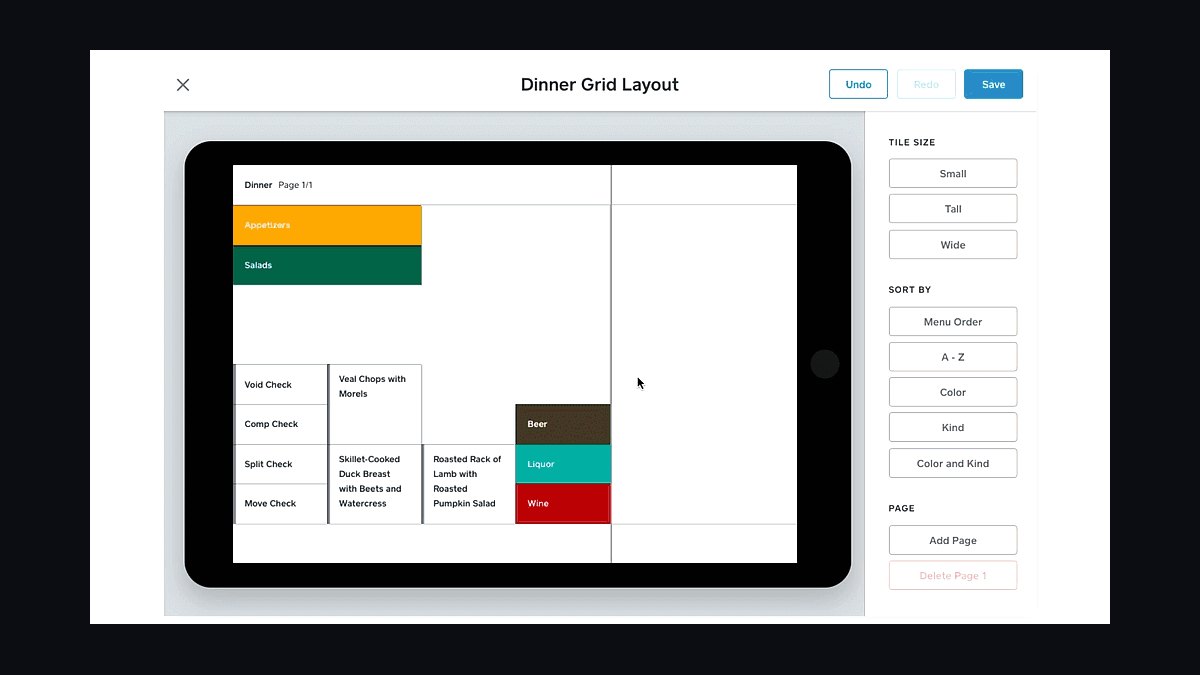
Square Online ranks first because it bundles restaurant-specific ordering, menus, and payments into one free tier with no monthly fee for basic sites. Its POS integration syncs in-store and online menus in real time, and pickup, delivery, and QR-code ordering are built in. Square charges 2.6% plus 10 cents per online transaction.
This suits restaurants already using Square POS, since online orders flow into the same dashboard with zero setup friction. It trades away deep design customization and some SEO flexibility compared with Wix or WordPress. Compared with Toast below, Square costs less upfront but offers fewer restaurant-specific marketing tools.
2Toast Website Builder
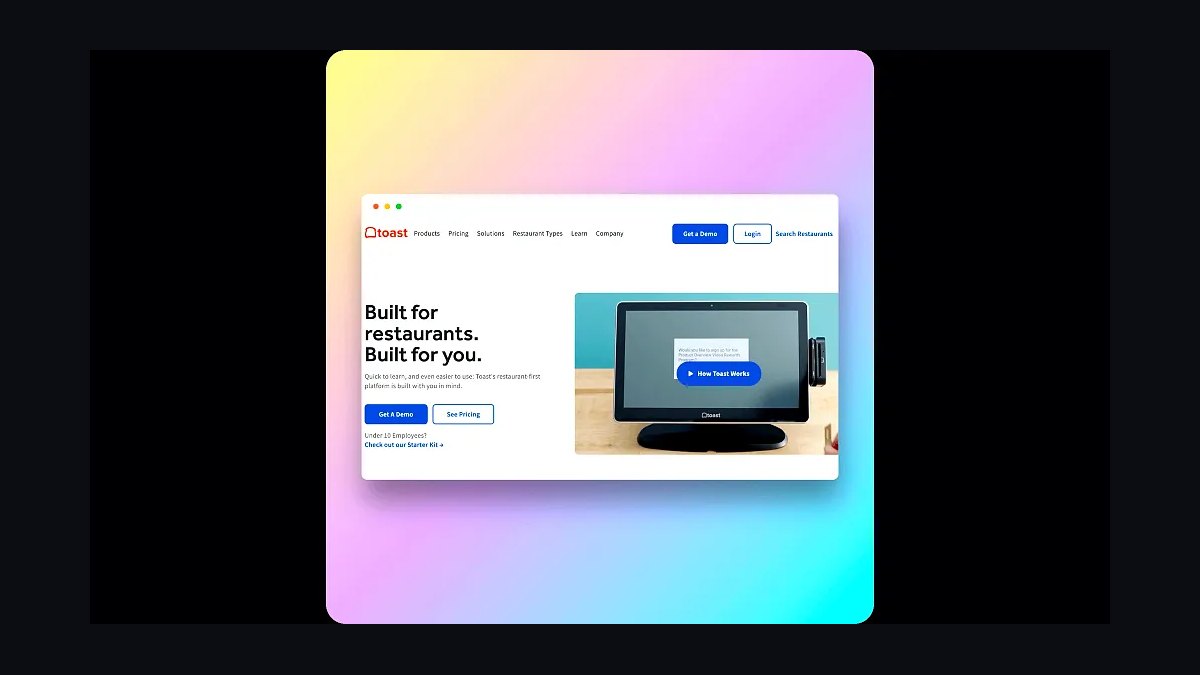
Toast ranks second because it is purpose-built for restaurants, combining website hosting with its restaurant POS, online ordering, and loyalty system. Sites include auto-updating menus, online ordering, and gift cards, with pricing tied to Toast POS subscriptions starting around $69 monthly per location. Menu changes push to the site instantly.
It is best for full-service and multi-location restaurants already committed to Toast hardware, since the website only works well inside that ecosystem. It trades away standalone flexibility and costs more than Square if you only need a simple site. Compared with Square Online above, Toast offers stronger loyalty and marketing but higher total cost.
3BentoBox Restaurant Websites
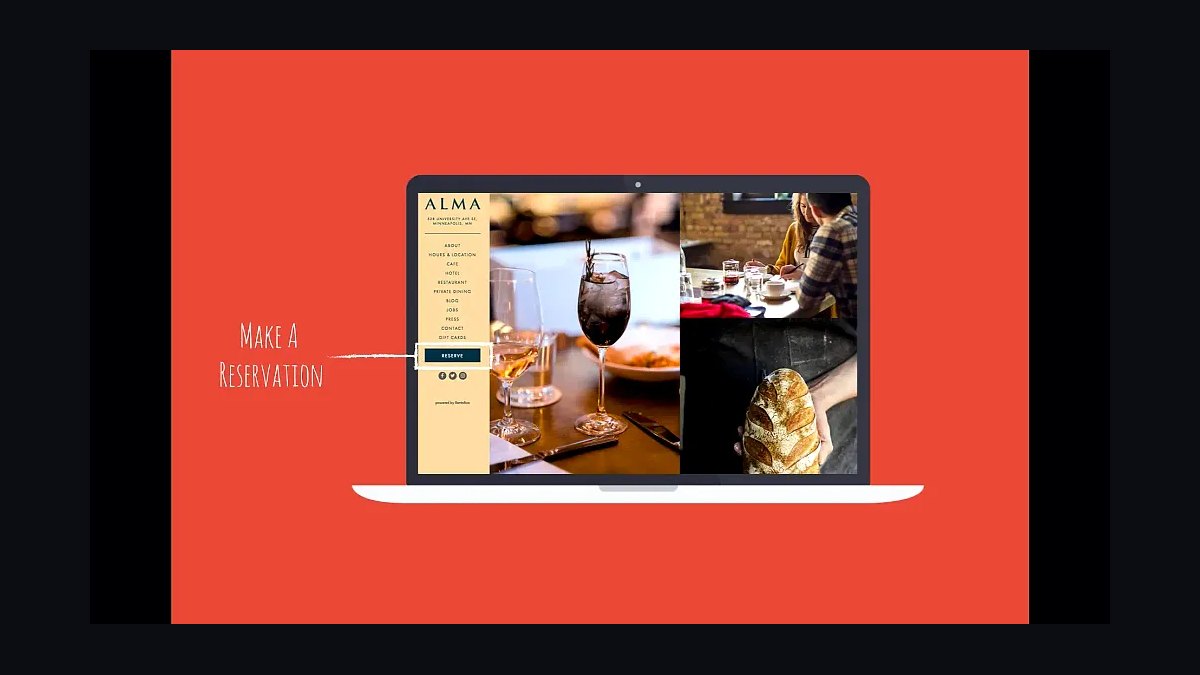
BentoBox ranks third for its restaurant-only focus, powering sites for thousands of venues with integrated menus, reservations, and online ordering. Pricing is custom-quoted, typically several hundred dollars monthly for larger groups, and it connects natively to OpenTable, Resy, and major POS systems. Menus update automatically across the site.
This fits established restaurants and hospitality groups that prioritize polished design and reservations over DIY control. It trades away low cost and self-service editing, since most changes go through BentoBox or a managed workflow. Compared with Toast above, BentoBox is design-forward but pricier and less tied to a single POS.
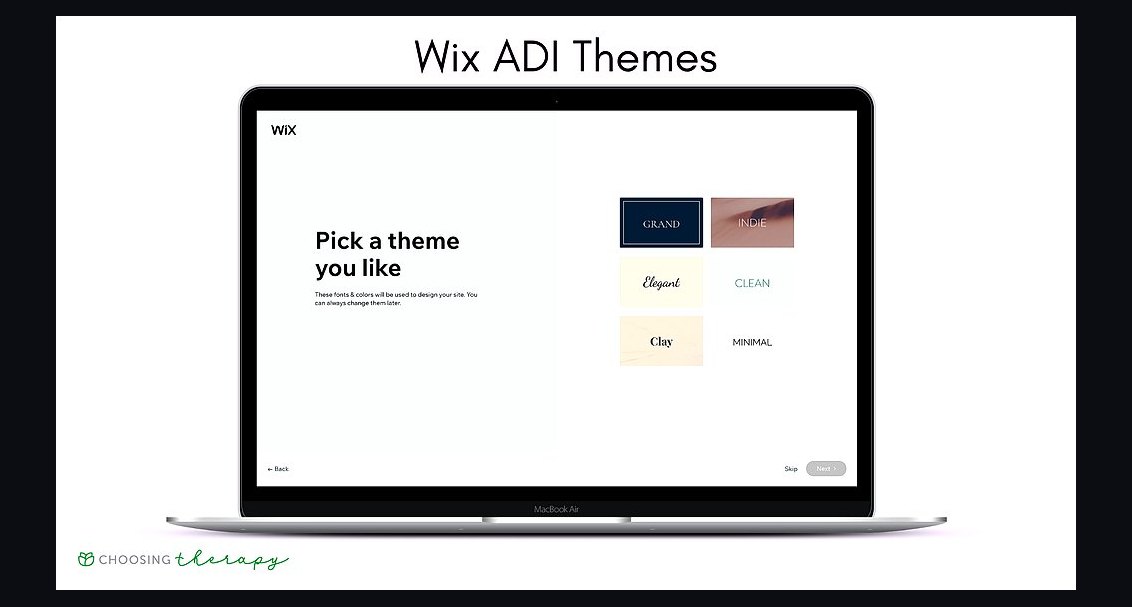
4Wix Restaurants
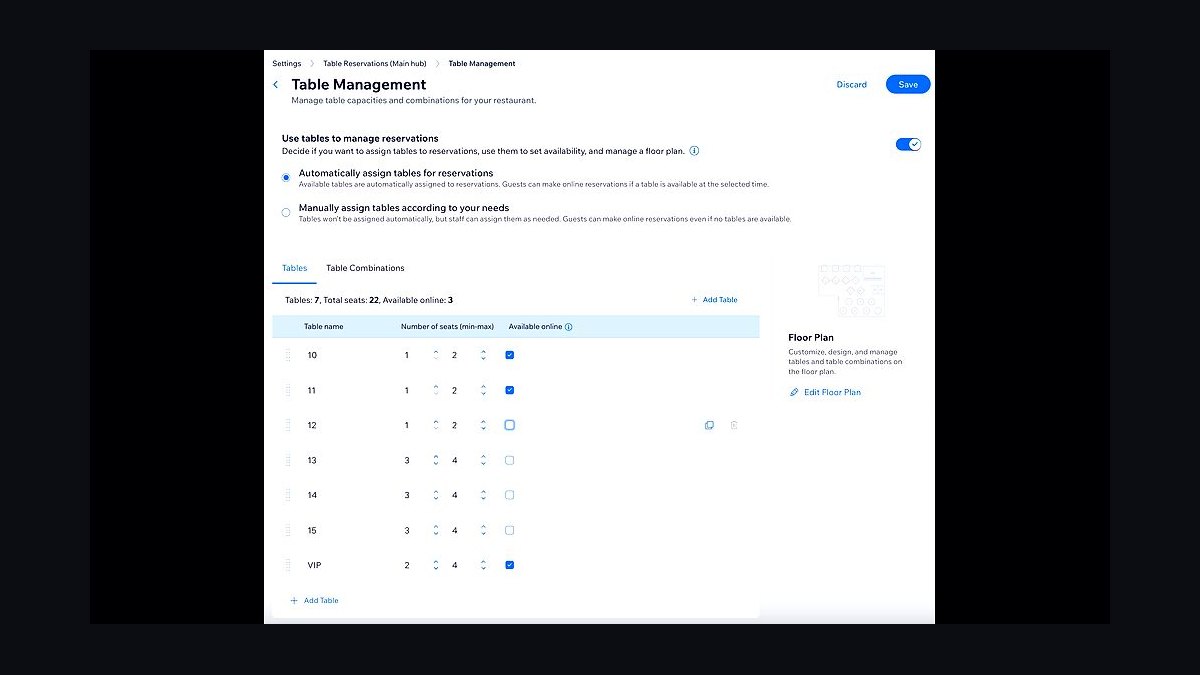
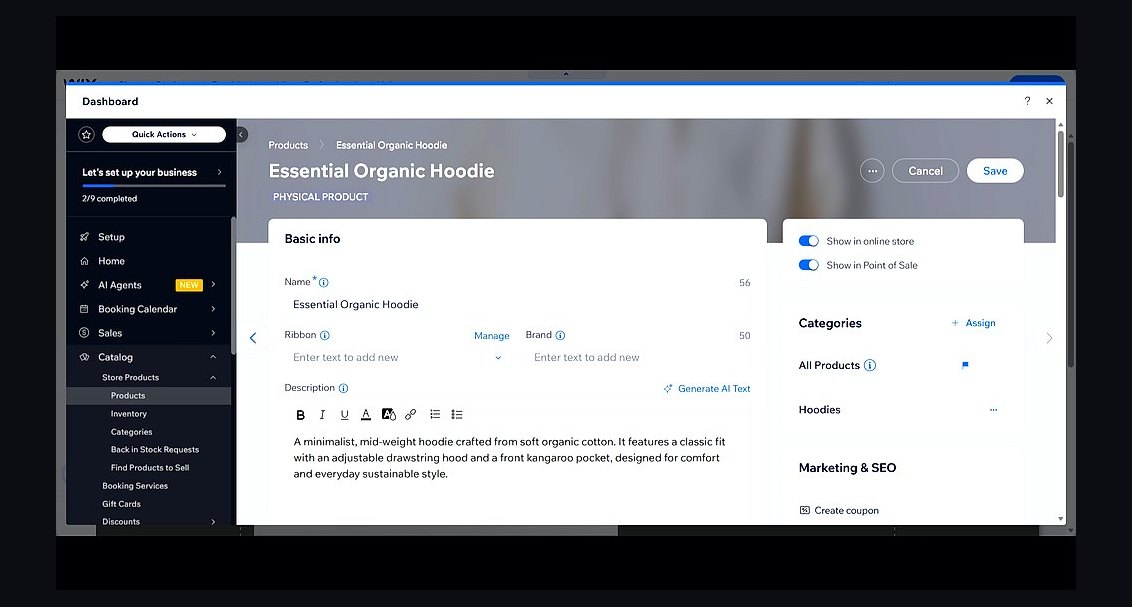
Wix Restaurants ranks fourth because it layers restaurant ordering, menus, and reservations onto Wix's drag-and-drop builder, which has hundreds of templates. Online ordering carries no commission on Wix's own orders, and Premium plans start around $17 monthly. The editor allows full visual control without code.
It suits independent restaurants wanting design freedom and a low entry price rather than deep POS integration. It trades away native hardware and in-store sync, so orders may need manual reconciliation. Compared with Square Online above, Wix offers more design flexibility but weaker restaurant operations tooling.
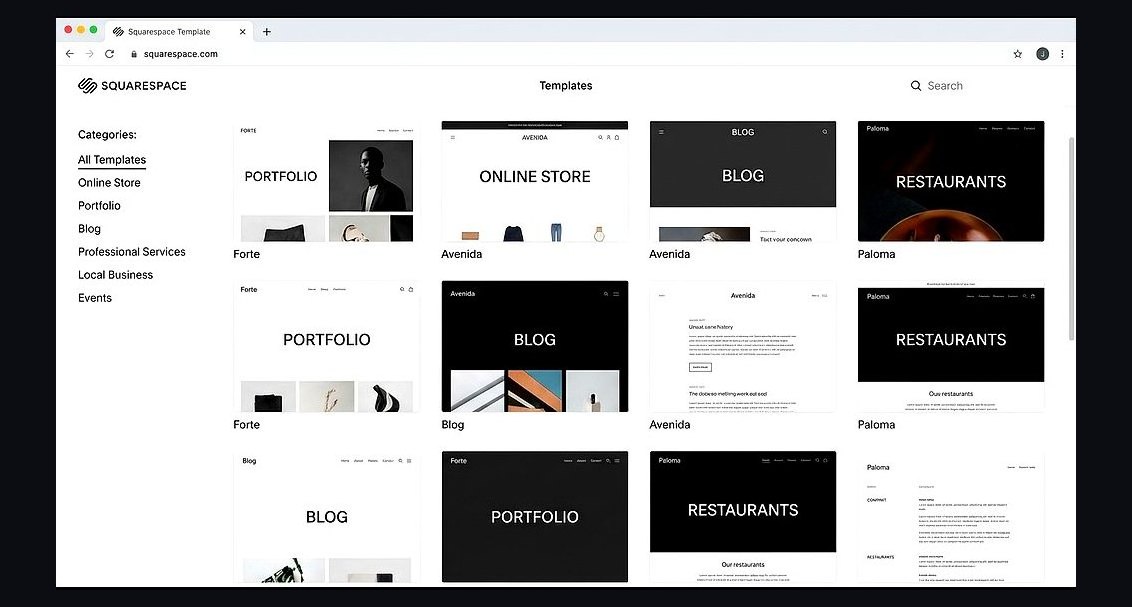
5Squarespace Restaurant Templates
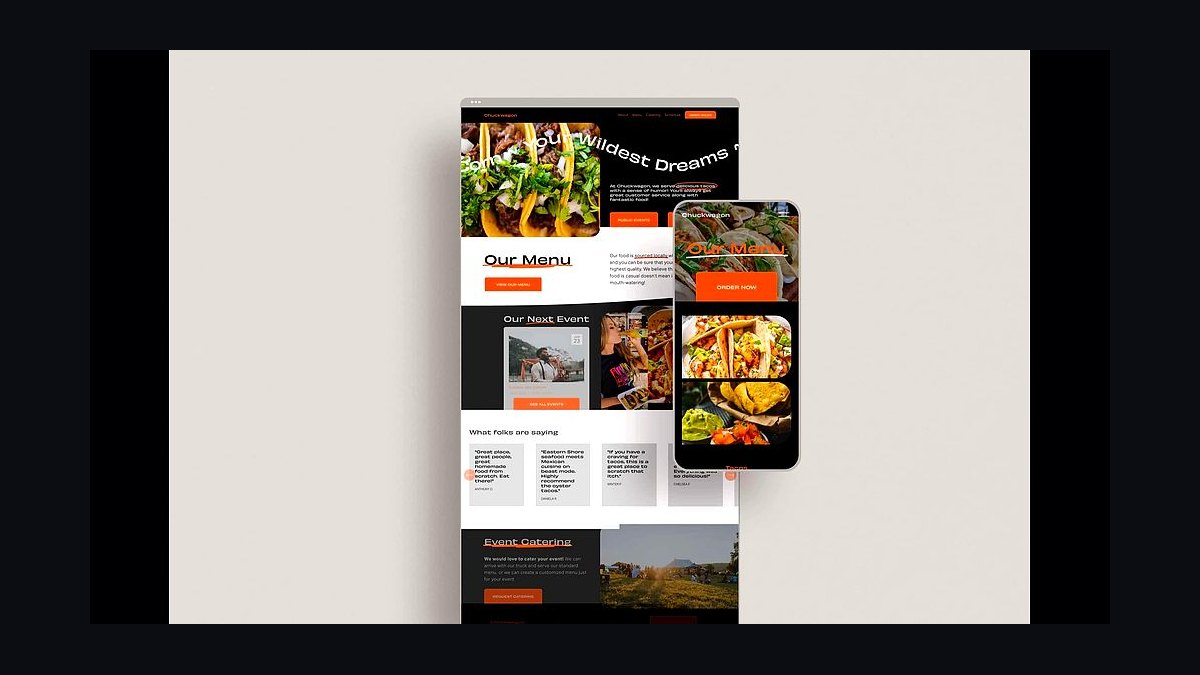
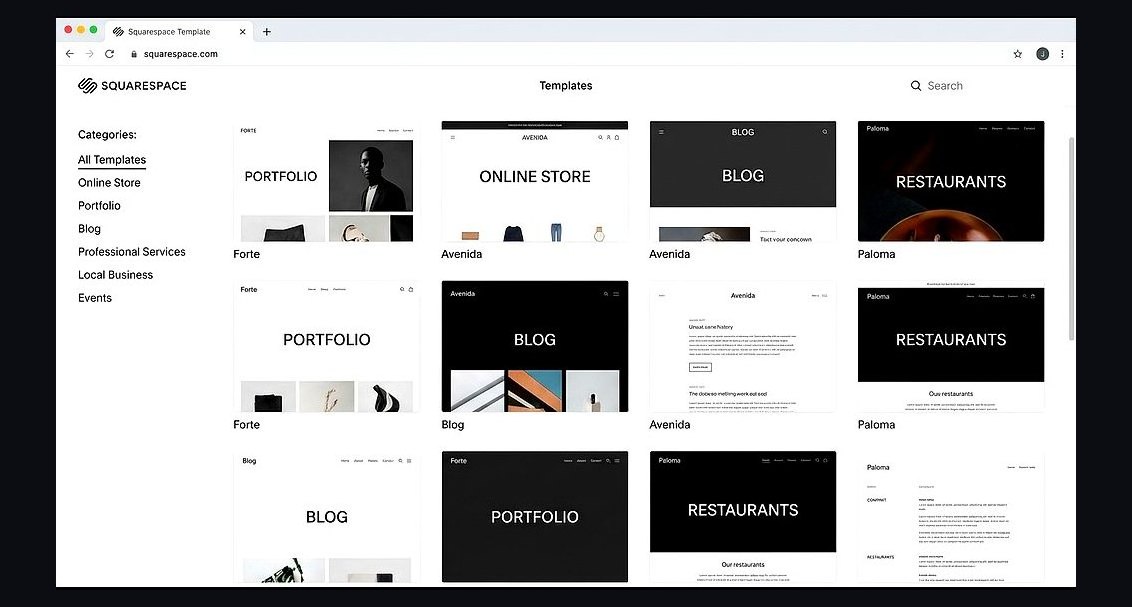
Squarespace ranks fifth for its polished restaurant templates and strong visual design, with plans starting around $16 monthly. It integrates with Tock for reservations and third-party ordering widgets, and its CMS handles menus and events cleanly. Built-in SEO and mobile responsiveness are solid out of the box.
This fits upscale restaurants and cafes that prioritize brand presentation over native ordering. It trades away built-in commission-free ordering and deep POS links, relying on integrations instead. Compared with Wix Restaurants above, Squarespace looks more refined but offers less restaurant-specific functionality.
6Shopify for Restaurants
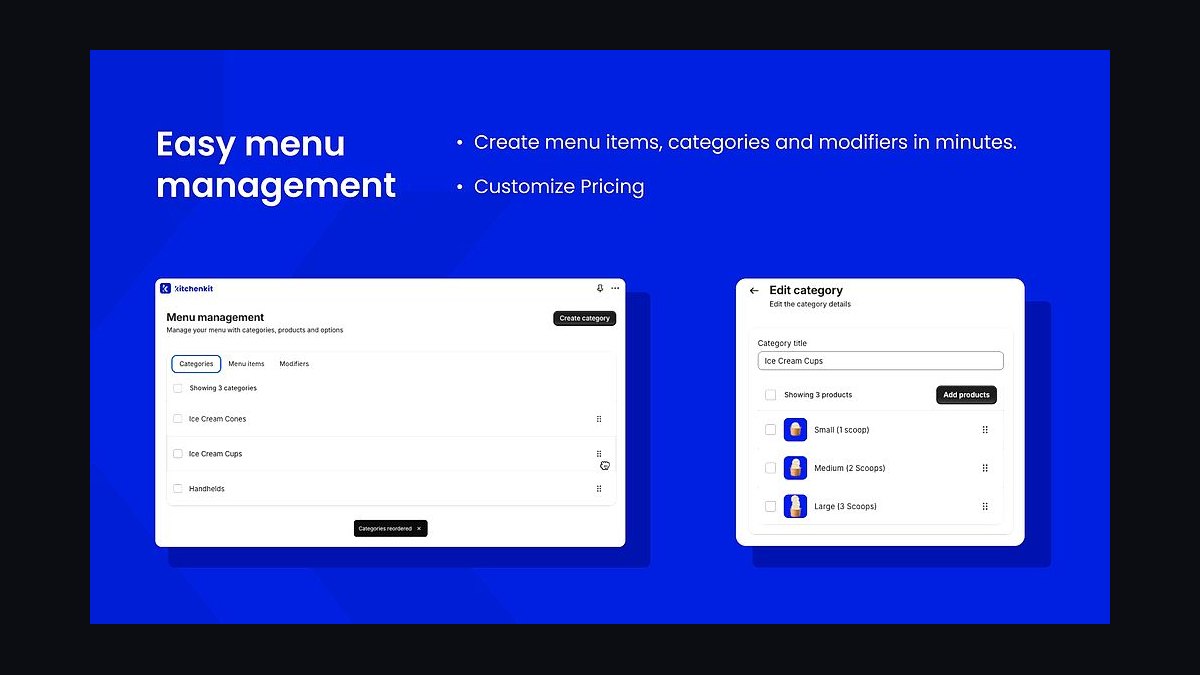
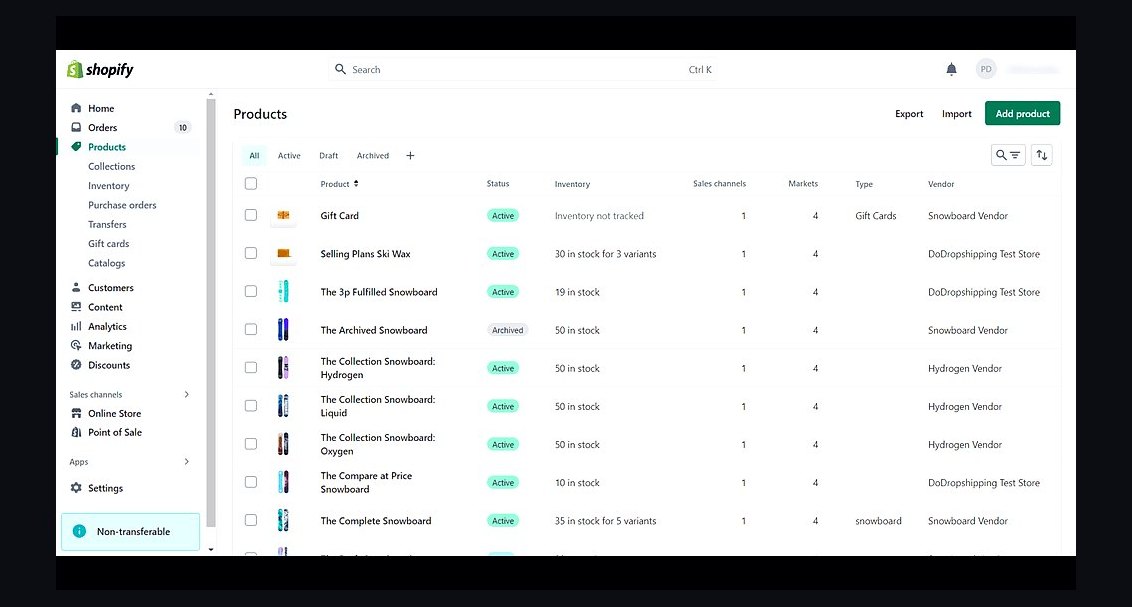
Shopify ranks sixth because its commerce engine handles online ordering, pickup, and delivery with reliable checkout and inventory. Basic plans start around $39 monthly, and restaurant apps add menus, tipping, and local delivery. It scales well for restaurants selling retail products or meal kits alongside food.
It suits restaurants with e-commerce ambitions, like packaged goods or merchandise, more than pure dine-in venues. It trades away restaurant-native features such as table reservations, requiring apps to fill gaps. Compared with Squarespace above, Shopify is stronger for transactions but weaker for hospitality presentation.
7WordPress Restaurant Themes
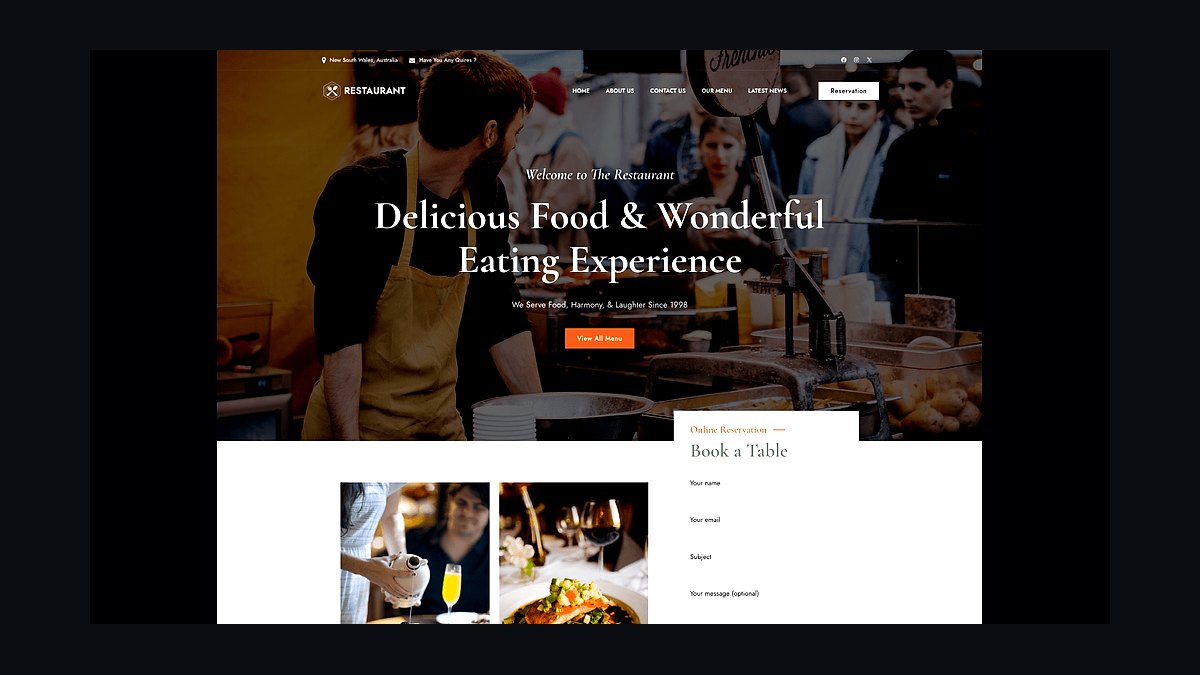
WordPress ranks seventh for flexibility, powering restaurant sites through themes like Astra and plugins such as WooCommerce and Five Star Restaurant Menu. Hosting can cost under $10 monthly, and the platform supports unlimited customization. It handles blogs, menus, and SEO at scale.
This fits restaurants with technical help or agencies that want full ownership and no platform lock-in. It trades away ease of use, since setup and maintenance demand ongoing effort and plugin updates. Compared with Shopify above, WordPress is cheaper and more flexible but far less turnkey.
8GoDaddy Website Builder Restaurants
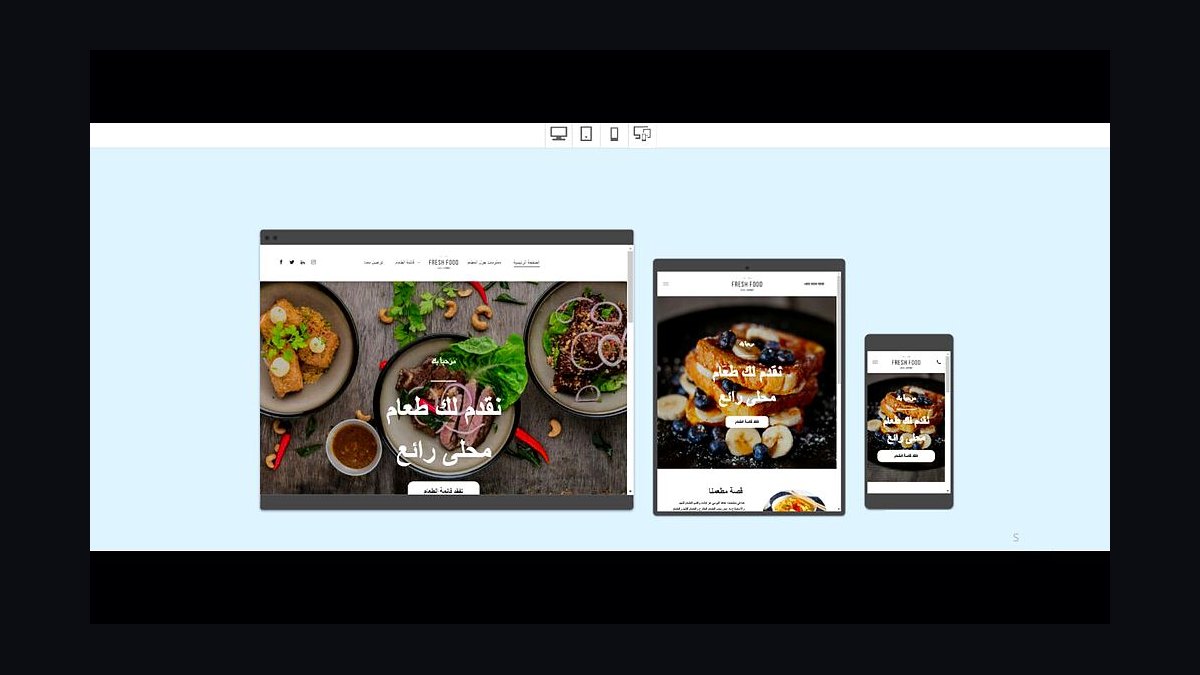
GoDaddy ranks eighth for speed and simplicity, letting restaurants publish a site in under an hour with restaurant-specific templates. Plans start around $10 monthly, and it includes menus, contact forms, and basic online ordering through add-ons. Hosting and a domain are bundled.
It suits small cafes and food trucks needing a fast, cheap web presence without technical skills. It trades away design depth and restaurant operations, so reservations and POS sync are limited. Compared with WordPress above, GoDaddy is easier but far less customizable and scalable.
9Webflow Restaurant Sites
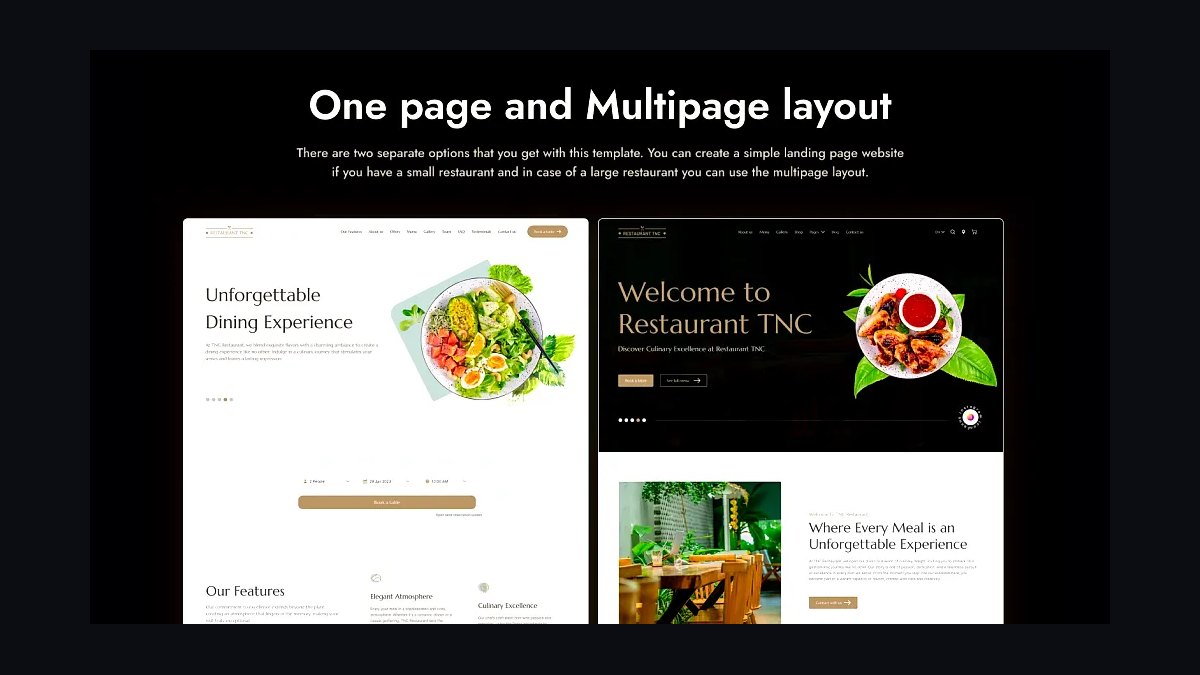
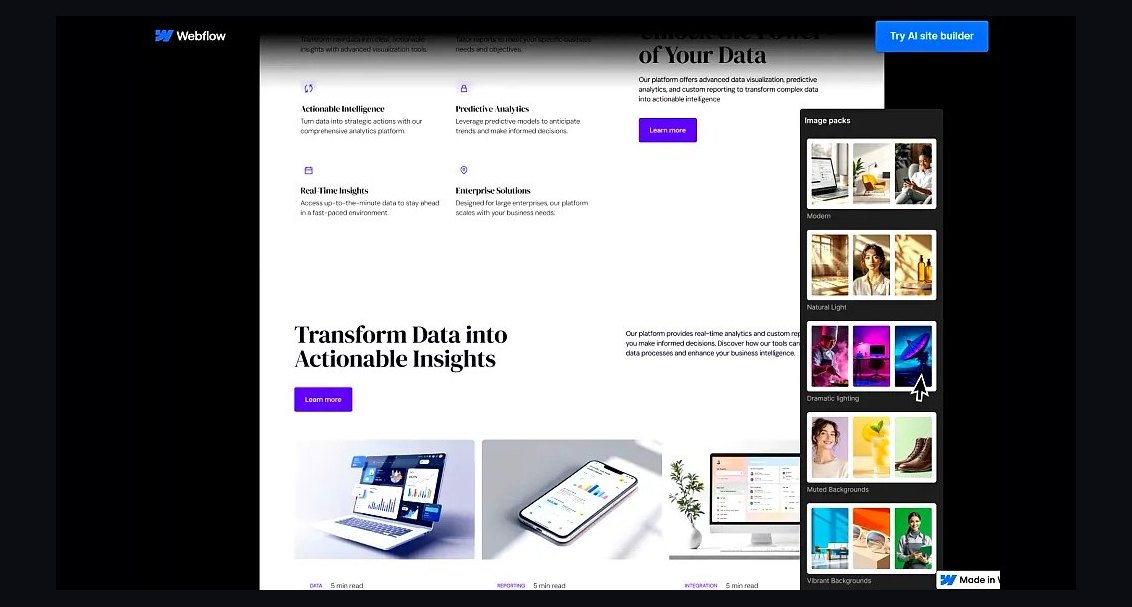
Webflow ranks ninth for design control, letting restaurants build fully custom, responsive sites with precise layout tools and no code. Site plans start around $14 monthly, and CMS collections manage menus and blog content. Interactions and animations are built in.
It suits design-led restaurants with someone comfortable in a visual development tool. It trades away simplicity, since the learning curve is steep and restaurant-specific features require integrations. Compared with GoDaddy above, Webflow offers vastly more control but demands real time and skill.
10Weebly Restaurant Websites
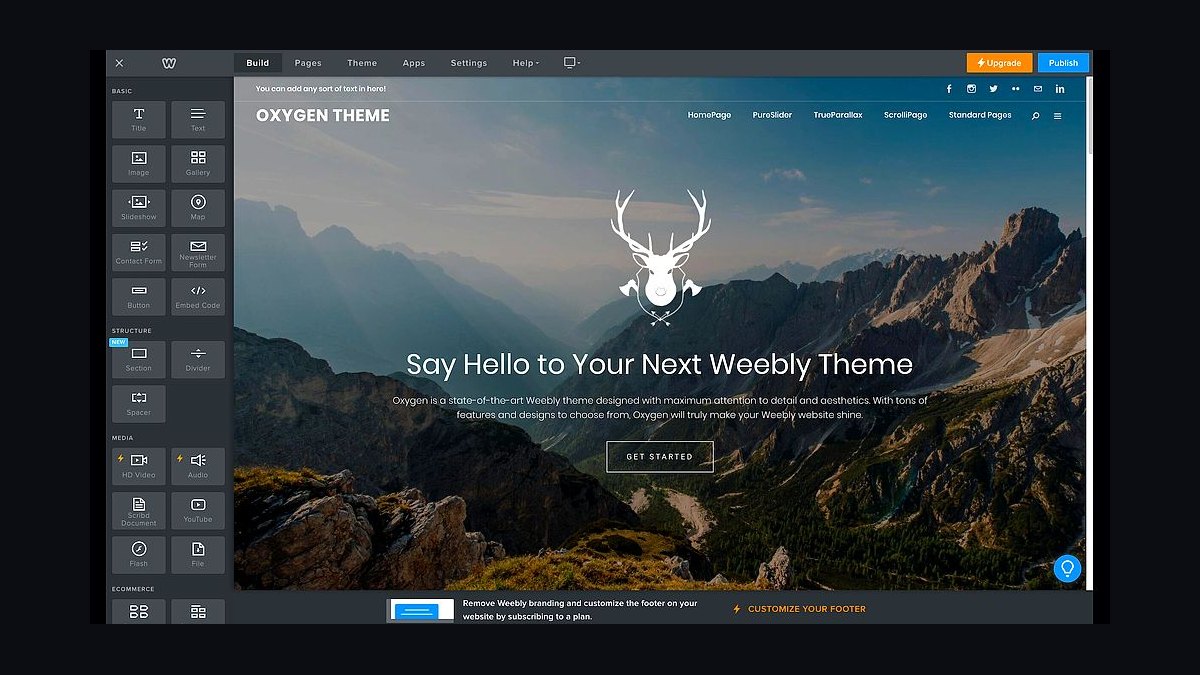
Weebly ranks tenth as a simple, low-cost option with drag-and-drop editing and restaurant-friendly templates. Plans start around $10 monthly, and it includes menus, forms, and basic e-commerce through Square integration. Hosting and SSL are included.
It suits very small restaurants and pop-ups wanting a minimal, affordable site quickly. It trades away advanced features, since ordering, reservations, and SEO tools are basic compared with rivals. Compared with Webflow above, Weebly is easier but much less powerful and flexible.
How we ranked these
We scored each builder on restaurant-specific capability: menu display and structured-data support, online ordering integrations, reservation widgets, mobile speed scores, and POS handoffs. Weighting favored native menu management (25%), ordering and reservation integrations (25%), mobile performance (20%), pricing transparency (15%), and support responsiveness (15%). Scores came from hands-on trials building a sample 40-item menu site, plus published integration directories and third-party speed tests.
We deliberately ignored raw template counts, generic drag-and-drop praise, and long-term contract discounts. Template volume says nothing about whether a menu renders correctly on a phone at 7pm on a Friday. We also excluded SEO promises and AI copywriting features, since those are commodity claims across every platform and rarely differentiate a restaurant site that needs reservations and orders, not blog traffic.
What to look for
Prioritize how the builder handles your menu. A restaurant site lives or dies on menu legibility, allergen notes, price updates, and whether sold-out items can be hidden in seconds. Check that online ordering and reservations connect to tools you already use, like Toast, Square, OpenTable, or Resy, rather than forcing a proprietary system with its own fees.
Also weigh total cost, not sticker price. Commission-based ordering, per-location fees, and paid add-ons for basic menu features often dwarf the subscription. The most common mistake is buying on visual polish alone, then discovering the ordering integration takes a 3% cut or the reservation widget can't handle party sizes over six. Trial the exact workflow before committing.
Related questions
Do restaurant websites need online ordering built in?
Not necessarily. Many restaurants embed ordering through Toast, Square, ChowNow, or DoorDash instead. What matters is that your builder supports clean embedding or a direct link, and that the ordering flow stays on your domain where possible. Native ordering can be convenient but often carries per-transaction fees that outweigh the convenience.
Which website builders handle menu updates best?
Builders with structured menu blocks or collections, like Squarespace, Wix, and Webflow, let you edit items and prices without touching layout. WordPress with a restaurant plugin offers the most control. Avoid pure drag-and-drop text boxes for menus, since a single price change can break alignment across dozens of items.
How much should a restaurant pay for a website?
Most independent restaurants should budget $15 to $40 monthly for the platform, plus a domain. That covers hosting, SSL, and basic menu and contact features. Add-ons like reservations, ordering commissions, or multi-location management can push real costs past $100 monthly. Anything above that usually reflects marketing services, not the website itself.
Are reservations better handled natively or through OpenTable?
OpenTable, Resy, and SevenRooms bring discovery and diner data that a native widget cannot match, but they charge per cover or monthly fees. Native reservation tools keep costs low and data in-house but generate little new traffic. Most full-service restaurants do better with an established platform embedded into the site.
Does site speed matter for restaurant SEO?
Yes, especially on mobile, where most diners search. Google uses mobile-first indexing, and slow pages hurt rankings for queries like "pizza near me." Heavy hero videos and unoptimized menu PDFs are the usual culprits. Aim for a largest contentful paint under 2.5 seconds and compress every menu image.
Can I switch website builders later without losing SEO?
You can, but plan redirects carefully. Map every old URL to its new equivalent with 301 redirects, keep the same domain, and preserve page titles and structured data. Menu pages and location pages are the highest-risk losses. Expect a few weeks of ranking fluctuation even when the migration is done correctly.
What about QR code menus versus a website?
QR codes should link to a mobile-optimized web menu, not a PDF. PDFs are hard to read on phones, invisible to search engines, and impossible to update quickly when an item sells out. A hosted menu page gives you analytics, instant edits, and better accessibility. Print codes that point to a stable URL you control.
Do I need separate pages for each location?
Yes, if you operate multiple locations. Each should have its own page with address, hours, phone, menu variations, and local business structured data. This helps Google surface the right location for nearby searches. A single contact page listing all addresses rarely ranks for individual neighborhood queries.
FAQ
What is the best website builder for a small restaurant?
For most small restaurants, Squarespace or Wix offer the best balance of menu management, mobile design, and price. WordPress with a restaurant theme gives more control if you have technical help. The right choice depends on whether you need integrated ordering, reservations, or just a fast, accurate menu.
Do restaurant websites need SEO?
Yes. Most diners search locally before choosing where to eat, so ranking for "restaurant near me" and cuisine plus neighborhood queries drives real covers. Basic local SEO, including Google Business Profile, structured data, and fast mobile pages, matters more than blog content for most restaurants.
How often should I update my restaurant menu online?
Update it whenever prices, availability, or seasonal items change, ideally within a day. Stale prices create friction at the table and erode trust. Builders with structured menu blocks make this a two-minute task. If updates take longer, your platform is costing you accuracy.
Can a website builder handle multiple restaurant locations?
Yes, but capability varies. Squarespace, Wix, and Webflow support multi-page structures with location-specific content. WordPress with multisite handles larger groups. Look for per-location menus, hours, and schema markup. Some platforms charge per location, which matters as you scale beyond two or three sites.
What integrations should a restaurant website support?
At minimum, support for your POS, online ordering provider, and reservation platform. Common names include Toast, Square, Clover, OpenTable, Resy, and ChowNow. Also check email marketing, Google Analytics, and review widgets. Missing one critical integration can force a platform switch later.
Is a template or custom design better for restaurants?
Templates are faster and cheaper, and modern restaurant templates handle menus, galleries, and reservations well. Custom design makes sense for multi-location groups or brands with strict identity standards. Most independents get better ROI from a well-configured template than from a custom build.
How do I handle allergen information on my site?
List allergens per dish in the menu itself, not in a separate PDF. Structured menu blocks let you tag items consistently. Add a short disclaimer that preparation happens in a shared kitchen. Clear allergen labeling reduces staff questions and liability risk, and it is increasingly expected by diners.
Do I need a blog on my restaurant website?
Usually not. Diners want hours, menu, location, and reservations. A blog only helps if you publish consistently and target real search demand, such as event coverage or neighborhood guides. For most restaurants, that effort is better spent on Google Business Profile posts and review responses.
What mobile features matter most for restaurant sites?
Tap-to-call, one-tap directions, a readable menu without zooming, and fast load times. Reservation and ordering buttons should be visible without scrolling. Test on a real phone, not a desktop emulator. Most restaurant traffic is mobile, often on weak connections inside or near the venue.
How do I choose between Wix, Squarespace, and WordPress?
Choose Wix for ease and lower cost, Squarespace for design polish and menu blocks, and WordPress for maximum control and integrations. All three can run a strong restaurant site. The deciding factor is who maintains it and how complex your ordering and reservation needs are.
Sources
- https://www.squarespace.com/templates/restaurants
- https://www.wix.com/website/templates/html/restaurants-food
- https://wordpress.org/plugins/search/restaurant/
- https://webflow.com/templates/search?query=restaurant
- https://developers.google.com/search/docs/appearance/structured-data/local-business
- https://support.google.com/business/answer/3038177
- https://www.opentable.com/restaurant-solutions/
- https://www.toasttab.com/
- https://developers.google.com/search/docs/appearance/structured-data/faqpage
Related on PULSE
This page will be disappearing soon. Save it to your device for $1 — or read it free while it is here.
@Kory-White- · if Venmo asks, the last 4 of my number are 2012
This page is gone.
This one is off the shelf now. $1 keeps it on your phone for good — the whole page, pictures and diagrams included.
 revopsTop 10 Website Builders for Service Businesses in 2027
 revopsTop 10 Tools for Building an Autonomous Website in 2027
 revopsTop 10 Ecommerce Website Platforms in 2027
 revopsTop 10 Tools for Programmatic SEO Websites in 2027
 revopsTop 10 Website Builders for Coaches and Consultants in 2027
 revopsTop 10 Website Builders for Small Businesses in 2027
 revopsTop 10 No-Code Website Builders in 2027
 revopsTop 10 AI Chatbots for Small Business Websites in 2027
 revopsTop 10 Website Builders for Contractors in 2027
 pulse-qHow Many Sales Reps Do I Need to Hire for My Automatic Gate Company in 2026?