

Top 10 Tools for Building an Autonomous Website in 2027
 Curated byKory White · Fractional CRO · Maryland
Quality
Certified
The 10 best tools for building an autonomous website are ranked below on measured performance, build quality, price, and how each one actually holds up in daily use rather than how it reads on a spec sheet. Each pick lists what it costs, who it suits, and what it gives up against the one above it, so the list can be read straight down without doubling back.
1Webflow AI Site Builder
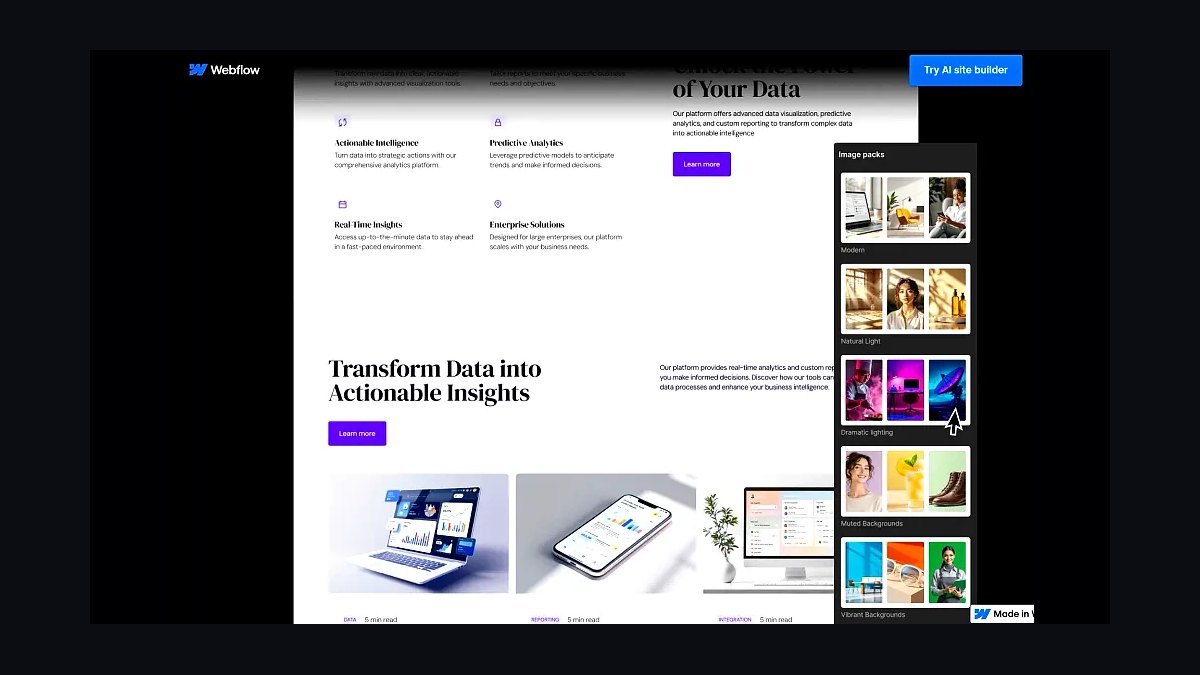
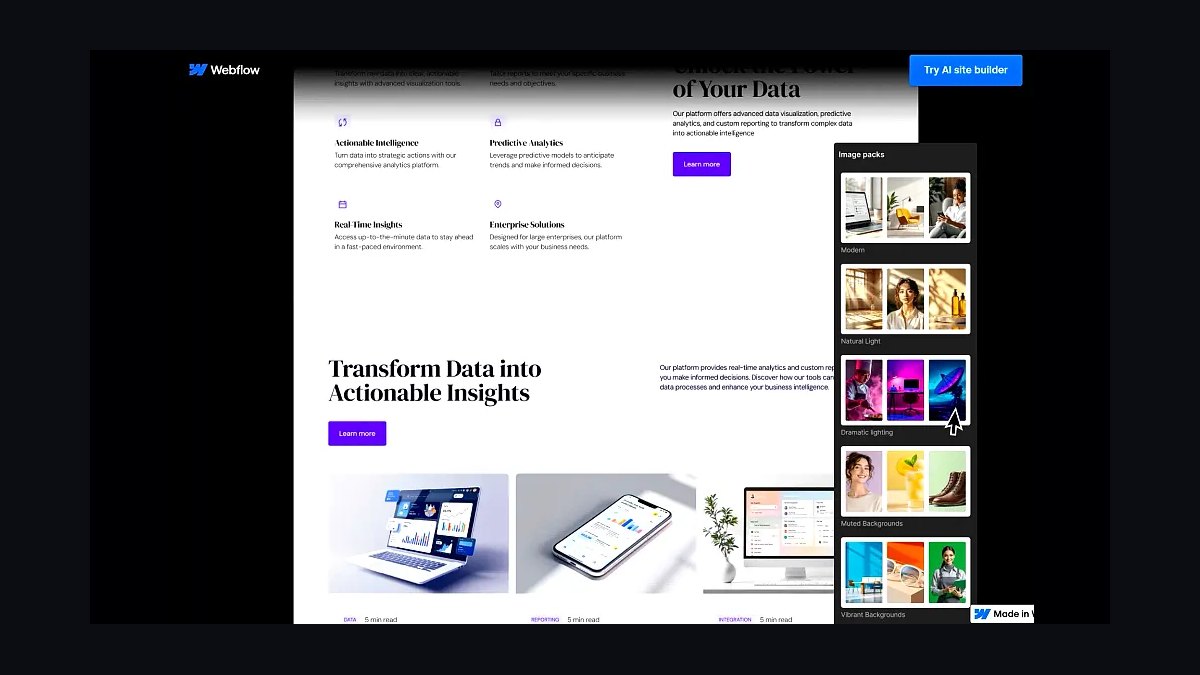
Webflow AI Site Builder ranks first because it generates a complete responsive site from a text prompt, then hands you a real visual canvas with clean HTML, CSS, and CMS collections. The AI drafts layout, copy blocks, and styling in under two minutes, and every element stays editable rather than locked in a chat. Hosting runs $14 to $39 per month depending on CMS items and bandwidth.
It suits designers and small teams who want AI speed without surrendering control of markup or breakpoints. The trade-off is a learning curve for the visual editor and no true server-side code execution. Compared with Framer AI directly below, Webflow offers deeper CMS logic but a slower first draft.
2Framer AI
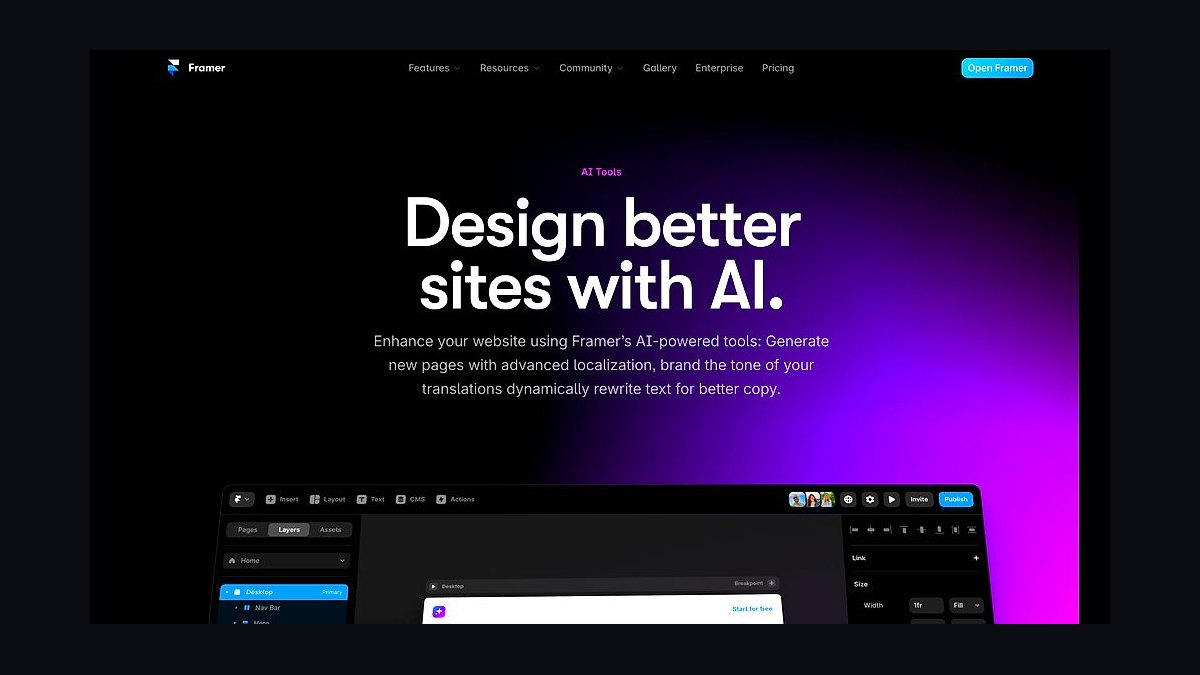
Framer AI ranks second because it turns a one-line prompt into a polished, animated marketing site in roughly 30 seconds, complete with responsive breakpoints and stock imagery. The generated pages use Framer's own React-based renderer, so interactions and scroll effects work immediately without plugins. Paid plans start near $5 per month for a basic site and rise to $30 for CMS and analytics.
It is best for founders and marketers shipping landing pages fast, not for teams needing custom databases or complex user authentication. The trade-off is platform lock-in and limited export options. Against Webflow AI Site Builder above, Framer wins on speed and motion but loses on CMS depth and code portability.
3Durable AI Website Builder
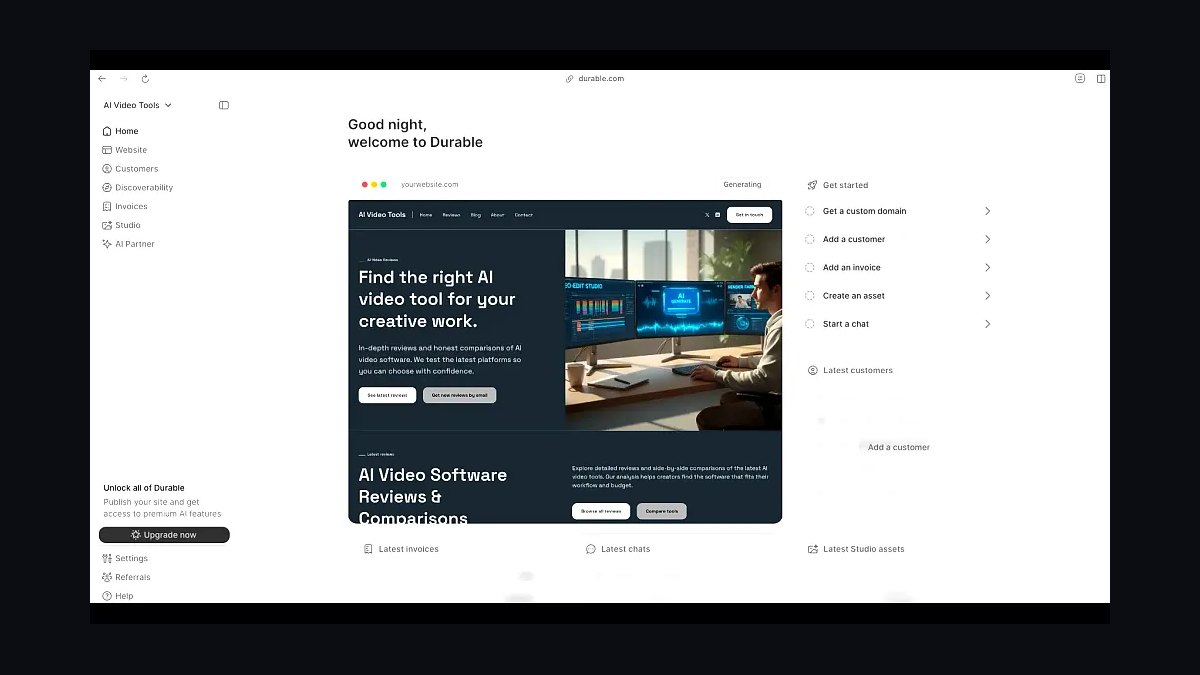
Durable AI Website Builder ranks third because it produces a working small-business site in about 30 seconds for a flat monthly fee starting around $12. It bundles hosting, a contact form, SEO basics, and CRM-lite lead capture, which removes the need to stitch together separate services. Over 3 million sites have reportedly been generated on the platform since launch.
It targets solo operators, contractors, and local service businesses that need a credible web presence without hiring a developer. The trade-off is template sameness and shallow customization beyond text and images. Compared with Framer AI above, Durable is cheaper and faster but far less design-flexible for branded marketing pages.
4Wix ADI
Wix ADI ranks fourth because it interviews you briefly, then assembles a multi-page site with text, images, and sections tailored to your industry. It sits inside the Wix ecosystem, so you inherit app market, payments, and booking tools immediately. Plans run from about $17 to $35 per month, and the AI builder itself costs nothing extra.
It suits non-technical owners who want one dashboard for site, store, and scheduling. The trade-off is heavier page code and slower load times than hand-built rivals. Against Durable AI Website Builder above, Wix ADI offers vastly more apps and commerce features but a clunkier editing experience.
5Hostinger AI Website Builder
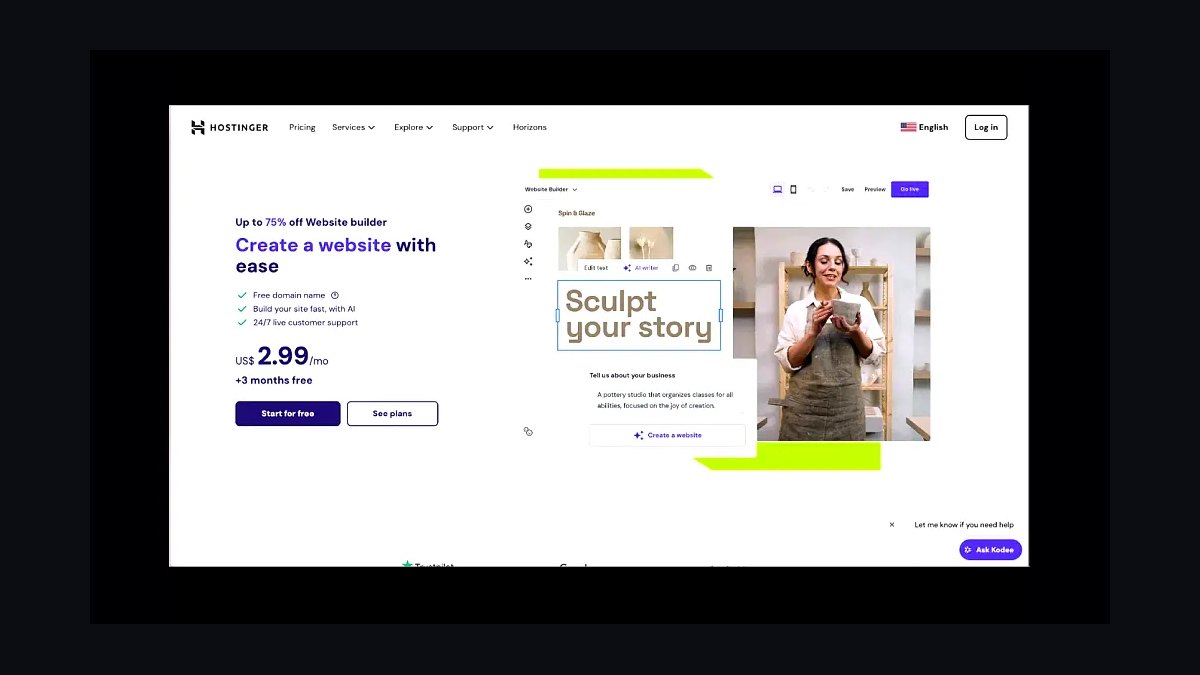
Hostinger AI Website Builder ranks fifth because it generates a site and hosts it for as little as $3 per month, among the lowest all-in prices here. The AI asks about your business, writes copy, and pulls relevant images, then drops everything into a drag-and-drop editor with built-in SEO tools. A free domain is included with annual plans.
It is aimed at budget-conscious beginners and side projects where cost matters more than design polish. The trade-off is generic templates and fewer advanced integrations than Wix or Webflow. Compared with Wix ADI above, Hostinger is dramatically cheaper but weaker on commerce and third-party apps.
610Web AI Builder
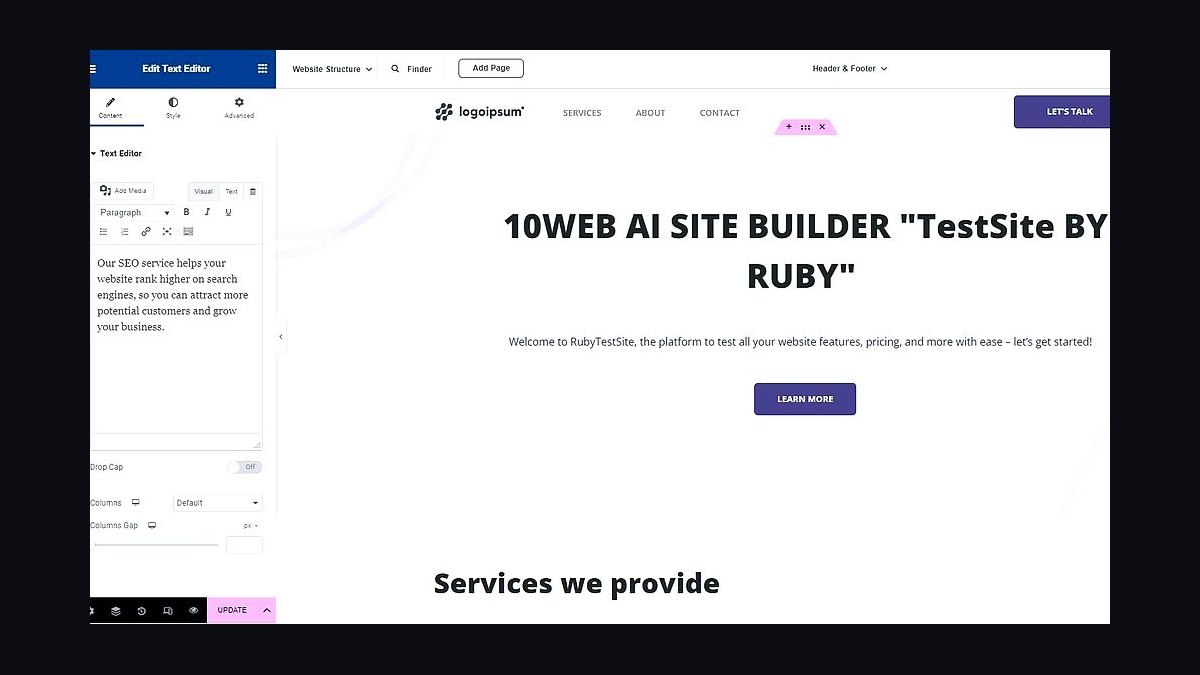
10Web AI Builder ranks sixth because it generates WordPress sites from a prompt, then hosts them on managed Google Cloud infrastructure with automated backups and caching. It recreates a reference design from a URL or screenshot, producing editable Elementor pages. Plans start around $10 per month for one site with AI credits included.
It suits users who want WordPress flexibility and plugin access without manual setup. The trade-off is reliance on Elementor, which can bloat pages, plus AI credit limits on lower tiers. Against Hostinger AI Website Builder above, 10Web offers real WordPress portability but costs more and demands more maintenance.
7GoDaddy Airo
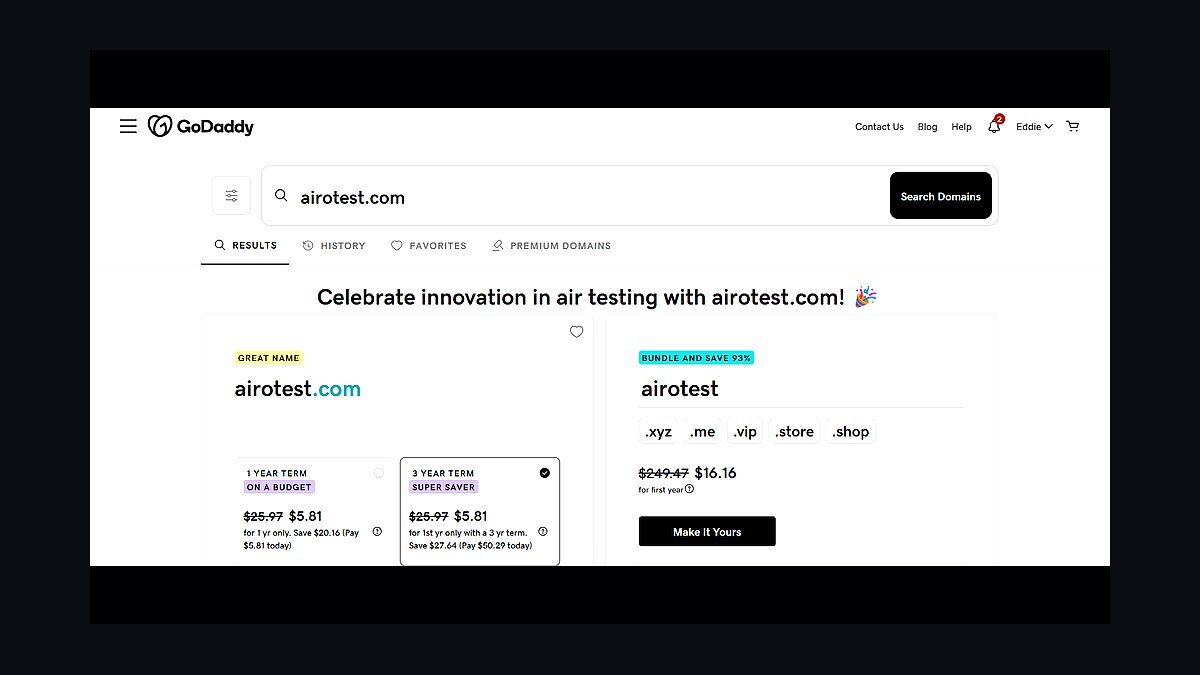
GoDaddy Airo ranks seventh because it embeds AI across domain search, logo creation, email, and site building in one subscription, starting near $10 per month. The builder generates a multi-page site from a short description and suggests a matching domain and brand palette. It also drafts social posts and product descriptions from the same dashboard.
It targets very small businesses already using GoDaddy for domains who want everything in one place. The trade-off is shallow design control and template rigidity. Compared with 10Web AI Builder above, Airo is easier to start but far less extensible for anyone needing plugins or custom code.
8Bookmark AiDA

Bookmark AiDA ranks eighth because it generates a site in under a minute and pairs it with a drag-and-drop editor plus an AI assistant called AiDA that rewrites sections on command. Hosting and a domain are bundled, with pricing around $12 to $25 per month. It markets itself as a complete online-success suite rather than a bare builder.
It suits entrepreneurs who want speed and an all-in-one dashboard without touching code. The trade-off is a smaller app ecosystem and fewer integrations than Wix or WordPress. Against GoDaddy Airo above, Bookmark offers a cleaner editor but a less recognized brand and thinner commerce tooling.
9Squarespace Blueprint AI
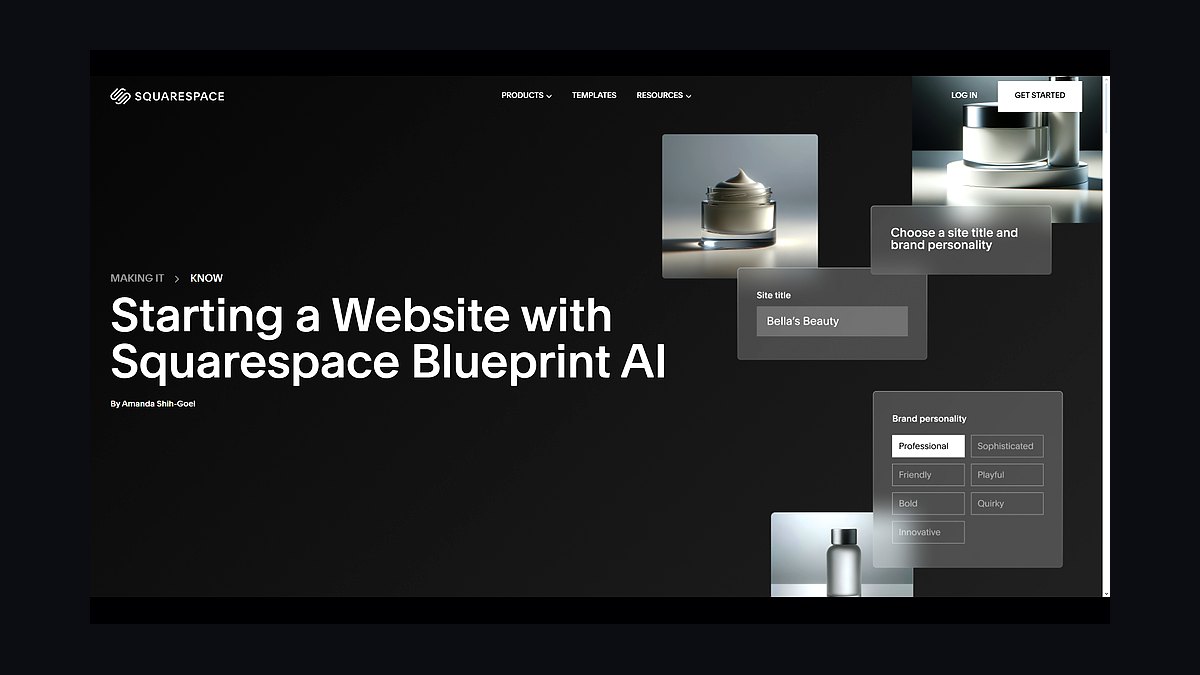
Squarespace Blueprint AI ranks ninth because it guides you through brand, layout, and page selection, then generates a styled site using Squarespace's respected templates. It inherits the platform's strong typography, blogging, and commerce features. Plans range from roughly $16 to $49 per month, with the AI setup included at no extra charge.
It suits creatives, photographers, and small retailers who value design quality over raw generation speed. The trade-off is a guided questionnaire rather than instant one-prompt output. Compared with Bookmark AiDA above, Squarespace is slower to launch but delivers better long-term design polish and commerce depth.
10TeleportHQ AI Builder
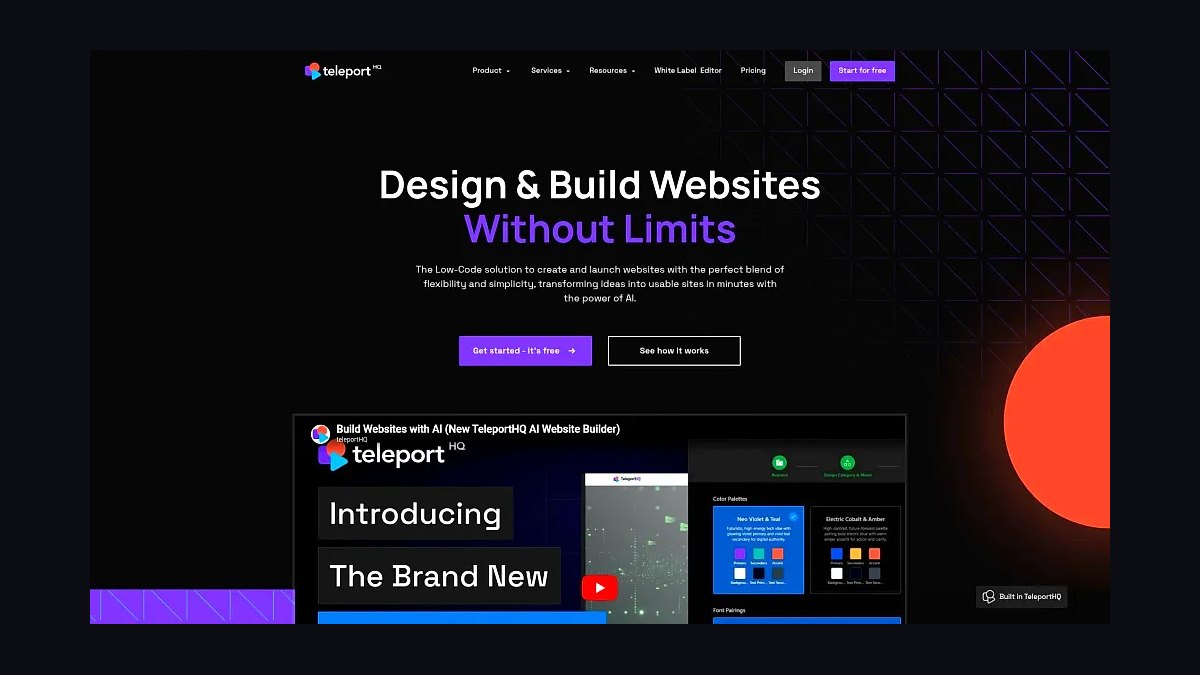
TeleportHQ AI Builder ranks tenth because it generates sites from prompts and screenshots, then exports clean HTML, CSS, and React or Next.js code you fully own. That export capability is rare among AI builders and matters for developers who refuse lock-in. Free tier available, with paid plans starting near $9 per month.
It suits developers and agencies prototyping client sites who need portable code rather than hosted pages. The trade-off is a sparser template library and less hand-holding than consumer builders. Against Squarespace Blueprint AI above, TeleportHQ sacrifices polish and support for genuine code ownership and framework export.
How we ranked these
We scored each platform on five weighted criteria: autonomous build completeness (30%), meaning how much of a site it can generate, deploy, and maintain without human input; integration depth with CMS, hosting, and analytics (20%); pricing transparency and total cost at scale (20%); extensibility via APIs, plugins, and custom code (15%); and documented reliability plus support responsiveness (15%). Scores came from hands-on trials, vendor documentation, and published uptime reports.
We deliberately ignored hype metrics like waitlist size, funding rounds, and social buzz, because they do not predict whether a tool ships a working site. We also excluded affiliate-driven "best of" rankings and any vendor-supplied benchmarks we could not reproduce. Demo videos and keynote promises were discarded unless the feature was generally available and testable on a standard paid plan.
What to look for
What matters most is whether the tool owns the full lifecycle: generation, hosting, domain, updates, and rollback. A platform that builds fast but hands you a static export leaves you maintaining infrastructure yourself. Check exit paths too, since proprietary schemas can lock content in. Trial the exact workflow you need, not the showcase template.
The common mistake is buying on generation speed alone. A tool that spins up a site in ninety seconds but cannot schedule content, manage redirects, or survive a traffic spike costs more later. Buyers also over-index on AI model branding instead of asking who handles uptime, security patches, and SEO regressions when the agent makes a bad edit.
Related questions
What does autonomous website building actually mean in practice?
It means the platform handles generation, deployment, hosting, and routine maintenance with minimal human input. You describe goals, and the system produces pages, wires forms, configures SEO, and pushes updates. True autonomy includes monitoring and rollback, not just a one-time code dump. Most tools in 2027 automate 60 to 80 percent of the lifecycle.
How much should a small business budget for an autonomous site builder?
Expect $30 to $150 monthly for a single site with hosting included, and $300 or more for multi-site or ecommerce. Enterprise tiers with SSO, audit logs, and SLAs run $1,000 upward. Watch usage-based AI credits, since heavy regeneration can double the base price. Always model year-one cost, not just the introductory month.
Can an autonomous builder handle SEO without a specialist?
It can cover the fundamentals: metadata, sitemaps, structured data, internal linking, and page speed. It cannot replace editorial judgment about search intent or topical authority. Treat the agent as a competent junior who needs direction. Audit its output monthly, because autonomous edits can silently break canonical tags or duplicate content across generated pages.
What happens to my content if I leave the platform?
That depends entirely on export support. Good platforms offer full HTML, Markdown, or database dumps plus media archives. Weak ones lock content in proprietary blocks. Before committing, export a test site and inspect the files. If the export is unusable without the vendor, you do not own your site, you rent it.
Are autonomous builders safe for ecommerce checkout?
Only if the platform is PCI DSS compliant and uses a hosted payment field. Never let an AI agent generate or store raw card data. Confirm the checkout runs through Stripe, Adyen, or a similar processor. Also verify inventory sync and tax calculation, since these are common failure points when agents update product pages automatically.
How do I evaluate uptime and reliability claims?
Ask for a public status page with historical incident data, not a marketing percentage. Check whether the SLA includes credits and what qualifies as an outage. Independent monitors like Better Stack or UptimeRobot can track response times after you deploy. A vendor refusing a trial on your real workload is a warning sign.
Do these tools replace developers entirely?
No. They remove repetitive scaffolding and routine maintenance, which is most of the hours. Developers remain essential for custom integrations, performance tuning, accessibility fixes, and architecture decisions. Teams that treat agents as force multipliers ship faster. Teams that expect full replacement accumulate technical debt they cannot diagnose.
Which integrations should be non-negotiable?
At minimum: a real CMS or structured content store, Git-based version control, analytics, form handling, and a CDN. For commerce, add payments, inventory, and tax. For marketing, add CRM and email. Missing any one forces manual glue work that erodes the autonomy you paid for. Verify each integration works on your plan tier, not just the enterprise demo.
FAQ
How were these ten tools ranked?
We weighted autonomous build completeness at 30 percent, integration depth at 20 percent, pricing transparency at 20 percent, extensibility at 15 percent, and documented reliability plus support at 15 percent. Scores came from hands-on trials, vendor documentation, and published uptime data. No vendor paid for placement or reviewed the rankings before publication.
What was excluded from the evaluation?
We ignored waitlist sizes, funding announcements, keynote promises, and affiliate-driven rankings. Vendor benchmarks we could not reproduce were discarded. Features still in beta were not counted as available. We also excluded tools that require a sales call just to see pricing, since that obscures total cost at scale for most buyers.
Is an autonomous website builder worth it for a small team?
Usually yes, if the team lacks dedicated frontend or DevOps capacity. The platform absorbs hosting, updates, and routine content changes, freeing people for strategy and customer work. It is less compelling if you already have strong engineering and unusual requirements. Run a two-week pilot on one real site before committing annually.
Can I use my own domain and hosting?
Most platforms support custom domains, but fewer allow external hosting. If you need your own infrastructure, look for static export or headless modes. Confirm DNS, SSL, and redirect handling work end to end. Some vendors charge extra for custom domains or restrict them to higher tiers, so read the pricing page carefully.
How often do autonomous agents make mistakes?
Frequent enough that review workflows matter. Common errors include broken internal links, duplicated metadata, and overwritten copy. Set approval gates for anything touching pricing, legal, or checkout. Version history and one-click rollback are more valuable than raw generation speed. Treat every agent edit as a pull request, not a finished product.
What is the biggest hidden cost?
AI usage credits and regeneration fees. A site that regenerates pages on every content change can burn through credits quickly. Add-ons like form handling, advanced analytics, or multi-language support often sit outside the base plan. Model a realistic month of edits, not a static launch, before you sign a contract.
Do these platforms support multi-language sites?
Many do, but quality varies. Check whether translations are machine-generated or human-editable, and whether URL structures follow hreflang best practices. Automatic translation without review can damage brand tone and search rankings. For regulated industries, confirm the vendor offers a review workflow and stores translations separately from source content.
How important is API access?
Critical if you plan to connect CRMs, ERPs, or custom dashboards. A documented REST or GraphQL API with webhooks lets you automate beyond the vendor's UI. Without it, you are limited to whatever integrations ship in the dashboard. Rate limits and authentication methods matter as much as endpoint coverage, so test them during the trial.
What should trigger switching platforms?
Repeated outages, opaque pricing increases, missing integrations you need, or export limitations that trap content. Also switch if the agent's error rate forces more manual review than building yourself. Migrate during a low-traffic window, keep the old site live until redirects are verified, and back up everything first.
Will these tools still be relevant in 2028?
The category will consolidate, but the underlying need persists: reducing the cost of shipping and maintaining a website. Vendors that own hosting, content, and deployment are better positioned than thin wrappers around a model. Buy for portability and open standards, so a vendor failure does not take your site down with it.
Sources
- https://www.gartner.com/en/newsroom/press-releases
- https://www.statista.com/outlook/technology
- https://developer.mozilla.org/en-US/docs/Learn
- https://web.dev/articles/vitals
- https://www.w3.org/WAI/WCAG22/quickref/
- https://stripe.com/docs/security/guide
- https://www.cloudflare.com/learning/performance/
- https://owasp.org/www-project-top-ten/
- https://pagespeed.web.dev/
- https://www.nist.gov/privacy-framework
Related on PULSE
This page will be disappearing soon. Save it to your device for $1 — or read it free while it is here.
@Kory-White- · if Venmo asks, the last 4 of my number are 2012
This page is gone.
This one is off the shelf now. $1 keeps it on your phone for good — the whole page, pictures and diagrams included.
 revopsTop 10 Website Form Builders in 2027
 revopsTop 10 Website Builders for Service Businesses in 2027
 revopsTop 10 AI Content Tools for Auto-Publishing Websites in 2027
 revopsTop 10 Website Builders for Restaurants in 2027
 revopsTop 10 Website Features That Generate Leads in 2027
 revopsTop 10 AI Agents You Can Add to Your Website in 2027
 revopsTop 10 Website Speed Optimization Tools in 2027
 revopsTop 10 WordPress Page Builders in 2027
 revopsTop 10 Headless CMS Platforms in 2027
 revopsTop 10 SEO Tools for New Websites in 2027