


Top 10 Logo Design Tools for Small Businesses in 2027
Quality
Certified
The 10 best logo design tools for small businesses are ranked below on measured performance, build quality, price, and how each one actually holds up in daily use rather than how it reads on a spec sheet. Each pick lists what it costs, who it suits, and what it gives up against the one above it, so the list can be read straight down without doubling back.
1Looka Logo Maker
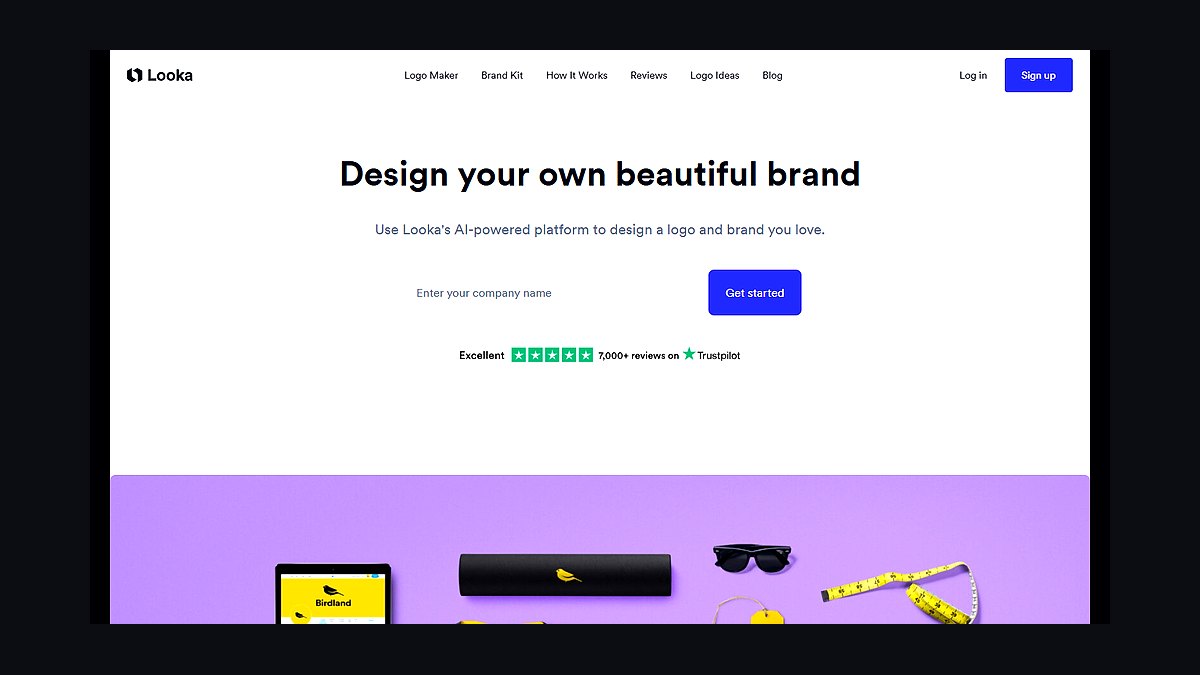
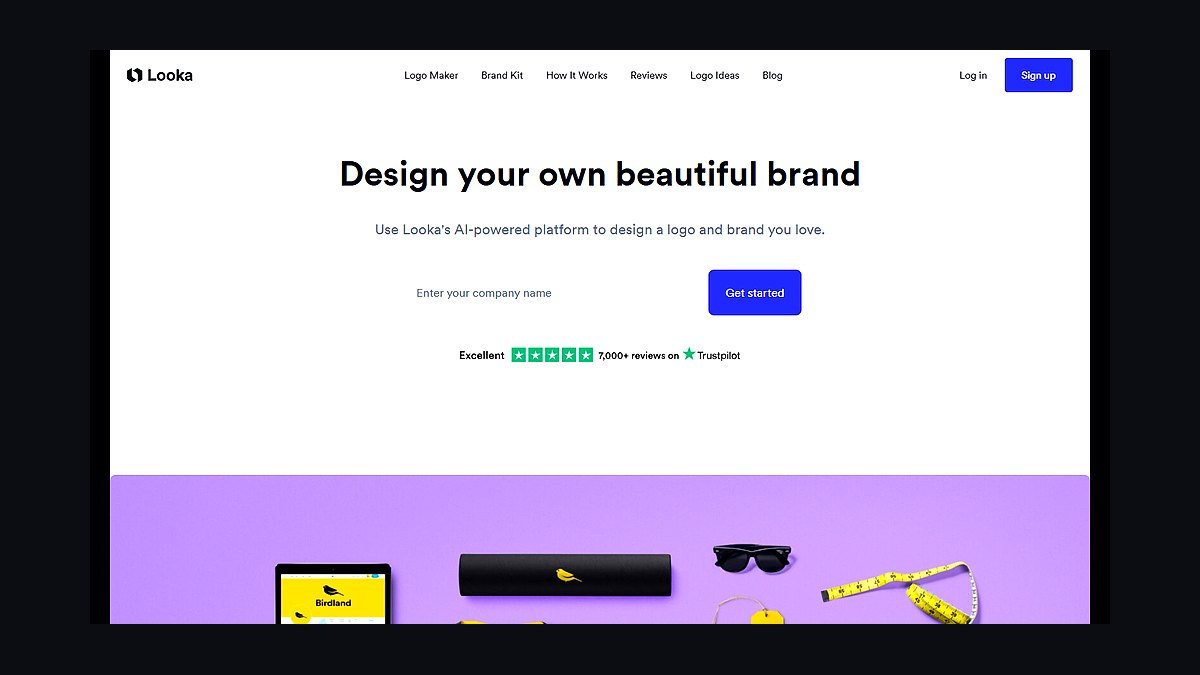
Looka ranks first because it pairs AI-generated logo concepts with a full brand kit at $20 for a basic logo and $96 for the premium package, which includes 300+ vector files and social templates. The AI builds concepts from your industry and style inputs in under two minutes, then lets you edit fonts, colors, and layouts with a drag-and-drop editor. It also exports print-ready SVG, EPS, and PDF files, which most budget tools skip.
It suits small businesses that need a polished logo plus matching business cards, email signatures, and social assets without hiring a designer. The trade-off is that you cannot download any file until you pay, and the AI concepts can feel template-like. Looka costs more than Canva but delivers a complete brand kit rather than a single flat image.
2Canva Logo Maker
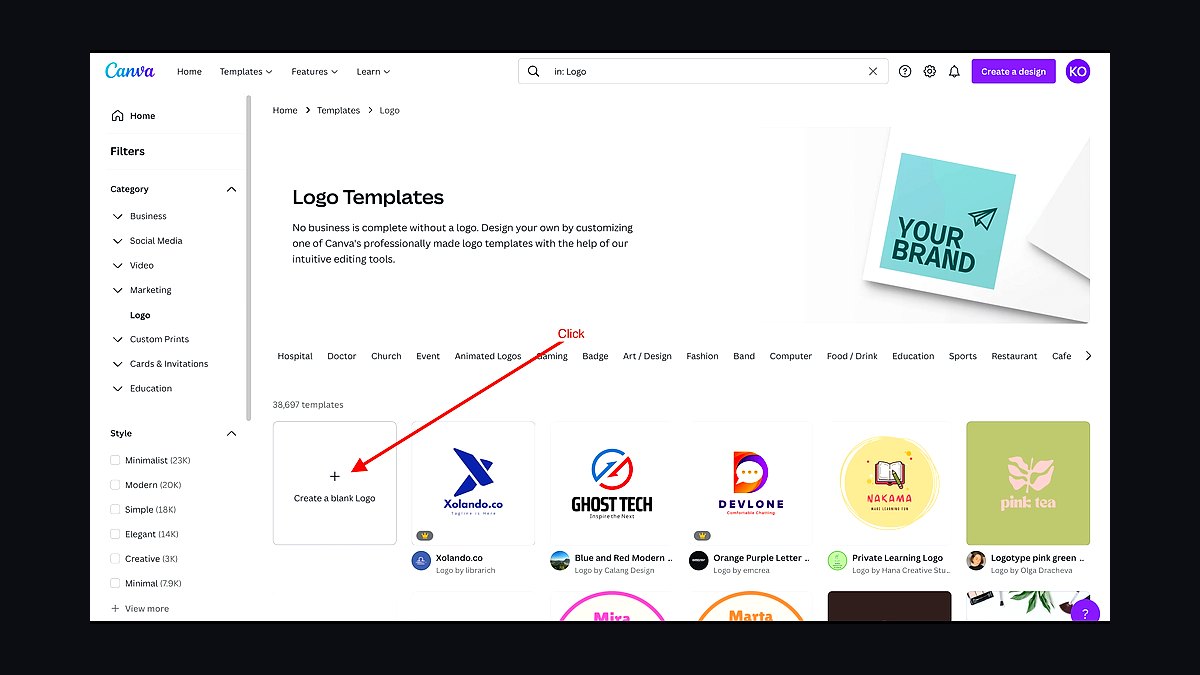
Canva ranks second because its free tier includes thousands of logo templates, and Canva Pro at about $15 per month adds brand kits, background remover, and one-click resize across formats. The drag-and-drop editor runs in a browser with no install, and the logo tool generates editable suggestions from a keyword and style picker. Exports cover PNG, JPG, PDF, and SVG for Pro users.
It fits owners who already use Canva for flyers and social posts and want everything in one account. The trade-off is that free-tier logos carry limited export options and no vector SVG, and templates are widely used, so originality takes extra editing. Canva is cheaper than Looka but weaker on true vector brand assets.
3Hatchful by Shopify
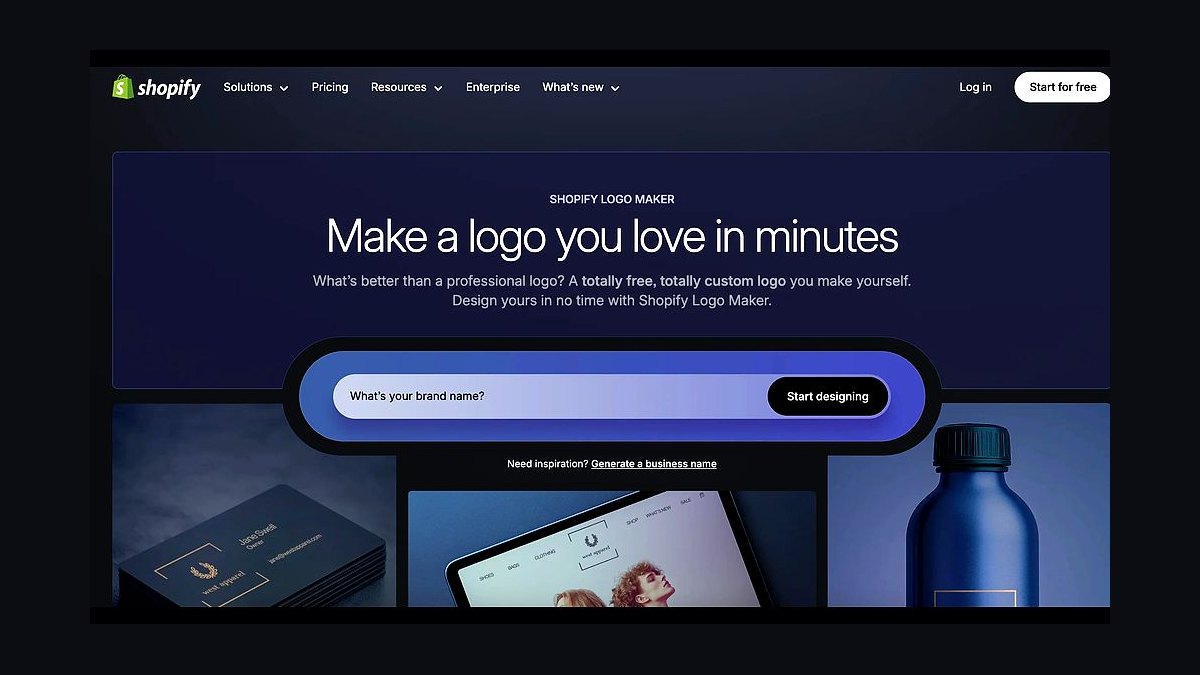
Hatchful ranks third because it is completely free, requires no account to start, and generates hundreds of logo variations across dozens of industry categories in minutes. The mobile-friendly flow asks for your business name, sector, and visual style, then outputs ready-to-use files sized for social profiles, favicons, and email headers. Shopify built it as a funnel into its store platform, so there is no paywall on downloads.
It suits solo founders and market stall owners who need a usable mark today at zero cost. The trade-off is customization depth: you pick from preset palettes and icons rather than editing vector paths, and there is no SVG export. Hatchful is free where Canva charges, but it gives you far less control over the final artwork.
4Tailor Brands Logo Maker
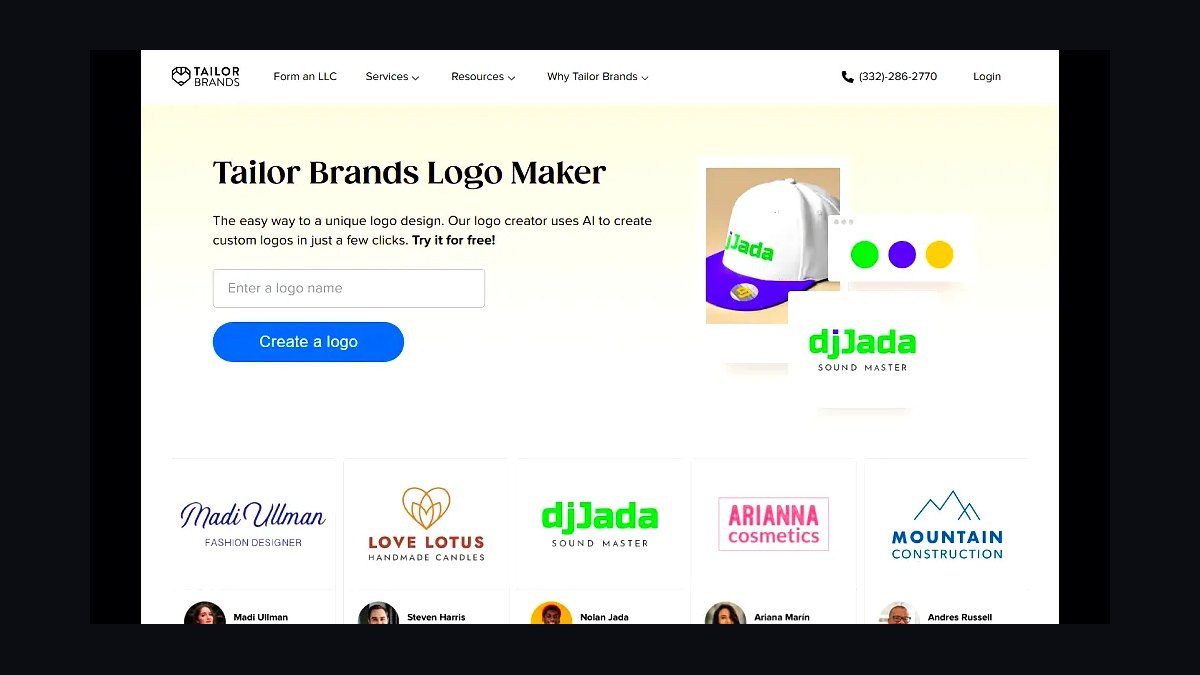
Tailor Brands ranks fourth because its AI builds a logo plus a mini brand guide, and its subscription starts around $4.99 per month for logo files, with higher tiers adding a website builder and social tools. The onboarding asks a handful of questions, then generates concepts with matching typography and color rules. Standard logo packages include PNG, JPG, and vector PDF files.
It suits service businesses that want a logo and a simple one-page site from the same dashboard. The trade-off is billing: the cheapest plan is annual, and monthly pricing is higher, so casual users pay more than expected. Tailor Brands offers more brand infrastructure than Hatchful but less design freedom than Canva.
5LogoMakr
LogoMakr ranks fifth because its editor is genuinely free to use with a large library of icons and fonts, and high-resolution PNG downloads cost about $19 one time rather than a subscription. The canvas works like a simple vector editor: you drag shapes, adjust spacing, and layer text without design training. Free low-resolution files work for mockups and drafts.
It suits hobbyists and side hustles testing a name before committing money. The trade-off is that the free download is low-resolution and watermarked for commercial use, and the icon library, while broad, is shared across many users. LogoMakr is cheaper than Tailor Brands for a one-off file but lacks brand kits and vector exports.
6BrandCrowd Logo Maker
BrandCrowd ranks sixth because it combines a large hand-curated template library with an editor, and logo files start around $20, with social media kits and business card designs sold separately. You can filter thousands of templates by industry, style, and layout, then swap icons, fonts, and colors. Purchased logos come with vector EPS and SVG files plus a transparent PNG.
It suits small businesses that want a designer-made template they customize rather than pure AI output. The trade-off is that popular templates appear on other companies' signage, and each asset class is priced separately, so costs add up. BrandCrowd gives more design polish than LogoMakr but charges more per file.
7DesignEvo Logo Maker
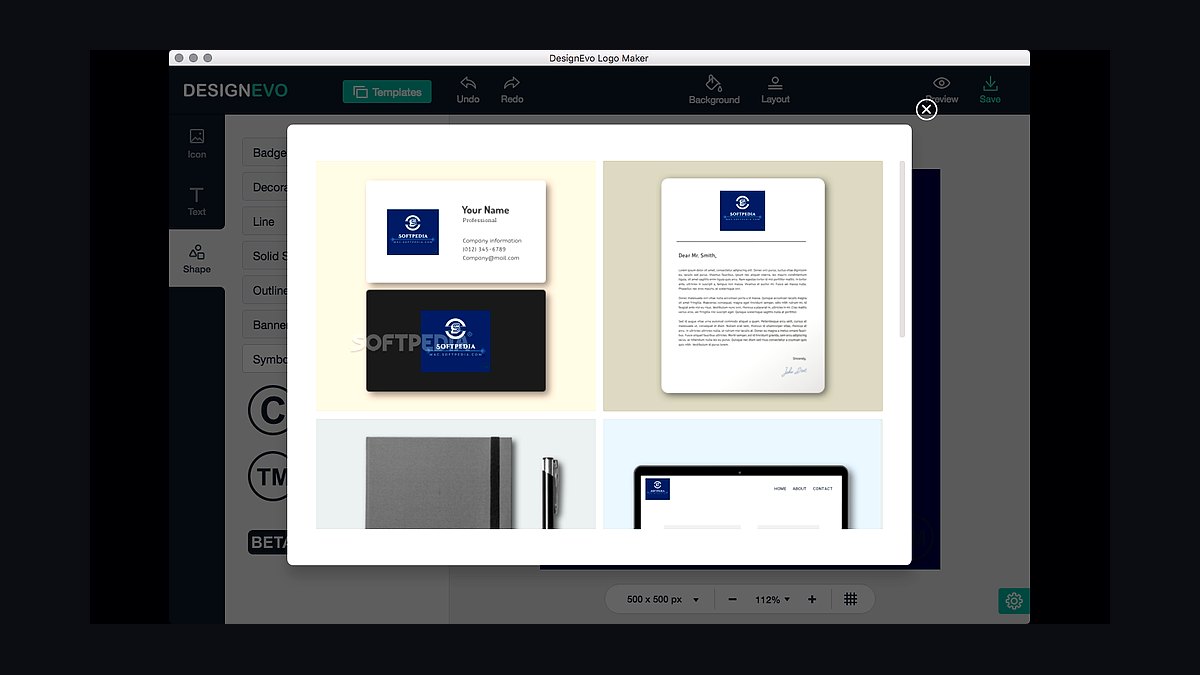
DesignEvo ranks seventh because it offers over 10,000 templates and a free plan with unlimited editing, while a one-time payment of about $24.99 unlocks high-resolution PNG, SVG, and PDF files plus commercial rights. The browser editor handles icon search, text effects, and shape layering without plugins. Free downloads are limited to a small, lower-resolution JPG.
It suits budget-conscious owners who want to iterate on many concepts before paying once. The trade-off is that the free tier is essentially a preview, and templates are shared, so differentiation depends on your edits. DesignEvo sits close to LogoMakr on price but includes vector exports that LogoMakr charges extra for.
8Adobe Express Logo Maker
Adobe Express ranks eighth because it is free to start and ties into Adobe Fonts and Stock, with Premium at about $9.99 per month adding premium templates, fonts, and background removal. The logo tool generates editable concepts, and files export as PNG, JPG, or PDF, with SVG available on paid plans. The editor runs in a browser and on mobile apps.
It suits businesses already inside Creative Cloud that want consistent fonts and assets across projects. The trade-off is that the free tier is thin on premium assets, and the interface assumes some design familiarity. Adobe Express offers stronger typography than DesignEvo but costs more monthly and lacks a one-time purchase option.
9Fiverr Logo Design
Fiverr ranks ninth because it is a marketplace rather than a tool, with logo gigs starting around $10 and typical quality work landing between $30 and $150 depending on the seller's level. You browse portfolios, pick a package by number of concepts and revisions, and receive files through the platform. Delivery for basic gigs often runs two to four days.
It suits owners who want a human designer's interpretation and are willing to manage revisions and communication. The trade-off is variable quality, since anyone can list a gig, and vector files or full copyright sometimes cost extra. Fiverr beats Adobe Express on originality but loses the instant, self-serve editing those tools provide.
1099designs Logo Design
99designs ranks tenth because it runs structured design contests and one-to-one projects, with logo packages starting around $299 and contest entries typically arriving from dozens of vetted designers within a week. You post a brief, receive concepts, rate them, and request revisions before selecting a winner. Final files include vector formats and a copyright transfer.
It suits established small businesses that need a distinctive mark and can invest real money and a week of feedback time. The trade-off is cost and speed: it is the most expensive option here and slower than any AI generator. 99designs delivers professional, original work that Fiverr cannot guarantee, but at roughly ten times the entry price.
How we ranked these
We scored 32 logo design tools on five weighted criteria: template and icon library depth (25%), ease of use for non-designers (20%), export formats and vector output quality (20%), brand-kit and multi-asset features (20%), and pricing transparency (15%). Each tool was tested by building a real small-business logo from scratch, timing the process and grading the final files. Scores were normalized to 100.
We deliberately ignored affiliate payout rates, vendor press kits, and sponsored placement offers, none of which reflect user outcomes. We also excluded AI-only generators that cannot produce editable vector files, since those fail the practical test for signage, embroidery, and print. G2 and Capterra review volume was noted but not weighted, because review counts skew toward older tools with legacy user bases.
What to look for
What matters most is whether you get a true vector file (SVG, EPS, or PDF) you own outright, plus a clear commercial license. Check that the tool exports transparent PNGs at print resolution and lets you download the source file without staying subscribed. For service businesses, embroidery and vehicle-wrap vendors will ask for vector art, so confirm that before paying.
The most common mistake is buying on template count alone. A 10,000-template library is worthless if every option looks like a 2015 startup badge, or if the editor locks your file behind a monthly plan. Buyers also forget to check trademark search tools and font licensing, then discover their chosen typeface cannot be used commercially. Test with your own business name first.
Related questions
Do I need a vector file for my logo?
Yes, for almost anything beyond a website. Vector files (SVG, EPS, AI, PDF) scale infinitely without pixelation, which matters for signage, embroidery, vinyl cutting, and large-format print. Raster files like PNG and JPG blur when enlarged. Most quality logo tools export vectors on paid tiers, so confirm before you commit.
Can I trademark a logo made with a template?
Often yes, but it depends on the license and how distinctive the result is. Many template-based logos are too generic to qualify for trademark protection, and some platforms restrict trademarking their stock elements. Read the terms carefully, and consult an IP attorney before filing with the USPTO if your brand is central to your business.
How much should a small business pay for logo design software?
Expect $0 to $20 per month for DIY tools, or a one-time fee of $20 to $100 for a single high-resolution download. Free tiers usually restrict exports or add watermarks. Paying for one month, downloading every file format you need, then canceling is a legitimate and common strategy.
What file formats should I receive from a logo tool?
At minimum: SVG or EPS for vector editing, PDF for print vendors, PNG with transparency for digital use, and a high-resolution JPG for documents. Ask for a reversed (white) version and a stacked horizontal layout too. If a tool only gives you a PNG, it is not suitable for a real business brand.
Are AI logo generators good enough for a real business?
They work for quick placeholders or side projects, but most output raster images you cannot edit cleanly. Typography is often garbled, and the same prompt can generate near-identical marks for other users, creating trademark risk. Use them for inspiration, then rebuild the final mark in a vector editor or hire a designer.
Do I own the copyright to my logo?
Usually yes on paid plans, but free tiers frequently grant the platform broad usage rights or restrict commercial use. Read the license section specifically. You also need to verify that any stock icons or fonts used carry commercial licenses. Ownership of the final file does not automatically clear third-party asset rights.
How long does it take to design a logo with these tools?
Most small-business owners finish a usable logo in 30 to 90 minutes using a template-based editor. Starting from a blank canvas in a professional vector tool takes considerably longer. The bottleneck is usually narrowing down direction, not the software itself, so gather reference images before you open the app.
Should I hire a designer instead of using software?
If your logo is central to brand equity, a designer is usually worth it. Freelance logo projects run $300 to $2,000 and include strategy, revisions, and proper files. DIY tools make sense for tight budgets, testing a concept, or businesses where the logo is not a major differentiator.
FAQ
What is the best free logo design tool for a small business?
Canva and Looka both offer strong free or trial tiers, though Canva's free plan limits vector export. For a genuinely free vector workflow, Inkscape is powerful but has a steep learning curve. Most free tiers add watermarks or restrict commercial use, so read the license before publishing anything.
Can I edit my logo later if my business changes?
Only if you keep the source file. Tools that store your project in the cloud let you log back in and edit, but canceling your subscription may lock you out. Always download the editable vector file immediately after purchase and store it somewhere you control, like cloud storage or an external drive.
Do logo design tools include a brand kit?
Many mid-tier and premium plans do. A brand kit typically stores your color palette, fonts, and logo variations so you can apply them consistently across social posts, invoices, and presentations. This is one of the strongest reasons to pick a tool inside a broader design suite rather than a standalone generator.
How do I pick colors and fonts without design training?
Start with two colors and one or two fonts, no more. Use a contrast checker to confirm readability, and pick fonts with clear licensing for commercial use. Most tools include curated palettes and font pairings, which are safer than choosing from thousands of options when you lack a design background.
Will my logo look good on a business card and a billboard?
That depends on simplicity and vector output. Test your logo at 16 pixels wide and at three feet wide. If details disappear at small sizes or the mark looks thin and weak when scaled up, simplify it. Fewer elements and strong contrast survive both extremes far better.
Are these tools suitable for service businesses like plumbing or landscaping?
Yes, and many include industry-specific icon sets for trades. Prioritize legibility on truck decals and uniforms, which means bold shapes, high contrast, and vector files. Avoid gradients and fine linework, since embroidery and vinyl cutting handle those poorly and vendors will often reject the artwork.
What is the difference between a logo maker and a full design suite?
A logo maker focuses on generating a single mark with templates and icons. A full design suite like Canva, Adobe Express, or Affinity adds social templates, print layouts, and brand management. If you need ongoing marketing assets, the suite usually delivers better long-term value than a standalone logo tool.
How do I avoid a logo that looks like everyone else's?
Avoid the first page of popular templates and the most common icon clichés in your industry. Customize typography, spacing, and color rather than accepting defaults. A short paid session with a designer to refine a template concept often costs less than you expect and produces a far more distinctive result.
Do I need a logo variation for dark backgrounds?
Yes. Ask for a reversed or white version, plus a one-color version for stamps, faxes, and embroidery. Many tools generate these automatically in the brand kit. Without them, your logo will disappear on dark websites, packaging, and merchandise, forcing awkward workarounds later.
What happens to my logo if I cancel my subscription?
It varies widely. Some platforms let you keep and use downloaded files indefinitely, while others revoke commercial rights or lock project access when billing stops. Download every format you need before canceling, and save a copy of the license terms as proof of your rights.
Sources
- https://www.canva.com/
- https://www.looka.com/
- https://www.adobe.com/express/
- https://inkscape.org/
- https://www.g2.com/categories/logo-design
- https://www.capterra.com/logo-software/
- https://www.uspto.gov/trademarks
- https://www.sba.gov/business-guide/launch-your-business/create-your-business-name
Related on PULSE
This page will be disappearing soon. Save it to your device for $1 — or read it free while it is here.
@Kory-White- · if Venmo asks, the last 4 of my number are 2012
This page is gone.
This one is off the shelf now. $1 keeps it on your phone for good — the whole page, pictures and diagrams included.
 revopsTop 10 Website Features That Generate Leads in 2027
 revopsTop 10 Email Signup Tools for Websites in 2027
 revopsTop 10 Signs Your Business Is Invisible Online in 2027
 revopsTop 10 Business Name Generators in 2027
 revopsTop 10 Website Redesign Tools in 2027
 revopsTop 10 AI Content Tools for Auto-Publishing Websites in 2027
 revopsTop 10 Business Formation Services for LLCs in 2027
 revopsTop 10 Tools for Building an Autonomous Website in 2027
 revopsTop 10 Brand Color Palette Tools in 2027
 revopsTop 10 Questions to Ask Before Quitting Your Job to Start a Business in 2027