 Pulse Reviews and Analysis
Top 10 Monitor Light Bars for Video-Call Lighting in 2027
 Curated by Kory White · Fractional CRO, CRO Syndicate
Direct Answer
The BenQ ScreenBar Halo 2 ($179) is the best overall monitor light bar for video-call lighting in 2027 — tri-zone backlight, wireless control puck, automatic brightness, and the only mainstream bar that fits 1000R curved monitors cleanly. The Xiaomi Mi Computer Monitor Light Bar ($68) is the best value pick with a wireless puck at less than half the price.
Honorable mentions: BenQ ScreenBar Halo ($129), BenQ ScreenBar Pro ($169), Quntis Pro+ ($60), BenQ ScreenBar ($109), Baseus i-wok Pro ($55), Asus ProArt LightBar LB1 ($129), Logitech Litra Beam LX ($199), and MSI MAG Monitor Light Bar ($79).
1. BenQ ScreenBar Halo 2 🏆 BEST OVERALL

Verdict: The flagship — front task light + rear ambient glow + wireless puck, all in one bar.
Specs: 50 cm LED bar, asymmetric front lens (no screen glare), tri-zone rear backlight (3000K–6500K), CRI > 95, wireless control puck, ambient sensor, USB-C powered, fits flat and curved monitors (up to 1000R), 5000 K daylight default, 300 lux brightness at 50 cm distance.
2027 price: $179 at BenQ.com, Amazon, B&H.
Who it's for: AEs, AMs, and sales leaders on daily video calls who need consistent, professional lighting without a separate softbox.
Pros:
- Tri-zone rear backlight softens the contrast between screen and dark wall — eliminates the "tunnel face" look on Zoom
- Wireless puck with dial controls brightness + color temp without reaching to the bar
- Ambient sensor auto-adjusts to room light through the day
- CRI > 95 delivers accurate skin tones on camera
- Curved-monitor compatible down to 1000R (the most aggressive curve on the market)
Cons:
- $179 is the most expensive in this list
- USB-C cable is shorter than the original ScreenBar — desk clutter problem
- Setup takes 5 minutes to balance brightness across both zones
Retailer link: BenQ ScreenBar Halo 2 product page
2. Xiaomi Mi Computer Monitor Light Bar 💎 BEST VALUE
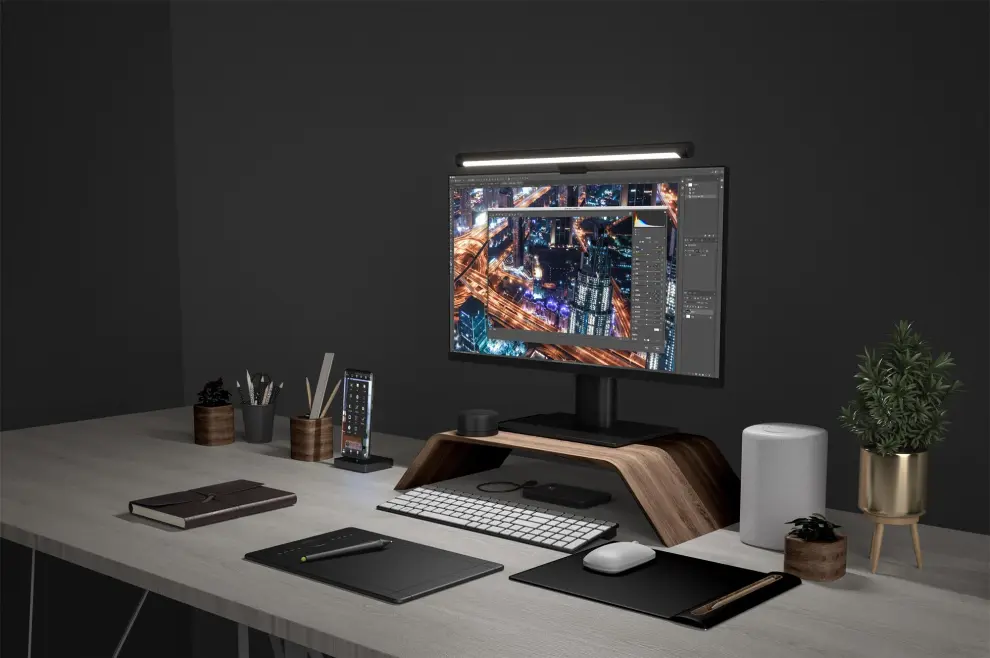
Verdict: The closest competitor to the BenQ ScreenBar at 60% off — wireless puck included.
Specs: 45 cm LED bar, asymmetric front lens, wireless control puck, 2700K–6500K color temperature, ~CRI 90, USB-A powered, fits flat monitors up to 1.8 cm thick.
2027 price: $68 at Amazon, Mi.com.
Who it's for: Reps building a home office on a personal budget who still want the puck-control experience.
Pros:
- Wireless puck at under $70 is the headline feature
- CRI 90 is close enough to BenQ for video calls
- 2700K–6500K range covers warm-evening to cool-daytime
- Discreet design — black aluminum bar disappears on most monitors
Cons:
- CRI 90 vs BenQ's 95 — slight skin-tone tint on high-end webcams
- No rear backlight zone
- USB-A instead of USB-C — needs a hub on modern MacBooks
Retailer link: Xiaomi Mi Computer Monitor Light Bar on Amazon
3. BenQ ScreenBar Halo
Verdict: The original Halo — still excellent if the Halo 2's tri-zone backlight isn't worth $50.
Specs: 50 cm LED bar, asymmetric front lens, single-zone rear backlight, wireless puck, ambient sensor, USB-A powered, CRI > 95, 2700K–6500K color temperature.
2027 price: $129 at BenQ.com, Amazon, B&H.
Who it's for: AEs who want BenQ quality + wireless puck without the tri-zone backlight upcharge.
Pros:
- Wireless puck plus rear backlight at $50 less than the Halo 2
- CRI > 95 matches the Halo 2
- 3-year warranty from BenQ
Cons:
- Single rear zone vs Halo 2's tri-zone — less subtle ambient effect
- USB-A power instead of USB-C
- Older curved-monitor compatibility caps at 1500R
Retailer link: BenQ ScreenBar Halo product page
4. BenQ ScreenBar Pro

Verdict: The set-and-forget pick — ultrasonic motion sensor turns the bar on when you sit down.
Specs: 50 cm LED bar, asymmetric front lens, ultrasonic motion sensor (auto-on / auto-off), ambient sensor, USB-C powered, CRI > 95, 2700K–6500K, fits curved monitors.
2027 price: $169 at BenQ.com, Amazon.
Who it's for: Reps who want zero-friction lighting — sit, light comes on; leave, light goes off.
Pros:
- Ultrasonic motion sensor — no buttons, no app, no thought
- USB-C power
- 5-minute auto-off saves energy
- Same CRI > 95 as Halo 2
Cons:
- No wireless puck — you can't manually override the sensor easily
- No rear backlight
- $169 is steep for a sensor convenience
Retailer link: BenQ ScreenBar Pro product page
5. Quntis Pro+
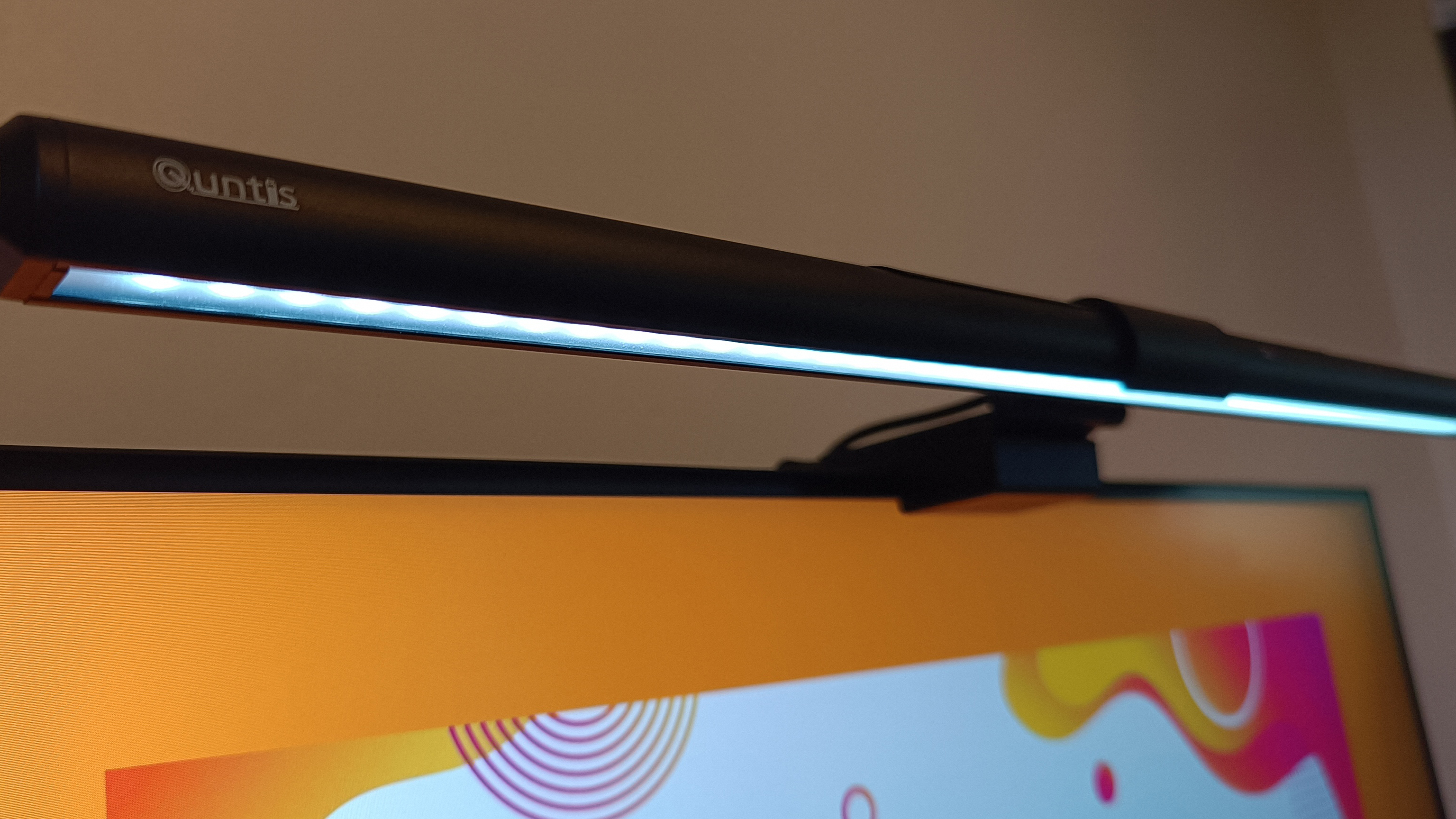
Verdict: The budget challenger — BenQ-grade specs at half the price.
Specs: 51 cm aluminum bar, asymmetric front lens, wireless remote + touch controls, ambient sensor, CRI 95, 3000K–6500K, stepless dimming, USB-A powered, curved-monitor compatible.
2027 price: $60 at Amazon, Quntis.com.
Who it's for: Budget-conscious reps who want CRI 95 lighting without paying BenQ pricing.
Pros:
- CRI 95 matches BenQ at $50 less
- Stepless dimming (not preset levels) for fine control
- 51 cm aluminum body is wider than most competitors
Cons:
- USB-A only
- Brand recognition trails BenQ for IT-approved purchases
- No rear backlight
Retailer link: Quntis Pro+ on Amazon
6. BenQ ScreenBar (original)
Verdict: The OG monitor bar that started the category — still excellent for buyers under $120.
Specs: 45 cm LED bar, asymmetric front lens, touch controls on bar, ambient sensor, USB-A powered, CRI > 95, 2700K–6500K.
2027 price: $109 at BenQ.com, Amazon, B&H.
Who it's for: Reps who don't need a wireless puck and just want clean front lighting.
Pros:
- Lowest BenQ tier that still hits CRI > 95
- Touch-strip controls on the bar (no wireless puck needed)
- Compact 45 cm fits smaller 24-inch monitors better than the 50 cm bars
Cons:
- No wireless puck — reach to the bar to adjust
- No rear backlight
- USB-A only
Retailer link: BenQ ScreenBar product page
7. Baseus i-wok Pro
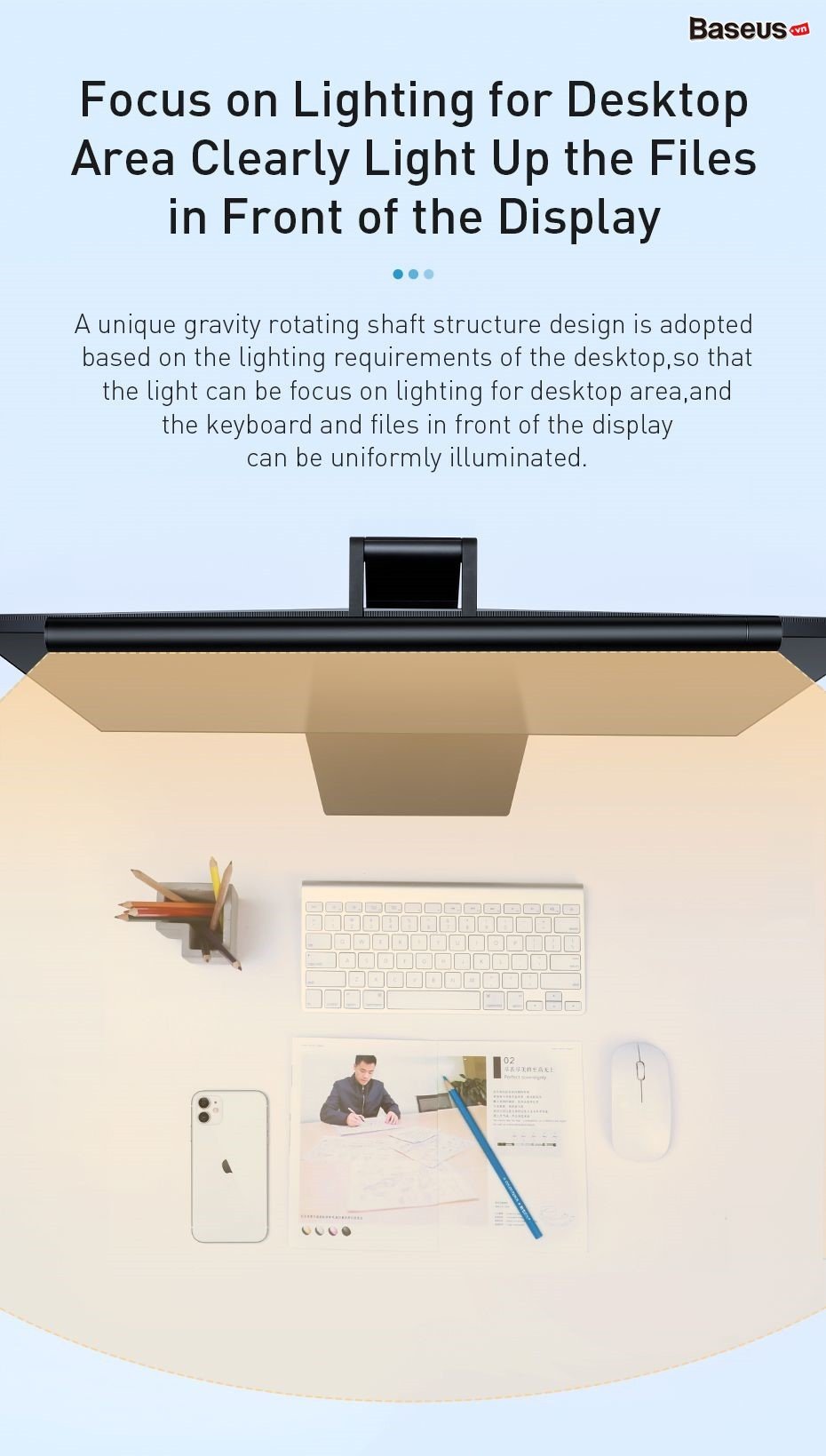
Verdict: The aggressive Amazon-brand challenger — wireless puck, USB-C, $55.
Specs: 42 cm LED bar, asymmetric front lens, wireless puck, 3000K–6500K color temperature, CRI 90, USB-C powered, ambient sensor.
2027 price: $55 at Amazon, Baseus.com.
Who it's for: Reps who want the Xiaomi feature set but with USB-C power.
Pros:
- USB-C powered at this price
- Wireless puck included
- 42 cm size fits portable monitors and Macbook side-screens
Cons:
- CRI 90 trails BenQ's 95
- 42 cm width undershoots 27-inch monitors
- Baseus support is Amazon-DM only
Retailer link: Baseus i-wok Pro on Amazon
8. Asus ProArt LightBar LB1

Verdict: Asus's pro-creator light bar with built-in calibration for color-accurate work.
Specs: 49 cm LED bar, asymmetric front lens, wireless puck, CRI 99, 3000K–6500K color temperature, USB-C powered, integrated brightness and color calibration.
2027 price: $129 at Asus.com, Amazon, B&H.
Who it's for: Sales engineers in design / marketing roles who also do video editing and need color-accurate light.
Pros:
- CRI 99 is the highest in this list (matters for video editing review)
- USB-C power
- Pro-creator color calibration for Adobe / DaVinci workflows
Cons:
- $129 is mid-pack
- No rear backlight
- Limited US distribution — sometimes back-ordered
Retailer link: Asus ProArt LightBar LB1 product page
9. Logitech Litra Beam LX
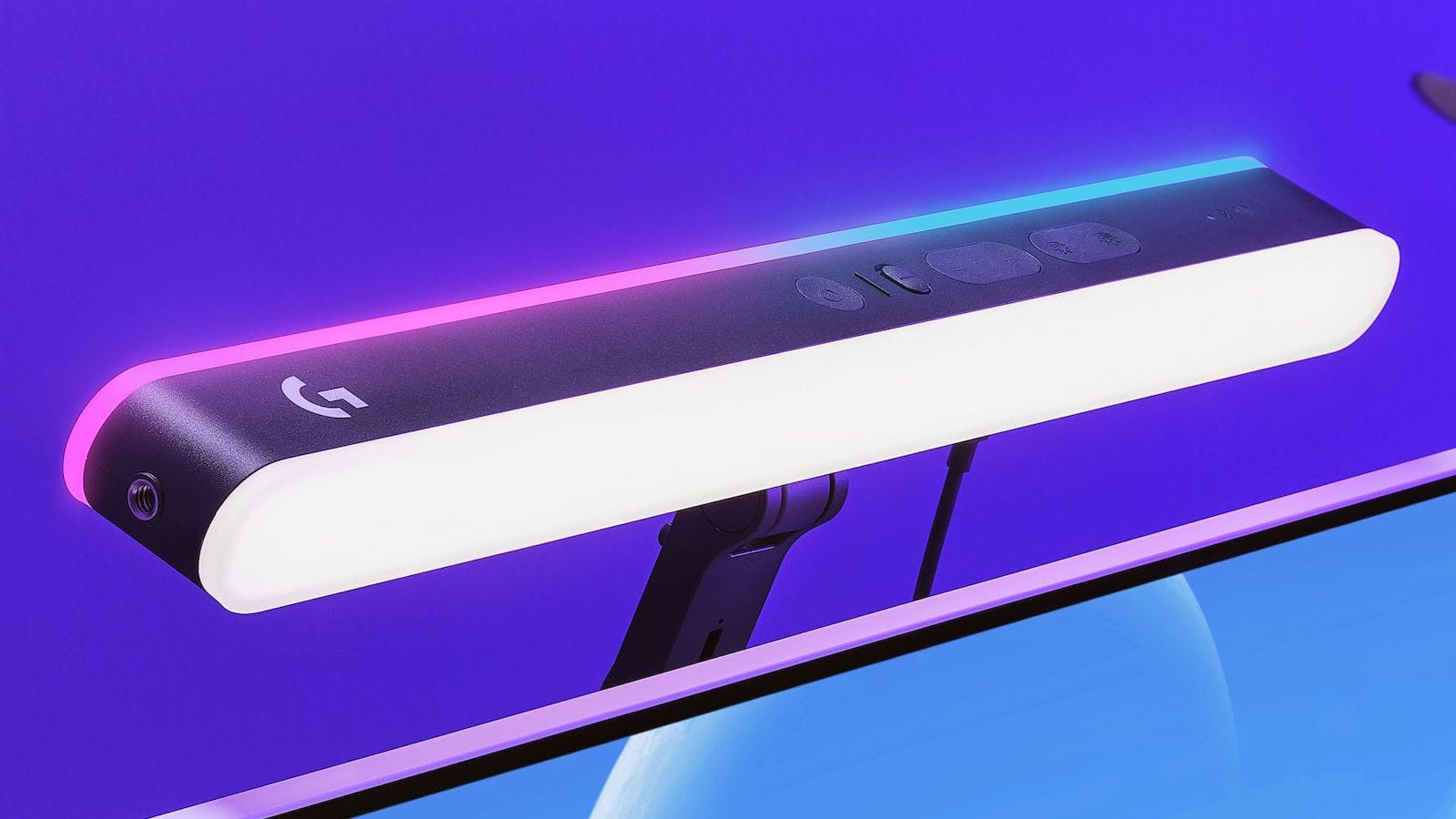
Verdict: The dual-sided bar that lights both the camera (front) and the wall (back) — for streamers and webinar hosts.
Specs: Front and rear LED panels, RGB color, 2700K–6500K white, dedicated stand or monitor clip, USB-C powered, Logi Options+ software for scene presets.
2027 price: $199 at Logitech.com, Amazon.
Who it's for: Sales leaders running quarterly webinars who want full studio-grade lighting that doubles as ambient mood lighting.
Pros:
- RGB rear panel for custom branding colors (company hex code on the wall)
- Logi Options+ stores Zoom / OBS / Streamyard scene presets
- Strongest output of any light bar in this list (250 lumens)
Cons:
- $199 is the most expensive in this list
- Larger desk footprint than traditional bars
- Overkill for 1:1 sales calls
Retailer link: Logitech Litra Beam LX product page
10. MSI MAG Monitor Light Bar
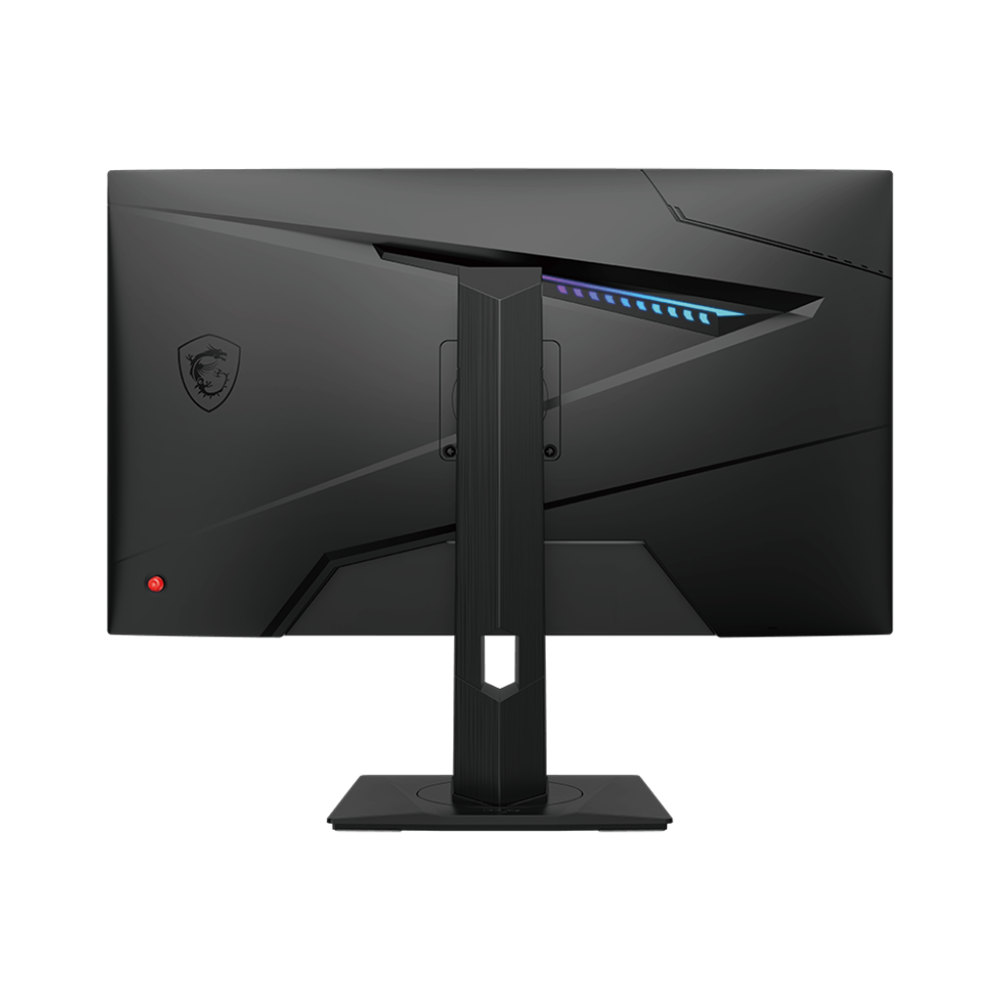
Verdict: MSI's late entry — gaming-leaning aesthetics with quality light output.
Specs: 48 cm LED bar, asymmetric front lens, wireless puck, RGB rear lighting, 2700K–6500K white, USB-A powered, CRI 92, MSI Center software.
2027 price: $79 at MSI.com, Amazon, Best Buy.
Who it's for: Reps with a gaming-influenced desk aesthetic who want RGB without sacrificing front-light quality.
Pros:
- RGB rear lighting at $79
- MSI Center software integration for sync with MSI monitors
- CRI 92 is solid for the price
Cons:
- CRI 92 trails BenQ
- USB-A instead of USB-C
- MSI Center software is Windows-only
Retailer link: MSI MAG Monitor Light Bar product page
Which one is right for you?
For premium daily-use video calls: BenQ ScreenBar Halo 2. For budget setups with the same wireless-puck convenience: Xiaomi Mi Monitor Light Bar.
FAQ
Q: Do monitor light bars actually improve how I look on Zoom? Yes, dramatically. The asymmetric front lens directs light onto your desk and face (the lens design ensures zero light reaches the screen itself), which fills shadows around the eyes, jawline, and nose. Compared to overhead office lighting alone, a CRI > 95 light bar reduces the "raccoon eye" effect that ages the on-camera face by 5-10 years.
Q: CRI 90 or CRI 95 — does the difference show on webcam? On a 1080p Zoom call, the difference is subtle. On a 4K webcam (Logitech MX Brio, Razer Kiyo Pro Ultra), CRI > 95 produces visibly more accurate skin tones — the under-95 bars can introduce a slight green or magenta tint.
For high-resolution recorded video (Gong, podcast), pay for CRI 95+.
Q: Will the bar wobble on a curved monitor? Older bars (BenQ ScreenBar original, Xiaomi) clip onto flat monitor tops and wobble on aggressive curves (1500R or tighter). The BenQ ScreenBar Halo 2, ScreenBar Pro, and Quntis Pro+ all use adjustable clips designed for curved monitors down to 1000R. Verify your monitor's curve radius before buying.
Q: USB-A or USB-C power? USB-C is the future-proof pick — most modern MacBooks have only USB-C ports. The BenQ ScreenBar Halo 2, ScreenBar Pro, Asus ProArt LB1, Baseus i-wok Pro, and Logitech Litra Beam LX all use USB-C. Older bars (Xiaomi, original ScreenBar, Halo, MSI) are USB-A and require a hub.
Q: Do I still need a key light for Zoom if I have a monitor light bar? For 1:1 sales calls: no — the bar is enough. For recorded video (webinar, podcast, demo recordings) or large-audience calls: a key light (Elgato Key Light Mini, Aputure MC) adds depth. Most reps overspend on lighting; a single CRI > 95 monitor bar solves 95% of video-call lighting issues.
Q: How does the wireless puck actually help? Mid-call brightness adjustment without reaching across the keyboard. Sun moves through a window, color temperature drifts, and a quick puck spin fixes it. Without the puck, you tap touch controls on the bar (BenQ original, Quntis), which means leaning forward and breaking eye contact with the camera.
Q: What about a ring light instead? Ring lights work but create a distinctive eye reflection and a flat lighting pattern that screams "amateur creator" on professional sales calls. Monitor bars produce more natural, professional lighting because they mimic ambient task lighting rather than studio flash.
Bottom Line
Buy the BenQ ScreenBar Halo 2 ($179) if video calls are central to your day and you want the best possible on-camera lighting. Pick the Xiaomi Mi Computer Monitor Light Bar ($68) for budget setups where the wireless puck matters more than CRI 95. Choose the BenQ ScreenBar Pro ($169) if you hate manual controls and want a motion sensor.
Skip the Logitech Litra Beam LX unless you also stream — at $199, it's overkill for daily sales calls.
Sources
- BenQ ScreenBar Halo 2 product page
- BenQ — Comparing Cheap and Premium Monitor Light Bars 2026
- Best Desk Setups — BenQ vs Baseus vs Xiaomi 2026
- Tom's Hardware — Monitor light bar buying guide
- Boredom at Work — 7 Best Monitor Light Bars 2026
- Gagadget — 5 Best Monitor Light Bars 2026
- BTOD — Amazon's Top 5 Monitor Light Bars tested
- BenQ ScreenBar Halo product page
- BenQ ScreenBar Pro product page
- BenQ ScreenBar product page
- Asus ProArt LightBar LB1 product page
- Logitech Litra Beam LX product page