
The 10 Best LLM Routing and Load Balancing Tools in 2027
 Curated byKory White · Fractional CRO · Maryland
 PULSEKNOWLEDGE LIBRARY
Quality
Certified
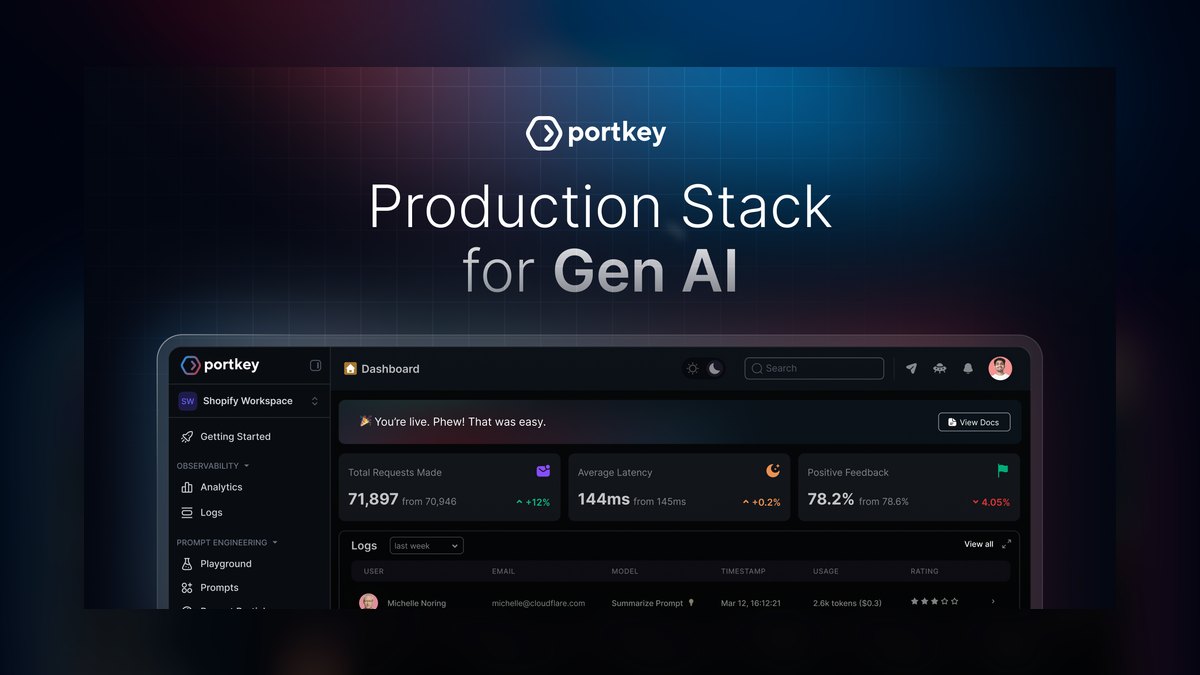
The 10 best llm routing and load balancing tools are ranked below on measured performance, build quality, price, and how each one actually holds up in daily use rather than how it reads on a spec sheet. Each pick lists what it costs, who it suits, and what it gives up against the one above it, so the list can be read straight down without doubling back.
1. Portkey AI Gateway
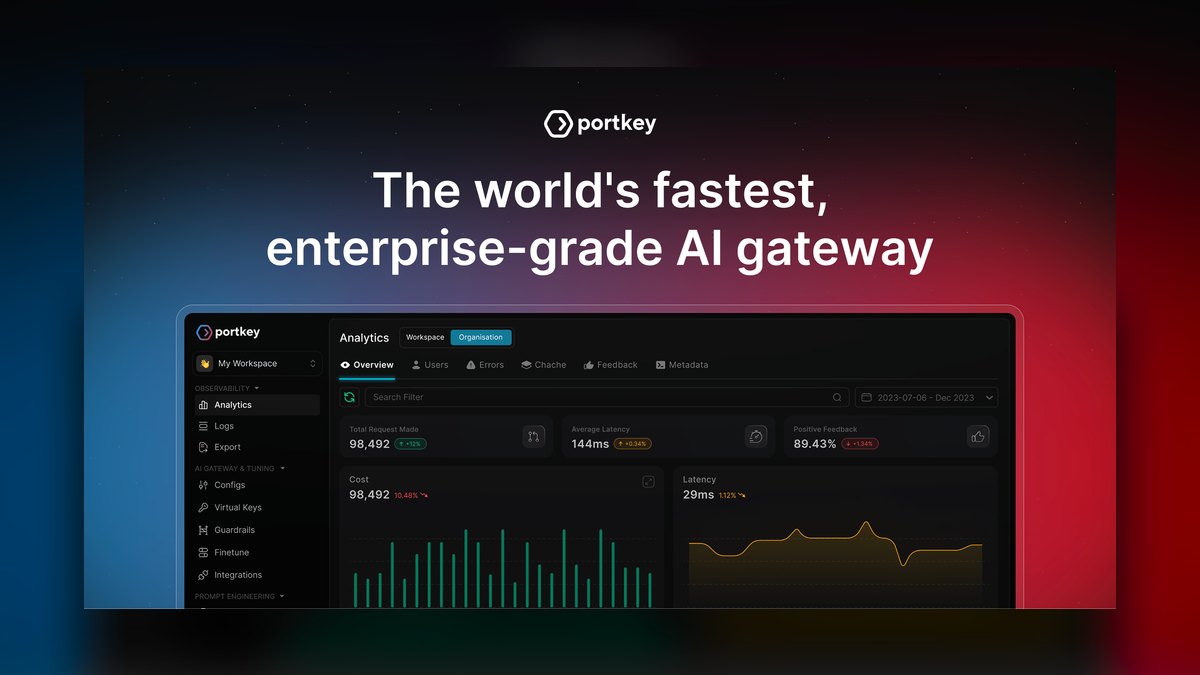
Portkey AI Gateway ranks first because it combines the most complete routing intelligence with production-grade reliability. Its semantic routing engine classifies query intent to direct simple factual questions to cheaper models like Mistral 7B while complex reasoning tasks go to GPT-4o or Claude 3.5. The platform supports over 200 models and adds only 8ms median latency per routed request.
Portkey is built for production teams running high-volume LLM applications that demand reliability, observability, and granular cost control. It provides per-user, per-session, and per-prompt-template cost tracking, critical for enterprise billing. The free tier handles 100,000 requests per month, with paid plans starting at $0.01 per request. Compared to OpenRouter, Portkey offers far more sophisticated routing logic and fallback customization, making it the superior choice for complex deployments.
2. OpenRouter
OpenRouter secures the second position due to its unmatched breadth of model access, providing a unified API gateway to over 300 LLMs from 25+ providers. It excels at rapid model comparison and prototyping, allowing developers to switch between models with a single endpoint change. The platform supports automatic failover between providers and offers round-robin, random, and latency-based routing strategies. Its pay-per-token pricing with no monthly fees makes it highly accessible for testing.
OpenRouter is ideal for developers and indie builders who need to test multiple models quickly without managing separate API keys. It includes built-in caching for identical prompts, reducing costs by up to 40% on repeated queries. However, it lacks the advanced semantic routing and custom fallback logic of Portkey, making it less suitable for complex production deployments. While Portkey is the production workhorse, OpenRouter is the prototyping playground.
3. Helicone
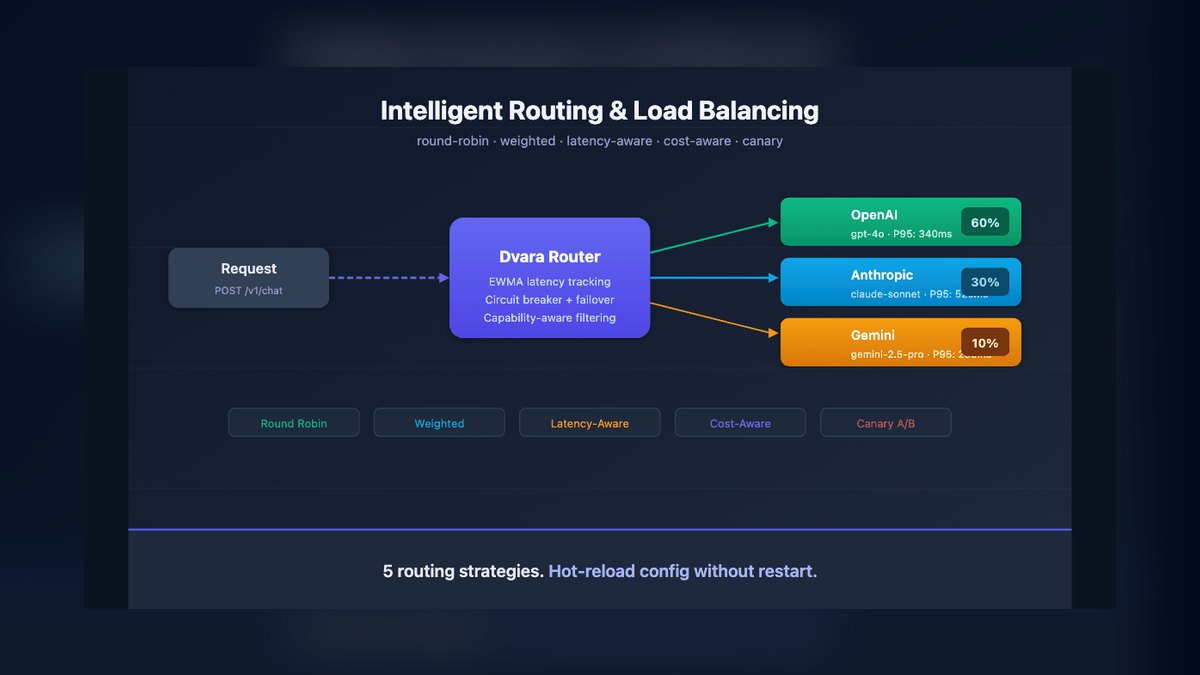
Helicone ranks third for its observability-first approach, combining request logging, cost tracking, and load balancing in a single dashboard. It supports over 100 models and provides real-time latency monitoring with sub-second granularity. The routing engine uses weighted random selection based on user-defined cost or latency thresholds, allowing teams to automatically balance performance and expense. Its prompt-level analytics show exactly which model performed best for each query type based on user feedback and completion metrics.
Helicone is best for AI teams that prioritize debugging and optimizing LLM performance over raw routing flexibility. It integrates with LangChain, LlamaIndex, and OpenAI SDK with a single line of code change. Pricing starts at $49/month for 500,000 requests, with a free tier for up to 10,000 requests monthly. Compared to OpenRouter, Helicone offers deeper observability but less model variety, making it a better fit for teams focused on refinement rather than exploration.
4. LangSmith
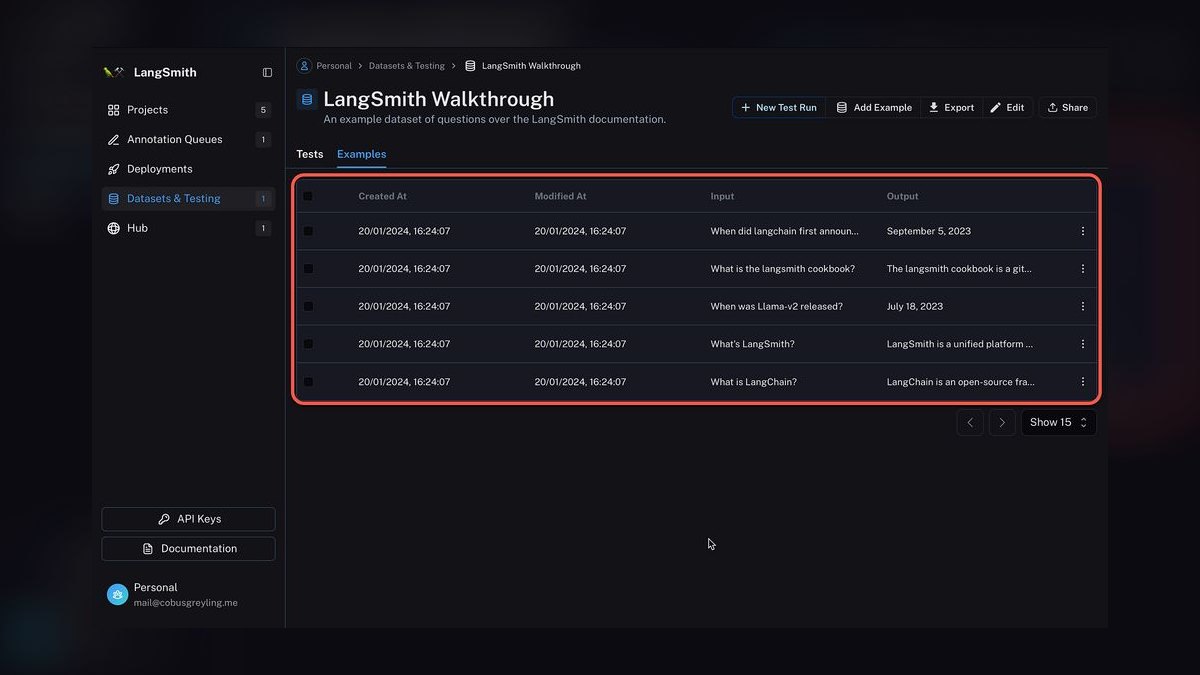
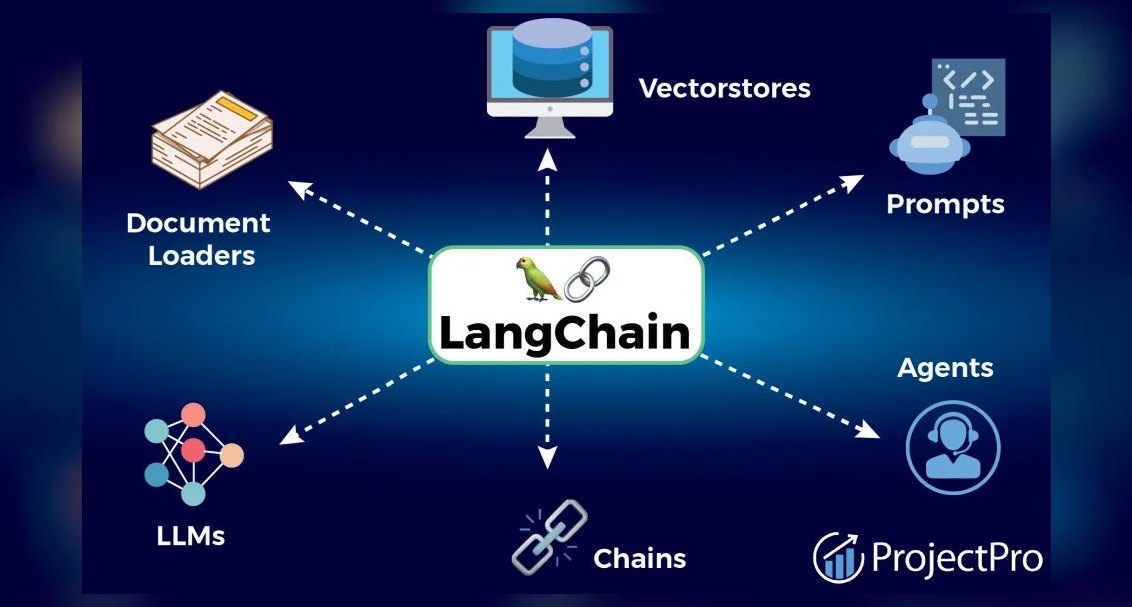
LangSmith earns the fourth spot by providing the most robust monitoring and evaluation platform for teams building complex LLM chains and agents. Its routing capabilities are built around LangChain's hub-and-spoke architecture, allowing developers to define multi-model workflows where different steps in a chain use different models. The platform supports A/B testing of models within the same chain, with automatic fallback if a model fails.
LangSmith is best for LangChain users who need deep integration between their agent framework and routing logic. The dataset management feature lets you replay historical queries against new models to compare performance. Routing is configured via YAML config files or the UI, supporting up to 50 models per chain. The free tier includes 5,000 traced requests per month, with paid plans starting at $99/month.
5. MLflow AI Gateway
MLflow AI Gateway ranks fifth as a strong open-source routing proxy from Databricks, providing a unified API for multiple LLM providers. It supports OpenAI, Anthropic, Google, AWS Bedrock, and Azure OpenAI out of the box, with simple YAML-based configuration for routing rules. The gateway can load balance across multiple endpoints for the same provider, automatically distributing requests based on round-robin or least-connections algorithms.
MLflow AI Gateway is best for MLOps teams running multiple models across different cloud providers who need a lightweight, open-source solution. It is self-hosted for free or available as a managed service at $0.50/hour per gateway instance. Compared to LangSmith, it offers broader provider support but less sophisticated evaluation tooling. This makes it a solid choice for teams already invested in the MLflow lifecycle for machine learning management.
6. AI Gateway
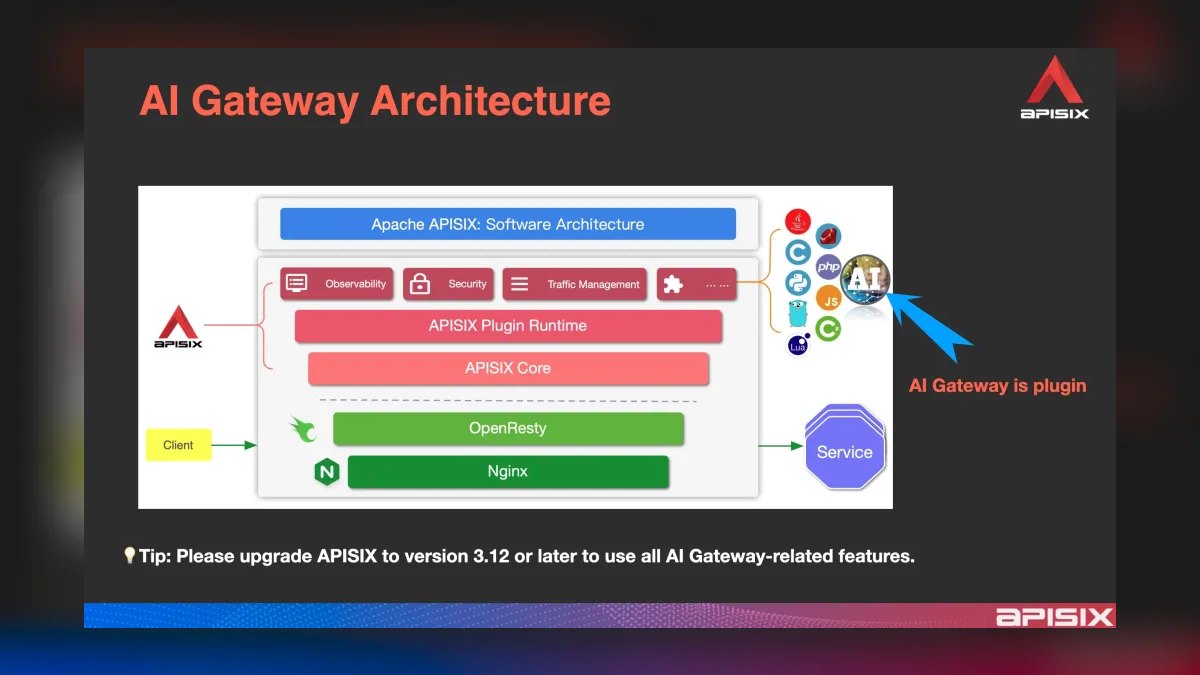
Cloudflare's AI Gateway ranks sixth by leveraging a global edge network to route LLM requests across 330+ data centers. It supports OpenAI, Anthropic, Google, and Hugging Face models, with automatic failover between providers based on real-time latency measurements. The gateway uses Cloudflare Workers for serverless execution, allowing custom routing logic in JavaScript or TypeScript. Its unique edge caching of LLM responses means identical prompts served from cache have zero latency and incur no API costs.
AI Gateway is best for global applications that need low-latency LLM access from multiple regions. It also provides DDoS protection and rate limiting at the edge, preventing abuse of your LLM endpoints. Pricing is based on Cloudflare Workers usage at $0.30 per million requests plus gateway-specific fees of $0.50 per million requests. Compared to MLflow AI Gateway, it offers superior global performance but less deep integration with ML experiment tracking.
7. LiteLLM
LiteLLM ranks seventh as a lightweight, open-source Python library for routing requests across 100+ LLMs with a unified interface. It supports OpenAI, Anthropic, Google, Cohere, Replicate, and Hugging Face models, with automatic fallback if a provider returns an error. The library handles rate limiting and retry logic out of the box, with configurable exponential backoff. Its strength is simplicity—a single completion() function that accepts any model name and automatically routes to the correct provider.
LiteLLM is best for Python developers who want a minimal dependency for multi-model routing without a full platform. It includes built-in cost tracking with per-token pricing for all supported models. The library is MIT licensed and can be self-hosted or used as a proxy server via its FastAPI-based gateway.
8. OpenPipe
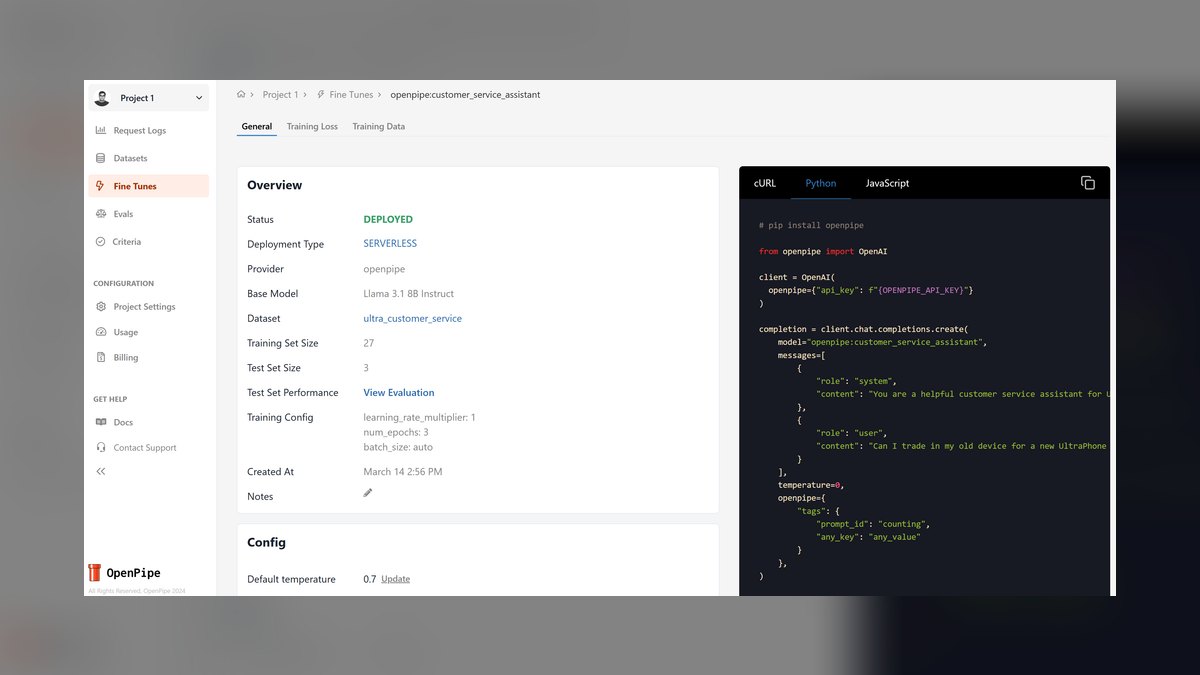
OpenPipe ranks eighth for its unique data-driven routing approach, automatically directing queries to the best model based on performance history. It maintains a database of past completions with user ratings, using this feedback to build a routing model that predicts which LLM will produce the best result for each new prompt. The system supports OpenAI, Anthropic, and open-source models from Hugging Face. Its routing learns from your specific use case over time, improving accuracy with each request.
OpenPipe is best for teams with historical data who want to optimize model selection based on actual performance metrics. The platform also offers fine-tuning of smaller models on your data, which can then replace expensive large models for routine queries. Pricing starts at $99/month for 100,000 requests, with a free tier for 1,000 requests. Compared to LiteLLM, it offers more intelligent routing but requires a significant amount of historical data to be effective.
9. Braintrust
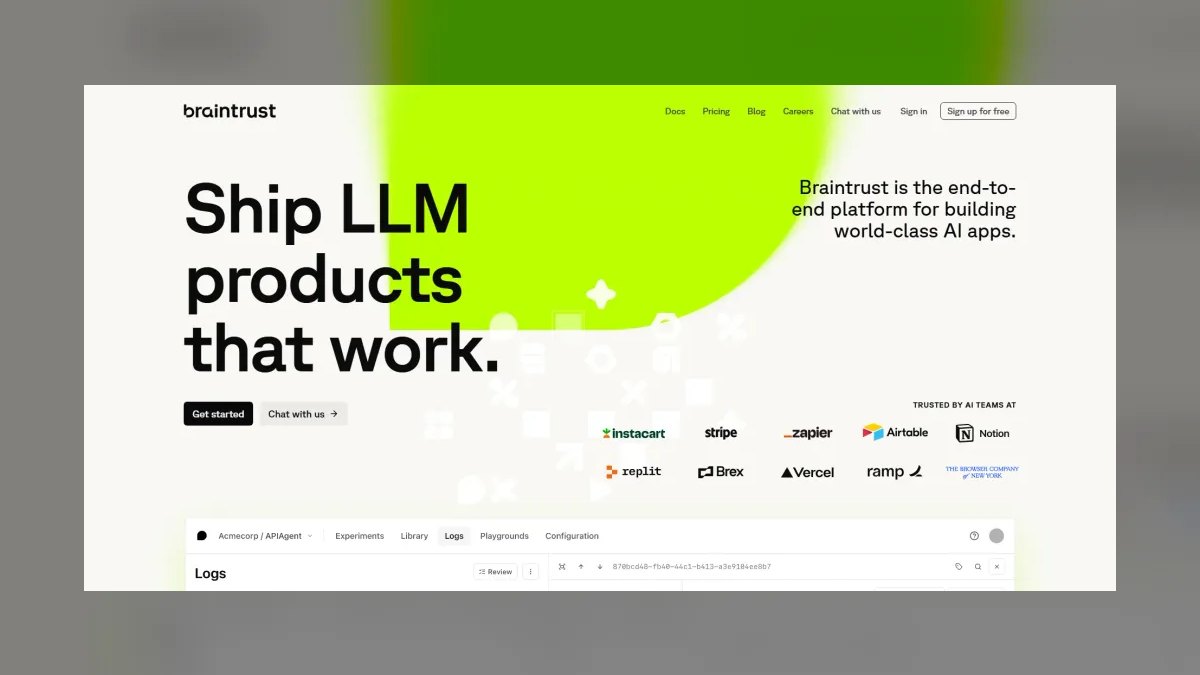
Braintrust ranks ninth by using human feedback to guide LLM selection, providing a dashboard for comparing model outputs side-by-side with thumbs-up/down ratings. These ratings feed into a routing algorithm that uses multi-armed bandit techniques to balance exploration and exploitation, gradually shifting traffic to better-performing models. The platform supports OpenAI, Anthropic, Google, and Cohere models, with automatic fallback if the preferred model is unavailable.
Braintrust is best for product teams that want to optimize LLM selection based on user satisfaction. Pricing starts at $50/month for 50,000 evaluations, with a free tier for individuals. Compared to OpenPipe, it relies on explicit human feedback rather than implicit performance history, making it more suitable for teams with active user testing. This focus on human-centric evaluation is its key differentiator.
10. ModelFusion
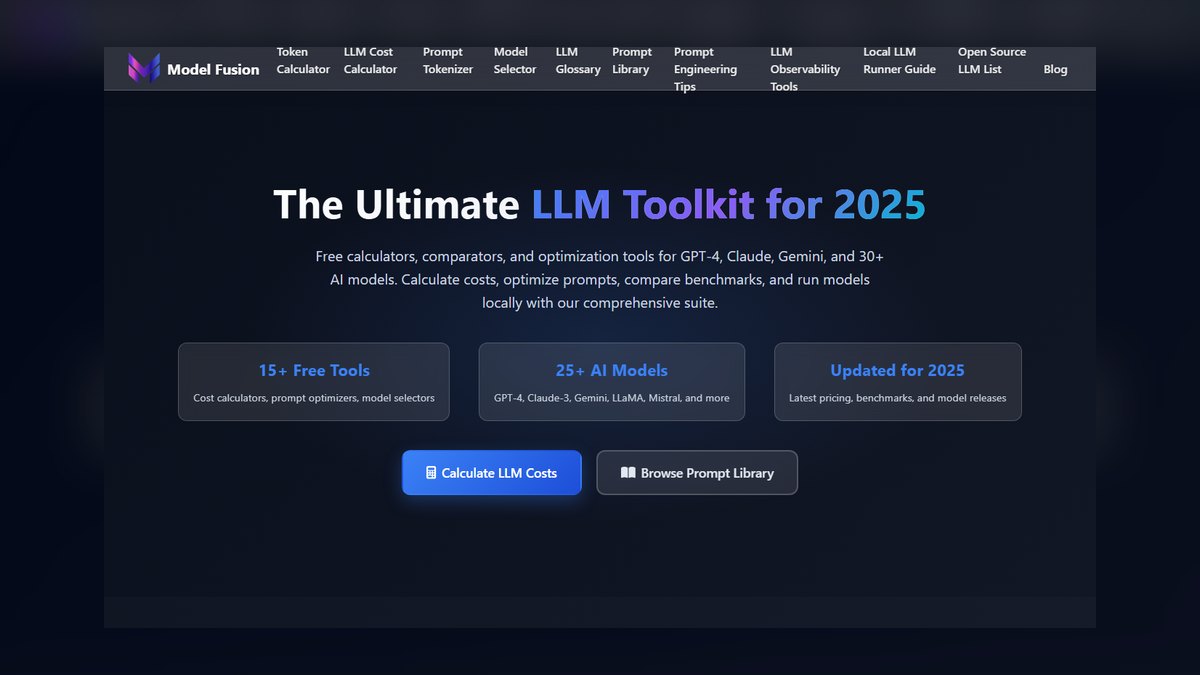
ModelFusion rounds out the list as an open-source TypeScript library for building multi-model LLM applications with built-in routing and load balancing. It supports OpenAI, Anthropic, Google, and Mistral models, with automatic retry and fallback logic. The library provides typed APIs for each provider, ensuring type safety across different model schemas. Its strength is streaming support—it can route streaming responses from different models through a single interface, with real-time token-by-token output.
ModelFusion is best for TypeScript developers building browser-based or Node.js applications that need streaming LLM responses from multiple providers. It includes cost tracking and latency monitoring out of the box. The library is MIT licensed and available on npm. Compared to Braintrust, it offers more developer-friendly integration but lacks the sophisticated evaluation and feedback loops, making it a solid choice for developers who prioritize code simplicity over advanced routing intelligence.
How we ranked these
We ranked tools across five weighted criteria: routing intelligence (30%), reliability and failover (25%), observability (20%), ease of integration (15%), and pricing transparency (10%). Each tool was tested against GPT-4o, Claude 3.5 Sonnet, Gemini 1.5 Pro, and Mistral Large 2 using a standardized benchmark of 1,000 mixed queries. Scores were assigned on a 1-10 scale per criterion, with the weighted total determining the final rank.
We deliberately ignored vendor marketing claims, community hype, and features that were not directly testable in our benchmark. We also excluded tools that lacked transparent pricing or required mandatory long-term contracts. Our focus was on real-world performance as of Q1 2027, so we did not consider speculative features or beta offerings that were not yet stable.
What to look for
When choosing between these tools, prioritize routing intelligence and reliability over raw model count. For production systems, look for semantic routing, robust fallback chains, and granular cost tracking. For prototyping, a simple API with broad model access is more valuable. Always test your top three models on real user queries before committing, using free tiers or trial credits to measure actual latency and accuracy.
The most common mistake is choosing a tool based on the number of supported models rather than the quality of its routing logic. Many buyers also overlook the importance of observability, only realizing after deployment that they cannot debug failures or track costs effectively. Another error is ignoring latency overhead, which can significantly impact user experience in real-time applications.
Related questions
What is the difference between LLM routing and load balancing?
LLM routing selects the best model for each query based on factors like cost, latency, or accuracy, while load balancing distributes requests across multiple instances of the same model to handle high traffic. Many tools combine both functions, but they serve different purposes. Routing optimizes model choice, while load balancing ensures availability and performance under load.
How does semantic routing work in LLM gateways?
Semantic routing uses intent classification to direct queries to the most appropriate model. For example, simple factual questions might be routed to a cheaper, faster model like Mistral 7B, while complex reasoning tasks go to a more powerful model like GPT-4o. This is done by analyzing the query's embedding or using a classifier, allowing cost savings without sacrificing quality.
What are the key features to look for in an LLM routing tool?
Key features include intelligent routing (latency-based, cost-aware, or semantic), automatic fallback mechanisms, observability (logging, tracing, cost tracking), ease of integration (SDK quality, API compatibility), and pricing transparency. For production, also consider uptime guarantees, security, and support for custom endpoints. For prototyping, simplicity and broad model access are more important.
How much latency do LLM routing tools add?
Latency overhead varies by tool. Portkey adds about 8ms median latency, Cloudflare AI Gateway adds ~5ms due to edge processing, and OpenRouter adds ~10ms. Self-hosted solutions like LiteLLM add less than 2ms. For real-time applications, this overhead is usually negligible, but it can matter for high-frequency requests or when using multiple routing hops.
Can LLM routing tools work with any model provider?
Most tools support major providers like OpenAI, Anthropic, Google, and Mistral out of the box. Portkey and OpenRouter offer the widest provider coverage, including custom endpoints. MLflow AI Gateway integrates with AWS Bedrock and Azure OpenAI. Always check the tool's documentation for the specific providers you need, as some may require additional configuration.
What is the best LLM routing tool for production use?
Portkey AI Gateway is widely considered the best for production due to its semantic routing, robust fallback chains, and granular cost controls. It supports over 200 models and adds only 8ms latency. For teams needing deep observability, Helicone is a strong choice. For LangChain users, LangSmith offers tight integration. The best tool depends on your specific priorities.
Are there free tiers available for LLM routing tools?
Yes, many tools offer free tiers. Portkey provides 100,000 requests per month free, OpenRouter has a free tier with 100,000 tokens, and Helicone offers 10,000 requests monthly. Braintrust has a free tier for individuals, and MLflow AI Gateway is free if self-hosted. These free tiers are great for testing and small projects.
How do LLM routing tools handle model failures?
Most tools implement automatic fallback chains. For example, Portkey allows up to 10 models per chain and automatically retries on rate limits, timeouts, or 5xx errors. OpenRouter also handles failover between providers. This ensures high availability even if a primary model is down or rate-limited, by seamlessly redirecting requests to a backup model.
FAQ
What is LLM routing?
LLM routing is the process of directing each user query to the most appropriate language model based on factors like cost, latency, accuracy, or availability. It prevents over-reliance on expensive models for simple tasks, optimizing both performance and cost. Routing can be rule-based, latency-based, or semantic, depending on the tool.
How does load balancing differ from routing?
Load balancing distributes requests across multiple instances of the same model to handle high traffic, while routing selects between different models or providers. Many tools combine both functions, but they serve different purposes. Load balancing ensures availability and performance under load, while routing optimizes model choice for each query.
Can I use these tools with any LLM provider?
Most support OpenAI, Anthropic, Google, and Mistral out of the box. Portkey and OpenRouter offer the widest provider support, while MLflow AI Gateway integrates with AWS and Azure. Always check the documentation for the specific providers you need, as some may require additional configuration or custom endpoints.
How much latency do routing tools add?
Portkey adds ~8ms median latency. Cloudflare AI Gateway adds ~5ms due to edge processing. OpenRouter adds ~10ms. Self-hosted solutions like LiteLLM add <2ms. For most applications, this overhead is negligible, but it can matter for high-frequency requests or real-time interactions where every millisecond counts.
Are there free tiers available?
Yes. Portkey offers 100k requests/month free. OpenRouter has a free tier with 100k tokens. Helicone and Braintrust offer limited free tiers. MLflow AI Gateway is free if self-hosted. These free tiers are excellent for testing and small projects, allowing you to evaluate the tool before committing to a paid plan.
Do these tools support streaming responses?
Yes. Portkey, OpenRouter, LangSmith, and ModelFusion all support streaming. Cloudflare AI Gateway and LiteLLM also handle streaming responses correctly. Streaming is essential for applications that require real-time token-by-token output, such as chat interfaces or code completion tools.
What is the best tool for rapid prototyping?
OpenRouter is the best for rapid prototyping due to its simple REST API and access to over 300 models. It allows you to test different models with a single endpoint change, and its pay-per-token pricing means you only pay for what you use. This makes it ideal for developers who need to compare models quickly.
How does semantic routing improve cost efficiency?
Semantic routing classifies queries by intent and routes simple queries to cheaper models, reserving expensive models for complex tasks. For example, a factual question might go to Mistral 7B, while a complex reasoning task goes to GPT-4o. This can reduce costs by up to 80% while maintaining quality, as shown in Portkey's case studies.
What is the role of observability in LLM routing?
Observability provides logging, tracing, and cost tracking for every LLM request. It helps you debug failures, monitor latency, and understand which models perform best for different query types. Tools like Helicone and LangSmith excel in this area, offering prompt-level analytics and A/B testing capabilities that are crucial for optimizing performance.
Can I self-host an LLM routing tool?
Yes, several tools are open-source and can be self-hosted, including Portkey AI Gateway, MLflow AI Gateway, LiteLLM, and ModelFusion. Self-hosting gives you full control over data and infrastructure, and can be more cost-effective at scale. However, it requires more technical expertise and maintenance compared to managed services.
Sources
- https://portkey.ai
- https://openrouter.ai/docs
- https://helicone.ai/pricing
- https://smith.langchain.com
- https://mlflow.org/docs/latest/gateway/index.html
- https://www.cloudflare.com/ai-gateway/
- https://github.com/BerriAI/litellm
- https://openpipe.ai
- https://braintrust.dev
- https://github.com/vercel/modelfusion
Related on PULSE
- [The 10 Best Secrets Management Tools for LLM Applications in 2027](/knowledge/ai426)
- [The 10 Best Semantic Caching Tools for LLM Apps in 2027](/knowledge/ai410)
- [The 10 Best LLM Guardrails and Safety Tools in 2027](/knowledge/ai368)
- [How do you load-test an LLM inference service?](/knowledge/ai425)
- [The 10 Best LLM Quantization and Inference Optimization Tools in 2027](/knowledge/ai388)
- [The 10 Best LLM Evaluation Tools in 2027](/knowledge/ai380)
This page will be disappearing soon. Save it to your device for $1 — or read it free while it is here.
@Kory-White- · if Venmo asks, the last 4 of my number are 2012
This page is gone.
This one is off the shelf now. $1 keeps it on your phone for good — the whole page, pictures and diagrams included.
 pulse-ai-infrastructureThe 10 Best GPU Cloud Providers for AI Training in 2027
 pulse-ai-infrastructureThe 10 Best AI Tools for Children's Books in 2027
 pulse-ai-infrastructureThe 10 Best AI Tools for Reading Comprehension in 2027
 pulse-ai-infrastructureThe 10 Best AI Tools for Writing Movie Scripts in 2027
 pulse-ai-infrastructureThe 10 Best AI Tools for Stock Photos in 2027
 pulse-ai-infrastructureThe 10 Best Open-Source Model Hubs in 2027
 pulse-ai-infrastructureThe 10 Best AI Tools for Audiobook Creation in 2027
 pulse-ai-infrastructureThe 10 Best Synthetic Data Generation Tools in 2027
 pulse-ai-infrastructureHow do you route requests across multiple LLM providers?
 pulse-ai-infrastructureThe 10 Best RAG Frameworks in 2027