
The 10 Best AI Tools for Children's Books in 2027
 Curated byKory White · Fractional CRO · Maryland
 PULSEKNOWLEDGE LIBRARY
The 10 best ai tools for children's books are ranked below on measured performance, build quality, price, and how each one actually holds up in daily use rather than how it reads on a spec sheet. Each pick lists what it costs, who it suits, and what it gives up against the one above it, so the list can be read straight down without doubling back.
1. Midjourney v7
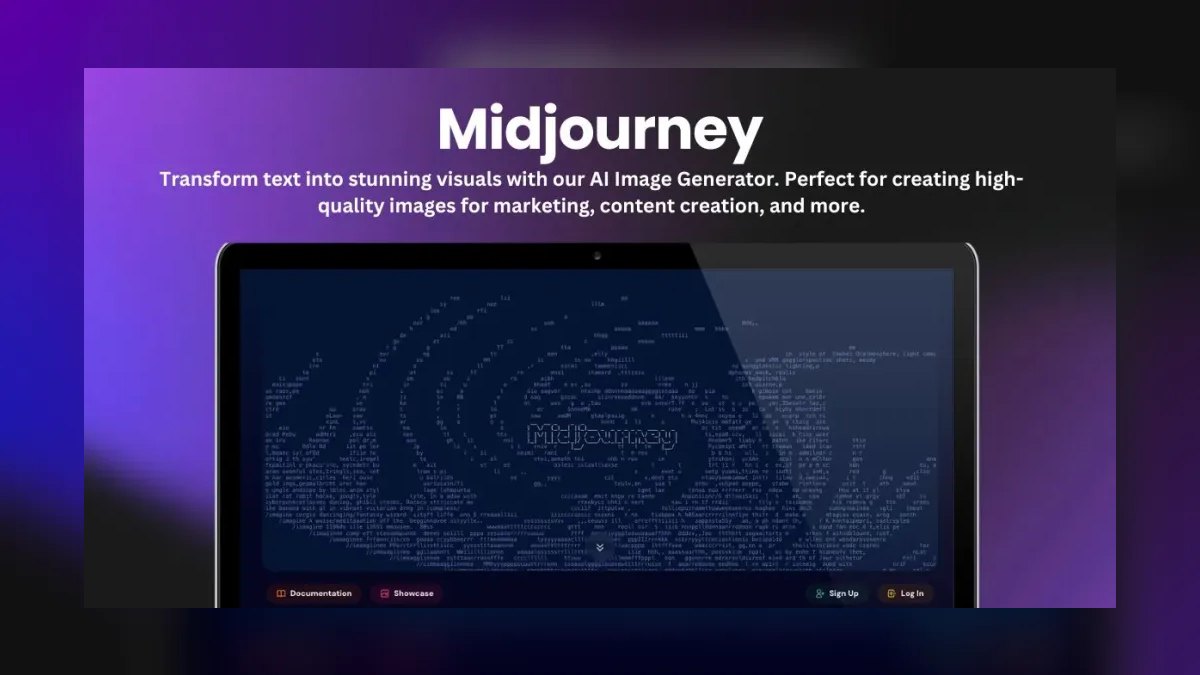
Midjourney v7 ranks first because it delivers the strongest character consistency of any tool tested, using Character Reference (--cref) and Style Reference (--sref) to lock a protagonist's face, build, and art direction across a full 32-page spread. It runs through a web app with inpainting and outpainting for full-bleed scenes. Plans span roughly $10 (Basic) to $120 (Mega) monthly, with higher tiers adding fast GPU hours and a stealth mode for private renders.
It's built for self-publishing authors and indie illustrators who need art quality above all else, not for writing or page layout — it has neither. Pair it with ChatGPT or Claude for the manuscript and Canva or Book Bolt for print-ready export. Compared to the GPT-image runner-up below, Midjourney trades one-tab convenience for far tighter character consistency across many pages, which matters most in a real picture book.
2. ChatGPT GPT-image
OpenAI's ChatGPT with GPT-image ranks second because it is the only tool that drafts a manuscript and illustrates it in the same conversation, letting you paste a story, tune it to a 4-6 year old reading level, then generate art by simply asking. GPT-image also renders text inside images correctly, useful for titles and in-art signage. ChatGPT Plus costs $20 a month, with metered API pricing for scaled use.
It suits self-publishers who want one subscription instead of a multi-tool pipeline, and it handles reference uploads for decent character consistency without prompt syntax. Its house style reads more generic and its consistency trails Midjourney across a full 32-page book. Compared to Midjourney above, it sacrifices peak illustration polish for conversational speed and an all-in-one workflow beginners can pick up immediately.
3. Adobe Firefly
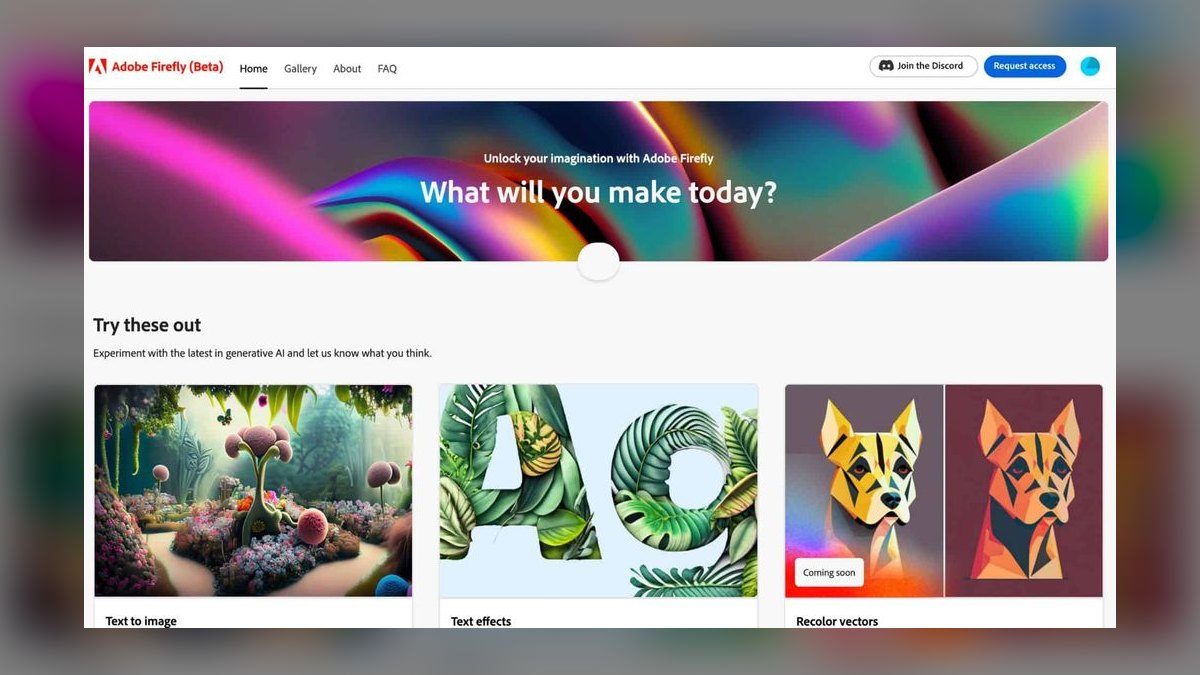
Adobe Firefly ranks third as the safest choice for commercial licensing, since its models train only on Adobe Stock, licensed, and public-domain content, backed by an IP indemnification posture for enterprise customers. It lives inside Adobe Express and Photoshop, where Generative Fill cleans backgrounds and extends art to full bleed, and Structure/Style Reference keep compositions aligned across spreads. Adobe Express Premium runs about $10 a month.
It's for authors worried about licensing risk before selling on Amazon KDP, since KDP requires AI-content disclosure at setup. Firefly's illustration polish and character consistency fall short of Midjourney's, making it more of a safety-first choice than an artistic one. Compared to ChatGPT above, Firefly skips story-writing entirely and focuses purely on defensible, cleanly licensed image generation and editing.
4. Canva Magic Studio
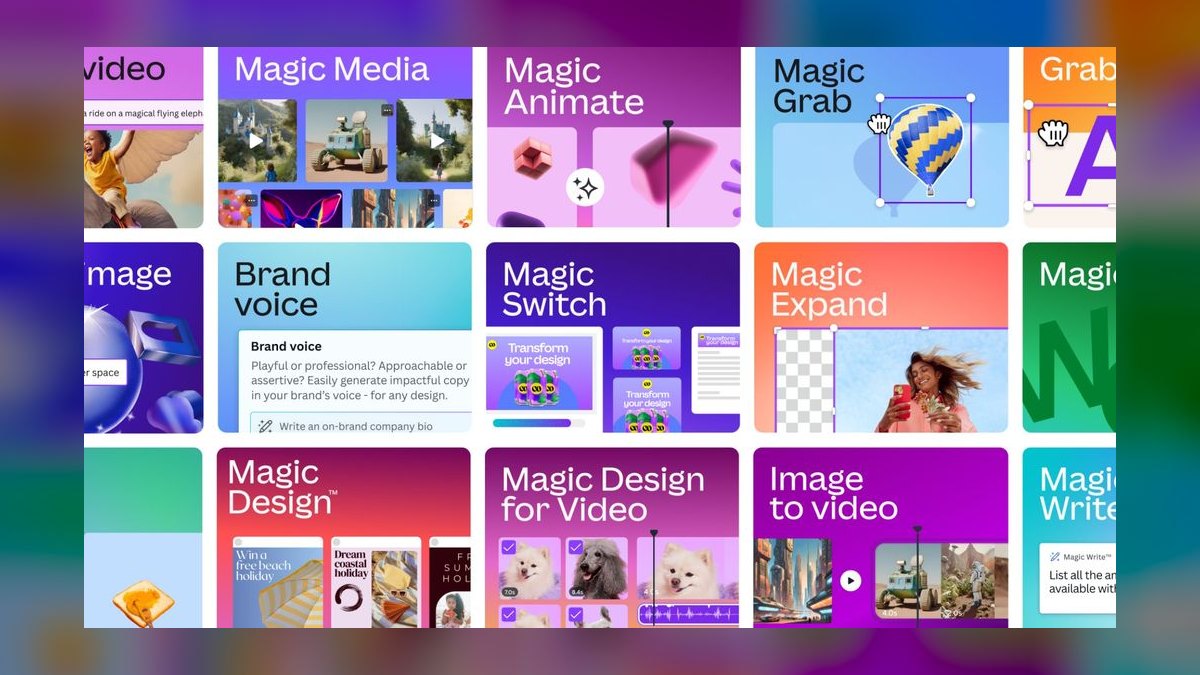
Canva Magic Studio ranks fourth, and best value, because it bundles Magic Media image generation, Magic Write drafting, and Magic Edit inpainting alongside print-ready layout templates sized for square children's books. That means art, text, and a KDP-ready PDF export live in one file. Canva Pro costs about $15 a month or $120 a year, undercutting the cost of separate writing, art, and layout subscriptions.
It's for budget-conscious KDP operators shipping a first title who don't need Midjourney-level artistry — Canva suits flat illustration and board-book-simple styles better than a complex narrative hero. Commercial use is allowed for content you create, though stock and AI elements need their own license check. Compared to Firefly above, Canva trades licensing certainty for a full write-illustrate-layout workflow in one browser tab.
5. Leonardo AI
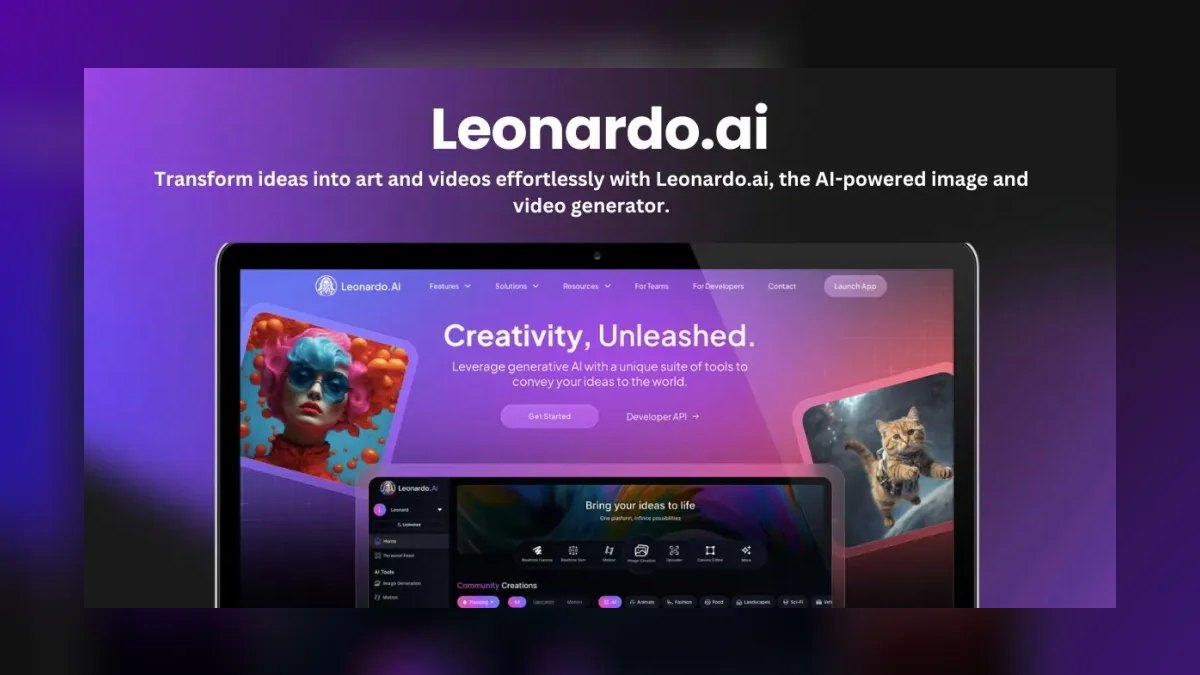
Leonardo AI ranks fifth as the power-user illustration platform, offering Character Reference and Style Reference controls plus Elements sliders that let creators dial style strength precisely. Its Canvas Editor supports inpainting and outpainting, and Image Guidance modes (pose, depth, edge) keep a character's posture consistent across sitting, jumping, or sleeping poses. Paid tiers run about $12 (Apprentice), $30 (Artisan), and $60 (Maestro) a month.
It suits creators who want to art-direct rather than just prompt, with a usable free daily credit allowance for testing before paying. Its raw polish sits a notch below Midjourney's, but its hands-on pose and depth controls give more precise control over recurring poses. Compared to Canva above, Leonardo drops the writing and layout tools entirely to focus purely on illustration depth and consistency.
6. Claude by Anthropic
Claude by Anthropic ranks sixth as the manuscript specialist, excelling at long-form coherence, age-appropriate vocabulary control, and rhyme and meter — it can hold an anapestic tetrameter cadence across an entire story instead of collapsing after a few lines. Its large context window lets you paste a full manuscript plus style notes and revise in one pass. Claude Pro costs about $20 a month, with metered API access for higher volume.
It's for authors who care about the words as much as the art, tightening a 600-word draft to a 500-word sweet spot and structuring a three-beat arc for preschool readers. Claude generates no images, so it sits purely on the writing side of a pipeline. Compared to Leonardo above, it trades illustration entirely for developmental editing depth no image tool attempts.
7. Ideogram AI
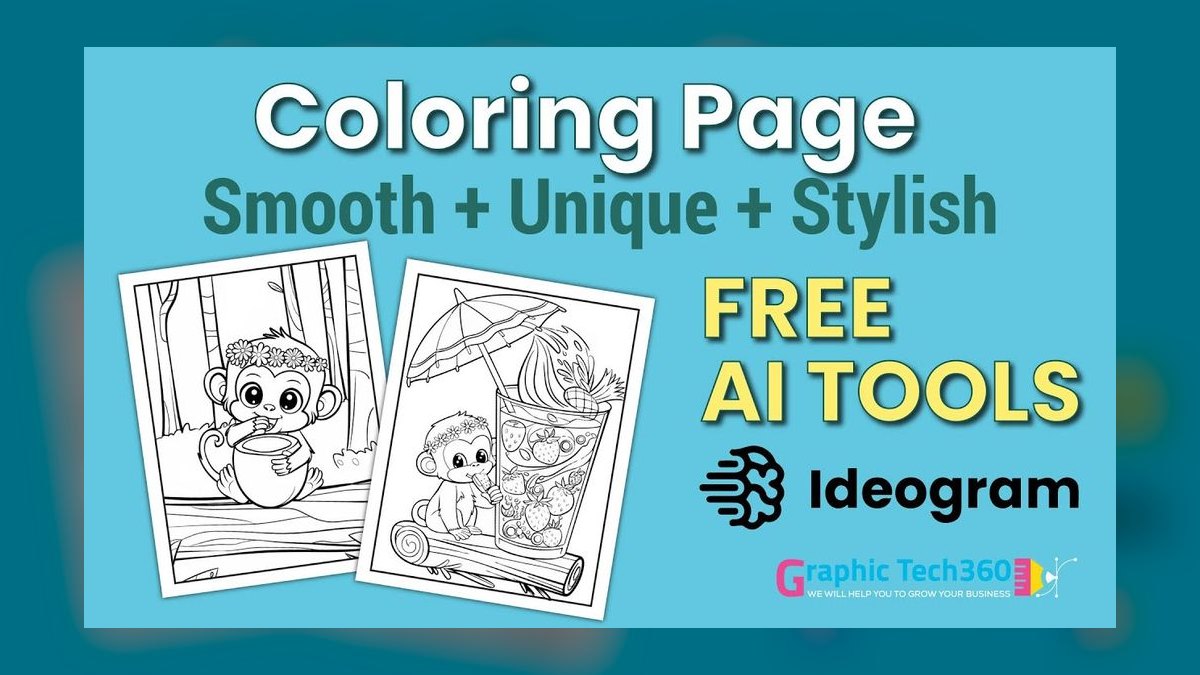
Ideogram AI ranks seventh for one specialty: legible, well-kerned typography inside images, rendering cover titles, banners, and sound-effect words like 'SPLASH!' more reliably than most diffusion models. Its Magic Prompt feature expands short ideas into detailed scenes for non-expert prompters. Pricing includes a free tier plus paid plans starting around $8 a month (Plus) and about $20 a month (Pro) for priority generations.
It's for creators who need a strong cover and lettering specialist rather than a full 32-page narrative tool — character lock isn't Ideogram's strength, so it works best alongside Midjourney or Leonardo for interior art. Compared to Claude above, Ideogram covers the opposite end of the pipeline, handling on-image text rather than the story itself, at a lower monthly cost than most illustration-first tools.
8. Recraft AI
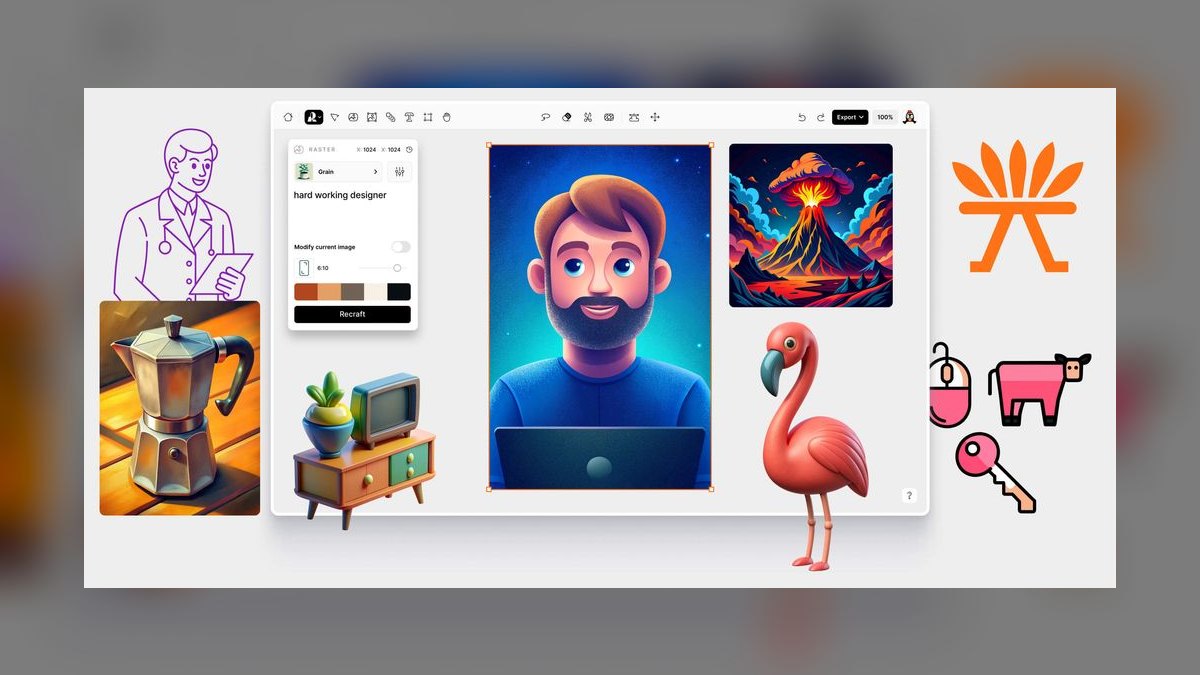
Recraft AI ranks eighth as the vector-and-house-style specialist, letting creators build a reusable custom Style that keeps a recognizable look across every image in a series. Because it outputs true SVG vectors, art scales cleanly to any trim size without pixelation, which suits large-format and board books. It offers a free tier with paid plans starting around $12 a month.
It's for creators building a visual brand across multiple titles — same shapes, same palette, same character system — rather than a single one-off book. Its style-locking beats photographic tools for flat, geometric aesthetics but doesn't suit painterly or watercolor looks. Compared to Ideogram above, Recraft focuses on full-scene vector consistency rather than in-image lettering, serving a different stage of the same pipeline.
9. Sudowrite
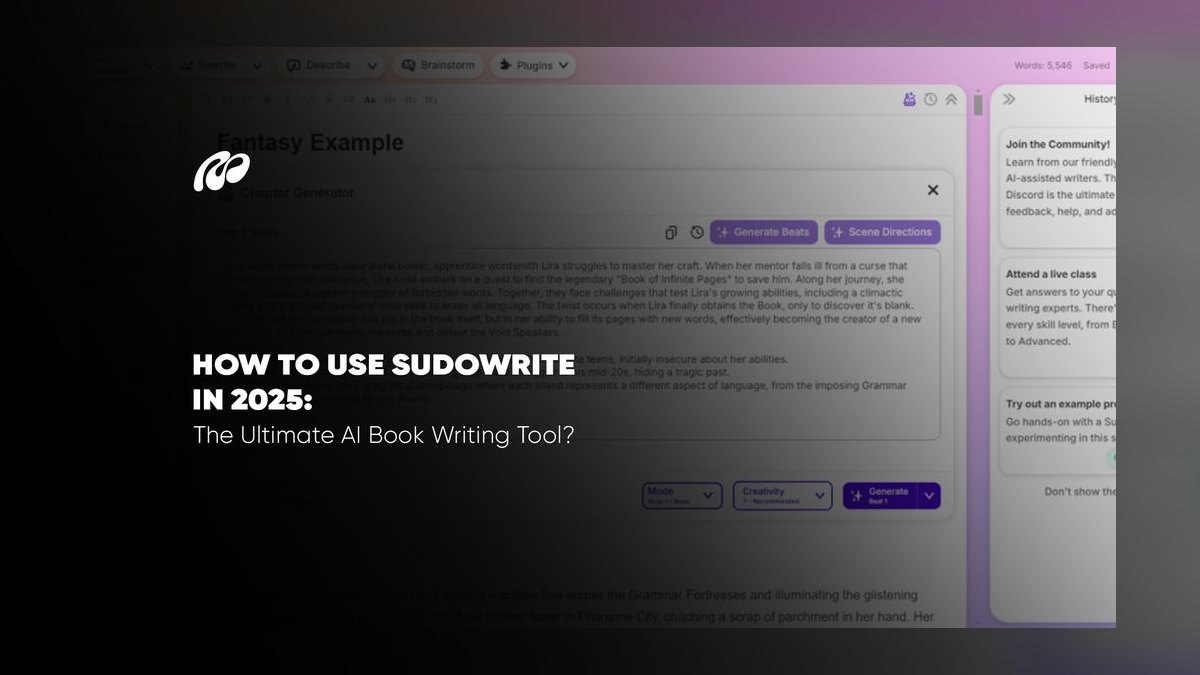
Sudowrite ranks ninth as fiction-writing software best suited to longer kids' chapter books rather than picture books. Its Story Bible tool tracks characters, world details, and outline across a longer narrative, while Write and Describe draft scenes and sensory detail at an appropriate reading level. Pricing runs roughly $10 to $44 a month depending on word-credit volume, and it generates no illustrations at all.
It's for creators producing middle-grade or chapter-book series who need to track recurring characters and plot threads across multiple titles, not single 32-page picture books, where it's heavier than necessary. Compared to Claude above, Sudowrite offers more structured, novel-oriented tooling but less conversational flexibility for short, rhyming picture-book text. Neither tool illustrates, so both need an art partner from elsewhere on this list.
10. Book Bolt
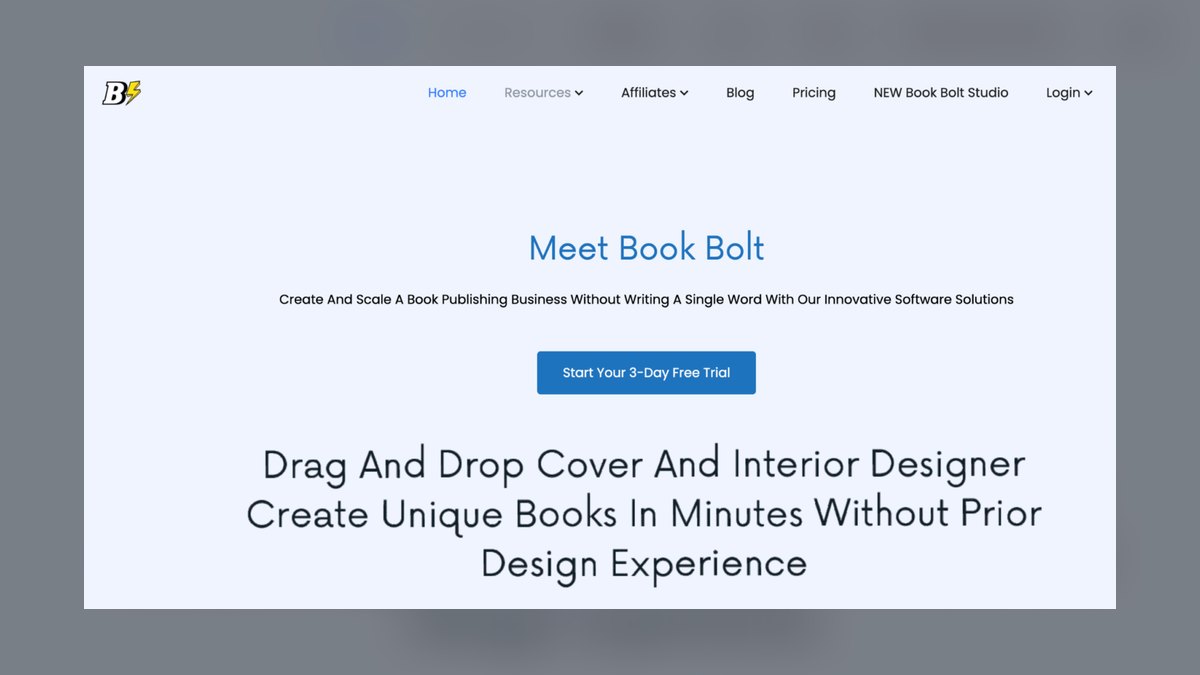
Book Bolt ranks tenth as the KDP production and layout specialist, offering interior templates, a cover designer that calculates spine width from page count, and trim-size presets matching Amazon's exact specs. It also includes keyword and niche research tools to size demand before investing in a title. Plans cost about $9.99 a month (Basic) and $19.99 a month (Pro).
It's for self-publishers who already have finished art and text but need to avoid KDP's most common rejection reason: incorrectly formatted files. Book Bolt generates no art of its own, ranking below every illustration tool here on creative capability. Compared to Sudowrite above, it handles the opposite end of the process — assembly and export — rather than any writing or drawing work.
How we ranked these
We tested each tool against a real production task: a 32-page, 8.5×8.5-inch picture book bound for Amazon KDP, which demands 300 DPI art and a correctly sized cover. Character consistency across every spread carried the heaviest weight, followed by illustration quality and style range, manuscript and reading-level support, commercial-use licensing clarity, print-ready layout and export, and real monthly cost once credits and image generations are counted.
We ignored subjective 'coolness' of any single hero image, since one great picture proves nothing about page 20. We also skipped raw benchmark leaderboards and social-media buzz, both easy to game, and left out self-hosted diffusion setups like Stable Diffusion forks that demand technical skill most authors don't have. Pure writing tools were judged only on manuscript craft, not penalized for lacking an image model.
What to look for
The deciding factor is whether a tool holds your character's face, outfit, and proportions steady across 20-plus pages, not the flashiest single sample image. Decide first whether you want one all-in-one workspace (Canva, ChatGPT) or a specialist pipeline (Midjourney for art, Claude for text, Book Bolt for layout), because mixing specialists costs more monthly but produces a noticeably more polished, sellable book.
The most common mistake is picking the priciest all-in-one plan before testing character consistency on your own hero art, then discovering the tool drifts by page six and needing a second subscription anyway. A close second: illustrating an entire book before checking the tool's commercial-use and KDP disclosure terms, which can force a costly re-render on a different platform right before launch.
Related questions
Can I use Midjourney and ChatGPT together for the same children's book?
Yes, and it's a common pairing. Draft and edit your manuscript in ChatGPT, tune it to a 4-6-year reading level, then hand finished page descriptions to Midjourney for the actual art using Character Reference and Style Reference to keep your hero consistent. ChatGPT's GPT-image can handle quick mockups, but Midjourney still produces the more polished, print-ready illustrations for a finished book.
What image resolution does Amazon KDP require for a picture book?
Amazon KDP requires interior images at 300 DPI at your final trim size, plus a correctly calculated cover with spine width based on page count. Generate art at the highest resolution your tool offers, upscale if needed, and assemble the final file in a layout tool like Canva or Book Bolt, both of which export print-ready PDFs sized to KDP's exact specifications.
Which AI tool is best for rhyming, Dr. Seuss-style text?
Claude is the strongest choice for rhyme and meter, it can hold a consistent cadence like anapestic tetrameter, the classic Dr. Seuss rhythm, across an entire manuscript instead of losing the beat after a few stanzas. It also handles age-appropriate vocabulary and developmental editing well, so it's the manuscript partner most authors pair with an illustration tool like Midjourney or Leonardo.
Do I need Adobe Firefly if I already use Midjourney?
Not necessarily. Midjourney gives you better art quality and character consistency, but its licensing is less explicitly indemnified than Adobe's. If you're a hobbyist selling a few copies, Midjourney's paid-plan commercial terms are generally accepted. If you're publishing at scale or want the clearest legal footing, route your illustration through Firefly instead, or use it just for background cleanup via Generative Fill.
What's the cheapest AI stack for a first children's book?
Canva Pro at about $15/month is the cheapest complete stack, since Magic Studio bundles art generation, manuscript drafting, and print-ready layout in one file. Add a free-tier art tool like Leonardo or Ideogram for extra illustrations you can't get from Canva's own models, and you can write, illustrate, and export a finished KDP-ready book for under $20 a month total.
Can Recraft's vector output scale to a large-format board book?
Yes. Recraft outputs true SVG vector art rather than a fixed-resolution raster image, so it scales to any trim size, including large-format board books, without pixelation or upscaling artifacts. Its Style feature also lets you lock one look and reuse it across an entire series, which matters more for board books that rely on bold, simple, repeatable shapes.
How do I keep a cartoon character consistent across 32 pages?
Use a dedicated Character Reference feature rather than re-describing your hero in every prompt, Midjourney's --cref and Leonardo's Image Guidance both lock face, outfit, and proportions to a source image. Even with these tools, budget time for manual touch-ups, since no current model holds a character perfectly across 32 pages without at least a few corrected panels.
Is Ideogram good for a full picture book or just covers?
Ideogram is best used as a specialist for covers and lettering, not a full illustration engine, it renders clean, legible text inside images better than almost anything else, which matters for titles and sound-effect words like 'SPLASH!' It's weaker at holding one character consistent across many pages, so pair it with Midjourney or Leonardo for the interior art.
FAQ
Can I legally sell an AI-illustrated children's book on Amazon KDP?
Yes, but KDP requires you to disclose AI-generated content during publishing setup, and you must hold valid commercial rights to whatever you upload. Midjourney, Leonardo, and Canva all permit commercial use on paid plans, while Adobe Firefly offers the clearest indemnified licensing posture. Read each tool's current terms before you publish, since AI licensing policies change frequently.
What's the best all-in-one tool for a beginner with a small budget?
Canva Magic Studio is the best beginner pick because Magic Media, Magic Write, and Magic Edit cover art, drafting, and editing in one $15-a-month subscription, and its template library includes ready-made square picture-book layouts. It won't match Midjourney's artistry, but for a first title on a tight budget it gets you from idea to an uploadable file fastest.
Does Midjourney require the Discord app to use in 2027?
No. Midjourney moved to a full web app at midjourney.com, so the old Discord-only workflow is gone. You can generate, inpaint, and outpaint images directly in the browser, and higher-tier plans add a stealth mode that keeps your book's art private until you're ready to launch, which wasn't possible in the original Discord-based version.
Which tool is safest for commercial licensing if I'm worried about copyright claims?
Adobe Firefly is the safest option because its models train only on Adobe Stock, licensed, and public-domain content, and Adobe backs enterprise customers with IP indemnification. It lives inside Adobe Express and Photoshop, where Generative Fill also cleans up backgrounds from other tools, so you can illustrate elsewhere and still route final touch-ups through Firefly for legal peace of mind.
How much does it cost to make a full picture book with AI tools?
A minimal stack runs $15-35 a month: Canva Pro alone covers art, writing, and layout for about $15, or add ChatGPT Plus at $20 for stronger conversational drafting and text-in-image rendering. Creators chasing top-tier illustration quality typically spend more, layering Midjourney (from $10) with Claude ($20) and a layout tool, closer to $40-50 a month total.
Can Claude generate the illustrations for my book too?
No, Claude doesn't generate images at all, it's a text-only writing and editing tool, best used for manuscript drafting, rhyme and meter, and tightening a story to the right reading level. For illustrations you'll need a separate tool like Midjourney, Leonardo, or Adobe Firefly, then bring the finished art and text together in a layout tool.
What makes children's book illustration harder for AI than a single image?
A single striking image only proves a model can generate one good picture; a picture book needs the same protagonist, same face, outfit, and proportions, recognizable across 20 to 32 spreads. Most general-purpose image models drift after a handful of generations, which is why Character Reference and Style Reference features, not raw image quality, separate the top picture-book tools from the rest.
Is there a free way to test these tools before subscribing?
Yes. Leonardo AI offers a usable free daily credit allowance for testing its Character Reference and Style tools, Ideogram has a free tier for typography and cover mockups, and Recraft offers free vector generations before you commit to a paid plan. Testing on a free tier before subscribing is the easiest way to check character consistency on your own hero first.
Which tool should I use for a chapter-book series instead of a picture book?
Sudowrite is built for longer fiction and shines for chapter-book series, since its Story Bible tracks recurring characters, world details, and plot threads across multiple titles better than a blank chat interface. Picture books are simpler and don't need that structure, so save Sudowrite for word-count-heavy, character-continuity-dependent middle-grade or early chapter-book work instead.
Sources
- https://www.midjourney.com/
- https://openai.com/chatgpt/
- https://www.adobe.com/products/firefly.html
- https://www.canva.com/magic/
- https://leonardo.ai/
- https://www.anthropic.com/claude
- https://ideogram.ai/
- https://kdp.amazon.com/
Related on PULSE
- [More ai tools for children's books rankings and buying guides](/knowledge)
- [PULSE Tools and calculators](/tools)
- [Everything on PULSE RevOps](/)
Read it free — or make it yours for $1.
@Kory-White- · if Venmo asks, the last 4 of my number are 2012
 pulse-ai-infrastructureThe 10 Best AI Tools for Language Learning in 2027
 pulse-ai-infrastructureWhat is a vector index and how do HNSW and IVF differ?
 pulse-ai-infrastructureThe 10 Best AI Tools for Screenwriting in 2027
 pulse-ai-infrastructureThe 10 Best AI Tools for Negotiation Prep in 2027
 pulse-ai-infrastructureThe 10 Best AI Tools for Event Planning in 2027
 pulse-ai-infrastructureThe 10 Best AI Tools for SEO in 2027
 pulse-ai-infrastructureThe 10 Best AI Tools for Writing Movie Scripts in 2027
 pulse-ai-infrastructureThe 10 Best AI Tools for Writing Job Descriptions in 2027
 pulse-ai-infrastructureHow do you prevent prompt injection at the infrastructure layer?
 pulse-ai-infrastructureThe 10 Best AI Tools for YouTube Optimization in 2027