 Pulse Reviews and Analysis
Top 10 NVMe SSD Enclosures in 2027 — Best Overall + Best Value

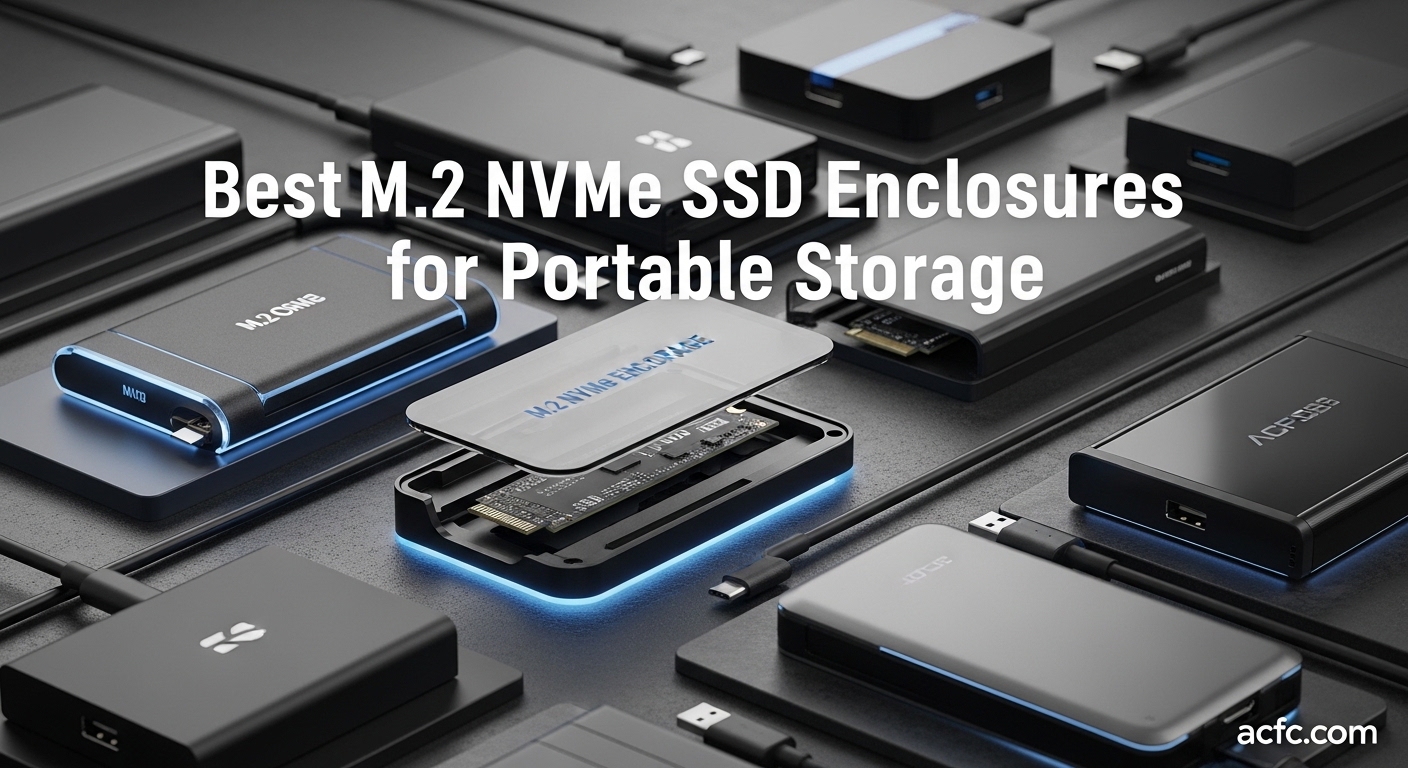
Top 10 NVMe SSD Enclosures in 2027 — Best Overall + Best Value
*Published June 23, 2026 · Updated June 23, 2026*
The best NVMe SSD enclosure overall in 2027 is the OWC Express 1M2, a USB4 (Thunderbolt-compatible) aluminum enclosure that pairs 40Gbps bandwidth with a heat-spreading body and OWC's reputation for Mac and PC reliability. It hits roughly 3,000+ MB/s real-world with a Gen4 drive and stays cool under sustained transfers, which is what separates a great enclosure from a mediocre one.
The best value is the SABRENT USB4 NVMe SSD Enclosure (EC-U4TN). It delivers the same 40Gbps USB4 ceiling and tool-free installation for around $80, undercutting most rivals while still backing up to 3,900 MB/s on a fast Gen4 SSD. If your laptop or desktop has a USB4 or Thunderbolt port, this is the most performance per dollar you can buy without stepping up to a four-bay RAID box.
A quick reality check before you spend: a 40Gbps enclosure only pays off if both your computer port and your drive are fast enough. Most people pairing a SATA-era laptop or a budget Gen3 SSD will be perfectly happy with a 10Gbps USB 3.2 Gen2 enclosure that costs a third as much. Pick the interface to match your slowest link.
1. OWC Express 1M2 🏆 BEST OVERALL

Interface: USB4 / Thunderbolt-compatible | Price: ~$119 | Max speed: ~3,000+ MB/s | Best for: Mac and PC creators who want bulletproof reliability
OWC builds storage gear for professional video and photo workflows, and the Express 1M2 shows it. The machined aluminum shell acts as a giant heat sink, so a Gen4 drive can run long 8K or RAW transfers without the thermal throttling that plagues cheaper plastic boxes. It is bus-powered, tool-free, and certified to behave across macOS, Windows, and iPad with a USB4 port.
The price is higher than commodity enclosures, but you are paying for OWC's firmware tuning and support.
Pros:
- Excellent sustained-transfer thermals thanks to the full-metal heat-sink body
- Strong cross-platform compatibility (Mac, PC, iPad)
- Bus-powered, no separate adapter needed
- Trusted OWC warranty and support
Cons:
- Most expensive single-bay option here
- No cooling fan, so the densest Gen4 drives can still warm up
Verdict: The enclosure to buy when reliability matters more than saving twenty dollars.
2. SABRENT USB4 NVMe SSD Enclosure (EC-U4TN) 💎 BEST VALUE

Interface: USB4 (PCIe 4.0 x4) | Price: ~$80 | Max speed: up to 3,900 MB/s | Best for: USB4 owners who want top speed on a budget
Sabrent's EC-U4TN is the value champion because it gives you the full 40Gbps USB4 experience for far less than the premium names. Sabrent rates it at up to 3,900 MB/s over USB4 and around 2,700 MB/s over Thunderbolt 3/4, and it falls back gracefully to 20/10/5Gbps on older ports.
Installation is tool-free, the aluminum body handles heat reasonably for the class, and it is regularly discounted to $70-$80.
Pros:
- True 40Gbps USB4 for well under $100
- Quoted 3,900 MB/s read on a fast Gen4 SSD
- Tool-free drive install
- Wide backward compatibility down to USB 3.0
Cons:
- Runs warmer than fan-cooled rivals under long writes
- Sabrent support is less hands-on than OWC's
Verdict: The smartest buy for the money if your machine has a USB4 or Thunderbolt port.
3. Acasis 40Gbps M.2 NVMe Enclosure (TBU405)
Interface: USB4 / Thunderbolt 4/3 | Price: ~$55 | Max speed: ~2,700 MB/s | Best for: Video editors who want metal and a fan for cheap
The Acasis TBU405 is a longtime favorite among MacBook owners because it combines Thunderbolt 4/3 and USB4 support with a built-in cooling design and a price that often dips near $55. It is a popular pick for editors moving 4K and 8K footage who do not want to spend $120.
The aluminum housing plus active cooling keeps drives in a safe thermal range during long jobs. It will not always hit the very top USB4 numbers, but for the money it is one of the most recommended Thunderbolt-class enclosures around.
Pros:
- Thunderbolt 4/3 + USB4 support at a low price
- Active cooling helps sustained transfers
- Tool-free aluminum design
- Broadly compatible with M1/M2 Macs
Cons:
- Fan can be audible in a quiet room
- Peak speeds trail the OWC and Satechi units
Verdict: The budget Thunderbolt pick when you want metal and cooling without OWC pricing.
4. UGREEN 40Gbps M.2 NVMe Enclosure (ASM2464PD)
Interface: USB4 / Thunderbolt 4/3 | Price: ~$110 | Max speed: ~3,600 MB/s | Best for: Buyers who want strong cooling fins and a known brand
UGREEN's flagship 40Gbps enclosure is built on the modern ASM2464PD controller and is quoted at speeds reaching 3,600 MB/s. The standout feature is the double-sided finned aluminum body, which dissipates heat passively and quietly, with no fan to whine. UGREEN's wide retail presence means easy warranty service and frequent sales, making this a low-risk pick for people who prefer a mainstream brand.
Pros:
- Modern ASM2464PD controller, up to 3,600 MB/s
- Silent passive cooling via large heat fins
- Strong brand availability and support
- Tool-free installation
Cons:
- Pricier than the Sabrent for similar speed
- The finned body is bulkier in a bag
Verdict: A quiet, well-cooled 40Gbps option from a brand you can find anywhere.
5. Satechi USB4 NVMe SSD Pro Enclosure

Interface: USB4 | Price: ~$70-$119 | Max speed: ~3,000 MB/s | Best for: Mac users who want a slim, design-matched enclosure
Satechi specializes in Mac-friendly accessories, and the USB4 NVMe SSD Pro Enclosure is its slim, space-gray answer to the OWC. It supports drives up to 16TB, uses a tool-free aluminum shell with a silicone pin retainer, and supports UASP and TRIM for healthy SSD performance.
The full 40Gbps USB4 link makes it a clean match for MacBooks and iPads.
It carries a premium list price near $119 but is frequently on sale around $70, competing directly with the value picks while looking far nicer next to a Mac.
Pros:
- Slim, design-matched aluminum body for Mac setups
- Supports drives up to 16TB
- UASP + TRIM support keeps the SSD healthy
- Tool-free with a clever pin retainer
Cons:
- High list price unless on sale
- Thinner body means less thermal mass than the OWC
Verdict: The most attractive USB4 enclosure for Mac and iPad owners, especially on sale.
6. ORICO USB4 M.2 SSD Enclosure (M2V01)

Interface: USB4 / Thunderbolt 4/3 | Price: ~$100 | Max speed: ~3,100 MB/s | Best for: Buyers who want a full-aluminum 40Gbps box with both cable types
ORICO's M2V01 is a full-aluminum USB4 enclosure supporting up to 8TB and quoted around 3,100 MB/s. It includes both a USB-C to USB-C and a USB-A to USB-C cable, which is genuinely useful when you bounce between newer and older machines, and compatibility spans Thunderbolt 3/4 and USB 3.x.
ORICO also sells transparent fan-cooled USB4 models if you prefer active cooling, but the M2V01 is the mainstream pick.
Pros:
- Full-aluminum chassis, up to 8TB support
- Ships with both USB-C and USB-A cables
- Plug-and-play across Thunderbolt and USB
- Several variants if you want a fan
Cons:
- Peak speed slightly below the fastest rivals
- ORICO support varies by region
Verdict: A solid all-metal 40Gbps choice, and the two-cable bundle is a real convenience.
7. Plugable USBC-NVME Tool-Free Enclosure

Interface: USB 3.1/3.2 Gen2 (10Gbps) | Price: ~$35 | Max speed: ~1,000 MB/s | Best for: Most everyday users who do not have USB4
Tom's Hardware reviewed the Plugable USBC-NVME and the takeaway holds in 2027: a tool-free, driverless 10Gbps enclosure that just works. It is compatible with USB-C, Thunderbolt 3/4, and USB4 ports (running at the 10Gbps ceiling), and it includes both USB-C and USB-A cables.
At around $35, it is the sensible choice for anyone whose laptop tops out at USB 3.2.
You will not see 40Gbps numbers here, but 10Gbps still moves a full SATA-killing ~1,000 MB/s, which is faster than most people will ever notice in daily use.
Pros:
- Tool-free and driverless install
- Affordable at roughly $35
- Wide port compatibility, both cables included
- Reliable Plugable support and warranty
Cons:
- Capped at 10Gbps, not for pro video pipelines
- Plastic-and-metal build lacks heavy heat sinking
Verdict: The default recommendation for the majority of users without a USB4 port.
8. UGREEN M.2 NVMe SSD Enclosure 10Gbps (USB 3.2 Gen2)

Interface: USB 3.2 Gen2 (10Gbps) | Price: ~$30 | Max speed: ~1,000 MB/s | Best for: Bargain hunters who want NVMe and SATA support in one
UGREEN's 10Gbps enclosure is the cheapest pick here that still earns a recommendation. It accepts both NVMe and SATA M.2 drives across 2230 through 2280 sizes, supports up to 8TB, and uses an aluminum shell for passive cooling. It typically sells around $30 and frequently dips lower on sale.
The dual NVMe/SATA support is the hook: if you have a pile of mixed M.2 drives, this single enclosure reads all of them. Just don't expect Gen4 speeds over a 10Gbps link.
Pros:
- Reads both NVMe and SATA M.2 drives
- Very low price, often under $30
- Aluminum shell for quiet passive cooling
- Up to 8TB capacity support
Cons:
- 10Gbps ceiling limits Gen4 drives
- Basic accessory, no premium extras
Verdict: The best cheap enclosure when you need flexibility across NVMe and SATA drives.
9. Hyper HyperDrive Next USB4 V2 Enclosure

Interface: USB4 V2 (up to 80Gbps) | Price: ~$130+ | Max speed: future-proof headroom | Best for: Early adopters with USB4 V2 hardware
Hyper's HyperDrive Next USB4 V2 is the forward-looking pick, built around the new 80Gbps USB4 Version 2 standard. On today's machines it behaves like a fast 40Gbps enclosure, but on the latest USB4 V2 laptops and desktops it has the headroom to push beyond what any 40Gbps box can do.
It is positioned as a modular PCIe expansion and storage solution.
This is a buy-for-tomorrow option. If you are building around new hardware and want an enclosure that won't bottleneck you for years, it is worth the premium.
Pros:
- 80Gbps USB4 V2 headroom for future systems
- Modular PCIe expansion positioning
- Backward compatible with existing USB4/Thunderbolt
- Premium build from a known accessory maker
Cons:
- Most of the speed is wasted on current 40Gbps ports
- Premium pricing for benefits you may not use yet
Verdict: The future-proofing choice for anyone on bleeding-edge USB4 V2 hardware.
10. Cable Matters Foldable USB4 M.2 NVMe Enclosure

Interface: USB4 (40Gbps) | Price: ~$90 | Max speed: ~3,000 MB/s | Best for: Travelers who want a compact 40Gbps enclosure
Cable Matters offers a foldable 40Gbps USB4 enclosure with a clever hinged design that doubles as a stand or wraps compactly for travel. It hits the standard 40Gbps USB4 ceiling with Thunderbolt 3/4 compatibility, and Cable Matters is a reputable accessory brand with solid US support and warranty backing.
The foldable format is the differentiator. If you are constantly packing and unpacking gear, the integrated cable management is a small but genuine quality-of-life win over a rigid brick.
Pros:
- Full 40Gbps USB4 speed
- Foldable travel-friendly design with cable management
- Reliable Cable Matters warranty
- Broad Thunderbolt and USB compatibility
Cons:
- The hinge adds a potential wear point
- Thermals trail heavier all-metal boxes
Verdict: The pick for frequent travelers who value a compact, self-managing form factor.
Frequently Asked Questions
Does a 40Gbps enclosure make my SSD faster? Only up to the limits of your drive and your computer's port. A 40Gbps USB4 enclosure can expose roughly 3,000-3,900 MB/s, but a slower Gen3 SSD or a 10Gbps port will cap you well below that. The enclosure removes the bottleneck; it cannot create speed the drive does not have.
What is the difference between USB4 and Thunderbolt for these enclosures? For storage, USB4 and Thunderbolt 4 both top out near 40Gbps and most modern enclosures support both. Thunderbolt has stricter certification, while USB4 is more common on Windows laptops. The practical performance for an external SSD is nearly identical.
Will any of these work with my MacBook? Yes. The OWC Express 1M2, Satechi USB4 Pro, Acasis TBU405, and UGREEN 40Gbps units are all popular with M1/M2/M3 Macs and connect over the Mac's Thunderbolt/USB4 port. The 10Gbps Plugable and UGREEN units also work, just at lower speeds.
Do I need an enclosure with a fan? Most people do not. A heavy aluminum heat-sink body like the OWC or UGREEN finned design handles sustained transfers fine. A fan, as on some Acasis and ORICO models, only matters if you run very long continuous writes with a hot Gen4 drive.
Can I put a SATA M.2 drive in any of these? No. NVMe and SATA M.2 use the same slot shape but different protocols. Only enclosures that explicitly list dual support, like the UGREEN 10Gbps NVMe/SATA model, will read a SATA M.2 drive. The USB4 enclosures here are NVMe-only.
What size M.2 drives fit these enclosures? All ten support the common 2280 length, and most also accept 2230, 2242, and 2260 drives. Check the listing if you are using a short 2230 drive pulled from a handheld.
Related on PULSE
- See our Top 10 Portable SSDs ranking for pre-built drives if you would rather not assemble your own.
- Compare with our Top 10 USB-C Docking Stations review for a full desk-connectivity setup.
- Browse the full PULSE Electronic Reviews pillar for more buyer's guides.
Bottom Line
The enclosure you should buy comes down to one question: does your computer have a USB4 or Thunderbolt port? If it does and you move large files, the OWC Express 1M2 is the safest premium pick and the Sabrent EC-U4TN is the value king, with the Satechi, Acasis, UGREEN, ORICO, and Cable Matters units all serving specific needs around aesthetics, cooling, and portability.
If your machine tops out at USB 3.2, skip the 40Gbps premium entirely and grab the Plugable USBC-NVME or the UGREEN 10Gbps enclosure for a third of the cost. Match the interface to your slowest link, pair it with the right drive, and any enclosure on this list will serve you for years.