


How does blue light exposure from screens actually affect sleep quality in 2027?
Quality
Certified
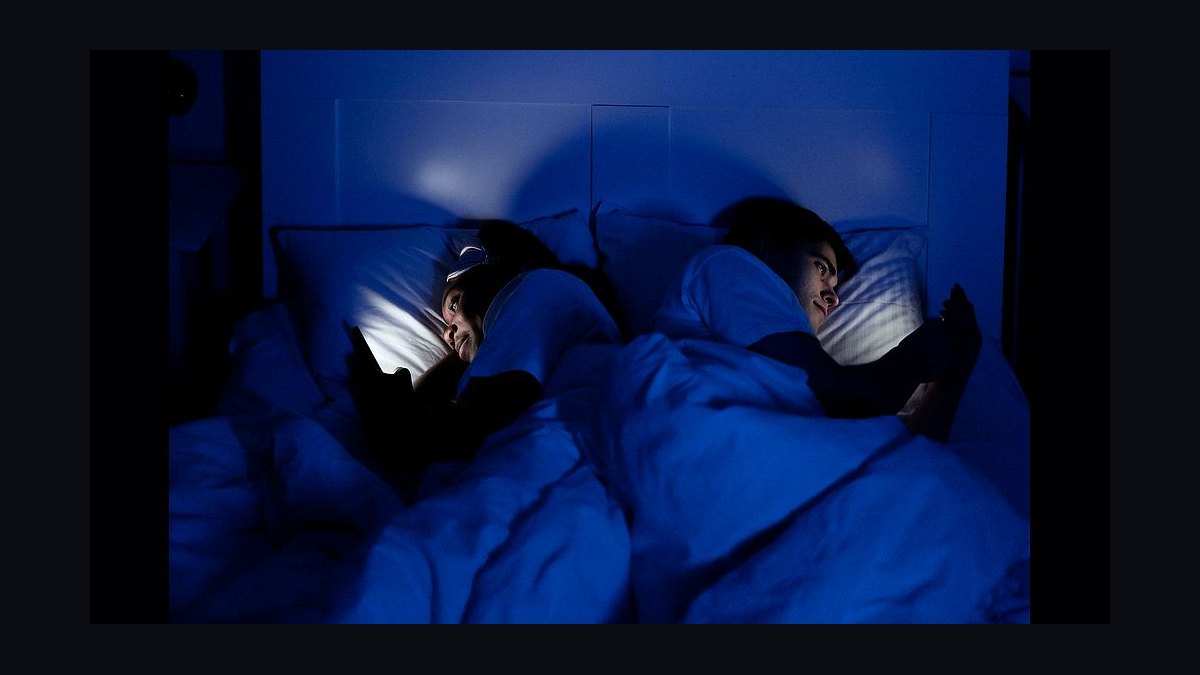
Blue light from screens does not directly destroy sleep; it mainly delays it by suppressing melatonin and pushing your circadian clock later. In 2027 the consensus is that evening exposure to bright, cool-toned screens matters most in the two hours before bed, and that dimming, warmth, and timing change sleep quality more than any single filter.
The outcome you should expect
If you are a typical adult using a phone, laptop, or monitor for two to three hours before bed at normal indoor brightness, the realistic outcome is a modest but measurable shift, not a dramatic one. Expect sleep onset to be delayed by roughly 10 to 30 minutes on nights when you use bright, cool screens right up until lights out, compared with nights when you stop or dim significantly earlier. Expect a small reduction in subjective sleep quality, meaning you may rate the night as slightly less restorative even when total time in bed is unchanged. Expect your melatonin onset to move later by somewhere in the range of 20 to 90 minutes under strong evening light, with the size of the shift scaling with brightness, screen size, and how close the screen sits to your eyes. What you should not expect is that blue light alone explains chronic insomnia. In practice, the bigger drivers are usually total light dose, timing relative to your body clock, and the arousal from what you are doing on the screen. A person scrolling stressful work email at midnight will sleep worse than a person watching a calm video on a dimmed tablet, even if the second screen emits more blue light. The honest framing for 2027 is that screens are a real but secondary lever. Fixing them helps; treating them as the only cause leads people to buy filters and ignore the behaviors that actually move sleep quality.
What drives that outcome
The mechanism is well understood and has not changed fundamentally, even as hardware has. Light enters the eye, hits intrinsically photosensitive retinal ganglion cells, and signals the suprachiasmatic nucleus, your master clock. That signal suppresses melatonin and, when it lands in the evening, shifts your clock later. The key variables are the amount of light, its spectral content, its timing, and its duration.
Three things drive the size of the effect. First, dose: brightness in lux at the eye matters more than the label on the screen. A phone held 30 centimeters away at full brightness can deliver more light to the retina than a large monitor across the room at half brightness, because distance and angle change how much light actually reaches you. Second, spectrum: cool white light, which is rich in the blue band around 460 to 490 nanometers, is more effective at suppressing melatonin per lux than warm light. This is why warm-shifting a display at night does something, though less than people assume. Third, timing: light in the two to three hours before habitual bedtime has the largest phase-shifting effect, while the same light in the morning advances your clock and helps you wake.
The variable people underestimate is content arousal. A screen is a light source and a stimulant at the same time. Even a perfect blue-light filter does nothing about the fact that you are reading a heated thread, watching a tense show, or answering a message that makes you plan tomorrow. That arousal raises heart rate and cognitive activation, which independently delays sleep. So the practical driver list, in order of leverage, is: what you are doing, how bright the room and screen are, how cool the light is, and how close the screen is to your face. Filters address the third item and part of the second. They do not touch the first.
Benchmarks and realistic ranges
Concrete numbers help you calibrate expectations rather than guess. The figures below are the ranges practitioners and sleep clinicians work with in 2027; treat them as planning benchmarks, not guarantees.
Melatonin suppression. Evening exposure to bright cool light can suppress melatonin by roughly 50 percent or more during the exposure window. Warm-shifted displays at low brightness typically produce suppression in the low single digits to low teens as a percentage, which is real but small. This is the single most quoted number and the one most often overstated: suppression during exposure does not automatically mean worse sleep that night.
Phase delay. A few hours of bright evening light can push circadian phase later by around 30 to 90 minutes. Dim, warm evening light typically shifts phase by well under 30 minutes, often close to zero when the room is genuinely dark. If you keep a consistent wake time, that phase shift is what makes falling asleep feel harder even when you are tired.
Sleep onset latency. Typical adult sleep onset latency is about 10 to 20 minutes. Evening bright-screen users often report 20 to 40 minutes. The delta is usually 10 to 25 minutes, not an hour, and it shrinks fast once brightness drops.
Total sleep time. Expect a reduction of roughly 15 to 45 minutes on heavy evening-screen nights, mostly from later onset rather than earlier waking. If you have a fixed alarm, that lost time comes straight out of your sleep opportunity.
Perceived quality. On a one-to-ten subjective scale, heavy evening screen users commonly rate nights half a point to one and a half points lower than their low-screen nights. Objective measures like sleep efficiency often move only two to five percentage points, which is why subjective reports and device scores can disagree.
Brightness reference points. A dark bedroom is under 5 lux. A dim lamp is roughly 30 to 80 lux at the eye. A typical lit living room is 100 to 300 lux. A phone at full brightness held close can exceed several hundred lux at the eye. A bright office is 300 to 500 lux. These anchors matter more than any screen setting, because a dim phone in a dark room is a very different dose from the same phone in a bright room.
Warmth settings. Night-shift style filters typically cut blue output by 30 to 60 percent and shift color temperature toward 2700 to 3400 Kelvin. That reduces melanopic impact meaningfully but does not make a screen equivalent to darkness. The remaining light still carries a signal.
Timing windows. The highest-leverage window is the last 60 to 120 minutes before bed. Light in the middle of the evening matters less. Morning light, ideally 10 to 30 minutes outdoors or near a bright window within an hour of waking, is the counterweight that keeps your clock from drifting later.
Distance and angle. Doubling the distance from a screen cuts the illuminance at your eye to roughly a quarter, following the inverse-square relationship. Moving a laptop from 40 centimeters to 80 centimeters is a bigger lever than most filter settings. Angling the screen away from your face and lowering brightness to the lowest comfortable level compounds the effect.
Risks, edge cases, and failure modes
The failure modes here are predictable, and knowing them keeps you from wasting money and effort.
The filter false confidence. Buying a blue-light filter and changing nothing else is the most common failure. People report feeling virtuous while their onset time stays late, because the dominant drivers, content arousal and total light dose, are untouched. A filter is a minor multiplier, not a fix.
The daytime overcorrection. Some people, worried about blue light, wear amber glasses all day. That reduces the bright morning light that anchors their clock and can make evening sleep worse, not better. Blue light in the morning is helpful. The problem is timing, not the color itself.
The dim-room paradox. A phone at low brightness in a pitch-dark room can still deliver a disproportionate dose because there is no competing light and your pupils are dilated. Many people find their worst nights come from late-night phone use in bed with the lights off, not from a bright living room.

Shift workers and night owls. If you work nights or have a delayed chronotype, the standard advice inverts. You may need bright light at unusual hours to stay alert and dark, cool conditions to sleep during the day. Blanket blue-light avoidance can worsen alertness on shift without improving daytime sleep.
Adolescents and late chronotypes. Teenagers already run later biologically, and evening screens compound that. The effect size tends to be larger in this group, and the consequence, reduced sleep before early school start times, is more severe. Expect a bigger response to the same intervention.
Anxiety and hyperarousal. If your insomnia is driven by anxiety, the screen is often a symptom rather than the cause. You scroll because you cannot sleep, not the reverse. Removing the screen without addressing the arousal can leave you lying awake in the dark, which is worse.
Device score confusion. Wearables estimate sleep from movement and heart rate, not brain activity. They often overstate awakenings and can make you more anxious about sleep. Treat their numbers as directional and never as a diagnosis.
Medical edge cases. If you have delayed sleep phase disorder, non-24, or significant depression, self-experimentation with light is not a substitute for clinical care. Light timing is a real treatment lever, but it needs to be prescribed correctly, and getting it wrong can shift your clock the wrong way.
The weekend rebound. Sleeping in on weekends by two or more hours creates a social jet lag that mimics the effects people blame on screens. If you fix evening light but keep a wildly variable wake time, sleep quality will stay inconsistent.
A practical rollout plan
This is a two-week sequence designed to isolate what actually matters for you. Change one layer at a time so you can attribute the result.
Days 1 to 3: baseline. Change nothing. Record your bedtime, estimated sleep onset, wake time, and a one-to-ten quality rating each morning. Note your last hour of screen use and roughly how bright it was. This baseline is what you compare against, and without it you will not know whether anything worked.
Days 4 to 6: brightness only. Keep your habits and content the same, but drop screen brightness to the lowest comfortable level after sunset and lower ambient room lighting. Do not add filters yet. Most people see the largest single improvement here because dose is the dominant variable.
Days 7 to 9: warmth. Add a night-shift or warm-color setting two hours before bed, targeting roughly 2700 to 3400 Kelvin. Keep brightness low. Note whether onset and quality move further. Many people find the incremental gain is small, which is useful to know before spending on hardware.
Days 10 to 12: timing and content. Move your last stimulating screen activity, work email, news, arguments, to at least 90 minutes before bed. Switch the final hour to audio, paper, or a dimmed, low-stakes screen. This step often produces a bigger effect than the previous two combined, because it removes arousal, not just light.
Days 13 to 14: anchor the morning. Get 10 to 30 minutes of bright light within an hour of waking, ideally outdoors. Keep wake time consistent, including weekends, within about 30 minutes. This is what prevents the phase delay from accumulating.
Review and lock in. Compare your two-week averages to baseline. Keep the changes that moved onset or quality and drop the ones that did not. Most people end up keeping three things: low brightness, a hard stop on stimulating content, and a consistent morning light habit. The filter, if you keep it, is the least important of the four.
Hardware notes. If you want to act on screens specifically, the highest-value changes are lowering brightness, increasing viewing distance, and using warm settings. Amber glasses can help in the final hour but should not be worn all day. Avoid relying on any single product claim; measure your own onset and quality instead.
Related questions
Does blue light from screens cause permanent damage?
No. The evidence supports a timing and alertness effect on sleep, not retinal damage at normal screen brightness. The concern is circadian disruption and delayed sleep, not physical harm to the eye. Bright light is a signal, not a toxin.
Do blue-light filters actually work?
They work, but modestly. Expect a small reduction in melatonin suppression and a small improvement in onset, often 5 to 15 minutes. They do not fix late nights caused by stimulating content or high total light dose. Treat them as one small lever among several.
Is reading on a screen worse than a paper book?
Usually slightly worse, mainly because screens are brighter and often cooler in tone. A dimmed, warm e-reader with front lighting is close to paper in effect. The bigger difference is often the content and the temptation to keep scrolling.
How long before bed should I stop using screens?
The highest-leverage window is the last 60 to 120 minutes. If you cannot stop entirely, dim aggressively and switch to low-stakes content. A full stop is ideal, but a dimmed, calm final hour captures most of the benefit.
Do sleep trackers prove screens hurt my sleep?
No. Trackers estimate sleep from movement and heart rate and are not precise enough to prove cause. Use them for trends, not verdicts. If you want evidence, run a two-week self-experiment and compare averages.
FAQ
Is blue light the main reason screens keep me awake?
No. It is one of several drivers. Total light dose, timing, and mental arousal from content usually matter more. Blue light is a real contributor, but treating it as the sole cause leads people to buy filters and ignore the behaviors that actually move sleep quality.
Do night mode and warm color settings help?
They help modestly. Warm settings cut blue output and reduce melatonin suppression, but the remaining light still carries a signal. Expect small gains, often 5 to 15 minutes of earlier onset, and keep brightness low for the effect to show.
How much does evening screen use delay sleep?
For typical adults, roughly 10 to 30 minutes of later onset on heavy-use nights, with melatonin onset shifting 20 to 90 minutes under strong light. The delay shrinks quickly when brightness drops and content becomes calm.
Are amber glasses worth it?
In the final hour before bed, they can help by cutting blue light when you cannot dim the screen enough. Worn all day, they can backfire by reducing the morning light that anchors your clock. Use them as a targeted tool, not a full-day habit.
What matters more, the screen or what I am doing on it?
What you are doing usually matters more. Stressful or stimulating content raises arousal and delays sleep independently of light. A calm, dimmed screen beats a bright screen full of work email every time.
Can I fix this without giving up my phone at night?
Yes. Lower brightness to the minimum, enable warm color, increase viewing distance, and switch to low-stakes content for the final hour. Keep a consistent wake time and get morning light. That combination captures most of the available benefit.
Sources
- https://www.sleepfoundation.org/how-sleep-works/how-blue-light-affects-sleep
- https://www.hopkinsmedicine.org/health/wellness-and-prevention/blue-light-and-your-health
- https://www.cdc.gov/niosh/emres/longhourstraining/light.html
- https://www.nih.gov/news-events/nih-research-matters/evening-light-exposure-affects-sleep
- https://www.mayoclinic.org/healthy-lifestyle/adult-health/expert-answers/blue-light/faq-20445550
- https://www.harvard.edu/news/blue-light-has-a-dark-side/
- https://www.nigms.nih.gov/education/fact-sheets/Pages/circadian-rhythms.aspx
- https://www.aasm.org/resources/pdf/light-therapy.pdf
Related on PULSE
This page will be disappearing soon. Save it to your device for $1 — or read it free while it is here.
@Kory-White- · if Venmo asks, the last 4 of my number are 2012
This page is gone.
This one is off the shelf now. $1 keeps it on your phone for good — the whole page, pictures and diagrams included.
 pulse-reviewsTop 10 Benchtop Band Saws — Best Overall + Best Value in 2027
 pulse-reviewsTop 10 Bone-Conduction Headphones for Open-Office Coaches in 2027
 pulse-reviewsTop 10 Coffee Grinders — Best Overall + Best Value in 2027
 pulse-reviewsTop 10 Portable USB-C Monitors for Sales Travel in 2027
 pulse-reviewsTop 10 Jump Starters — Best Overall + Best Value in 2027
 pulse-reviewsTop 10 Leather Wallets for Sales Reps in 2027
 pulse-reviewsTop 10 Planar Magnetic Headphones — Best Overall + Best Value in 2027
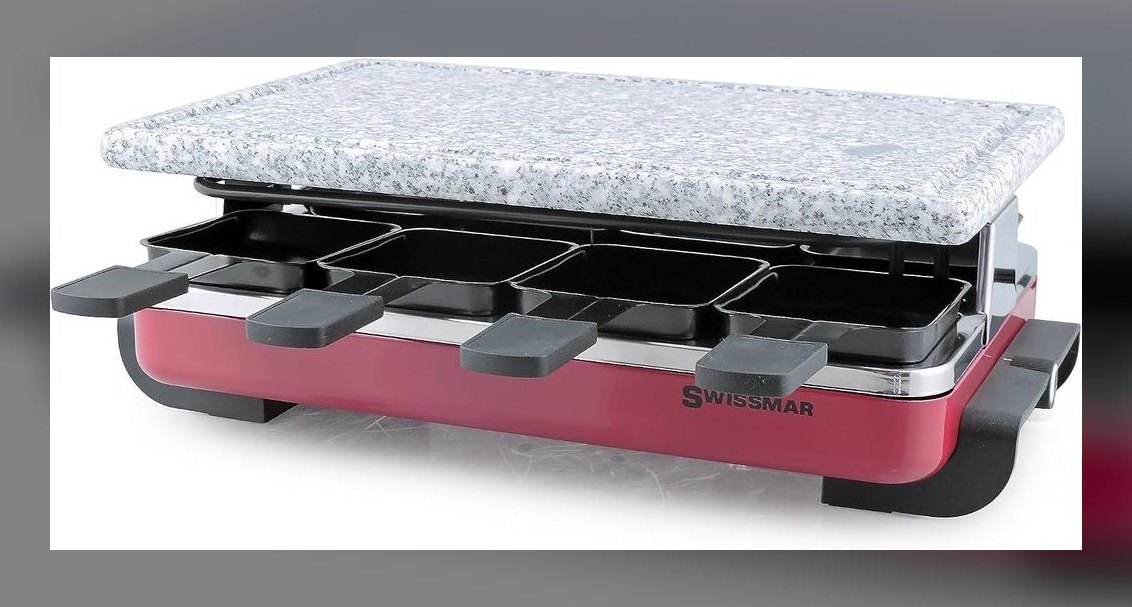 pulse-reviewsTop 10 Raclette Grills — Best Overall + Best Value in 2027
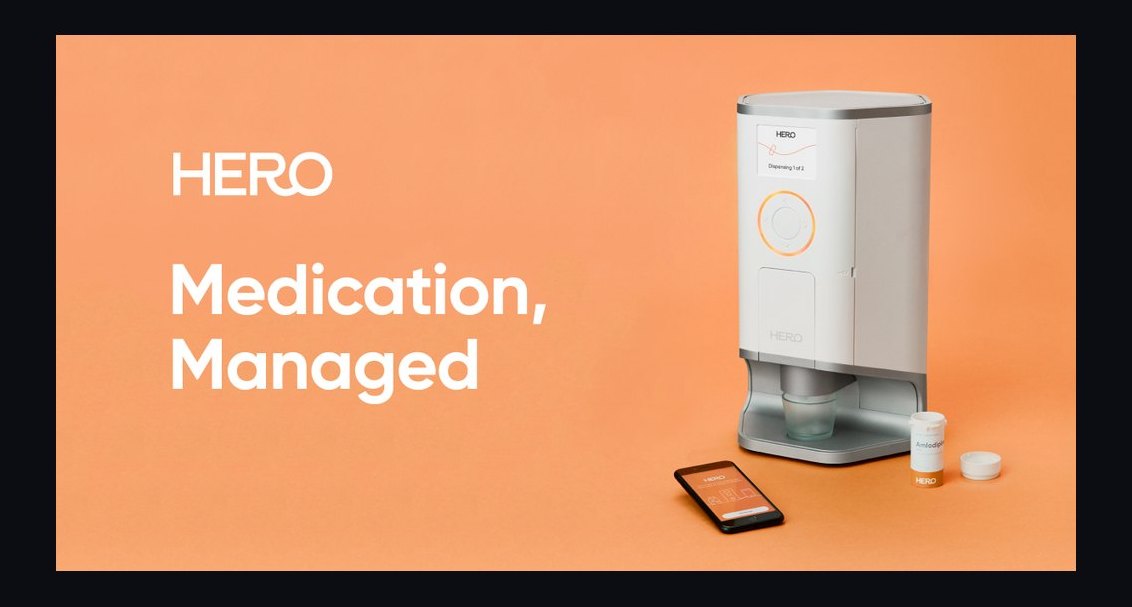 pulse-reviewsTop 10 Smart Pill Dispensers — Best Overall + Best Value in 2027
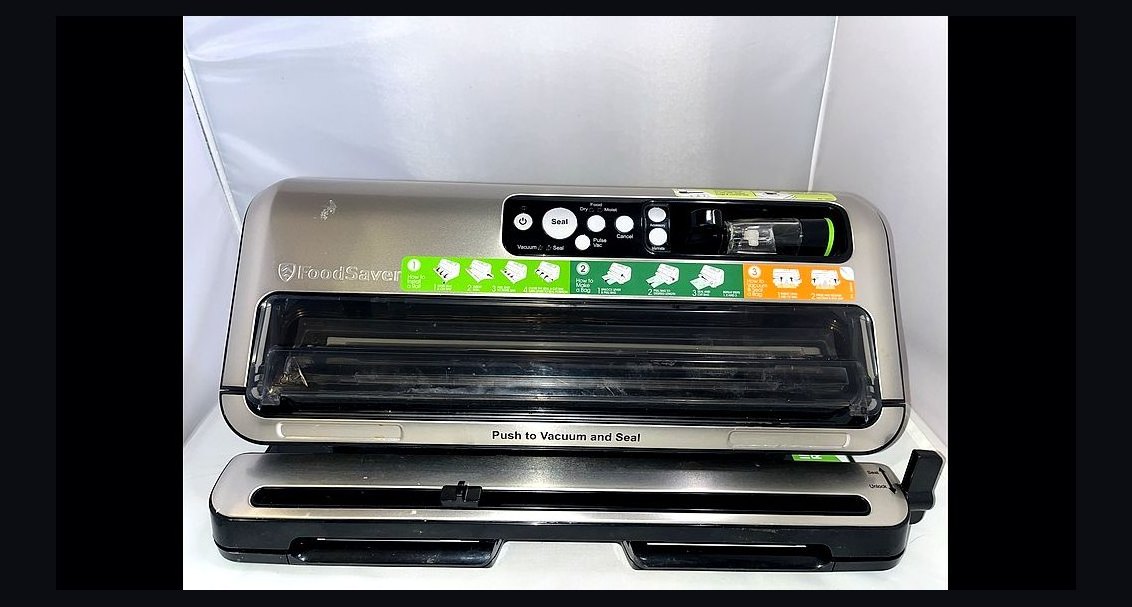 pulse-reviewsTop 10 Vacuum Sealers — Best Overall + Best Value in 2027