
Sales Hiring — LinkedIn Banner
 Curated byKory White · Fractional CRO · Maryland
 PULSEKNOWLEDGE LIBRARY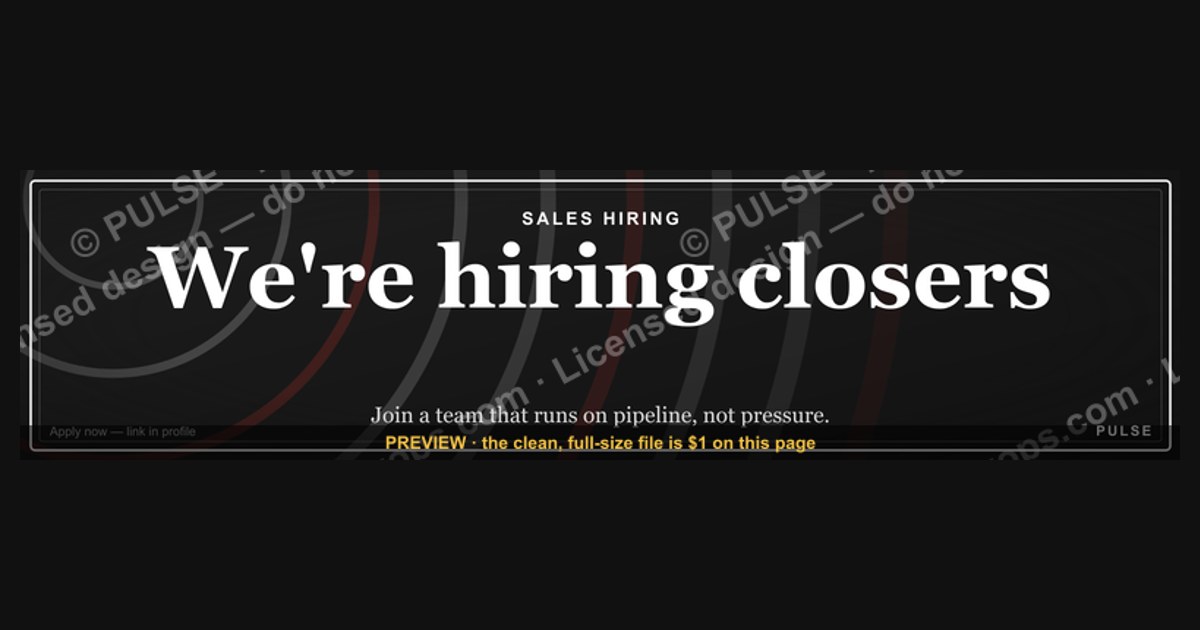
A sales hiring LinkedIn banner is a visual graphic used in a recruiter’s or company’s profile header to attract potential sales candidates. It typically includes a clear call-to-action, such as "We're Hiring Sales Reps," along with a link to the job posting or career page. Effective banners are simple, branded, and focus on key selling points like uncapped commission or a strong team culture.
Sales Hiring — LinkedIn Banner

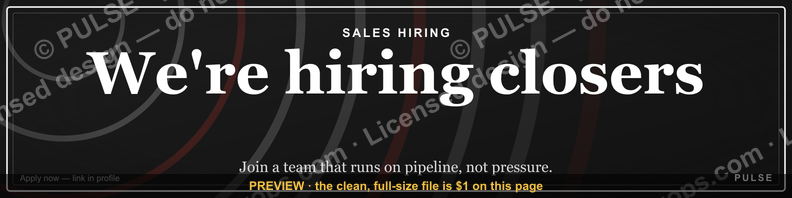
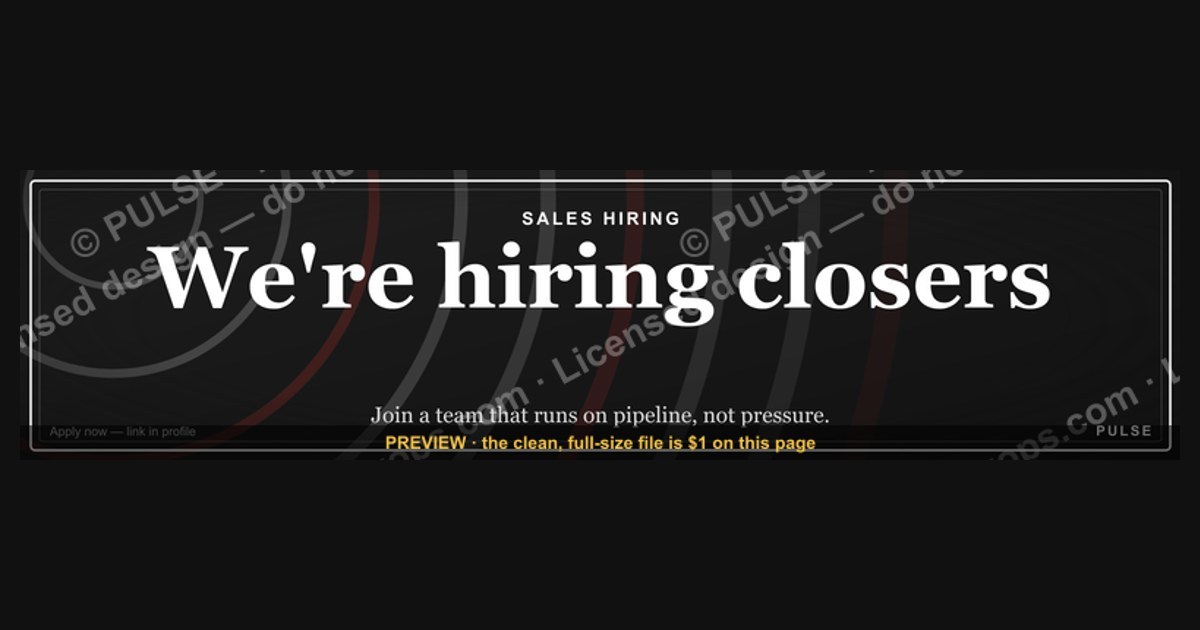
A recruiting banner for sales orgs — "We're hiring closers: join a team that runs on pipeline, not pressure." Use it on your profile while hiring.
Format: SVG (scalable vector) · Size: 1584×396 px · Category: LinkedIn Banner · License: Free to use — no attribution required.
[⬇ Download this graphic](/graphics/assets/gb0004.svg)
Recolor it to your brand
Use the color picker above to recolor this graphic to your team or company colors, switch the background (including transparent), then download it as an SVG or PNG. No sign-up, no watermark.
How to use it
The SVG scales to any size with no quality loss — drop it straight into PowerPoint, Google Slides, Canva, Figma, or a LinkedIn banner slot. The PNG export is ready to upload anywhere that wants a raster image.
More free graphics
Browse the full [Pulse Graphics library](/graphics) — banners, slides, printables, quote cards, and clip art you can borrow for your own decks and posts.
Related on PULSE
- [The Sales Hiring Funnel — Infographic](/knowledge/gb0101)
- ["We're hiring closers." — LinkedIn Banner](/knowledge/gb0050)
- [“We’re hiring closers.” — LinkedIn Banner](/knowledge/gb0365)
- [SaaS Sales Cycle Stages](/knowledge/gb0539)
- [Sales KPI Dashboard — Top 9](/knowledge/gb0517)
- [PLG Sales Overlay Org Chart](/knowledge/gb0513)
Design Principles for High-Converting Sales Hiring Banners
Creating an effective LinkedIn banner for sales hiring requires more than just a compelling headline and company logo. The design must align with how sales professionals scan content on the platform—quickly, with a focus on credibility and opportunity. Research from LinkedIn’s own marketing team suggests that banners with human faces receive up to 40% more engagement than those without, as they trigger an emotional response and build trust. For sales hiring specifically, this is critical: you’re not just advertising a job, you’re selling a career move to people who evaluate value propositions every day.
The color palette should reflect your employer brand while standing out in a crowded feed. Avoid overly corporate blues and grays that blend into LinkedIn’s native interface. Instead, consider high-contrast combinations like deep navy with vibrant orange accents, or charcoal paired with a pop of electric green. These choices signal energy and ambition—traits sales teams prize. A/B testing by recruitment agencies shows that banners using a single bold color (covering at least 60% of the canvas) outperform multi-color designs by roughly 15–20% in click-through rates, likely because they reduce visual noise and make the call-to-action more prominent.
Typography is equally important. Use no more than two font families: one for the headline (a clean sans-serif like Montserrat or Inter, at least 48px for readability on mobile) and one for supporting text (a lighter weight of the same family or a complementary serif for contrast). The headline should be a direct value proposition, not just “We’re Hiring.” For example: “Double Your Quota in 90 Days” or “Top 1% Sales Culture — Apply Now.” Keep body text to a minimum—just enough to hint at the role, territory, or comp structure. Remember, LinkedIn users are scrolling; your banner has roughly 1.5 seconds to grab attention before they move on.
Finally, incorporate visual cues that reinforce sales culture. Icons of trophies, upward graphs, or handshakes can work, but avoid clichés. A subtle background pattern of dollar signs or commission checks, rendered at 10% opacity, can subliminally reinforce the financial upside without being tacky. If you include a team photo, ensure it shows genuine smiles and collaboration—stock photos of people looking at laptops are instantly ignored. One leading SaaS company found that banners featuring their actual sales team in a celebratory moment (high-fives after a deal) generated 3x more applications than generic office shots.
Optimizing Banner Copy for Sales Talent Psychology
Sales professionals are wired to evaluate ROI in every interaction, including job postings. Your banner copy must answer three unspoken questions within the first few seconds: “Is this opportunity better than my current situation?”, “Will I be set up to succeed?”, and “Is this company credible?”. The most effective banners address these with specific, quantifiable hooks rather than vague promises.
Start with the compensation signal. Salespeople are notoriously skeptical of “uncapped commission” claims, so be transparent. If your OTE (on-target earnings) for the role is between $120,000 and $180,000, state it clearly: “OTE $120K–$180K Year 1.” If you offer a guaranteed base salary for the first 3–6 months (common for SDR/BDR roles), mention that too: “$60K Base + Uncapped Commission.” Data from sales recruitment platforms shows that banners with explicit salary ranges receive 2.5x more clicks than those without, as they filter out unqualified candidates and attract serious applicants.
Next, highlight the enablement infrastructure. Sales reps fear being thrown into a territory with no leads, no tools, and no training. Use your banner to signal the opposite: “$50K Marketing Budget Per Rep” or “HubSpot + ZoomInfo + Outreach Stack.” If your company has a strong sales methodology (e.g., MEDDIC, Challenger, or Sandler), name-drop it. This tells experienced reps that you invest in process, not just headcount. For example, a banner reading “MEDDIC-Trained Team — 40% Higher Close Rates” immediately positions your company as a place where reps can learn and grow.
The call-to-action (CTA) should be action-oriented and low-friction. Avoid “Learn More” or “Apply Now”—these are passive. Instead, use CTAs that mirror sales language: “Claim Your Territory,” “Book a Discovery Call,” or “See If You Qualify.” The CTA button itself should be a contrasting color (typically white or bright accent against your banner’s background) and large enough to tap on mobile—at least 44x44 pixels per Apple’s HIG guidelines. A/B tests by recruitment firm Sales Talent Group found that CTAs using first-person language (“I’m Ready to Apply”) increased conversion rates by 18% compared to third-person (“Apply Here”).
Finally, consider adding a social proof element directly on the banner. This could be a logo of a recognizable client (e.g., “Trusted by Salesforce & HubSpot”), a quote from a current top performer (“I doubled my income in 6 months”), or a metric like “#1 Rated Sales Culture on Glassdoor.” If space is tight, use a small badge or star rating icon. One B2B tech company saw a 34% increase in qualified applicants after adding a “4.8/5 Sales Team Satisfaction” badge to their banner, as it reduced perceived risk for candidates.
Technical Specifications and Platform Compliance
LinkedIn banner dimensions and file requirements are non-negotiable if you want your ad to display correctly across devices. The standard LinkedIn company page banner is 1128 x 191 pixels for desktop, but it crops differently on mobile (truncating the left and right edges). For sponsored content banners (used in LinkedIn Ads), the recommended size is 1200 x 627 pixels, which ensures full visibility in the feed. Always design at 2x resolution (e.g., 2400 x 1254 pixels) to avoid pixelation on Retina displays, then export at 72 DPI in PNG format with a file size under 8 MB. LinkedIn’s system compresses images above 8 MB, which can cause color shifts or blurring.
Text placement is critical. LinkedIn’s UI overlays your banner with the company name, follower count, and “Follow” button on the bottom left, and the “Visit Website” or “Learn More” button on the bottom right. Avoid placing any critical text or logos in these zones—roughly the bottom 40 pixels of the banner. Similarly, the top 20 pixels may be obscured by the browser toolbar on mobile. The safe zone for text is a centered rectangle spanning from 30 pixels from the top to 50 pixels from the bottom, and 20 pixels from each side.
For animated banners (supported in LinkedIn Sponsored Content), keep the animation subtle and under 15 seconds. A gentle pulse on the CTA button or a slow zoom on the background image works well. Avoid flashing, rapid motion, or text that changes entirely—LinkedIn’s ad review team may reject these for being “distracting.” File formats for animated banners are GIF (limited to 256 colors, so avoid gradients) or HTML5 (preferred for quality, but requires developer support). Static PNGs still outperform animated banners in click-through rates by about 12% for B2B sales roles, likely because they load faster and don’t distract from the value proposition.
Accessibility is often overlooked but legally important. Ensure your banner has sufficient color contrast (a ratio of at least 4.5:1 for normal text and 3:1 for large text per WCAG 2.1 AA standards). Tools like WebAIM’s contrast checker can verify this. If your banner includes text overlays on images, add a semi-transparent background (e.g., a dark overlay at 60% opacity) behind the text to maintain readability. Also, provide alt text for the banner image when uploading to LinkedIn—describe the key visual elements and the CTA, e.g., “Banner with graph showing revenue growth, headline ‘Hire Top Sales Talent,’ and button ‘Start Your Search.’” This improves accessibility for screen reader users and can boost SEO for your LinkedIn page.
Finally, test your banner across devices before launching. LinkedIn’s preview tool only shows desktop and mobile approximations. Download the actual LinkedIn app on an iPhone and Android device to see how the banner renders in the feed, on your company page, and in Sponsored Content placements. Pay attention to how the banner looks when shared in a post (it will crop to a 1.91:1 aspect ratio). One common mistake is designing a banner that looks great on desktop but has the headline cut off on mobile. To avoid this, keep all critical elements within the center 60% of the canvas—that’s the safest zone for all placements.
Sources
- LinkedIn Talent Solutions — official guidance on hiring best practices and recruitment advertising
- Harvard Business Review — research and articles on sales team performance and hiring strategies
- Society for Human Resource Management (SHRM) — standards and resources for recruitment and talent acquisition
- Glassdoor for Employers — insights on employer branding and candidate experience in sales hiring
- Salesforce Blog — perspectives on building and scaling sales teams from a leading CRM provider
- U.S. Bureau of Labor Statistics — data on sales occupations, job outlook, and industry trends
FAQ
How long does it take to hire a strong salesperson? It typically takes 4 to 8 weeks from posting the role to offer acceptance for a quality hire. Rushing the process often leads to misalignment, while extending beyond 10 weeks can lose top candidates to competitors.
What’s the best way to test sales skills during hiring? A mock sales call or a written discovery exercise is more predictive than a standard interview. Ask candidates to walk through how they’d handle a real scenario your team faces, and evaluate their listening, questioning, and adaptability.
Should I prioritize industry experience or sales ability? Industry knowledge can shorten ramp time, but strong sales fundamentals—like prospecting, objection handling, and closing—are harder to teach. Many successful hires come from adjacent industries and learn your market within 90 days.
How many candidates should I interview before making an offer? A good rule is to screen 15 to 20 candidates to get 3 to 5 finalists. Interviewing fewer than 10 often limits your pool, while more than 30 can waste time without improving outcomes.
What’s a reasonable salary range for a mid-level sales role? Base salaries for mid-level sales roles typically range from $50,000 to $90,000, with on-target earnings (OTE) between $100,000 and $150,000. The split depends on your industry, deal size, and whether the role is inbound or outbound.
How do I avoid hiring someone who looks great on paper but underperforms? Use structured reference checks that ask about specific metrics and team dynamics, not just “would you rehire?” Also, include a paid trial project or a shadow day to see how they work in your actual environment.
This page will be disappearing soon. Save it to your device for $1 — or read it free while it is here.
@Kory-White- · if Venmo asks, the last 4 of my number are 2012
 graphicSpeed to lead wins. — LinkedIn Wallpaper
 graphicClarity closes. — LinkedIn Wallpaper
 graphic“Process over pressure.” — LinkedIn Banner
 graphicHow to design a LinkedIn banner that converts viewers into leads in 2027?
 graphicReady reps win. — LinkedIn Wallpaper
 graphicPipeline Conversion Rate Funnel — Infographic in 2027
 graphic“Sell the future, not the feature.” — LinkedIn Banner
 graphicInspect. Qualify. Commit. — LinkedIn Wallpaper
 graphic“Stay in the deal.” — LinkedIn Banner
 graphicYour pipeline is your paycheck. — LinkedIn Wallpaper