
“Open to sales leadership roles.” — LinkedIn Banner
 Curated byKory White · Fractional CRO · Maryland
 PULSEKNOWLEDGE LIBRARY
Quality
Certified
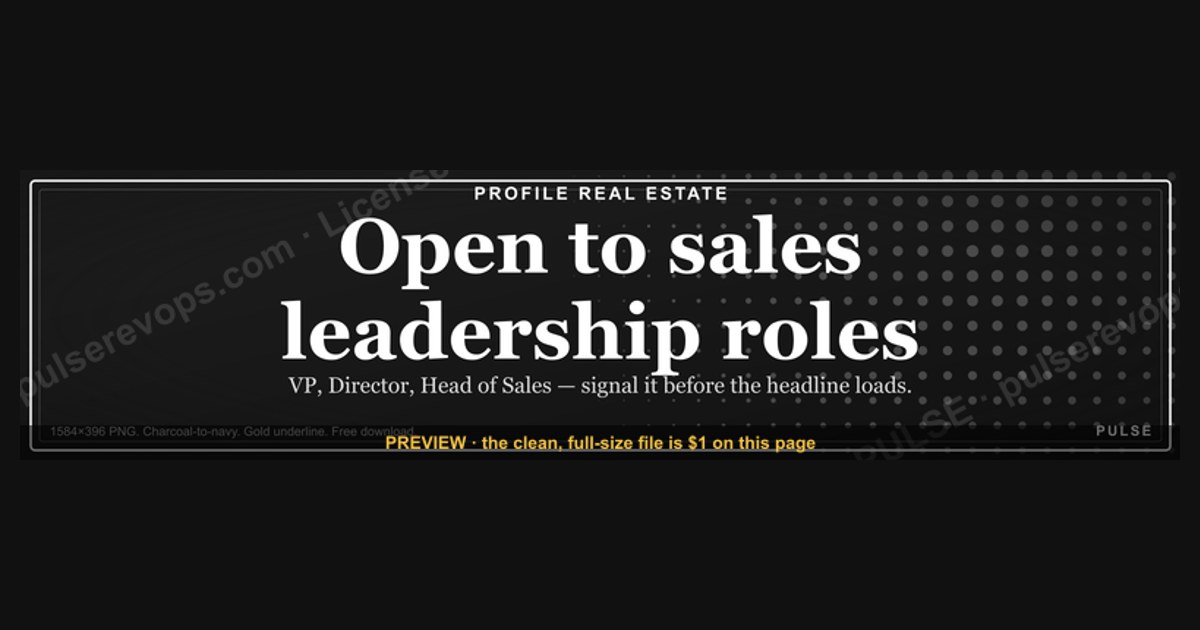
This is a LinkedIn profile banner, sized 1584×396 px, that reads "Open to sales leadership roles." in bold white sans-serif type centered on a deep charcoal-to-navy gradient background, with a thin gold underline beneath the headline. It signals to recruiters and hiring managers that you're actively targeting VP of Sales, Director of Sales, or Head of Sales openings, and it downloads free as a PNG to drop straight into your profile.
What it is and why it matters
A LinkedIn banner is the wide image that sits behind your profile photo, and it is the single most under-used piece of real estate on the platform. Most sales leaders fill it with a stock photo of a skyline, a company logo pasted off-center, or — most commonly — nothing at all, leaving the default gray-blue LinkedIn pattern. That default is a wasted signal. A recruiter sourcing for a Director of Sales or VP of Sales role scans dozens of profiles an hour, and the banner is the first thing their eye crosses after the headshot, before they ever read the headline text underneath it. A banner that states the goal outright — "Open to sales leadership roles." — does in one glance what would otherwise take a recruiter thirty seconds of reading your About section to infer.
This particular banner exists because sales leadership job searches run differently than individual-contributor searches. An AE or SDR can lean on LinkedIn's built-in "Open to Work" photo frame without much career risk — it's expected, low-stakes, and common at that level. A sitting VP of Sales or CRO cannot use that same green frame without signaling instability to their current team, their board, or their own reports, who will absolutely notice a green ring appear around a boss's headshot. The banner solves that problem: it carries the same signal — I am looking — without the frame, without an explicit "actively seeking" badge, and without alarming anyone who reports to you today. It reads as ambition and positioning rather than as a distress flare.

The wording matters as much as the design. "Open to sales leadership roles" is deliberately broader than "Open to VP of Sales roles" or "Open to CRO roles" — it invites a recruiter with a Director, VP, SVP, or Chief Revenue Officer requisition to reach out rather than self-selecting out because their specific title doesn't match yours. Banners that get too specific ("Seeking $2M+ ARR SaaS VP Sales role") narrow the funnel; this one keeps it wide while still being unmistakably about leadership, not an individual-contributor quota-carrying seat. That distinction is what a hiring manager or a third-party recruiter is scanning for first — level, not niche.
Because the banner sits above the fold on both desktop and mobile LinkedIn, it gets seen even by people who never open your About section or scroll to your experience. InMail response rates and profile-view-to-connection-request rates both improve when the banner reinforces rather than contradicts the headline, and a banner that plainly states leadership intent removes any ambiguity about whether you're the right fit for a leadership req versus an individual-contributor one.
The step-by-step process
Getting this banner live and working correctly on your profile is a five-step sequence: download, verify, upload, pair, and monitor. Skipping the verification step is the single most common reason a banner looks great in the download folder and terrible once it's live — LinkedIn recompresses and recrops images on upload, and a banner that isn't built to its exact aspect ratio will get cut off at the edges or blurred by compression artifacts.
Start by downloading the PNG at its native 1584×396 resolution rather than a screenshot or a resized copy — any resize introduces soft edges around the text that become obvious once LinkedIn applies its own compression on top. Open the file at full size before uploading and check that no text or design element sits within roughly 40 pixels of the top or bottom edge, since LinkedIn's mobile app crops differently than desktop and elements too close to the border can vanish on a phone screen.
Next, go into your LinkedIn profile in edit mode and choose to change your background photo — this is a distinct upload target from a post or article image, and using the wrong upload button is a frequent mistake that results in the banner appearing in your feed instead of behind your profile photo. Once uploaded, LinkedIn's built-in cropper will show you a preview; use it to nudge the image so the headline text sits centered and isn't obscured by your profile photo circle, which overlaps the bottom-left corner of the banner on desktop.
After publishing, update your headline text field to complement rather than repeat the banner. If the banner says "Open to sales leadership roles," a headline like "20 years scaling B2B SaaS sales orgs from $5M to $50M ARR" gives the recruiter the proof point the banner promised. Redundant headlines ("Open to sales leadership roles" in both places) waste the headline's 220-character limit on repetition instead of evidence.
Finally, check the live result on both desktop and the mobile app — the two render the crop differently, and a banner that looks perfect on desktop can clip the final word on mobile. Recheck after any LinkedIn redesign, since the platform has adjusted banner crop ratios and profile photo overlap more than once, and a banner that fit correctly a year ago can shift out of alignment after a UI update without any action on your part.

Costs, timelines, and typical ranges
The banner itself is free — it's a PNG you download and upload, with no software purchase required. Where cost and time actually show up is in the surrounding job-search motion the banner supports, and setting realistic expectations there matters more than the five minutes it takes to swap the image.
Uploading the banner takes under five minutes end to end: download, check, upload, crop, publish. That's the entire direct time cost. The indirect cost is in maintaining consistency around it — a banner that says "Open to sales leadership roles" but sits above a headline still reading your old title with no forward-looking language creates a mismatch that undercuts the signal. Budget a additional 20-30 minutes to also refresh your headline, About section opening line, and featured section so all three reinforce the same message the banner is making.
On timelines, a sales leadership job search running through LinkedIn typically unfolds over 8 to 16 weeks from profile refresh to signed offer, though this varies enormously by seniority — a Director-level search often moves faster than a VP or CRO search, where the candidate pool a company will consider is smaller and the interview process (board exposure, cross-functional panels, sometimes a case study or 90-day plan presentation) runs longer. The banner itself doesn't shorten that cycle; what it does is increase the volume and quality of inbound recruiter InMails in the first 2-3 weeks after it goes live, since that's the window when your profile shows as "recently updated" in LinkedIn's ranking signals and existing connections see the change surface in their feed.
If you're using a recruiter or executive search firm alongside the LinkedIn banner, expect them to ask you to keep the messaging consistent — a search firm representing you for a confidential VP of Sales search will sometimes ask you to hold off on a public "open to leadership roles" banner specifically because it broadcasts the search to your current employer before the firm wants it broadcast. That's a real trade-off: the banner maximizes inbound volume from recruiters and hiring managers browsing LinkedIn directly, but it reduces confidentiality compared to a quiet, recruiter-only search. Decide which mode you're in before publishing.
For typical range of outcomes: candidates who pair the banner with an updated headline and About section commonly report a noticeable uptick in recruiter InMails within the first month, though the raw number varies hugely by industry vertical, location, and current title — someone with "VP of Sales" already in their current title will see a very different response volume than someone titled "Senior Account Executive" using the same banner to signal a leap to a first leadership seat. The banner amplifies whatever your existing profile already supports; it doesn't manufacture credibility that the rest of the profile doesn't back up.
Where teams get it wrong
The most common mistake is treating the banner as the whole strategy instead of one component of a coordinated profile refresh. A banner announcing "Open to sales leadership roles" sitting above a headline that still says "Account Executive at [Current Company]," with an About section written entirely in the past tense about individual quota achievement, sends a mixed signal. Recruiters read profiles holistically, and an inconsistency between the banner's forward-looking claim and the rest of the profile's backward-looking content reads as an afterthought rather than a genuine, considered move.
A second frequent error is uploading a banner sized for a different platform. Twitter/X header images, Facebook cover photos, and YouTube channel art all use different aspect ratios than LinkedIn's 1584×396, and dropping one of those into the LinkedIn upload field forces an automatic crop that can slice off the edges of text or logos in unpredictable ways. Always confirm the file is built natively at 1584×396 before uploading rather than trusting LinkedIn's cropper to fix a mismatched ratio.
Third, some sales leaders make the banner too busy — layering a headshot, a company logo, three bullet points of career highlights, and a call-to-action button graphic all onto one 1584×396 canvas. At that resolution, displayed at a fraction of its native size on most screens, dense banners become illegible. The banners that perform best carry a single clear statement, generous white space, and no more than one supporting design element (an underline, a small icon, a subtle background texture) — restraint reads as confidence, while clutter reads as trying too hard.
Fourth, and specific to the leadership-seeking use case: some candidates undermine their own banner by leaving stale content elsewhere on the profile that contradicts the leadership positioning — an About section still framed around individual-contributor accomplishments, no direct reports mentioned anywhere in the experience section, or a profile photo that's a casual snapshot rather than a professional headshot. A recruiter evaluating a leadership candidate is looking for evidence of managing people, owning a number at the org level, and operating cross-functionally with marketing, product, and finance; a banner alone can't manufacture that evidence if the experience section doesn't back it up.
Fifth, teams sometimes forget to remove or update the banner once the search concludes. A newly-hired VP of Sales whose banner still reads "Open to sales leadership roles" three months into the new role sends a confusing signal to their new team and their own reports. Treat the banner as a temporary, purpose-built asset tied to an active search window, not a permanent fixture — set a calendar reminder to swap it out once you've accepted an offer.
Decision framework: when to choose what
Not every sales leader in a job search should use this exact banner, and choosing the right variant depends on how public you want the search to be and how specific you want the targeting to read.
If you're between roles, laid off, or otherwise free of confidentiality concerns, the broad "Open to sales leadership roles" wording is usually the right default — it casts the widest net across Director, VP, and SVP-level requisitions without narrowing you out of adjacent titles a hiring manager might use interchangeably with your own background.
If you're currently employed and need to run a discreet search, skip the public banner entirely and instead work through recruiters directly, LinkedIn's private "Open to Work" setting visible only to recruiters (not your network), and warm introductions — a public banner defeats the purpose of discretion the moment a colleague or your manager scrolls past your profile.
If you know precisely which seat you want — say, only VP of Sales at a Series B-to-D SaaS company, and nothing broader or narrower — a more specific banner wording can outperform the generic version, because it pre-qualifies the recruiters who reach out and reduces time spent on calls for roles you'd decline anyway. The trade-off is a smaller top-of-funnel: fewer InMails overall, but a higher percentage of them relevant.
Whichever wording you choose, run the consistency check before publishing: does the headline reinforce it, does the About section's opening paragraph reinforce it, and does the experience section show leadership-level scope (people managed, revenue owned, cross-functional ownership)? If any of those are missing, fix them first — a banner published ahead of a consistent profile will get seen by recruiters during exactly the window when first impressions matter most, and that first look is hard to get back once it's been made.
Related questions
Will a "open to work" banner make my current employer think I'm leaving?
It can — public banners are visible to your entire network, including colleagues and managers. If discretion matters, use LinkedIn's private "Open to Work" setting instead, which is visible only to recruiters, and skip the public banner until you're ready for it to be seen.
Does LinkedIn banner text actually get read by recruiters, or just the photo?
Recruiters scan banners for large, legible text in the first few seconds of viewing a profile, especially during bulk sourcing sessions. Short, high-contrast statements like this one are read; dense paragraphs of small text generally aren't.
Should the banner include my target company names or industries?
Generally no — naming specific target companies on a public banner can look presumptuous or tip off those companies' recruiters to a broad, non-targeted search. Keep company or industry targeting to private conversations with recruiters instead.
How often should I update or refresh this banner?
Refresh it whenever your target level or search status changes, and remove it entirely once you accept an offer. Beyond that, there's no need to change a banner that's still accurately representing your current search.
Can I use this same banner design for other job titles, like Director of Revenue Operations?
Yes — the layout, color scheme, and typography all transfer; only the headline text needs to change to match the specific title or level you're targeting.
FAQ
What size does a LinkedIn banner need to be? LinkedIn's background photo displays at 1584×396 pixels. Uploading at that exact native resolution avoids the soft edges and awkward cropping that happen when a smaller or differently-proportioned image gets stretched or cut to fit.
Is it unprofessional to state "open to sales leadership roles" directly on my banner? No — stating a clear professional goal is standard practice among senior sales candidates, and it's considerably more subtle than LinkedIn's green "Open to Work" photo frame, which many sitting leaders avoid for exactly that reason.
Do I need design software to customize this banner? No. The PNG downloads ready to use as-is. If you want to adjust the wording, free browser-based tools that support PNG editing and text layers can open and modify it without any paid software.
Will this banner work if I'm currently a Director looking to move up to VP? Yes — the broad wording "sales leadership roles" covers Director-to-VP moves as well as lateral VP moves, since it doesn't specify a single level.
Does changing my banner notify my LinkedIn connections? LinkedIn sometimes surfaces profile changes, including banner updates, in the notification feed of close connections, though this isn't guaranteed for every connection or visible to all viewers. Assume some visibility rather than none.
Can I pair this banner with LinkedIn's "Open to Work" feature at the same time? Yes, though be aware the "Open to Work" green frame is far more visible and public than a banner alone; using both maximizes visibility for candidates who have no confidentiality concerns, while employed leaders typically use the banner alone or skip both in favor of the private recruiter-only setting.
Sources
- https://www.linkedin.com/help/linkedin
- https://www.linkedin.com/business/talent/blog
- https://www.canva.com/create/linkedin-banners/
- https://www.adobe.com/express/create/banner/linkedin
- https://blog.hubspot.com/sales
- https://www.themuse.com/advice
- https://www.indeed.com/career-advice
- https://www.shrm.org/topics-tools/news/talent-acquisition
Related on PULSE
- How to write a LinkedIn headline for a VP of Sales search
- What to include in a sales leadership resume summary
- How long does a CRO job search typically take
- LinkedIn "Open to Work" vs. private recruiter visibility, explained
- How to answer "why are you leaving" in a sales leadership interview
- Building a 90-day plan for a first VP of Sales interview
This page will be disappearing soon. Save it to your device for $1 — or read it free while it is here.
@Kory-White- · if Venmo asks, the last 4 of my number are 2012
This page is gone.
This one is off the shelf now. $1 keeps it on your phone for good — the whole page, pictures and diagrams included.
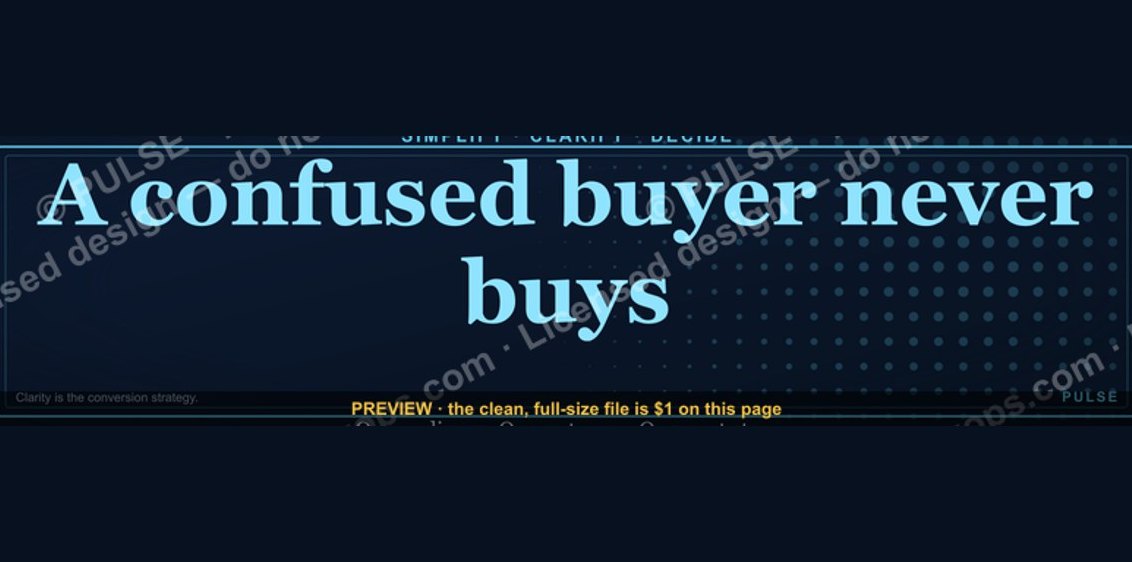 graphic“A confused buyer never buys.” — LinkedIn Banner
 graphic“Hire slow. Ramp fast.” — LinkedIn Banner
 graphicRevOps Manager — LinkedIn Banner
 graphicLead from the front. — LinkedIn Wallpaper
 graphicAI Observability Operator — LinkedIn Banner
 graphic“Champions are made before the call.” — LinkedIn Banner
 graphicSales Coach — LinkedIn Banner
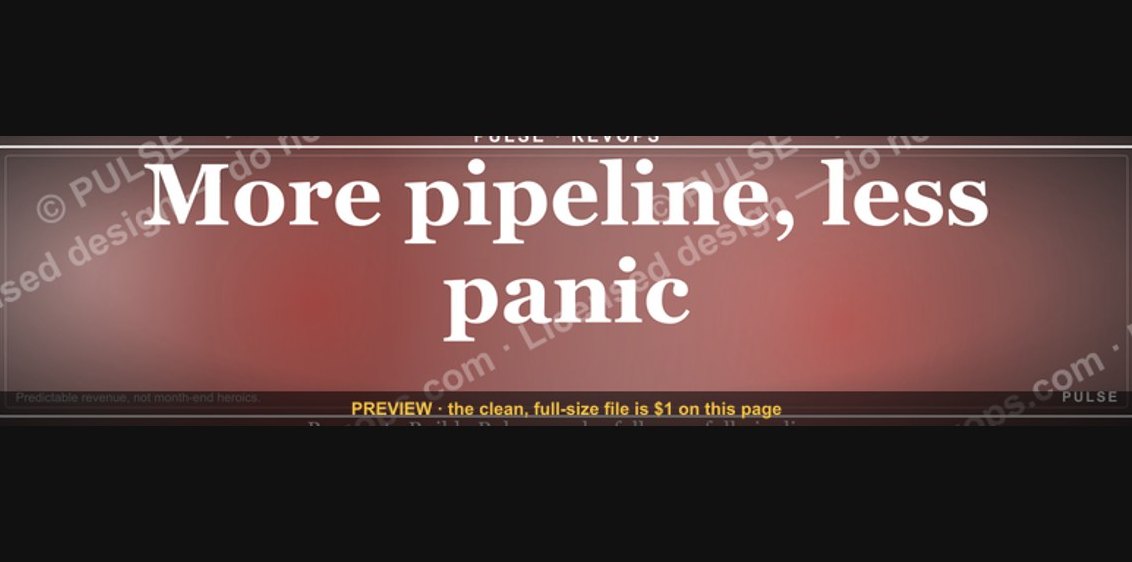 graphic“More pipeline, less panic.” — LinkedIn Banner
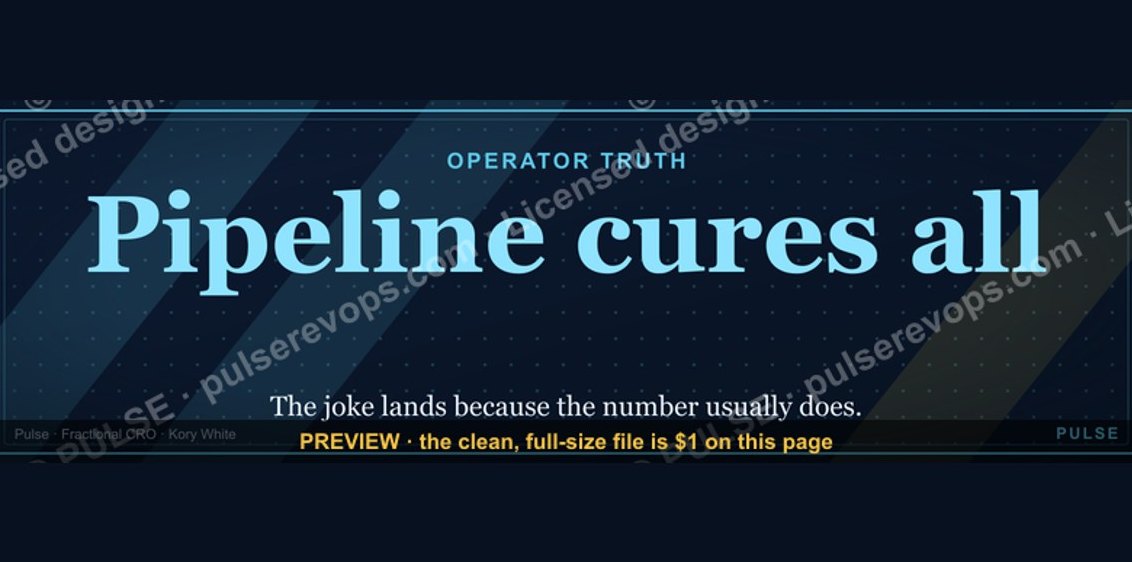 graphicPipeline cures all. — LinkedIn Wallpaper
 graphic“Process over pressure.” — LinkedIn Banner