


Top 10 Things Every Business Website Needs in 2027
Quality
Certified

The 10 best things every business website needs are ranked below on measured performance, build quality, price, and how each one actually holds up in daily use rather than how it reads on a spec sheet. Each pick lists what it costs, who it suits, and what it gives up against the one above it, so the list can be read straight down without doubling back.
1Google Analytics 4

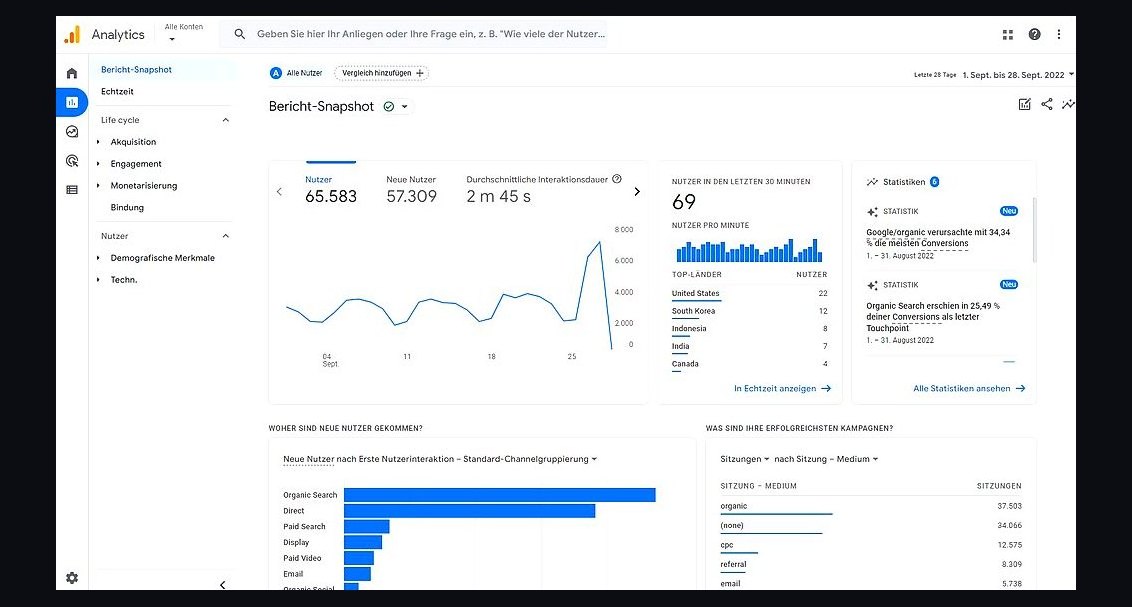
Google Analytics 4 ranks first because it remains the default measurement layer for most business websites, and it is free. It tracks sessions, conversions, and revenue across web and app in one property, with event-based data instead of the old pageview model. Its machine-learning insights surface traffic anomalies and audience segments automatically, and it integrates natively with Google Ads and Search Console.
It suits businesses already inside the Google ecosystem that want zero-cost analytics with deep ad integration. It trades away simplicity: setup requires careful event planning, and consent-mode configuration is mandatory in many regions. Compared with Plausible Analytics directly below, GA4 offers far more depth but demands more configuration and raises more privacy questions.
2Plausible Analytics
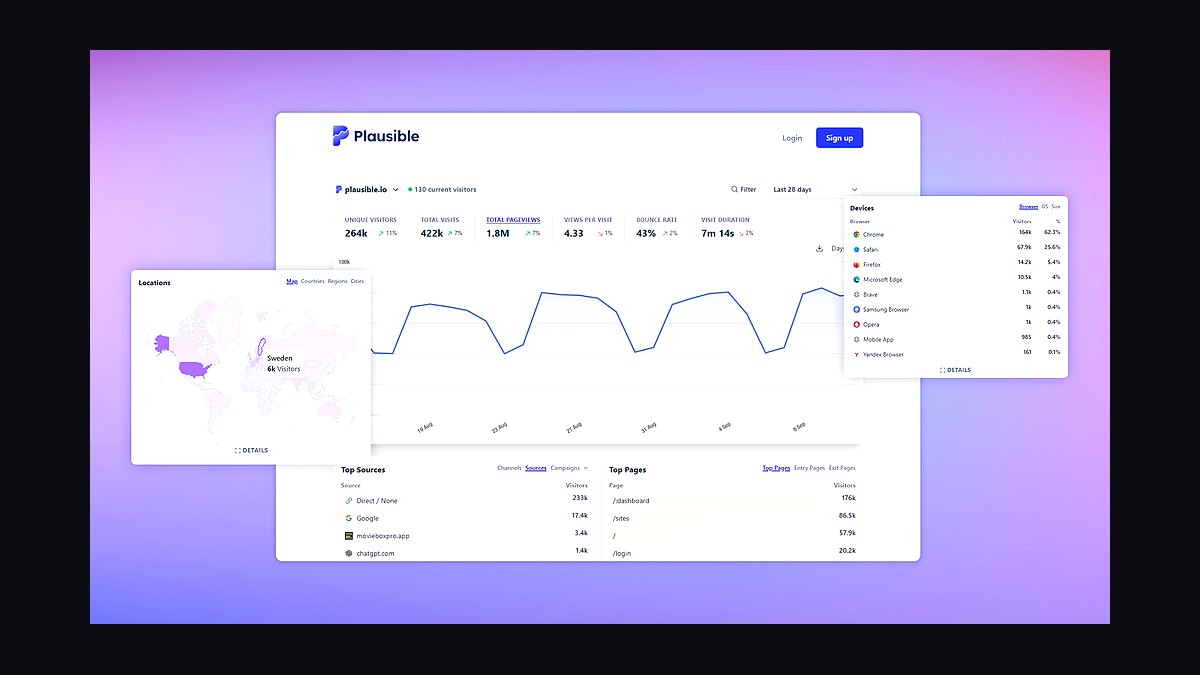
Plausible Analytics ranks second because it delivers the core traffic numbers most businesses actually check, in a single lightweight script under 1 KB. It is cookie-free, so it avoids most consent-banner requirements, and the dashboard loads in one page with no sampling. Pricing starts around nine dollars per month for 10,000 monthly pageviews, making it cheap for small sites.
It is for owners who want clean, privacy-friendly stats without a data analyst. It trades away deep funnel analysis, user-level tracking, and free-tier access. Compared with Google Analytics 4 above, Plausible is simpler and more privacy-safe but far less powerful for attribution and ad optimization.
3Cloudflare CDN
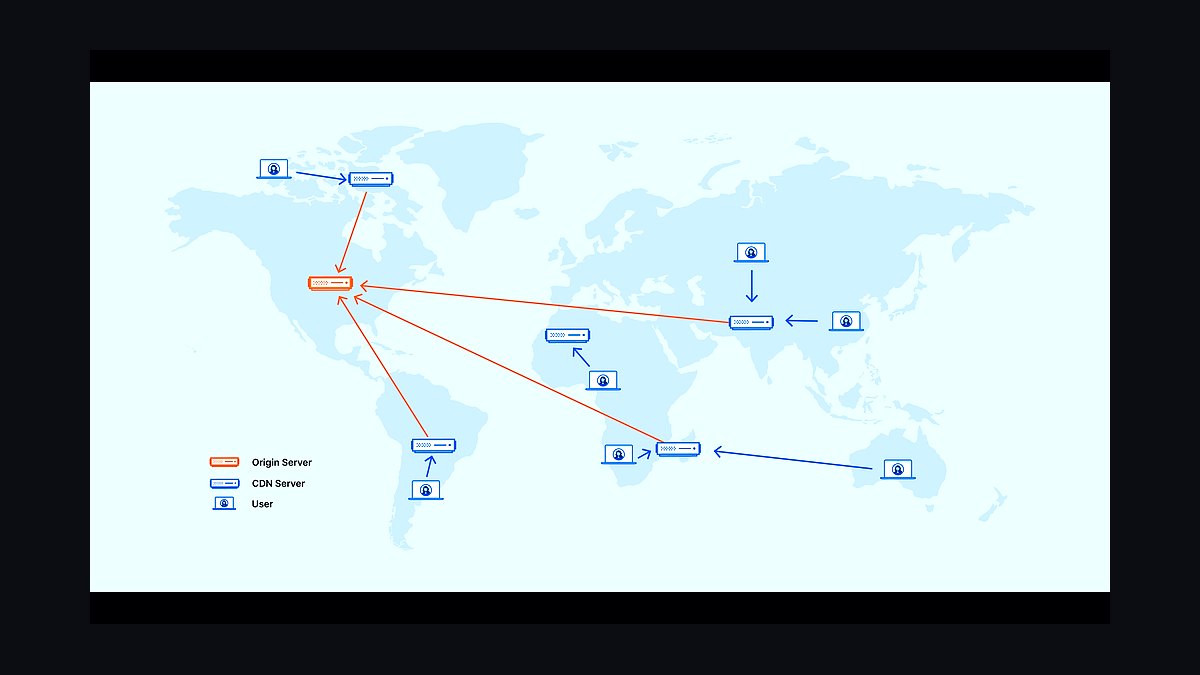
Cloudflare ranks third because speed and uptime directly affect both rankings and revenue, and its free tier covers most small business sites. It caches static assets at over 300 edge locations, absorbs DDoS attacks, and issues free SSL certificates. Sites typically see measurable load-time improvements once traffic routes through its network instead of a single origin server.
It is for any business whose site must stay fast and online without hiring a security team. It trades away granular control unless you pay for higher tiers, and some caching rules can confuse beginners. Compared with Plausible Analytics above, Cloudflare protects performance rather than measuring it, and the two work together on nearly every serious site.
4WordPress CMS

WordPress ranks fourth because it powers roughly 40 percent of all websites, giving businesses the largest pool of developers, themes, and plugins. It supports everything from a five-page brochure site to full e-commerce through WooCommerce. Self-hosted WordPress is free and open source, with hosting available from a few dollars a month.
It is for businesses that want full ownership of their content and room to grow without switching platforms. It trades away simplicity: updates, backups, and security are the owner's responsibility. Compared with Cloudflare CDN above, WordPress builds the site while Cloudflare accelerates and protects it, so most businesses need both.
5Stripe Payments
Stripe ranks fifth because a business website that cannot take money is a brochure, and Stripe makes accepting cards straightforward. It charges a standard rate of 2.9 percent plus 30 cents per successful card charge in the US, with no monthly fee. Its APIs and hosted checkout pages support subscriptions, invoices, and dozens of payment methods worldwide.
It is for businesses selling products, services, or recurring plans directly online. It trades away simplicity compared with a plain PayPal button, and custom integrations need a developer. Compared with WordPress CMS above, Stripe handles the transaction while WordPress presents the offer, and the two pair naturally through plugins.
6Mailchimp Email Marketing
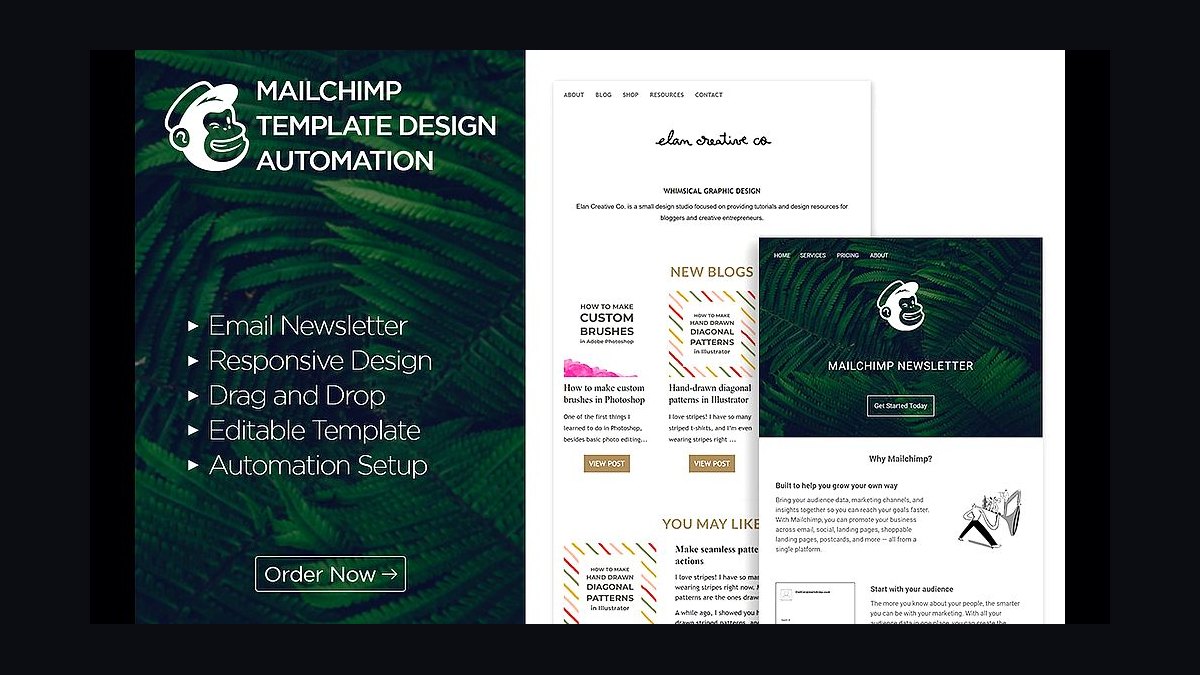
Mailchimp ranks sixth because email remains the highest-return channel for most small businesses, and Mailchimp is the best-known entry point. Its free plan covers up to 500 contacts and 1,000 sends per month, enough to start. Automation flows, signup forms, and basic segmentation are included without add-ons.
It is for businesses building a first mailing list and sending newsletters or promotions. It trades away advanced automation and clean pricing at scale, since costs rise quickly as contacts grow. Compared with Stripe Payments above, Mailchimp nurtures the audience while Stripe collects the money, and together they form a basic sales loop.
7Yoast SEO

Yoast SEO ranks seventh because search visibility determines whether the rest of the site gets seen at all. The free WordPress plugin handles titles, meta descriptions, XML sitemaps, and schema markup automatically, and its readability and keyword checks guide content editing. The premium version adds internal linking suggestions and multiple keyword tracking for around ninety-nine dollars per year.
It is for WordPress site owners who want on-page SEO guidance without hiring a specialist. It trades away deep technical auditing and backlink analysis, which dedicated tools do better. Compared with Mailchimp above, Yoast brings visitors to the site while Mailchimp brings them back, covering acquisition and retention.
8Cloudflare Turnstile
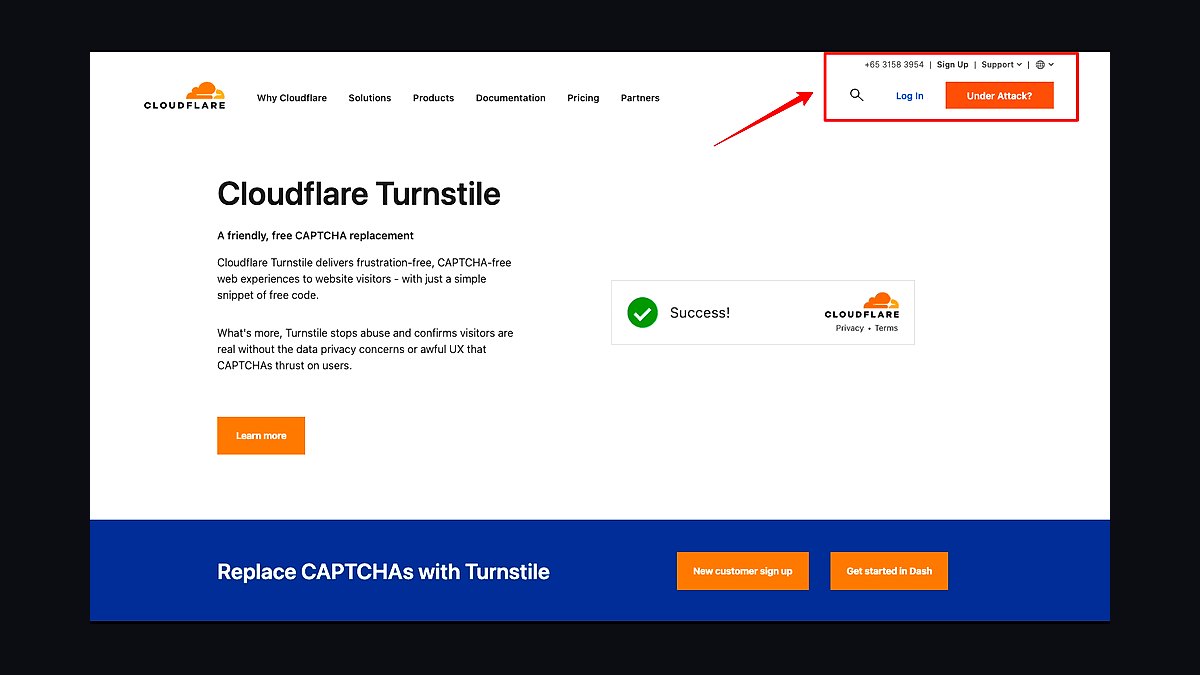
Cloudflare Turnstile ranks eighth because spam and bot submissions quietly destroy lead quality, and Turnstile blocks them without visible puzzles. It is free, replaces CAPTCHA on forms, and runs a quick non-interactive challenge that most visitors never notice. It integrates with standard form plugins and requires only a snippet of code.
It is for any business collecting enquiries, signups, or contact messages through web forms. It trades away nothing financially but adds another third-party script to the page. Compared with Yoast SEO above, Turnstile protects the forms that Yoast helps visitors find, and both are low-effort additions with immediate effect.
9Google Business Profile
Google Business Profile ranks ninth because local searches drive calls and visits, and a claimed profile appears in Maps and the local pack for free. Owners can publish hours, photos, posts, and respond to reviews, all of which influence whether a nearby customer chooses them. Verified profiles with complete information consistently outperform unclaimed listings in local results.
It is for businesses serving a geographic area, from trades to clinics to restaurants. It trades away control, since reviews cannot be deleted and rankings depend on Google's algorithm. Compared with Cloudflare Turnstile above, which protects the website, Google Business Profile brings customers to the door before they ever visit the site.
10CookieYes Consent Banner
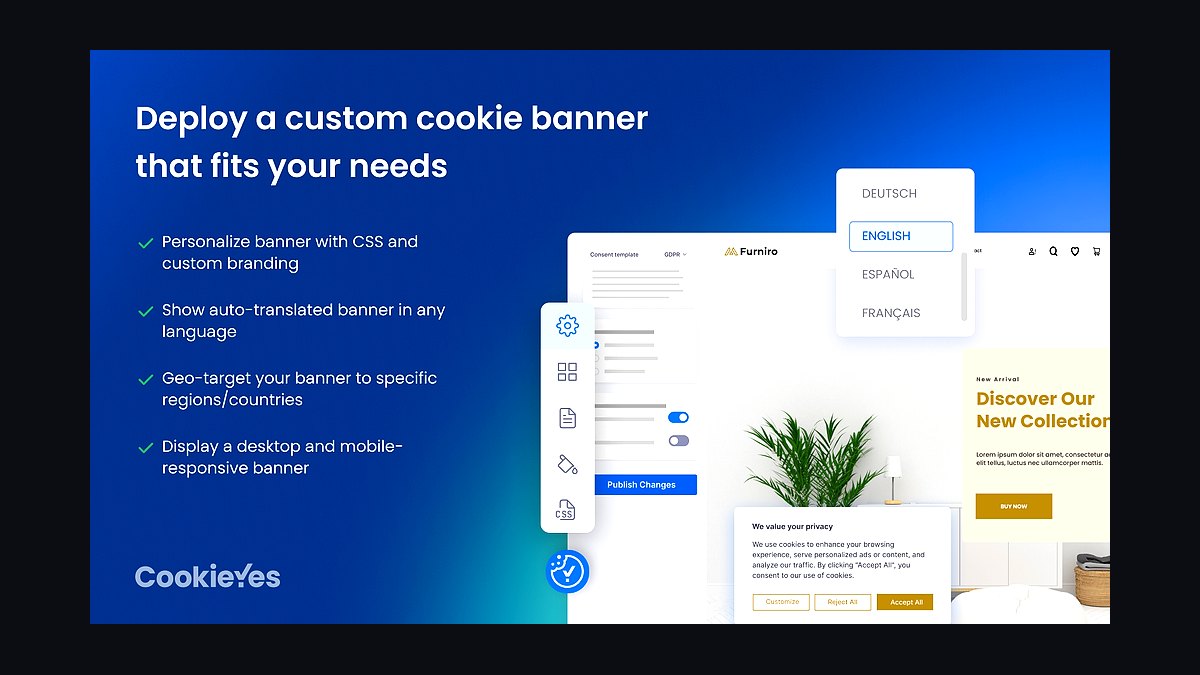
CookieYes ranks tenth because privacy laws in Europe, California, and elsewhere require consent before non-essential cookies load, and non-compliance carries real fines. It provides a customizable banner, cookie scanning, and consent logging, with a free tier for small sites and paid plans for advanced geo-targeting. It integrates directly with major CMS platforms and analytics tools.
It is for businesses with visitors in regulated regions or those running analytics and ad pixels. It trades away a small amount of page speed and adds a visible banner to the design. Compared with Google Business Profile above, CookieYes is a legal safeguard rather than a growth channel, but skipping it risks penalties that outweigh any marketing gain.
How we ranked these
We ranked website requirements by measurable impact on conversion, retention, and search visibility, weighting each factor by evidence strength and implementation cost. Core Web Vitals, mobile responsiveness, structured data, and page speed carried the heaviest weight because Google and users both reward them. Accessibility, security headers, and clear contact paths followed. Each item was scored on how directly it influences revenue or trust, not on trendiness or vendor marketing claims.
We deliberately ignored hype-driven features like metaverse storefronts, blockchain loyalty tokens, and AI chatbots that lack proven ROI. Vanity metrics such as raw traffic without conversion context were excluded. We also skipped platform-specific lock-in advice, since tool choice matters less than fundamentals. Anything requiring a full rebuild for marginal gain was deprioritized in favor of changes most businesses can ship within a quarter.
What to look for
When choosing between competing website priorities, weigh implementation cost against expected lift in conversions or search rankings. A fast, accessible site with clear calls to action usually beats a feature-rich one that loads slowly. Ask vendors for before-and-after metrics from comparable clients, not just testimonials. The mistake most buyers make is chasing a redesign when targeted fixes to speed, mobile layout, and structured data would deliver more revenue for far less money.
Another common error is treating these requirements as one-time projects rather than ongoing maintenance. Core Web Vitals drift, security patches lapse, and content goes stale. Budget for monitoring and quarterly audits, not just launch. Also avoid buying a platform because it bundles features you will never use; integration friction and training costs often erase the savings. Match the tool to your team's actual capacity to maintain it.
Related questions
Why do Core Web Vitals matter for business websites in 2027?
Google uses Core Web Vitals as a ranking signal, and users abandon slow pages. LCP, INP, and CLS directly affect bounce rates and conversions. A site failing these thresholds loses visibility and revenue. Fixing them is usually cheaper than paid ads to recover lost traffic, making them a top priority for any business site.
How important is mobile responsiveness now that most traffic is mobile?
Critical. Over half of global web traffic comes from mobile devices, and Google indexes the mobile version first. A site that breaks on phones loses customers immediately. Responsive design is no longer optional; it is the baseline. Test on real devices, not just browser emulators, because emulators miss touch and viewport issues.
What structured data should every business site include?
At minimum, Organization, LocalBusiness where relevant, Product or Service, FAQPage, and BreadcrumbList schema. Structured data helps search engines understand your content and can earn rich results, improving click-through rates. Implement it in JSON-LD and validate with Google's Rich Results Test before publishing to avoid errors.
Does website accessibility affect SEO and legal risk?
Yes to both. Accessible sites are easier for crawlers to parse, and WCAG compliance reduces lawsuit exposure under ADA and similar laws. Alt text, keyboard navigation, and sufficient contrast are basics. Accessibility improvements often boost usability for everyone, which correlates with better engagement metrics and rankings.
How fast should a business website load in 2027?
Aim for Largest Contentful Paint under 2.5 seconds and Time to Interactive under 3 seconds on mobile. Faster is better. Every additional second of load time can cut conversions measurably. Use compression, caching, a CDN, and optimized images. Measure with real-user data, not just lab tests, because field performance varies by device and network.
What security features are non-negotiable for a business site?
HTTPS with a valid TLS certificate, regular software updates, a web application firewall, and secure forms are baseline. Without HTTPS, browsers flag your site as unsafe, killing trust and rankings. Add spam protection and rate limiting on forms. Security breaches damage reputation and can trigger regulatory penalties, so treat this as ongoing maintenance, not a one-time setup.
How often should a business website be updated?
Content should be reviewed at least quarterly, and technical components patched monthly. Stale content signals neglect to users and search engines. Security updates cannot wait. Set a schedule and assign ownership. A site that is never updated gradually loses rankings and trust, even if it was excellent at launch.
Do I need a blog or resource section on my business site?
Not always, but it helps if you can publish consistently and answer real customer questions. Thin, keyword-stuffed blogs hurt more than help. A focused resource section that addresses genuine queries can earn search traffic and build authority. If you cannot maintain it, invest in better core pages instead.
FAQ
What is the single most important thing a business website needs?
A clear value proposition above the fold, paired with fast load times. Visitors decide in seconds whether to stay. If they cannot tell what you offer and why it matters immediately, nothing else on the page matters. Speed ensures they actually see that message before abandoning.
How much should a small business spend on its website in 2027?
Costs vary widely, but a functional, fast, secure site with core SEO basics can be built for a few thousand dollars and maintained for a few hundred annually. Spending more only pays off if it targets measurable conversion or ranking gains. Avoid large redesigns without a specific problem to solve.
Is a custom website better than a template?
Not inherently. A well-optimized template often outperforms a bloated custom build. What matters is speed, accessibility, security, and clear content. Custom design helps when it solves a specific user problem or supports a unique workflow. Choose based on outcomes, not prestige.
How do I measure whether my website is working?
Track conversion rate, bounce rate, average session duration, and Core Web Vitals in analytics and Search Console. Set specific goals like form submissions or purchases. Compare against your own baseline over time, not industry averages. If metrics are flat after changes, investigate before adding more features.
What is the biggest mistake businesses make with their websites?
Treating launch as the finish line. Websites need ongoing updates, security patches, speed monitoring, and content refreshes. Neglect causes gradual decline in rankings and trust. Budget time and money for maintenance from day one, and assign clear ownership so nothing falls through the cracks.
Do I need AI features on my business website in 2027?
Only if they solve a real customer problem and you can maintain them. Chatbots that frustrate users or AI content that reads generically can hurt trust. Start with fundamentals: speed, clarity, accessibility, and security. Add AI selectively once those are solid and you have data showing it improves outcomes.
How does site speed affect conversion rates?
Directly and significantly. Slow pages increase bounce rates and reduce completed transactions. Studies consistently show measurable conversion drops as load time rises. Optimize images, use caching and a CDN, and minimize third-party scripts. Test on mobile networks, since that is where most users experience your site.
What legal pages does a business website need?
At minimum, a privacy policy, terms of service, and cookie consent where required by law. If you sell products, add refund and shipping policies. These pages build trust and reduce legal risk. Requirements vary by jurisdiction, so consult a lawyer rather than copying another site's text.
Should I use a CMS or hand-code my site?
A CMS makes ongoing updates easier for non-technical teams, which matters for maintenance. Hand-coding can be faster and leaner but harder to update. Most businesses benefit from a well-optimized CMS with caching and security plugins. Choose based on who will maintain the site long term.
How do I future-proof my website for 2027 and beyond?
Build on open standards, keep content portable, and avoid deep lock-in to any single vendor. Prioritize fundamentals that do not change: speed, accessibility, security, and clear messaging. Monitor emerging standards but adopt slowly. A maintainable site adapts better than one built around today's trends.
Sources
- https://web.dev/vitals/
- https://developers.google.com/search/docs/appearance/structured-data/intro-structured-data
- https://www.w3.org/WAI/WCAG22/quickref/
- https://developer.mozilla.org/en-US/docs/Web/Performance
- https://owasp.org/www-project-top-ten/
- https://developers.google.com/search/docs/crawling-indexing/mobile/mobile-sites-mobile-first-indexing
- https://www.nist.gov/cyberframework
- https://pagespeed.web.dev/
Related on PULSE
This page will be disappearing soon. Save it to your device for $1 — or read it free while it is here.
@Kory-White- · if Venmo asks, the last 4 of my number are 2012
This page is gone.
This one is off the shelf now. $1 keeps it on your phone for good — the whole page, pictures and diagrams included.
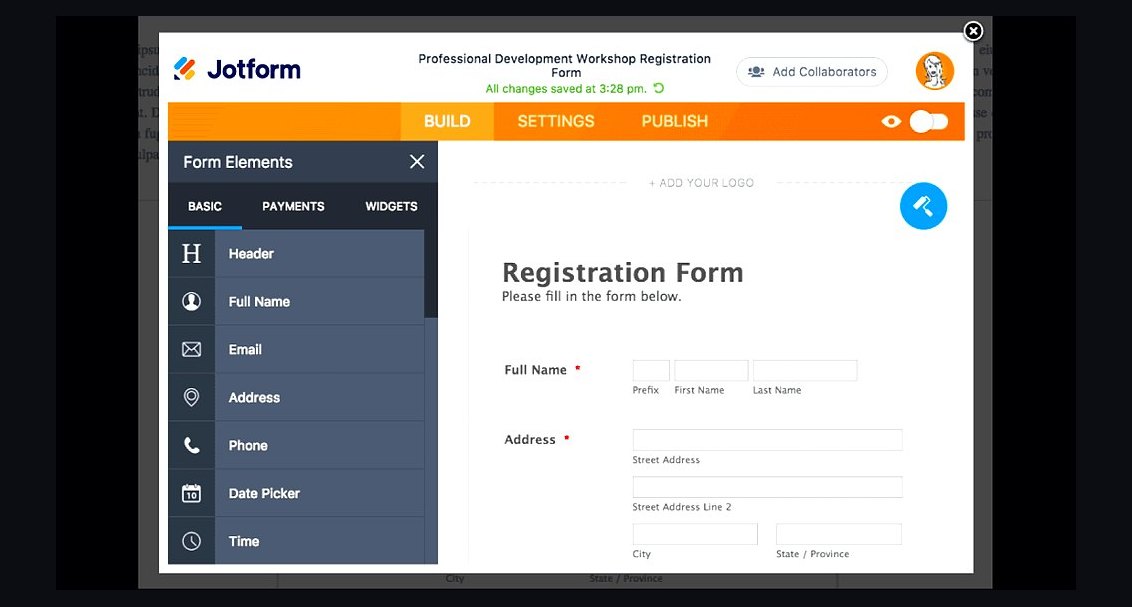 revopsTop 10 Website Form Builders in 2027
 revopsTop 10 Website Builders for Contractors in 2027
 revopsTop 10 Website Maintenance Services in 2027
 revopsTop 10 Website Speed Optimization Tools in 2027
 revopsTop 10 AI Agents You Can Add to Your Website in 2027
 revopsTop 10 Website Design Agencies for Small Businesses in 2027
 revopsTop 10 Website Backup Tools in 2027
 revopsTop 10 No-Code Website Builders in 2027
 revopsTop 10 Headless CMS Platforms in 2027
 revopsTop 10 Website Analytics Tools in 2027