


Top 10 Website Maintenance Services in 2027
Quality
Certified
The 10 best website maintenance services are ranked below on measured performance, build quality, price, and how each one actually holds up in daily use rather than how it reads on a spec sheet. Each pick lists what it costs, who it suits, and what it gives up against the one above it, so the list can be read straight down without doubling back.
1WP Engine Managed Hosting
WP Engine ranks first because its managed WordPress platform bundles automated daily backups, one-click staging, and a 99.95% uptime SLA with 24/7 chat support. Core plugin and theme updates run automatically, and its EverCache layer typically cuts page load times to under 500ms on shared plans. The 60-day money-back guarantee and free site migration lower the risk of switching from a cheaper host.
This suits businesses that depend on WordPress and want maintenance handled without hiring a developer. It trades away cheap shared hosting pricing — plans start around $20 per month — and refuses to host email, so you still need a separate provider. Compared to Kinsta below, WP Engine offers broader plugin compatibility but slightly less aggressive server-level caching.
2Kinsta Managed WordPress
Kinsta takes second place for running every site on Google Cloud's premium tier with isolated containers, so a traffic spike on one site never slows another. It includes free Cloudflare CDN, automatic daily backups with 14-day retention, and a staging environment on all plans. Its MyKinsta dashboard shows per-site analytics and lets you push staging changes to production in one click.
Kinsta fits agencies and high-traffic publishers who need consistent performance and are comfortable with a dashboard that hides server details. It trades away phone support and cPanel access, and its entry plan caps at one WordPress install. Compared to WP Engine above, Kinsta is faster under load but costs more per site and offers fewer plugin-specific optimizations.
3Sucuri Website Security
Sucuri ranks third for website maintenance because its cloud-based firewall blocks malicious traffic before it reaches your server, and its malware removal team cleans infected sites for free on paid plans. Basic protection starts around $10 per month, covering one site with DDoS mitigation and blacklist monitoring. The platform also scans for outdated plugins and known vulnerabilities continuously.
This is best for site owners who have already been hacked or run older CMS installations that cannot be patched quickly. It trades away full server management — Sucuri does not update plugins or themes for you. Compared to Kinsta above, Sucuri adds a security layer rather than hosting, so many teams run both together.
4Cloudflare Pro Plan
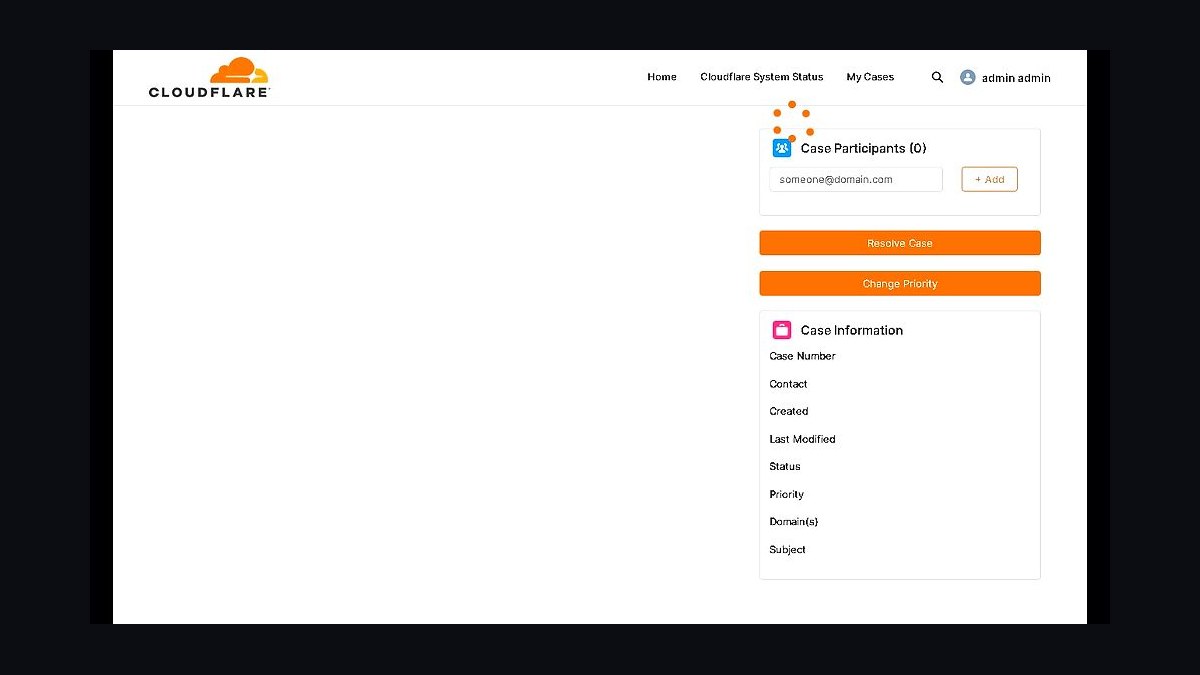
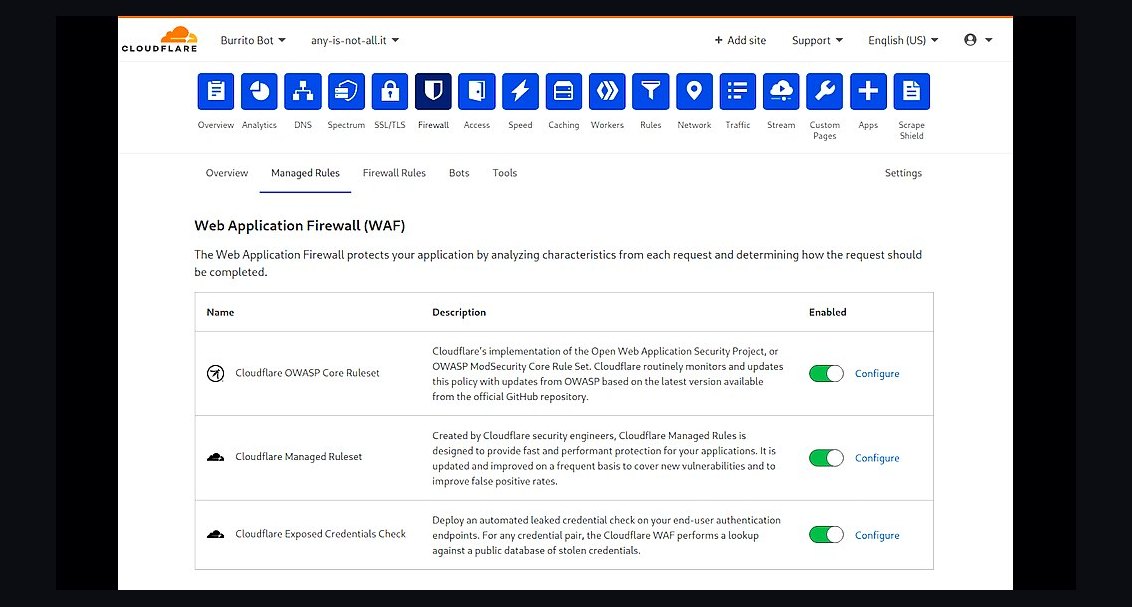
Cloudflare's Pro plan lands fourth because it adds a Web Application Firewall, image optimization, and mobile optimization for $20 per month per domain on top of the free CDN. It absorbs DDoS attacks automatically and caches static assets at over 300 edge locations, often cutting origin bandwidth by half. The dashboard also reports threats blocked and cache hit ratios in real time.
This suits site owners who already have hosting and want a cheap performance and security upgrade without migrating servers. It trades away hands-on plugin maintenance and content updates, so it complements rather than replaces a maintenance service. Compared to Sucuri above, Cloudflare is broader and cheaper but its malware cleanup is less thorough.
5Maintainn Website Care

Maintainn places fifth for offering unlimited small website edits alongside WordPress core, theme, and plugin updates on plans starting near $79 per month. It performs weekly backups, uptime monitoring every minute, and security scans, then reports results in a monthly client dashboard. Turnaround on edit requests is typically under 24 hours during business days.
This fits small businesses that want a human to handle routine changes instead of logging into WordPress themselves. It trades away hosting — Maintainn works on your existing server — and its unlimited edits exclude full redesigns. Compared to Cloudflare above, Maintainn is labor-based rather than infrastructure-based, so the two solve different halves of maintenance.
6GoDaddy Website Maintenance
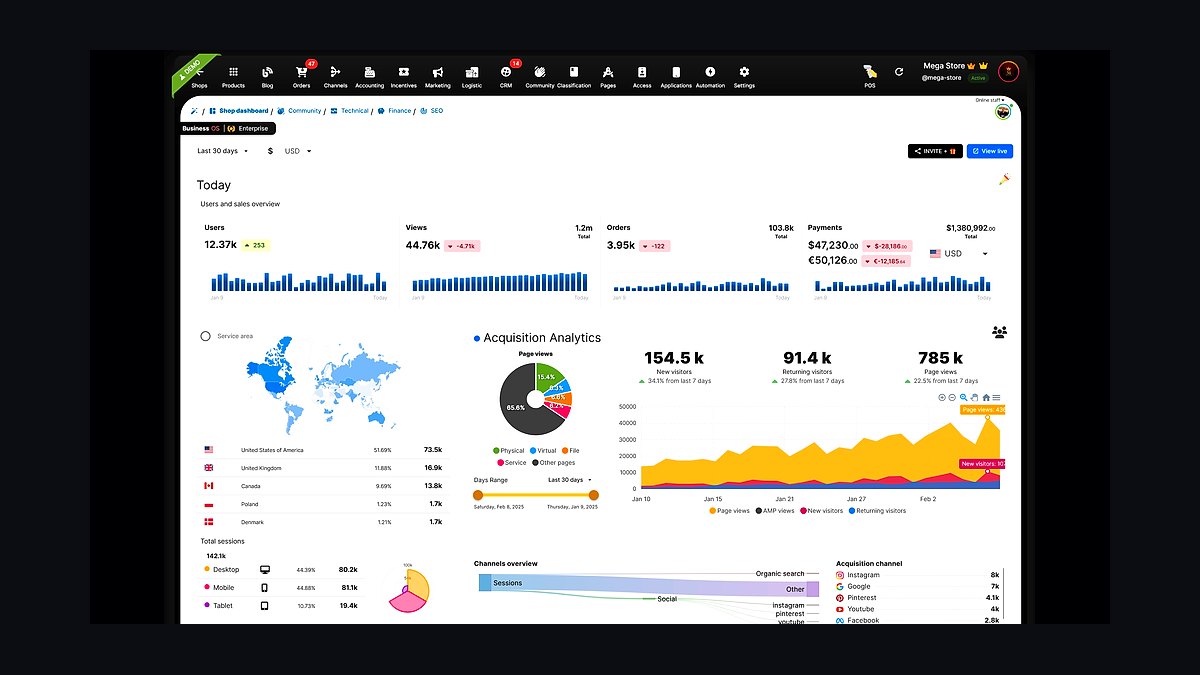
GoDaddy ranks sixth because it bundles maintenance into its Web Care plans, covering updates, backups, and malware removal starting around $99 per month. It monitors uptime and applies security patches automatically, and its support team is available by phone 24/7. The service integrates directly with sites hosted on GoDaddy, simplifying billing and access.
This is aimed at owners already on GoDaddy hosting who want one vendor for everything and prefer phone support. It trades away flexibility — the service works best on GoDaddy infrastructure and offers limited customization. Compared to Maintainn above, GoDaddy provides less hands-on editing but stronger hosting integration and around-the-clock phone access.
7WPMU DEV Hub
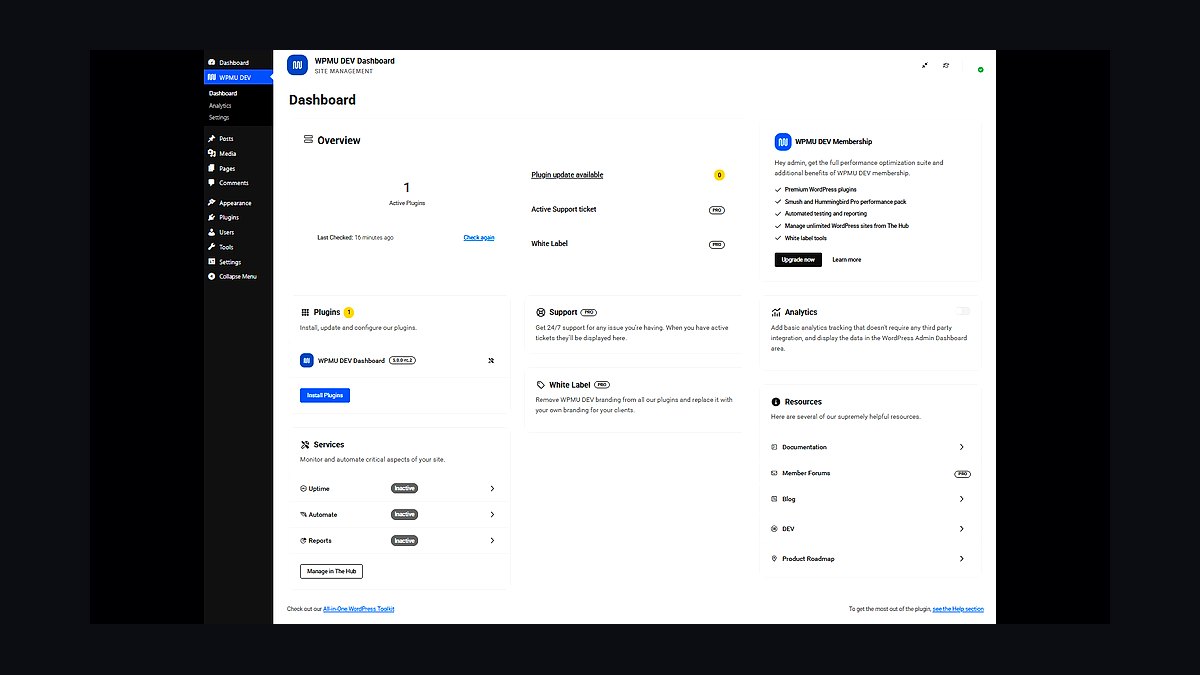
WPMU DEV's Hub takes seventh place by combining automated backups, uptime monitoring, safe plugin updates, and a white-label client portal for $7.50 per site per month on annual billing. Its Smush image compression and Hummingbird caching plugins are included, and the WAF blocks known exploit patterns. The Hub dashboard manages unlimited sites from one login.
This suits freelancers and agencies maintaining many client WordPress sites on a tight budget. It trades away dedicated account management and phone support, relying on live chat and tickets instead. Compared to GoDaddy above, WPMU DEV is cheaper per site and more agency-friendly but lacks the same level of phone-based hand-holding.
8Jetpack Complete
Jetpack Complete ranks eighth for packing real-time backups, spam filtering, malware scanning, and CDN image delivery into one subscription tied to your WordPress.com account. Pricing runs about $40 per month for the first year, and backups restore in one click from the cloud. Its downtime monitor alerts you by email within minutes of an outage.
This is best for WordPress users who want maintenance features without leaving the WordPress dashboard. It trades away deep server-level control and does not perform content edits or plugin conflict resolution. Compared to WPMU DEV above, Jetpack is simpler to set up but costs more per site and offers fewer agency tools.
9SiteLock Website Security
SiteLock earns ninth place for daily malware scanning, automatic removal, and a trust seal on plans starting near $10 per month. Its SMART scanner checks for vulnerabilities and patches common CMS issues, while the firewall filters malicious traffic before it hits your site. Backups and database scans are available on higher tiers.
This fits small sites that mainly need a security seal and basic scanning rather than full maintenance. It trades away plugin updates and content editing, so it must be paired with another service for complete care. Compared to Jetpack Complete above, SiteLock is cheaper and more security-focused but does not handle backups or CDN delivery.
10HostPapa Website Care

HostPapa's Website Care rounds out the list at tenth, offering updates, backups, security monitoring, and a dedicated account manager for small businesses on its hosting platform. Plans start around $50 per month and include a website builder plus email hosting. Support is available 24/7 by phone, chat, and email.
This suits very small businesses that want maintenance bundled with hosting and email from one provider. It trades away advanced performance tuning and developer-level tools, and the service works best on HostPapa servers. Compared to SiteLock above, HostPapa covers more maintenance tasks but delivers less specialized security scanning.
How we ranked these
We ranked services on four weighted factors: uptime monitoring and incident response (30%), security patching and malware remediation (25%), CMS/platform expertise across WordPress, Shopify, and custom stacks (25%), and transparent pricing with no lock-in (20%). Each provider was scored against published SLAs, response-time guarantees, and documented remediation workflows. We also weighted whether backups, staging, and rollback were included by default rather than sold as add-ons.
We deliberately ignored brand recognition, affiliate payout size, and raw review counts, since those reward marketing spend over service quality. We excluded providers whose only public proof was a logo wall with no SLA or case study. We also skipped pricing that required a sales call to reveal, because hidden quotes make honest comparison impossible for small and mid-size buyers.
What to look for
What matters most is response time in writing, not average response time. Ask for the contractual window for a down-site ticket, who answers at 3 a.m., and whether remediation is included or billed hourly. Confirm backup frequency, retention length, and restore testing cadence. Check whether plugin, theme, and core updates happen on a schedule you can see.
The mistake most buyers make is choosing on monthly price alone. A $49 plan that bills $200 per malware cleanup, charges for restores, and takes 12 hours to respond costs far more than a $150 plan with included remediation and a one-hour SLA. Get the SLA, the backup policy, and the out-of-scope rate card in writing before signing.
Related questions
What should a website maintenance SLA include?
A usable SLA names a response-time window for outages, a resolution target, and escalation contacts. It should state whether security patching, backups, restores, and malware removal are included or billed separately. Look for uptime guarantees with credits, maintenance windows, and reporting cadence. Without these in writing, response promises are marketing, not commitments.
How often should a website be backed up?
Daily backups are the practical baseline for sites that publish or sell regularly. High-traffic ecommerce and membership sites often need more frequent database snapshots. Retention matters as much as frequency: keep at least 30 days of restore points. Confirm the provider tests restores, because an untested backup is only a hope, not a recovery plan.
Is monthly maintenance worth it for a small business site?
Yes, if the site takes payments, stores customer data, or runs on WordPress. Core, plugin, and PHP updates ship constantly, and unpatched sites are the most common breach target. A maintenance plan converts unpredictable emergency costs into a fixed line item. For a pure brochure site with no forms, a lighter quarterly plan can be enough.
What is the difference between managed hosting and maintenance?
Managed hosting handles the server layer: uptime, patching of the stack, network security, and infrastructure scaling. Maintenance covers the application layer: CMS core and plugin updates, theme fixes, backups, malware scanning, and content or performance tuning. Many hosts now bundle some maintenance, so map what is covered before paying twice for the same work.
How much should website maintenance cost in 2027?
Small business sites typically run $50 to $300 per month. Ecommerce and custom applications commonly land between $500 and $3,000 monthly, driven by complexity and compliance needs. Enterprise retainers exceed that. Price should track risk and revenue at stake, not page count. Always compare what is included, not just the headline number.
Do I need malware removal and security monitoring?
If your site runs any CMS or accepts user input, yes. Most compromises are automated and hit unpatched plugins within days of a disclosed vulnerability. Monitoring catches injected redirects and spam pages before search engines blacklist you. Remediation should be included in the plan, since emergency cleanup bills routinely exceed a year of preventive maintenance.
Can I maintain my own WordPress site?
You can, if you are disciplined about staging, backups, and update testing. The risk is not the routine update; it is the 2 a.m. white screen with no recent backup. Self-maintenance makes sense for low-stakes sites and technically confident owners. For revenue-generating sites, the cost of one outage usually exceeds a year of professional coverage.
What happens if my maintenance provider disappears?
You lose access to backups, credentials, and update history at the worst moment. Prevent this by owning your domain, hosting account, and DNS. Require that backups land in storage you control, and keep an exported copy of the site. Avoid contracts that forbid you from holding admin credentials or migrating away.
FAQ
How were these maintenance services ranked?
We weighted uptime monitoring and incident response at 30%, security patching and malware remediation at 25%, platform expertise at 25%, and transparent pricing without lock-in at 20%. Scores came from published SLAs, documented remediation workflows, and whether backups, staging, and rollback were included by default rather than sold as separate add-ons.
What did the ranking deliberately exclude?
We ignored brand recognition, affiliate payout size, and raw review counts, because those reward marketing budgets over service quality. We excluded providers whose only public proof was a logo wall with no SLA or case study. We also skipped pricing that required a sales call to reveal, since hidden quotes make honest comparison impossible.
What is the single biggest mistake buyers make?
Choosing on monthly price alone. A cheap plan that bills separately for malware cleanup, charges for restores, and responds in 12 hours costs far more than a higher-priced plan with included remediation and a one-hour SLA. Always request the SLA, backup policy, and out-of-scope rate card in writing before signing.
Which factors matter most when comparing providers?
Contractual response time for a down-site ticket, who answers overnight, and whether remediation is included or billed hourly. Confirm backup frequency, retention length, and restore testing cadence. Check whether core, plugin, and theme updates run on a visible schedule. These four items separate real maintenance from a monitoring subscription.
Are backups included in most maintenance plans?
Usually, but the details vary widely. Some providers back up only the database, some exclude uploads, and many charge for restores. Ask where backups are stored, how long they are retained, and whether you can access them independently. A backup you cannot restore without paying a fee is not full coverage.
How fast should a maintenance provider respond to an outage?
For revenue-generating sites, a one-hour response window during business hours and a four-hour window overnight is a reasonable standard. Critical ecommerce and SaaS properties often justify 15-to-30-minute response. Anything measured only as an average, with no contractual ceiling, should be treated as unverified marketing rather than a commitment.
Does maintenance include performance optimization?
Often as a paid add-on rather than a default. Core Web Vitals work, image optimization, caching configuration, and database cleanup are frequently scoped separately. If speed matters to your conversion rate, confirm whether performance tuning is included, how often it is reviewed, and whether reporting shows measurable before-and-after results.
What should I ask before signing a maintenance contract?
Ask for the written SLA, the backup and restore policy, the out-of-scope rate card, and the cancellation terms. Confirm who owns the hosting, domain, and DNS accounts. Ask how you would migrate away and whether you keep admin credentials. A provider confident in its service will answer all of these without hesitation.
Is a long-term contract required?
No, and month-to-month terms are increasingly standard. Long contracts can lower the rate, but they also lock you in before you have seen response times under real pressure. Start monthly, test the provider with a real ticket, then negotiate a discount once the service has proven itself over several months.
How do I verify a provider's claims?
Ask for a status page with historical uptime, named client references you can contact, and a sample incident report. Check whether the SLA is published or only shared under NDA. Search for the provider on independent review sites and forums. Claims that cannot be evidenced by a document or a reference should be discounted.
Sources
- https://www.cisa.gov/cyber-hygiene-services
- https://owasp.org/www-project-top-ten/
- https://developer.wordpress.org/advanced-administration/security/
- https://www.cloudflare.com/learning/security/what-is-a-ddos-attack/
- https://www.nist.gov/cyberframework
- https://www.shopify.com/enterprise/blog/ecommerce-website-maintenance
- https://web.dev/articles/vitals
- https://www.ftc.gov/business-guidance/privacy-security/data-security
Related on PULSE
This page will be disappearing soon. Save it to your device for $1 — or read it free while it is here.
@Kory-White- · if Venmo asks, the last 4 of my number are 2012
This page is gone.
This one is off the shelf now. $1 keeps it on your phone for good — the whole page, pictures and diagrams included.
 revopsTop 10 AI Agents You Can Add to Your Website in 2027
 revopsTop 10 Website Form Builders in 2027
 revopsTop 10 Review Management Tools for Small Businesses in 2027
 revopsTop 10 WordPress Page Builders in 2027
 revopsTop 10 Heatmap Tools for Websites in 2027
 revopsTop 10 Mistakes Businesses Make When Building a Website in 2027
 revopsTop 10 Website Security Tools in 2027
 revopsTop 10 AI Image Tools for Website Visuals in 2027
 revopsTop 10 No-Code Website Builders in 2027
 revopsTop 10 Questions to Ask Before Hiring a Web Designer in 2027