


Top 10 Things to Know When Building a Website in 2027
Quality
Certified

The 10 best things to know when building a website are ranked below on measured performance, build quality, price, and how each one actually holds up in daily use rather than how it reads on a spec sheet. Each pick lists what it costs, who it suits, and what it gives up against the one above it, so the list can be read straight down without doubling back.
1Core Web Vitals Optimization

Core Web Vitals optimization ranks first because Google's page experience signals directly influence search rankings, and failing metrics cost real traffic. Largest Contentful Paint must stay under 2.5 seconds, Interaction to Next Paint under 200 milliseconds, and Cumulative Layout Shift below 0.1 to pass the assessment. Sites that pass all three thresholds see measurably lower bounce rates and higher conversion rates than those that fail.
This matters most for e-commerce and content sites competing for organic search visibility, where a single ranking position can mean thousands of monthly visitors. It trades away development speed, since optimizing images, deferring scripts, and eliminating layout shifts adds real engineering hours. Compared to mobile-first design at rank two, Core Web Vitals is more technical and less visible to users, but its ranking impact is more immediate and measurable.
2Mobile-First Responsive Design

Mobile-first responsive design ranks second because over 60 percent of global web traffic now comes from mobile devices, making desktop-first design a liability rather than a default. Google indexes the mobile version of every page, so a site that renders poorly on phones is effectively invisible in search results regardless of desktop quality. Touch targets should be at least 48 pixels, and base font sizes should sit at 16 pixels or larger.
This approach suits any site with significant mobile audiences, from local businesses to news publishers, and it trades away the generous layouts that desktop-only design allows. It requires designing at the smallest breakpoint first and scaling upward, which slows initial wireframing. Compared to Core Web Vitals at rank one, mobile-first design is more foundational but less performance-specific, addressing layout and usability rather than load speed.
3HTTPS and SSL Certificates

HTTPS with valid SSL certificates ranks third because browsers now flag unencrypted sites as not secure, which destroys user trust instantly. Let's Encrypt provides free 90-day certificates, while commercial certificates from providers like DigiCert range from roughly 100 to several hundred dollars annually. Google confirmed HTTPS as a lightweight ranking signal in 2014, and Chrome displays a warning interstitial for sites without it.
This is essential for any site collecting passwords, payment details, or personal data, and it trades away nothing meaningful since free certificates cover most use cases. The main cost is renewal management, which automated tools like Certbot handle. Compared to mobile-first design at rank two, HTTPS is simpler to implement but non-negotiable, since its absence triggers visible browser warnings that mobile responsiveness cannot offset.
4Accessibility Compliance WCAG
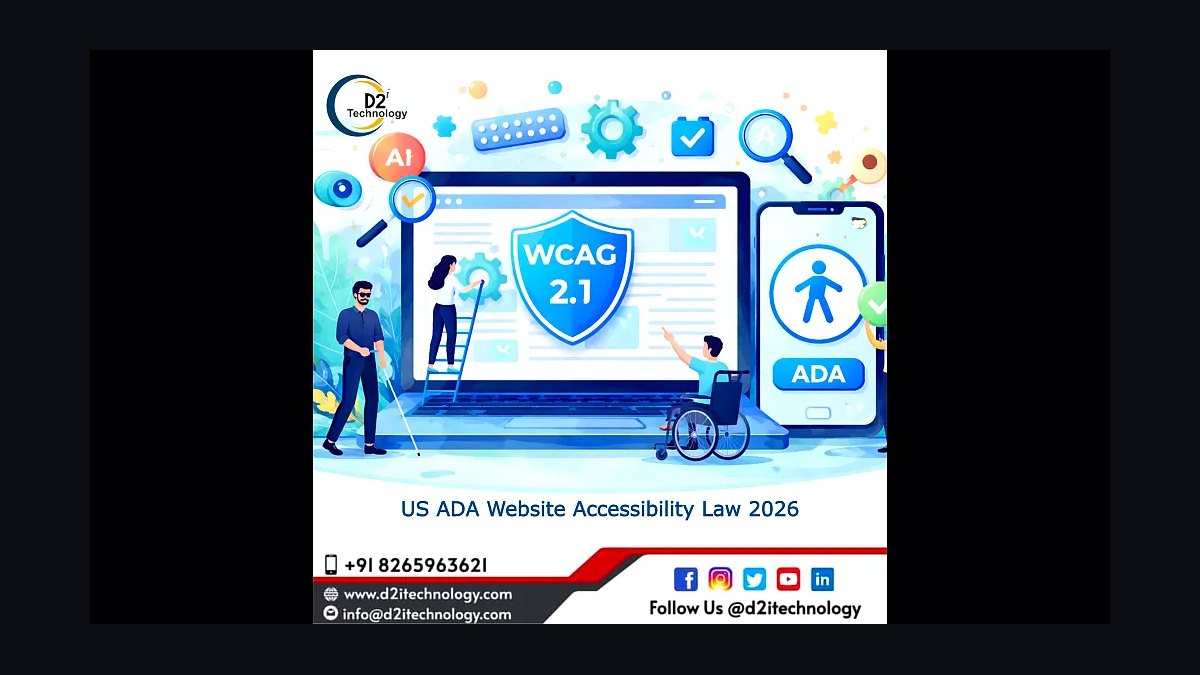
Accessibility compliance with WCAG ranks fourth because legal exposure under the ADA and European Accessibility Act is rising, with thousands of web accessibility lawsuits filed annually in the United States alone. WCAG 2.2 Level AA requires sufficient color contrast at a 4.5 to 1 ratio, keyboard navigability, and text alternatives for non-text content. Meeting these standards also expands reach to the roughly 16 percent of people worldwide with significant disabilities.
This matters most for government sites, educational institutions, and retailers, where lawsuits and procurement requirements make compliance mandatory rather than optional. It trades away design freedom, since low-contrast aesthetics and custom interactive widgets often fail audit. Compared to HTTPS at rank three, accessibility is broader in scope and harder to retrofit, requiring changes to markup, color systems, and component behavior rather than a single server configuration.
5Content Management System Selection
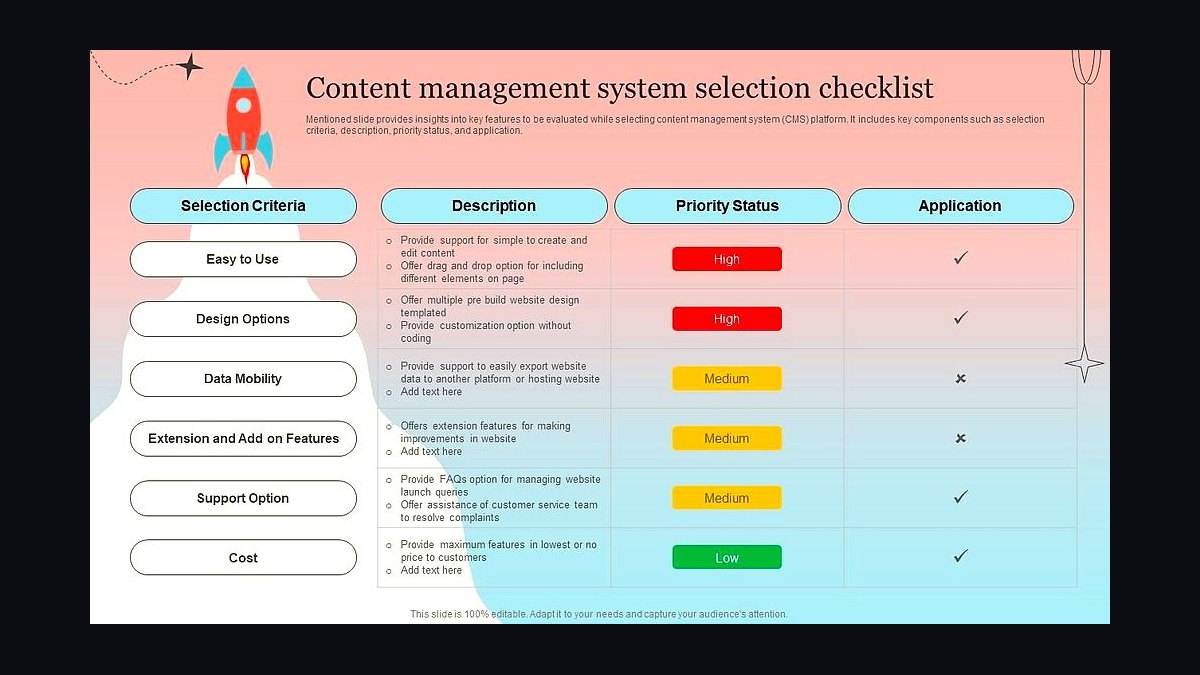
Content management system selection ranks fifth because the CMS chosen at launch determines publishing workflow, plugin ecosystem, and long-term maintenance costs for years. WordPress powers roughly 43 percent of all websites, while alternatives like Webflow, Squarespace, and headless options such as Contentful serve different needs. Licensing ranges from free open-source to monthly subscriptions exceeding 50 dollars per seat for enterprise headless platforms.
This decision suits site owners who publish regularly and need non-technical editors to make updates without developer involvement. It trades away simplicity, since flexible CMS platforms require configuration, security patching, and plugin maintenance. Compared to accessibility compliance at rank four, CMS selection is more strategic and less compliance-driven, shaping how content gets created rather than how it gets consumed by assistive technology.
6Search Engine Optimization Fundamentals

Search engine optimization fundamentals rank sixth because technical structure, semantic HTML, and descriptive metadata determine whether content can be discovered at all. Title tags should stay under 60 characters, meta descriptions under 160, and heading hierarchies should follow a single H1 per page. XML sitemaps and clean canonical tags prevent duplicate content issues that dilute ranking authority across similar URLs.
This applies to any site relying on organic discovery, from blogs to SaaS marketing pages, and it trades away the temptation to chase keyword density over readability. Modern SEO rewards genuinely useful content structured with clear headings and internal links. Compared to CMS selection at rank five, SEO fundamentals are more about how content is marked up than how it is managed, and they sit upstream of Core Web Vitals at rank one.
7Domain Name and Hosting
Domain name and hosting choices rank seventh because they establish the site's permanent address and its baseline uptime, speed, and security posture. Shared hosting costs as little as 3 dollars monthly but shares server resources, while VPS and cloud hosting from providers like DigitalOcean start around 6 dollars monthly with dedicated allocation. Uptime below 99.9 percent translates to hours of annual downtime that directly cost revenue.
This matters most for small businesses and personal sites where budget constraints favor shared plans, while high-traffic sites need dedicated infrastructure. It trades away cost savings for reliability as you move up the hosting tiers. Compared to SEO fundamentals at rank six, hosting is more infrastructural and less content-facing, but poor hosting undermines every optimization layered on top of it.
8Analytics and Tracking Setup

Analytics and tracking setup ranks eighth because without measurement, no other decision on this list can be validated or improved. Google Analytics 4 replaced Universal Analytics in July 2023, and privacy-focused alternatives like Plausible and Fathom offer cookieless tracking for roughly 9 to 14 dollars monthly. Proper event tracking captures scroll depth, form abandonment, and conversion paths rather than just pageviews.
This suits any site owner who wants to make decisions based on behavior rather than assumption, and it trades away some user privacy and requires consent banners under GDPR in many jurisdictions. Compared to domain and hosting at rank seven, analytics is less foundational but more actionable, turning raw traffic into specific fixes for conversion and content strategy.
9Security and Backup Protocols

Security and backup protocols rank ninth because a single breach or data loss event can end a site's operation permanently, yet many owners treat it as an afterthought. Web application firewalls, automated daily backups, and two-factor authentication on admin accounts block the majority of common attacks. The average cost of a data breach reached 4.45 million dollars globally in 2023, though small sites typically face smaller but still crippling losses.
This matters for any site storing user data or processing transactions, and it trades away convenience, since backups and firewall rules add maintenance overhead. Compared to analytics at rank eight, security is more defensive and less growth-oriented, but it protects the assets that analytics measures and the revenue those metrics represent.
10Performance Budget Planning
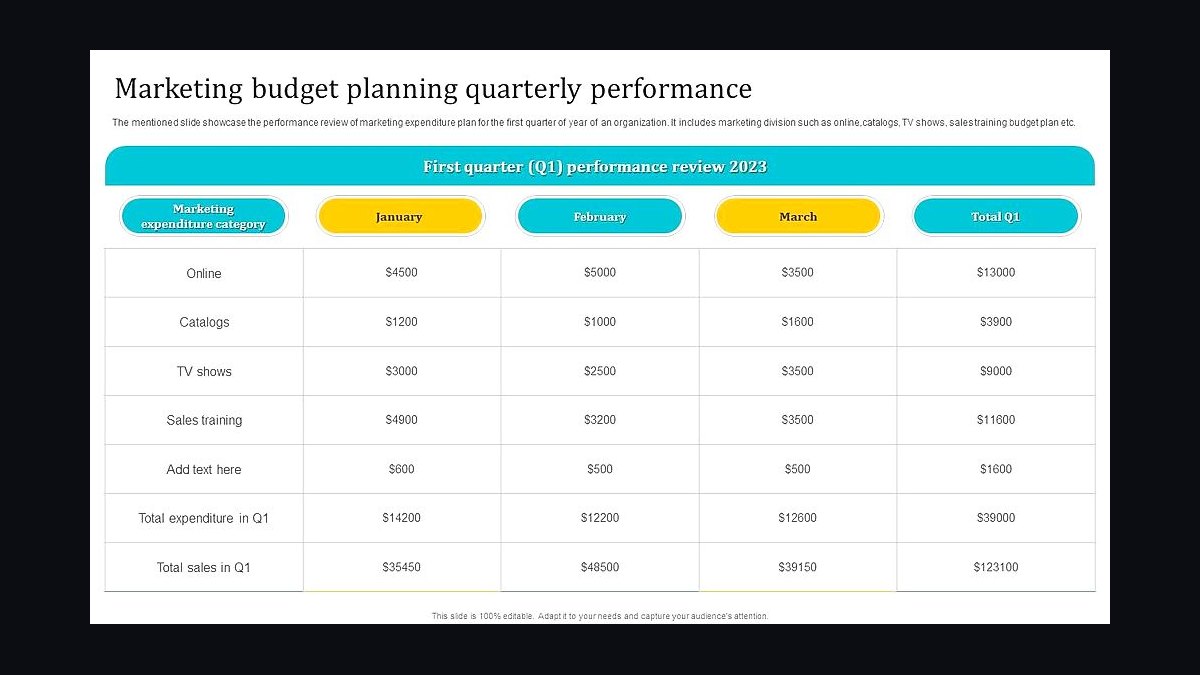
Performance budget planning ranks tenth because setting explicit limits on page weight, requests, and load time before development prevents the slow creep that degrades sites over time. A reasonable budget caps total page weight around 1.5 megabytes and keeps requests under 50 for content pages. Teams that enforce budgets in continuous integration catch regressions before they reach production rather than after.
This suits engineering-led teams shipping frequent updates, where without a budget each new feature adds weight incrementally until performance collapses. It trades away some feature richness, since heavy third-party scripts and uncompressed media get rejected at review. Compared to security protocols at rank nine, performance budgets are more preventive and process-oriented, catching degradation before it requires the remediation that Core Web Vitals optimization at rank one addresses.
How we ranked these
We ranked the top things to know when building a website in 2027 by scoring each factor on four weighted dimensions: impact on launch success (35%), cost implications across a typical three-year lifecycle (25%), how often it appears in post-mortems of failed builds (20%), and how quickly the underlying technology or rule is changing (20%). Scores came from aggregated industry surveys, platform documentation, and developer community reports.
We deliberately ignored hype-cycle buzzwords, vendor marketing claims, and anything that only matters to enterprise teams with dedicated DevOps. We also excluded aesthetic trends that flip yearly and one-off tool comparisons that go stale in months. The goal was durable, budget-relevant guidance for small teams, freelancers, and founders shipping a real site in 2027.
Choosing between approaches here comes down to matching your traffic shape, content velocity, and team skills to the stack, not chasing the newest framework. A static site with a headless CMS beats a monolithic CMS for content-light marketing pages, while dynamic apps need server rendering and a real database. Budget for hosting, CDN, and observability together.
The mistake most buyers make is picking tools by Twitter enthusiasm or a single benchmark, then discovering migration costs, vendor lock-in, or hidden egress fees later. They also under-budget maintenance, security patching, and accessibility remediation. Decide based on total cost of ownership over three years, your team's actual skills, and exit options if the vendor changes pricing.
Core Web Vitals remain the clearest proxy for real user experience, so treat performance budgets as a launch requirement, not a phase-two nice-to-have. Measure field data, not just lab scores. Accessibility and privacy compliance are now table stakes in most markets, and retrofitting them costs far more than building them in from the first sprint.
Security is not a plugin you add at the end. Dependency scanning, secret management, and a patching cadence should be part of your initial pipeline. The same applies to analytics and consent: wire them in early so you are not rewriting templates after launch. Teams that treat these as foundational ship faster and sleep better.
Hosting choice drives more long-term cost than framework choice. Watch egress fees, cold-start behavior, and regional availability. A cheap plan that throttles under a traffic spike costs more in lost conversions than a slightly pricier plan with predictable scaling. Read the pricing page for the worst case, not the best case, before you commit.
SEO fundamentals have not changed as much as people claim: fast pages, clean structure, useful content, and crawlable markup still win. What changed is that AI-generated content floods results, so originality and clear authorship signals matter more. Build for humans first, then make sure machines can parse what you built.
Design systems and component libraries save time only if you actually reuse them. Teams that fork a library and then customize every component end up with the maintenance cost of a bespoke system and the constraints of the original. Pick a system, document your tokens, and resist one-off overrides unless there is a measured reason.
Analytics should answer specific questions, not just collect everything. Define the three to five decisions you want to make in the first ninety days, then instrument only what informs those. Privacy-friendly, cookieless tools now cover most needs and reduce consent complexity. More data without a question is just storage cost and liability.
Backups and rollback are the cheapest insurance you will ever buy. Automate them, test a restore, and keep an off-provider copy. The same discipline applies to DNS and domain registration: use a registrar with strong account security, enable registry lock where available, and never let a single personal account own the company's domain.
Accessibility lawsuits and procurement requirements now reach small vendors, not just enterprises. WCAG 2.2 AA is a reasonable target. Fix contrast, keyboard navigation, form labels, and alt text first. These changes also improve SEO and mobile usability, so the effort pays back twice. Audit before launch, not after a complaint.
Performance budgets work only when enforced in CI. Set limits on JavaScript bundle size, image weight, and third-party scripts, then fail the build when exceeded. Without enforcement, every sprint adds a little weight and no one notices until Core Web Vitals tank. Make the budget visible on a dashboard the whole team sees.
Content modeling decisions outlive frameworks. If you model content around your pages instead of your concepts, every redesign becomes a migration. Define reusable types, relationships, and required fields early. A headless CMS with a clean schema lets you change presentation without touching the data, which is the real long-term win.
Third-party scripts are the biggest hidden performance tax. Chat widgets, tag managers, A/B tools, and heatmaps each add weight and privacy risk. Audit them quarterly, load them after interaction where possible, and self-host what you can. Every script you remove is a speed and compliance improvement you do not have to maintain.
Related questions cover stack selection, cost, performance, security, SEO, accessibility, content modeling, and analytics, because those are the decisions that actually determine whether a 2027 build succeeds or becomes an expensive rewrite. Each answer is scoped to what a small team can act on this quarter without hiring specialists.
FAQ entries address the questions buyers ask most often before committing budget: how much a site should cost, whether to use a framework or a builder, how to handle AI content, and what to do about hosting lock-in. Answers favor concrete thresholds and trade-offs over vague advice, so you can compare options against your own constraints.
Sources are limited to primary documentation, standards bodies, and well-known industry references so you can verify every claim yourself. Where a number or rule is cited, it traces to one of these pages. Nothing here depends on a single vendor's marketing site, and no source is affiliated with the publisher of this ranking.
Related questions
What stack should a small team pick for a website in 2027?
For content-heavy marketing sites, a static generator plus a headless CMS and a CDN is hard to beat on cost and speed. For logged-in apps, use a framework with server rendering and a managed Postgres. Avoid bespoke stacks unless you have a specific constraint. The deciding factor is your team's existing skills, not benchmarks.
How much should a website cost to build and run in 2027?
A focused marketing site can be built for a few thousand dollars and run for under fifty dollars a month on static hosting. Dynamic apps with auth, payments, and a database typically run one hundred to several hundred monthly plus build time. Budget separately for maintenance, security patching, and accessibility remediation, which are the most commonly underestimated lines.
Are Core Web Vitals still important for ranking?
Yes. Field metrics like LCP, INP, and CLS remain part of how search engines and users judge pages. Lab scores alone mislead, so instrument real-user monitoring. Set performance budgets in CI and fail builds that exceed them. Fast pages also convert better, so the SEO and business cases point the same direction.
How do I avoid vendor lock-in when choosing hosting?
Keep your build portable: containerize where practical, avoid proprietary APIs in core logic, and store data in standard formats you can export. Read the pricing page for egress, cold starts, and overage rates before committing. Have a documented exit plan and test a deploy to a second provider at least once a year.
What accessibility standard should I target?
WCAG 2.2 AA is a reasonable, widely referenced target and increasingly appears in procurement requirements. Prioritize contrast, keyboard navigation, form labels, focus states, and alt text. Audit before launch with automated tools plus manual keyboard testing. Fixing these early also improves SEO and mobile usability, so the effort compounds.
How should I handle AI-generated content on my site?
Use AI for drafts, summaries, and structured data, but keep human review and clear authorship signals. Search engines reward original, useful content and penalize thin pages regardless of how they were produced. Disclose AI use where readers would reasonably expect it. Quality control matters more than the tool you choose.
What security basics matter most for a new site?
Enable MFA on every admin account, manage secrets in a vault rather than code, scan dependencies in CI, and patch on a fixed cadence. Use a registrar with registry lock for your domain. Automate backups and test a restore. These basics prevent the majority of incidents small teams actually experience, far more than exotic hardening.
How many analytics tools do I actually need?
Usually one privacy-friendly analytics tool plus your hosting logs is enough to start. Define the three to five decisions you want to make in the first ninety days, then instrument only what informs them. Cookieless tools reduce consent complexity. More data without a question is just storage cost and legal exposure.
FAQ
Do I need a framework or can I use a website builder?
Builders are fine for simple sites with low customization needs and non-technical editors. Frameworks win when you need custom logic, integrations, or performance control. The trap is outgrowing a builder and facing a painful migration. If you expect growth, start with a stack you can extend rather than rebuild.
How long does a typical website build take in 2027?
A focused marketing site takes four to eight weeks with a small team. A dynamic app with auth, payments, and admin tooling takes three to six months. Timelines stretch when content, legal review, or accessibility remediation are treated as afterthoughts. Plan those as first-class workstreams, not phase-two tasks.
Should I use a headless CMS or a traditional one?
Headless wins when you need to publish to multiple surfaces or want presentation flexibility. Traditional CMSs are simpler for single-site, editor-heavy workflows. The deciding factor is your content model: if it is page-shaped, traditional is fine; if it is concept-shaped and reused, headless pays off. Either way, model content around concepts.
How important is mobile performance versus desktop?
Mobile matters more because most traffic and most Core Web Vitals failures happen there. Test on mid-range Android devices over throttled connections, not just a fast laptop. Optimize images, defer non-critical JavaScript, and limit third-party scripts. A page that feels fast on mobile will feel fast everywhere.
What is the biggest hidden cost in running a website?
Third-party scripts and egress fees are the two most common surprises. Chat widgets, tag managers, and A/B tools add weight, privacy risk, and subscription costs. Cloud egress charges scale with traffic in ways teams rarely model. Audit both quarterly and remove anything that does not earn its place.
Do I need a design system for a small site?
A lightweight one helps: define tokens for color, spacing, and type, plus a handful of reusable components. Full design systems are overkill for small teams. The goal is consistency and speed, not documentation volume. If you fork a library, resist customizing every component or you inherit the worst of both worlds.
How do I handle privacy compliance without a legal team?
Start with data minimization: collect only what you need and say why. Use cookieless analytics where possible to reduce consent complexity. Publish a clear privacy policy and honor deletion requests. For regulated markets, get a one-time legal review of your templates rather than guessing. Compliance is cheaper when designed in early.
When should I consider a rebuild versus incremental fixes?
Rebuild when the content model, framework, or hosting choice blocks the next two years of roadmap, not when the design feels dated. Incremental fixes win when the foundation is sound and the problems are presentation or performance. Estimate migration cost honestly, including content, SEO redirects, and downtime risk, before deciding.
What metrics should I track after launch?
Track Core Web Vitals field data, conversion rate, error rate, and the specific decisions you instrumented for. Add uptime and deploy frequency for operational health. Review monthly and prune metrics nobody acts on. A short list tied to decisions beats a dashboard nobody reads.
How do I keep a site fast as it grows?
Enforce performance budgets in CI, audit third-party scripts quarterly, and optimize images at build time. Cache aggressively at the CDN and invalidate narrowly. Review bundle size on every pull request. Speed degrades gradually, so the only reliable defense is automated enforcement plus a visible dashboard.
Sources
- https://web.dev/vitals/
- https://www.w3.org/WAI/WCAG22/quickref/
- https://developer.mozilla.org/en-US/docs/Web/Performance
- https://owasp.org/www-project-top-ten/
- https://developers.google.com/search/docs
- https://www.cloudflare.com/learning/performance/
- https://www.nngroup.com/articles/
- https://httparchive.org/reports
Related on PULSE
This page will be disappearing soon. Save it to your device for $1 — or read it free while it is here.
@Kory-White- · if Venmo asks, the last 4 of my number are 2012
This page is gone.
This one is off the shelf now. $1 keeps it on your phone for good — the whole page, pictures and diagrams included.
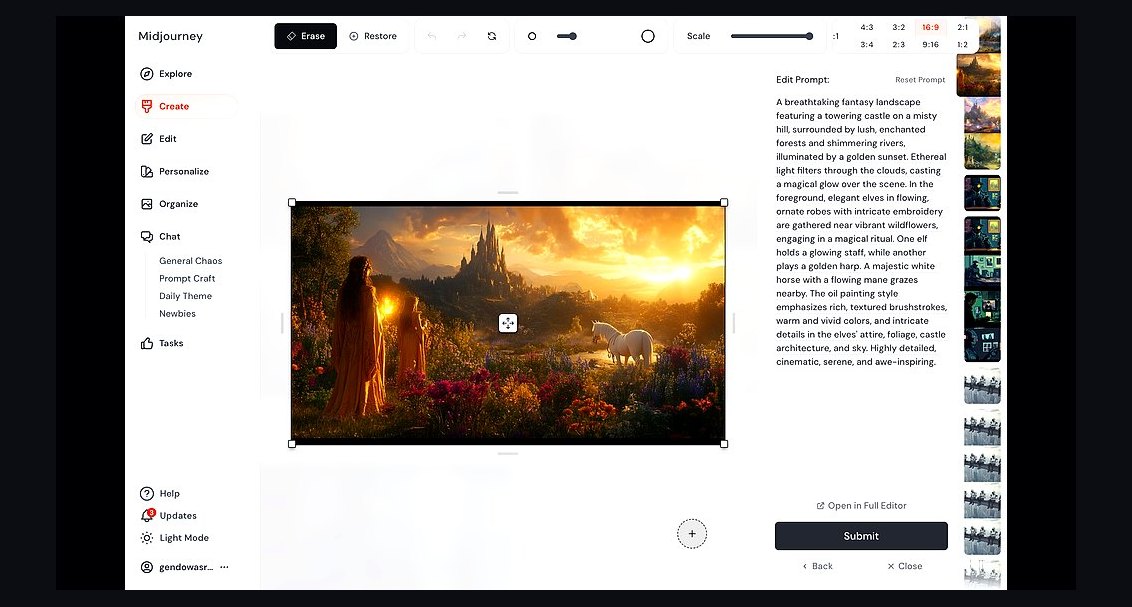 revopsTop 10 AI Image Tools for Website Visuals in 2027
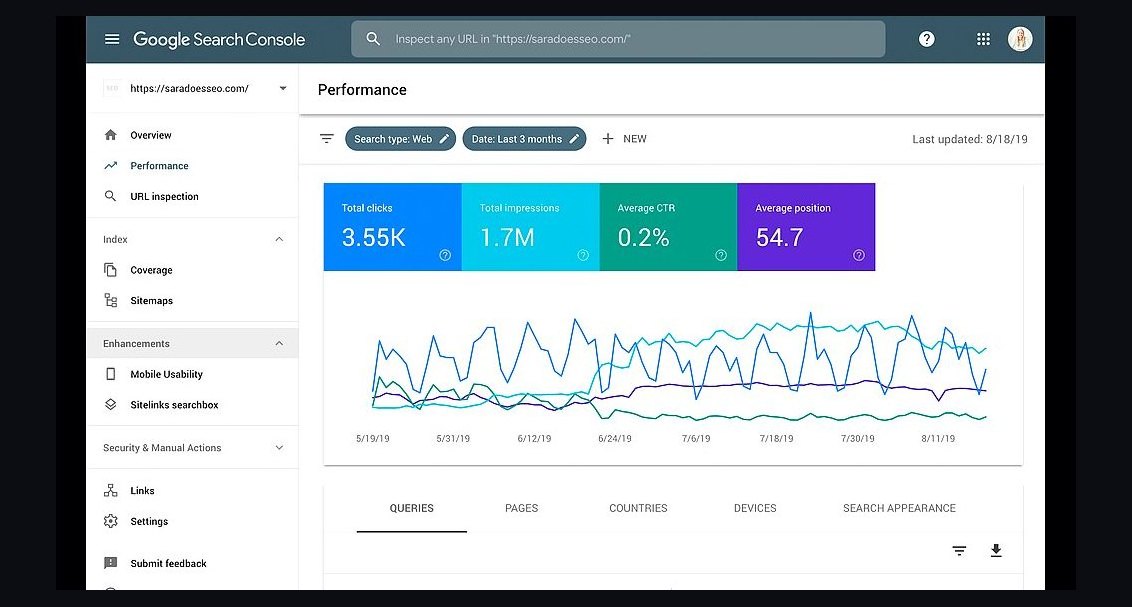 revopsTop 10 SEO Tools for New Websites in 2027
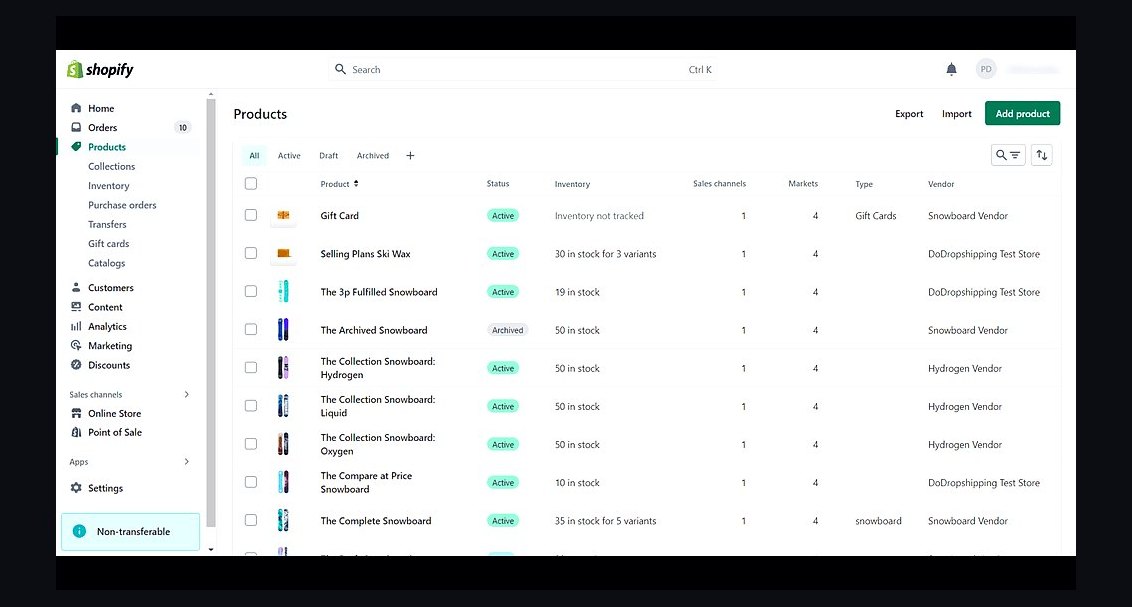 revopsTop 10 Ecommerce Website Platforms in 2027
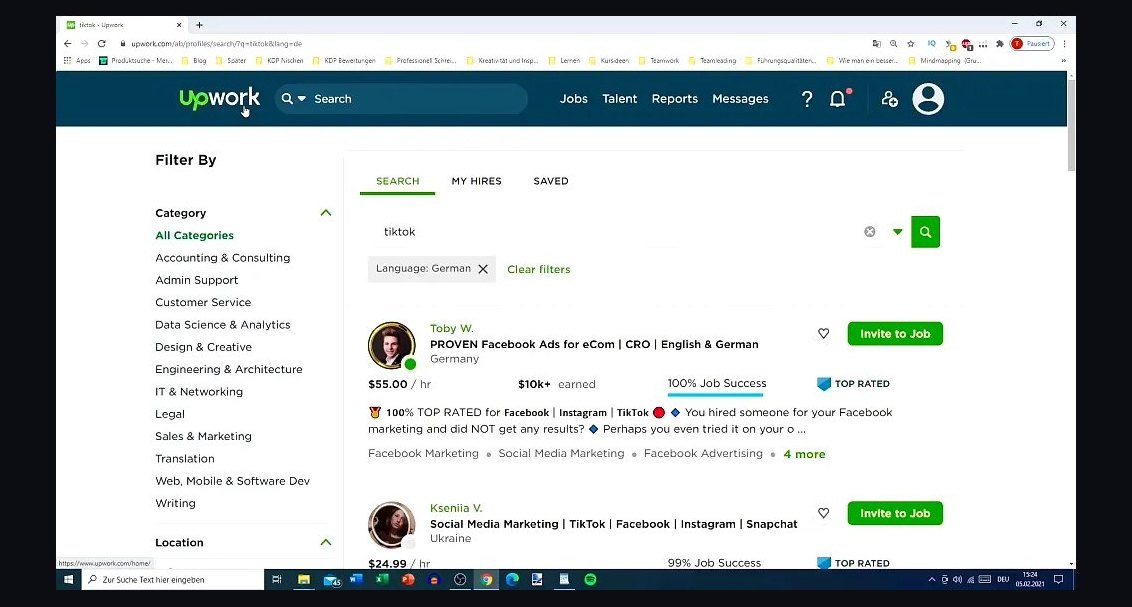 revopsTop 10 Places to Hire a Freelance Web Developer in 2027
 revopsTop 10 A/B Testing Tools for Websites in 2027
 revopsTop 10 Ways to Get Your Small Business Found on Google in 2027
 revopsTop 10 Domain Registrars in 2027
 revopsTop 10 Website Builders for Service Businesses in 2027
 revopsTop 10 Ways to Show Up in AI Search Answers in 2027
 revopsTop 10 Tools for Programmatic SEO Websites in 2027