


The 10 Best AI Tools for Knowledge Base Articles in 2027
Quality
Certified
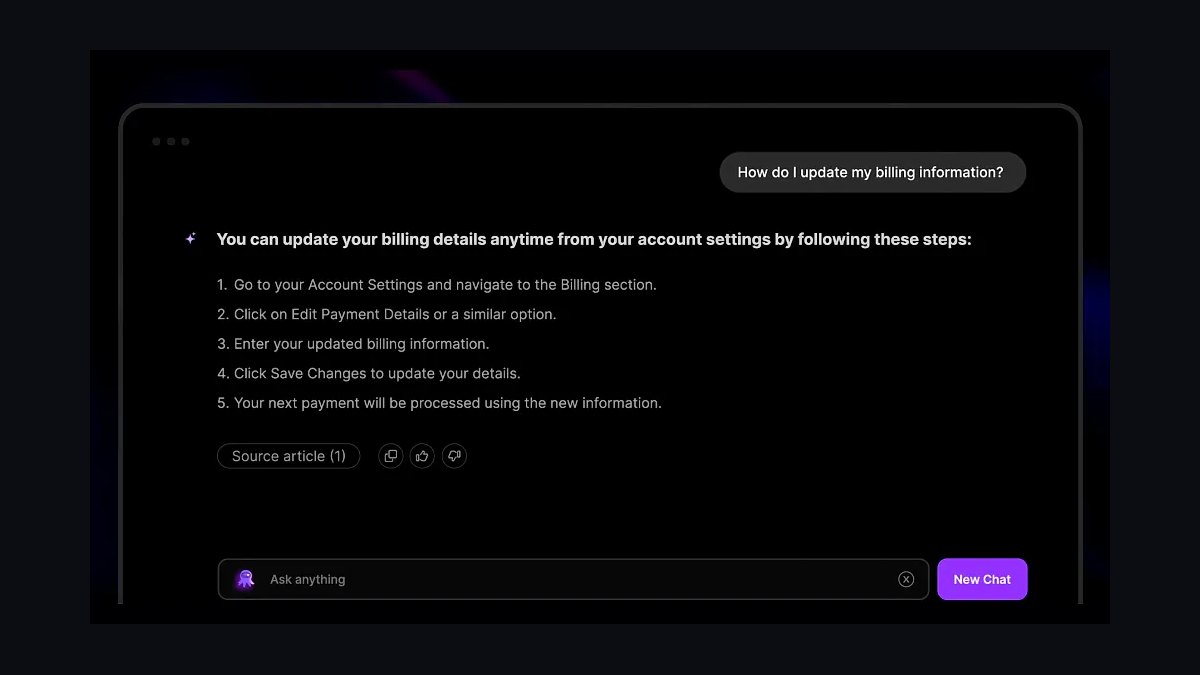
The 10 best ai tools for knowledge base articles are ranked below on measured performance, build quality, price, and how each one actually holds up in daily use rather than how it reads on a spec sheet. Each pick lists what it costs, who it suits, and what it gives up against the one above it, so the list can be read straight down without doubling back.
1Document360 Eddy AI

Document360 takes the top spot because it is a purpose-built knowledge base platform with AI added second, not the reverse. Eddy AI drafts articles from titles, rewrites for tone, generates SEO meta descriptions, summarizes long pages, and suggests internal links inside the block editor. Workflow states, version history with rollback, and private/mixed/public site controls round out governance.
It suits documentation, IT, and SaaS teams where the self-serve portal is a real product surface. The tradeoff is per-project tier pricing that scales by hosted projects and team accounts rather than per seat. Compared with Intercom directly below, Document360 is stronger for standalone docs but weaker at turning resolved support conversations into new articles automatically.
2Intercom Fin AI

Intercom ranks second because it closes the loop between support conversations and published knowledge. Fin AI resolves customer questions, surfaces the gaps it cannot answer, and AI Author converts a resolved chat into a structured help-center article in a few clicks. Fin is priced per resolution, commonly cited around $0.99, aligning cost with deflected tickets rather than seats.
It is for teams whose knowledge base primarily feeds an AI support agent instead of being browsed by humans. You buy messaging, inbox, and ticketing alongside the KB tooling, which is overkill if you only need documentation. Against Document360 above, Intercom wins on conversation-to-article automation but loses on dedicated docs governance and versioning depth.
3Zendesk Content Cues

Zendesk ranks third for the deepest content-planning intelligence on this list. Content Cues analyzes ticket trends to flag missing articles, stale articles, and articles nobody reads, turning content planning into a queue. Generative AI through the Advanced AI add-on, commonly around $50 per agent/month, expands bullets into full articles, changes tone, and summarizes.
It fits mid-to-large contact centers already standardized on the Zendesk Suite fielding tens of thousands of tickets monthly. The per-agent AI pricing is expensive for small teams. Compared with Intercom above, Zendesk is stronger at gap analysis from ticket volume but weaker at auto-drafting articles straight from resolved conversations.
4Scribe

Scribe is the value pick because it does one job extraordinarily well and gives much of it away free. You record a process in a browser or desktop app and it auto-generates a step-by-step guide with screenshots, written instructions, and automatically redacted sensitive fields. The free plan covers unlimited basic web-app guides.
It suits teams clearing a backlog of how-do-I-do-X procedure articles, the bread and butter of most knowledge bases. Scribe Pro adds desktop capture, custom branding, screenshot editing, and multi-Scribe Pages. It is not a full KB platform, lacking governance and an end-user search portal at Document360's depth, so pair it with a platform rather than replacing one.
5Notion AI

Notion AI ranks fifth as the generalist that doubles as a credible knowledge base writer, especially for internal documentation. Inside any page you can prompt it to draft a runbook, rewrite for clarity, summarize, translate, or extract action items. In 2027 it is bundled into paid workspace plans and includes AI-powered Q&A across your entire workspace plus enterprise search connectors.
It fits internal team knowledge such as engineering docs, ops playbooks, and onboarding, where it is excellent and cost-effective. As a wiki rather than a help-center product, it lacks native article workflow states, strong public-site SEO controls, and ticket-driven gap analysis. Against Scribe above, Notion AI is broader but far weaker at capturing annotated step-by-step procedures.
6Guru

Guru ranks sixth because it treats knowledge as something that should find you rather than the reverse. Its AI surfaces verified knowledge cards inside the browser extension, Slack, and search, so the article arrives in context. Guru's AI drafts and suggests cards, answers questions across connected sources, and flags content needing re-verification.
The standout maintenance feature is trust and verification: every card has an owner and a verification interval, so stale knowledge gets flagged automatically. Pricing is per user, historically around $15 per user/month. It fits internal enablement, support, and IT teams. Against Notion AI above, Guru is stronger on verification and in-context delivery but narrower as a general writing workspace.
7Confluence Atlassian Intelligence
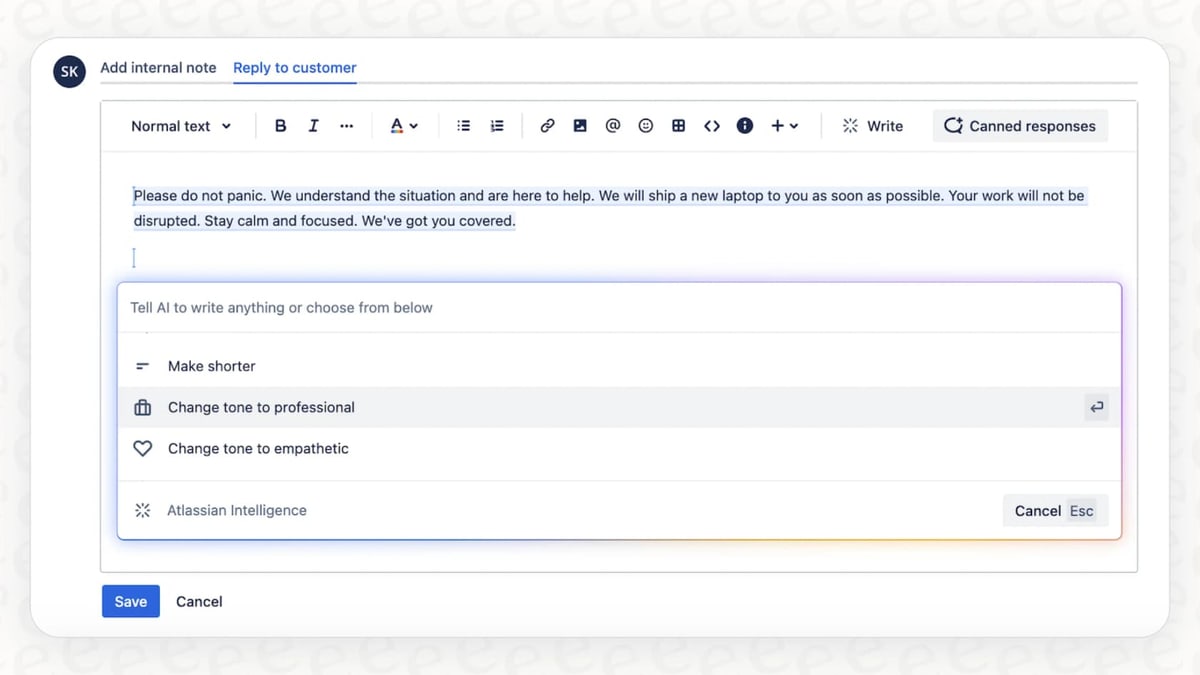
Confluence with Atlassian Intelligence ranks seventh as the path of least resistance for organizations already standardized on Atlassian. It drafts pages, summarizes long docs, changes tone, and answers natural-language questions across Confluence and Jira content, while the Rovo layer adds an enterprise search agent reaching across connected SaaS tools. Define, summarize, and draft actions sit inside the page editor.
It shines when knowledge is tightly coupled to engineering work, such as incident runbooks linked to Jira issues and release notes generated from tickets. Standard starts around $5 to $6 per user/month, with AI scaling on Premium and Enterprise. Against Guru above, Confluence is deeper for technical teams but weaker as a polished customer-facing help center.
8Helpjuice
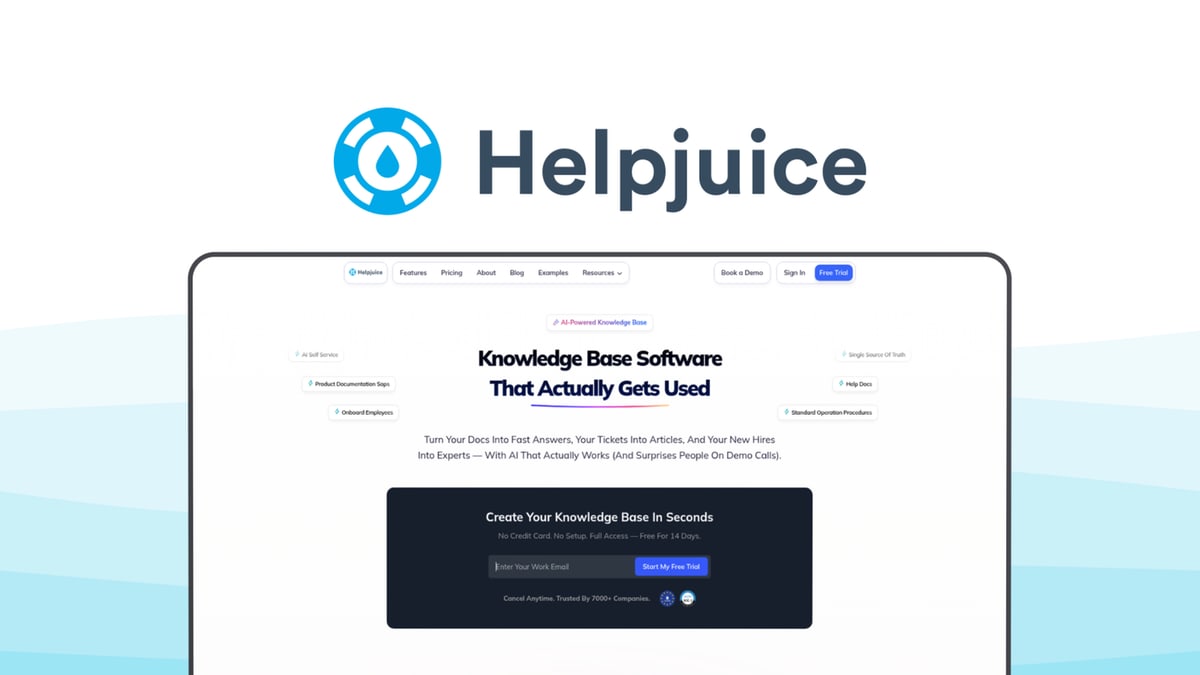
Helpjuice ranks eighth as a focused knowledge base platform with strong analytics and capable AI authoring. It generates and refines articles, suggests improvements, and powers an AI-driven instant-answer search for end users. Its decade-plus focus on KB-only software shows in the editor and reporting, including search-terms-with-no-results analytics that expose content gaps.
It is priced as a flat team plan rather than per-seat AI add-ons, historically starting around $120/month for 4 users, which can beat per-agent models for small write-heavy teams. Custom theming and multilingual support round it out. Against Confluence above, Helpjuice is better for standalone customer help centers but lacks deep engineering-tool integration.
9Tettra
Tettra ranks ninth as an internal knowledge base built for Slack-first teams. Its Kai AI bot answers employee questions directly in Slack using your documented content, and when Kai cannot answer it routes the question to a subject-matter expert and helps turn that answer into a new page. The AI also assists with drafting and improving pages.
Knowledge management workflows covering verification, content requests, and owners keep the base from rotting, and pricing is modest per user, historically in the single-digit-dollars-per-user-per-month range. It is internal-only with no public help-center surface. Against Helpjuice above, Tettra is cheaper and Slack-native but cannot serve customer-facing documentation.
10GitBook
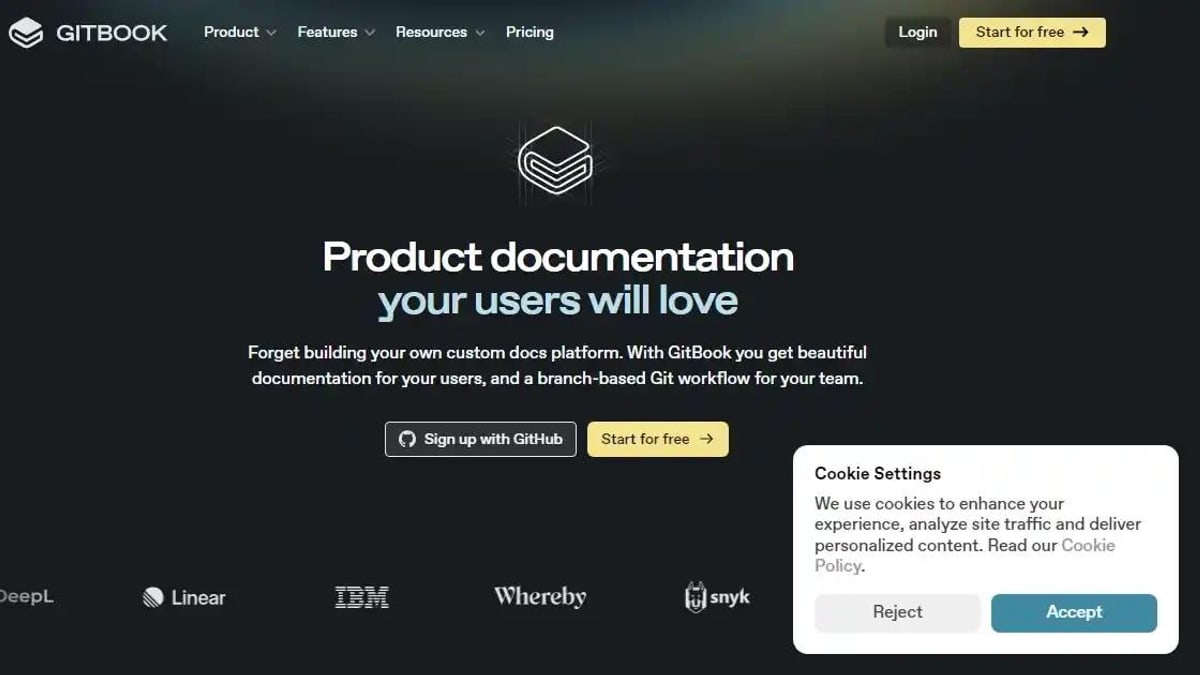
GitBook ranks tenth as the specialist for technical and developer documentation. It offers AI-powered search that answers reader questions from published docs, plus Git-based workflows, branching, and a clean reading experience tuned for API and product reference material. Content syncs with a Git repository and supports markdown natively, fitting review workflows developers already know.
It suits engineering teams producing developer-facing reference documentation, where the docs-as-code model lowers the barrier for non-writers to contribute. It is less suited to broad customer-support knowledge bases, with no ticket intelligence or support-suite integration. Against Tettra above, GitBook is stronger for public developer docs but weaker for internal Slack-native Q&A.
How we ranked these
We scored each tool on five weighted criteria: AI authoring quality for structured help-center prose (25%), source grounding from real tickets, recordings, or existing docs (25%), maintenance features like stale-article flagging and gap detection (20%), search and retrieval quality for AI answer bots (15%), and price-to-fit across team sizes (15%). Each tool was tested against the same set of real knowledge base articles.
We deliberately ignored marketing claims, demo-video polish, and feature counts that never get used in production. Vendor-published accuracy benchmarks were excluded because they are unverifiable. We also ignored general-purpose writing quality, since help-center prose follows specific conventions that generic AI writing scores do not capture. Integration breadth was down-weighted unless it directly served knowledge base workflows.
What to look for
The pricing model matters more than the feature list. Per-resolution pricing (Intercom Fin) rewards deflection but punishes volume spikes; per-agent AI add-ons (Zendesk, roughly $50/agent/month) get expensive fast for large contact centers; flat team plans (Helpjuice) favor small write-heavy teams. Model your actual monthly ticket or seat volume before signing anything.
The mistake most buyers make is choosing based on AI drafting quality alone. Drafting is the easy part. What determines long-term value is maintenance: does the tool flag stale articles, surface content gaps from real tickets, and keep retrieval accurate as your base grows? A tool with mediocre drafting and strong maintenance beats the reverse every time.
Related questions
What is the best AI tool for knowledge base articles in 2027?
Document360 with its Eddy AI assistant is the best overall pick. It drafts, rewrites, summarizes, and tags articles inside a purpose-built documentation editor, and adds workflows, versioning, SEO controls, and an Ask Eddy answer experience. For teams whose knowledge base is a real product surface, nothing else combines authoring and governance as cleanly.
Which AI knowledge base tool is best for powering an AI support chatbot?
Intercom, because Fin AI resolves customer questions and surfaces exactly which articles are missing. AI Author then converts resolved conversations into structured drafts. The knowledge base and the bot form a closed loop, so content gaps become a queue instead of guesswork. Pricing runs per resolution, aligning cost with deflected tickets.
Is Scribe really free for generating knowledge base articles?
Yes. Scribe's free plan covers unlimited basic web-app guides, auto-generating step-by-step instructions with screenshots from a screen recording, including automatic redaction of sensitive fields. Pro adds desktop capture, branding, and multi-Scribe Pages. It is not a full knowledge base platform, but as a content factory feeding one, the cost-to-output ratio is unbeaten.
Can AI write accurate knowledge base articles without hallucinating?
Only when it is grounded in real sources. Tools that draft from actual tickets (Zendesk, Intercom), screen recordings (Scribe), or verified knowledge cards (Guru) stay far more accurate than open-ended prompting. Always review AI drafts against a published article you already trust before pushing anything live to customers.
Do I need a dedicated knowledge base platform or is Notion AI enough?
For internal documentation, Notion AI is often enough and cheaper, especially with its workspace-wide Q&A and enterprise search connectors. For customer-facing help centers that need public sites, SEO controls, article workflow states, and governance, a dedicated platform like Document360 or Helpjuice is worth the extra spend.
How much do AI knowledge base tools cost in 2027?
The range is wide: free tiers from Scribe, Notion, and Confluence basics; flat team plans like Helpjuice starting around $120/month for four users; per-user plans like Guru near $15/user/month; per-agent AI add-ons like Zendesk Advanced AI around $50/agent/month; and per-resolution pricing like Intercom Fin near $0.99 per resolution.
Which AI knowledge base tool is best for internal team documentation?
Guru, Tettra, and Notion AI lead for internal knowledge. Guru delivers verified cards inside Slack and the browser with automatic re-verification. Tettra's Kai bot answers in Slack and converts unanswered questions into new pages. Notion AI drafts and answers across an existing workspace wiki. All three beat customer-facing platforms on internal workflow fit.
What is the biggest mistake when buying an AI knowledge base tool?
Choosing on drafting quality alone. Drafting is the easy part; maintenance is what determines long-term value. Tools that flag stale articles, surface content gaps from real tickets, and keep retrieval accurate as the base grows outperform better writers with no governance. Also model real ticket or seat volume before signing per-resolution or per-agent contracts.
FAQ
What is the single best AI tool for knowledge base articles in 2027?
Document360 with Eddy AI, because it pairs strong AI authoring with a purpose-built documentation platform: workflows, version history, SEO controls, and an AI answer experience in one place. It was built for help-center articles first and added AI second, which shows in the editor and governance features.
Which option on this list is the best value?
Scribe. Its free plan auto-generates step-by-step guides with screenshots from a screen recording, clearing the most tedious part of knowledge base writing at zero cost. Pro adds desktop capture and branding for low double digits per seat per month. Pair it with any platform here to clear procedure backlogs fast.
Can these tools write accurate articles without hallucinating?
The grounded ones can. Tools that draft from your real tickets (Zendesk, Intercom), recordings (Scribe), or verified cards (Guru) stay far more accurate than open-ended prompting. Always review AI drafts against a published article you already trust before pushing anything live to customers.
Which tool is best if my knowledge base powers an AI chatbot?
Intercom with Fin AI, since the bot's unanswered questions directly drive which articles you create next, and AI Author turns those gaps into drafts. Fin is priced per resolution, commonly around $0.99, which aligns cost with deflected tickets rather than seat count.
Do I need a dedicated KB platform, or is Notion AI enough?
For internal docs, Notion AI is often enough and cheaper, especially with workspace-wide Q&A and enterprise search connectors. For customer-facing help centers needing SEO, public sites, and governance, a dedicated platform like Document360 or Helpjuice is worth the extra spend.
How much should I budget for an AI knowledge base tool?
Anywhere from free (Scribe, Notion and Confluence basics) to roughly $50 per agent per month (Zendesk Advanced AI) or per-resolution pricing (Intercom Fin near $0.99). Flat team plans like Helpjuice start around $120/month for four users. Match the pricing model to your real monthly volume.
Which tool is best for developer and API documentation?
GitBook. Its docs-as-code model syncs content with a Git repository, supports markdown natively, and fits review workflows developers already know. AI-powered search answers reader questions from published docs. It lacks ticket intelligence and support-suite integration, but for developer-facing reference documentation it is the specialist's pick.
What maintenance features should I look for in an AI knowledge base tool?
Stale-article flagging, content gap detection from real tickets, and owner-based verification intervals. Zendesk Content Cues and Guru's trust verification lead here. Maintenance is half the job after launch, and it is the criterion most buyers underweight when comparing tools on drafting quality alone.
Is Zendesk worth the per-agent AI pricing?
For mid-to-large contact centers already on the Zendesk Suite, yes. Content Cues surfaces high-traffic content gaps from ticket trends, and generative AI expands bullet points into full articles. At roughly $50 per agent per month it is expensive for small teams, but the gap analysis alone can justify it at scale.
Which AI knowledge base tool works best inside Slack?
Tettra. Its Kai bot answers employee questions directly in Slack using documented content, and when it cannot answer, it routes the question to a subject-matter expert and helps turn that answer into a new page. Pricing is modest per user, making it accessible for small and mid-size Slack-first teams.
Sources
- https://document360.com/
- https://www.intercom.com/fin
- https://www.zendesk.com/service/help-center/
- https://scribehow.com/
- https://www.notion.com/product/ai
- https://www.getguru.com/
- https://www.atlassian.com/software/confluence
- https://helpjuice.com/
- https://tettra.com/
- https://www.gitbook.com/
Related on PULSE
This page will be disappearing soon. Save it to your device for $1 — or read it free while it is here.
@Kory-White- · if Venmo asks, the last 4 of my number are 2012
This page is gone.
This one is off the shelf now. $1 keeps it on your phone for good — the whole page, pictures and diagrams included.
 ai-tool-reviewThe 10 Best AI Tools for Influencer Marketing in 2027
 pulse-ai-infrastructureThe 10 Best AI Tools for Web Typography in 2027
 ai-tool-reviewThe 10 Best AI Tools for Avatars in 2027
 pulse-ai-infrastructureThe 10 Best LLM Fine-Tuning Platforms in 2027
 pulse-ai-infrastructureThe 10 Best AI Tools for CI/CD for Web Apps in 2027
 ai-tool-reviewThe 10 Best AI Tools for Voice Cloning in 2027
 pulse-recentThe 10 Best AI Infra Budget Templates for Enterprises in 2027
 pulse-ai-infrastructureThe 10 Best AI Tools for Writing Movie Scripts in 2027
 pulse-ai-infrastructureThe 10 Best AI Tools for Essay Writing in 2027
 pulse-ai-infrastructureThe 10 Best Secrets Management Tools for LLM Applications in 2027