


The 10 Best AI Tools for Avatars in 2027
Quality
Certified
The 10 best ai tools for avatars are ranked below on measured performance, build quality, price, and how each one actually holds up in daily use rather than how it reads on a spec sheet. Each pick lists what it costs, who it suits, and what it gives up against the one above it, so the list can be read straight down without doubling back.
1Synthesia
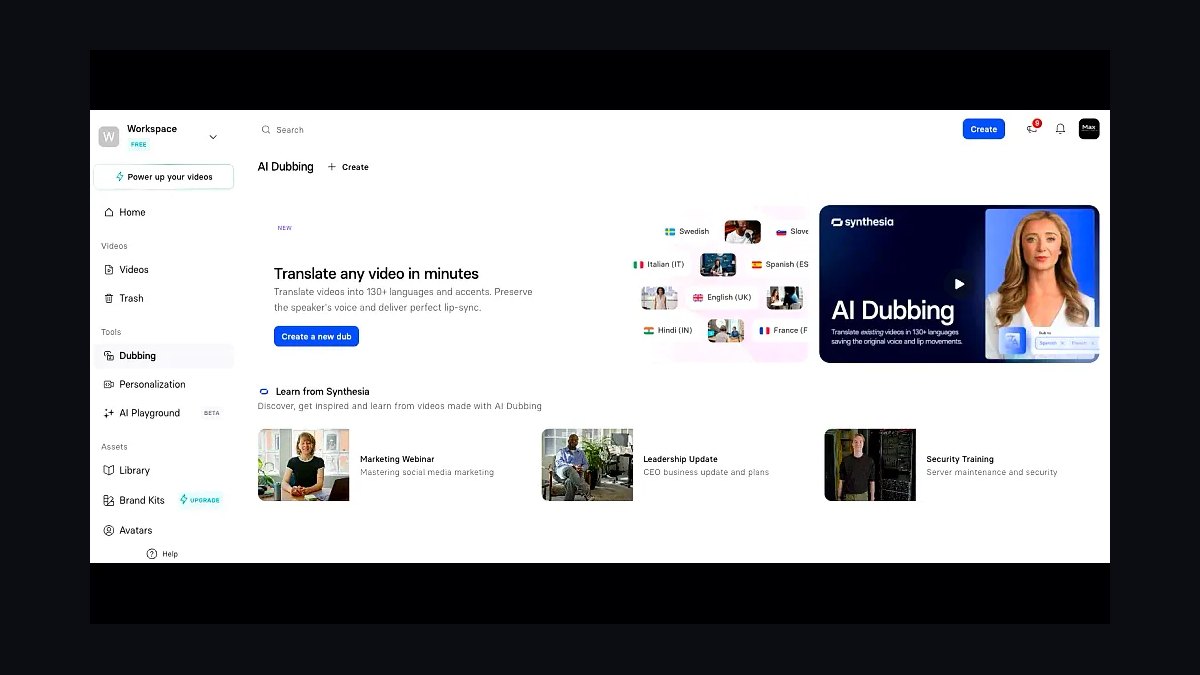
Synthesia ranks first because it is the most complete, production-ready avatar video platform, generating studio-quality talking-head videos in 140+ languages from a simple script. It offers 230+ stock avatars, a library of corporate templates, and a strict consent process for custom Personal Avatars, ensuring governance and safety. The platform holds SOC 2 and GDPR certifications, making it the safest default for enterprise use.
Synthesia is for L&D teams, marketers, and internal comms professionals who need a reliable, scalable pipeline of localized training and explainer videos. It trades away the instant avatar cloning speed of HeyGen, its closest competitor, for a deeper enterprise template library and stronger governance controls. If you prioritize broadcast polish and compliance over rapid personalization, Synthesia is the superior choice.
2HeyGen
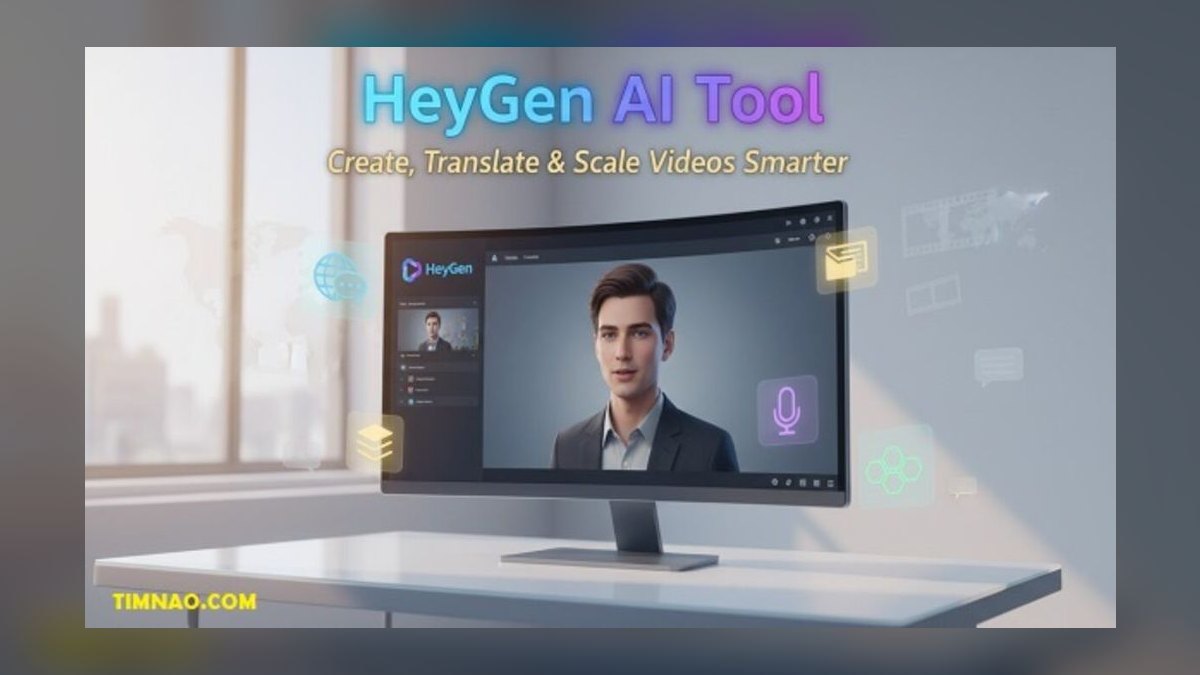
HeyGen ranks second because it is the most aggressive innovator in talking-avatar video, with its standout Instant Avatar feature that builds a usable digital double from just two minutes of webcam footage. Its Video Translate tool re-voices existing clips in another language while re-syncing lips, making it the strongest pick for personalized and multilingual outreach. It supports 100+ avatars and over 175 languages and dialects, with an API for at-scale personalization.
HeyGen is for creators and global marketing teams who need fast avatar cloning and accurate video translation. It trades away the deep enterprise governance and 230+ stock avatar library of Synthesia for speed and innovation. If your priority is rapid, personalized video at scale, HeyGen edges ahead of the category leader.
3D-ID

D-ID ranks third because it pioneered the photo-to-talking-avatar effect and remains a developer favorite through its Creative Reality Studio and robust API. Its Agents product lets you embed a real-time, conversational avatar into a website or app, pairing the talking face with an LLM backend for interactive experiences. This makes it a natural fit for support widgets, virtual receptionists, and kiosks rather than batch video production.
D-ID is for developers and product teams who want avatars inside a product experience, not just exported as MP4s. It trades away the stock avatar roster and template library of HeyGen and Synthesia for unmatched photo-to-video flexibility. If you need a talking face that listens and responds in real time, D-ID is the better pick.
4Colossyan
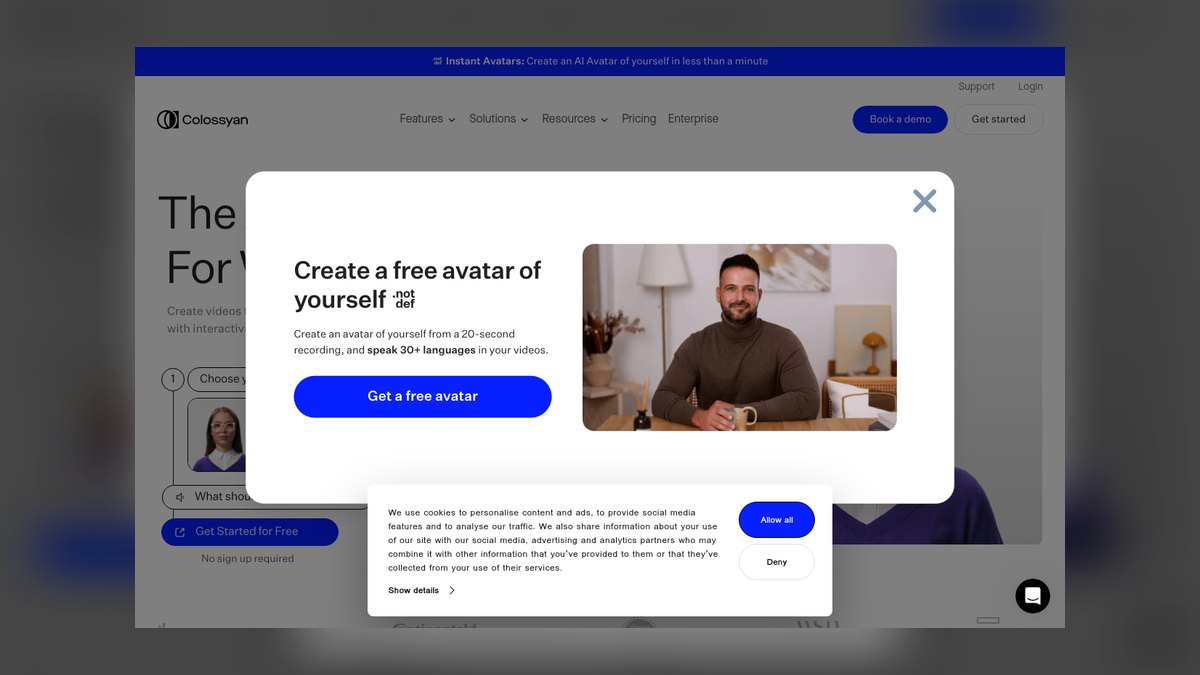
Colossyan ranks fourth because it focuses tightly on workplace learning and L&D, making it punch above its weight for training teams. Its editor is built around scenario-based learning, with multiple avatars in a conversation mode acting out compliance situations or customer calls, which is far more engaging than a single narrator. The platform includes built-in quizzing, branching interactions, an AI assistant that converts PowerPoint or PDF decks into narrated courses, and one-click translation across dozens of languages.
Colossyan is for L&D teams whose only mission is producing training content rather than general marketing video. It trades away the broad template library and 140+ language support of Synthesia for purpose-built instructional design features. If your priority is scenario-based learning and LMS integration, Colossyan's specialized tools beat a more generic platform.
5Vidnoz AI
Vidnoz AI ranks fifth because it wins on price-to-output, packing a genuinely usable free tier with a meaningful number of daily credits alongside 1,500+ templates and a large roster of stock avatars and voices in 140+ languages. For solopreneurs and small teams testing the avatar-video concept, it removes the cost barrier almost entirely. The toolset is broad, including talking-photo animation, face-swap, text-to-speech, and a one-click talking-head generator.
Vidnoz is for budget-conscious users who need volume and speed on a tight budget, producing social clips, ads, and quick explainers. It trades away the high-end output realism and enterprise governance of Synthesia and Colossyan for unbeatable value. If cost is the primary constraint, Vidnoz is the smart entry point before committing to a pricier platform.
6Ready Player Me
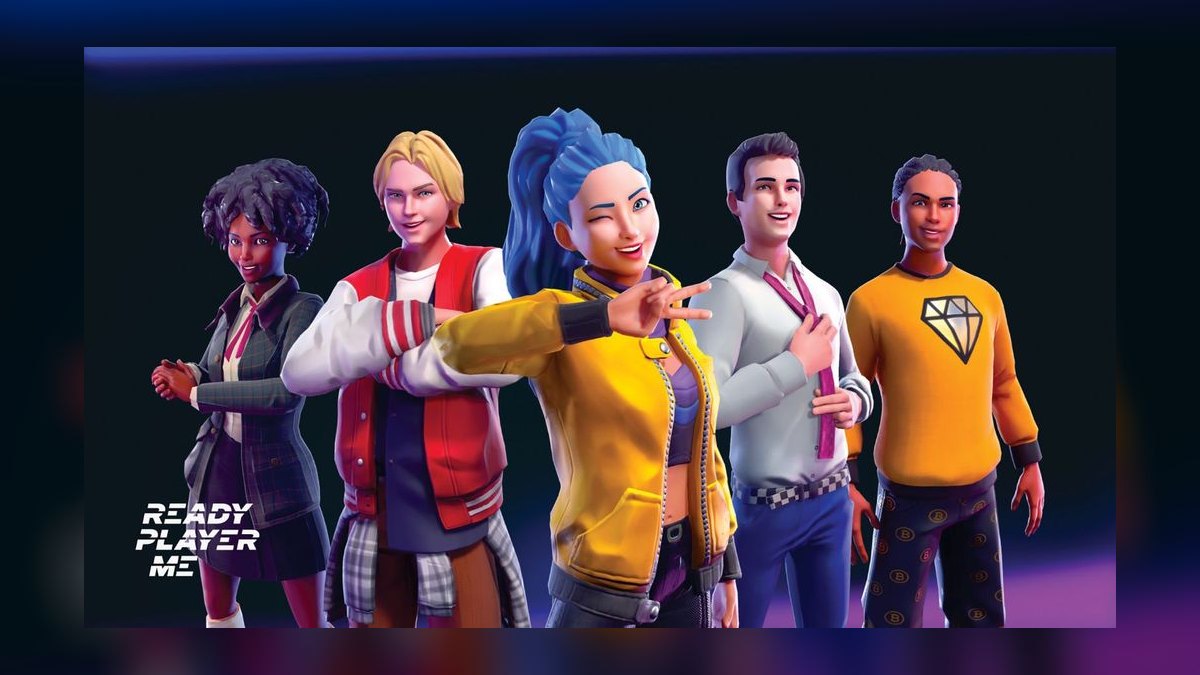
Ready Player Me ranks sixth because it is the dominant cross-app 3D avatar platform, letting users build a single stylized avatar from a selfie and carry it across thousands of supported games and VR/social apps. For developers, it offers a drop-in SDK for Unity, Unreal, and web, delivering a fully rigged glTF/GLB character with morph targets and animations ready to go. Its strength is interoperability and developer reach, with the Avatar Creator handling user-facing customization UI.
Ready Player Me is for studios building apps or games that need a proven, widely-recognized avatar system instead of a one-off talking video. It trades away the photorealistic fidelity of MetaHuman and Avaturn for a lighter, more performant cartoon style. If cross-app interoperability and fast integration are your priorities, Ready Player Me is the right choice.
7Reallusion Character Creator
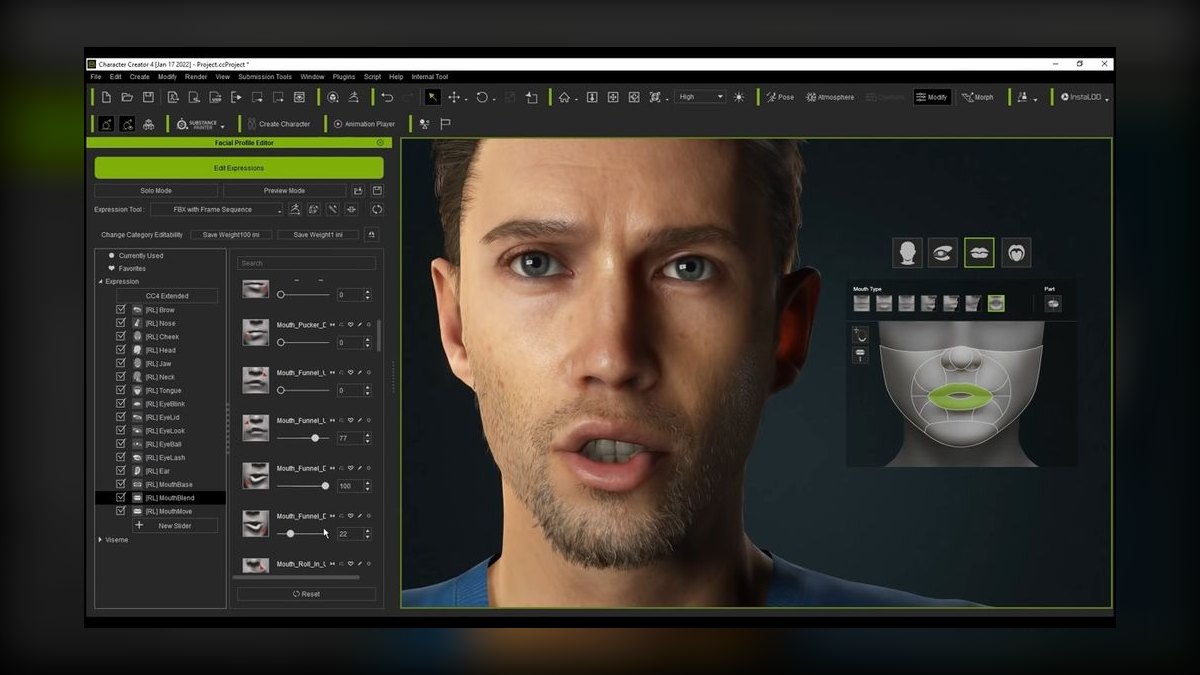
Reallusion Character Creator ranks seventh because it is the professional's tool for designing fully riggable, production-grade 3D humans, offering desktop software that lets artists sculpt morphs, layer realistic skin and clothing, and output characters ready for animation in iClone, Unreal, Unity, Blender, or Maya. It exports clean topology with industry-standard rigs and blendshapes, supports motion capture via Reallusion's ecosystem, and its AccuLips facial tools deliver believable lip-sync for cinematic work.
Reallusion is for studios and artists who need a custom, high-fidelity character they fully own and animate for game cinematics or virtual production. It trades away the browser-based simplicity of Ready Player Me for deep pipeline control and professional-grade output. If you need production-ready 3D humans with full artistic control, Character Creator is the superior pick.
8Unreal Engine MetaHuman Creator
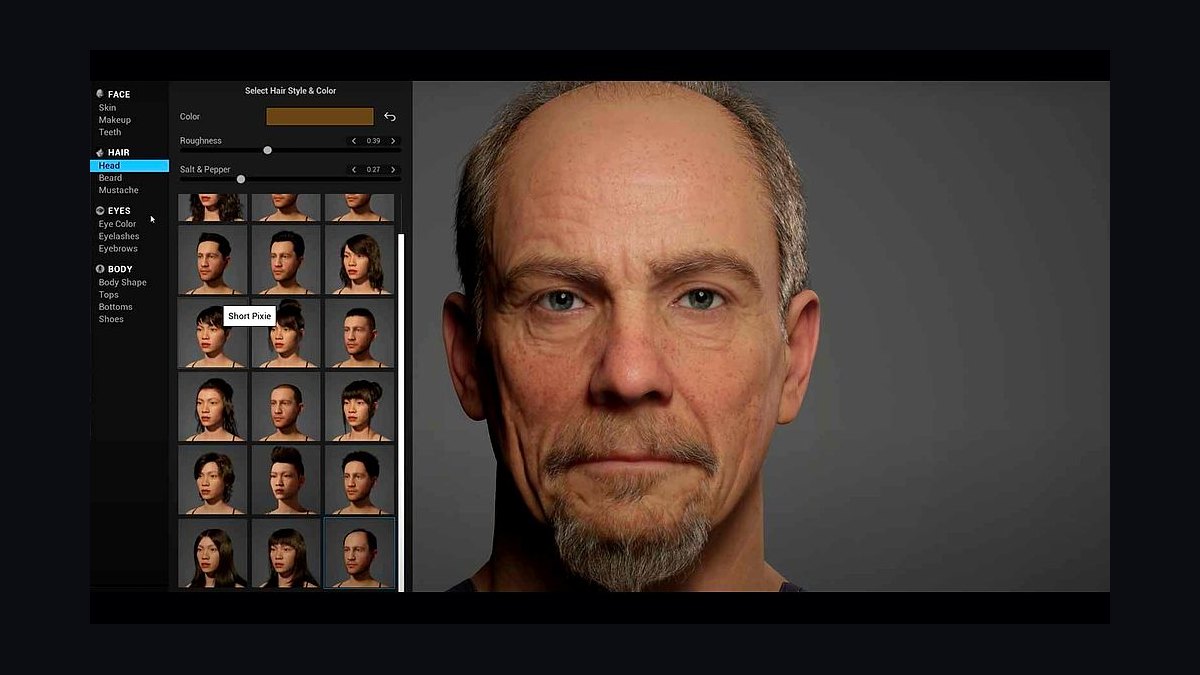
Unreal Engine MetaHuman Creator ranks eighth because it sets the bar for photoreal digital humans and is free with Unreal Engine. The cloud-based creator lets you sculpt strikingly lifelike faces, blend presets, and tune skin, eyes, hair, and teeth, then pull the result into Unreal fully rigged for facial and body animation.
MetaHuman is for film, AAA game, and virtual production teams that need the most convincing human possible and have the technical chops to work inside Unreal Engine. It trades away ease of use and cross-engine portability for unmatched realism. If photorealism is the absolute priority, nothing in this list out-renders MetaHuman.
9Avaturn
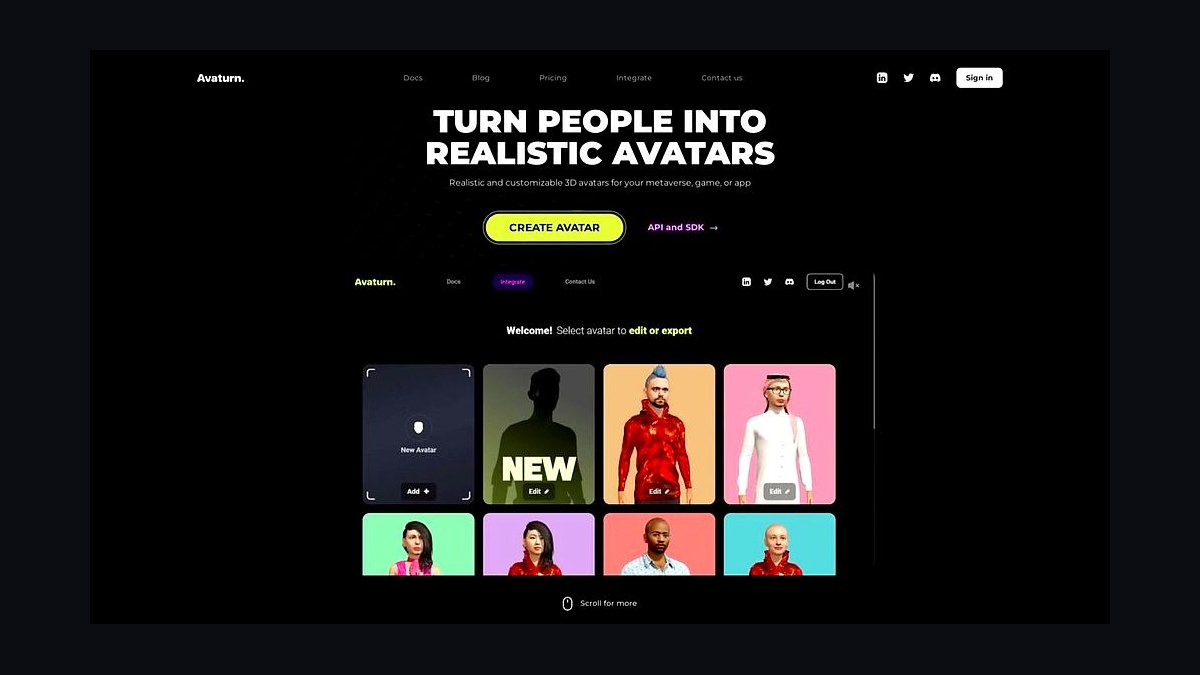
Avaturn ranks ninth because it creates realistic 3D avatars from a single selfie, landing between Ready Player Me's stylized look and MetaHuman's heavy realism. The avatars are more lifelike than typical cartoon systems while staying light enough for real-time use, and they export to standard formats for Blender, Unreal, Unity, and the web. Developers like it for fast, photoreal-ish onboarding, where users snap a photo and get a recognizable digital double with customizable outfits and hairstyles.
Avaturn is for developers who find Ready Player Me too cartoonish but a full MetaHuman build overkill, seeking a balanced selfie-to-3D-avatar middle ground. It trades away the extreme realism and animation tools of MetaHuman for faster, lighter, and more accessible avatar creation. If you need a recognizable digital double without heavy VFX work, Avaturn is the right call.
10Inworld
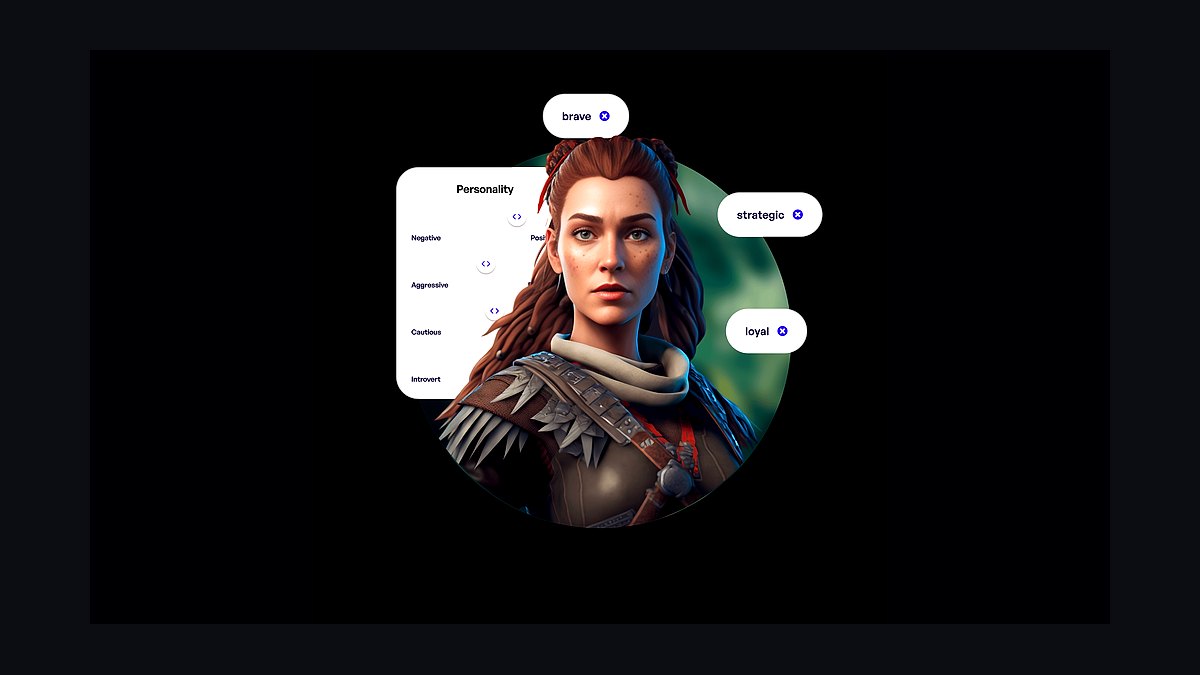
Inworld ranks tenth because it is the leader for interactive AI characters, providing an AI engine for building NPCs and virtual personas with configurable personalities, goals, knowledge, and voice, then wiring them into game engines or apps via SDKs for Unity and Unreal. Its differentiator is behavioral depth, not face rendering, as characters maintain context, react to player actions, and can trigger in-world events.
Inworld is for developers building avatars that hold a conversation, such as interactive support agents, dynamic NPCs, or roleplay companions. It trades away visual rendering entirely, requiring you to pair it with a visual avatar like a MetaHuman or Ready Player Me model. If your definition of the best avatar tool is one that thinks and remembers, Inworld is the definitive choice.
How we ranked these
We measured output realism, language and voice coverage, custom avatar quality, workflow and export options, and price-to-value at production volume. Each tool was judged against its primary job: talking-head video, 3D real-time avatars, or interactive AI characters. We weighted governance features like consent and likeness protection heavily, as avatar misuse is a major 2027 liability. Free tiers were noted but not penalized when the paid path was honest.
We deliberately ignored brand popularity, marketing hype, and generic feature checklists that don't affect real output. We did not penalize tools for lacking features outside their category, such as 3D export in video tools. We also excluded tools without clear commercial viability or those with unverifiable claims. Our focus was on shippable, professional results, not toys or experimental demos.
What to look for
What actually matters is matching the tool to your specific job. For talking-head video, prioritize lip-sync accuracy, language coverage, and consent workflows. For 3D, prioritize rig quality, export formats, and engine integration. For interactive avatars, prioritize LLM backend and behavioral depth. Price per minute or per seat matters, but only after you've verified output quality at your target length and platform.
The mistake most buyers make is choosing a tool based on demo videos or free tier quality, which often degrades on longer scripts or at scale. Another common error is ignoring governance: cloning a face without consent is a legal landmine. Test with your real content, check the watermark and resolution limits, and verify the tool's API and export capabilities before committing.
Related questions
What is the best AI avatar tool for enterprise training?
Synthesia is the best for enterprise training due to its 230+ stock avatars, 140+ languages, and strong governance features like SOC 2 and GDPR compliance. It offers a Personal Avatar with a strict consent process, making it safe for corporate use. Colossyan is a close second for L&D-specific features like SCORM export and scenario-based learning.
How does HeyGen's Instant Avatar work?
HeyGen's Instant Avatar lets you record about two minutes of yourself on a webcam, and it builds a usable digital double. This is much faster than traditional studio capture. Combined with Avatar IV, motion and expression are more lifelike, narrowing the uncanny-valley gap. It's ideal for personalized and multilingual video outreach.
What is the difference between D-ID and Synthesia?
D-ID is API-first, allowing you to animate a still photo into a talking avatar and embed real-time conversational avatars into apps via its Agents product. Synthesia is a batch video generator with a template library and 140+ languages, focused on producing polished MP4 videos. Choose D-ID for interactive experiences, Synthesia for scalable video production.
Which AI tool is best for creating 3D avatars for games?
For photoreal 3D humans, Unreal Engine's MetaHuman Creator is the benchmark, offering free, fully rigged characters with facial animation. For stylized, cross-app avatars, Ready Player Me provides a drop-in SDK with glTF/GLB export. Reallusion Character Creator offers professional-grade control for custom, production-ready characters.
Can I create an AI avatar of myself for free?
Yes, several tools offer free tiers. HeyGen and Vidnoz provide limited free custom avatars, usually watermarked. MetaHuman, Ready Player Me, and Avaturn are free to create 3D avatars. However, free tiers often cap video length or resolution, so test at your real target length before committing to a paid plan.
What is Inworld AI used for?
Inworld AI is used for building interactive AI characters that can think, remember, and respond in real time. It's an AI engine for game NPCs, brand mascots, and training simulations. You pair it with a visual avatar from tools like MetaHuman or Ready Player Me to give the brain a face. It offers a free development tier.
How does AI video translation work in HeyGen?
HeyGen's Video Translate takes an existing video clip and re-voices it in another language while re-syncing the lips to match the new audio. This is gold for creators and global marketing, as it supports over 175 languages and dialects. It allows you to localize content without re-shooting, making it a powerful tool for international outreach.
What are the legal considerations for using AI avatars?
Using stock avatars is generally legal under each tool's license. However, cloning a real person requires documented consent. Reputable platforms enforce a verification step. Using someone's likeness without permission can violate publicity and deepfake laws, leading to legal and reputational damage. Always get written consent before creating a custom avatar.
FAQ
What's the difference between a video avatar and a 3D avatar tool?
A video avatar tool like Synthesia or HeyGen outputs a finished MP4 of a presenter speaking your script. A 3D avatar tool like MetaHuman or Ready Player Me outputs a riggable character file you animate yourself inside a game engine or 3D app. The choice depends on whether you need a final video or an interactive character.
Which AI avatar tool is most realistic?
For photoreal 3D humans, Unreal Engine's MetaHuman Creator leads. For talking-head video realism, HeyGen's Avatar IV and Synthesia's latest avatars are the closest to film-grade lip-sync and expression. Realism also depends on the quality of your input script and the chosen avatar's style.
Can I make an avatar of myself for free?
Yes, HeyGen and Vidnoz offer free tiers that include limited custom or talking-photo avatars, usually watermarked. MetaHuman, Ready Player Me, and Avaturn are free to create 3D avatars. However, free tiers often have limitations on video length, resolution, and features, so test thoroughly before upgrading.
Are AI avatars legal to use commercially?
Generally yes for stock avatars under each tool's license, but cloning a real person requires documented consent. Reputable platforms enforce a verification step. Using someone's likeness without permission can violate publicity and deepfake laws. Always check the tool's terms of service and obtain written consent for custom avatars.
Which tool is best for training and L&D?
Synthesia is best for breadth and governance, offering 140+ languages and enterprise-grade security. Colossyan is purpose-built for scenario-based learning, with quizzing, branching interactions, and SCORM export for LMS integration. Choose based on whether you need a general video tool or a dedicated training platform.
Can an avatar actually talk back to users?
Yes, Inworld and D-ID Agents pair an avatar with an LLM so it listens, reasons, and responds conversationally in real time. This is ideal for interactive support agents, virtual receptionists, and game NPCs. These tools are designed for real-time interaction, unlike batch video generators.
What is the best value AI avatar tool?
Vidnoz AI is the best value, offering a genuinely usable free tier and paid plans often under $20-$30 per month. It has 1,500+ templates and 140+ languages. While output realism trails Synthesia and HeyGen, it's excellent for social clips and quick explainers on a tight budget.
How do I choose between Synthesia and HeyGen?
Choose Synthesia for enterprise training and marketing with its 230+ stock avatars, 140+ languages, and strong governance. Choose HeyGen for fast avatar cloning and video translation, with 175+ languages and an API for personalized outreach. If you need speed and translation, HeyGen wins; for scale and compliance, Synthesia is safer.
What is the learning curve for MetaHuman Creator?
MetaHuman Creator has a steep learning curve, as it requires working inside Unreal Engine. You need to understand the engine's interface and animation tools. However, the cloud-based creator simplifies character sculpting, and MetaHuman Animator can drive facial performance from an iPhone capture. It's free but technically demanding.
Can I use AI avatars for personalized marketing?
Yes, HeyGen's API allows for programmatic, at-scale personalization, such as creating thousands of name-customized outreach videos. Synthesia also supports personalization through its AI Video Assistant. These tools can generate videos with individual names, roles, or other variables, making them powerful for marketing campaigns.
Sources
- https://www.synthesia.io/
- https://www.heygen.com/
- https://www.d-id.com/
- https://www.colossyan.com/
- https://www.vidnoz.com/
- https://readyplayer.me/
- https://www.reallusion.com/character-creator/
- https://www.unrealengine.com/en-US/metahuman
- https://avaturn.me/
- https://inworld.ai/
Related on PULSE
This page will be disappearing soon. Save it to your device for $1 — or read it free while it is here.
@Kory-White- · if Venmo asks, the last 4 of my number are 2012
This page is gone.
This one is off the shelf now. $1 keeps it on your phone for good — the whole page, pictures and diagrams included.
 ai-tool-reviewThe 10 Best AI Tools for Garden Design in 2027
 ai-infrastructureThe 10 Best AI Tools for Customer Data Platforms in 2027
 aiThe 10 Best AI Tools for Color Contrast Checking in 2027
 ai-tool-reviewThe 10 Best AI Tools for Knowledge Base Articles in 2027
 pulse-ai-infrastructureThe 10 Best AI Tools for Building Chrome Extensions in 2027
 ai-tool-reviewThe 10 Best AI Tools for Graphic Design in 2027
 ai-tool-reviewThe 10 Best AI Tools for Personal Productivity in 2027
 ai-tool-reviewThe 10 Best AI Tools for Bug Tracking in 2027
 pulse-ai-infrastructureThe 10 Best LLM Fine-Tuning Platforms in 2027
 pulse-ai-infrastructureThe 10 Best AI Tools for Speech Writing in 2027