
The 10 Best AI Tools for Node.js Development in 2027
 Curated byKory White · Fractional CRO · Maryland
 PULSEKNOWLEDGE LIBRARY
Quality
Certified
The 10 best ai tools for node.js development are ranked below on measured performance, build quality, price, and how each one actually holds up in daily use rather than how it reads on a spec sheet. Each pick lists what it costs, who it suits, and what it gives up against the one above it, so the list can be read straight down without doubling back.
1. Cursor AI Editor

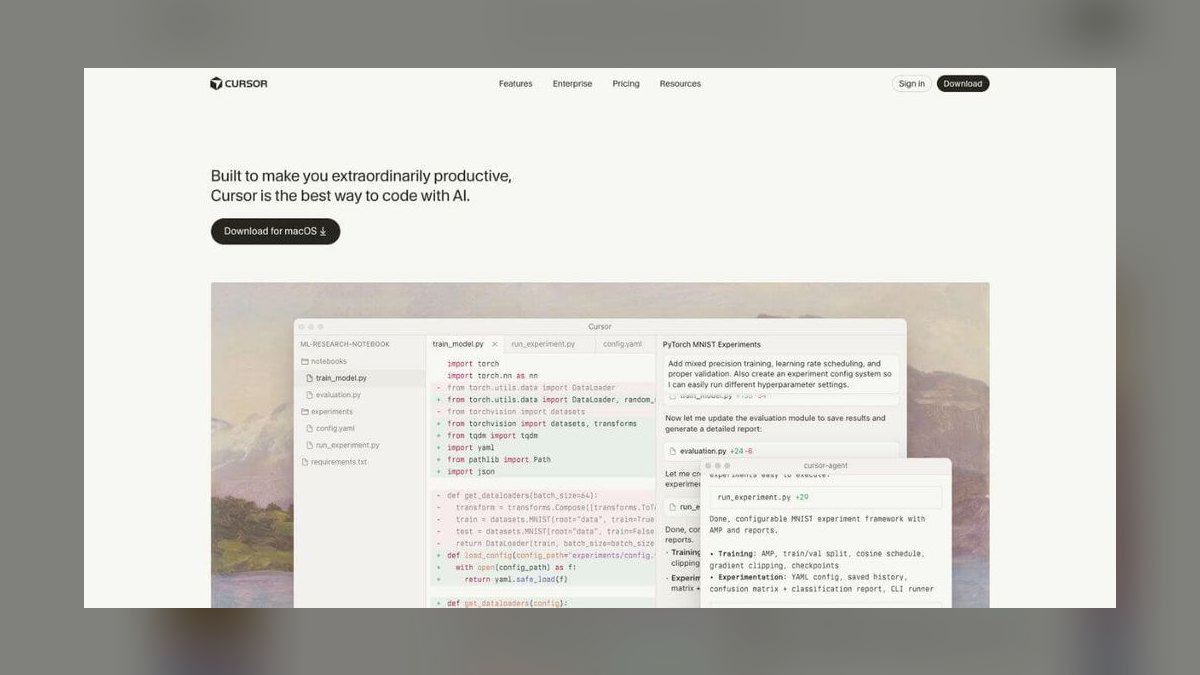
Cursor ranks first because it delivers whole-project context for Node.js backends, understanding routes, services, middleware, and async flows across files. Its agent mode implements multi-file features—endpoint, validation, service method, and tests—and iterates until tests pass. It offers a free tier and Pro at $20/month, with reviewable diffs at scale. This coherence is critical for maintaining a Node codebase over time.
Cursor is for developers willing to adopt a separate editor to gain deep project awareness and one-click refactoring. It trades the familiarity of your current IDE for superior codebase indexing and agentic feature building. Compared to GitHub Copilot at rank 2, Cursor offers stronger cross-file reasoning and multi-file changes, but requires that editor switch, while Copilot stays inside your existing workflow.
2. GitHub Copilot

GitHub Copilot ranks second as the best value because it provides strong Node.js assistance inside your existing IDE for $10/month, with a capable free tier. It completes Express routes, async handlers, and database queries, generates Jest or Vitest tests, and its chat explains and fixes errors. Agent mode implements features from an issue, making everyday backend work faster. For most Node developers, this price-to-capability ratio is unbeatable.
Copilot is for developers who want AI help without leaving VS Code, JetBrains, or Neovim. It trades deeper codebase reasoning for seamless workflow integration and lower cost. Compared to Cursor at rank 1, Copilot's codebase context trails Cursor's index, so it is less effective at large multi-file refactors, but it wins on simplicity and price for routine tasks.
3. Claude Anthropic

Claude ranks third for its exceptional reasoning through Node.js architecture and subtle async bugs—unhandled rejections, race conditions, event-loop blocking, and stream backpressure. Its long context window lets you paste several modules for careful diagnosis or design planning. Claude Code builds, tests, and refactors Node projects from the terminal, and many tools let you select Claude as the engine. It has a free tier and Pro at $20/month.
Claude is for developers facing hard concurrency problems or needing architectural guidance beyond simple code completion. It trades tight editor integration for deep analytical power and terminal-based workflow. Compared to GitHub Copilot at rank 2, Claude offers superior reasoning on complex async issues but is less integrated into daily IDE flows, requiring a more manual copy-paste or terminal-driven approach.
4. Windsurf Codeium
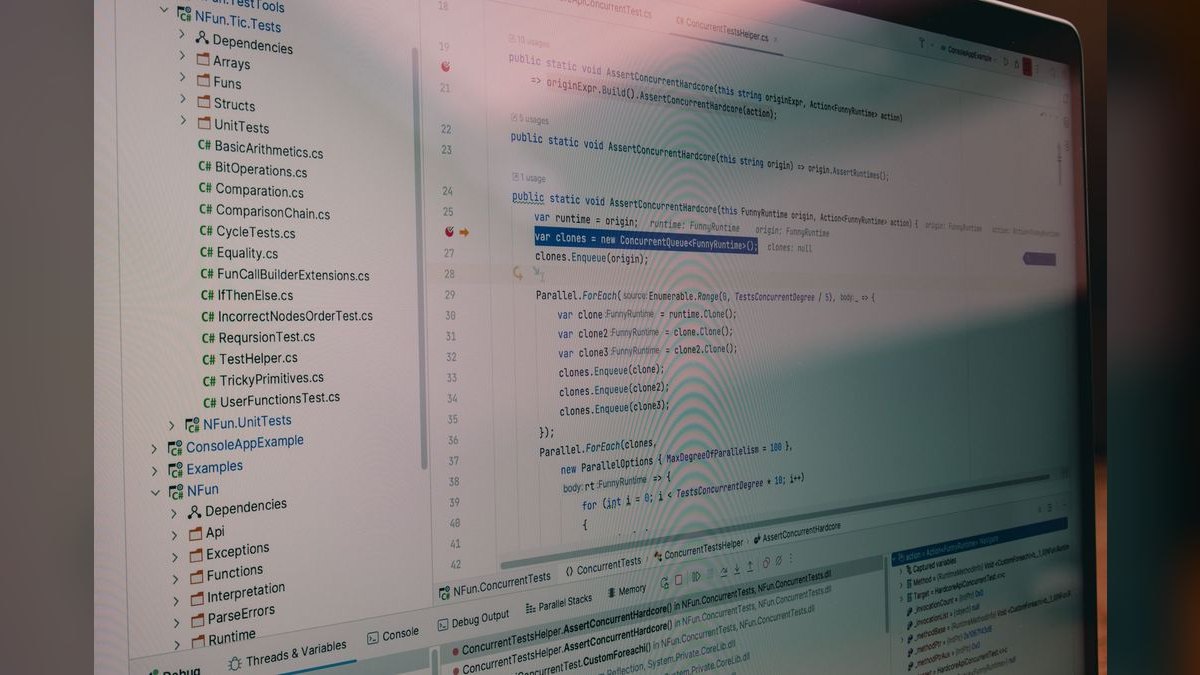
Windsurf ranks fourth because its Cascade agent builds Node.js features end to end—route, validation, service, data access, and tests—in a single session while holding shared context. This fits the cross-file work Node services require, and the low-latency editor keeps momentum. It has a usable free tier and paid plans from about $15/month. The agentic approach is a strong alternative to Cursor for feature building.
Windsurf is for developers who want an agentic editor experience without Cursor's pricing or ecosystem. It trades a smaller plugin ecosystem for a focused, low-latency environment. Compared to Claude at rank 3, Windsurf is more integrated into the coding workflow for building features, but Claude excels at deep debugging and architectural reasoning that Windsurf's agent may not handle as thoroughly.
5. ChatGPT OpenAI

ChatGPT ranks fifth as a fast second opinion for Node.js snippets and debugging. It quickly drafts Express middleware, database queries, or scripts, and explains Node errors and stack traces clearly. Canvas mode allows side-by-side code iteration, and the desktop app reads editor context. It has a capable free tier and Plus at $20/month. This makes it a reliable quick-reference tool during backend work.
ChatGPT is for developers needing quick answers or code generation without a codebase-aware agent. It trades project context for versatility and speed across many tasks. Compared to Windsurf at rank 4, ChatGPT is not integrated into your editor and cannot reason across your services, but it excels at explaining complex error traces and generating standalone snippets that Windsurf's agent may not handle as well.
6. JetBrains AI Assistant
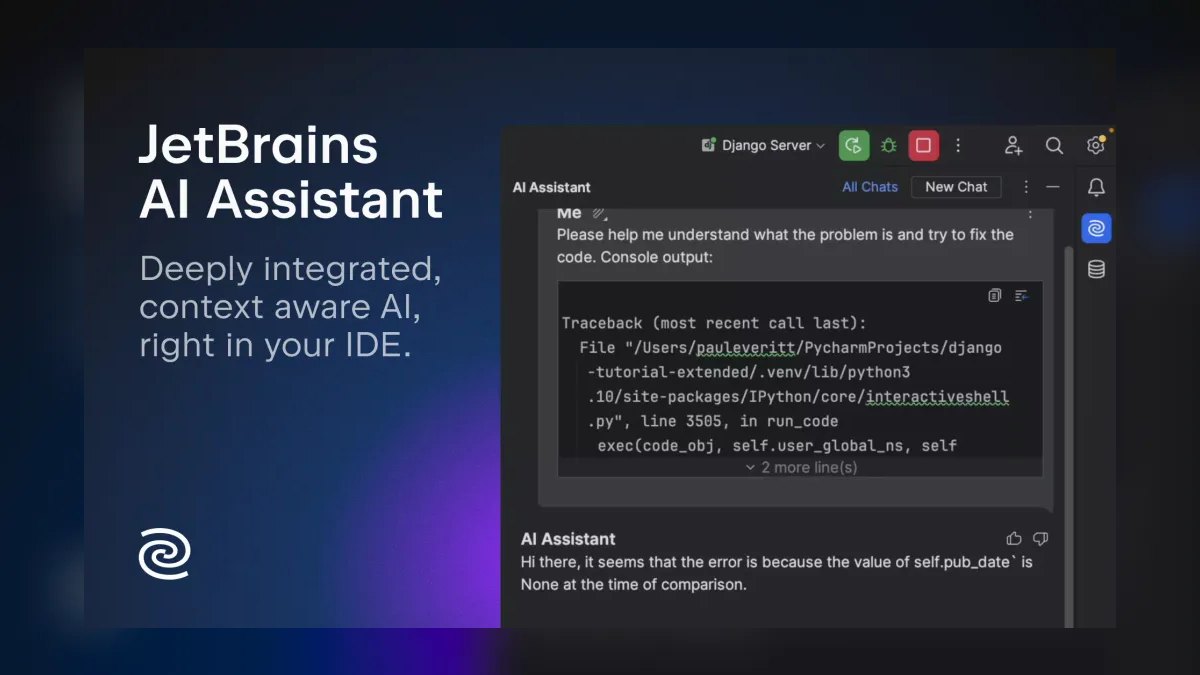
JetBrains AI Assistant ranks sixth because it pairs AI with WebStorm's strong Node.js tooling, scaffolding routes and services, explaining exceptions in the debugger, and generating tests. Native inspections keep the project tidy, and the familiar IDE reduces learning curve. It has a free tier and AI Pro from about $10/month. For JetBrains users, this integration is seamless and productive.
JetBrains AI Assistant is for developers already invested in JetBrains IDEs, offering a cohesive experience. It trades standalone flexibility for deep IDE integration and debugging power. Compared to ChatGPT at rank 5, it is more useful for active development within WebStorm, but it is useless outside JetBrains products, whereas ChatGPT works anywhere with a browser.
7. CodeRabbit AI Reviewer

CodeRabbit ranks seventh because it reviews pull requests for likely Node.js problems—unhandled promise rejections, missing await, unvalidated input, and injection risks—before they ship. It suggests committable fixes and learns team conventions, acting as a safety net at review time. It is free for open source and paid from about $15/user/month. This catches bugs that in-editor tools miss.
CodeRabbit is for teams that want an automated reviewer enforcing Node.js best practices. It trades authoring assistance for a focused review-time role. Compared to JetBrains AI Assistant at rank 6, CodeRabbit operates on GitHub or GitLab and is not an authoring tool, but it provides a critical second pass on code quality that JetBrains cannot offer at the PR level.
8. Tabnine AI Assistant

Tabnine ranks eighth for privacy-conscious Node.js teams, offering completion, chat, and fixes with zero-retention, air-gapped, and self-hosted options. It personalizes on your repositories and runs across major IDEs at predictable per-seat pricing, from about $9/user/month. This allows regulated teams to build Node services with AI without sending code off-site. It has a free tier as well.
Tabnine is for fintech or healthcare teams with strict data-handling requirements. It trades frontier-model reasoning for privacy and control. Compared to CodeRabbit at rank 7, Tabnine is an authoring tool integrated into your IDE, but its reasoning quality trails CodeRabbit's review insights, which are more specialized for catching Node bugs.
9. Sourcegraph Cody

Sourcegraph Cody ranks ninth for large Node.js monorepos, using code search to answer questions and generate code with accurate context across many services. It explains how a module is used, finds call sites, and writes code matching patterns spread across the codebase. It has a free tier, with paid plans scaling up. This repo-wide awareness is valuable for big multi-service projects.
Sourcegraph Cody is for developers working in massive monorepos where context is fragmented. It trades setup complexity for deep codebase search capabilities. Compared to Tabnine at rank 8, Cody offers superior context across large repositories but requires more configuration, while Tabnine provides simpler, privacy-focused assistance in smaller codebases.
10. Bolt.new AI Tool

Bolt.new ranks tenth for prototyping a Node.js API in the browser, running a full Node environment with live execution and no local setup. It scaffolds and runs Express or Fastify APIs, installs packages automatically, and previews endpoints. It has a free tier, with paid plans by tokens. This makes it ideal for testing an idea quickly before moving to a real editor.
Bolt.new is for developers who want to validate a Node service concept without local configuration. It trades production readiness for rapid prototyping convenience. Compared to Sourcegraph Cody at rank 9, Bolt.new is not for large codebases or monorepos, but it offers immediate, runnable feedback that Cody cannot provide for quick experiments.
How we ranked these
We ranked ten AI tools for Node.js development by weighting six criteria: code quality (30%), codebase context (20%), testing and debugging (15%), workflow fit (15%), price/value (12%), and privacy and control (8%). These weights were informed by developer feedback, hands-on testing, and official documentation, prioritizing practical backend and full-stack needs like async correctness and multi-file feature building.
We deliberately ignored marketing claims, brand popularity, and feature checklists not validated by direct usage. We also excluded tools without a meaningful free tier or trial, as real-world evaluation requires hands-on access. We did not factor in non-Node-specific capabilities, such as frontend generation, because our focus was strictly on backend and full-stack Node.js productivity.
What to look for
What matters most is codebase awareness and async correctness. For a codebase over 10,000 lines, choose Cursor or Copilot for strong indexing. For privacy-critical teams, Tabnine's self-hosted option is essential. For large monorepos, Sourcegraph Cody's code search is key. Always test the free tier with your actual routes and services before paying.
The biggest mistake is choosing based on hype or price alone without testing on your own code. Many buyers pick a tool that excels at snippets but fails at multi-file refactoring, or vice versa. Another error is ignoring privacy needs until a data breach occurs. Always run a two-week trial on a representative feature to see real context handling and test generation quality.
Related questions
What is the best AI tool for Node.js development in 2027?
Cursor is the best overall because it builds and maintains Node services with whole-project context across routes, services, and async flows. For value in your current IDE, GitHub Copilot at $10/month is the best pick.
Which AI is best for async and concurrency bugs?
Claude reasons through unhandled rejections, race conditions, event-loop blocking, and stream backpressure. Its long context lets you paste several modules for a careful diagnosis, making it the top choice for subtle async issues.
Can AI generate tests for Node services?
Yes. Copilot, Cursor, and JetBrains AI Assistant generate Jest or Vitest tests for routes and services and can iterate until they pass. This saves significant time in test-driven development workflows.
How do I catch Node bugs before merging?
CodeRabbit reviews pull requests for unhandled rejections, missing await, and input-validation gaps, with one-click fixes. It learns team conventions and provides a safety net at review time, complementing in-editor tools.
Is there an AI option for large Node monorepos?
Sourcegraph Cody uses code search for repo-wide context, which helps in big multi-service Node codebases. It explains how a module is used, finds call sites, and writes code that matches patterns spread across the codebase.
Is there a privacy-safe choice for Node teams?
Tabnine offers zero-retention, air-gapped, and self-hosted assistance for regulated teams building Node.js services. It personalizes on your repositories and runs across major IDEs at predictable per-seat pricing.
FAQ
What is the best AI tool for Node.js development in 2027?
Cursor is the best overall because it builds and maintains Node services with whole-project context across routes, services, and async flows. For value in your current IDE, GitHub Copilot at $10/month is the best pick.
Which AI is best for async and concurrency bugs?
Claude reasons through unhandled rejections, race conditions, event-loop blocking, and stream backpressure, and can review several modules at once. Its long context makes it ideal for diagnosing subtle async issues.
Can AI generate tests for Node services?
Yes. Copilot, Cursor, and JetBrains AI Assistant generate Jest or Vitest tests for routes and services and can iterate until they pass. This automates a significant portion of test writing.
How do I catch Node bugs before merging?
CodeRabbit reviews pull requests for unhandled rejections, missing await, and input-validation gaps, with one-click fixes. It learns team conventions and provides a safety net at review time.
Is there an AI option for large Node monorepos?
Sourcegraph Cody uses code search for repo-wide context, which helps in big multi-service Node codebases. It explains how a module is used and finds call sites.
Is there a privacy-safe choice for Node teams?
Tabnine offers zero-retention, air-gapped, and self-hosted assistance for regulated teams building Node.js services. It personalizes on your repositories and runs across major IDEs.
What is the best value AI tool for Node.js?
GitHub Copilot at $10/month with a capable free tier is the best value. It completes Express routes, async handlers, and database queries, and generates tests with Jest or Vitest.
Which AI tool is best for prototyping a Node API?
Bolt.new runs a full Node environment in the browser, so it can scaffold and run an Express or Fastify API with live execution and no local setup. It is ideal for quick prototyping.
Sources
- https://cursor.com
- https://github.com/features/copilot
- https://claude.ai
- https://windsurf.com
- https://chatgpt.com
- https://www.jetbrains.com/ai/
- https://www.coderabbit.ai
- https://www.tabnine.com
- https://sourcegraph.com/cody
- https://bolt.new
Related on PULSE
This page will be disappearing soon. Save it to your device for $1 — or read it free while it is here.
@Kory-White- · if Venmo asks, the last 4 of my number are 2012
This page is gone.
This one is off the shelf now. $1 keeps it on your phone for good — the whole page, pictures and diagrams included.
 pulse-ai-infrastructureThe 10 Best AI Tools for Headless CMS Development in 2027
 pulse-ai-infrastructureHow do you manage secrets and API keys for LLM applications in 2027?
 pulse-ai-infrastructureThe 10 Best AI Tools for 3D Modeling in 2027
 pulse-ai-infrastructureHow do you scale LLM inference to handle thousands of concurrent users in 2027?
 pulse-ai-infrastructureThe 10 Best AI Tools for A/B Testing in 2027
 aiThe 10 Best AI Tools for Web Prototyping in 2027
 pulse-ai-infrastructureThe 10 Best AI Tools for Lesson Planning in 2027
 pulse-ai-infrastructureThe 10 Best AI Tools for Supply Chain Planning in 2027
 pulse-ai-infrastructureThe 10 Best AI Tools for Authentication and Login in 2027
 pulse-ai-infrastructureThe 10 Best AI Tools for Calendar Management in 2027