


The 10 Best AI Tools for Social Media Content in 2027
Quality
Certified
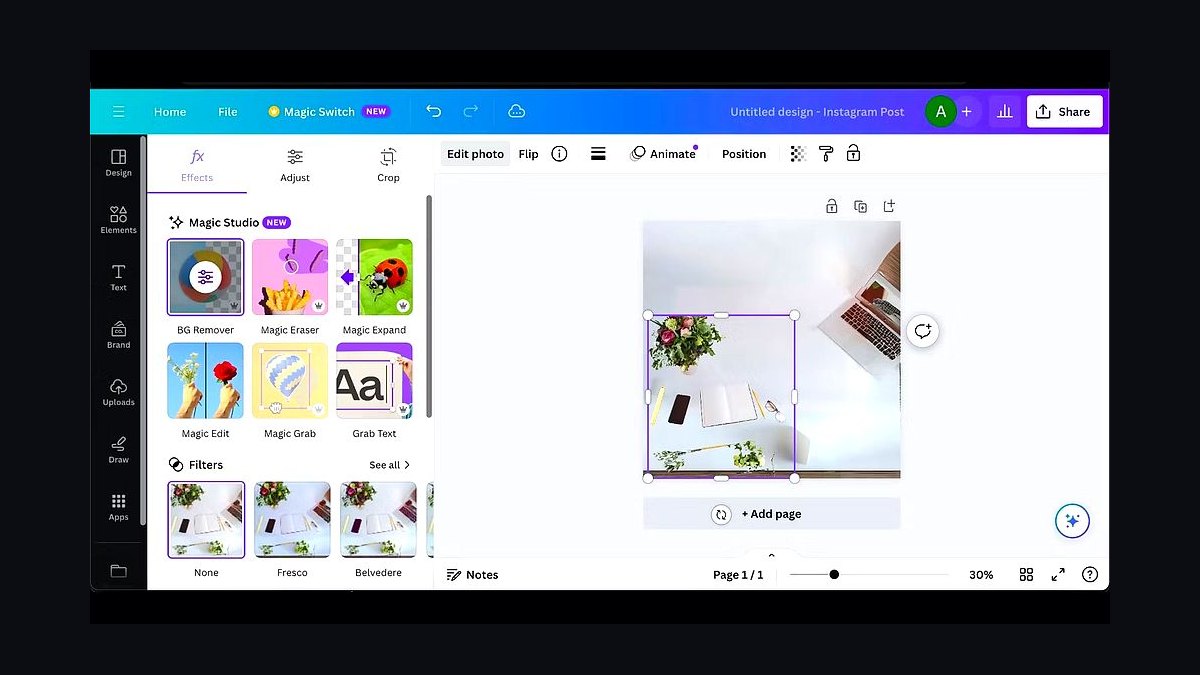
The 10 best ai tools for social media content are ranked below on measured performance, build quality, price, and how each one actually holds up in daily use rather than how it reads on a spec sheet. Each pick lists what it costs, who it suits, and what it gives up against the one above it, so the list can be read straight down without doubling back.
1Canva Magic Studio
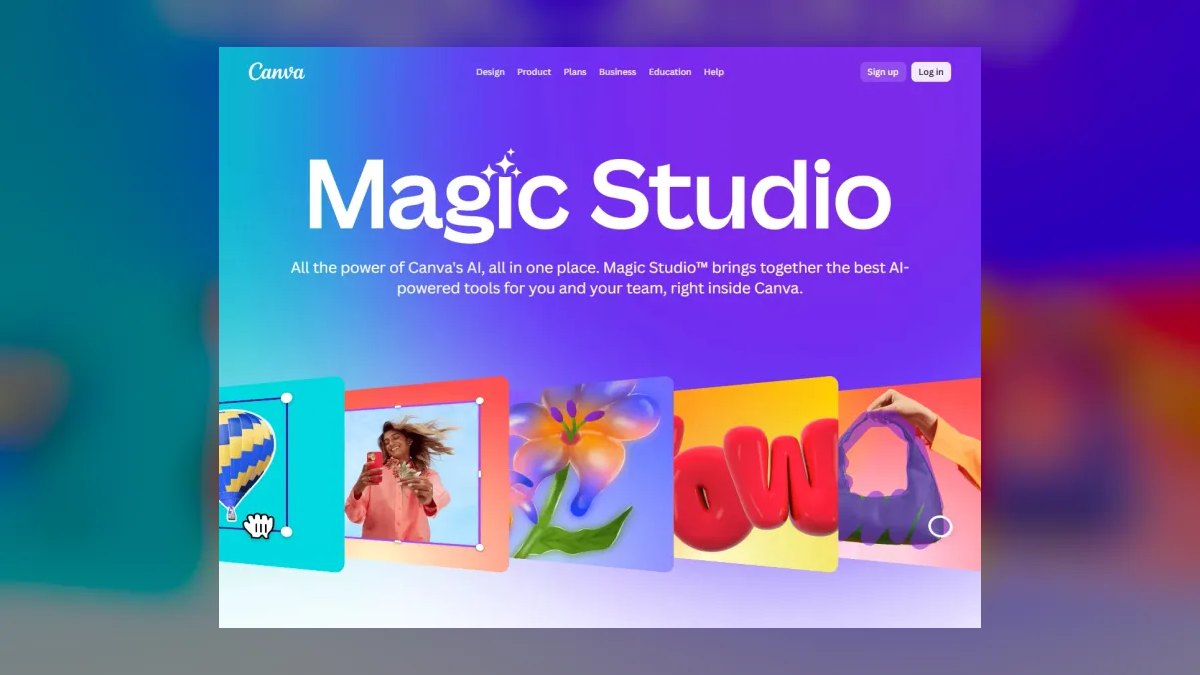
Canva Magic Studio ranks first because it collapses design, copywriting, video, and scheduling into one browser-based workspace, making it the most complete social content factory available. Magic Write drafts captions, Magic Media generates images and short clips, and Magic Resize reflows a single design into multiple platform-native formats in seconds.
It is best for solo creators and small marketing teams who need to ship across Instagram, TikTok, LinkedIn, and X daily without switching apps. The trade-off is that Magic Media video is short and stylized, so it will not replace a dedicated editor for talking-head content. Compared to Opus Clip directly below, Canva offers far broader format coverage but lacks Opus's elite long-to-short video repurposing, making the choice a matter of generalist breadth versus specialist depth.
2Opus Clip
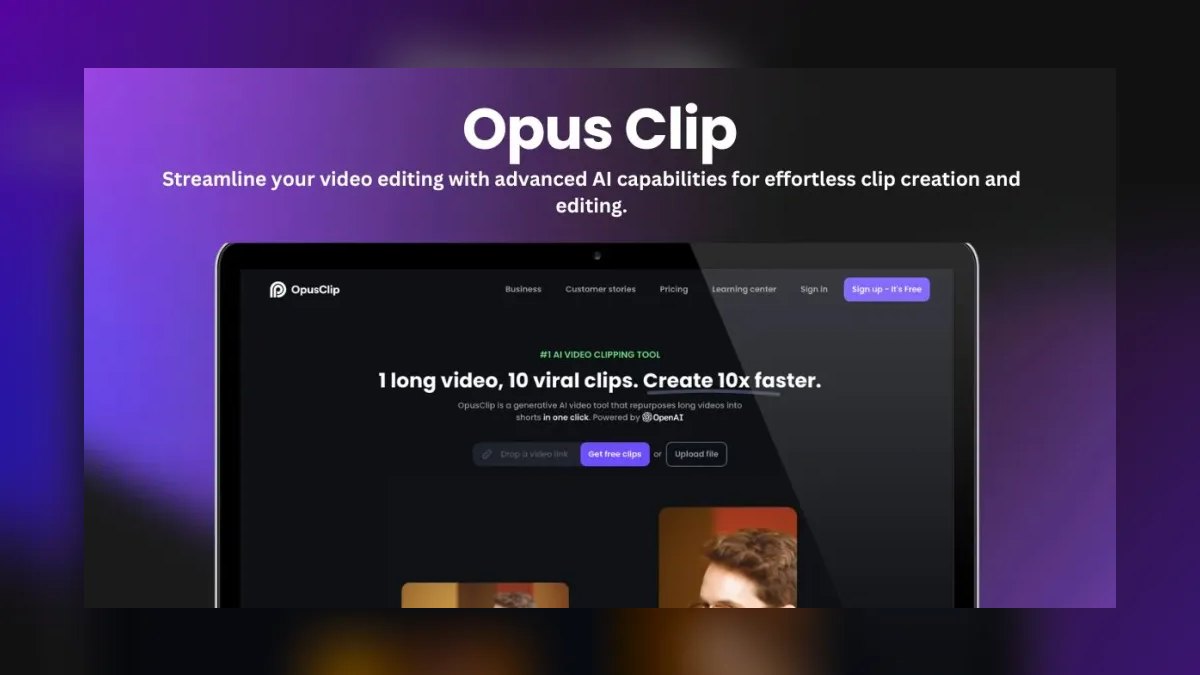
Opus Clip ranks second because it performs one job at an elite level: turning long videos into a batch of short, captioned vertical clips ready for Reels, Shorts, and TikTok. Its ClipAnything model identifies the most engaging moments, adds animated captions, reframes to keep the speaker centered, and assigns a virality score to prioritize which clips to post first.
It is best for creators who already produce long video and need volume on short platforms without hiring an editor. It will not help create content from scratch, as it only amplifies what has already been recorded. Compared to Canva Magic Studio above, Opus is a specialist tool that sacrifices all-in-one versatility for unmatched speed and accuracy in clipping, so users will still need a separate design or scheduling tool for the rest of their workflow.
3Adobe Express with Firefly
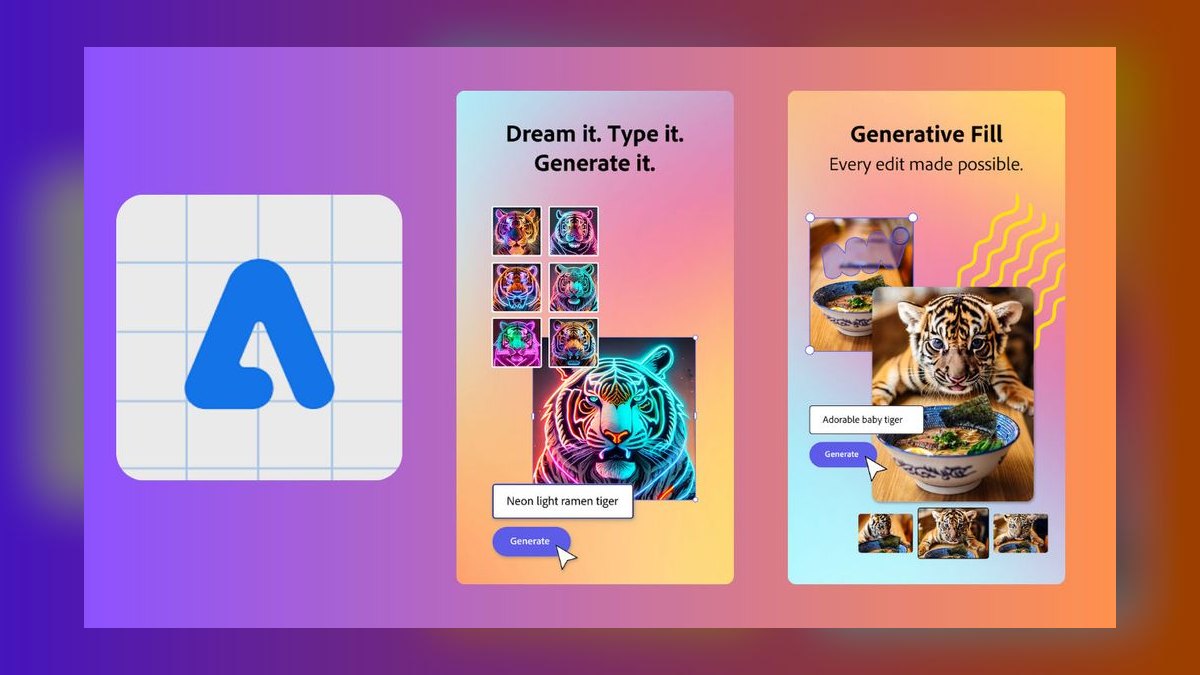
Adobe Express with Firefly ranks third because it combines a lightweight design editor with Adobe's commercially-safe generative AI, which is a decisive advantage for brands worried about AI-image copyright exposure. Firefly powers Text to Image, Generative Fill, and Text Effects, while Express adds templates, a content scheduler, and one-tap resizing for social formats. Every Firefly output ships with Content Credentials, and Adobe Express Premium costs about $9.99 per month with bundled generative credits.
It is best for brand and marketing teams that need design polish plus legal peace of mind, as the enterprise-friendly licensing and provenance metadata reduce risk. It is less of a fit for pure short-form video creators, where dedicated editors like Opus Clip pull ahead. Compared to Opus above, Adobe Express offers stronger static design and commercial safety but weaker automated video repurposing, so teams producing both graphics and clips may need to use both tools in tandem.
4Buffer

Buffer ranks fourth as the best value pick because its free plan genuinely works, allowing users to connect up to three channels, schedule posts, and use the built-in AI Assistant for captions and platform-specific rewrites. Most free social tools cripple scheduling, but Buffer does not, and the AI can take one idea and rewrite it for LinkedIn's professional tone, X's brevity, and Instagram's caption style in a couple of clicks.
It is best for solo creators, freelancers, and small businesses that want clean scheduling with light AI assistance and no enterprise bloat. It is not a media generator, so users must bring images and video from elsewhere, which limits its standalone appeal. Compared to Adobe Express above, Buffer is far cheaper and more focused on distribution, but it lacks Adobe's design capabilities, so creators needing both graphics and scheduling will likely pair Buffer with a design tool.
5Jasper

Jasper ranks fifth because it is a copy-first AI platform built for marketing teams that need on-brand text at scale, with its Brand Voice feature learning tone from existing content. Its Campaigns feature generates a coordinated set of social posts, ad copy, and captions from a single brief, making it excellent for producing dozens of caption variations and hook tests quickly.
It is best for content and brand teams that treat copy as a system rather than a one-off task, where consistency across many posts and channels is the main constraint. Solo creators may find Buffer's or Canva's built-in writers sufficient, making Jasper's cost harder to justify. Compared to Buffer above, Jasper offers deeper brand voice control and campaign-level coordination but lacks scheduling capabilities, so it must be paired with a publishing tool for a complete workflow.
6Descript

Descript ranks sixth because it edits video and audio by editing text, which removes the biggest production bottleneck for spoken-word content by letting users trim filler words and remove ums with one command. Overdub can correct a misspoken word in the user's own cloned voice, and Studio Sound cleans noisy audio to broadcast clarity, while the AI eye contact feature makes talking-head repurposing painless.
It is best for podcasters and video creators who want editing without a steep learning curve, as the text-driven interface is intuitive for non-editors. It is overkill if users only post static images, since its strengths are entirely in audio and video. Compared to Jasper above, Descript is a media editor rather than a copy tool, so it complements rather than competes with copy-focused platforms, and it offers a more generous free tier for testing.
7CapCut
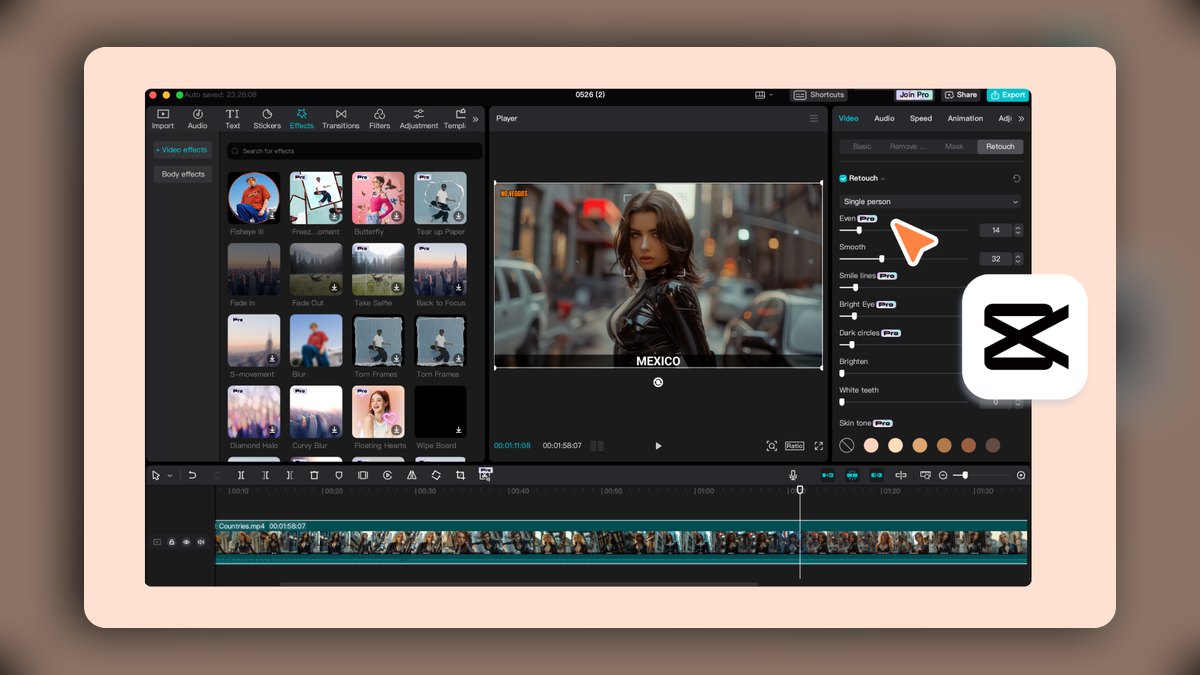
CapCut ranks seventh because it is the editor most tightly tuned to short-form trends, with AI tools including auto-captions, background removal, text-to-speech voices, and auto-reframe for vertical formats. Its template-driven edits mirror what is currently performing on TikTok and Reels, and the mobile and desktop apps share projects seamlessly. The free tier is famously generous, while CapCut Pro runs around $9.99 per month for premium effects, cloud space, and commercial-use assets.
It is best for creators chasing trend-native short video on a shoestring budget, as the free tier is powerful enough for most basic editing needs. It is a content producer, not a scheduler, so it must be paired with Buffer or Hootsuite for distribution. Compared to Descript above, CapCut is more focused on trendy visual effects and templates rather than transcript-based editing, making it better for fast-paced social clips but weaker for long-form spoken-word cleanup.
8HeyGen
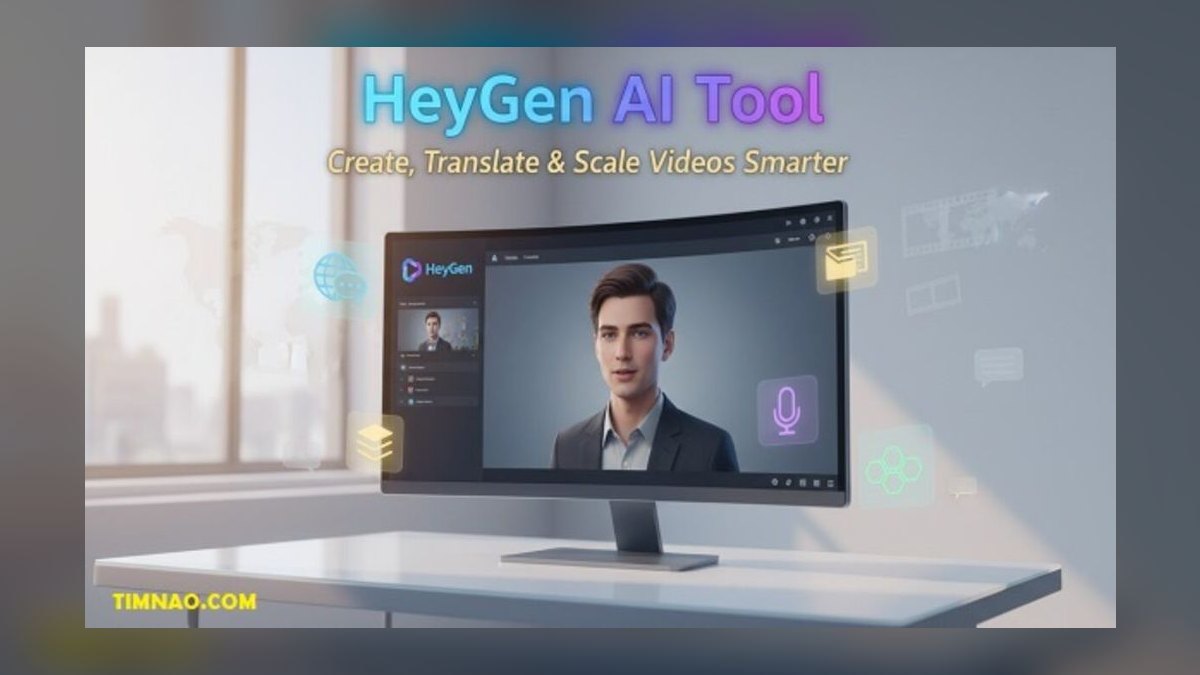
HeyGen ranks eighth because it generates AI avatar videos from a typed script, with multilingual voice cloning and lip-sync across dozens of languages, making it the fastest path to a recurring on-screen presence without filming. For social teams that need to localize one video into many languages, its Avatar IV and translation features turn a single talking-head into versions for global audiences.
It is best for educational, explainer, and localized content where a consistent presenter is key, and it saves significant production time compared to filming. Users must disclose AI presenters where platform rules or audience trust require it, which can be a limitation for some brands. Compared to CapCut above, HeyGen is a specialized avatar generator rather than a general video editor, so it is a complementary tool for specific use cases rather than a daily driver for all content.
9Midjourney
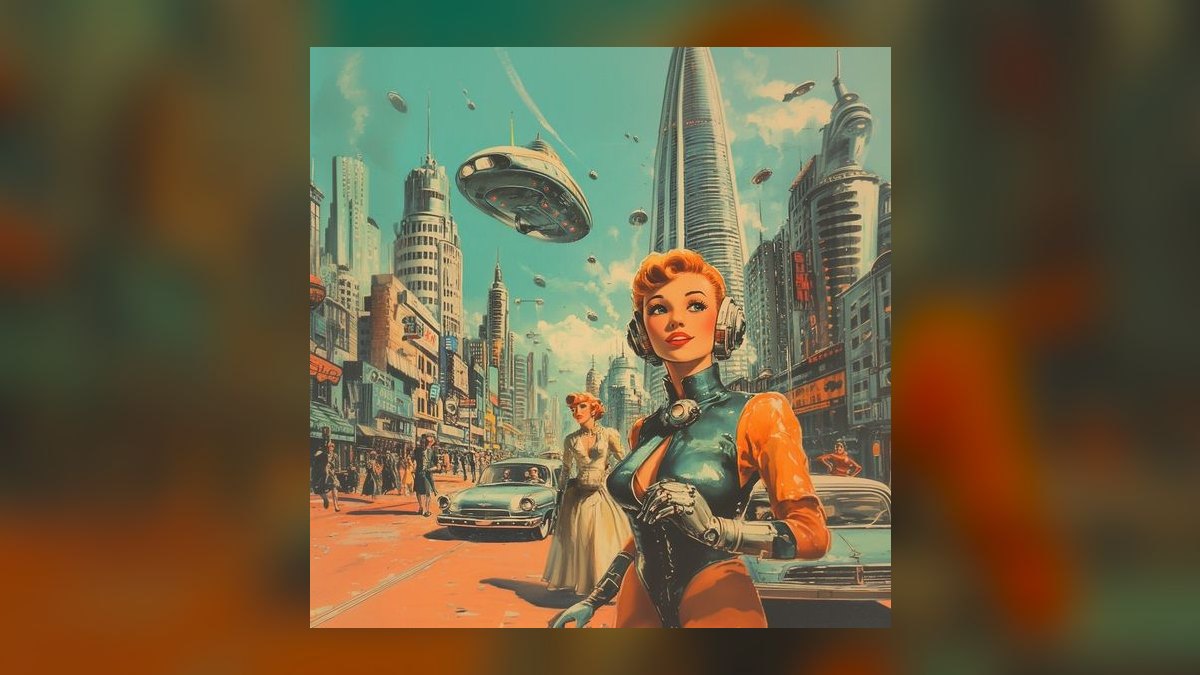
Midjourney ranks ninth because it remains the benchmark for distinctive, high-aesthetic AI imagery, offering style control that leads the field for social creators who want a recognizable visual identity. Its version controls, style references with --sref, and character consistency tools help keep a brand look coherent across posts, producing stylized illustrations and surreal backgrounds that stop the scroll.
It is best for creators and brands that compete on visual distinctiveness and are willing to invest in a separate tool for imagery. If users need quick, on-template graphics, Canva is faster, but for art that stands out, Midjourney is worth the extra step. Compared to HeyGen above, Midjourney offers superior static image quality but no video or avatar capabilities, so the two serve entirely different content needs.
10Hootsuite with OwlyWriter AI
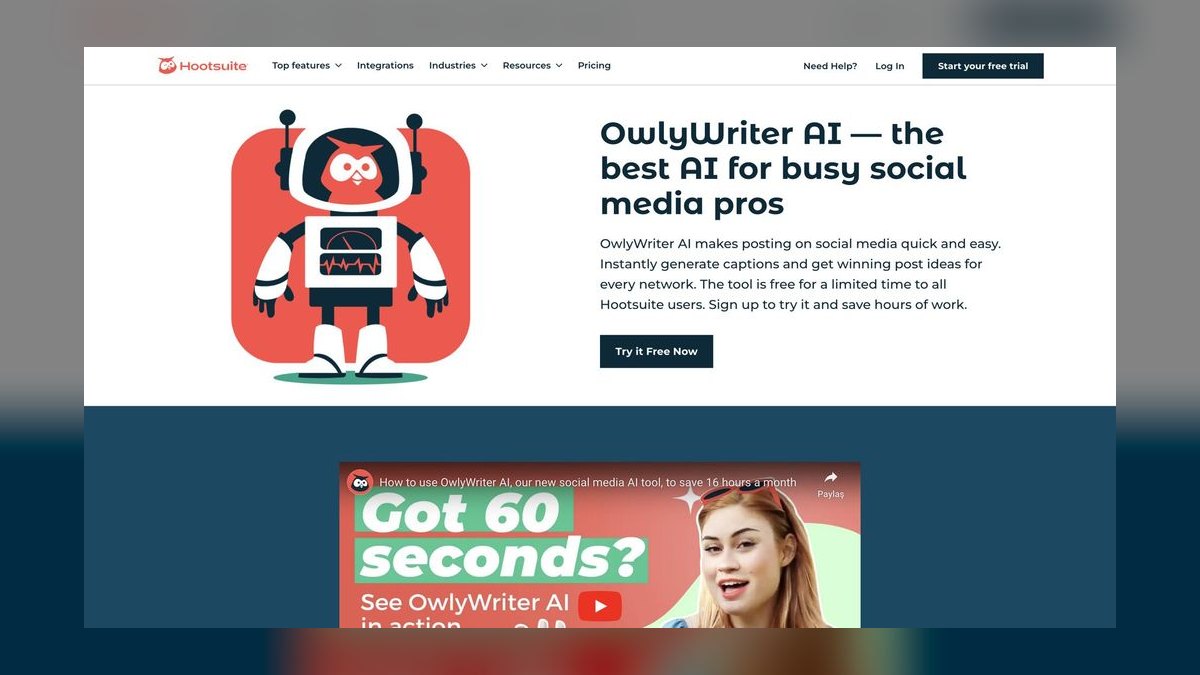
Hootsuite with OwlyWriter AI ranks tenth because it is the veteran scheduler whose AI generates captions, repurposes top-performing posts, and suggests content ideas inside a mature management dashboard. Its strength is breadth of management, including bulk scheduling, team approval workflows, social listening, and unified analytics across every major network. However, it is the priciest tool here, with the Professional plan starting around $99 per month, which is why it ranks last for individual creators despite strong features.
It is best for agencies and larger marketing teams managing many accounts where governance and analytics justify the spend, as the approval workflows and unified reporting are essential for multi-client operations. Solo creators should start with Buffer and graduate here only when scale demands it, since the price is prohibitive for individual use.
How we ranked these
We scored each tool against five weighted criteria: output quality (did the result need heavy rework?), format coverage (static, carousel, video, captions), workflow fit (does AI live where you already work?), pricing and free tier usability, and platform safety (API compliance and C2PA provenance). Tools that produced post-ready, platform-native results outranked those requiring manual fixes.
Generalists covering many formats scored higher than single-purpose tools, unless that one purpose was elite, as with Opus Clip's clipping.
We deliberately ignored marketing claims, brand recognition, and feature lists that don't translate to daily operator work. We did not weigh raw AI model capability in isolation—a powerful generator that forces copy-paste between apps scored lower than a weaker one embedded in the composer. We also excluded tools with hidden per-seat or per-credit costs that obscure true pricing, and we did not consider enterprise features irrelevant to solo creators and small teams.
Related questions
What is the best AI tool for a complete beginner in social media?
Canva Magic Studio is the best for beginners because it combines AI design, copywriting, and scheduling in one template-driven workspace. You can write captions with Magic Write, generate images with Magic Media, and publish directly to platforms without any design or video editing skills. Its free tier lets you learn the workflow before committing to a paid plan.
What is the cheapest way to start using AI for social media?
Stack free tiers: use Buffer for scheduling and AI captions, CapCut for video editing, and Canva's free plan for graphics. This combination covers a full content workflow at zero cost. Upgrade only the tool you outgrow first, which is often the video editor or the scheduler, depending on your content mix.
Are AI-generated images safe to use commercially?
Adobe Firefly inside Adobe Express is marketed as commercially safe, trained on licensed and public-domain content. Midjourney and others grant commercial rights on paid plans, but you must confirm each tool's license. Always keep C2PA Content Credentials intact for transparency and to avoid platform penalties for undisclosed AI media.
Can AI tools post automatically without breaking platform rules?
Yes, if they use official platform APIs. Buffer, Hootsuite, and Canva's Content Planner schedule via compliant APIs. Avoid tools that automate engagement like mass liking or following, as those violate Instagram and TikTok terms and risk account bans. Always check that the tool's posting method is API-based.
What is the best tool for turning a podcast into short clips?
Opus Clip is best for automatic moment detection and captioned vertical clips. Descript is better if you want transcript-based editing control. Many creators use Descript to clean audio and then Opus Clip to slice it into shareable Reels, Shorts, and TikToks. Both have free tiers to test.
Do I need to disclose AI-generated content on social media?
Increasingly yes. YouTube, TikTok, and Instagram require disclosure of realistic synthetic or altered media. Tools like HeyGen avatars should be labeled as AI. Provenance metadata like C2PA helps platforms classify your content correctly, and stripping it can trigger reduced reach or account penalties.
Which AI tool is best for creating branded visuals?
Midjourney is the benchmark for distinctive, high-aesthetic imagery, offering style references and character consistency for a coherent brand look. However, it's only an image generator. For a complete branded workflow, Canva Magic Studio provides templates, brand kits, and AI editing in one place, making it faster for daily posting.
FAQ
Which AI tool is best for a complete beginner?
Canva Magic Studio. The template-driven editor, plain-language Magic Write prompts, and built-in scheduler mean you can produce and publish without design or video skills. Its free tier lets you learn before paying.
What's the cheapest way to start with AI social content?
Stack free tiers: Buffer for scheduling and caption AI, CapCut for video editing, and Canva's free plan for graphics. You can run a full content workflow at $0 before upgrading the one tool you outgrow first.
Are AI-generated images safe to use commercially?
Adobe Firefly (inside Adobe Express) markets itself as commercially safe, trained on licensed and public-domain content. Midjourney and others grant commercial rights on paid plans, but you should confirm each tool's license and keep Content Credentials intact for transparency.
Can these tools post automatically without breaking platform rules?
Buffer, Hootsuite, and Canva's Content Planner use official platform APIs for scheduling, which is compliant. Avoid tools that automate engagement (mass liking, following)—those violate Instagram and TikTok terms and risk bans.
What's the best tool for turning a podcast into clips?
Opus Clip for automatic moment-detection and captioned vertical clips, or Descript if you want transcript-based editing control. Many creators use Descript to clean audio, then Opus Clip to slice it.
Do I need to disclose AI-generated content?
Increasingly yes. YouTube, TikTok, and Instagram require disclosure of realistic synthetic or altered media. Tools like HeyGen avatars should be labeled, and provenance metadata helps platforms classify your content correctly.
What is the best AI tool for repurposing long videos?
Opus Clip is the top pick. It ingests a long video and returns a batch of short, captioned vertical clips with a virality score. Descript is a strong alternative if you need transcript-based editing control before clipping.
Which AI tool is best for creating AI avatar videos?
HeyGen is the leader. Type a script and a realistic presenter delivers it with multilingual voice cloning and lip-sync. It's ideal for educational or localized content where a consistent on-screen presence matters more than filming.
What is the best value AI social media tool?
Buffer earns Best Value. Its free plan genuinely works with up to three channels and an AI Assistant for captions. Paid tiers start around $6 per channel per month, making it the cheapest way to get clean scheduling with light AI help.
Sources
- https://www.canva.com/magic/
- https://www.opus.pro/
- https://www.adobe.com/express/
- https://buffer.com/ai-assistant
- https://www.descript.com/
- https://www.capcut.com/
- https://www.heygen.com/
- https://www.midjourney.com/
- https://www.hootsuite.com/platform/owlywriter-ai
- https://contentcredentials.org/
Related on PULSE
This page will be disappearing soon. Save it to your device for $1 — or read it free while it is here.
@Kory-White- · if Venmo asks, the last 4 of my number are 2012
This page is gone.
This one is off the shelf now. $1 keeps it on your phone for good — the whole page, pictures and diagrams included.
 pulse-ai-infrastructureThe 10 Best AI Tools for Content Repurposing in 2027
 pulse-ai-infrastructureHow do you A/B test different LLMs in production in 2027?
 pulse-ai-infrastructureHow do you deploy AI models at the edge in 2027?
 pulse-ai-infrastructureThe 10 Best AI Tools for Website Chatbots in 2027
 pulse-ai-infrastructureThe 10 Best AI Tools for RFP Responses in 2027
 pulse-ai-infrastructureThe 10 Best AI Tools for Writing Movie Scripts in 2027
 pulse-ai-infrastructureThe 10 Best Secrets Management Tools for LLM Applications in 2027
 pulse-ai-infrastructureThe 10 Best AI Tools for Competitor Analysis in 2027
 pulse-ai-infrastructureThe 10 Best Data Labeling Platforms for AI in 2027
 pulse-ai-infrastructureThe 10 Best AI Tools for Design Mockups in 2027