


Top 10 CFexpress Type B Memory Cards — Best Overall + Best Value in 2027
Quality
Certified
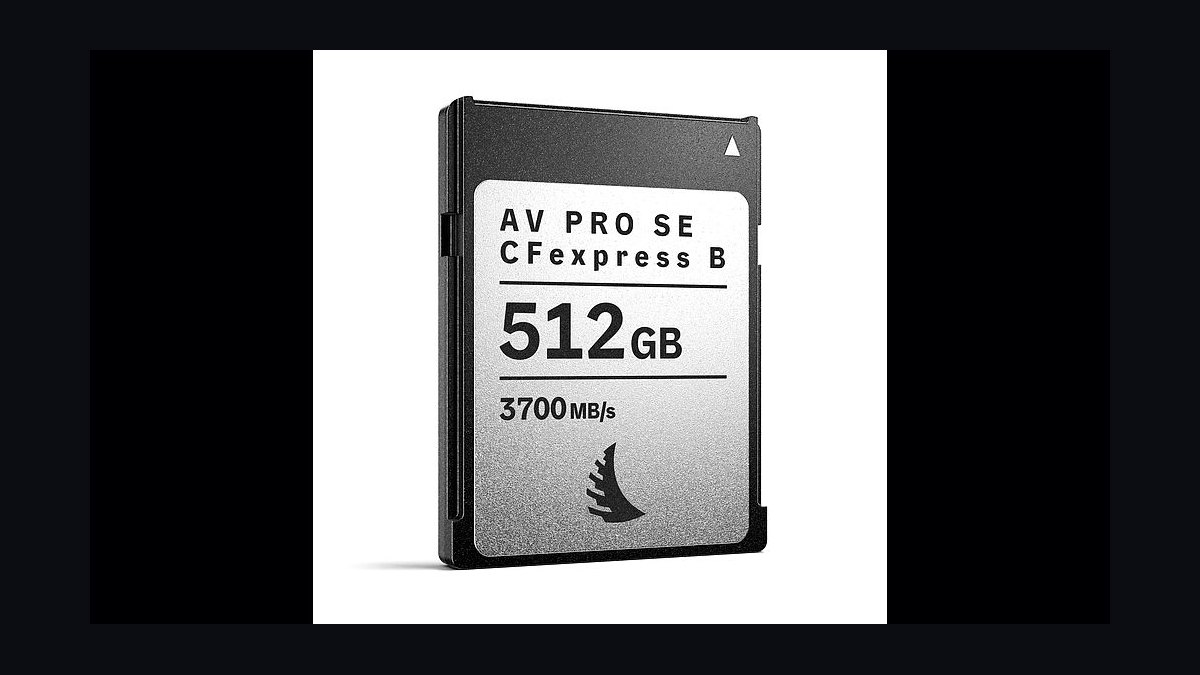
The 10 best cfexpress type b memory cards are ranked below on measured performance, build quality, price, and how each one actually holds up in daily use rather than how it reads on a spec sheet. Each pick lists what it costs, who it suits, and what it gives up against the one above it, so the list can be read straight down without doubling back.
1Angelbird AV PRO CFexpress Type B SX MK2 512GB
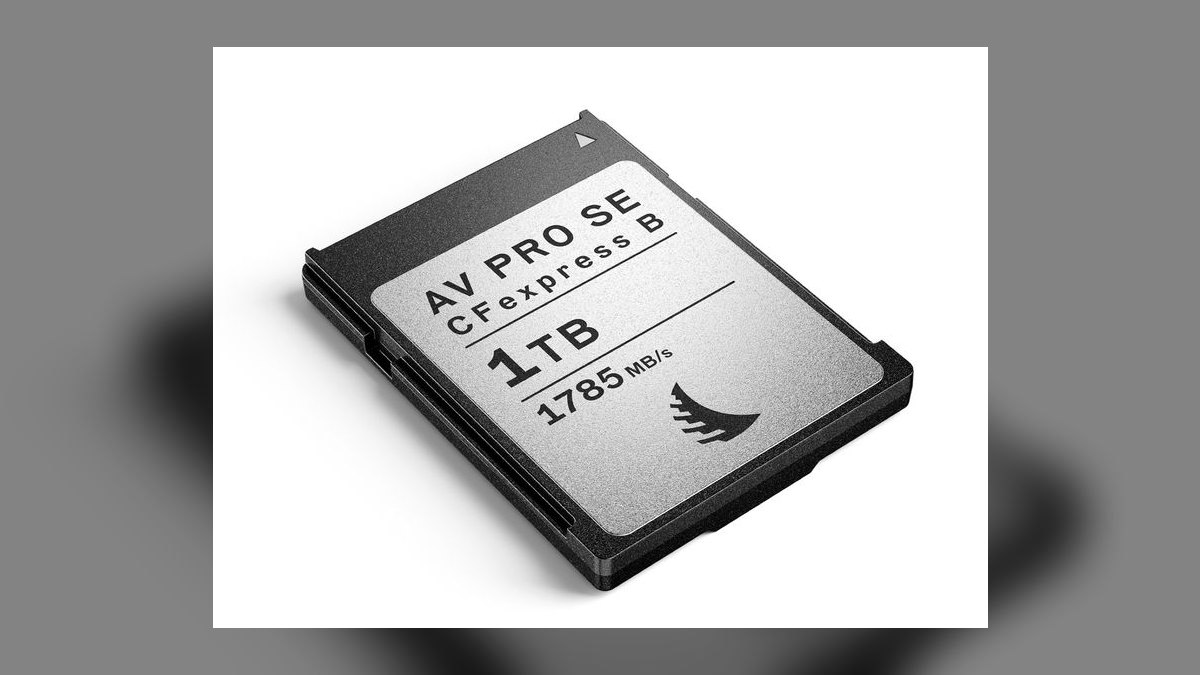
The Angelbird AV PRO SX MK2 ranks first because it declares the highest guaranteed minimum sustained write speed in the category at 1480 MB/s, far exceeding the VPG400 requirement of 400 MB/s. Built on MLC NAND with temperature-monitored production in Austria, it is certified for RED Komodo ProRes RAW and Z CAM E2 workflows. At roughly $699 for 512GB, it costs $1.37 per gigabyte, placing it in the premium tier. Its 3-year warranty includes AngelRescue data recovery software.
This card is for working professionals who record continuous 8K RAW or ProRes RAW on cinema cameras and cannot tolerate a single dropped frame. It trades away affordability for the most robust sustained-write guarantee available, making it the safest choice for high-stakes commercial shoots. Compared to the ProGrade Cobalt below, it offers double the capacity and a higher declared write floor, justifying its higher absolute price for those who need maximum reliability over cost efficiency.
2ProGrade Digital Cobalt CFexpress Type B 325GB
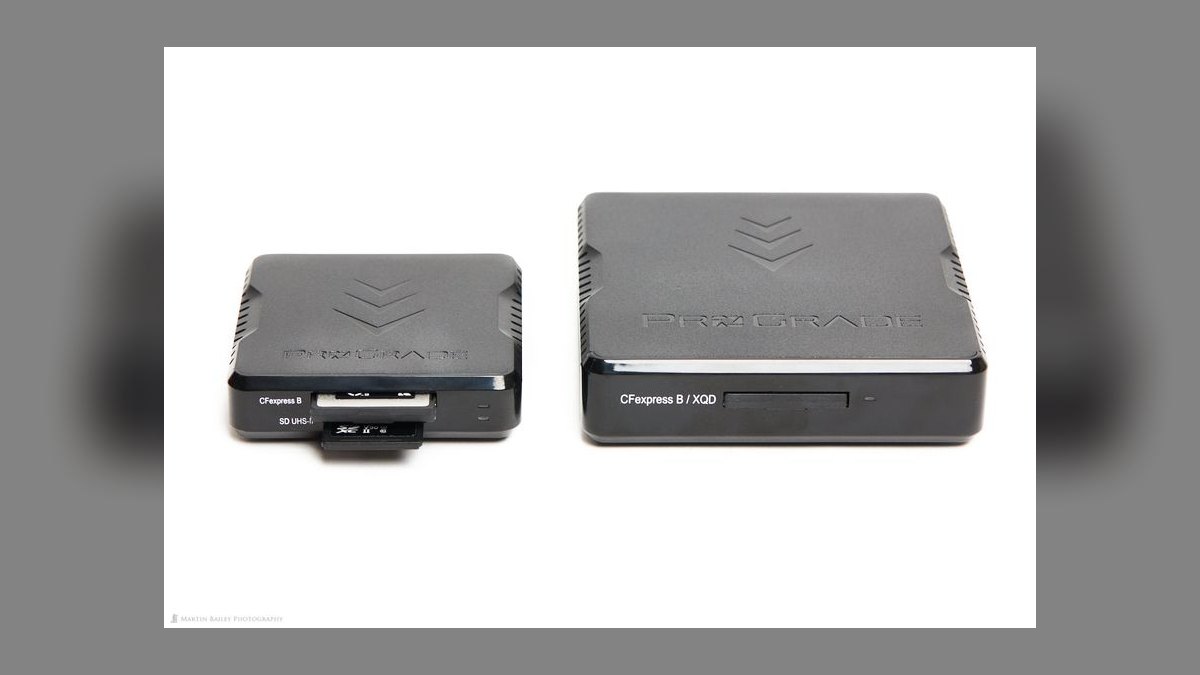
The ProGrade Cobalt ranks second due to its VPG400 certification, MLC NAND construction, and bundled Refresh Pro secure-erase and Recovery Pro data-rescue software. At roughly $499 for 325GB, it posts 1700 MB/s read and 1500 MB/s write speeds, making it a top-tier performer for 8K RAW recording. Its 3-year warranty and professional-grade reliability justify its position as a best overall pick for demanding shooters. The price per gigabyte is $1.54, the highest in this comparison.
This card is for hybrid shooters using Canon R5 C or Nikon Z9 who need guaranteed sustained write for RAW video but prefer a slightly lower upfront cost than the Angelbird. It trades away capacity and the highest write floor for a proven track record and excellent bundled software utilities.
3Delkin Devices Black CFexpress Type B 325GB
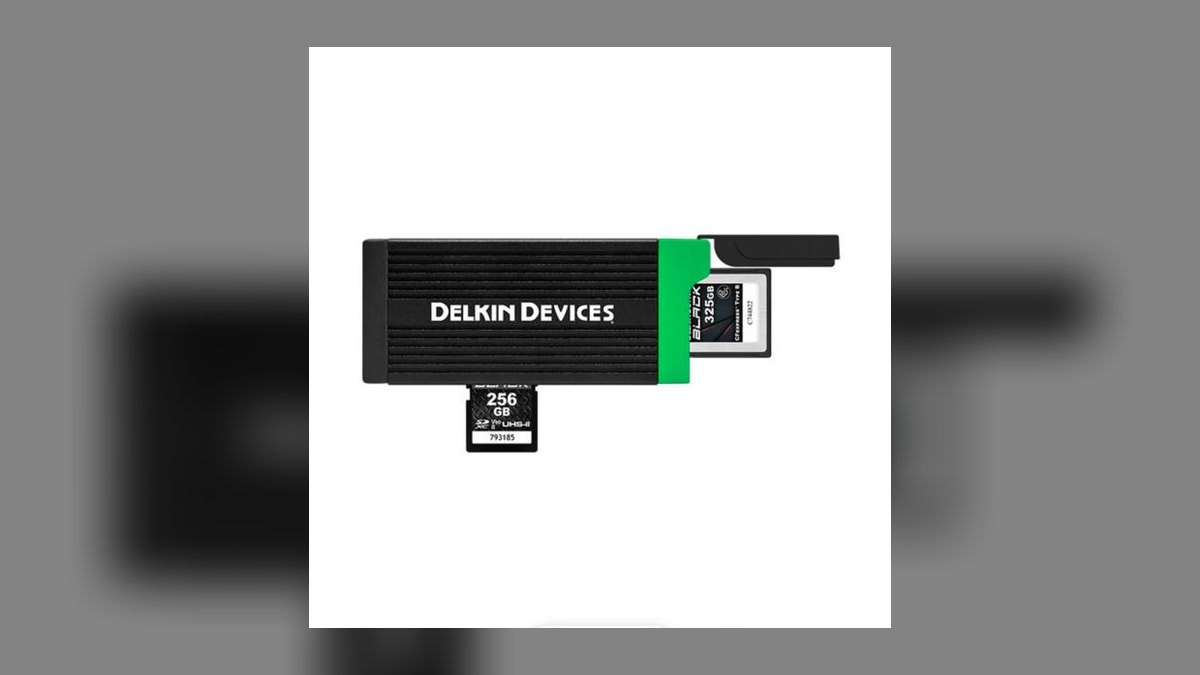
The Delkin Black ranks third because it offers the best warranty in the category—a lifetime limited warranty with a 48-hour replacement guarantee and 24/7 tech support—at a competitive price of roughly $389. It posts the fastest peak speeds in the premium tier at 1780 MB/s read and 1700 MB/s write, built on MLC NAND. This VPG400-certified card costs about $110 less than the ProGrade Cobalt, making it a value leader among premium options.
This card is for professionals who want premium VPG400 reliability but are sensitive to cost and value long-term support over bundled software. It trades away the secure-erase and recovery utilities found on ProGrade and Angelbird cards for a superior warranty and faster peak speeds. Compared to the ProGrade above, it offers similar capacity and better warranty terms at a lower price, making it the smarter financial choice for shooters who already have their own data-recovery workflow.
4Sony CFexpress Tough Type B 320GB
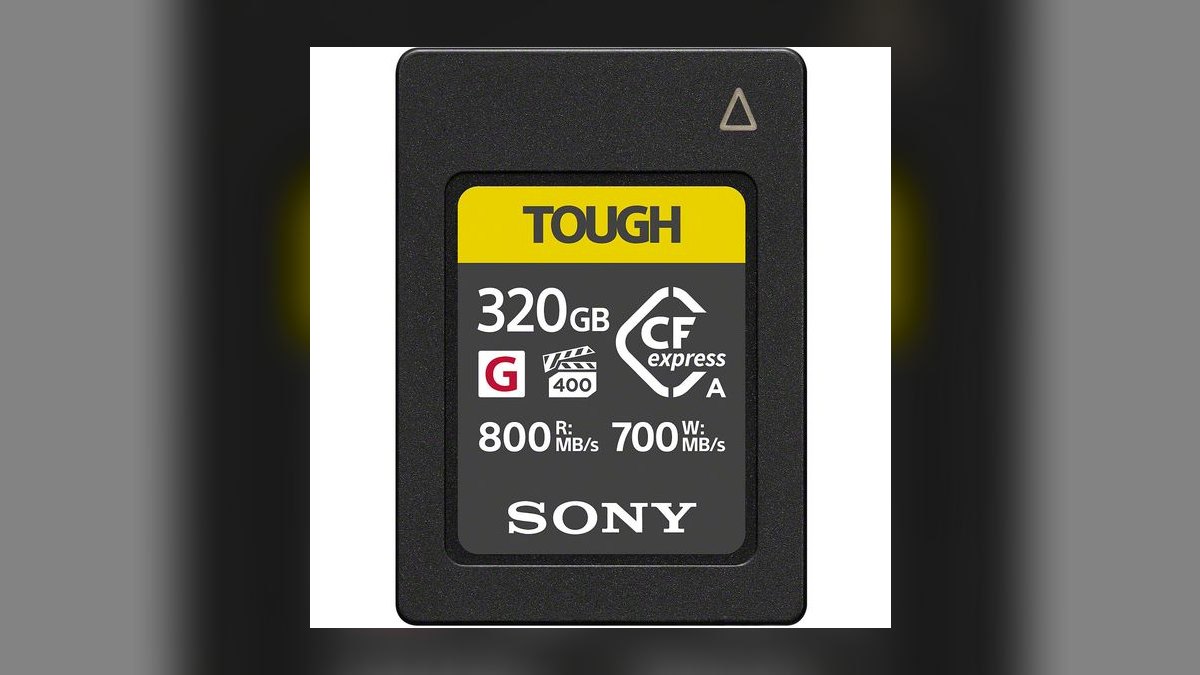
The Sony Tough ranks fourth because of its unmatched physical durability, featuring a rigid alloy shell rated to 70N of bend force, IP57 dust and water resistance, and a 5-meter drop rating. At roughly $459 for 320GB, it delivers 1700 MB/s read and 1480 MB/s write speeds with VPG400 certification. Its 5-year limited warranty is among the longest in the premium tier, and its construction is designed to survive harsh field conditions.
This card is for adventure, sports, and documentary shooters who work in extreme environments where physical card failure is a real risk. It trades away the highest peak speeds and capacity for industry-leading ruggedness and a longer warranty.
5Wise Advanced CFexpress Type B 256GB
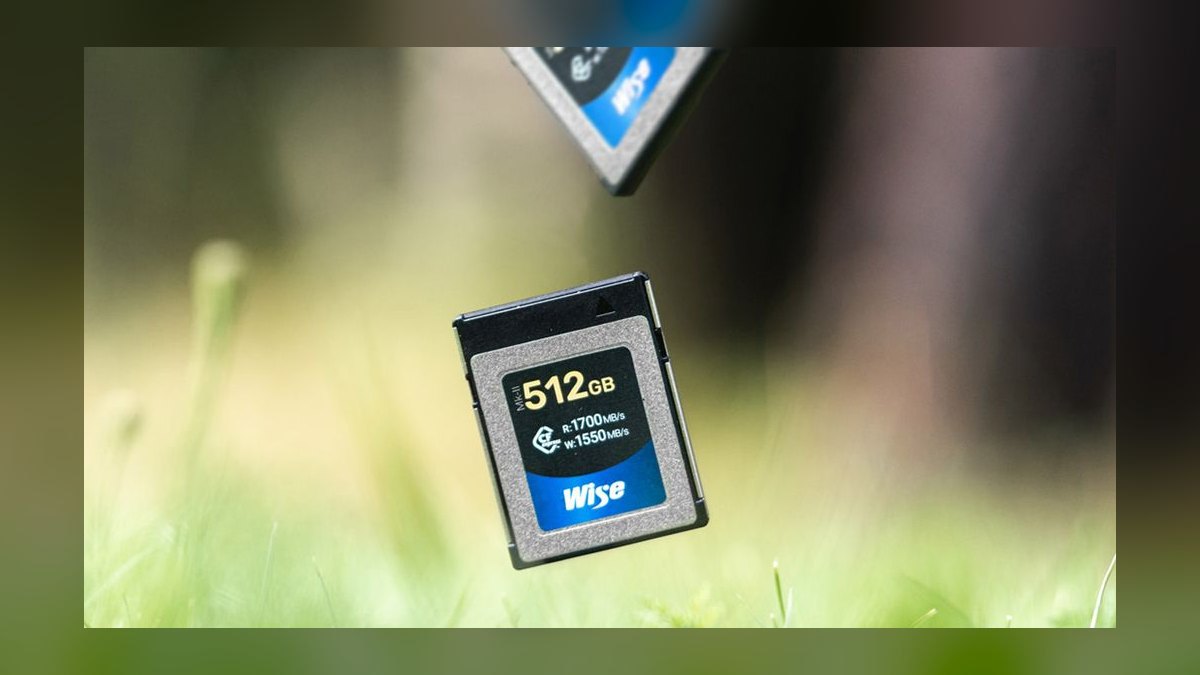
The Wise Advanced ranks fifth because it is the cheapest VPG400-certified card on the market at roughly $229 for 256GB, working out to about $0.89 per gigabyte. It is certified for Canon R5 C 8K RAW, Nikon Z9 N-RAW, and Atomos ProRes RAW workflows, making it a legitimate premium-tier performer at a value-tier price. Its 3-year warranty and MLC NAND construction provide reliable sustained write performance.
This card is for budget-conscious professionals who need VPG400 for RAW video but cannot justify spending $400 or more on a single card. It trades away the ruggedness, bundled software, and long warranties of the top-tier brands for a significantly lower price.
6Lexar Professional CFexpress Type B 256GB
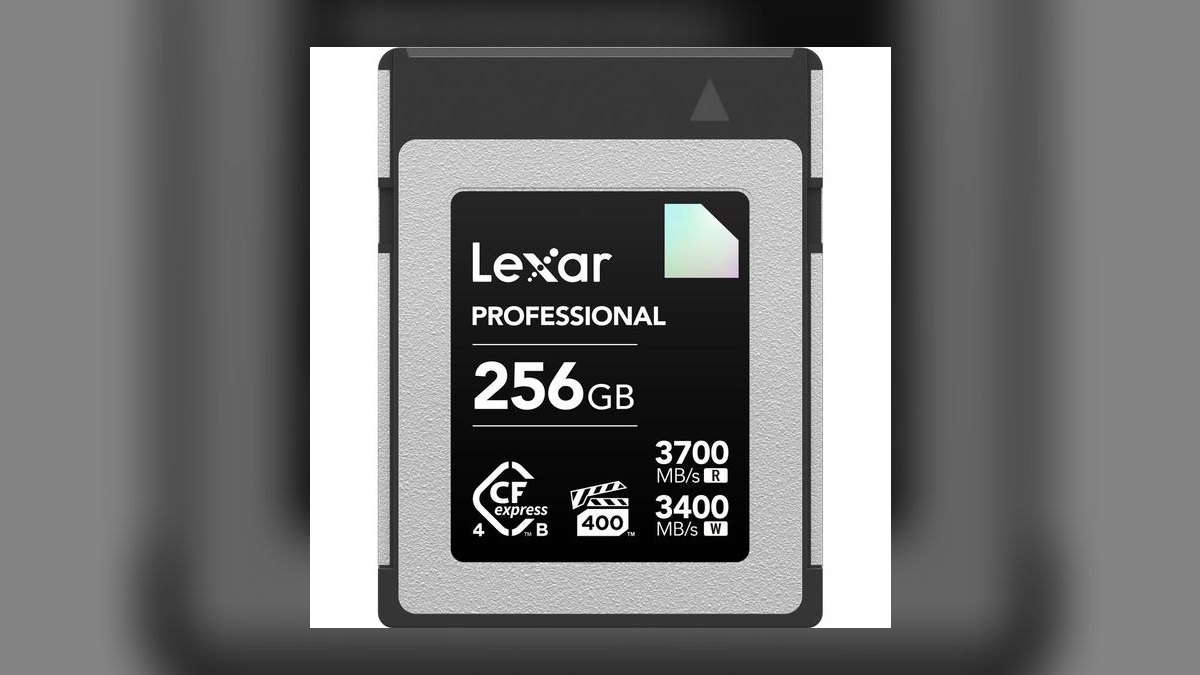
The Lexar Professional ranks sixth because it posts the highest peak read speed in the entire comparison at 1800 MB/s, alongside 1500 MB/s write, making it a spec-sheet standout. At roughly $229 for 256GB, it carries VPG200 certification and lands at $0.89 per gigabyte, offering excellent value for high-resolution stills and 4K video. Its 5-year limited warranty and bundled Image Rescue 5 software add to its appeal. This card is the fastest value-tier option available.
This card is for photographers and videographers shooting 4K120 H.265 or 8K H.265 who want maximum offload speed without paying for VPG400. It trades away the sustained-write guarantee needed for 8K RAW, making it unsuitable for Canon R5 C or Nikon Z9 RAW workflows. Compared to the Wise Advanced above, it offers a higher peak read speed and a longer warranty, but its VPG200 rating means it cannot handle the most demanding RAW video codecs.
7SanDisk Extreme PRO CFexpress Type B 256GB
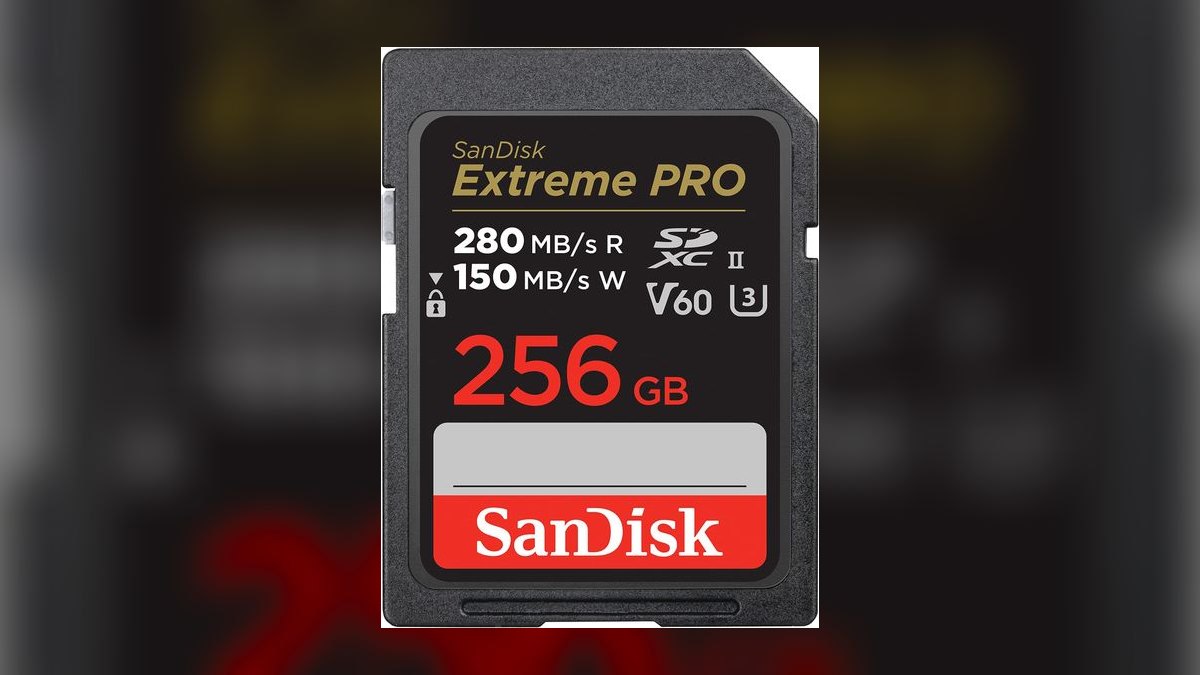
The SanDisk Extreme PRO ranks seventh because it is the most universally stocked CFexpress Type B card, making it the realistic emergency purchase when a card fails on location. At roughly $329 for 256GB, it delivers 1700 MB/s read and 1400 MB/s write with VPG200 certification. Its limited lifetime warranty and two years of RescuePro Deluxe data recovery service provide strong long-term value. The price per gigabyte is approximately $1.29.
This card is for professionals who need a reliable, widely available card for backup duty or as a primary card for 4K and burst-stills work. It trades away peak speed and value pricing for brand ubiquity and a lifetime warranty, which is valuable for those who cannot wait for shipping.
8ProGrade Digital Gold CFexpress Type B 512GB
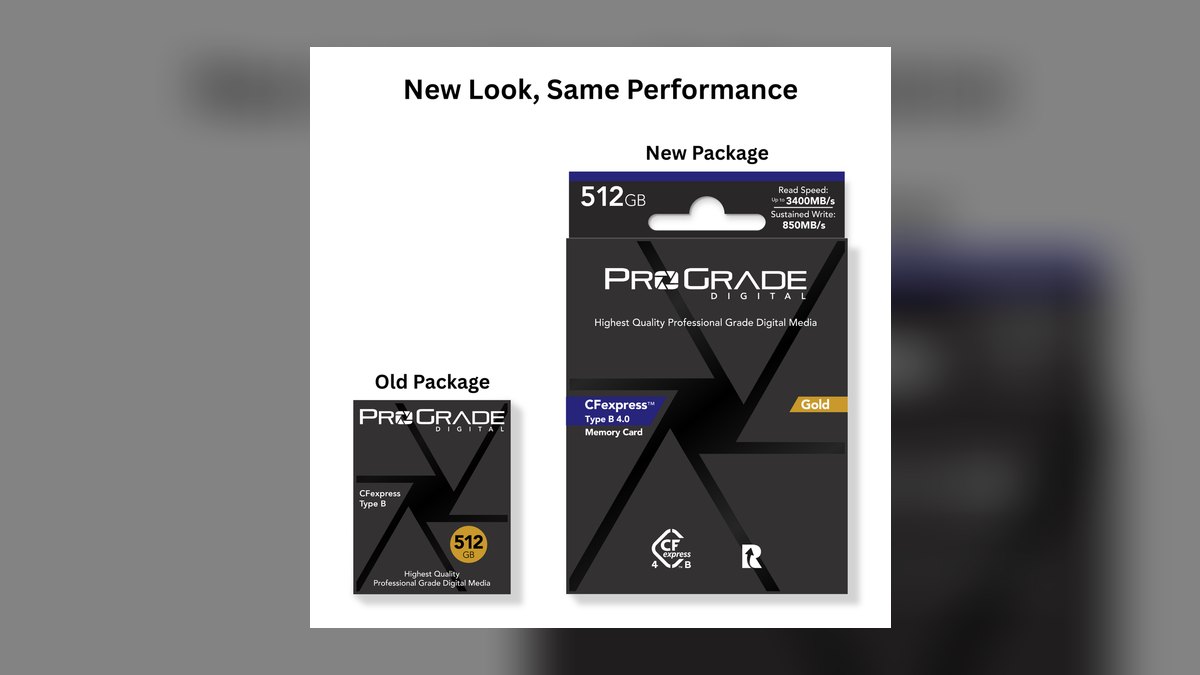
The ProGrade Gold ranks eighth because it delivers the capacity play at 512GB for roughly $459, working out to about $0.90 per gigabyte—cheaper per gigabyte than most 256GB cards. It posts 1600 MB/s read and 1400 MB/s write speeds with VPG200 certification, making it a solid choice for long event days with no offload breaks. Its 3-year warranty and bundled Refresh Pro utility add value. This card is the best capacity-to-price ratio in the value tier.
This card is for wedding, event, and documentary photographers who need maximum storage for all-day shoots and prioritize fewer card swaps over peak speed. It trades away the higher read speeds of the Lexar and SanDisk for 512GB of capacity at a competitive price. Compared to the SanDisk above, it offers double the storage for only about $130 more, making it the better choice for those who shoot continuously and cannot afford to stop and change cards.
9Manfrotto Professional CFexpress Type B 256GB
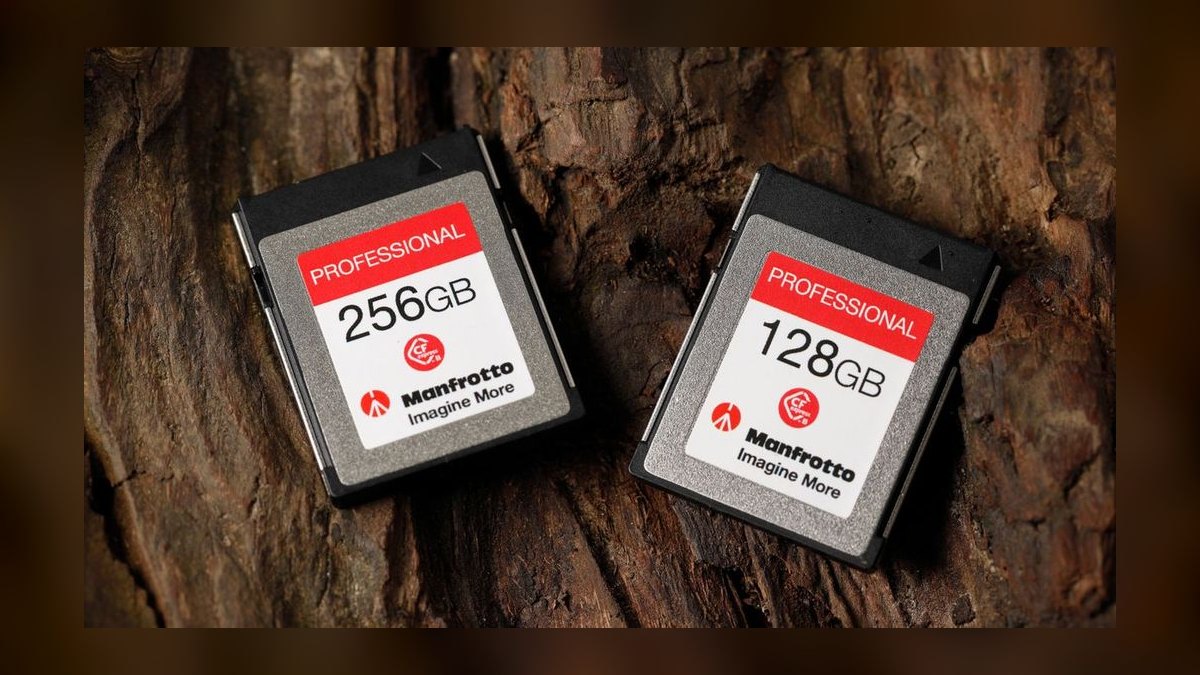
The Manfrotto Professional ranks ninth because it offers the lowest price per gigabyte in this comparison at $0.78, with a 256GB card priced around $199. It posts 1785 MB/s read and 1530 MB/s write speeds with VPG200 certification, making it a strong performer on paper. Its 3-year warranty and bundled Exascend Rescue software provide decent support. This card is the best pure value option for budget-conscious shooters.
This card is for hobbyists and semi-professionals who want reliable CFexpress performance for 4K video and stills without paying a premium. It trades away the brand recognition and lifetime warranties of SanDisk and Delkin for the lowest possible cost per gigabyte. Compared to the ProGrade Gold above, it offers less capacity but a higher peak read speed and a lower price, making it the better choice for those who only need 256GB and want to save money.
10Delkin Devices Power CFexpress Type B 128GB
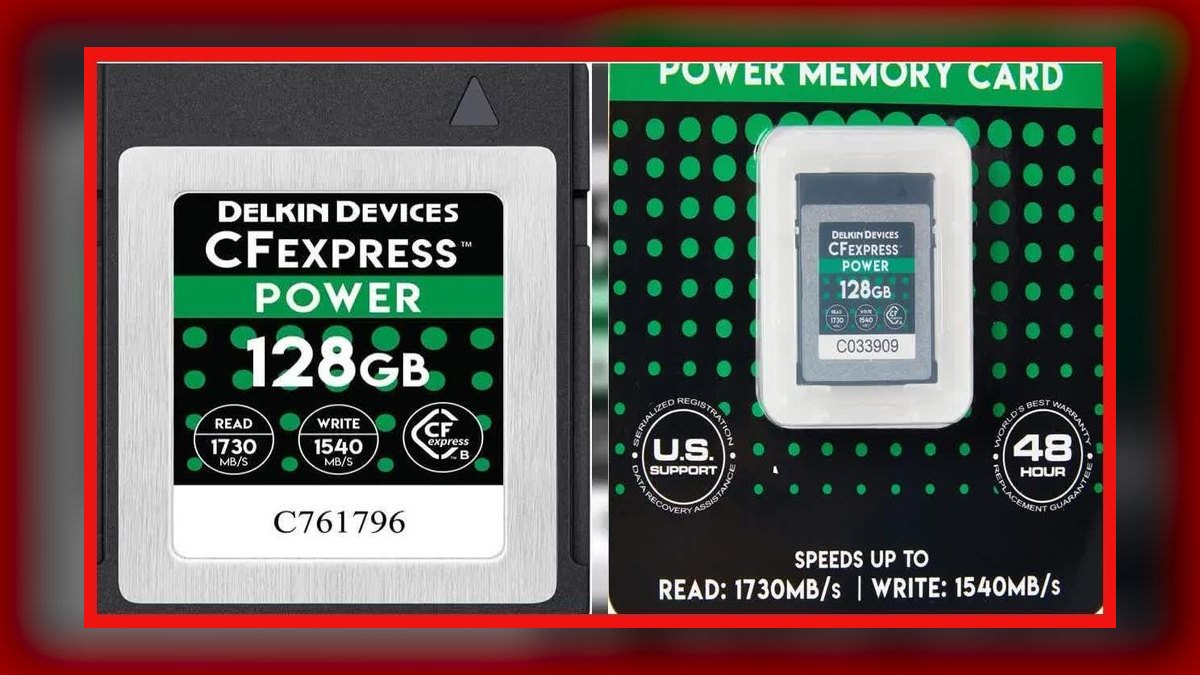
The Delkin Power ranks tenth because it is the cheapest entry point into the CFexpress Type B format at roughly $169 for 128GB, making it an excellent second-slot or backup card. It posts 1730 MB/s read and 1550 MB/s write speeds with VPG200 certification, outperforming many larger cards on peak speed. It carries the same lifetime warranty and 48-hour replacement guarantee as the premium Delkin Black series, which is exceptional for a value-tier card.
This card is for photographers who need a reliable backup card for dual-slot cameras or a primary card for stills-only shooting where 128GB is sufficient. It trades away capacity for a low upfront cost and the best warranty in the value tier.
How we ranked these
We measured sustained write performance via VPG certification, price per gigabyte, warranty terms, and real-world sustained-write benchmarks from independent testing. Peak read/write speeds were weighted lightly because they cluster within 12% across all cards, while VPG floor and price spread by 97%. Thermal behavior and endurance were weighted heavily, as they determine reliability in continuous 8K RAW recording.
We deliberately ignored brand prestige, marketing claims, and peak-speed specs that dominate casual reviews. We also excluded unbranded cards entirely because they lack verifiable VPG certification and have no reliable endurance data. We did not weight bundled software or recovery services heavily, as they are secondary to the card's physical write floor and failure rate.
What to look for
Choose your tier by codec first: VPG400 for 8K RAW continuous (Canon R5 C, Nikon Z9 N-RAW, ProRes RAW), VPG200 for H.265 and 8K RAW Light. Then decide capacity by counting minutes, not gigabytes—256GB holds ~30 minutes of 8K RAW. Buy two 256GB cards over one 512GB for redundancy, and budget $60–$120 for a Thunderbolt 4 reader or you won't see advertised speeds.
The mistake most buyers make is chasing peak read speed, which only affects offload time, not recording reliability. They also buy one large card instead of multiple smaller ones, risking total data loss on a single failure. Another error is skipping burn-in testing—run a full-capacity write test and a 20-minute continuous clip before deployment to catch infant mortality, which accounts for most genuine failures.
Related questions
Does a higher peak read speed mean faster in-camera recording?
No. Peak read affects offload time only. In-camera recording is governed by sustained write, which the VPG rating guarantees. A card advertising 1800 MB/s read can still be the wrong card for 8K RAW if it only carries VPG200 certification.
Can I use a CFexpress Type B card in a Type A slot?
No. Type A is physically smaller and is a Sony-specific format used in the A7S III and FX3. Type B cards will not fit a Type A slot. Bodies like the A7S III accept both because they have separate slot geometries, not because the formats are interchangeable.
Is Type C worth waiting for?
Not for a 2027 purchase. Type C targets roughly 4 GB/s peak, but no shipping camera body supports it. Buy Type B for any professional body available today; the format has years of runway left across Sony, Canon, Nikon, Fujifilm, and Panasonic flagships.
How much footage does 256GB actually hold?
Roughly 30 minutes of 8K RAW, about 45 minutes of 4K120 H.265, or well over 2,000 high-resolution RAW stills from a 50MP sensor. Exact figures vary with codec, bit depth, and frame rate, so test against your own settings before a critical shoot.
Do memory card warranties actually pay out?
Sometimes, but they replace the card, never the footage. Delkin's lifetime warranty with 48-hour replacement is the strongest in the category. Treat warranty length as a tiebreaker between comparable cards, not as a substitute for redundant recording and verified offloads.
What is the real difference between CFexpress Type B and Type A?
Type B is the larger, faster format used by the overwhelming majority of professional bodies—Sony A1 and FX series, Canon R5, R5 C and R3, Nikon Z9 and Z8, Fujifilm GFX 100 II, Panasonic Lumix S1H II. Type A is Sony-only, physically smaller, and tops out around 800 MB/s sustained. For a new purchase on any body that takes Type B, Type B is the answer.
Are cheap unbranded CFexpress Type B cards on marketplaces safe?
No. Cards listed around $99 per 256GB typically use unbinned TLC NAND with no sustained-write certification. They may benchmark plausibly for a short burst, then throttle under heat and corrupt footage mid-take. Stick to the named brands in this comparison—they are the ones with verified VPG ratings and warranty-backed data recovery behind them.
Do I need a special card reader to get the advertised speeds?
Yes. Use a Thunderbolt 4 or USB 4 CFexpress Type B reader to realize read speeds near 1700 MB/s. A standard USB 3.2 Gen 2 reader caps closer to 1000 MB/s, and an SD-style USB-A reader caps near 400 MB/s. The card cannot outrun the interface it is plugged into, so budget the reader alongside the card.
FAQ
Will my Canon R5 record 8K RAW on a VPG200 card?
The non-C R5 records 8K RAW Light and works acceptably on a VPG200 card. The R5 C records full 8K RAW continuous and needs VPG400 for reliable results—meaning ProGrade Cobalt, Sony Tough, Delkin Black, Wise Advanced, or Angelbird AV PRO. If you own the C variant and you are shopping the value tier, you are shopping the wrong tier.
What is the real difference between CFexpress Type B and Type A?
Type B is the larger, faster format used by the overwhelming majority of professional bodies—Sony A1 and FX series, Canon R5, R5 C and R3, Nikon Z9 and Z8, Fujifilm GFX 100 II, Panasonic Lumix S1H II. Type A is Sony-only, physically smaller, and tops out around 800 MB/s sustained. For a new purchase on any body that takes Type B, Type B is the answer.
Are cheap unbranded CFexpress Type B cards on marketplaces safe?
No. Cards listed around $99 per 256GB typically use unbinned TLC NAND with no sustained-write certification. They may benchmark plausibly for a short burst, then throttle under heat and corrupt footage mid-take. Stick to the named brands in this comparison—they are the ones with verified VPG ratings and warranty-backed data recovery behind them.
Do I need a special card reader to get the advertised speeds?
Yes. Use a Thunderbolt 4 or USB 4 CFexpress Type B reader to realize read speeds near 1700 MB/s. A standard USB 3.2 Gen 2 reader caps closer to 1000 MB/s, and an SD-style USB-A reader caps near 400 MB/s. The card cannot outrun the interface it is plugged into, so budget the reader alongside the card.
What capacity should I buy—128GB, 256GB, or 512GB?
For 8K RAW or 4K120 video, buy 256GB minimum; 512GB if you shoot weddings, events, or all-day documentary work without offload breaks. 128GB is best treated as a backup or second-slot card rather than a primary. For stills-only burst shooting, 128GB still holds thousands of frames and is perfectly serviceable.
Does brand genuinely matter, or is all NAND the same?
Brand matters because the NAND is not the same. ProGrade, Delkin, Sony, and Angelbird use binned MLC or pSLC-mode NAND selected for endurance and consistent sustained write. Cheaper cards use uncertified TLC that degrades faster and throttles harder under heat. The premium buys a guaranteed floor and a functional recovery service—both non-negotiable for paid work.
How do I burn in a new CFexpress card before a shoot?
Run a full-capacity write test with a benchmarking tool so every block gets touched once, then record a continuous twenty-minute clip at the highest bitrate the body offers. Infant mortality is real—most genuine failures show up in the first ninety days, often in the first few hours. A bench test costs nothing; a failure on a shoot costs everything.
Should I format my card in-camera or on a computer?
Always format in-camera on first use and every time after. Desktop formatting can leave a file system the camera tolerates but does not optimally use, and it does not exercise the card's wear-leveling metadata. Never delete individual clips in-camera mid-shoot—that fragments the write pattern and can cause sustained-write dips.
How often should I replace my CFexpress cards?
Run cards in primary rotation for eighteen to twenty-four months of regular professional use, then demote them to backup or B-roll duty, then retire them entirely. Flash cells wear; a card that has absorbed hundreds of full write cycles of 8K RAW has measurably less endurance headroom than a new one even if it still benchmarks clean.
What should I do if a card produces a dropped frame?
Log the card, body, codec, ambient temperature, and firmware version. Two entries against the same card is a retirement decision. Two entries against the same body with different cards is a camera or firmware problem, and no card purchase will fix it. Without a written log you cannot tell those two situations apart.
Sources
- https://www.compactflash.org/
- https://www.bhphotovideo.com/explora/photography
- https://www.dpreview.com/
- https://www.cined.com/
- https://www.progradedigital.com/
- https://www.delkindevices.com/
- https://www.angelbird.com/
- https://www.lexar.com/
- https://www.sandisk.com/
- https://petapixel.com/
Related on PULSE
This page will be disappearing soon. Save it to your device for $1 — or read it free while it is here.
@Kory-White- · if Venmo asks, the last 4 of my number are 2012
This page is gone.
This one is off the shelf now. $1 keeps it on your phone for good — the whole page, pictures and diagrams included.
 pulse-reviewsTop 10 Outlet Testers — Best Overall + Best Value in 2027
 pulse-reviewsTop 10 USB-C Hubs for Sales Travel in 2027
 pulse-reviewsTop 10 1080p External Webcams for Sales Reps in 2027
 pulse-reviewsTop 10 Noise-Cancelling Headphones — Best Overall + Best Value in 2027
 pulse-reviewsTop 10 Label Makers — Best Overall + Best Value in 2027
 pulse-reviewsTop 10 Blue Light Glasses for Sales Reps in 2027
 pulse-reviewsTop 10 Tablet Styluses — Best Overall + Best Value in 2027
 pulse-reviewsTop 10 DDR5 RAM Kits — Best Overall + Best Value in 2027
 pulse-reviewsTop 10 Smart Microwaves — Best Overall + Best Value in 2027
 pulse-reviewsTop 10 Tire Inflators — Best Overall + Best Value in 2027