


Best Business Laptops for Sales Reps in 2027: Top 10 Ranked
Quality
Certified

The best Business Laptops for Sales Reps in 2027 balance all-day battery, strong video-call quality, sub-three-pound weight, and enough memory for CRM plus a dozen browser tabs. Ranked across those criteria, the Lenovo ThinkPad X1 Carbon leads Windows fleets and the Apple MacBook Air (M4) wins on value.
What a sales laptop is and why the spec sheet misleads
A sales laptop is not a general-purpose office machine that happens to travel. It is a demo appliance that spends its life half-open in a bag, gets yanked out at a client's front desk, plugged into an unfamiliar conference-room display, and asked to run a screen-share for forty minutes on whatever hotel Wi-Fi exists. The failure modes are physical and situational far more often than they are computational. Almost no seller in a normal week hits a CPU wall. Plenty of sellers hit a battery wall at 3:40 p.m. during the fourth call of the day, or discover the conference-room display needs HDMI while the machine only offers USB-C. That reframes what matters when you are comparing Laptops for a quota-carrying team.
The four attributes that actually predict whether a rep has a good day are, in rough order: real-world battery life under video load, webcam and microphone quality, weight, and thermal behavior under sustained screen-share. Raw benchmark performance sits fifth or lower for a quota-carrying rep, and only climbs for sales engineers running local models, large datasets, or heavyweight demo environments inside a virtual machine.
Battery deserves the top slot because video calls are the single most punishing common workload on a modern ultrabook. Encoding a webcam feed, decoding several remote feeds, compositing a screen-share, and driving the display at high brightness in a bright room stack together into a load that no document-editing benchmark reproduces. A machine rated for a long day of editing can lose a large fraction of that under back-to-back calls. When evaluating vendor claims, discount battery numbers heavily for video and assume real mixed-use figures land meaningfully below the marketing line. Most current premium ultrabooks land somewhere between ten and fourteen hours of light mixed use, with Apple silicon typically at the upper end and Windows machines varying widely by chip and display panel. Under continuous video conferencing, expect roughly half.
Webcam and microphone quality is the attribute buyers underrate most and prospects notice most. Nobody consciously scores a seller on image sharpness, but a soft, noisy, backlit feed reads as unprepared in a way that is hard to recover from mid-pitch. The practical floor in 2027 is a 1080p sensor with decent low-light handling; the meaningful upgrade is the microphone array and its noise processing, since keyboard clatter during a live call is a distinctly amateur signal. Many current business machines include on-device audio processing that suppresses typing and ambient chatter, and it genuinely works — but it is not universal, and it is worth testing before standardizing a fleet of several hundred units.
Weight is where reps quietly self-select. Under three pounds is the comfort threshold for anyone who carries a machine plus charger plus hub plus a notebook through airports weekly. Above that, reps start leaving the laptop in the car and running demos off a phone, which is a fleet decision made by default rather than by design. The lightest tier — roughly two to two and a half pounds — is disproportionately popular with field sellers for exactly this reason, and it is the tier where the premium price is easiest to justify.
Durability is the fourth pillar and the least visible until it fails. MIL-STD-810H testing, which covers shock, vibration, humidity, and temperature extremes, is common across the ThinkPad, Latitude, and EliteBook lines. It does not make a laptop indestructible, but it correlates with reinforced hinges, spill-resistant keyboards, and chassis rigidity — the three things that break on a machine that lives in a car. Hinge failure in particular is the quiet killer of a three-year refresh cycle, and it almost never shows up in a two-week review.
There is also a manageability dimension that matters more at fleet scale than to any individual buyer. TPM 2.0, hardware-backed disk encryption, fingerprint or IR login, a physical webcam shutter, and compatibility with whatever MDM the company already runs are all standard on business-class machines and mostly absent from consumer models. A rep opening a laptop in an airport lounge with sensitive pipeline data on screen is a real exposure, and retrofitting compensating controls onto consumer hardware usually costs more than the hardware saving.
Finally, consider the software the rep actually lives in. A CRM web app, a video platform, a presentation tool, and a dozen tabs are the real workload. None of them are demanding individually; together, with a screen-share running, they expose memory pressure and thermal throttling long before they expose a slow processor. That is why configuration choices — memory first, storage second, processor third — matter more than which chip generation sits inside.
The step-by-step process for choosing and rolling out
Buying Laptops for a sales org is a procurement process, not a shopping trip, and the teams that do it well follow roughly the same sequence. The mistake is starting with models. Start with rep archetypes.
Step one: segment the reps. Almost every sales org has three or four distinct usage profiles hiding inside one headcount number. Inside sellers and SDRs sit at a desk with a dock, two external monitors, and a wall outlet — they need a good webcam and a keyboard, and battery barely matters. Field account executives travel weekly and live unplugged. Sales engineers run demo environments, local VMs, or large datasets and need real compute and memory. Sales leadership presents constantly and cares about display quality and the ability to drive an unfamiliar room. Buying one SKU for all four is the most common and most expensive error, because you either overspend on the desk-bound majority or under-equip the travelers who generate the pipeline.
Step two: fix the constraints before you look at products. Which ecosystem does IT actually support? What does the security stack require — TPM 2.0, disk encryption, a specific MDM agent, conditional access? What is the refresh cycle, three years or four? What is the loaner and RMA path when a machine dies on a Tuesday before a Thursday close? These answers eliminate most of the market before a single review is read, which is the point.
Step three: build a scoring rubric with weights that match the archetype. For a traveling AE, something like battery 30%, video-call quality 25%, weight 20%, performance 15%, price 10%. For a sales engineer, invert it toward performance and memory. Publish the weights before evaluating, so the loudest opinion in the room does not silently become the criterion.
Step four: pilot with real reps doing real work. Two weeks, three to five machines, in the hands of people who will actually be honest. Watch for the things a review cannot capture: does the trackpad palm-reject during a demo, does the fan spin audibly on a call, does the machine wake fast enough to not look flustered in front of a customer, does the port layout work with the dongle the team already carries.
Step five: standardize the whole kit, not just the laptop. A hub, a charger, and a headset are part of the machine as far as the rep is concerned. Buying the laptop and letting everyone improvise the rest guarantees a support ticket per rep per quarter.
Step six: roll out in waves. Field reps first, since they benefit most and surface problems fastest. Then leadership, then inside sales, then sales engineering last — SE machines usually need custom imaging anyway. Staging the waves means a bad decision costs you ten machines rather than two hundred.
Step seven: schedule the review. Six months after rollout, ask three questions: how many support tickets per hundred machines, how many reps bought their own peripheral to work around a gap, and how many are still carrying the old machine. That third number is the honest verdict on whether the rollout actually landed.
A note on the pilot step specifically, because it is the one teams skip under deadline pressure. Two weeks is the minimum that surfaces thermal behavior, because throttling only shows up after sustained load. It also surfaces the small ergonomic irritations — a stiff hinge, a trackpad that misreads during a screen-share, a keyboard backlight that washes out on camera — that no spec sheet captures and that a rep will quietly resent for three years.
Costs, timelines, and typical ranges

Prices below reflect typical street pricing and move with volume discounts, refresh timing, and configuration. Business-volume purchasing usually lands below list, and the spread between one unit and a hundred is real enough to renegotiate.
The premium tier, roughly $1,500 to $2,000. The Lenovo ThinkPad X1 Carbon Gen 13 is the ranked best overall for most Windows sales orgs — around two and a quarter pounds, all-day battery, the best keyboard in the category, a strong webcam and mic array, and enterprise manageability IT already knows how to handle. Around $1,700. The Dell XPS 14 trades a little weight for a better display and more presentation real estate, around $1,500, and suits reps who demo constantly. The MacBook Pro 14 with M4 Pro, around $2,000, is the sales-engineer machine: exceptional sustained performance, the best display on a laptop, and battery that does not collapse under load. The ThinkPad X1 2-in-1, around $1,650, exists for one specific job — flipping into tablet mode to annotate or collect a signature in front of a customer — and is worth the premium only if that job is real for your team.
The mid tier, roughly $1,000 to $1,500. This is where most fleets should live. The MacBook Air (M4) at around $1,099 is the value pick and the best battery-per-dollar on the list, fanless and silent, with a webcam and speaker set that handle calls well. The Microsoft Surface Laptop 7, around $1,300, fits Teams-centric organizations and brings a good touchscreen. The Dell Latitude 7000, around $1,400, is the boring, dependable, IT-friendly workhorse — nobody is excited about it and nobody has to think about it either, which is the point. The HP EliteBook Ultra, around $1,500, leans hardest into fleet security and manageability for larger organizations.
The budget tier, under $1,000. The Asus Zenbook 14 at around $1,000 delivers an OLED panel and premium feel for meaningfully less than the business ultrabooks. The Acer Swift Go 14, around $750, is the honest floor: solid performance, a decent webcam, respectable battery, and a price that lets an early-stage team equip an entire SDR pod for the cost of four premium machines.
The costs nobody budgets. A laptop's sticker price is roughly 60 to 75 percent of what a rep actually needs. Add a USB-C hub with HDMI, USB-A, and an SD slot at $30 to $70 — non-negotiable for anyone who presents in rooms they do not control. Add a noise-cancelling headset at $80 to $200, which is the single highest-return accessory in the kit. Add a compact GaN charger around $35 to $50 so the rep can leave the brick at home and power laptop and phone from one outlet. Add an extended warranty or accidental-damage plan, typically 10 to 15 percent of the machine's cost, which pays for itself the first time a hinge goes. Realistically, budget $1,300 to $1,500 all-in per field rep in the mid tier and $2,000 to $2,300 in the premium tier.
Timelines. From kicking off an evaluation to machines in hands is usually six to twelve weeks in a mid-sized company: two weeks to segment and build the rubric, two weeks of pilot, two to four weeks for procurement and any negotiation, and two to four weeks for imaging, security enrollment, and staged shipping. Enterprise fleets with formal vendor review run longer. Plan the refresh so machines arrive in a low-intensity part of the quarter — swapping a rep's laptop in the last two weeks of a quarter is an unforced error that costs pipeline.
Configuration guidance. 16GB of RAM is the practical floor for CRM plus a browser full of tabs plus a screen-share; 8GB feels sluggish within a year, and 32GB matters only for sales engineers and anyone running local AI tooling. Storage at 512GB is the comfortable middle — 256GB works if the team is genuinely cloud-first, and 1TB is worth it for anyone caching video demos offline for unreliable venue Wi-Fi. Do not under-spec RAM to hit a price target; it is the upgrade you cannot make later on most modern machines, and it is what turns a three-year machine into a two-year one.
Refresh economics. A three-year cycle applied uniformly means replacing perfectly good docked SDR machines while field reps limp along on swollen batteries. Refresh field machines at three years and desk-bound machines at four or five, and route the savings into better hardware for the people who travel. Holding a loaner pool of roughly 3 to 5 percent of fleet size, pre-imaged and ready, turns a dead machine into a lost hour instead of a lost day.
Where teams get this wrong

Buying one SKU for everyone. Already named above, but it deserves repeating because it is the default failure. The org picks a machine that works for the median rep, which means the travelers are carrying too much weight and the sales engineers are waiting on their Laptops. The fix is two or three SKUs, not twelve.
Optimizing for the spec sheet instead of the workload. Processor tier and benchmark scores are easy to compare and largely irrelevant to a rep's day. Battery under video, microphone quality, and hinge durability are hard to compare and almost entirely determine satisfaction. Teams gravitate to the comparable number because it feels rigorous, then wonder why the fleet scores well on paper and poorly in the field.
Skipping the peripheral standard. A fleet where every rep sources their own hub and headset generates a long tail of support tickets, a mess of incompatible dongles, and at least one rep per quarter who cannot connect to a client's projector. Pick one hub and one headset, buy them in volume, and ship them with the machine.
Ignoring the ecosystem the company already lives in. Fighting an existing Microsoft or Apple stack costs real hours. If the org runs Teams, Entra, and Intune, a Windows fleet removes friction. If the leadership team is on iPhones and the collaboration stack is ecosystem-agnostic, MacBooks integrate cleanly. Mixed fleets are workable but cost IT time, and that cost is rarely counted in the comparison spreadsheet.
Treating security as a post-purchase problem. TPM 2.0, hardware-backed disk encryption, a fingerprint reader or IR camera for fast secure login, and a physical webcam shutter are all standard on business-class machines and mostly absent from consumer models. Buying consumer hardware to save $300 and then bolting on compensating controls costs more than the saving, and it usually degrades the login experience the rep touches twenty times a day.

Under-planning the failure path. Machines die. The question is what happens when one dies the morning of a renewal call. Orgs that hold a small pool of pre-imaged loaners turn a lost day into a lost hour. Orgs that do not end up overnighting a machine and hoping the tracking number beats the meeting.
Refreshing on a fixed calendar rather than on condition. A uniform three-year cycle is administratively tidy and economically wrong. Battery degradation, not processor age, is what forces field replacement, and it degrades on a different curve than a docked machine ever will.
Ignoring what reps actually do at home. A large share of "field" reps now split time between client sites and a home office with a dock and external monitors. That changes the calculus toward a machine with strong external-display support and a reliable single-cable dock experience, and away from maximizing internal screen size. Ask before assuming, because the assumption is usually wrong in at least one direction.
Forgetting the software stack shift. A company moving from one video platform to another can change which machine's hardware acceleration and integration actually matter. Revisit the fleet decision when the collaboration stack changes, not only when the hardware ages out.
Decision framework: when to choose what
The decision collapses quickly once you know two things — the ecosystem and the travel load. Everything else is refinement.
If the company is a Microsoft shop with Intune management and a Teams-first culture, the shortlist is ThinkPad, Latitude, EliteBook, and Surface. If the company is Apple-leaning or ecosystem-agnostic with a strong preference for battery and quiet, the shortlist is MacBook Air for most and MacBook Pro for the compute-heavy minority. If the org is genuinely mixed, pick the ecosystem for each segment rather than each person — sales engineering on one platform and field sales on another is manageable; letting every individual choose is not.

Travel load then sets the tier. A rep on a plane weekly should get the lightest machine with the longest battery in whatever ecosystem was just chosen, and the price premium for that is worth paying because it is bought back in productive hours. A rep who docks five days a week should get the mid-tier machine and the savings should go into a second monitor and a good headset, which will improve their day more than a faster processor ever would.
A few tiebreakers worth having ready. If two machines score within a few points, take the one with the better keyboard — reps type constantly and it is the interface they touch most. If budget forces a cut, cut the display before you cut the battery or the RAM. If the fleet is small enough that a single vendor relationship matters, weight the vendor's support responsiveness heavily; a four-hour on-site response for a fifty-person sales team is worth more than a modest spec upgrade.
The adjacent decisions matter too. A rep with a great laptop and a bad headset still sounds bad on calls, and a rep with a great laptop and no hub still cannot present at a client site. Budget the kit as one line item, and revisit the whole thing when the collaboration stack changes.
Related questions
How often should a sales org refresh Laptops?
Three years for field reps who travel weekly and carry the machine daily; four to five years for docked inside-sales and SDR machines. Battery degradation, not processor age, is what usually forces the field refresh. Refresh on condition and role rather than a single uniform calendar date.
Should reps get a choice of machine?
Offer a choice within a segment, not across the whole catalog. Two options per archetype — say a lighter machine and a larger-screen machine at the same tier — captures most of the satisfaction benefit while keeping imaging, support, and peripheral standards manageable for IT.
Is 8GB of RAM enough for a sales rep in 2027?
Practically, no. CRM in a browser alongside a dozen tabs, a video call, and a screen-share pushes past 8GB quickly, and most modern ultrabooks solder memory so it cannot be upgraded later. 16GB is the floor; 32GB only for sales engineers and local AI workloads.
Do 2-in-1 convertibles make sense for sales?

Only for teams that genuinely present face-to-face and annotate or collect signatures in front of customers. Convertibles weigh slightly more and typically give up some battery for the hinge and touch layer. If demos are mostly over video, a standard clamshell is the better buy.
What accessories should ship with every sales laptop?
A USB-C hub with HDMI and USB-A, a noise-cancelling headset, and a compact GaN charger. Together roughly $150 to $300, and they eliminate the three most common on-the-road failures: no video output, bad call audio, and a dead battery with the brick left at home.
FAQ
What battery life should I actually expect from a business laptop in 2027?
Most premium business ultrabooks deliver roughly ten to fourteen hours of light mixed use — documents, email, browsing at moderate brightness. Under continuous video calls with a screen-share running, expect meaningfully less, often close to half. Apple silicon machines generally sit at the top of the range; Windows machines vary widely depending on the chip and whether the display is an OLED panel at high brightness. Test with your team's actual call load rather than trusting the rated figure on the box.
How much RAM and storage do sales reps really need?
16GB of RAM and 512GB of storage is the balanced configuration for typical CRM, browser, and presentation work. 8GB is a false economy that ages badly and usually cannot be upgraded on modern thin machines. 32GB is worth it only for sales engineers running demo VMs, large datasets, or local AI tools. 256GB of storage works for genuinely cloud-first teams, and 1TB is useful if reps cache video demos for venues with unreliable Wi-Fi.

Are MacBooks or Windows machines better for sales teams?
Neither is universally better — the answer follows your software stack. MacBooks lead on battery, silent operation, and iPhone integration. Windows business machines lead on keyboard feel, port variety, fleet manageability, and compatibility with enterprise tooling that assumes Windows. If IT runs Intune and the company lives in Teams, Windows removes friction. If the collaboration stack is platform-agnostic, the MacBook Air's battery advantage is a legitimate reason to choose it.
How important is webcam and microphone quality, really?
More than most buyers assume. Prospects form an impression from the video feed within seconds, and a soft, dim, or noisy call reads as unprepared. Aim for at least a 1080p sensor with usable low-light behavior and, more importantly, a microphone array with effective noise suppression. Many current business Laptops process audio on-device to cut keyboard clatter and ambient chatter, which noticeably improves how a rep sounds on a live call.
What does a fully equipped sales rep actually cost?
Budget the laptop plus the kit. In the mid tier, roughly $1,000 to $1,500 for the machine, $30 to $70 for a hub, $80 to $200 for a headset, $35 to $50 for a GaN charger, and 10 to 15 percent of the machine cost for an accidental-damage plan. That lands around $1,300 to $1,500 all-in per rep, or closer to $2,000 to $2,300 in the premium tier.
Should we buy consumer laptops to save money?
Generally no, for a fleet. Business-class machines include TPM 2.0, hardware-backed encryption support, fingerprint or IR login, physical webcam shutters, better hinge and chassis durability, longer parts availability, and business warranty and support paths. The $200 to $400 saved on consumer hardware is typically consumed by support burden, earlier replacement, and the compensating security controls you have to add anyway.
Sources
- https://www.lenovo.com/us/en/p/laptops/thinkpad/thinkpadx1/
- https://www.apple.com/macbook-air/
- https://www.apple.com/macbook-pro/
- https://www.dell.com/en-us/shop/dell-laptops/sc/laptops
- https://www.hp.com/us-en/shop/cat/laptops/business-laptops
- https://www.microsoft.com/en-us/surface/business
- https://www.notebookcheck.net/
- https://www.pcmag.com/picks/the-best-business-laptops
- https://www.laptopmag.com/best-picks/best-business-laptops
- https://www.nytimes.com/wirecutter/reviews/best-laptops/
Related on PULSE
- Top 10 Premium Business Card Cases for Sales Executives in 2027
- Best Noise-Cancelling Earbuds for Sales Reps in 2027: Top 10 Ranked
- Best Webcams for Sales Demos in 2027: Top 10 Ranked
- Best Headsets for Sales Teams in 2027: Top 10 Ranked
- Top 10 Multi-Port USB-C Hubs for Sales Laptops in 2027
- Top 10 Laptops for Students in 2027 — Best Overall + Best Value
This page will be disappearing soon. Save it to your device for $1 — or read it free while it is here.
@Kory-White- · if Venmo asks, the last 4 of my number are 2012
This page is gone.
This one is off the shelf now. $1 keeps it on your phone for good — the whole page, pictures and diagrams included.
 pulse-reviewsTop 10 TDS Water Testers — Best Overall + Best Value in 2027
 pulse-reviewsTop 10 Heated Mattress Pads — Best Overall + Best Value in 2027
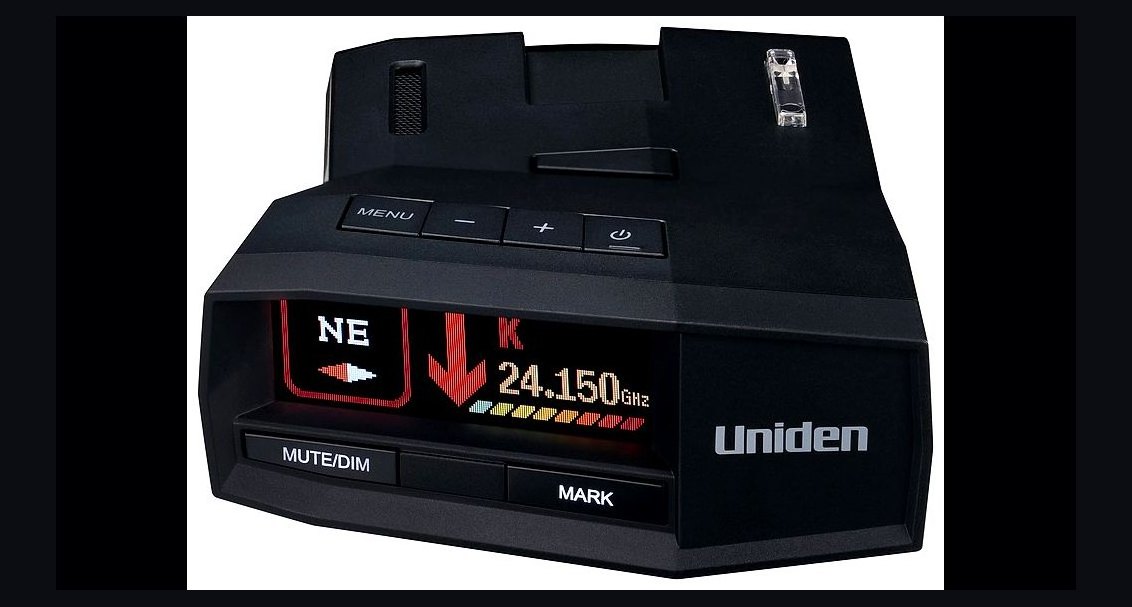 pulse-reviewsTop 10 Radar Detectors — Best Overall + Best Value in 2027
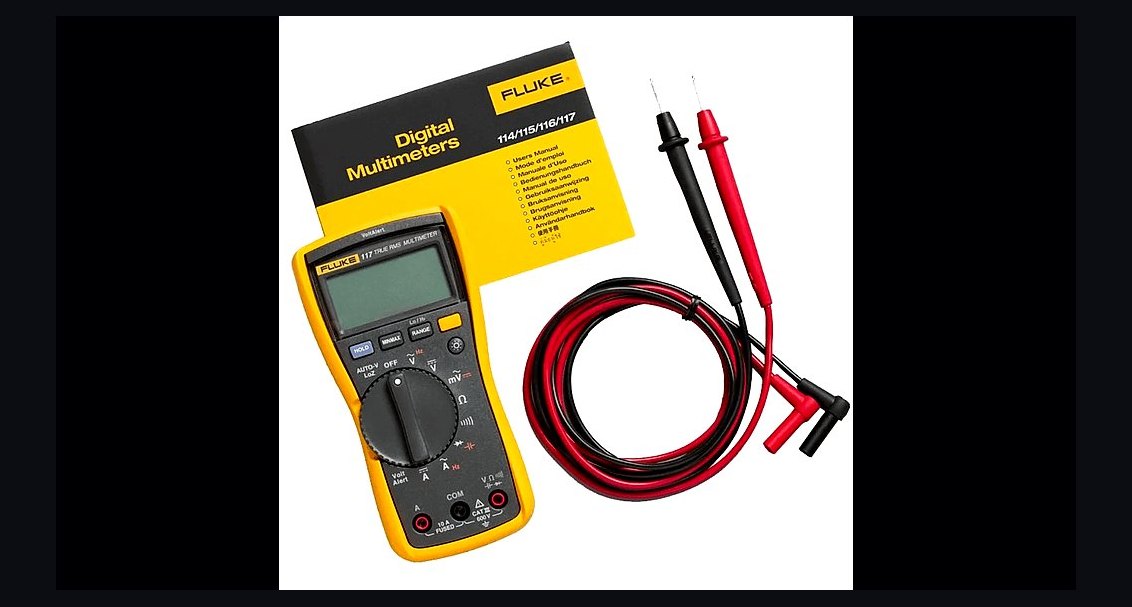 pulse-reviewsTop 10 Multimeters — Best Overall + Best Value in 2027
 pulse-reviewsTop 10 85-Inch TVs — Best Overall + Best Value in 2027
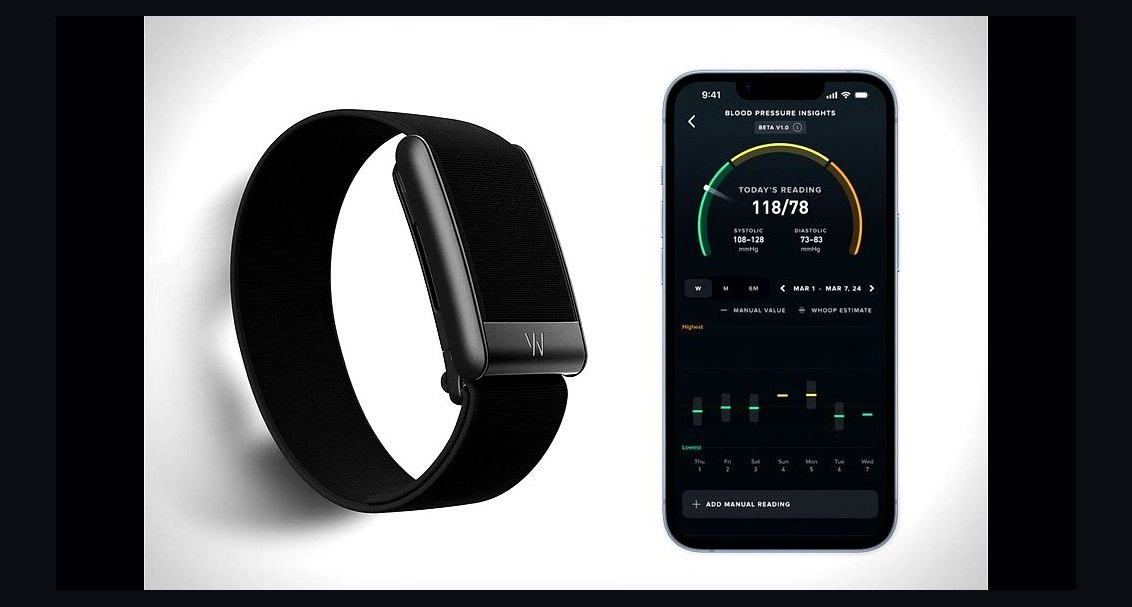 pulse-reviewsTop 10 Fitness Trackers (No Smartwatch) — Best Overall + Best Value in 2027
 pulse-reviewsTop 10 Tire Inflators — Best Overall + Best Value in 2027
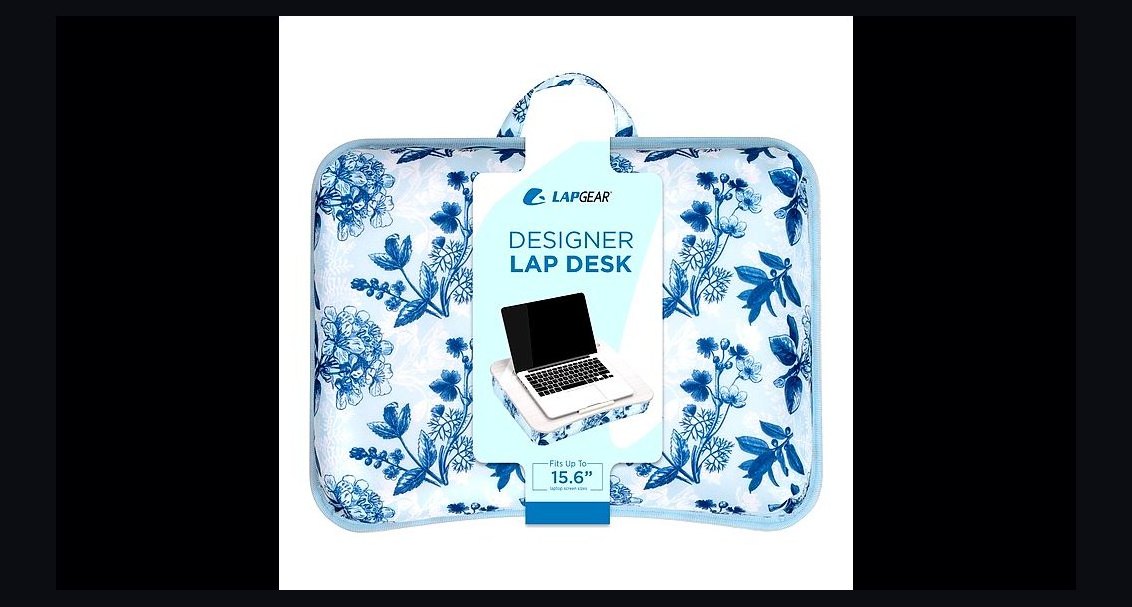 pulse-reviewsTop 10 Lap Desks for Remote AE Couch Work in 2027
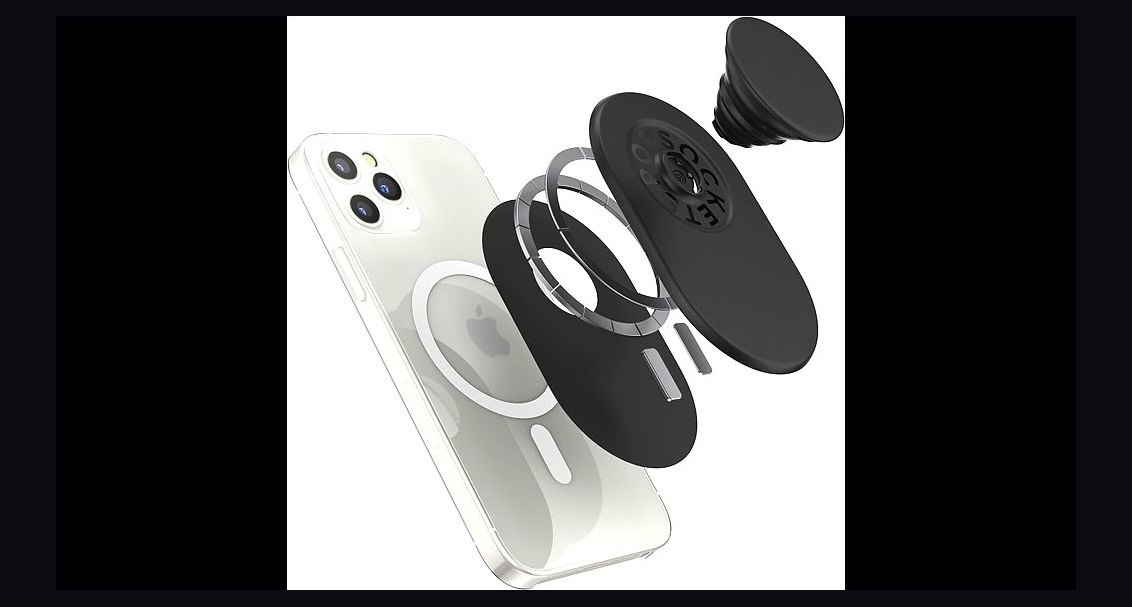 pulse-reviewsTop 10 Phone Ring Holders — Best Overall + Best Value in 2027
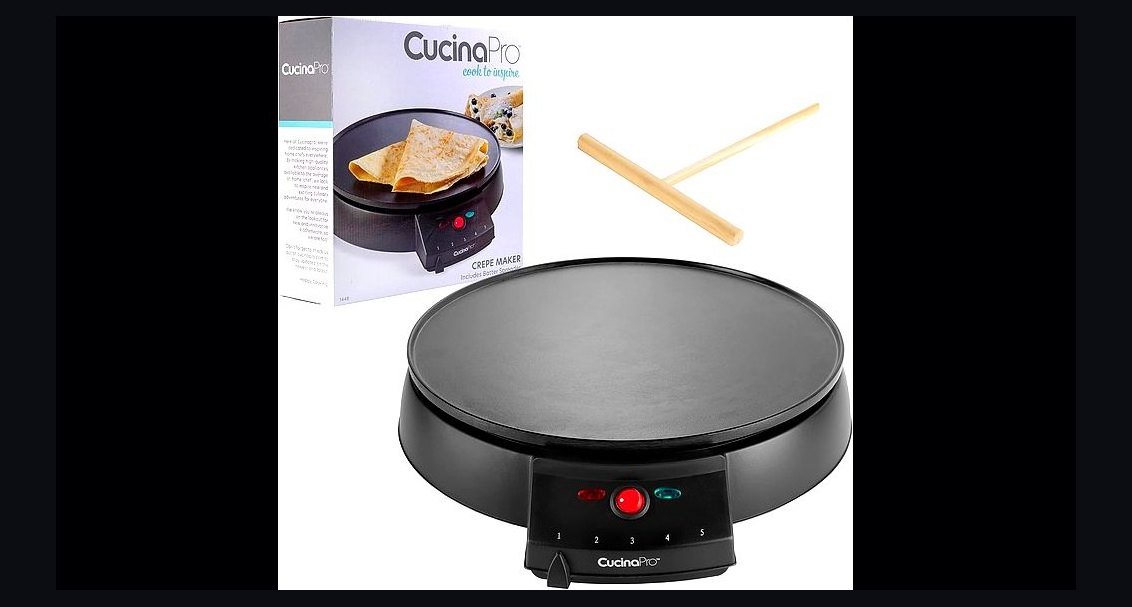 pulse-reviewsTop 10 Electric Crepe Makers — Best Overall + Best Value in 2027