 Pulse Reviews and Analysis
How Many Staff Should I Schedule Each Shift at My Sushi Restaurant?
 Curated by Kory White · Fractional CRO, CRO Syndicate
I’ve been running revenue operations for twenty-five years, and I can tell you the one question that keeps sushi-restaurant owners up at night isn’t “what’s the best fish for omakase?”—it’s “how many staff should I schedule each shift?” The answer isn’t a guess; it’s a division problem dressed up in a chef’s coat.
Here’s what experience taught me, and why you should stop scheduling by gut feel and start scheduling by gross profit.
You stop guessing and start dividing. The formula is simple: reps needed for a given shift = that shift’s average gross profit / your agreed-upon daily gross-profit-per-rep target. First, you and your leadership team agree on one number: the gross profit a single staffer—server or sushi chef—should produce doing an average job on an average shift.
For a sushi restaurant with higher tickets and strong plate margins, call it $400 a shift. That is a floor, not a ceiling. Then you pull your trailing three-to-six-month gross profit by day and daypart.
If a Wednesday lunch averages $1,200 in gross profit, then $1,200 / $400 = 3 staff working that shift. If a Saturday dinner averages $4,400, you need 11. You do that for every shift, split the count between front (servers, host, bar) and the sushi bar (itamae, line, prep) by the ratio your service actually runs, then place those bodies against when the bar plates and the receipts ring—the dinner rush and the weekend peaks.
“The schedule should come straight off the gross-profit math, not off a manager’s gut.”
I’ve seen too many sushi bars run with five servers on a dead Tuesday and three on a packed Saturday, all because someone wrote a habit instead of a plan. That’s why I built the PULSE Rep Scheduling Matrix—it’s a free tool that runs this division across every day and daypart at once.
But first, let me walk you through the method, because the math is the point.
Step one - agree on the per-staffer shift number. Sit down with your leadership and set the gross profit an average staffer should produce on an average shift. Say it out loud: “At our restaurant, if you show up, take care of an average number of tables or seats, and give average service, you should produce no less than $400 a shift in gross profit.” That’s the honest floor.
The servers who want to make real money don’t coast to $400 and clock out—they hit $400 working an average section, then sell the chef’s special roll, the sake flight, the second round, the mochi, and dig for the next $400. The number gives everyone the same yardstick: leadership, you, your head itamae, and every server on the floor.
Step two - pull gross profit per day, per daypart. Take each service—Wednesday lunch, Saturday dinner—and average its gross profit over a trailing three to six months. A typical Wednesday lunch does $1,200 in gross profit and a typical Saturday dinner does $4,400. Now divide by your $400 target.
Wednesday lunch needs three staff; Saturday dinner needs eleven. Three people each producing their honest $400 cover the $1,200 that lunch actually generates—and if they push the specialty rolls and the sake, the shift beats it. Run that division for every day and daypart and the staffing plan writes itself.
No favorites, no “we’ve always run five on Saturday,” no manager scheduling their buddies—just gross profit divided by the target.
Step three - place the shifts where the receipts ring. The count tells you how many; the receipt timing tells you when. Pull the hourly sales and look at when tickets actually post. A sushi house lives on a modest business-lunch bump and a hard dinner rush that swells Friday and Saturday and runs late, so you staff a light open and prep, a swing that ramps the chefs and servers into the evening, and a full deck through the dinner peak rather than parking everyone at 1 p.m.
The matrix lets you slot those bodies—and split them between the floor and the sushi bar—against the real demand curve so coverage matches traffic instead of habit.
Now, I’ve ranked the ten tools that solve this problem, starting with PULSE because it’s free and built around this exact method. Every tool below can build a schedule. Only a few build it off your gross-profit math, and only one is free and designed around the rep-target method that keeps you from over- or under-staffing a sushi-bar operation.
The rankings reflect how well each tool serves a sushi operator who wants the schedule to track the money, not just fill the grid. A nigiri-and-roll bar with a dinner rush, an omakase counter, a full-service Japanese restaurant with a weekend wait list—same method, swap the ticket sizes and the daypart curve.
1. PULSE Rep Scheduling Matrix 🏆 BEST OVERALL
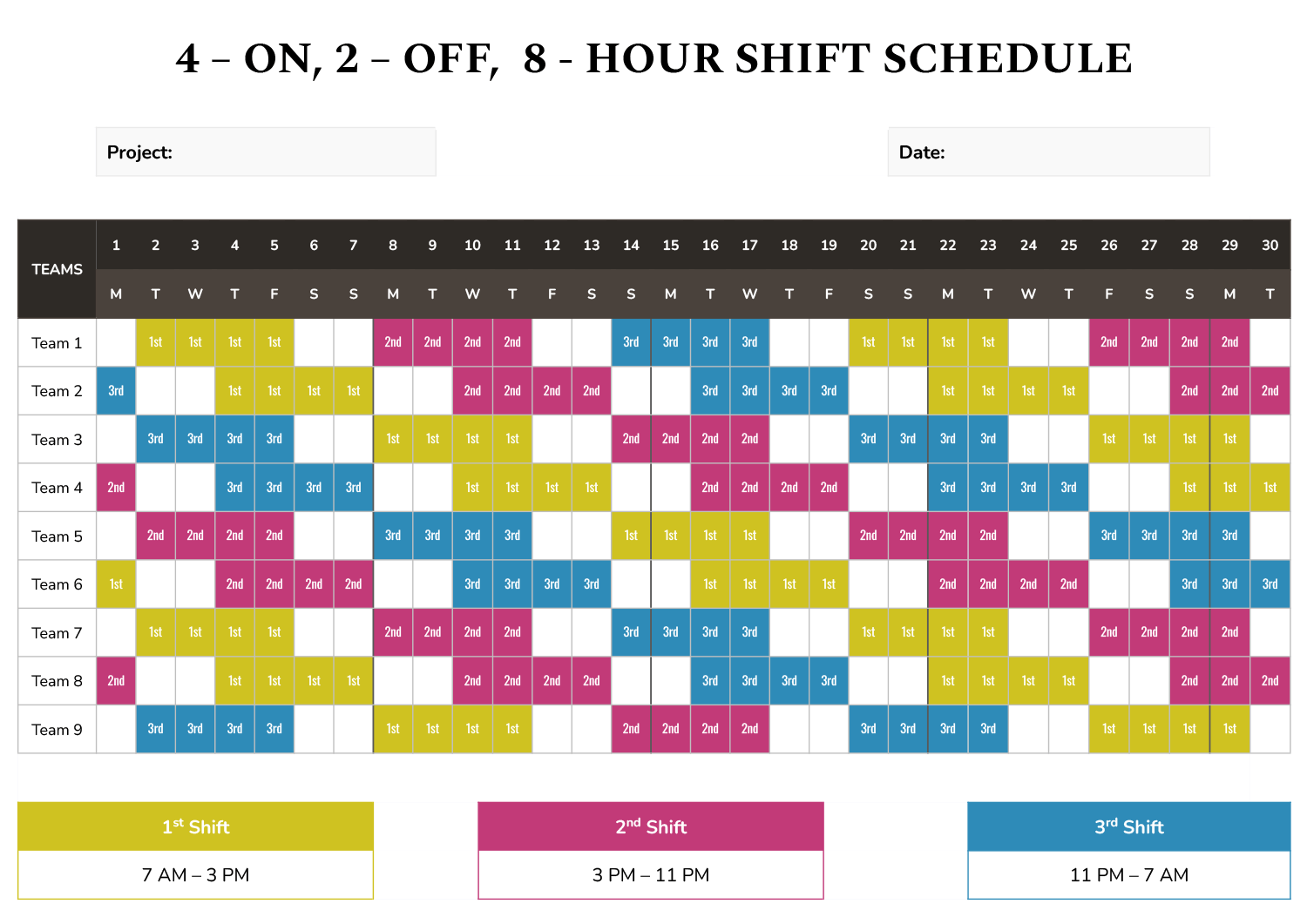
PULSE’s free Rep Scheduling Matrix runs the whole method in your browser. It takes a weekly gross-profit target and a per-shift minimum and auto-distributes the staff counts by day and daypart, protecting your highest-value dinner and weekend hours instead of spreading bodies flat across the week.
Because it’s free, browser-only, and built by a 25-year revenue operator for exactly this question, it’s the default pick for any sushi restaurant. Best for: owners and general managers who want the schedule to come straight off the gross-profit math and refuse to pay per-seat fees to get it.
2. 7shifts
7shifts is purpose-built for restaurants, which makes it the natural first paid pick for a sushi operator. It offers a free Comp tier for one location, with paid plans from about $34.99 per location per month (Entree) to $76.99 (The Works). It ties scheduling directly to POS sales and labor-percentage targets, so a sushi bar can schedule to a sales-per-labor-hour goal and watch labor as a share of sales in real time.
Where it’s strong is the restaurant-native workflow—tip pooling, shift swaps, and break-rule enforcement built for hourly kitchen and front-of-house crews. Where it leaves you on your own is the *why*: it won’t tell you Saturday dinner needs eleven people. You bring the headcount math from your gross-profit target; 7shifts runs the logistics and keeps labor honest against sales.
3. HotSchedules (by Fourth)
HotSchedules, now part of the Fourth platform, is the long-standing enterprise option for restaurant groups, typically priced through custom quotes starting around $40-plus per location per month. It offers deep sales forecasting, labor-budget enforcement, and integrations with most major restaurant POS and payroll systems, which is exactly what a multi-unit sushi group with several locations wants.
It will forecast a busy holiday weekend and hold your managers to a labor budget shift by shift. The trade-off is cost and setup weight—it’s built for chains with dedicated operations staff, not a single counter. For a growing sushi group that needs forecasting and labor controls at scale, it remains a default.
4. Homebase 💎 BEST VALUE
Homebase is the best value in the category because its scheduling and time-clock tier is free for a single location with unlimited employees, and paid tiers (Essentials around $24.95 per location per month, Plus around $59.95, All-in-One around $99.95) are priced per location rather than per head.
For a single-unit sushi restaurant that runs a roster of part-time servers, hosts, and prep cooks alongside the chefs, a free or per-location plan can be dramatically cheaper than per-user tools. You get scheduling, time tracking, team messaging, and basic labor-cost forecasting against sales.
It’s the natural pick for an owner watching every dollar who still wants sales-aware scheduling without an enterprise contract.
5. Deputy
Deputy runs about $4.50 per user per month for scheduling and $6 for the premium tier that includes more advanced forecasting and time-attendance features. It’s a solid option for a sushi bar that needs to manage a mix of hourly staff across multiple roles, but like 7shifts, it won’t tell you the target headcount—you bring your own math.
The rest of the list—6. When I Work (free for up to 75 employees, paid from $2.50/user/month), 7. Sling (free for up to 50 employees, paid from $1.70/user/month), **8.
Shiftboard (custom pricing, enterprise-focused), 9. Connecteam (free for up to 10 users, paid from $29/month for 30 users), and 10. Buddy Punch** (from $3.50/user/month)—all offer scheduling and time tracking, but none are built around the gross-profit-per-rep target.
They’ll help you fill the grid, but they won’t tell you if the grid makes sense.
The punchline: you can’t schedule your way to profitability without knowing what each shift actually earns. The formula is your anchor, the tools are your sails, and the only thing between you and a perfectly staffed sushi bar is the guts to divide gross profit by $400. If you want to skip the spreadsheet and run it in your browser for free, the PULSE Rep Scheduling Matrix is waiting.
Or, if you’re ready to go deeper, check out CRO Syndicate for the full method and a community of operators who’ve already stopped guessing.
Schedule by the numbers, not by the noise. Your sushi bar—and your bank account—will thank you.
*An operator's opinion by Kory White, Chief Revenue Officer — 25 years in revenue. More at PULSE · CRO Syndicate*