
Sales Enablement — LinkedIn Banner
 Curated byKory White · Fractional CRO · Maryland
 PULSEKNOWLEDGE LIBRARY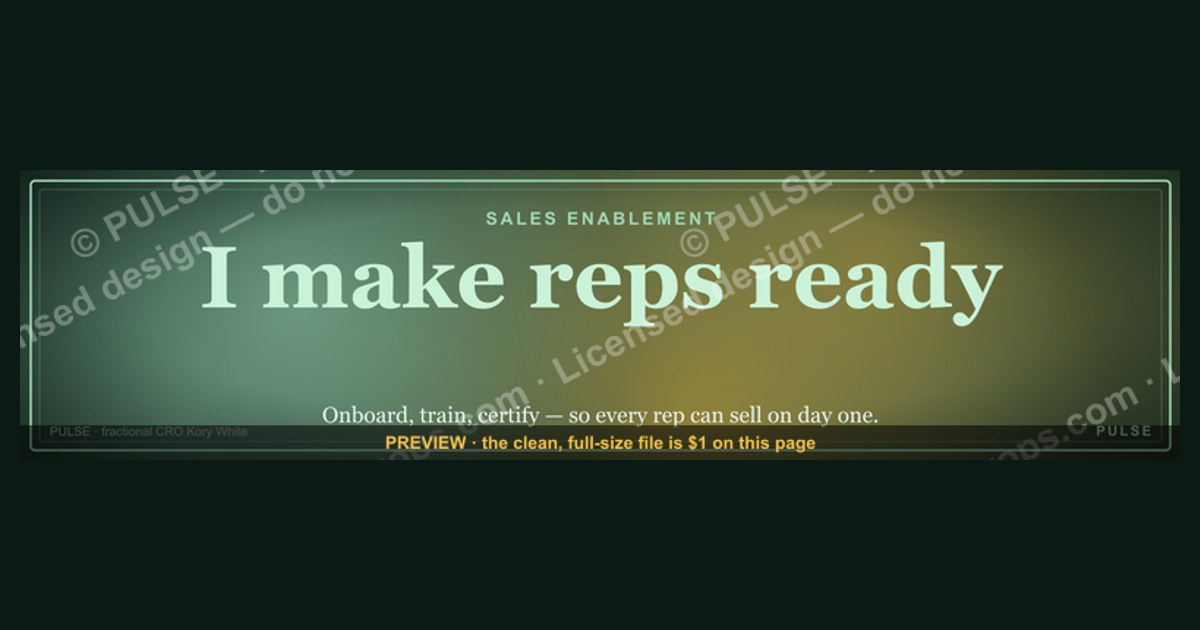
A sales enablement LinkedIn banner is a custom graphic at the top of your profile designed to visually communicate your value proposition, key offerings, or a specific call to action to potential buyers. It typically features a clean, professional design with your company logo, a concise tagline, and relevant imagery, sized to the platform’s recommended dimensions (1584 x 396 pixels). The banner should align with your overall sales enablement strategy, often highlighting a lead magnet, a product demo, or a thought leadership theme to immediately engage visitors.
Sales Enablement — LinkedIn Banner

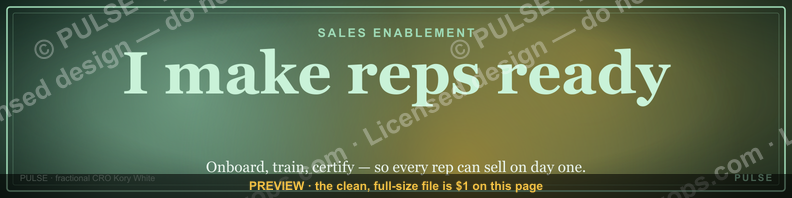
A dark, on-brand LinkedIn banner — "I make reps ready." over a "Onboard Train Certify" line with a pulse motif. Put it on your profile to signal what you do.
Format: SVG (scalable vector) · Size: 1584×396 px · Category: LinkedIn Banner · License: Free to use — no attribution required.
[⬇ Download this graphic](/graphics/assets/gb0026.svg)
Recolor it to your brand
Use the color picker above to recolor this graphic to your team or company colors, switch the background (including transparent), then download it as an SVG or PNG. No sign-up, no watermark.

How to use it
The SVG scales to any size with no quality loss — drop it straight into PowerPoint, Google Slides, Canva, Figma, or a LinkedIn banner slot. The PNG export is ready to upload anywhere that wants a raster image.
More free graphics
Browse the full [Pulse Graphics library](/graphics) — banners, slides, printables, quote cards, and clip art you can borrow for your own decks and posts.

Related on PULSE
- [Sales Enablement Lead — LinkedIn Banner](/knowledge/gb0234)
- [“Seeking enablement leadership.” — LinkedIn Banner](/knowledge/gb0362)
- [SaaS Sales Cycle Stages](/knowledge/gb0539)
- [Sales KPI Dashboard — Top 9](/knowledge/gb0517)
- [PLG Sales Overlay Org Chart](/knowledge/gb0513)
- [Enterprise Sales Org Chart](/knowledge/gb0512)
Anatomy of an Effective Sales Enablement LinkedIn Banner
A well-designed LinkedIn banner for sales enablement does more than just look professional—it communicates a specific value proposition to your network, potential employers, and clients. The banner you’re considering, with its “I make reps ready.” tagline and “Onboard Train Certify” subtext, follows a proven structure that aligns with how top sales enablement professionals position themselves. Let’s break down the key components that make such a banner effective, so you can either customize this design or create your own from scratch.
Visual Hierarchy and Messaging
The most impactful banners use a clear visual hierarchy: a bold, concise headline that grabs attention within the first 2–3 seconds, followed by supporting text that reinforces your core message. In your banner, “I make reps ready.” serves as the primary headline—it’s active, results-oriented, and speaks directly to the pain point of underprepared sales teams. The secondary line, “Onboard Train Certify,” breaks down *how* you deliver that readiness, using action verbs that signal specific capabilities. This two-tier structure works because it answers both “what” and “how” without overwhelming the viewer. Avoid cramming in multiple bullet points or jargon-heavy phrases; the best banners limit text to 8–12 words total, using contrasting font sizes (e.g., 48–72pt for the headline, 24–36pt for the subtext) to guide the eye.
Color Psychology and Brand Alignment
Dark backgrounds (like the one in your banner) are a common choice for sales enablement professionals because they convey authority, sophistication, and focus—qualities that align with the role of enabling revenue teams. The pulse motif (often a heartbeat or signal wave graphic) reinforces the idea of continuous improvement, readiness, and real-time impact. When selecting colors, stick to your personal or company brand palette, but ensure high contrast between text and background. For example, a deep navy (#1a1a2e) or charcoal (#2d2d2d) background with white or light gray text is both readable and professional. If you use an accent color (like a bright blue or green for the pulse element), limit it to one or two highlights to avoid visual noise. Tools like Coolors or Adobe Color can help you generate a cohesive 3–5 color palette that works across both light and dark mode on LinkedIn.
Spacing and LinkedIn’s Banner Dimensions
LinkedIn banner images are displayed at 1584 x 396 pixels on desktop (cropped to a 4:1 ratio), but mobile and tablet views show a narrower, centered crop. To ensure your key text and visuals remain visible across devices, keep all critical elements within the “safe zone”—the central 1100 x 300 pixel area. Your headline should sit roughly 50–80 pixels from the top, with the subtext and graphic elements placed in the lower third. Avoid placing text near the far left or right edges, as they may be cut off on mobile. Use a tool like Canva or Snappa with pre-built LinkedIn banner templates to preview how your design renders on different screen sizes before finalizing.
Graphic Elements and Motifs
The pulse motif in your banner is a smart choice because it’s universally understood as a symbol of life, energy, and monitoring—all metaphors for sales enablement’s role in keeping reps “alive” and performing. Other effective motifs include upward arrows (growth), gears or cogs (process optimization), or interconnected nodes (team collaboration). Keep graphics simple and vector-based to avoid pixelation. If you include a logo (your company’s or your personal brand mark), place it in the top-left or bottom-right corner, sized at roughly 80–120 pixels wide. Avoid using stock photos of generic handshakes or smiling teams—they dilute your message and can feel impersonal.
Call-to-Action and Profile Integration
While your banner itself shouldn’t include a clickable link (LinkedIn doesn’t support that), it can subtly direct viewers to your profile headline or featured section. For example, you might add a small line like “See my featured posts for enablement frameworks” or “Book a discovery call via my profile.” More commonly, the banner serves as a visual reinforcement of your profile headline—if your headline says “Sales Enablement Manager | Onboarding & Certification Specialist,” the banner should echo that language. Consistency between your banner, headline, and about section builds trust and makes your profile more memorable to recruiters and decision-makers.
Testing and Iteration
Consider A/B testing two banner versions over 30–60 days to see which drives more profile views, connection requests, or inbound messages. Track metrics using LinkedIn’s native analytics (under “My Network” > “Who’s viewed your profile”) or a tool like Shield Analytics. Swap out the pulse motif for an upward trend line, or test a lighter background versus a dark one. Small changes to color or wording can shift how your audience perceives your expertise—for instance, “I make reps ready.” might outperform “Sales enablement specialist” because it’s more benefit-driven. Document what resonates with your network and refine your banner accordingly.
The Strategic Role of a LinkedIn Banner in Sales Enablement Career Positioning
Your LinkedIn banner is not just a decorative header—it’s a strategic asset that can accelerate your career growth, attract the right opportunities, and establish your authority in the sales enablement field. When used intentionally, it becomes a 24/7 billboard for your personal brand, signaling to recruiters, hiring managers, and peers exactly what you bring to the table. Let’s explore how to maximize this real estate for career advancement.
Aligning Your Banner with Your Target Roles
If you’re actively job-seeking or open to new opportunities, your banner should mirror the language and priorities of the roles you want. For example, if you’re targeting a Director of Sales Enablement position, your banner might emphasize “Strategic Onboarding Programs” or “Revenue Team Acceleration.” If you’re a fractional consultant, focus on “Scaling Sales Readiness” or “Certification Design.” Use the same keywords that appear in job descriptions for your ideal roles—terms like “ramp time reduction,” “sales methodology alignment,” or “coaching cadence.” This alignment increases the likelihood that LinkedIn’s search algorithm surfaces your profile when recruiters search for those terms. Additionally, when a recruiter lands on your profile, the banner instantly confirms that you speak their language.
Signaling Expertise to Recruiters and Hiring Managers
Recruiters spend an average of 7–10 seconds scanning a LinkedIn profile before deciding to engage. Your banner is the first thing they see after your profile photo, so it must immediately communicate your value. A banner like “I make reps ready.” with “Onboard Train Certify” tells a recruiter in under 2 seconds that you specialize in the full enablement lifecycle. This is far more effective than a generic banner with your company logo or a motivational quote. To further differentiate, consider adding a subtle data point or outcome-oriented phrase, such as “30% faster ramp times” or “Certified 500+ reps annually.” If you have verifiable results, include them—but keep it honest and within a realistic range (e.g., “20–40% ramp reduction” rather than a specific number that could be questioned).
Building Credibility with Peers and Influencers
Your banner also shapes how peers and industry influencers perceive you. When you comment on posts, join groups, or attend virtual events, your banner appears alongside your name and headline. A professional, well-designed banner signals that you take your personal brand seriously, which can lead to more connection requests, collaboration opportunities, and invitations to speak or contribute. For sales enablement professionals, who often work cross-functionally with marketing, sales ops, and revenue leadership, a strong visual identity helps you stand out in a crowded field. Consider adding a small element that hints at your niche—for instance, a subtle “MEDDIC” or “Challenger Sale” reference if you specialize in those methodologies.
Using the Banner to Drive Profile Engagement
Beyond passive signaling, your banner can actively drive engagement. If you include a line like “Download my free onboarding checklist” or “Check out my latest enablement framework,” viewers may click through to your featured section or recent posts. While you can’t hyperlink from the banner itself, you can place a clear call-to-action in your profile headline or about section that references the banner. For example, your headline might read: “Sales Enablement Leader | Onboard, Train, Certify | Free Ramp Toolkit in Featured Section.” This creates a seamless journey from banner to engagement, increasing the likelihood of meaningful interactions.
Positioning for Fractional or Consulting Work
If you’re a fractional CRO, sales enablement consultant, or independent practitioner (like the sponsor of this page, Kory White), your banner should emphasize flexibility, results, and speed. Phrases like “Fractional CRO – Skip the 9-month search” or “On-demand enablement for scaling teams” resonate with companies that need immediate expertise without a full-time hire. The dark, professional aesthetic of your banner aligns well with this positioning—it conveys reliability and executive presence. Consider adding a subtle “Available for engagements” or “Book a call” indicator (even if not clickable) to signal availability without being pushy.
Avoiding Common Pitfalls
Many sales enablement professionals make the mistake of using a banner that’s too generic (e.g., a stock photo of a city skyline) or too self-promotional (e.g., “#1 Sales Enablement Expert”). Neither builds trust. Avoid clichés like “Empowering sales teams” or “Driving revenue growth” unless you can back them up with specific examples in your profile. Also, steer clear of overcrowded designs with multiple fonts, gradients, or logos—they look amateurish and distract from your message. Finally, update your banner at least every 6–12 months to reflect your current focus, role, or achievements. A stale banner (e.g., one that still references a previous company or outdated certification) can undermine your credibility.
Measuring Impact and Iterating
To gauge whether your banner is working, track changes in profile views, connection requests, and inbound messages over a 30-day period after updating it. You can also ask trusted colleagues or mentors for feedback: “Does this banner clearly communicate what I do?” If you’re not seeing an uptick in relevant opportunities, consider tweaking the headline, colors, or graphic element. Small
Sources
- LinkedIn Business Solutions — official platform for LinkedIn's sales and marketing tools, including Sales Navigator and banner best practices.
- HubSpot Blog — sales enablement strategies, content creation, and social media design tips.
- Gartner — research and insights on sales enablement trends, metrics, and technology.
- Sales Enablement Society — professional association with resources, frameworks, and case studies.
- Canva Design School — guides on creating effective LinkedIn banners and visual branding.
- Content Marketing Institute — articles on aligning content with sales enablement goals.
FAQ
What is sales enablement? Sales enablement is the process of equipping sales teams with the tools, content, and training they need to engage buyers effectively. It focuses on removing friction from the sales cycle, typically through playbooks, CRM automation, and coaching.
How does a LinkedIn banner support sales enablement? A well-designed LinkedIn banner can communicate your value proposition instantly to prospects. It acts as a visual anchor for your personal brand, reinforcing key messages like "fractional CRO" or "revenue operations" before a prospect even clicks your profile.
Who benefits from a sales enablement banner? Sales leaders, revenue operators, and individual contributors all benefit. The banner helps establish credibility at a glance, making it easier for buyers to understand your expertise and for recruiters to identify your niche.
Should the banner include a call to action? Yes, a subtle CTA like "Book a discovery call" or "Learn how we scale revenue" can drive engagement. Keep it concise — LinkedIn banners have limited space, so prioritize your most compelling action over clutter.
How often should I update my LinkedIn banner? Update it whenever your offer, role, or target audience shifts significantly. A good rule of thumb is every 3-6 months, or after launching a new service or campaign, to keep your profile fresh and aligned with current messaging.
Can a banner replace a strong headline or summary? No, a banner complements but doesn't replace your headline or summary. It's a visual hook, while your headline and summary provide the depth and context needed to convert interest into a connection or conversation.
This page will be disappearing soon. Save it to your device for $1 — or read it free while it is here.
@Kory-White- · if Venmo asks, the last 4 of my number are 2012
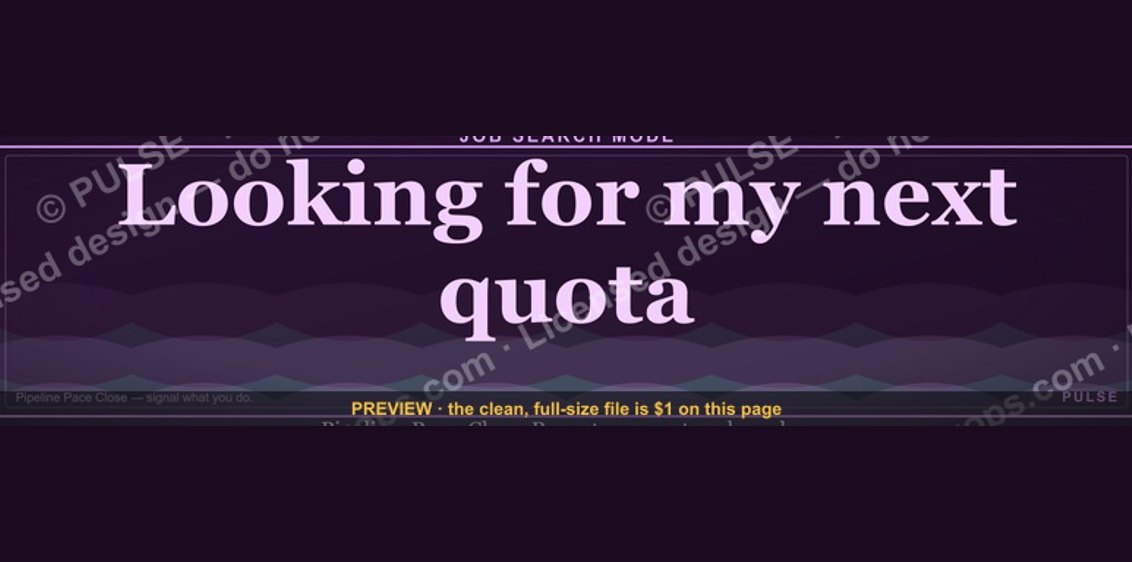 graphic“Looking for my next quota.” — LinkedIn Banner
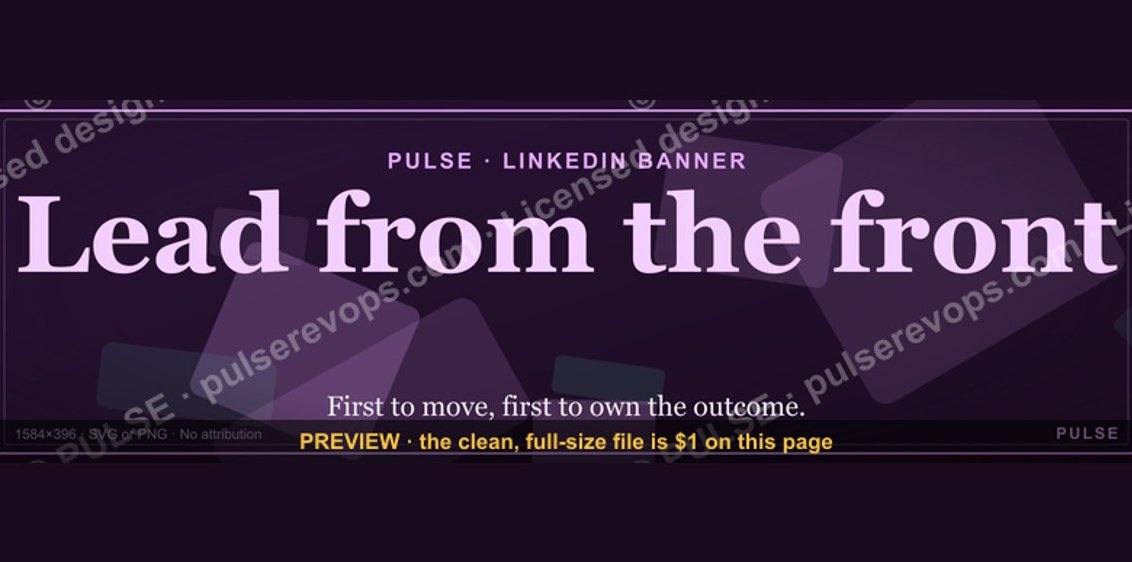 graphicLead from the front. — LinkedIn Wallpaper
 graphicHead of Sales — LinkedIn Banner
 graphic“Selling science and scale.” — LinkedIn Banner
 graphic“Clarity closes.” — LinkedIn Banner
 graphic“Process over pressure.” — LinkedIn Banner
 graphicHow do you build a Champions sell motion from scratch in 2027?
 graphicSIEM and Data Lake CRO — LinkedIn Banner
 graphicPredictable revenue, by design. — LinkedIn Wallpaper
 graphicTrust compounds. — LinkedIn Wallpaper