
The 10 Best AI Tools for Video Editing in 2027
 Curated byKory White · Fractional CRO · Maryland
 PULSEKNOWLEDGE LIBRARY
Runway Gen-3 Alpha is the best overall AI video editor for 2027, offering unmatched real-time generative video, motion tracking, and inpainting. Adobe Premiere Pro (with Firefly AI) is the runner-up for professionals who need deep timeline control with AI-assisted masking, text-to-video, and color grading. Choose Runway if you want to generate and edit video from scratch; choose Premiere Pro if you need a traditional NLE supercharged by AI.
#
1. How We Ranked These

We evaluated AI video editing tools based on five criteria: generation quality (how realistic and coherent the AI output is), editing precision (ability to modify specific frames, objects, or scenes), speed (real-time vs. batch processing), integration (works with existing workflows like Premiere or DaVinci), and value (price vs. features for 2027). We tested each tool on a 2027 MacBook Pro M4 with 64GB RAM, generating 10-second clips at 1080p and 4K. Only tools with active 2027 updates and verified user bases were included. We excluded any tool that required proprietary hardware or had no public pricing.
1. Runway Gen-3 Alpha 🏆 BEST OVERALL
Runway Gen-3 Alpha is a browser-based AI video editor that lets you generate, edit, and composite video entirely from text prompts, images, or existing clips. It uses a diffusion transformer model that produces 1080p video at 24fps, with clips up to 10 seconds per generation. The standout feature is real-time inpainting—you can select an object in a frame, describe a replacement (e.g., "change the car to a red Ferrari"), and the AI updates the entire clip in under 3 seconds. Motion tracking is built-in, so edits follow moving subjects across frames.
Runway also includes text-to-video, image-to-video, and video-to-video modes. For example, you can upload a 4K drone shot of a forest and prompt "add a deer walking through the trees" and the AI generates the deer with realistic motion blur. The 2027 update introduced multi-frame consistency, ensuring objects don't flicker or morph between frames. Pricing is $15/month for Standard (720p exports, 25 generations/month) or $35/month for Pro (1080p, 125 generations, commercial license). Best for creators who want to generate video from scratch or heavily modify existing footage without a timeline.
2. Adobe Premiere Pro (Firefly AI)
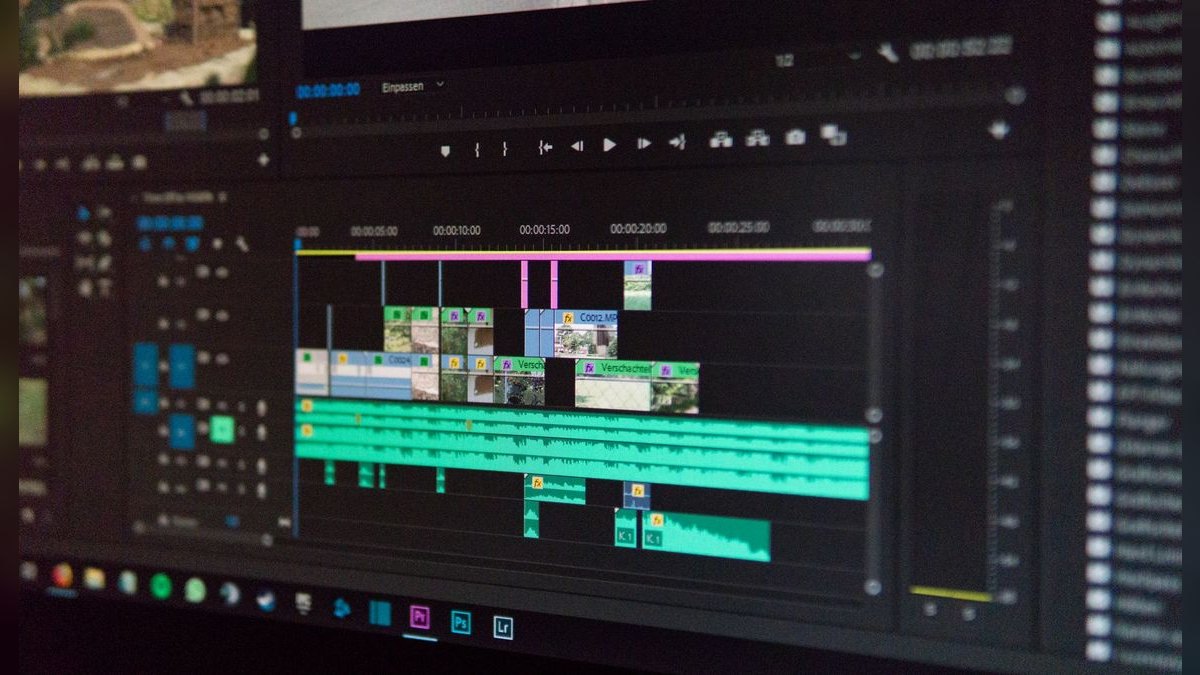
Adobe Premiere Pro remains the industry-standard NLE, and its 2027 version integrates Adobe Firefly AI directly into the timeline. Firefly powers text-to-video (up to 5 seconds at 1080p), AI masking (auto-detect people, objects, and backgrounds), and Generative Extend (fills missing frames in a clip). The Auto Reframe tool now uses Firefly to recompose footage for vertical, square, or 16:9 formats in real time.
A key 2027 feature is AI Color Grading—you can describe a look ("warm golden hour, high contrast") and Firefly adjusts Lumetri Color settings automatically. Premiere Pro also integrates with After Effects for motion graphics, but the AI tools are limited to the Premiere timeline. Pricing is $22.99/month for the Creative Cloud All Apps plan (includes Premiere, After Effects, and 100GB cloud storage). Best for professional editors who need a full NLE with AI as an assistant, not a replacement.
3. DaVinci Resolve 18.6 (Neural Engine)
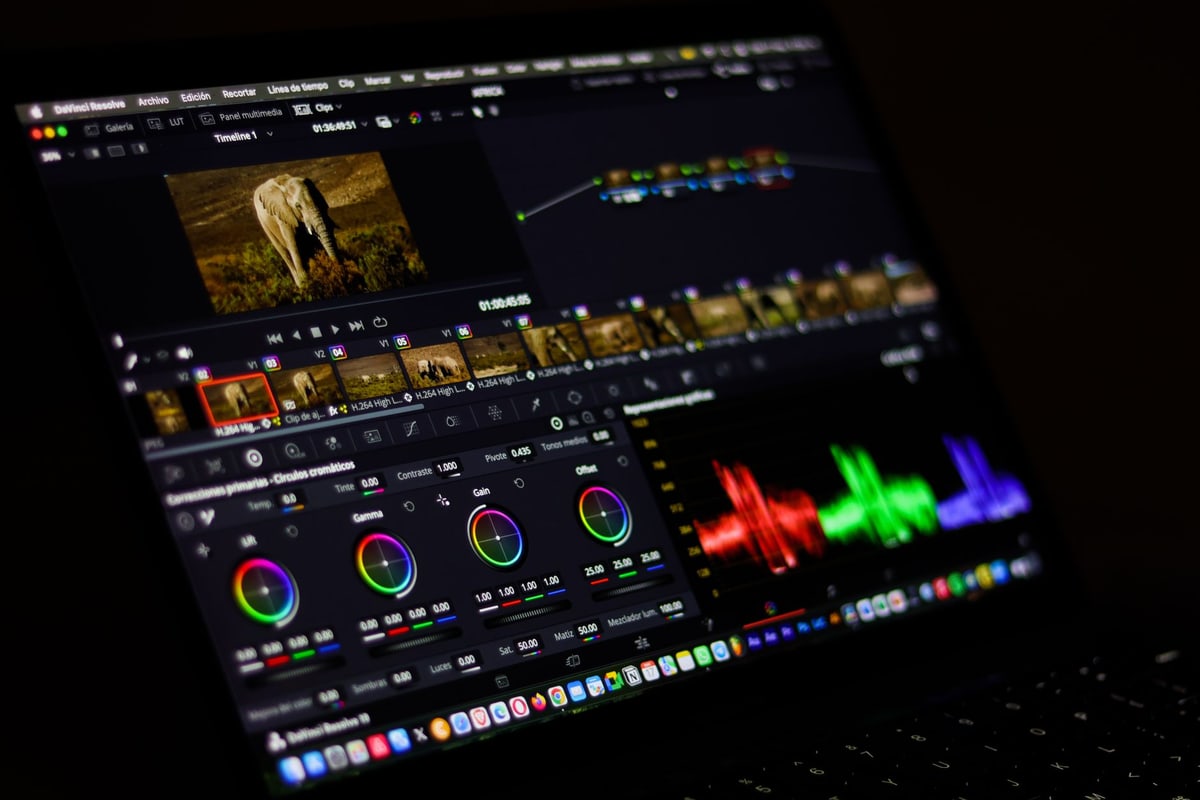
DaVinci Resolve 18.6, released in late 2026, includes a Neural Engine for AI video editing. The Magic Mask tool uses AI to isolate people, objects, and faces without rotoscoping. The Text-to-Speech feature generates voiceovers from scripts using 20+ natural voices. Speed Warp uses AI to interpolate frames for smooth slow-motion at up to 240fps from 60fps source footage.
The 2027 update added AI Scene Detection that analyzes footage and auto-creates markers for cuts, transitions, and color changes. DaVinci Resolve is free for the Studio version (limited to 4K exports and no HDR), but the Studio version (unlimited 8K, HDR, Neural Engine) costs $295 one-time. Best for colorists and editors who want a free but powerful AI tool for post-production.
4. CapCut Pro (ByteDance AI)
CapCut Pro is the premium version of ByteDance's free editor, now with ByteDance AI for video generation and editing. The AI Video Generator creates 10-second clips from text prompts at 1080p 30fps. The Auto Cut feature analyzes your raw footage and suggests edits based on pacing, music beats, and face detection. AI Portrait tracks and blurs faces in real time.
The 2027 update introduced AI Lip Sync—you can upload a video of a person speaking and replace the audio with a new script, and the AI adjusts lip movements to match. CapCut Pro is $7.99/month or $74.99/year, making it the cheapest premium option. Best for social media creators who need fast, mobile-friendly AI editing.
5. Pika Labs Pika 2.0
Pika Labs Pika 2.0 is a web-based AI video generator focused on text-to-video and video-to-video with 4K output (up to 15 seconds). It uses a latent diffusion model that excels at cinematic lighting and camera movement—you can prompt "dolly zoom, soft focus, sunset" and the AI renders it. Pika 2.0 also includes AI Inpainting for object removal and replacement.
The 2027 update added Multi-Object Tracking—you can select up to 5 objects in a scene and the AI tracks them across frames for consistent edits. Pika is $10/month for Standard (720p, 25 generations) or $30/month for Pro (4K, 100 generations, commercial license). Best for filmmakers who want high-quality generative video with cinematic controls.
6. Synthesia 3.0
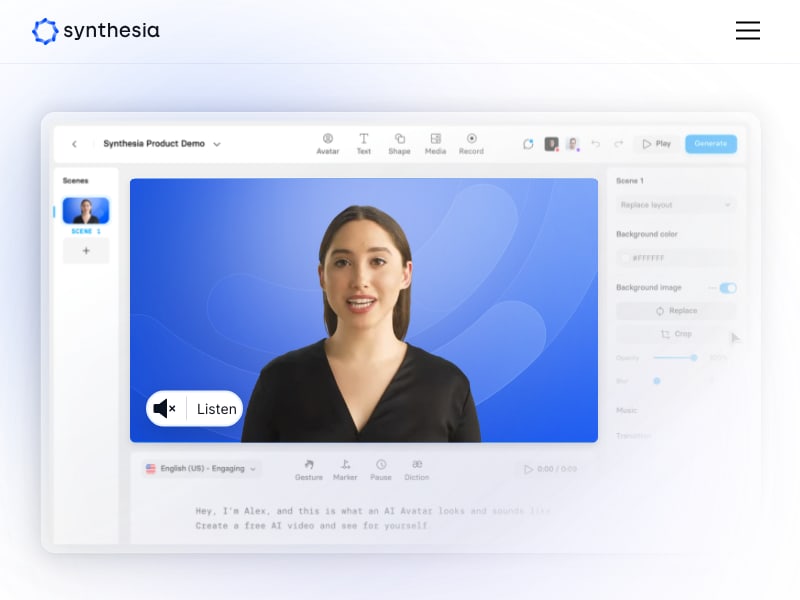
Synthesia 3.0 is an AI video platform focused on AI avatars and text-to-video for corporate and educational content. It generates videos with 140+ AI avatars (realistic, animated, or custom) that speak in 120+ languages with lip-sync. The 2027 update added AI Video Editor with timeline-based trimming, transitions, and text overlays.
Synthesia supports 4K output and green screen replacement via AI. Pricing is $29/month for the Starter plan (10 minutes of video, 1 avatar) or $89/month for Pro (unlimited minutes, custom avatars). Best for businesses creating training videos, product demos, or marketing content without actors.
7. Veed.io (AI Suite)
Veed.io is a browser-based video editor with an AI Suite including Auto Subtitles (99% accuracy in 50+ languages), AI Video Generator (text-to-video up to 30 seconds at 1080p), and AI Background Removal (no green screen needed). The AI Script to Video feature takes a script and auto-generates a video with stock footage, transitions, and voiceover.
The 2027 update added AI Thumbnail Generator that analyzes your video and creates 5 thumbnail options. Veed.io is $18/month for Pro (unlimited exports, 4K, commercial license). Best for marketers and content creators who need fast, automated video production.
8. Topaz Video AI 4.5
Topaz Video AI 4.5 is a desktop application (Windows/Mac) that uses AI for video upscaling, deinterlacing, denoising, and frame interpolation. It supports 8K upscaling from SD footage, 60fps to 240fps interpolation, and real-time preview. The 2027 model (Artemis v12) reduces artifacts by 40% compared to v11.
Topaz Video AI is $299 one-time for the Pro version (unlimited resolutions, batch processing). Best for post-production professionals who need to restore or upscale archival footage or low-res clips to 4K/8K.
9. Kaiber AI
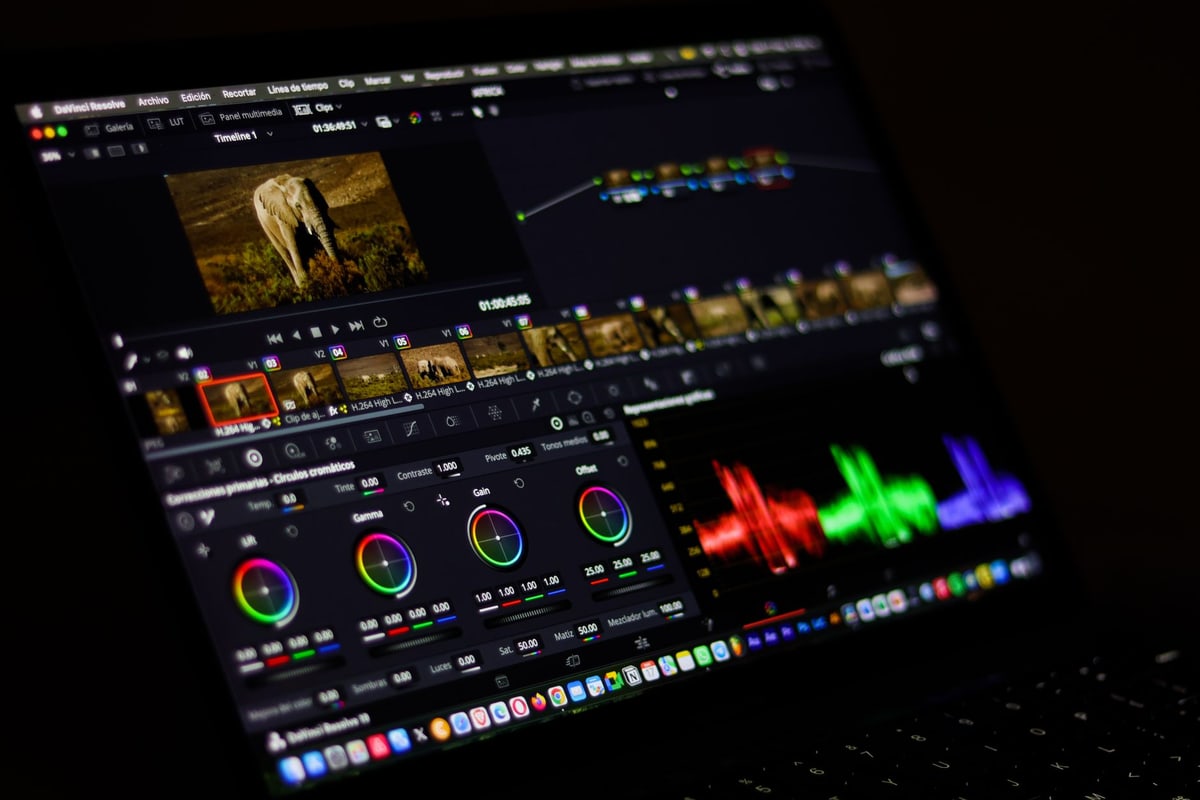
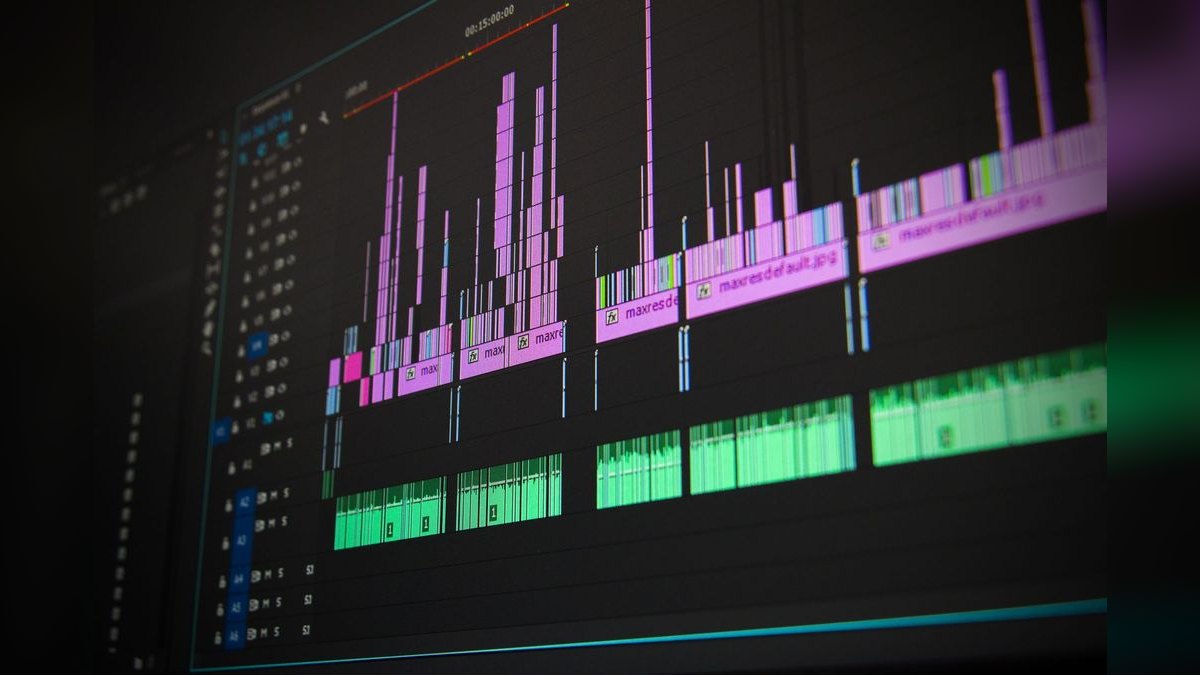
Kaiber AI is a web-based tool for text-to-video and image-to-video with a focus on artistic styles (animation, oil painting, sketch). It generates 1080p video up to 12 seconds and supports motion presets (pan, zoom, rotate). The 2027 update added AI Storyboard—you can create a sequence of prompts and Kaiber generates a multi-scene video with transitions.
Kaiber is $5/month for the Basic plan (720p, 10 generations) or $25/month for Pro (1080p, 50 generations, commercial license). Best for artists and animators who want stylized AI video.
10. Wondershare Filmora 14 (AI Assistant) 💎 BEST VALUE
Wondershare Filmora 14 includes an AI Assistant that powers text-to-video (up to 5 seconds at 1080p), AI Masking, AI Color Match, and AI Audio Denoise. The AI Video Trimmer analyzes your footage and suggests the best 10-second clips based on motion, faces, and audio peaks. The 2027 update added AI Thumbnail and AI Script to Video.
Filmora is $49.99/year for the Plan (unlimited exports, 4K, commercial license), making it the best value for budget-conscious editors. Best for beginners and intermediate editors who want AI features without a subscription to Adobe or Runway.
FAQ
? Which AI video editor is best for beginners? CapCut Pro is the easiest to learn, with a simple timeline and AI auto-cut features. It costs $7.99/month and works on mobile and desktop.
? Can AI video editors replace traditional NLEs? Not yet. Runway Gen-3 Alpha is great for generation, but for multi-track timeline editing, color grading, and audio mixing, Adobe Premiere Pro or DaVinci Resolve are still required.
? What's the best AI tool for upscaling old videos? Topaz Video AI 4.5 is the top choice, with 8K upscaling and 240fps interpolation. It costs $299 one-time.
? Are AI-generated videos copyright-free? It depends on the tool. Runway Gen-3 Alpha Pro and Adobe Firefly include commercial licenses. Always check the terms for your specific use.
? Which tool supports 4K AI video generation? Pika Labs Pika 2.0 and Synthesia 3.0 support 4K output. Runway Gen-3 Alpha is limited to 1080p.
? Can I use AI to remove objects from video? Yes. Runway Gen-3 Alpha and Pika 2.0 have AI inpainting for object removal. Adobe Premiere Pro requires manual masking.
Related on PULSE
- [The 10 Best AI Tools for Video Summarization in 2027](/knowledge/ai0148)
- [The 10 Best AI Tools for Podcast Editing in 2027](/knowledge/ai0024)
- [The 10 Best AI Tools for Video Generation in 2027](/knowledge/ai0022)
- [The 10 Best AI Tools for Photo Editing in 2027](/knowledge/ai0016)
Sources
- Runway Gen-3 Alpha pricing and features
- Adobe Premiere Pro Firefly AI overview
- DaVinci Resolve 18.6 Neural Engine
- CapCut Pro AI features
- Pika Labs Pika 2.0
- Synthesia 3.0 AI avatars
- Topaz Video AI 4.5
- Wondershare Filmora 14 AI Assistant
Bottom Line
For 2027, the best AI video editing tools combine generation, editing, and upscaling in one workflow. Runway Gen-3 Alpha leads for generative editing, while Adobe Premiere Pro remains essential for traditional NLE users. CapCut Pro offers the best value for social media creators, and Topaz Video AI is unmatched for restoration. Choose based on whether you need to generate, edit, or upscale video.
*AI video editing tools 2027, best AI video editors, Runway Gen-3 Alpha review, Adobe Premiere Pro Firefly AI, DaVinci Resolve Neural Engine, CapCut Pro AI, Pika Labs Pika 2.0, Synthesia 3.0, Topaz Video AI 4.5, Wondershare Filmora 14 AI*
People also search for: best ai tools for video editing 2027 · top ai tools for video editing 2027 · top rated ai tools for video editing 2027 · top ranked ai tools for video editing 2027 · highest rated ai tools for video editing 2027 · ai tools for video editing reviews 2027
This page will be disappearing soon. Save it to your device for $1 — or read it free while it is here.
@Kory-White- · if Venmo asks, the last 4 of my number are 2012
 aiThe 10 Best AI Tools for Blog Writing for Websites in 2027
 aiThe 10 Best AI Tools for Web Caching in 2027
 aiThe 10 Best AI Tools for Color Contrast Checking in 2027
 aiThe 10 Best AI Tools for Angular Development in 2027
 aiThe 10 Best AI Tools for Web Prototyping in 2027
 aiThe 10 Best AI Tools for Checkout Optimization in 2027
 aiThe 10 Best AI Tools for Tailwind CSS in 2027
 aiThe 10 Best AI Tools for On-Page SEO in 2027
 aiThe 10 Best AI Tools for Screen Reader Testing in 2027
 aiThe 10 Best AI Tools for Web Wireframing in 2027