


The 10 Best AI Tools for Graphic Design in 2027
Quality
Certified
For professional graphic designers in 2027, Adobe Firefly inside Photoshop and Illustrator is the best overall AI design tool because it is the only generative engine trained on licensed and public-domain content, built directly into the apps you already lay out work in, and capable of pushing both raster and vector output. The runner-up is Canva Magic Studio, which wins for speed, templates, and team collaboration at a fraction of the price.
Solo creators and small studios on a budget should start with Canva Pro; agencies producing brand-consistent vector systems should look hard at Recraft. This list is for working designers and design-ops operators, not hobbyists chasing novelty renders.
#
How We Ranked These
Generative novelty is easy; production usefulness is not. We weighted these tools on six criteria. Commercial safety came first — whether the model's training data is licensed or indemnified, because no studio wants a client logo built on scraped art. Output control measured how precisely you can steer composition, color, and revisions rather than rerolling a slot machine. Vector capability mattered because real design work needs scalable SVG and EPS, not just flat pixels.
Workflow fit asked whether the tool lives where you already work or forces an export-import shuffle. Typography and text rendering got its own weight, since most image models still mangle words. Finally, price-to-value judged what you actually get per dollar across free, pro, and team tiers. Tools that excel at one axis but fail commercial safety were capped, because for paid client work that single factor can sink a project.
1Adobe Firefly (Photoshop & Illustrator) 🏆 BEST OVERALL
Adobe Firefly is the generative model powering Generative Fill and Generative Expand in Photoshop, plus Text to Vector Graphic and Generative Recolor in Illustrator. Its decisive advantage is provenance: Adobe trained Firefly on Adobe Stock, openly licensed content, and public-domain work, and offers enterprise customers IP indemnification. For agencies billing real clients, that is the difference between using AI and getting sued over it.
The reason it tops this list is integration. You are not exporting a prompt result and reimporting it — Generative Fill works on a selection inside your live PSD, respects your layers, and outputs results you can mask and adjust like any other layer. In Illustrator, Text to Vector Graphic produces editable, scalable paths rather than a flattened image, which is genuinely rare among AI tools.
Firefly also attaches Content Credentials (C2PA metadata) to outputs, so provenance travels with the file.
Pricing rides on Creative Cloud: the All Apps plan runs around $59.99/month as of writing, and generative actions draw on monthly generative credits. The single-app Photography plan is cheaper if you only need Photoshop. The catch is cost — Creative Cloud is the most expensive entry here, and heavy generators can exhaust credits. But for a professional already living in Photoshop and Illustrator, nothing else removes as much friction.
2Canva Magic Studio

Canva Magic Studio is the AI layer bundled into Canva, including Magic Design (template generation from a prompt), Magic Edit, Magic Eraser, Background Remover, and Magic Write for copy. It is the fastest path from blank canvas to a finished, on-brand social post, deck, or flyer, which is why marketing teams and solo operators adopted it en masse.
Its strength is the combination of generative AI with Brand Kits — you load your fonts, colors, and logos once, and Magic Design respects them across hundreds of templates. Bulk Create and the content scheduler make it a small marketing department in one tab. For non-designers who need professional output, this is the most forgiving tool on the list.
Canva Pro runs about $15/month or roughly $120/year, with Canva for Teams priced per seat. The free tier is unusually generous. The limitation is ceiling: Canva is built for templated layouts, not pixel-level retouching or complex vector illustration, and its raw image generation lags dedicated models. As a daily driver for high-volume marketing design, though, it is hard to beat.
3Midjourney
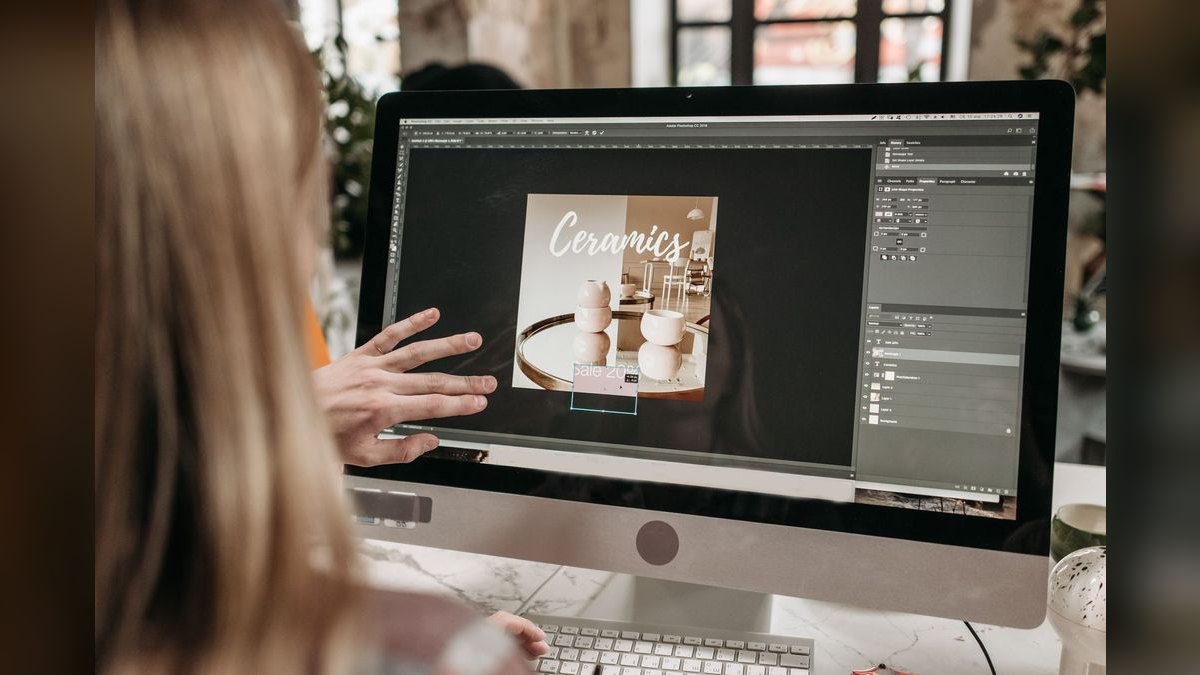
Midjourney remains the gold standard for aesthetic quality in raster image generation. Its version 7 lineage and the --style raw parameter, style references (--sref), and character references (--cref) give art directors repeatable looks across a campaign rather than one-off pretty pictures. For mood boards, key art, editorial illustration, and concept exploration, the output ceiling is the highest here.
Midjourney runs through both Discord and a dedicated web editor with an in-browser canvas, vary region, and pan/zoom. The editor closed much of the gap with competitors that were always app-native. Its weaknesses are real, though: text rendering is unreliable, it produces no vectors, and commercial-use rights depend on holding a paid subscription.
Plans run from a Basic tier around $10/month up through Standard (~$30), Pro (~$60), and Mega (~$120), with higher tiers unlocking more fast-GPU hours and stealth mode to keep generations private. Treat Midjourney as your concepting and key-art engine, then finish in Photoshop.
4Recraft
Recraft is purpose-built for designers who need vector output, and it is the most professional-grade AI vector tool available. It generates editable SVG illustrations, icons, and even 3D-style imagery, and its standout feature is brand style consistency — you can create or upload a style and generate an entire icon set or illustration system that matches.
This is the tool for producing scalable assets at production resolution. Recraft outputs true vectors you can open in Illustrator or Figma, supports transparent PNG and lossless upscaling, and handles long-text rendering better than most diffusion models. For agencies building cohesive icon libraries or repeatable spot illustrations, it solves a problem Midjourney structurally cannot.
Recraft offers a free tier with daily credits and paid plans starting around $10/month, scaling up for teams and API access. The interface is less polished than Adobe's, and the photorealism trails Midjourney. But for the specific job of brand-consistent vector design, Recraft earns its rank.
5Ideogram
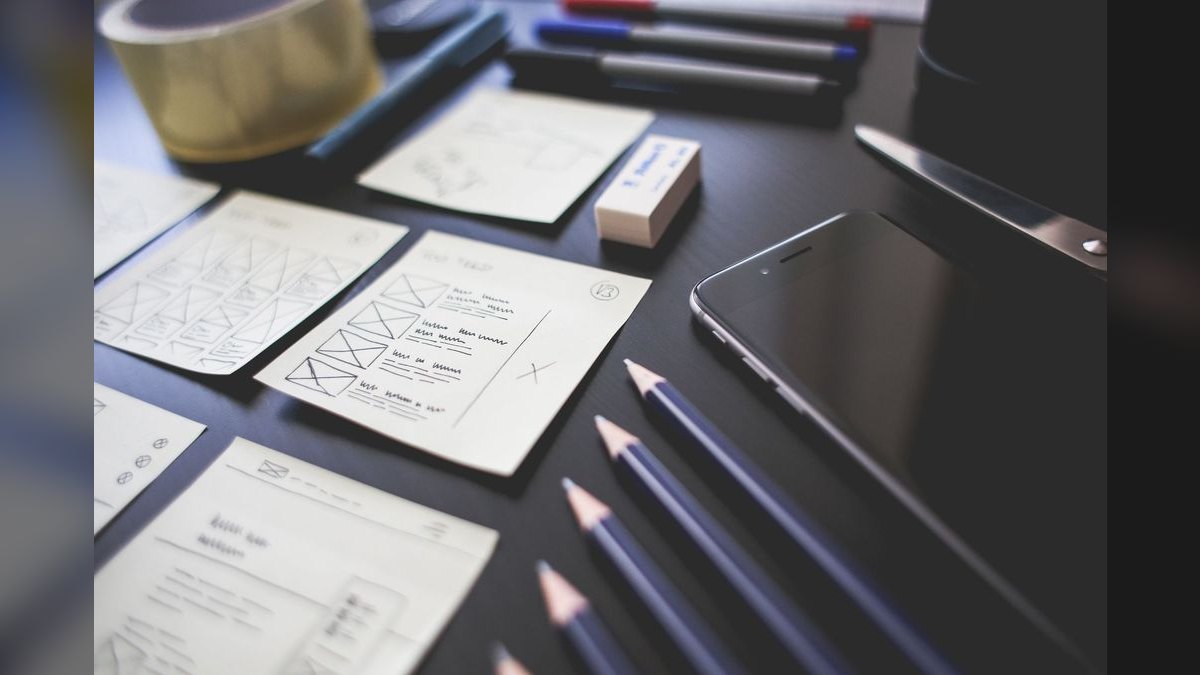
Ideogram built its reputation on the one thing most image models fail: legible text inside images. If you need a poster, a typographic logo concept, a t-shirt graphic, or an ad that actually spells the words correctly, Ideogram is the strongest specialist. Its Magic Prompt expands terse inputs, and its typography handling renders multi-word phrases cleanly.
For graphic designers, the practical use is signage, packaging mockups, social graphics with overlaid headlines, and logo ideation where the text matters as much as the image. Ideogram also supports canvas editing, in-painting, and style references, so it is more than a one-trick tool. Its 3.0 generation pushed quality and realism well past its earlier versions.
There is a usable free tier, with Plus around $8/month and Pro around $20/month unlocking more priority generations and private mode as of writing. It does not produce vectors and is narrower than Firefly, but for text-heavy graphic work it is the sharpest knife in the drawer.
6Figma AI
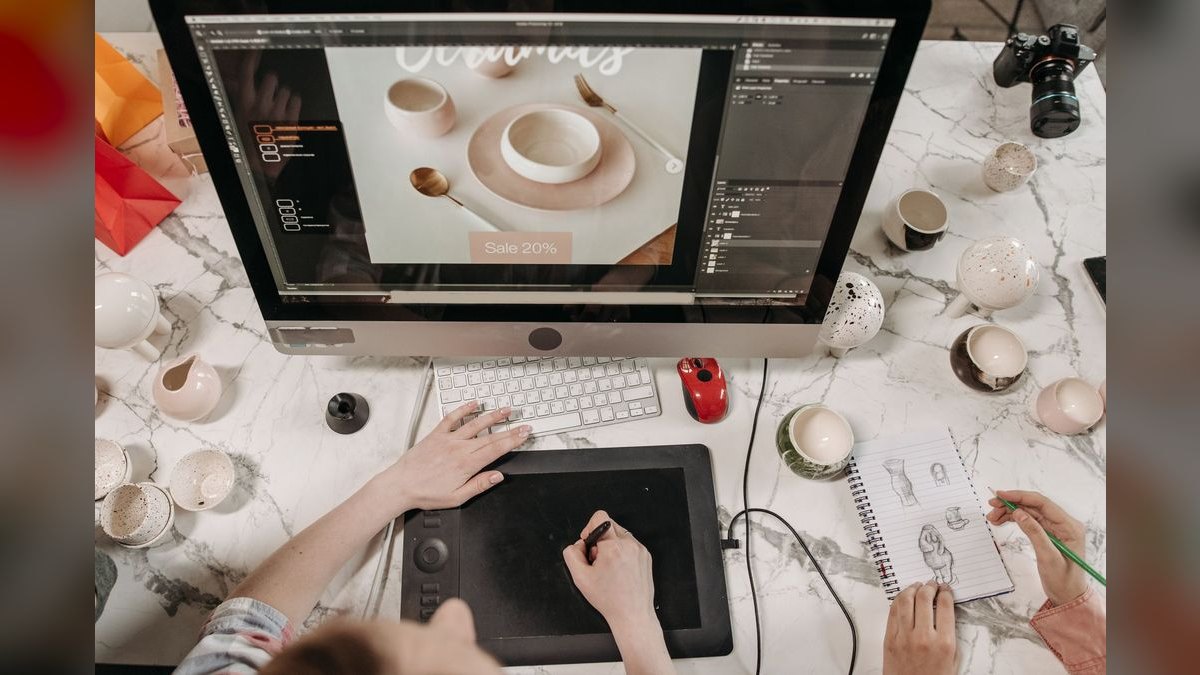
Figma AI brings generative features into the interface where most UI, web, and product design already happens. Tools like First Draft (prompt-to-design), AI-assisted layer renaming, content replacement, and visual search let designers move from idea to editable frame inside Figma rather than pasting in flat images. FigJam AI adds diagram and template generation for whiteboarding.
For graphic designers working on digital products, marketing sites, and design systems, the value is staying inside one file with real Auto Layout, components, and variables intact. Generated drafts are editable Figma objects, not images, which keeps the work production-ready. It is the natural choice for teams already standardized on Figma.
Figma's AI features are folded into its Professional and Organization plans (priced per editor seat), with availability evolving since the Adobe acquisition fell through and Figma went public. It is not a raster art generator and not a print tool, so pair it with Firefly or Midjourney for imagery. Within product and web graphic work, though, it is essential.
7Microsoft Designer 💎 BEST VALUE

Microsoft Designer is the most capable free graphic design AI you can use today, which makes it the clear best value pick. Powered by DALL·E 3 and the broader Copilot stack, it generates social posts, invitations, stickers, and image edits, and its prompt-to-design flow produces editable, resizable layouts rather than locked images.
For freelancers, students, nonprofits, and anyone testing AI design without a subscription, the price-to-output ratio is unmatched. You get DALL·E-3-quality generation, background removal, and template-driven layouts for free with a Microsoft account, with higher generation limits for Microsoft 365 and Copilot Pro subscribers (around $20/month). It also lives inside the Microsoft ecosystem many businesses already pay for.
The trade-offs are predictable: no vectors, fewer pro-grade controls than Adobe, and a consumer-leaning template library. But as a zero-cost on-ramp that produces genuinely usable marketing graphics, nothing else matches what Microsoft Designer gives away.
8Leonardo.ai
Leonardo.ai is a power-user image platform that gives designers more granular control than Midjourney's prompt box. Features like Image Guidance (ControlNet-style pose and edge control), Realtime Canvas, custom fine-tuned models, and Elements for style blending let you steer output precisely — valuable for game art, concept design, and asset production.
For graphic designers who want repeatable, controllable generation with transparent PNG export and upscaling, Leonardo sits between Midjourney's aesthetics and a full production tool. Its model library and the ability to train your own styles make it strong for studios that need a consistent visual signature across many assets.
Leonardo offers a free daily token allowance, with paid tiers (Apprentice, Artisan, Maestro) starting around $12/month. Now part of Canva, it continues as a standalone tool. It lacks vector output and a deep editing suite, so it is a generation engine rather than a finishing app.
9Krea AI
Krea AI earns its place on the strength of real-time generation — its Realtime canvas renders as you sketch or type, which turns ideation into a live, interactive process rather than a wait-and-reroll loop. It also offers strong AI upscaling and enhancement that rescues low-resolution assets, plus image and video generation drawing on multiple underlying models.
For designers, the killer use cases are rapid concept iteration, upscaling client-supplied low-res logos and photos to print resolution, and enhancing AI output from other tools. Krea aggregates several leading models behind one interface, so you are not locked to a single generator's quirks.
Pricing includes a free tier with limited daily generations and paid plans scaling for more compute and commercial use. It is not a layout or vector tool, and the breadth of models can overwhelm beginners. As a real-time ideation and upscaling companion, though, it fills a real gap.
10Stability AI (Stable Diffusion)
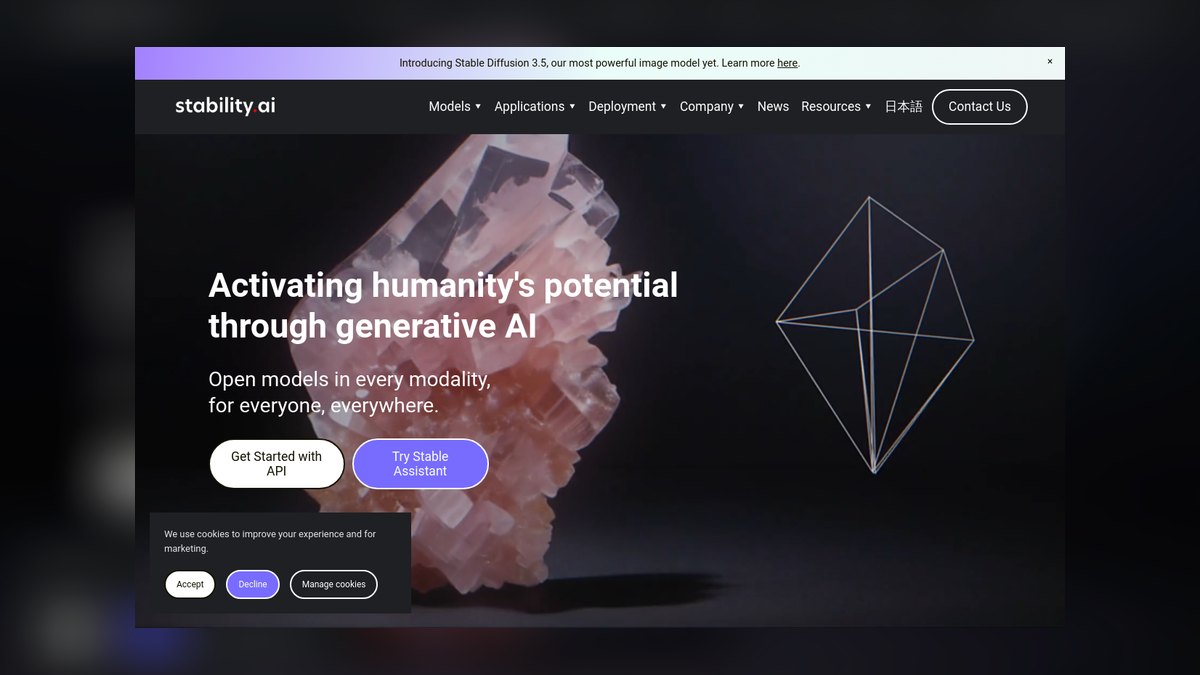
Stable Diffusion, from Stability AI, anchors the list as the leading open-weight model family — including Stable Diffusion 3.5 and the Stable Image API. Its appeal to professionals is control and ownership: you can run it locally through interfaces like ComfyUI or Automatic1111, fine-tune on your own brand assets, and integrate generation directly into a studio pipeline via API.
For agencies with technical resources, this means no per-image platform fees, full data privacy, and deep customization through LoRAs and ControlNet. Designers who need a generation backbone embedded in custom tooling — or who want to train a model on a client's specific style — get capabilities no closed platform offers.
Stability provides hosted API access on a credit basis and free open weights under its licensing terms (commercial use governed by a membership for larger organizations). The cost is complexity: local setup, GPU requirements, and a steeper learning curve than any other entry. For technical studios, that control is exactly the point.
Choosing the Right Tool
FAQ
Which AI design tool is safest for paid client work? Adobe Firefly is the safest mainstream choice because it is trained on licensed and public-domain content and offers IP indemnification on enterprise plans. Always verify the commercial terms for your specific subscription tier.
Can any of these generate true vector files? Yes. Illustrator's Text to Vector Graphic and Recraft both output editable, scalable vectors. Most other tools — Midjourney, Leonardo, Stable Diffusion — produce raster images only.
What is the best free AI graphic design tool? Microsoft Designer offers the most generous capability at zero cost, using DALL·E 3 generation with a free Microsoft account. Canva and Ideogram also have strong free tiers.
Which tool renders text and typography correctly? Ideogram leads at legible in-image text, followed by recent versions of Firefly and DALL·E 3. Midjourney still struggles with multi-word text.
Do I still need Photoshop if I use AI generators? For professional finishing, yes. Tools like Midjourney and Leonardo generate concepts, but layer-level retouching, masking, color management, and print prep still happen in Photoshop or Illustrator.
Are AI-generated images copyrightable? Purely AI-generated work generally cannot be copyrighted in the U.S. without meaningful human authorship. Treat AI output as a starting point you edit and arrange, and check the U.S. Copyright Office guidance for current rules.
Bottom Line
For working professionals in 2027, Adobe Firefly inside Photoshop and Illustrator is the best overall AI design tool because it pairs commercially safe training data with raster and vector generation in the apps you already use. Canva Magic Studio is the fastest team workhorse, Recraft owns brand-consistent vectors, Ideogram wins on typography, and Microsoft Designer is the unbeatable free starting point.
Match the tool to the job — vectors, text, budget, or aesthetics — rather than chasing one model for everything.
Related on PULSE
- The 10 Best AI Tools for Favicon and Icon Design in 2027
- The 10 Best AI Tools for Landing Page Design in 2027
- The 10 Best AI Tools for Product Page Design in 2027
- The 10 Best AI Tools for T-Shirt and Merch Design in 2027
- The 10 Best AI Tools for Tattoo Design in 2027
- The 10 Best AI Tools for Design Mockups in 2027
Sources
- Adobe Firefly
- Adobe Creative Cloud Plans & Pricing
- Canva Magic Studio
- Midjourney
- Recraft
- Ideogram
- Figma AI
- Microsoft Designer
- Leonardo.ai
- Stability AI
- U.S. Copyright Office — AI Guidance
*Best AI tools for graphic design 2027 — Adobe Firefly, Canva Magic Studio, Midjourney, Recraft, Ideogram, and the top AI design software ranked for vector output, typography, commercial safety, and price.*
People also search for: best ai tools for graphic design 2027 · top ai tools for graphic design 2027 · top rated ai tools for graphic design 2027 · top ranked ai tools for graphic design 2027 · highest rated ai tools for graphic design 2027 · ai tools for graphic design reviews 2027
This page will be disappearing soon. Save it to your device for $1 — or read it free while it is here.
@Kory-White- · if Venmo asks, the last 4 of my number are 2012
This page is gone.
This one is off the shelf now. $1 keeps it on your phone for good — the whole page, pictures and diagrams included.
 ai-tool-reviewThe 10 Best AI Tools for Personal Productivity in 2027
 ai-tool-reviewThe 10 Best AI Tools for Legal Document Review in 2027
 ai-tool-reviewThe 10 Best AI Tools for Media Outreach in 2027
 ai-tool-reviewThe 10 Best AI Tools for Fraud Detection in 2027
 pulse-ai-infrastructureThe 10 Best AI Tools for Tattoo Design in 2027
 pulse-ai-infrastructureThe 10 Best AI Tools for Speech Writing in 2027
 pulse-ai-infrastructureThe 10 Best AI Tools for Reading PDFs Aloud in 2027
 ai-tool-reviewThe 10 Best AI Tools for Investor Pitch Decks in 2027
 ai-tool-reviewThe 10 Best AI Tools for Game Development in 2027
 pulse-ai-infrastructureThe 10 Best AI Tools for Web Typography in 2027