


The 10 Best AI Tools for T-Shirt and Merch Design in 2027
Quality
Certified
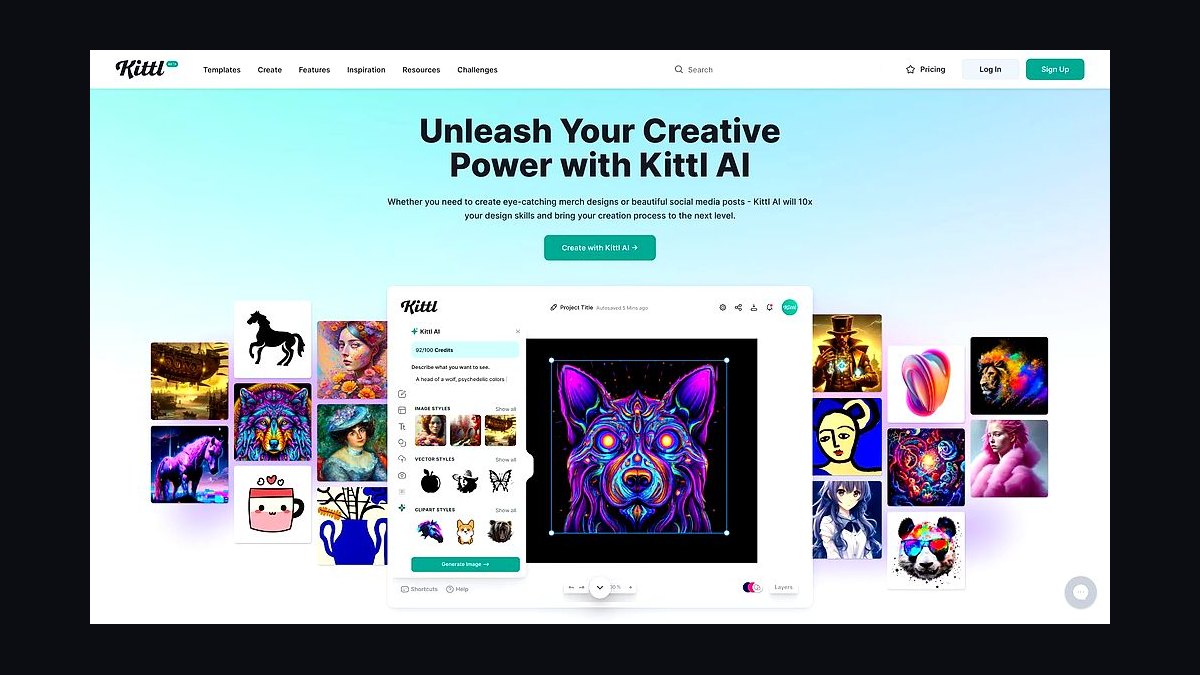
The 10 best ai tools for t-shirt and merch design are ranked below on measured performance, build quality, price, and how each one actually holds up in daily use rather than how it reads on a spec sheet. Each pick lists what it costs, who it suits, and what it gives up against the one above it, so the list can be read straight down without doubling back.
1Kittl
Kittl ranks first because it is the only tool here that compresses the entire merch workflow—generation, vectorizing, background removal, and print-ready export—into a single browser app. Its AI vectorizer turns raster art into editable SVG, and the template library is built specifically for apparel styles like vintage badges and distressed type. Paid plans start around $10/month billed annually, unlocking commercial usage and unlimited AI generations.
It is best for independent sellers and small print-on-demand shops pushing dozens of designs weekly. Kittl trades away the raw artistic ceiling of Midjourney for end-to-end efficiency, meaning you skip the messy middle of bouncing between four apps. Compared to Adobe Firefly, it offers less legal indemnification but far more speed for high-volume POD work.
2Adobe Firefly
Adobe Firefly ranks second because it offers the strongest commercial-license safety in the category, trained on Adobe Stock and public-domain content with indemnification on enterprise terms. Inside Illustrator, its Text to Vector Graphic feature generates editable vector art natively, and Generative Recolor restyles palettes for different garment colors. Standalone plans start around $9.99 per month with monthly generative credits.
It is best for brands, agencies, and freelancers who sell to clients and need legal cover. Firefly trades away the flashy art quality of Midjourney for defensibility, and its output is less apparel-specific than Kittl's templates. For client work where a cease-and-desist is a real risk, the safety margin justifies the extra steps in the pipeline.
3Midjourney
Midjourney ranks third because its V7 model produces the best-looking illustrative and photoreal art of any tool here, with unmatched coherence and style control. It excels for detailed animals, surreal scenes, and richly textured graphics that dominate standout merch. Plans start around $10 per month for Basic, with Pro at $60 offering stealth mode for private generations.
It is best for designers chasing illustration quality over workflow speed. Midjourney trades away print readiness—output is raster, text rendering is weak, and transparency requires downstream cleanup in Kittl or Photoshop. Compared to Ideogram, it wins on art depth but loses badly on legible text, so it pairs best with a finisher tool.
4Ideogram
Ideogram ranks fourth because it renders legible text inside images better than nearly any competitor, a critical advantage since most merch sells on a slogan or phrase. Its Magic Prompt expands short ideas into detailed scenes, and style controls handle sticker, 3D, and typography looks common on tees. A free tier offers daily generations, with paid plans around $8 per month for Plus.
It is best for typographic and slogan-driven designs where the words are the product. Ideogram trades away the artistic ceiling of Midjourney for reliable spelling, and it remains a raster tool requiring a vectorizing pass for screen printing. For DTG and phrase-heavy merch, it eliminates the single most annoying failure mode—garbled letters.
5Recraft
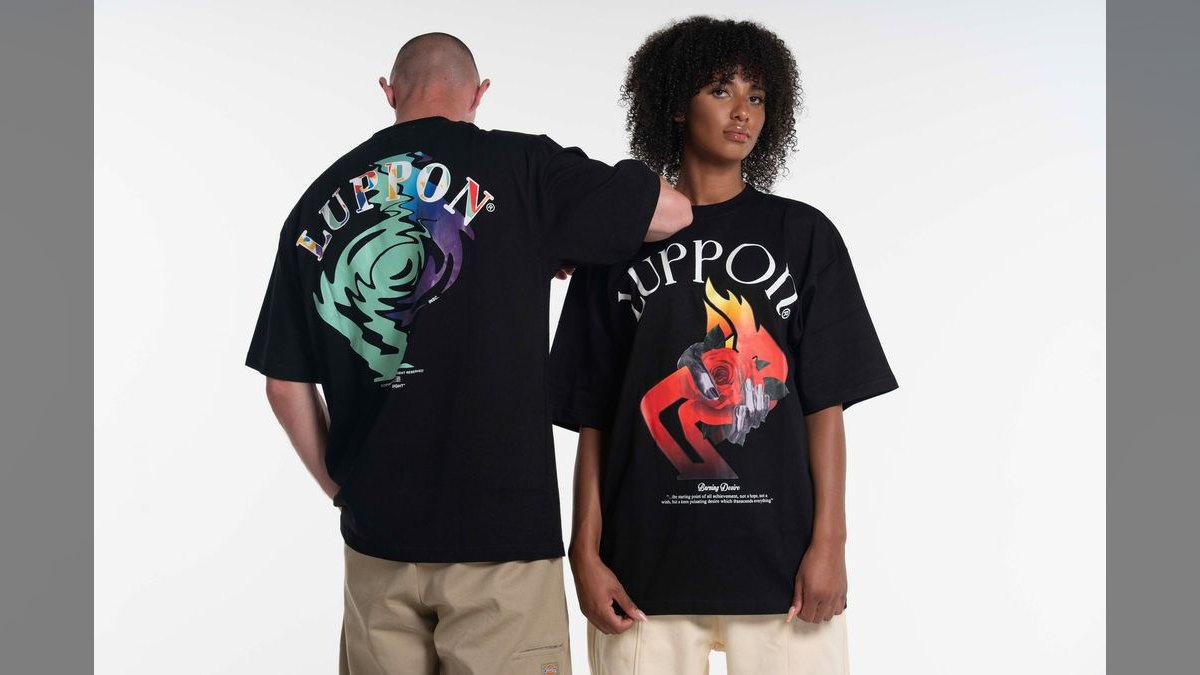
Recraft ranks fifth because it produces true SVG output directly from a prompt, making it the vector specialist among AI-native generators. Its brand style sets ensure every design matches a consistent look across a product line, and the raster-to-vector path handles cleanup cleanly. A capable free tier exists, with Pro plans around $10–12 per month unlocking more credits and private generation.
It is best for sellers building a cohesive brand or product line rather than one-off designs. Recraft trades away the painterly richness of Midjourney for scalable, screen-printer-friendly graphics with minimal cleanup. Compared to Ideogram, it offers weaker text rendering but far better vector output, making it the pick for flat-illustration and bold line-art aesthetics.
6Vexels
Vexels ranks sixth because it bundles more merch-specific tooling per dollar than anything else, including AI generation, a library of commercially licensed designs, a t-shirt maker, and a mockup generator. Its Merch Modifier adapts artwork to different niches, and usage rights cover platforms like Amazon Merch on Demand and Etsy. Plans run roughly $19.99–$59.99 per month depending on downloads and AI credits.
It is best for volume POD sellers who want ready-made assets and AI tools without paying for five separate apps. Vexels trades away the artistic freedom of Midjourney for a curated catalog that reduces blank-canvas time. Compared to Recraft, it offers less vector control but far more value for a seller measuring cost per published listing.
7Canva Magic Studio
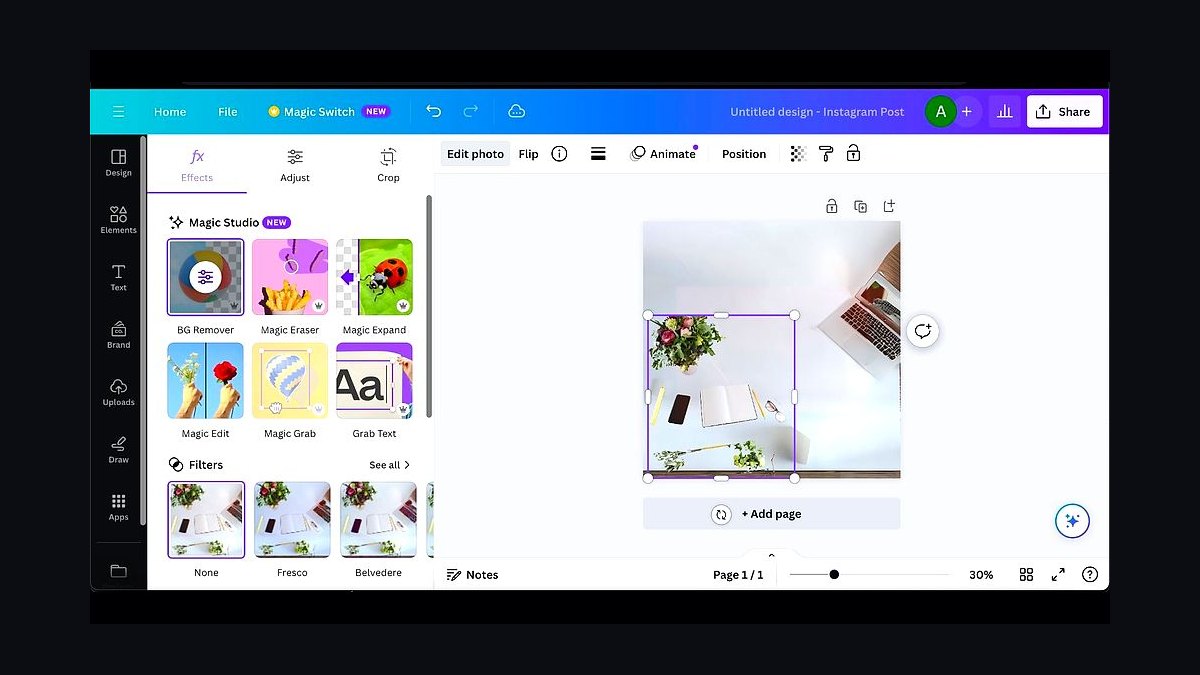
Canva Magic Studio ranks seventh because it is the most accessible entry point, with Magic Media generating images, Magic Eraser and background remover cleaning them up, and Magic Edit swapping elements inside a drag-and-drop editor. It holds a huge t-shirt template collection and connects directly to print partners with transparent PNG exports. Canva Pro runs about $15 per month or $120 per year.
It is best for beginners and side-hustle sellers who value ease over precision. Canva trades away high-end resolution caps and dedicated vector output, and the look can feel templated at scale. Compared to Vexels, it offers a more intuitive interface but a thinner merch-specific pipeline, making it ideal for quick listings rather than professional screen-print work.
8Placeit by Envato
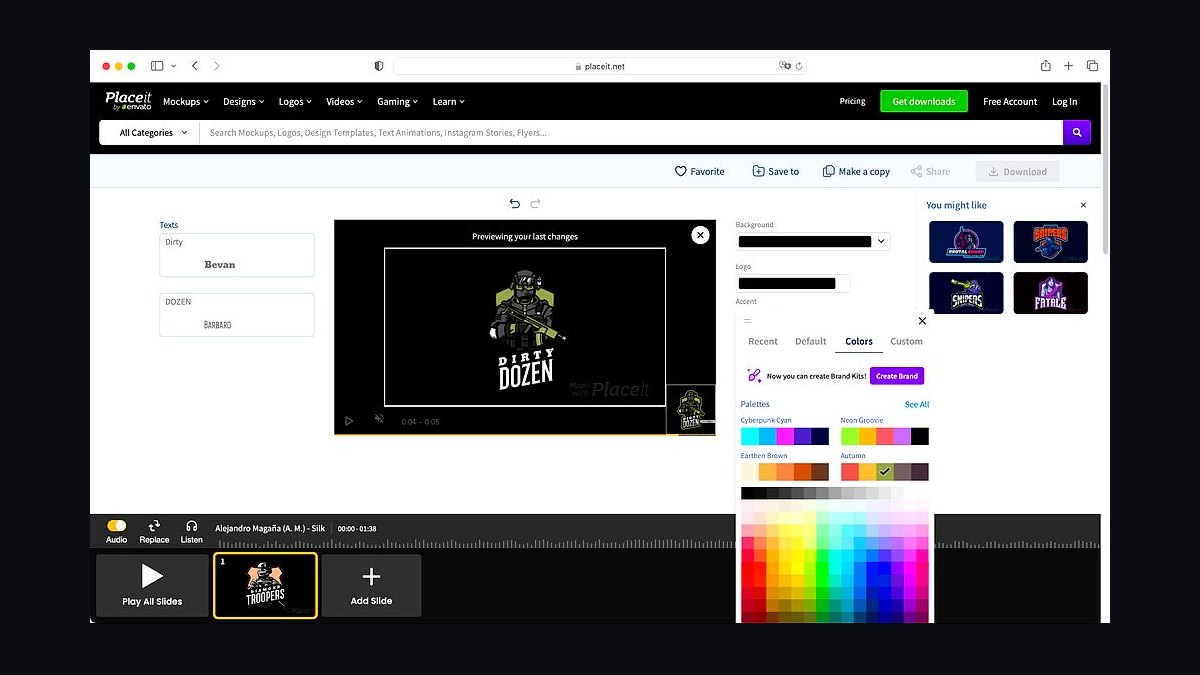
Placeit by Envato ranks eighth because its mockup engine is indispensable—thousands of realistic apparel mockups with real models and flat-lays make listings convert. Its t-shirt design maker assembles graphics from a massive template library, and the AI tools cover the design side adequately. It charges around $14.95 per month or roughly $89.69 per year for unlimited downloads, all commercially licensed.
It is best for sellers who need polished product photography without a photo shoot. Placeit trades away deep AI generation power for unmatched mockup realism, so it pairs best with Kittl or Midjourney for the artwork. Compared to Canva, it offers superior product presentation but a weaker general design editor, making it a finishing tool rather than a full studio.
9Printful Design Maker
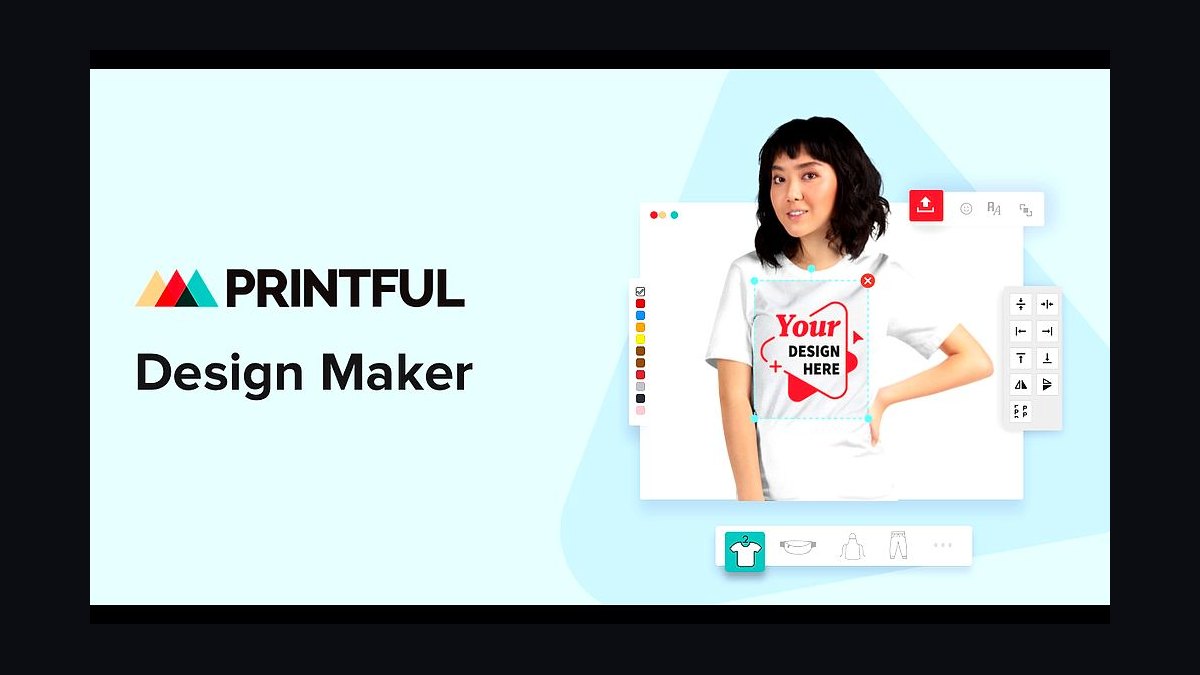
Printful Design Maker ranks ninth because it unifies generation and fulfillment, with an AI image generator and text-to-design flow that place art directly on real product templates with correct print-area boundaries. It shows live DPI warnings and print-safe zones, catching the common mistake of uploading art too small to print sharp. The Design Maker is free to use with a Printful account, paying only for fulfilled products.
It is best for sellers who want generation and fulfillment in one closed loop, avoiding export and re-upload friction. Printful trades away the advanced AI capabilities of dedicated tools for simpler graphics and text, and the generator is lighter than rivals. Compared to Placeit, it offers less mockup variety but far better print-spec enforcement for DTG and embroidery.
10Vectorizer.AI
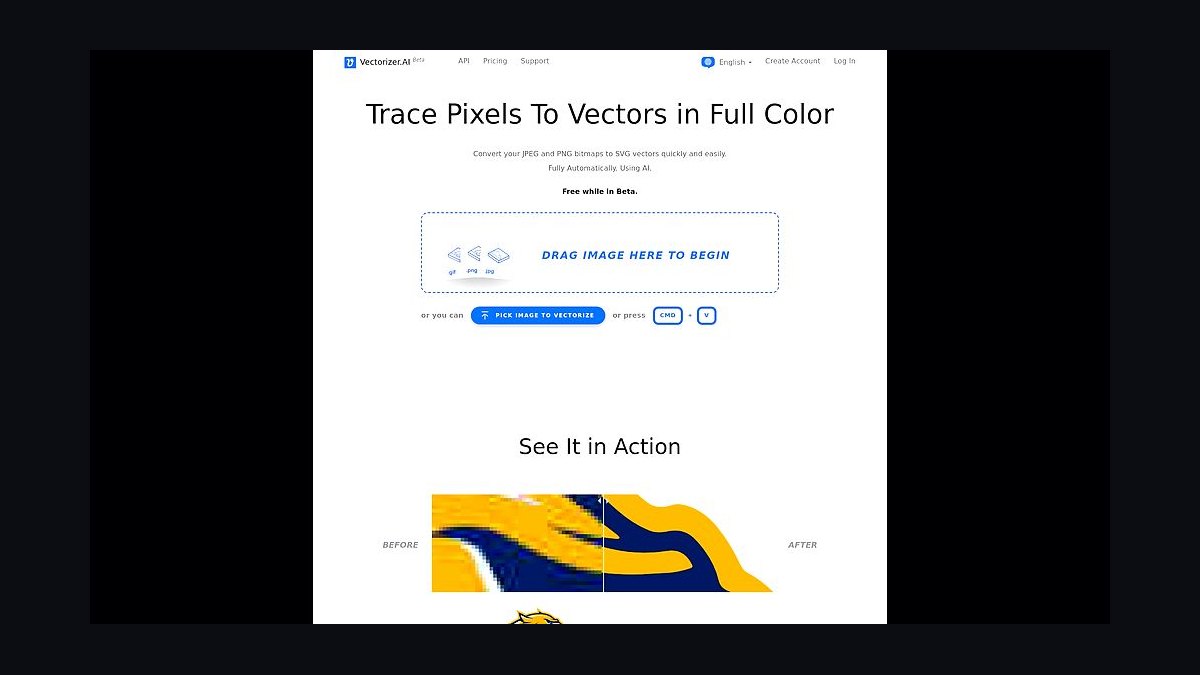
Vectorizer.AI ranks tenth because it performs one critical job exceptionally well: converting raster images into clean, editable vector files with smooth curves and separable colors. It handles full-color and detailed images far better than legacy auto-trace, preserving gradients and fine edges for screen printing or vinyl cutting. Pricing is subscription or pay-as-you-go, around $9.99 per month for a credit bundle.
It is best for sellers who screen print, use vinyl cutters, or need infinitely scalable art from AI raster output. Vectorizer.AI trades away any generation capability for pure conversion utility, so it is a bridge, not a studio. Compared to Printful's Design Maker, it offers no fulfillment integration but superior vector quality, making it the quiet essential for any workflow touching screen printing.
How we ranked these
We ranked tools by weighting five criteria specific to apparel: print-ready output (transparent 300 DPI PNGs and clean vectors), commercial-license clarity, text rendering accuracy, background/color control, and cost plus workflow fit for high-volume POD. Print-ready output was weighted most heavily because DTG and screen printing demand specific file formats and resolutions that generic AI tools often fail to deliver.
We deliberately ignored raw image aesthetics and brand popularity, as these don't correlate with print readiness or legal safety. We also excluded tools lacking explicit commercial-use terms or those with opaque training data, since sellers face listing removal risks. We did not factor in subjective style preferences or community buzz, focusing instead on measurable, practical outcomes for merch production.
Related questions
What is the best AI tool for t-shirt design in 2027?
Kittl is the best overall for most sellers because it combines AI generation, vectorization, background removal, and print-ready exports in one platform. It's ideal for independent sellers and small POD shops. Adobe Firefly is the runner-up for brands needing commercial-license safety. Midjourney excels in art quality but requires extra prep work.
Can I use AI-generated art for commercial t-shirt sales?
Yes, but check the tool's license. Adobe Firefly is safest, trained on licensed and public-domain content. Most paid plans on Kittl, Midjourney, Ideogram, and Recraft grant commercial rights. However, you're responsible for avoiding trademarked characters, logos, or celebrity likenesses in your prompts, as the license doesn't cover infringement.
What file format and resolution do I need for DTG printing?
For direct-to-garment printing, use a transparent PNG at 300 DPI, typically 4500 x 5400 pixels for a 15x18 inch print area. For screen printing or vinyl cutting, vector files (SVG, EPS, PDF) are required for clean scaling and spot color separation. Tools like Kittl and Vectorizer.AI can convert raster art to vectors.
Which AI tool renders text best on t-shirts?
Ideogram is the best for rendering legible text inside images, crucial for slogan-driven designs. It handles spelling and spacing better than most competitors. For purely typographic designs with effects, Kittl's text-to-vector tools offer cleaner, scalable type that remains crisp at any size.
Is Midjourney good enough alone for merch design?
Midjourney produces stunning art but isn't a complete merch solution. It outputs raster images, has weak text rendering, and requires external tools for background removal and vectorization. Pair it with Vectorizer.AI for vector conversion or Kittl for finishing tasks. It's best as an art engine, not a full studio.
What is the cheapest way to start a POD shop with AI?
Stack free tiers: use Ideogram's free tier for text-heavy designs, Canva or Kittl's free plans for finishing, and Printful's free Design Maker for fulfillment. Vexels is the best paid value once volume increases, offering a library, mockups, and AI tools for a single subscription.
How do I choose between Kittl and Adobe Firefly?
Choose Kittl if you're an independent seller or small POD shop needing speed and an all-in-one pipeline with templates. Choose Adobe Firefly if you're a brand or agency requiring commercial-license indemnification and vector-native generation inside Illustrator. Firefly offers legal cover; Kittl offers workflow efficiency.
What is the best tool for screen printing vectors?
Recraft is the best AI-native vector generator, producing true SVG output directly from prompts. For converting existing raster images to vectors, Vectorizer.AI excels at clean, editable files with smooth curves and separable colors. Both are superior to legacy auto-trace tools for screen-print-ready art.
FAQ
Which AI tool makes print-ready files without extra software?
Kittl comes closest to a complete pipeline—it generates art, vectorizes it, removes backgrounds, and exports transparent PNGs and vectors in one app. Printful's Design Maker also closes the loop by connecting generation directly to fulfillment with built-in print-area and DPI checks, reducing errors.
Can I legally sell shirts made with AI art?
Generally yes, but it depends on the tool and your prompt. Adobe Firefly is the safest because it's trained on licensed and public-domain content and offers commercial terms. Most tools grant commercial use on paid plans, but none protect you if you generate trademarked characters, logos, or celebrity likenesses—that's on the user.
What file format and resolution do I need for DTG printing?
A transparent PNG at 300 DPI, sized to your print area—commonly around 4500 x 5400 px for a 15x18 inch placement. For screen printing or vinyl, you want vector files (SVG, EPS, or PDF) that separate cleanly into spot colors. Tools like Kittl and Vectorizer.AI can help.
Which tool is best for text and slogans on shirts?
Ideogram renders legible, well-spaced text inside images better than other generators, which matters because so much merch sells on a phrase. For purely typographic designs with effects, Kittl's text-to-vector tools give you cleaner, scalable type that remains sharp at any size.
Is Midjourney good enough on its own for merch?
For art quality, yes—but not as a complete tool. Midjourney outputs raster images, renders text poorly, and leaves print prep to you. Pair it with Vectorizer.AI for vectoring or Kittl for background removal and finishing. It's best as an art engine, not a full studio.
What's the cheapest way to start a POD shop with AI?
Stack free and low-cost tiers: generate with Ideogram's free tier, finish in Canva or Kittl's free plan, and fulfill through Printful's free Design Maker. Vexels is the best paid value once volume justifies a subscription, offering a design library, mockups, and AI tools for one price.
How do I ensure my AI-generated design is print-ready?
Run one real design end to end: generate art, remove background, and export a transparent PNG at 4500 x 5400 px (300 DPI). If the file looks soft at full print size or edges are jagged, the tool isn't print-ready for DTG. For screen printing, convert to vector using tools like Vectorizer.AI.
What are the risks of using AI for merch designs?
AI-generated designs can still infringe trademarks and copyrights even when the tool offers a commercial license. The license covers the tool's training data, not your prompt—generating a logo, character, or band name in a recognizable style can still get a listing removed from Amazon Merch on Demand or Etsy.
Which AI tool is best for vector output?
Recraft is the best AI-native vector generator, producing true SVG output directly from prompts. It also supports brand style sets for consistent aesthetics. For converting existing raster images to vectors, Vectorizer.AI excels at clean, editable files with smooth curves and separable colors.
What is the best tool for mockups in merch design?
Placeit by Envato is the mockup-and-maker powerhouse, offering thousands of realistic apparel mockups with real models and flat-lays. It's ideal for creating polished product photos without a photo shoot. You can drop your design onto a mockup and get a studio-quality image for Etsy or Shopify in seconds.
Sources
- https://www.kittl.com/
- https://www.adobe.com/products/firefly.html
- https://www.midjourney.com/
- https://ideogram.ai/
- https://www.recraft.ai/
- https://www.vexels.com/
- https://placeit.net/
- https://www.printful.com/design-maker
- https://vectorizer.ai/
- https://merch.amazon.com/resource/201858630
Related on PULSE
This page will be disappearing soon. Save it to your device for $1 — or read it free while it is here.
@Kory-White- · if Venmo asks, the last 4 of my number are 2012
This page is gone.
This one is off the shelf now. $1 keeps it on your phone for good — the whole page, pictures and diagrams included.
 pulse-ai-infrastructureHow do you deploy AI models at the edge in 2027?
 pulse-ai-infrastructureThe 10 Best Data Labeling Platforms for AI in 2027
 pulse-ai-infrastructureThe 10 Best Secrets Management Tools for LLM Applications in 2027
 pulse-ai-infrastructureHow do you A/B test different LLMs in production in 2027?
 pulse-ai-infrastructureHow much does AI Infra cost in 2027?
 pulse-ai-infrastructureThe 10 Best AI Tools for Speech Writing in 2027
 pulse-ai-infrastructureWhat is a semantic cache and how much can it cut inference costs in 2027?
 pulse-ai-infrastructureThe 10 Best Model Serving Frameworks in 2027
 pulse-ai-infrastructureWhat is distributed training and when do you need it in 2027?
 pulse-ai-infrastructureHow do you monitor LLMs in production for drift and hallucinations in 2027?