


Top 10 Best Tech Stack Tools for Independent Restaurants in 2027
Quality
Certified
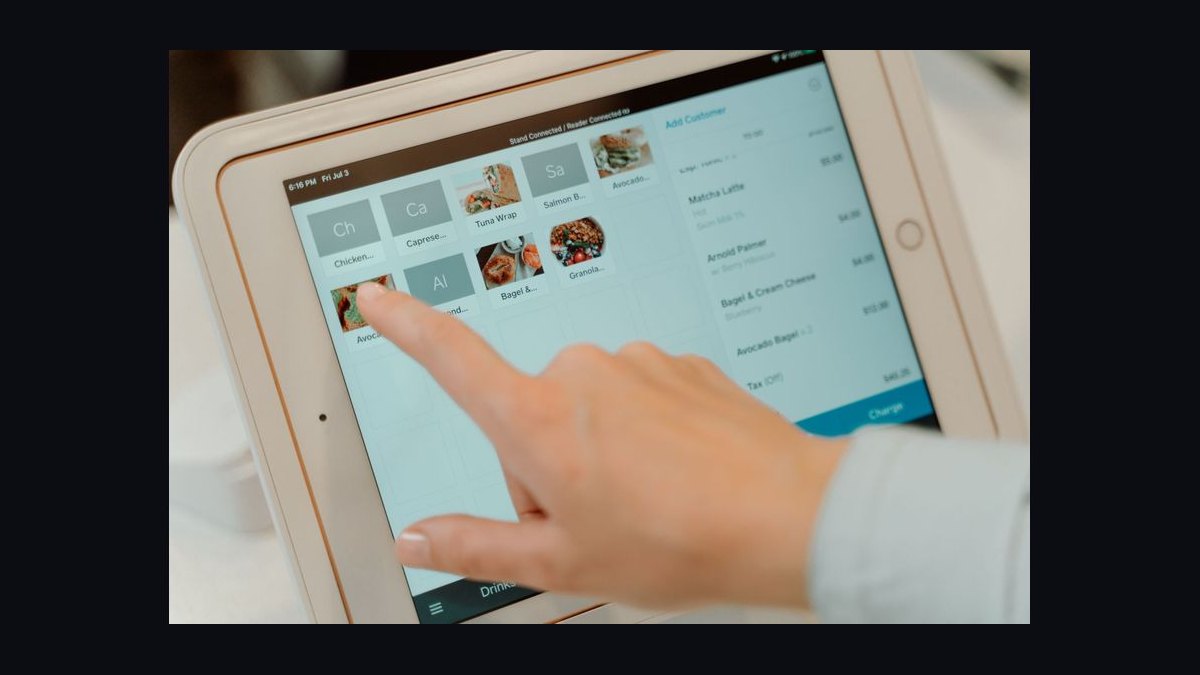
The 10 best tech stack tools for independent restaurants are ranked below on measured performance, build quality, price, and how each one actually holds up in daily use rather than how it reads on a spec sheet. Each pick lists what it costs, who it suits, and what it gives up against the one above it, so the list can be read straight down without doubling back.
1Toast Restaurant POS

Toast Restaurant POS ranks first because it is the spine every other independent restaurant tool reads from or writes to. Its kitchen display logic, tableside handheld, and item-level sales exports feed inventory, scheduling, and accounting without manual re-keying. At roughly $69/month software, it anchors the $420–$680 monthly stack most single-location operators target.
It is built for full-service concepts with table turns, course timing, and modifier-heavy tickets, where deeper kitchen-display logic earns its cost. It trades away cheap counter-service simplicity: heavier hardware bundles and higher up-front cost than Square. Operators weighing the two should pick Toast when dine-in complexity is real, and Square when speed at the counter matters more.
2Square for Restaurants

Square for Restaurants ranks second because it is the leanest credible POS for quick-service, coffee, and food-truck concepts. There is no long-term contract, terminal hardware is cheaper, and online ordering is bundled at no extra software fee, which matters at low-margin, high-volume counters. It keeps the entry stack closer to $280/month when paired with free inventory add-ons.
It suits counter-service operators who want fast setup and low fixed cost, not full-service table management. It trades away the deeper kitchen-display and tableside handheld logic Toast provides, so course timing and complex modifiers get clumsier. Compared to Toast above it, Square wins on price and simplicity, and loses once a dining room with servers enters the picture.
3MarketMan

MarketMan ranks third because it turns food cost from a feeling into a measured variance report. It reads item-level POS sales, depletes ingredients per recipe card, and reconciles theoretical usage against scanned supplier invoices, exposing exactly which ingredient is leaking. Standalone pricing runs about $199/month, with a free bundled alternative for operators staying inside one POS ecosystem.
It is for operators who want supplier-portal features, deeper recipe costing, and the freedom to switch POS platforms later without relearning inventory. It trades away the zero-dollar cost of a POS-bundled inventory add-on, which is real money at $600K–$1.2M in revenue. Against Toast and Square above it, MarketMan is the first paid satellite, justified only once food-cost variance is worth chasing.
47shifts

7shifts ranks fourth because it links scheduling to actual sales forecasts instead of manager guesswork. It pulls historical and forecasted sales by daypart out of the POS, builds schedules targeting a labor percentage, and pushes punches back toward payroll. At roughly $45/month it is the cheapest tool in the stack that directly attacks labor overspend.
It is for operators who currently schedule by group text or shared spreadsheet and watch labor drift upward unnoticed. It trades away nothing meaningful at this price, though tip-pooling and compliance features sit in higher tiers. Compared to MarketMan above it, 7shifts is cheaper and easier to adopt, but it prevents labor leakage rather than the food-cost leakage MarketMan measures.
5Otter
Otter ranks fifth because it consolidates third-party delivery orders into one ticket stream instead of four buzzing tablets. Starting around $49/month, it pushes marketplace orders into the POS so the kitchen sees a single queue, and it helps keep menu prices from silently diverging across platforms. It does not reduce the 15–30% marketplace commission, only the operational chaos.
It is for operators running two or more delivery marketplaces who are missing orders during rushes and cannot calculate food cost on delivery revenue. It trades away nothing at this price, but it is not a revenue tool. Compared to 7shifts above it, Otter solves inbound order flow rather than staffing, and it only earns its fee once delivery volume is genuine.
6QuickBooks Online
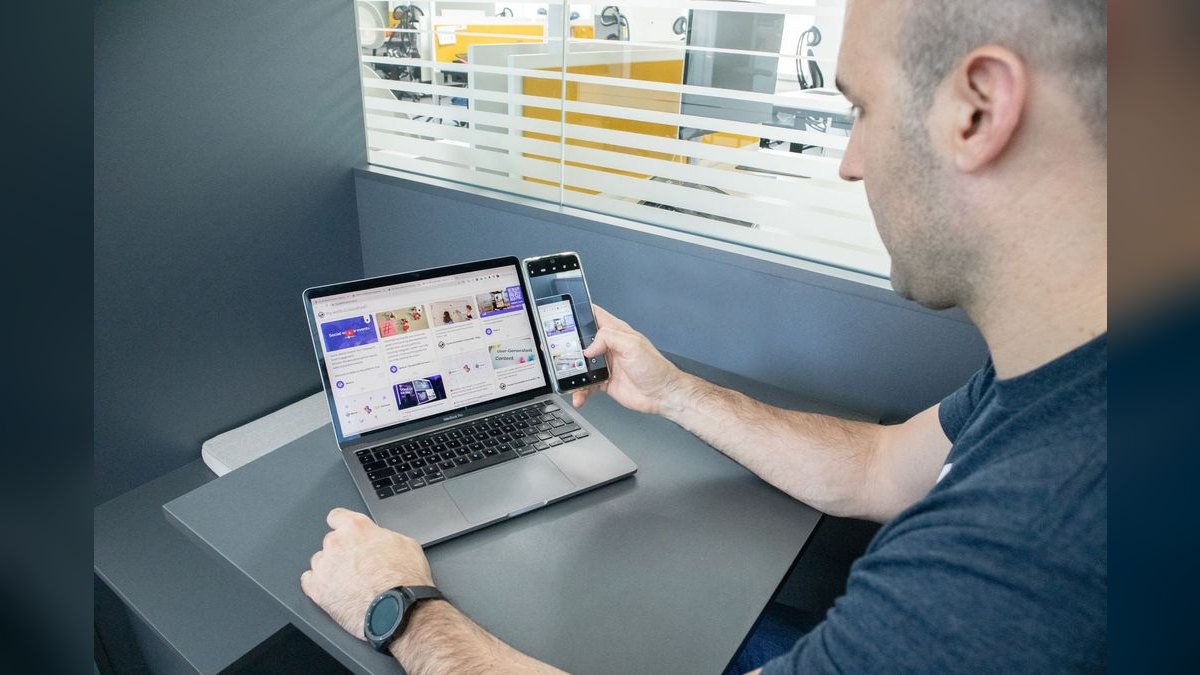
QuickBooks Online ranks sixth because it is where the stack finally becomes a profit-and-loss statement instead of a pile of dashboards. At about $99/month, it receives the POS daily sales summary covering gross sales, tips, sales tax, and discounts, plus payroll hours and tip payouts. That connector eliminates the bookkeeper manually keying deposits every morning.
It is for operators who want books that reflect yesterday's business rather than last month's. It trades away nothing at this tier, but it still needs human judgment for bank reconciliation, sales-tax filings, and P&L review. Compared to Otter above it, QuickBooks is downstream of everything and saves recurring hours rather than one-time setup effort.
7SpotOn Restaurant

SpotOn Restaurant ranks seventh as the strongest all-in-one alternate to the two dominant platforms. It bundles hardware and software from a single vendor, which is defensible for concepts that want one throat to choke and one invoice. Pricing sits materially above Square's entry tier, so it only makes sense once the bundle genuinely replaces separate vendors.
It is for operators who value a single-vendor relationship over lowest monthly cost and who are willing to pay for it. It trades away the cheap, contract-free flexibility Square offers, and it can carry hardware commitments worth reading closely. Compared to Toast above it, SpotOn is the alternate rather than the default, chosen when bundling beats best-of-breed.
8Clover POS
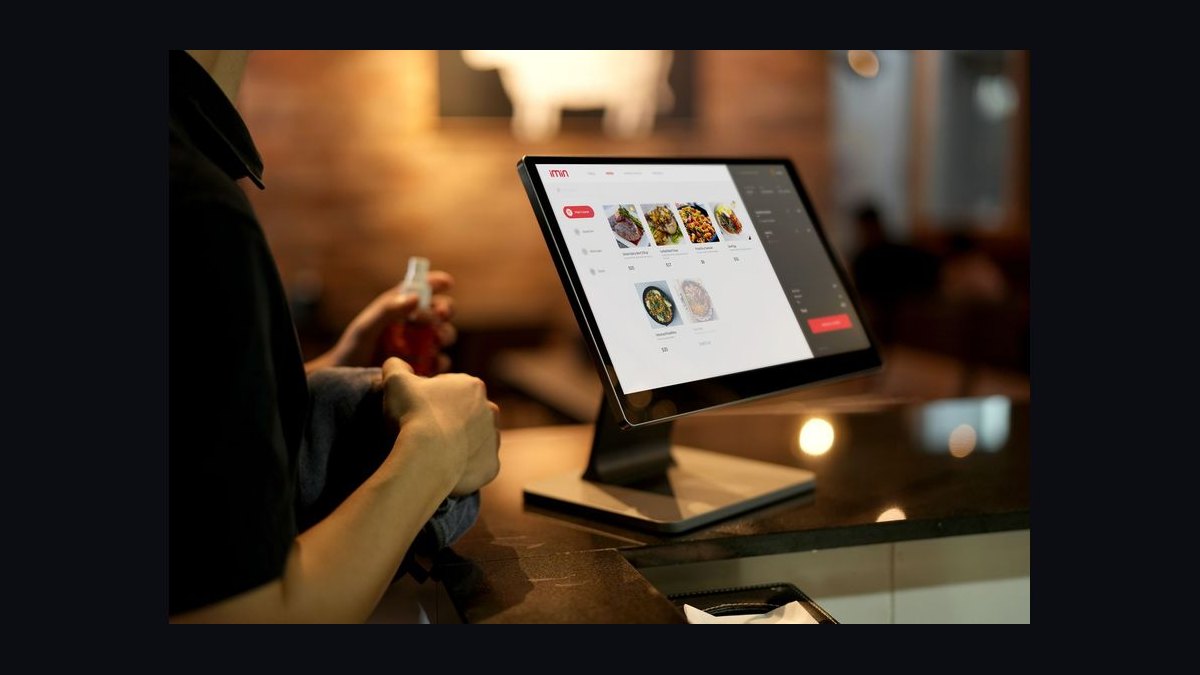
Clover POS ranks eighth because it is frequently sold through bank merchant-services relationships rather than direct, and that channel is the real trade-off. Pricing is often quoted per station rather than per location, which favors a compact footprint but works against an operator the moment a second register appears. Bank-reseller bundles sometimes include multi-year equipment leases that are expensive to exit.
It is for operators whose bank relationship already bundles merchant services and who have read the early-termination language carefully. It trades away clean direct pricing and easy platform switching. Compared to SpotOn above it, Clover's risk is the lease, not the software, and buying hardware outright removes most of that risk.
9HotSchedules by Fourth

HotSchedules by Fourth ranks ninth as the enterprise-leaning scheduling and workforce option that independents often outgrow into rather than start with. It carries compliance, tip-pooling, and forecasting depth beyond what a single kitchen needs, and it typically enters the stack alongside payroll consolidation at multi-unit scale. Per-location spend at that tier climbs toward $850–$1,650 monthly.
It is for operators running one to three locations at $1.5M–$4.5M combined revenue who need compliance depth. It trades away the simplicity and $45/month price of 7shifts, which is the better call below that revenue line. Compared to Clover above it, HotSchedules is a back-office upgrade, not a payment or POS decision.
10Toast Online Ordering

Toast Online Ordering ranks tenth because it is the first-party ordering layer that keeps commission-free orders inside the POS ecosystem. Bundled with the Toast platform, it pushes web orders straight into the same kitchen queue as dine-in tickets, so no separate tablet or manual re-entry is needed. It is the cheapest way to reduce dependence on 15–30% marketplace commissions.
It is for Toast operators who already run delivery marketplaces and want a direct channel for regulars. It trades away marketplace discovery, since first-party ordering only reaches guests who already know the restaurant. Compared to HotSchedules above it, this is a revenue-side tool rather than a back-office one, and it only pays off once a guest list exists.
How we ranked these
We ranked tools on four weighted factors: depth of native integration with the dominant POS platforms (35%), total monthly cost at single-location scale (25%), operator-reported time saved per week (20%), and contract flexibility including exit terms (20%). Pricing was verified against published vendor pages in early 2027, and integration claims were checked against each vendor's own documentation rather than reseller summaries.
We deliberately ignored feature counts, awards, and analyst rankings, because a single-location restaurant cannot monetize breadth it never uses. We also excluded card-processing rate comparisons from the ranking itself, since those rates are negotiated per merchant and vary too widely to score fairly. Marketing, loyalty, and reservation platforms were left out entirely; they sit outside the operational core this stack is built around.
Related questions
Do I need a separate marketing platform on top of everything else?
Not at first. Email and SMS to an existing guest list, often bundled free or cheap with the POS, typically outperforms a dedicated loyalty platform below roughly $1.2M in annual revenue. Add a standalone tool only once that volume is consistently exceeded.
How long does switching POS platforms actually take?
Plan on four to six weeks for a full menu rebuild, staff retraining, and integration re-testing across every connected tool. It is disruptive enough that operators should treat the initial POS choice as close to permanent.
Should delivery-app commissions factor into the software budget?
Yes, indirectly. The aggregator subscription cost is small next to the 15–30% commission each delivery marketplace charges. Consolidation software controls the operational chaos; it does not reduce the marketplace's cut, so budget for both lines separately.
Is a fractional bookkeeper still necessary once accounting software is connected?
Usually, yes, but for far fewer hours. The POS-to-accounting connector eliminates manual data entry, not judgment calls like reconciling bank deposits, handling sales-tax filings, or reviewing the P&L. Those still benefit from a human eye monthly.
At what point does a single restaurant need enterprise back-office software?
Generally once a second or third location opens. Below that, enterprise platforms bundle features such as multi-entity reporting and centralized purchasing across sites that a single kitchen has no use for and should not pay for.
Does the POS vendor lock me into its own inventory and scheduling add-ons?
Not legally, but practically it can. Bundled add-ons are cheaper and integrate natively, while standalone tools cost more but preserve flexibility if you switch POS platforms later. Weigh that trade-off before defaulting to the bundle.
How much should a single-location restaurant budget monthly for software?
Expect $420–$680 per month across POS, inventory, scheduling, delivery consolidation, and accounting. Operators who stay on free bundled inventory tiers can land closer to $280. Keep total software spend, excluding processing fees, between roughly 0.4% and 1.0% of net revenue.
Are free POS tiers viable for a real restaurant?
Rarely for long. Free tiers usually cap menu items, omit kitchen display integration, or restrict reporting depth, and they often route you into a higher processing rate. They can work for a food truck or pop-up, but a fixed location outgrows them within months.
FAQ
Do I need every category in this stack on day one?
The POS and payment processing must be live before opening. Inventory and labor scheduling should follow within the first 30–60 days once real sales data exists to build against. Marketing and advanced accounting integrations can reasonably wait until the core operation is stable.
Is it worth paying more for a POS with a richer feature set if I am a small counter-service shop?
Generally no. A lean quick-service operation gains little from features built for full-service table management, and the extra monthly cost plus heavier hardware bundle rarely pay for themselves at that scale. Buy only what the service model actually uses.
Can I run the whole stack on spreadsheets to save money?
Technically yes, but the hidden cost is high. Manual inventory and scheduling processes routinely leak more in unmeasured food cost and labor overspend than the software they would replace, even before counting the owner's own time each week.
How do I know if my software spend is too high?
Compare total monthly software cost, excluding processing fees, against net revenue. Above roughly 1.2% of revenue is a signal to audit for overlapping or underused tools. Below roughly 0.3% is a signal something important, usually inventory or scheduling, is missing entirely.
What is the single highest-leverage integration to set up first?
The POS-to-accounting daily sales summary. It is the connector operators most often skip, and it is the one most directly tied to recurring hours saved every single week rather than a one-time setup benefit. Set it up before anything else.
Should I let my payment processor choose my POS for me?
Be cautious. Processors sometimes offer subsidized or free hardware in exchange for a higher processing rate, effectively financing the hardware through elevated fees over several years. Evaluate the software and the processing rate as two separate negotiations.
How do I avoid signing a bad hardware lease?
Read the early-termination language before signing anything, especially hardware bundled through a bank merchant-services relationship. Those leases can total several thousand dollars with no meaningful exit. Buying hardware outright or taking vendor-direct financing avoids the trap entirely.
Does inventory software really pay for itself at a single location?
Usually yes, if food cost is a meaningful share of revenue. The variance report turns vague suspicion into a specific ingredient-level number, and the leak it typically surfaces on a mid-six-figure revenue base exceeds the subscription cost within the first year.
What is the most common overspend independents make?
Buying the multi-location feature set for a single-location restaurant. Enterprise reporting, centralized purchasing, and multi-entity accounting earn their cost only once a second location exists. Before that, they are pure overhead on a thin net margin.
How often should I re-evaluate the stack after opening?
Once a year, or after any major menu, service-model, or location change. Vendors change pricing and tiers frequently, and a tool that fit at $600K in revenue may be the wrong tier at $1.2M. An annual audit catches overlap before it compounds.
Sources
- https://pos.toasttab.com/pricing
- https://squareup.com/us/en/point-of-sale/restaurants/pricing
- https://www.7shifts.com/pricing/
- https://www.marketman.com/pricing-for-restaurant-inventory-management-system
- https://www.spoton.com/pricing/
- https://tech.co/pos-system/clover-pos-pricing
- https://www.fourth.com/product/hotschedules
- https://quickbooks.intuit.com/pricing/
Related on PULSE
This page will be disappearing soon. Save it to your device for $1 — or read it free while it is here.
@Kory-White- · if Venmo asks, the last 4 of my number are 2012
This page is gone.
This one is off the shelf now. $1 keeps it on your phone for good — the whole page, pictures and diagrams included.
 pulse-tech-stacksTop 10 Best Tech Stack Tools for Bars and Pubs in 2027
 pulse-tech-stacksTop 10 Best Tech Stack Tools for Fine-Tuning Platform Companies in 2027
 pulse-tech-stacksTop 10 Best Tech Stack Tools for Tree Services in 2027
 pulse-tech-stacksTop 10 Best Tech Stack Tools for Home Inspection Companies in 2027
 pulse-tech-stacksTop 10 Best Tech Stack Tools for CrossFit Boxes in 2027
 pulse-tech-stacksTop 10 Best Tech Stack Tools for Garden Centers and Nurseries in 2027
 pulse-tech-stacksTop 10 Best Tech Stack Tools for Independent Food Trucks in 2027
 pulse-tech-stacksTop 10 Best Tech Stack Tools for AI Translation API Companies in 2027
 pulse-tech-stacksTop 10 Best Tech Stack Tools for Independent Wholesale Distribution Businesses in 2027
 pulse-tech-stacksTop 10 Best Tech Stack Tools for Data Loss Prevention (DLP) Software Vendors in 2027