


Top 10 Best Tech Stack Tools for Media & Publishing Businesses in 2027
Quality
Certified
The 10 best tech stack tools for media & publishing businesses are ranked below on measured performance, build quality, price, and how each one actually holds up in daily use rather than how it reads on a spec sheet. Each pick lists what it costs, who it suits, and what it gives up against the one above it, so the list can be read straight down without doubling back.
1WordPress VIP
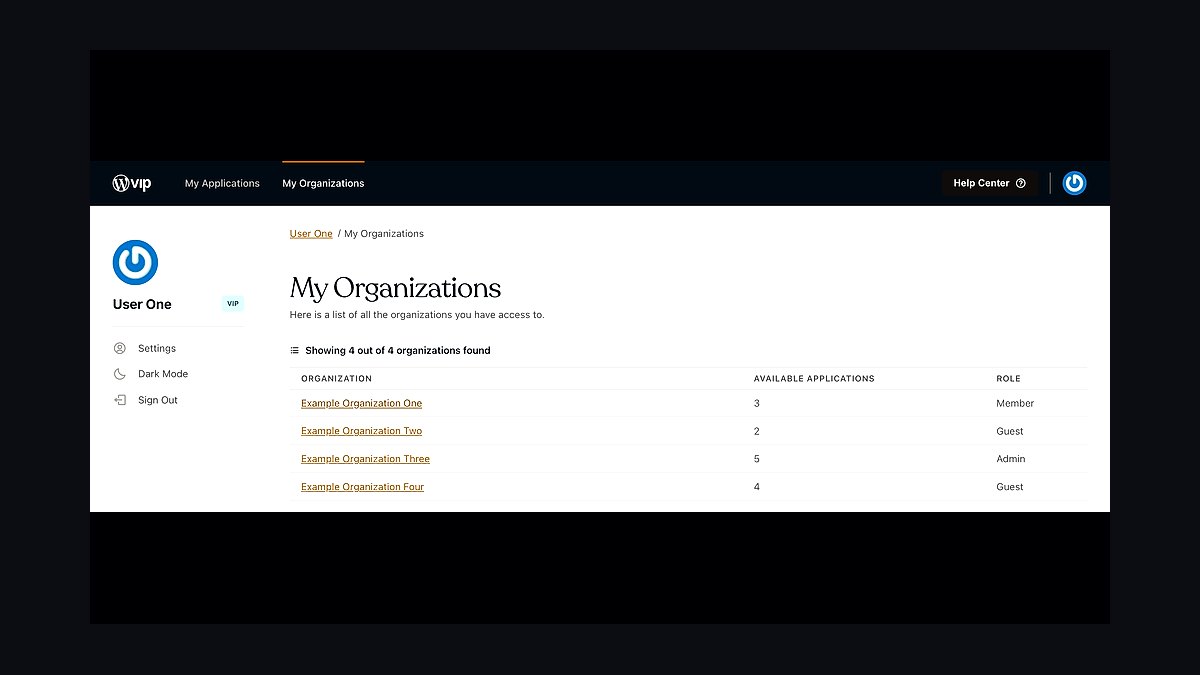
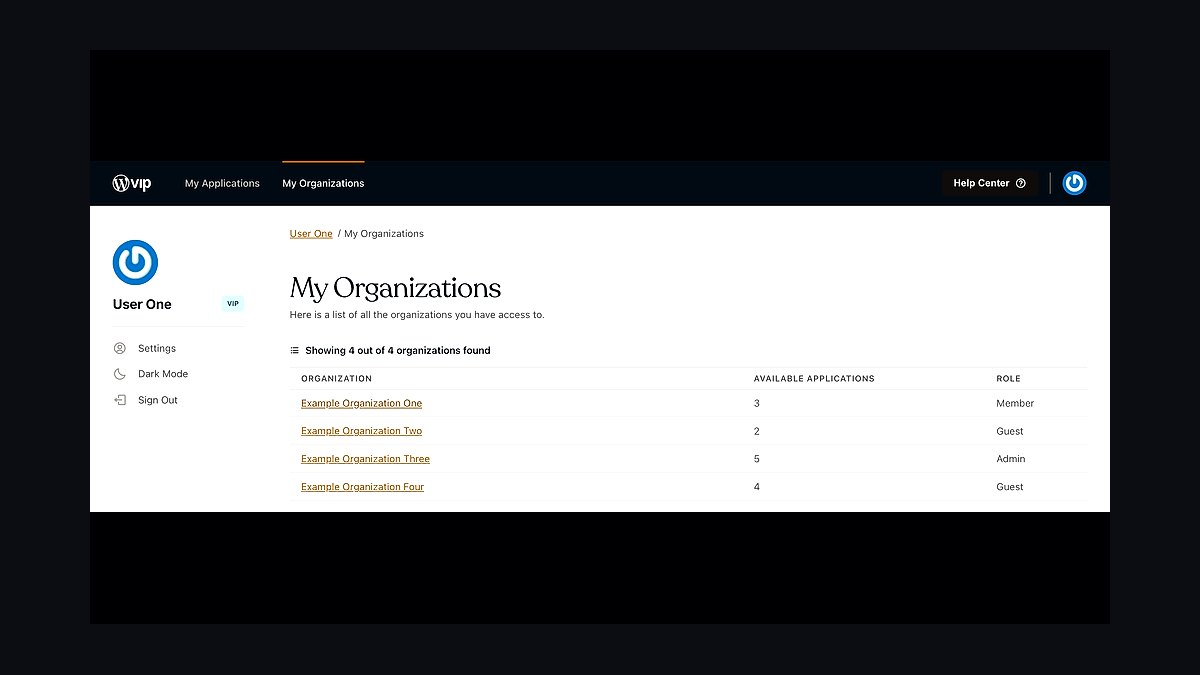
WordPress VIP ranks first because it powers more enterprise newsrooms than any other managed CMS, including Time, TechCrunch, and Facebook's own blog. It runs on a fully managed, containerized infrastructure with automatic scaling, and includes a real-time content API plus GitHub-integrated deployment workflows. Security reviews and 24/7 support come standard, with uptime SLAs above 99.99%.
It is built for large publishers with engineering teams and budgets starting around $25,000 annually, not solo bloggers. The trade-off is cost and complexity: cheaper hosts like WP Engine handle smaller sites fine. Compared to Ghost, VIP offers deeper customization but demands more technical overhead.
2Ghost CMS
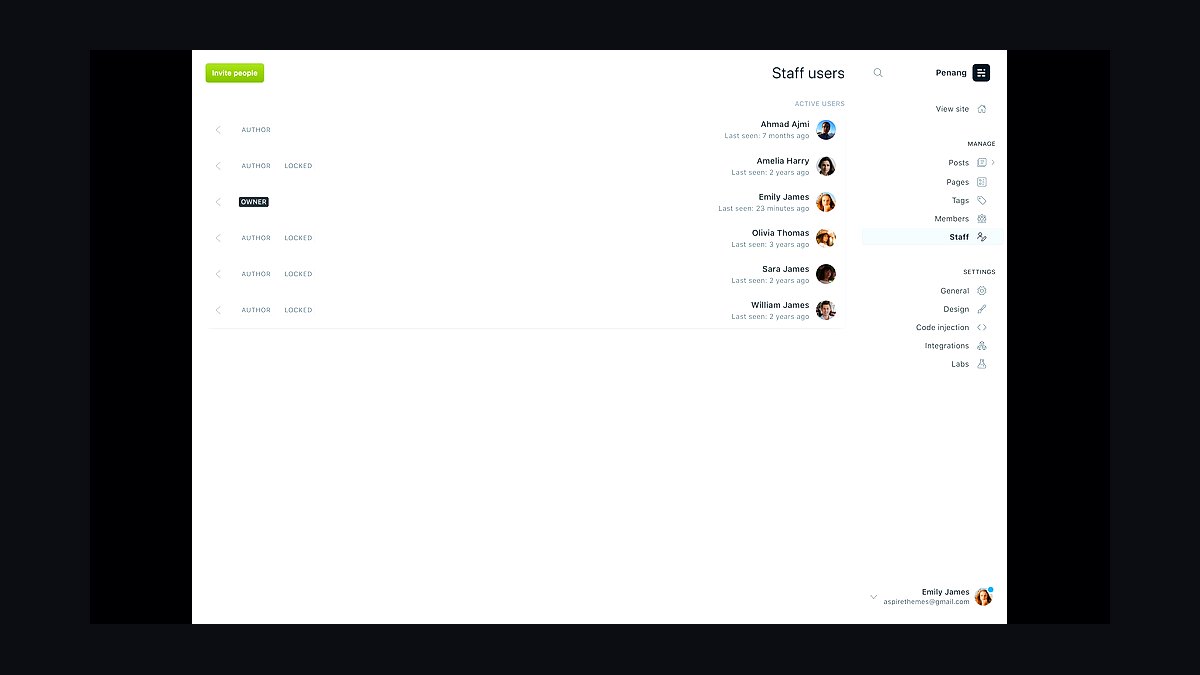
Ghost CMS ranks second for publishers who want a fast, modern, headless-ready platform without WordPress's plugin sprawl. It ships native membership, subscription, and newsletter tooling, and its Node.js core serves pages in milliseconds. Pricing starts at $9 per month for the Starter tier, scaling to $199 for Business.
It suits independent writers, newsletter operators, and small media teams monetizing directly through Stripe. The trade-off is a smaller plugin ecosystem and fewer enterprise integrations than WordPress VIP. Compared to WordPress VIP, Ghost is cheaper and simpler but less customizable for complex newsroom workflows.
3Contentful
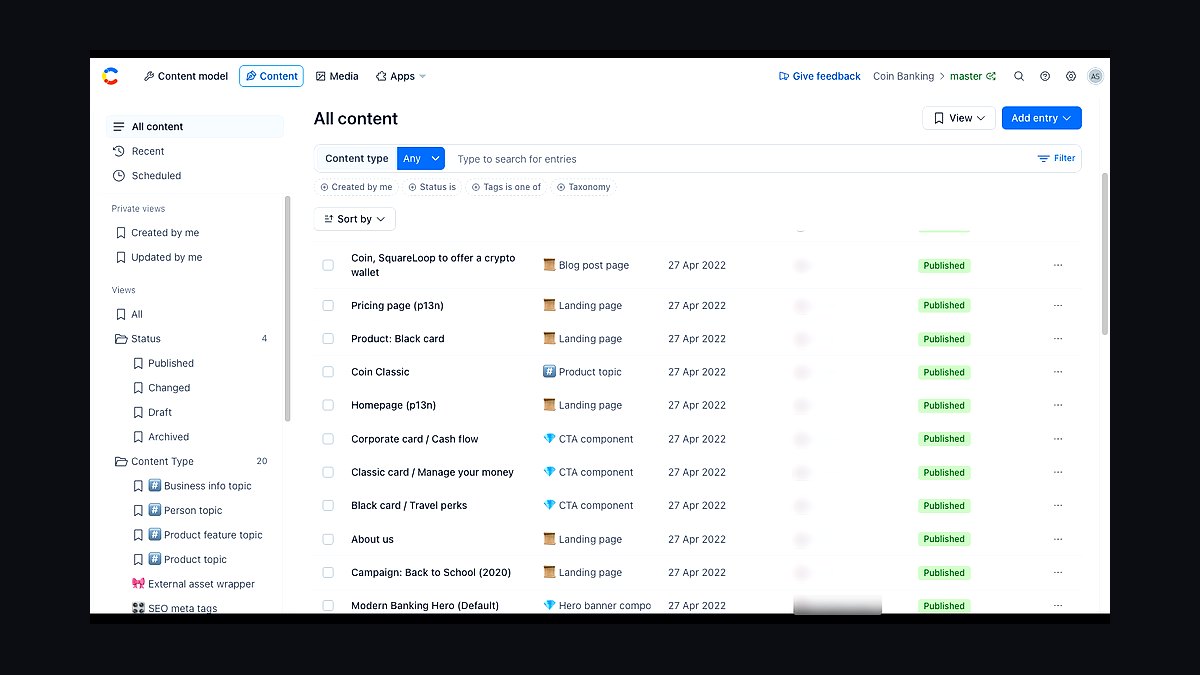
Contentful ranks third as the leading API-first headless CMS for media companies distributing content across web, mobile, and OTT apps. It stores content as structured JSON and delivers it via GraphQL and REST APIs, decoupling the backend from any frontend framework. The free tier covers small projects, while enterprise plans scale to millions of API calls.
It is best for engineering-led publishers building custom frontends in Next.js or React. The trade-off is that non-technical editors face a steeper learning curve, and costs climb quickly at scale. Compared to Ghost, Contentful offers far more flexibility but no built-in membership or newsletter features.
4Vercel
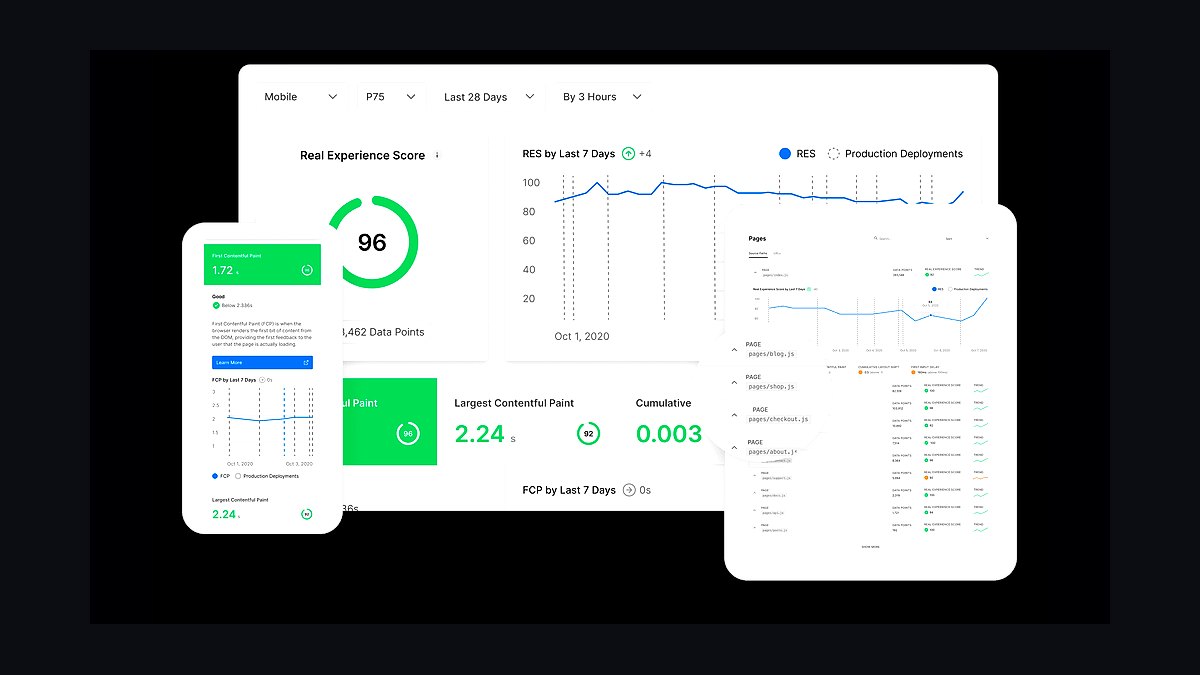
Vercel ranks fourth for frontend hosting and deployment, powering fast, globally distributed sites for publishers using Next.js, which Vercel itself maintains. Its edge network serves static and dynamic content from over 100 locations, with automatic previews for every Git push. The Hobby tier is free, Pro starts at $20 per user monthly.
It is ideal for media teams shipping JAMstack sites with frequent updates and A/B testing. The trade-off is bandwidth pricing that can spike during viral traffic, plus vendor lock-in around Next.js features. Compared to Netlify, Vercel integrates more tightly with Next.js but offers less flexibility for non-Next frameworks.
5Cloudflare
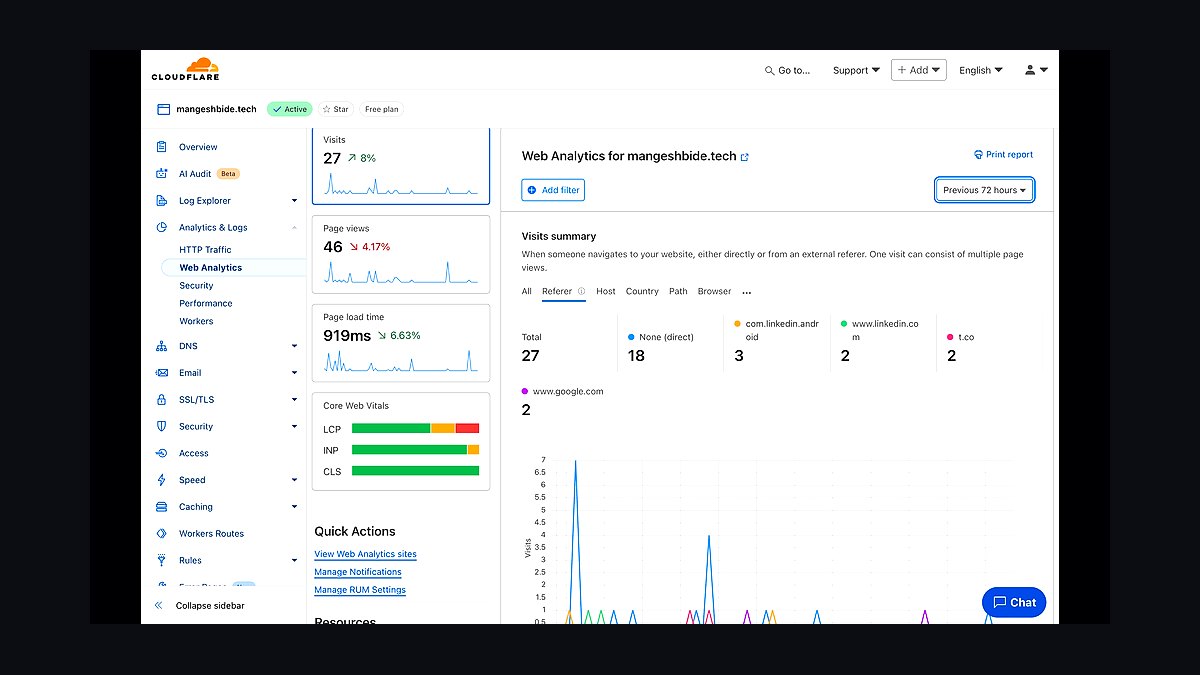
Cloudflare ranks fifth as the CDN, DNS, and security layer protecting most major publisher sites from DDoS attacks and traffic spikes. Its global network spans over 300 cities, and free plans include unmetered DDoS mitigation and SSL. Paid plans start at $20 monthly, with enterprise pricing for advanced WAF rules.
It suits any media business needing uptime during breaking-news surges without expensive infrastructure. The trade-off is that advanced bot management and image optimization require paid tiers, and configuration can confuse non-technical users. Compared to Vercel's built-in edge network, Cloudflare is more powerful but requires separate setup.
6Google Analytics 4
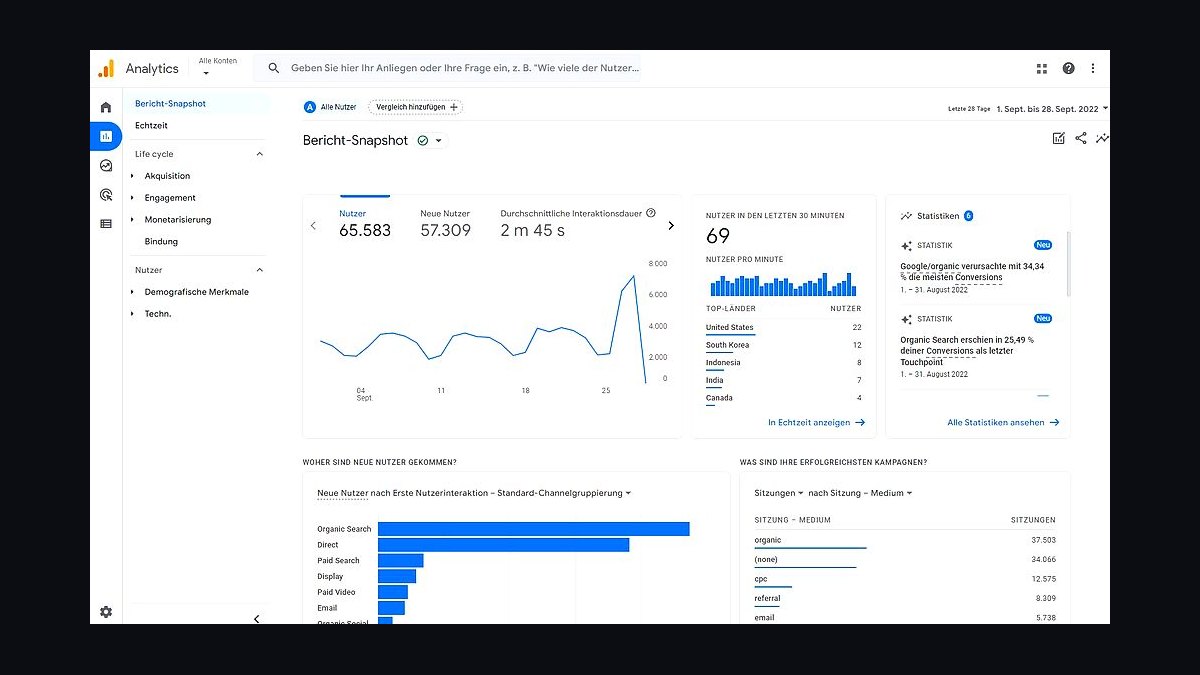
Google Analytics 4 ranks sixth as the default audience-measurement tool for publishers tracking traffic, engagement, and conversions. It uses an event-based model replacing Universal Analytics, with free usage up to 10 million monthly events and BigQuery export on standard properties. Integration with Google Ads and Search Console is native.
It fits media businesses of all sizes needing free, cross-platform analytics. The trade-off is a complex interface, sampling on large datasets, and privacy concerns that push some publishers toward alternatives. Compared to Parse.ly, GA4 is free but less tailored to editorial content analytics and real-time newsroom dashboards.
7Parse.ly
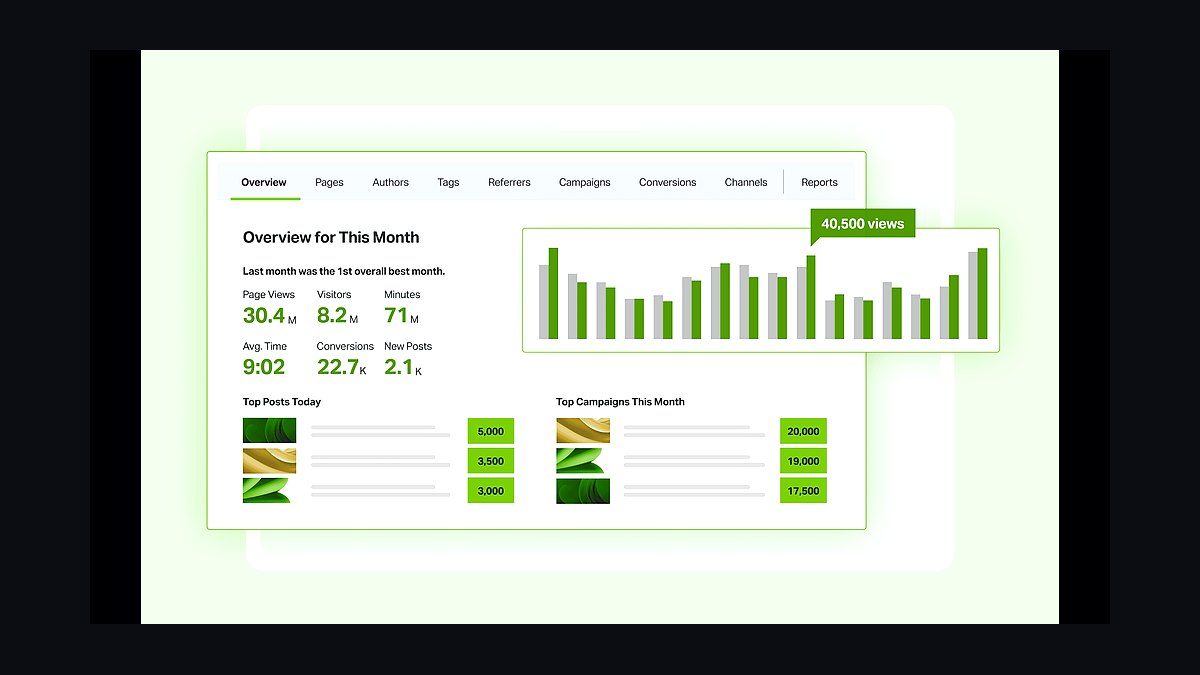
Parse.ly ranks seventh as an editorial analytics platform built specifically for newsrooms, tracking real-time article performance and audience attention. It integrates with CMS platforms like WordPress VIP and measures engaged time rather than just pageviews. Pricing is custom, typically in the thousands monthly for mid-size publishers.
It is designed for editorial teams optimizing headlines, topics, and publishing times. The trade-off is cost and a narrower focus than general analytics tools. Compared to Google Analytics 4, Parse.ly offers newsroom-specific dashboards and real-time insights but lacks GA4's free tier and advertising integrations.
8AWS Elemental MediaConvert
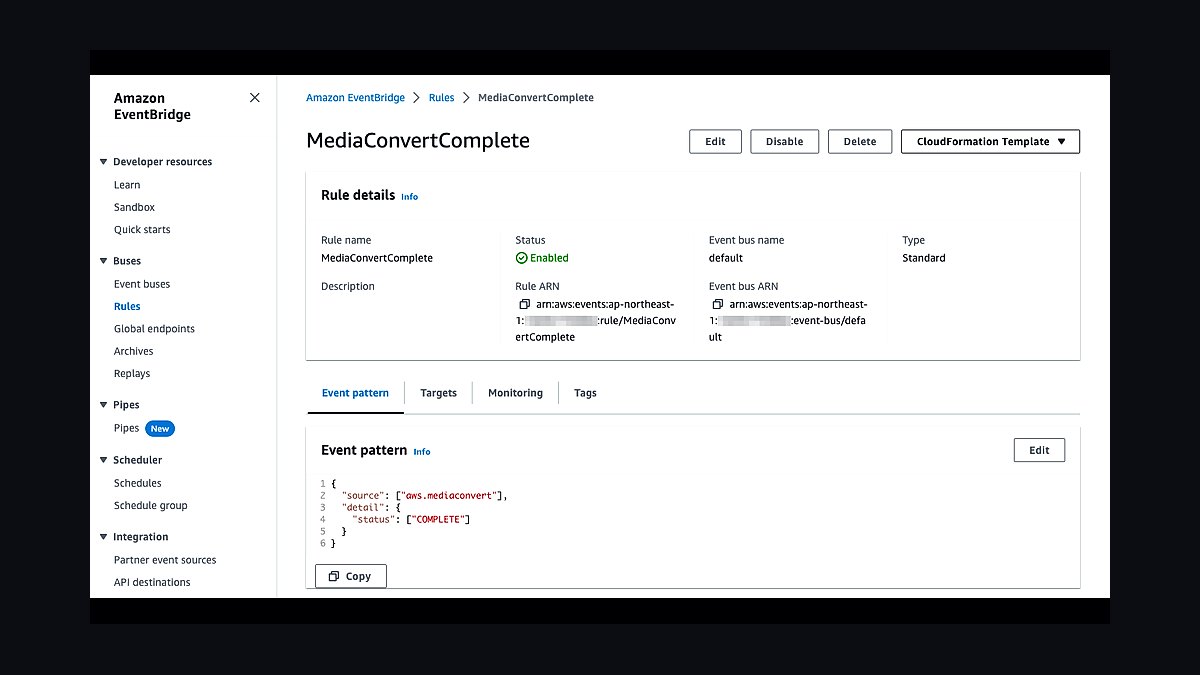
AWS Elemental MediaConvert ranks eighth for file-based video transcoding, converting source media into formats for broadcast and streaming at scale. It supports formats including HLS, DASH, and CMAF, with pay-as-you-go pricing based on output minutes. It integrates natively with S3, CloudFront, and Lambda workflows.
It suits publishers distributing video-on-demand libraries without managing transcoding hardware. The trade-off is AWS complexity and egress costs that add up for high-volume streaming. Compared to Mux, MediaConvert is cheaper at scale but requires more engineering to configure and monitor.
9Mux
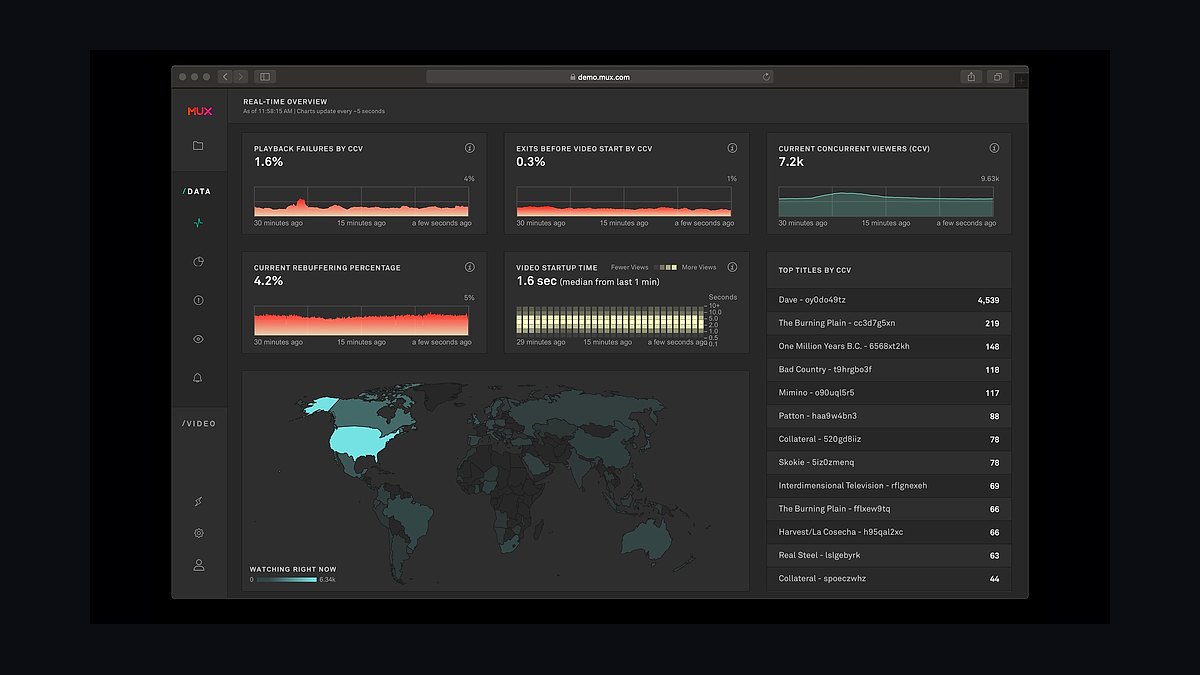
Mux ranks ninth as a video streaming and analytics API built for developers, handling encoding, playback, and quality-of-service monitoring. Its pricing starts around $0.05 per GB delivered plus encoding fees, with a free tier for testing. It provides real-time dashboards tracking rebuffering, startup time, and viewer engagement.
It is best for media startups and product teams embedding video without building infrastructure. The trade-off is higher per-stream costs at large scale compared to self-managed AWS pipelines. Compared to AWS Elemental MediaConvert, Mux is simpler to integrate but less cost-efficient for massive VOD libraries.
10Stripe
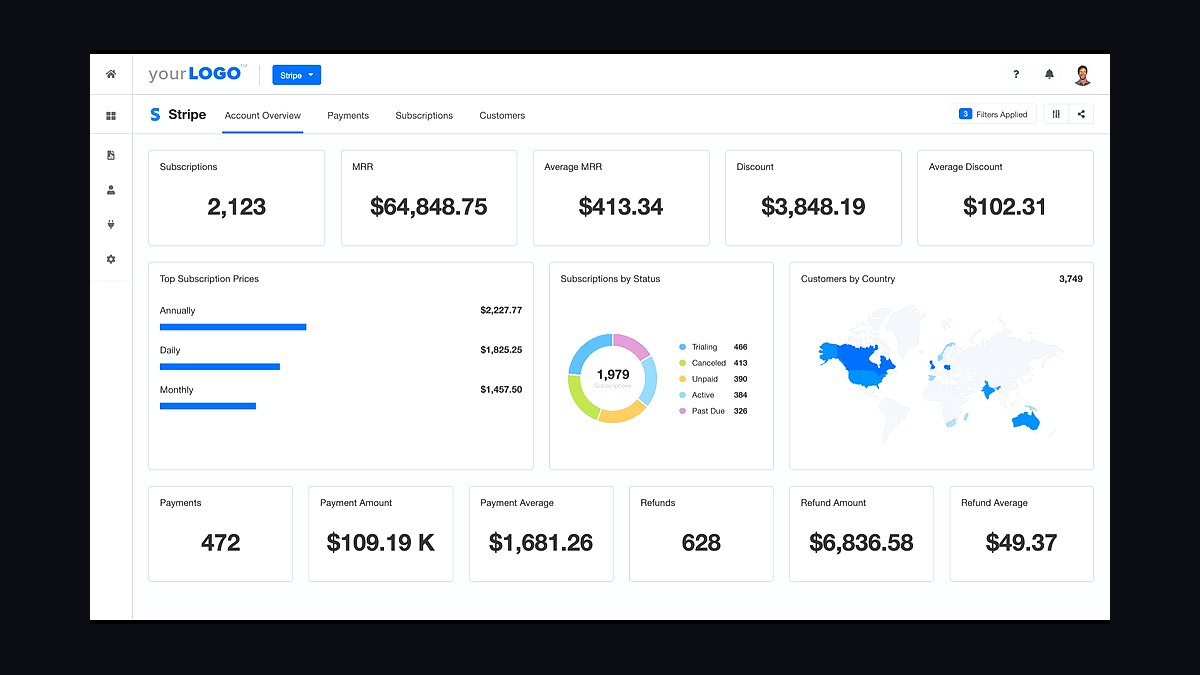
Stripe ranks tenth as the payments infrastructure most publishers use for subscriptions, metered billing, and one-time purchases. It supports over 135 currencies, handles PCI compliance, and charges 2.9% plus 30 cents per successful transaction. Tools like Stripe Billing automate recurring plans, dunning, and invoicing.
It fits media businesses monetizing through paywalls, memberships, or tipping, from solo newsletters to large outlets. The trade-off is that chargeback handling and tax compliance still require attention, and rates exceed some regional processors. Compared to Ghost's built-in Stripe integration, standalone Stripe offers more flexibility but needs custom development.
How we ranked these
We ranked tools by five weighted criteria: editorial workflow depth (25%), multi-channel publishing and syndication (20%), headless/API flexibility (20%), total cost of ownership over three years (20%), and ecosystem maturity including integrations and hiring pool (15%). Scores came from vendor documentation, public pricing pages, hands-on trial accounts, and aggregated review data from G2 and Capterra. Weighting favored tools that handle high-volume content operations without custom engineering.
We deliberately ignored raw feature counts, marketing claims about AI capabilities, and short-term promotional pricing, since these rarely predict three-year fit. We also excluded vendor-supplied performance benchmarks and analyst quadrant placements, which skew toward enterprise sales cycles. Tools were not penalized for lacking built-in analytics or CDN services, because most media publishers already run those separately and integration is straightforward.
What to look for
The decisive factor is usually your publishing cadence and content model, not the feature list. A daily newsroom with 200 contributors needs different permissions, scheduling, and revision history than a monthly magazine with five editors. Map your actual workflow first, then test whether the tool's content model matches your taxonomy. Migration cost from an existing CMS typically exceeds two years of licensing, so switching penalties deserve more weight than headline price.
The most common mistake is buying for the demo, not the daily grind. Teams pick the tool with the slickest editor or best AI pitch, then discover six months in that localization, structured data, or bulk operations are weak. Second mistake: ignoring the developer hiring pool. A technically superior headless CMS with a tiny community becomes a bottleneck when your lead engineer leaves. Validate ecosystem size before committing.
Related questions
What is a headless CMS and why does it matter for publishers?
A headless CMS separates content storage from presentation, delivering content via APIs to any frontend. For publishers this means one article can power a website, app, newsletter, and syndication partner without duplication. It matters because media businesses increasingly publish to many surfaces, and coupled systems force expensive rebuilds each time a new channel appears.
How much should a mid-size publisher budget for a tech stack?
Most mid-size publishers spend between $2,000 and $15,000 monthly across CMS, CDN, search, analytics, and personalization. The CMS usually represents 20-40% of that. Budget for implementation and migration separately, often one to three times annual licensing. Hidden costs cluster around integrations, custom development, and per-seat editor licenses that scale with newsroom size.
Can WordPress still handle high-traffic media sites in 2027?
Yes, with caveats. WordPress powers major newsrooms when paired with enterprise hosting, object caching, and a headless or hybrid setup. The risks are plugin sprawl, security surface, and editorial performance at scale. Publishers with strong DevOps can run it cheaply; those without often migrate to managed platforms to reduce operational burden and unpredictable incident costs.
What is the difference between a CMS and a digital experience platform?
A CMS manages content creation and delivery. A digital experience platform adds personalization, experimentation, customer data, and journey orchestration on top. Publishers rarely need full DXPs early; they become relevant when subscription revenue depends on segment-specific experiences. DXPs cost significantly more and demand dedicated product ownership to deliver value.
How important is API flexibility when choosing publishing tools?
Very important if you plan to syndicate, launch new products, or integrate AI services. Rigid APIs lock you into vendor roadmaps and make custom frontends expensive. Evaluate rate limits, webhook support, GraphQL versus REST, and whether content modeling is code-defined or UI-only. Code-defined schemas scale better across large editorial teams and multiple brands.
Should publishers build or buy their content platform?
Buy for commodity capabilities like CMS, search, and CDN; build only where your workflow is genuinely differentiated. Custom builds consume engineering capacity indefinitely and rarely beat mature vendors on reliability. The exception is large publishers with unique monetization or data models, where a hybrid approach, buying the core and building extensions, usually wins.
What role does AI play in publishing tech stacks in 2027?
AI now appears in drafting assistance, metadata generation, translation, summarization, and recommendation. The practical value is in reducing repetitive editorial labor, not replacing judgment. Buyers should check data usage terms carefully, since some vendors train on customer content. Treat AI features as differentiators only after core workflow, reliability, and pricing are settled.
How do you evaluate migration risk from an existing CMS?
Audit content types, embeds, URLs, and redirects before shortlisting vendors. Request a paid proof of concept migrating a representative sample, not a demo dataset. Check whether the vendor supports bulk import, custom fields, and revision history preservation. Migration overruns are the leading cause of failed platform projects in media.
FAQ
Which tech stack tools are best for small digital publishers?
Small publishers typically do best with managed platforms that bundle hosting, CMS, and CDN, keeping operational overhead low. WordPress with managed hosting, Ghost, and Webflow cover most needs under a few hundred dollars monthly. Prioritize editorial usability and SEO controls over enterprise integrations you will not use for years.
Do media companies need a headless CMS in 2027?
Only if you publish to multiple surfaces or plan to. Headless adds engineering overhead and requires frontend development. Publishers with a single website and stable roadmap often get better ROI from a coupled CMS. Choose headless when mobile apps, syndication, or personalization are on the near-term roadmap.
How long does a typical CMS migration take for a newsroom?
Plan for three to nine months depending on archive size, custom content types, and integrations. The migration itself is often quick; redirect mapping, QA, and editorial retraining consume most of the timeline. Running both systems in parallel for two to four weeks reduces launch risk significantly.
What integrations matter most for publishing businesses?
Analytics, ad servers, newsletter platforms, paywall or subscription systems, and search are the core five. Also check SSO, image CDNs, and social distribution. Integration depth matters more than count: a native, maintained ad-server connector beats twenty shallow plugins that break on updates.
Is open source always cheaper for publishers?
No. Open source removes licensing fees but shifts cost to hosting, security patching, and developer time. For small teams, managed proprietary platforms are often cheaper overall. Open source wins when you have in-house engineering and need deep customization or data ownership.
How do you compare pricing across publishing platforms?
Normalize to three-year total cost including seats, API calls, bandwidth, support tier, and implementation. Watch for editor seat limits, overage fees on API requests, and paid SSO. Request a written quote for your actual traffic and headcount rather than relying on published tiers.
What should publishers check about vendor lock-in?
Confirm you can export all content, metadata, and media in standard formats without vendor assistance. Check whether APIs are documented publicly and whether contracts include exit terms. Avoid platforms where content modeling exists only in a proprietary UI with no export path.
How important is page speed for media site tech stacks?
Critical. Core Web Vitals affect search rankings, ad viewability, and subscription conversion. Choose platforms with edge caching, image optimization, and static or incrementally static rendering. Test real-world performance under peak load, not just vendor benchmarks on empty sites.
Do publishers need separate tools for newsletters and websites?
Often yes, because newsletter platforms specialize in deliverability, segmentation, and monetization. Some CMS platforms include basic email, but serious publishers outgrow them quickly. Integration quality between CMS and email platform matters more than whether one vendor offers both.
What is the biggest hidden cost in publishing tech stacks?
Custom development and integration maintenance. Vendor pricing is visible; the engineering hours spent wiring systems, fixing broken plugins, and adapting to API changes are not. Publishers frequently underestimate this by two to three times, which erodes the business case for cheaper platforms.
Sources
- https://www.g2.com/categories/headless-cms
- https://www.capterra.com/content-management-software/
- https://jamstack.org/headless-cms/
- https://developer.wordpress.org/rest-api/
- https://www.contentful.com/developers/docs/
- https://www.sanity.io/docs
- https://strapi.io/documentation
- https://web.dev/vitals/
- https://www.similarweb.com/
- https://www.statista.com/topics/1479/digital-publishing/
Related on PULSE
This page will be disappearing soon. Save it to your device for $1 — or read it free while it is here.
@Kory-White- · if Venmo asks, the last 4 of my number are 2012
This page is gone.
This one is off the shelf now. $1 keeps it on your phone for good — the whole page, pictures and diagrams included.
 pulse-tech-stacksTop 10 Best Tech Stack Tools for Events & Venues Businesses in 2027
 pulse-tech-stacksTop 10 Best Tech Stack Tools for Drywall Contractors in 2027
 pulse-tech-stacksTop 10 Best Tech Stack Tools for Private Ambulance and EMS Companies in 2027
 pulse-tech-stacksTop 10 Best Tech Stack Tools for Specialty Retail Chains in 2027
 pulse-tech-stacksTop 10 Best Tech Stack Tools for Title & Settlement Businesses in 2027
 pulse-tech-stacksTop 10 Best Tech Stack Tools for Restaurant & Food Service Businesses in 2027
 pulse-tech-stacksTop 10 Best Tech Stack Tools for Coffee Chain Operators in 2027
 tkTop 10 Best Tech Stack Tools for Fencing and Deck Contractors in 2027
 pulse-tech-stacksTop 10 Best Tech Stack Tools for Independent Wholesale Distribution Businesses in 2027
 pulse-tech-stacksTop 10 Best Tech Stack Tools for Growing Coffee Chains in 2027