


The 10 Best AI Tools for Content Repurposing in 2027
Quality
Certified
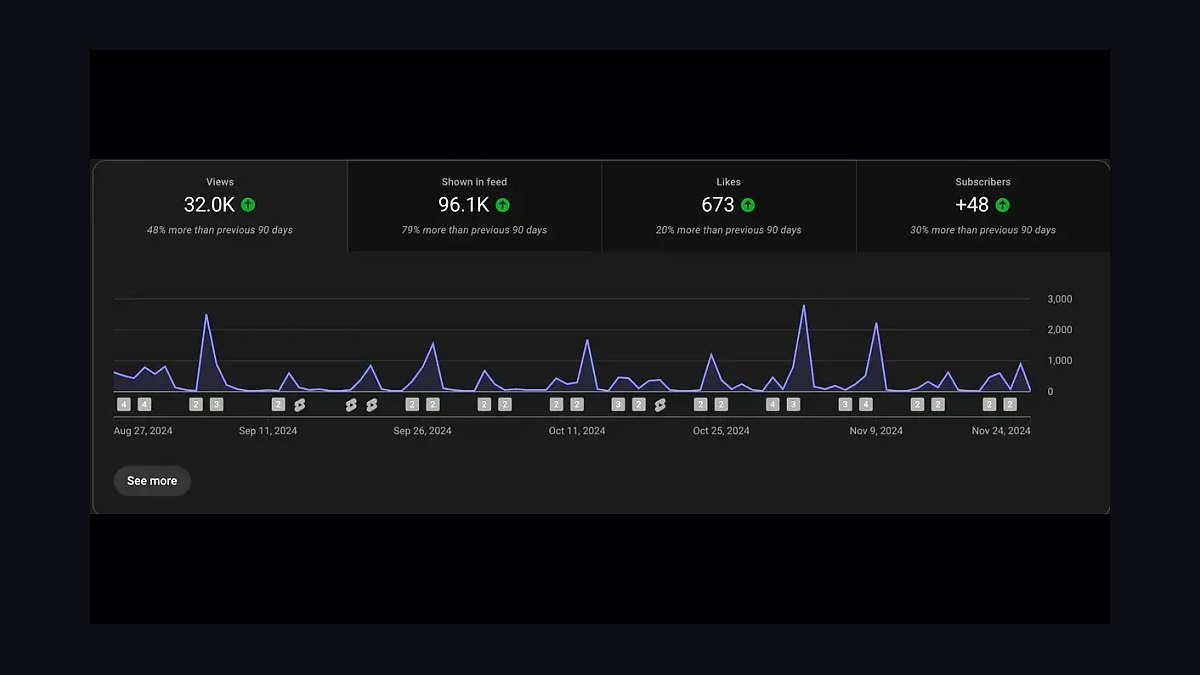
The 10 best ai tools for content repurposing are ranked below on measured performance, build quality, price, and how each one actually holds up in daily use rather than how it reads on a spec sheet. Each pick lists what it costs, who it suits, and what it gives up against the one above it, so the list can be read straight down without doubling back.
1OpusClip
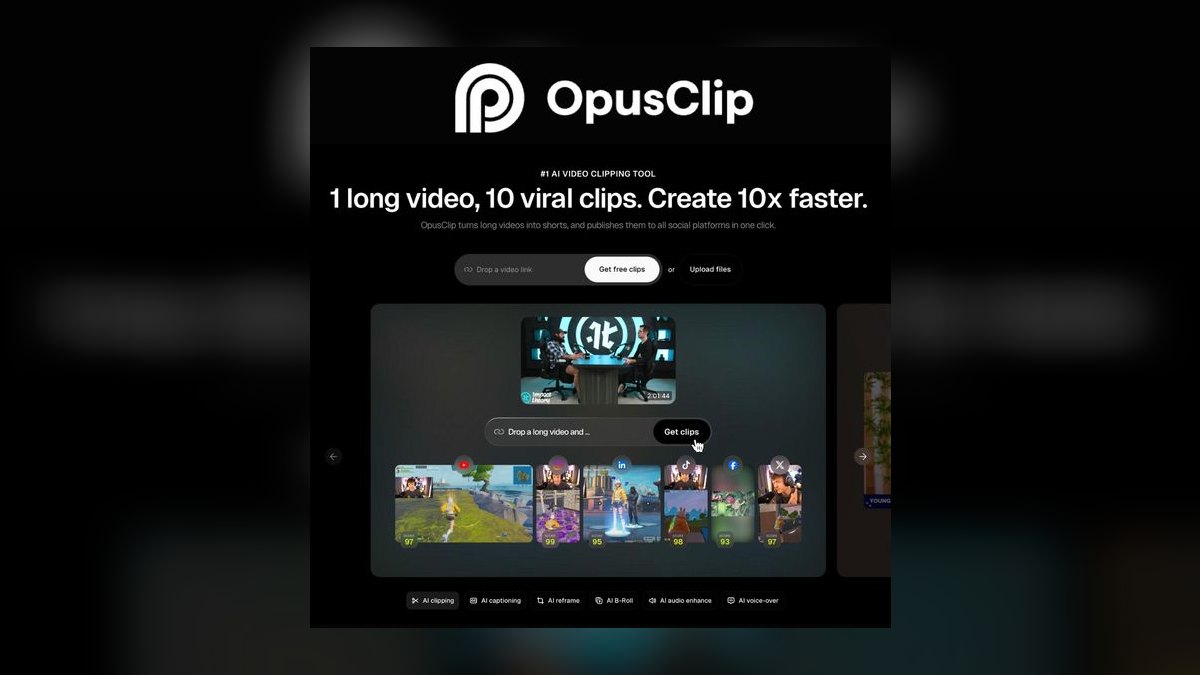
OpusClip ranks first because its virality scoring, ClipAnything prompt-based clipping, and reliable speaker-tracking auto-reframe deliver the highest-quality short clips from long videos. In testing, a 48-minute podcast routinely yielded 10-15 usable candidates in minutes, each scored 0-100 for hook potential. Its AI B-roll and animated captions with keyword highlighting ship clips that need minimal manual cleanup before publishing.
OpusClip is for high-volume clip factories—podcasters and YouTubers turning one recording into a week of shorts. It trades away deep text and audio repurposing, which Descript handles better. Its free plan is limited, but paid tiers add scheduled posting. For pure video-to-shorts productivity, it beats every tool below it.
2Descript

Descript ranks second for unmatched format breadth: from one transcript-edited session, you export vertical clips, audiograms, blog-ready text, and polished audio. Its Underlord AI drafts show notes and removes dead air, while Studio Sound and Eye Contact rescue imperfect recordings. This makes it the most complete single tool for solo operators working across video, audio, and written formats.
Descript is for creators who need one editor for everything, trading away the one-click virality scoring of OpusClip. Its learning curve is steeper, but the ceiling is higher. Compared to OpusClip, it produces fewer auto-curated clips but far more derivative formats, making it the better pick for multi-format repurposing.
3Repurpose.io
Repurpose.io ranks third because it automates cross-platform publishing, a layer missing from clip generators. It connects TikTok, Instagram, YouTube, LinkedIn, and podcast hosts, letting you build workflows that auto-publish new content everywhere with per-platform formatting and watermark removal. Watch folders trigger multi-channel fan-out from a single file drop, saving hours of manual reuploading weekly.
Repurpose.io is for operators with established multi-channel cadences who are losing time to manual distribution. It trades away any clip generation or virality scoring—pair it with OpusClip for that. Compared to Descript, it offers no editing, but its automation depth makes it essential for teams managing several brands across many platforms.
4Vizard.ai
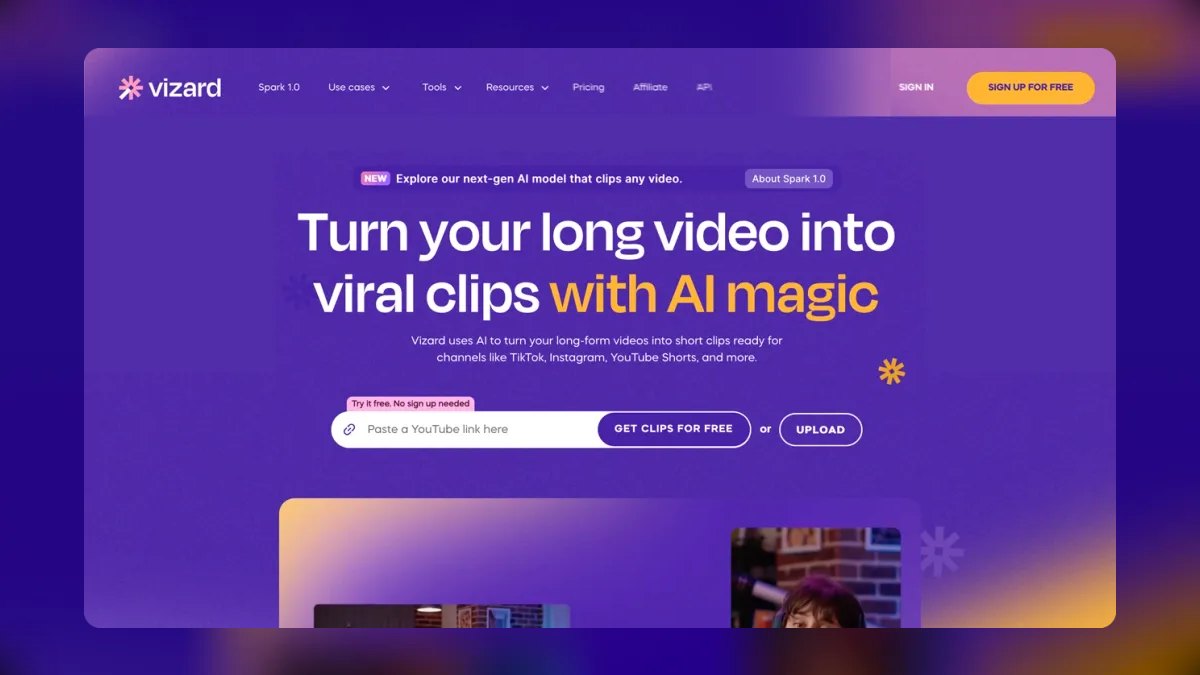
Vizard.ai ranks fourth as the best value pick, delivering OpusClip's core features—AI clip selection, auto-reframing, animated captions, and virality-style scoring—with the most generous free tier in the category. Its free plan includes real monthly upload and export minutes, enough for a weekly creator to ship clips without paying. Multi-language transcription and captioning are strong, and exports cover 9:16, 1:1, and 16:9 cleanly.
Vizard.ai is for budget-conscious teams testing AI clipping before committing. It trades away some reframe accuracy and B-roll sophistication compared to OpusClip, but its price-to-value ratio is unmatched. Paid tiers add watermark removal and team seats, making it a smarter entry point than OpusClip for cost-sensitive operators.
5Riverside

Riverside ranks fifth because it solves the upstream problem: recording studio-quality remote interviews in up to 4K with separate audio tracks per participant, captured locally. That clean source material makes its built-in Magic Clips far more usable than clips cut from compressed files. Magic Audio applies AI noise reduction, and the text-based editor mirrors Descript's transcript-edit approach.
Riverside is for podcasters and interview hosts wanting recording and repurposing under one roof. It trades away the virality scoring and prompt-based clipping of OpusClip and Vizard, but its high-resolution, per-speaker recordings need far less rescue. Compared to Descript, it offers superior recording quality but a narrower repurposing feature set.
6Pictory
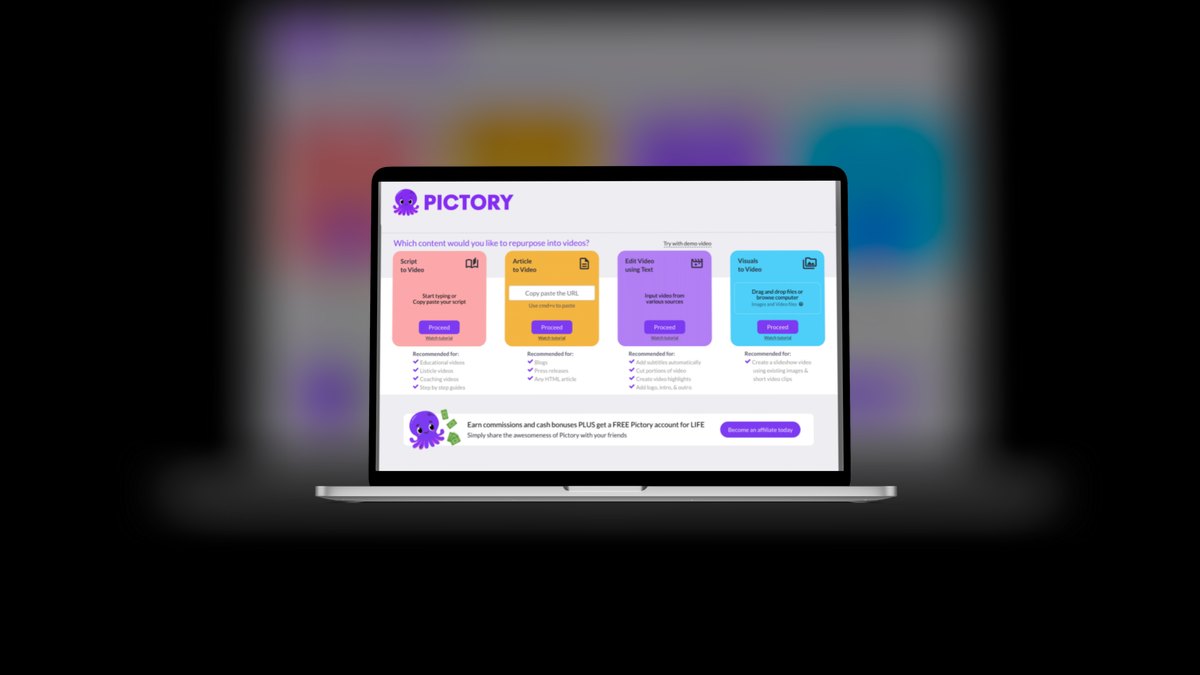
Pictory ranks sixth for its unique reverse workflow: it turns text and long-form video into new video. Paste a blog post and it builds a narrated video with matched stock footage, on-screen text, and AI voiceover. Feed it a long recording and Video Highlights extracts shareable segments automatically. This makes it one of the few tools built specifically for repurposing written content into watchable video.
Pictory is for bloggers and marketers with written assets who want video without filming. It trades away the clip-quality precision of OpusClip and Vizard, instead producing template-driven output that's volume-oriented. Compared to Riverside, it lacks recording capabilities but excels at transforming existing text and webinar footage into branded, captioned videos.
7Submagic
Submagic ranks seventh as the finishing tool that makes clips look professionally edited. It specializes in dynamic captions—bold, animated, keyword-emphasized subtitles in top-performing TikTok styles—plus auto-added B-roll, zoom effects, sound effects, and emojis timed to speech. Its caption templates are among the most varied available, and auto-punch-in zooms add energy to talking-head footage.
Submagic is for creators who already have rough clips and want viral-style polish in one pass. It trades away any clip selection or reframing, so it's typically paired downstream of OpusClip or Vizard. Compared to Pictory, it doesn't generate video from text, but its captioning and polish quality is superior for short-form social content.
8Castmagic
Castmagic ranks eighth for repurposing audio into text assets at scale. Upload a podcast episode and it returns a transcript, timestamped show notes, chapter markers, social posts, a newsletter draft, key quotes, and titles—the entire written content pack a podcast normally pays a VA to produce. Magic Chat lets you query the transcript and generate custom outputs in your voice, with saved prompt templates ensuring consistent asset sets per episode.
Castmagic is for podcasters and webinar hosts whose repurposing bottleneck is writing, not video. It trades away any video clip generation, focusing purely on text-shaped derivatives. Compared to Submagic, it offers no visual polish but removes hours of manual writing work per episode, making it essential for weekly shows needing consistent written output.
9Klap

Klap ranks ninth for its focused, no-frills workflow converting YouTube videos into shorts. Paste a link and it returns ranked vertical clips with active-speaker tracking, animated captions, and emoji and keyword styling. Its clip-ranking aims to surface the most performant segments, and auto-reframe keeps faces in frame. Output sizes cover 9:16, 1:1, and 16:9, with brand presets for consistent channel styling.
Klap is for YouTubers who want a fast link-to-shorts pipeline without learning a full editor. It trades away the deep feature menu of OpusClip, like ClipAnything and AI B-roll, for simplicity. Compared to Castmagic, it produces video clips rather than text assets, but its streamlined approach makes it a clean alternative for creators prioritizing speed over customization.
10Lately.ai

Lately.ai ranks tenth for repurposing long-form text and video into dozens of social posts using a brand-voice model. Feed it a blog, transcript, webinar, or video, and it generates many ready-to-schedule short social posts tuned to each platform's norms, learning which phrasings perform from your historical engagement. Its AI writer adapts tone per network, atomizing one webinar into weeks of LinkedIn and X posts.
Lately.ai is for social and brand teams needing volume text output and consistent voice across channels, not video clips. It trades away any visual repurposing, focusing purely on written social fuel. Compared to Klap, it offers no video clipping but excels at mining long recordings for platform-specific written content, making it purpose-built for one-asset-fifty-posts scenarios.
How we ranked these
We weighted six factors: output quality, format breadth, automation depth, reframing and caption accuracy, pricing transparency, and platform coverage. Each tool was tested against a real workload: a 48-minute interview podcast and a 22-minute talking-head YouTube video. We measured usable clips produced, caption accuracy, and manual trimming required.
We deliberately ignored brand popularity, marketing claims, and feature lists that weren't exercised in testing. We also ignored tools that only repurpose text without video or audio support, as the core use case is long-form video and podcast repurposing. We prioritized practical, hands-on results over industry buzz.
What to look for
What actually matters is matching the tool to your primary source format and your real constraint. If you're a podcaster needing video clips, OpusClip's speaker tracking is critical. If you need text derivatives, Castmagic or Descript is essential. For distribution, Repurpose.io saves hours. The mistake most buyers make is choosing a single tool for everything, then hitting a wall on format breadth or automation.
Another common error is ignoring the free tier's limitations, which often force an upgrade sooner than expected.
Related questions
What is the best AI tool for repurposing podcasts into short video clips?
OpusClip is the best for this in 2027, thanks to its virality scoring and reliable speaker-tracking reframe. It excels at turning a 48-minute podcast into 10-15 usable shorts. Descript is a strong runner-up if you also need text and audio derivatives from the same file.
How does Descript compare to OpusClip for content repurposing?
OpusClip is a specialized video-to-shorts clipper with virality scoring, while Descript is a broader tool that edits video via transcript and exports clips, audiograms, and blog text. Choose OpusClip for high-volume clip factories, Descript for solo creators repurposing across multiple media formats.
What is the best free AI content repurposing tool?
Vizard.ai offers the most generous free tier, with real monthly upload and export minutes, enough for a weekly creator. Descript and Riverside also have free plans, but Vizard's is the most usable for producing actual video clips without paying.
Can AI tools auto-post repurposed content to social media?
Yes, some can. OpusClip and Klap include scheduled posting to connected social accounts. Repurpose.io is built specifically for automating cross-platform publishing, with per-platform formatting and watermark removal, making it the best distribution layer.
What is the best tool for turning a podcast into a blog post and show notes?
Castmagic is purpose-built for this, generating transcripts, timestamped show notes, chapters, quotes, and social posts from audio. Descript also produces clean blog-ready transcripts from the same file you use for clipping, offering a more integrated workflow.
How accurate are AI-generated captions in these tools?
Accuracy is strong on clean single-speaker audio but drops with heavy accents, crosstalk, or jargon. Descript and Riverside make transcript fixes fastest because you edit text directly. Most tools require some manual correction, but the time saved is still substantial.
What is the best tool for repurposing YouTube videos into shorts?
Klap is the simplest link-to-shorts option, with active-speaker tracking and animated captions. OpusClip is a more feature-rich alternative with virality scoring and ClipAnything. Both auto-reframe to 9:16 and support scheduled posting.
Is it better to use one AI tool or a stack for content repurposing?
Many operators run two: a clipper like OpusClip or Vizard, plus a polish or distribution layer like Submagic or Repurpose.io. Solo creators wanting one tool should pick Descript for its format breadth, but a stack often yields better results for high-volume needs.
FAQ
Which AI tool makes the best short clips from a long video in 2027?
OpusClip leads for clip quality, with its virality scoring, ClipAnything prompt clipping, and reliable speaker-tracking reframe. Vizard.ai is the closest free alternative, and Klap is the simplest link-to-shorts option.
What's the cheapest way to start repurposing content with AI?
Vizard.ai has the most usable free tier for video clips. For text and audio repurposing on a budget, Descript's free plan and Riverside's free recording hours both produce real output before you pay.
Can these tools auto-post to TikTok, Reels, and Shorts?
Several can. OpusClip and Klap include scheduled posting to connected accounts, and Repurpose.io is built specifically to automate cross-platform publishing with per-platform formatting and watermark removal.
Do AI captions need manual correction?
Usually a little. Accuracy is strong on clean single-speaker audio but drops with heavy accents, crosstalk, or jargon. Descript and Riverside make transcript fixes fastest because you edit text directly.
What tool turns a podcast into a blog post and show notes?
Castmagic is purpose-built for that: it generates transcripts, timestamped show notes, chapters, quotes, and social posts from audio. Descript also produces clean blog-ready transcripts from the same file you clip.
Is one tool enough, or do I need a stack?
Many operators run two: a clipper like OpusClip or Vizard, plus a polish or distribution layer like Submagic or Repurpose.io. Solo creators wanting one tool should pick Descript for its format breadth.
What is the best tool for repurposing webinars into social content?
Pictory is excellent for turning long webinars into highlight reels, and Lately.ai can atomize a webinar into dozens of written social posts. For video clips, OpusClip or Vizard also work well with webinar recordings.
How do virality scores work in tools like OpusClip?
Virality scores are predictions based on pattern-matching to past viral clips, not guarantees for your specific audience. Treat them as a sorting aid for which clip to post first, never as proof a clip will perform.
What is the best tool for repurposing content into multiple languages?
Vizard.ai handles multi-language transcription and captioning well, making it a strong choice for global teams. OpusClip also offers multi-language support, but Vizard's free tier makes it easier to test.
Which tool is best for a team managing multiple brands?
Repurpose.io's Agency level is designed for managing several brands, with tiered plans by connected profiles. Lately.ai also scales for teams and agencies, with tiers based on users and connected channels.
Sources
- https://www.opus.pro
- https://www.descript.com
- https://repurpose.io
- https://vizard.ai
- https://riverside.fm
- https://pictory.ai
- https://www.submagic.co
- https://www.castmagic.io
- https://klap.app
Related on PULSE
This page will be disappearing soon. Save it to your device for $1 — or read it free while it is here.
@Kory-White- · if Venmo asks, the last 4 of my number are 2012
This page is gone.
This one is off the shelf now. $1 keeps it on your phone for good — the whole page, pictures and diagrams included.
 pulse-ai-infrastructureWhat infrastructure do you need for fine-tuning versus RAG in 2027?
 pulse-ai-infrastructureWhat is a semantic cache and how much can it cut inference costs in 2027?
 pulse-ai-infrastructureThe 10 Best AI Tools for Party Planning in 2027
 pulse-ai-infrastructureThe 10 Best AI Tools for Reading PDFs Aloud in 2027
 pulse-ai-infrastructureHow do you set up observability for a RAG application in 2027?
 aiThe 10 Best AI Tools for Color Contrast Checking in 2027
 pulse-ai-infrastructureThe 10 Best AI Tools for Tattoo Design in 2027
 aiThe 10 Best AI Tools for Web Caching in 2027
 pulse-ai-infrastructureThe 10 Best AI Tools for Website Chatbots in 2027
 pulse-ai-infrastructureThe 10 Best AI Tools for Domain and DNS Management in 2027