
The 10 Best AI Tools for Data Analysis in 2027
 PULSEKNOWLEDGE LIBRARY
For most operators in 2027, ChatGPT with Advanced Data Analysis (built on OpenAI's GPT-5.1 reasoning models) is the best overall AI tool for data analysis: you upload a CSV or Excel file, ask in plain English, and it writes and runs Python in a sandbox to clean, join, model, and chart the data. The strongest runner-up is Claude from Anthropic, whose analysis tool and Artifacts pane are better at long, auditable reasoning over messy datasets.
If you live inside a governed cloud warehouse, Databricks AI/BI Genie and Snowflake Cortex Analyst are the serious picks; if you want the cheapest fast-answer assistant, Julius AI is the value play. This guide is for analysts, founders, RevOps and finance operators who need real answers from spreadsheets and warehouses, not data scientists writing production ML.
#
How We Ranked These
Five criteria drove the ranking, weighted for the working operator rather than the research scientist.
- Reasoning quality on real data: Can the tool correctly clean nulls, infer join keys, catch a unit mismatch, and explain its steps — not just produce a confident wrong number?
- Execution, not just text: Tools that run actual code (Python, SQL) against your data beat tools that only describe what they *would* do. Hallucinated aggregates are the cardinal sin of AI analytics.
- Data scale and governance: A 5,000-row CSV and a 5-billion-row warehouse table are different problems. We separated file-upload assistants from warehouse-native agents.
- Cost and time-to-answer: Seat price, query/compute cost, and how fast a non-technical user gets a trustworthy chart.
- Auditability: Can you see and re-run the generated code or SQL? Black-box "insights" don't survive a finance review.
We weighted execution and auditability highest, because a tool that can't show its work can't be trusted with a board deck.
1. ChatGPT — Advanced Data Analysis 🏆 BEST OVERALL

ChatGPT earns the top spot because Advanced Data Analysis (the feature formerly called Code Interpreter) turns a chat box into a full Python workbench. Upload a .csv, .xlsx, .json, or even a zipped folder, and the model writes pandas code, executes it in a sandboxed container, and returns cleaned tables, regressions, and matplotlib charts you can download. On GPT-5.1 reasoning models, it reliably handles pivot logic, fuzzy joins, cohort retention math, and time-series resampling that used to need a junior analyst.
It is best for the generalist operator: a finance lead reconciling two exports, a marketer sizing a funnel, a founder pulling a churn curve before a board meeting. Because the code is visible and rerunnable, you can audit every number — a real differentiator over dashboards that just assert figures. The container also reads PDFs and images, so you can hand it a scanned invoice batch and get a structured table back.
Pricing is approachable: ChatGPT Plus is $20/month, Team runs about $25–30 per user/month billed annually, and Enterprise is custom with admin controls and no training on your data. The main limits are file-size caps (large workbooks can time out) and a sandbox that resets between sessions, so it suits ad-hoc analysis over production pipelines.
2. Claude — Analysis Tool & Artifacts

Claude from Anthropic is the runner-up and the better pick when the *reasoning trail* matters more than raw charting. Its analysis tool runs JavaScript in a browser-side sandbox to process uploaded CSVs, and Artifacts renders the output — tables, mini-apps, even a working dashboard — in a side pane you can iterate on. Claude's strength is sustained, multi-step logic over messy data: deduping a 40-column contact export, explaining each transformation, and flagging the rows it wasn't sure about.
It's best for analysts and consultants who have to defend their work. The model's large context window lets you paste long schemas, prior queries, and a data dictionary all at once, so it stays grounded in *your* definitions of "active customer" or "qualified pipeline." Claude is also strong at writing the SQL or Python you'll run elsewhere, with clear comments.
Claude Pro is $20/month; Max plans run $100–200/month for heavier usage and priority access; Team and Enterprise add admin and zero-retention options. The tradeoff versus ChatGPT is fewer native chart types and a JS (not Python) engine, which some quants find less familiar.
3. Microsoft Power BI — Copilot
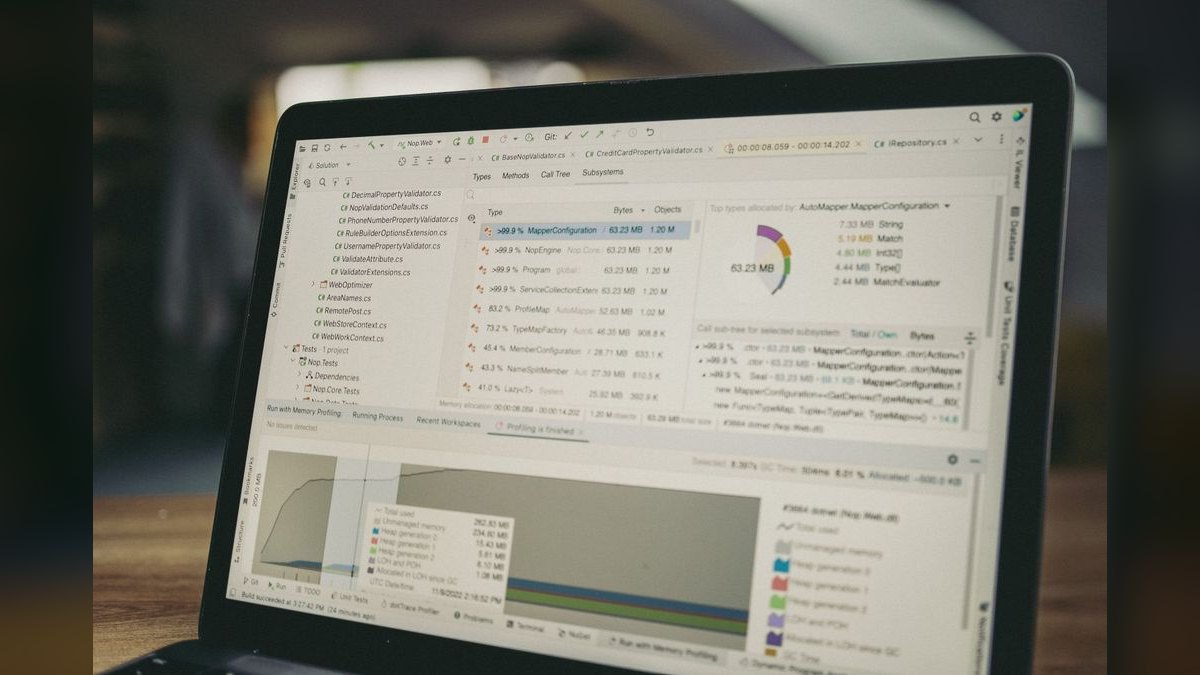
Power BI Copilot brings AI into the BI tool millions of operators already use. Inside Microsoft Fabric, Copilot drafts reports, writes DAX measures from a plain-English request, and now answers data questions conversationally against your semantic model. For shops standardized on Microsoft 365, it's the path of least resistance.
It's best for enterprise BI teams who need governed, refreshable dashboards rather than one-off chats. Because Copilot operates on a defined semantic model, its answers inherit your row-level security and certified metrics — a governance edge that file-upload assistants can't match.
Pricing changed in 2025: a Power BI Pro license is $14 per user/month, and Premium Per User (PPU) is $24 per user/month; full Copilot needs a Fabric capacity (F2 and up) or PPU. The catch is that Copilot's quality depends entirely on a well-built model — point it at a sloppy dataset and it confidently mirrors the mess.
4. Databricks — AI/BI Genie & Mosaic AI

Databricks is the heavyweight for teams whose data already lives in a lakehouse. AI/BI Genie is a conversational agent that turns questions into governed SQL against your tables, while Mosaic AI covers model building and agents. It's built for billions of rows, not a 10MB spreadsheet.
It's best for data and platform teams running Delta Lake who want self-serve analytics without exporting data to a chatbot. Genie learns from example queries and certified metrics, and every answer is real SQL you can inspect in the query history — strong auditability at warehouse scale.
Databricks uses consumption pricing in DBUs (Databricks Units) layered on your cloud compute, so there's no simple seat number — costs scale with usage. That flexibility is powerful but makes budgeting harder than a flat per-user license, and the platform assumes real data-engineering maturity.
5. Julius AI 💎 BEST VALUE

Julius AI is the value champion: a focused "chat with your data" tool that uploads spreadsheets and databases, runs Python and R under the hood, and returns clean visualizations and statistical tests without you touching code. It strips away the platform overhead and just answers the question.
It's best for founders, students, and small-team analysts who want ChatGPT-style data analysis in a purpose-built interface, with forecasting, regression, and polished export-ready charts front and center. Connectors for Google Sheets and common databases make recurring analysis quick.
Plans typically start around $20/month for the standard tier with higher message and file limits, with a free tier for light use and team pricing above that. For the price-to-capability ratio on everyday spreadsheet analysis, nothing here beats it — hence the 💎 BEST VALUE badge. It's not the tool for governed enterprise BI, but it isn't trying to be.
6. ThoughtSpot — Spotter
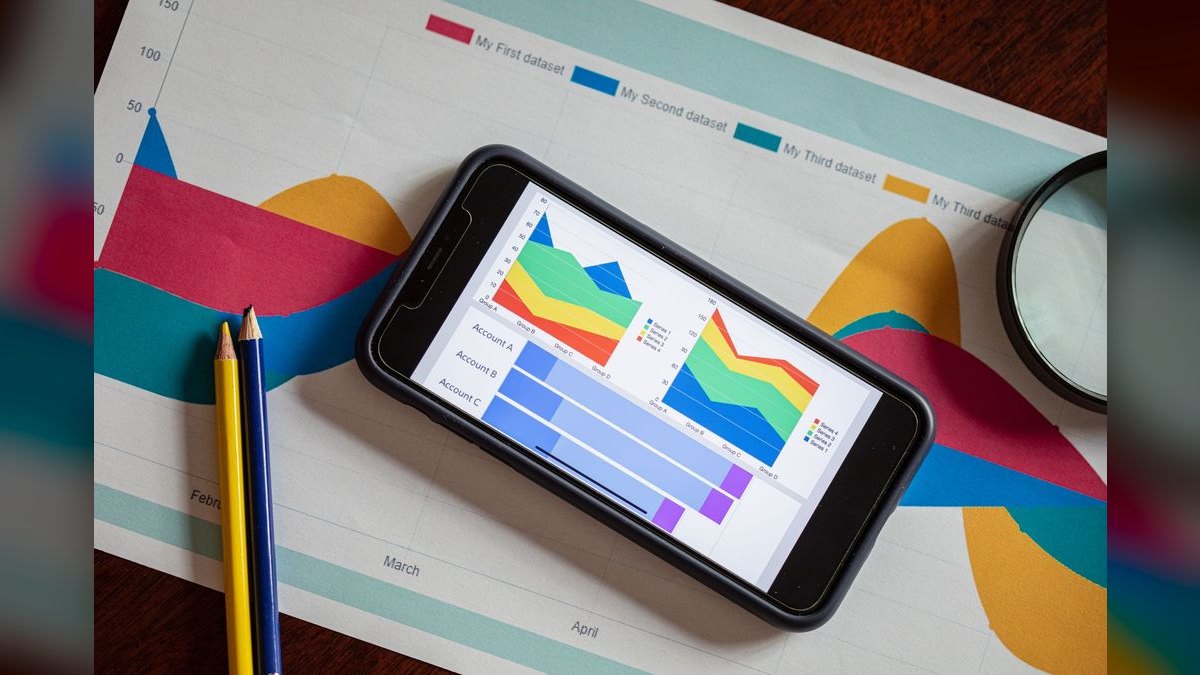
ThoughtSpot pioneered search-style analytics, and Spotter is its AI analyst agent: ask a question in natural language and get a governed answer plus a chart, drawn from your modeled data. It's built so a non-technical operator can "Google" their own metrics.
It's best for revenue, product, and ops teams that want broad self-serve access without flooding analysts with requests. Spotter handles follow-up questions in context ("now break that by region, last 8 weeks") and ties back to a governed metadata layer so definitions stay consistent.
ThoughtSpot sells by consumption credits and per-user tiers with custom enterprise pricing; there's a free trial to test fit. The strength is conversational depth on top of a semantic model; the cost of that is the upfront modeling work required before Spotter shines.
7. Google — Gemini in BigQuery & Looker
For teams on Google Cloud, Gemini in BigQuery brings AI directly to the warehouse: it writes SQL from prompts, explains queries, and powers a data canvas for exploratory analysis, while Gemini in Looker adds a conversational analyst over governed LookML models.
It's best for GCP-native data teams who want AI without moving data out of BigQuery. Because analysis runs where the data lives, you avoid export risk and keep IAM controls intact.
BigQuery on-demand compute is roughly $6.25 per TB scanned (with a free monthly tier), separate from Gemini and Looker licensing. The serverless model means a careless query can get expensive — strong cost controls and partitioned tables matter here.
8. Snowflake — Cortex Analyst
Snowflake Cortex Analyst is the text-to-SQL agent for the Snowflake warehouse. You define a semantic model (a YAML spec of tables, metrics, and synonyms), and Cortex answers business questions with governed SQL that respects your access policies.
It's best for Snowflake-standardized organizations that want trustworthy conversational analytics without shipping data to an outside model. The semantic layer is the secret: it dramatically cuts hallucinated joins because the agent reasons over *your* definitions, not guesses.
Like the rest of Snowflake, it's consumption-priced in credits tied to warehouse compute, so cost tracks usage. The setup tax is real — Cortex is only as good as the semantic model you author — but once built, it's a dependable in-warehouse analyst.
9. Hex — Magic AI
Hex is a collaborative notebook platform where Magic AI writes SQL and Python, builds charts, and now drives an agentic workflow that can assemble a whole analysis from a prompt. It blends the flexibility of a notebook with the polish of a shareable data app.
It's best for analytics teams that want code-grade power with AI assistance and clean published reports for stakeholders. Magic's edits are transparent — you see and can override every generated cell — which keeps technical reviewers comfortable.
Hex offers a free Community tier and paid team plans (per-user, custom at the top), connecting to warehouses like Snowflake, BigQuery, and Databricks. It's more analyst-oriented than a pure chat tool, so the learning curve is higher than Julius or ChatGPT.
10. Sigma Computing — AI features
Sigma delivers a familiar spreadsheet interface directly on top of your cloud data warehouse, with AI features that translate plain-English asks into formulas, queries, and visualizations — at live warehouse scale, not a sampled extract.
It's best for finance and ops operators who think in spreadsheets but need governed, billion-row-capable data behind the cells. The AI lowers the barrier for users who'd never write SQL, while every action pushes down to Snowflake, BigQuery, or Databricks.
Sigma uses per-user pricing across viewer/explorer/creator tiers with custom enterprise quotes. It rounds out the list as the bridge between the spreadsheet world operators trust and the warehouse-scale data they actually need to analyze.
FAQ
What is the best AI tool for data analysis in 2027? For most users, ChatGPT with Advanced Data Analysis (powered by GPT-5.1) is the top choice. You upload a CSV or Excel file, ask questions in plain English, and it writes and runs Python code in a sandbox to clean, join, model, and chart your data. It’s ideal for analysts, founders, and finance or operations operators who need fast, accurate answers.
How does Claude compare to ChatGPT for data analysis? Claude from Anthropic is a strong runner-up, especially for messy datasets requiring long, auditable reasoning. Its analysis tool and Artifacts pane handle multi-step logic well, but it uses a JavaScript sandbox instead of Python. Claude is better for audit trails, while ChatGPT excels at charts, stats, and quick modeling.
What are the best AI tools for data analysis in governed cloud warehouses? If you work inside a governed cloud warehouse, Databricks AI/BI Genie and Snowflake Cortex Analyst are the serious picks. They integrate directly with your data environment, offering secure, scalable analysis without moving data. These are best for enterprise teams needing compliance and governance.
Is there a cheap AI tool for fast data analysis? Yes, Julius AI is the value play for quick, cost-effective answers. It’s designed for simple queries and small datasets, making it a good choice for individuals or small teams on a budget. Pricing typically starts lower than premium tools, though exact costs vary.
Can AI tools handle messy or incomplete datasets? Yes, most top tools can, but Claude is particularly strong for messy data due to its long reasoning capabilities. ChatGPT also handles it well by writing Python to clean and transform data. However, no tool guarantees perfect results—you may need to manually review and adjust for very noisy or sparse data.
Do these AI tools require coding skills? No, they are designed for plain English interaction. You upload files or connect to data sources, ask questions naturally, and the AI writes and runs code behind the scenes. However, basic familiarity with data concepts (like columns, rows, and common analysis types) helps you get better results.
Bottom Line
For everyday analysis of files and spreadsheets, ChatGPT's Advanced Data Analysis is the best all-around pick in 2027, with Claude the top choice when you need an auditable reasoning trail and Julius AI as the value option. If your data already lives in a warehouse, skip the chatbots and use the native agent — Databricks AI/BI Genie, Snowflake Cortex Analyst, or Gemini in BigQuery — so answers stay governed and your data never leaves home.
Pick the tool whose generated code you can read, then verify one real number before you trust the rest.
Related on PULSE
- [The 10 Best AI Tools for Competitor Analysis in 2027](/knowledge/ai0101)
- [The 10 Best AI Tools for Customer Feedback Analysis in 2027](/knowledge/ai0055)
- [The 10 Best AI Tools for CRM Data Enrichment in 2027](/knowledge/ai0099)
- [The 10 Best AI Tools for Data Visualization in 2027](/knowledge/ai0088)
- [The 10 Best AI Data Pipeline Tools in 2027](/knowledge/ai374)
- [How do you build data pipelines for continuous model training?](/knowledge/ai403)
Sources
- OpenAI ChatGPT Pricing
- Anthropic Claude
- Microsoft Power BI Pricing
- Databricks AI/BI Genie
- Snowflake Cortex Analyst
- Google Cloud BigQuery Pricing
- ThoughtSpot Spotter
- Hex Magic AI
- Julius AI
- Sigma Computing
*Best AI tools for data analysis 2027 — ChatGPT Advanced Data Analysis vs Claude, Databricks Genie, Snowflake Cortex Analyst, Power BI Copilot, Julius AI, and the top AI data analytics software ranked for analysts and operators.*
People also search for: best ai tools for data analysis 2027 · top ai tools for data analysis 2027 · top rated ai tools for data analysis 2027 · top ranked ai tools for data analysis 2027 · highest rated ai tools for data analysis 2027 · ai tools for data analysis reviews 2027
 pulse-ai-infrastructureThe 10 Best AI Tools for Jamstack Sites in 2027
 pulse-ai-infrastructureThe 10 Best AI Tools for Packaging Design in 2027
 pulse-ai-infrastructureThe 10 Best LLM Gateways in 2027
 pulse-ai-infrastructureWhat is confidential computing and why does it matter for AI?
 pulse-ai-infrastructureThe 10 Best AI Tools for Writing Fiction in 2027
 pulse-ai-infrastructureThe 10 Best AI Tools for Public Speaking Practice in 2027
 pulse-ai-infrastructureThe 10 Best AI Tools for Slogans and Taglines in 2027
 pulse-ai-infrastructureThe 10 Best AI Tools for Storyboarding in 2027
 pulse-ai-infrastructureThe 10 Best AI Tools for Speech Writing in 2027
 pulse-ai-infrastructureThe 10 Best LLM Fine-Tuning Platforms in 2027