
SDR / BDR — LinkedIn Banner
 Curated byKory White · Fractional CRO · Maryland
 PULSEKNOWLEDGE LIBRARY
An SDR or BDR LinkedIn banner should clearly state your role (e.g., "SDR | B2B Tech") and include a concise value proposition, such as "Helping [target industry] solve [key pain point]." Use a professional headshot, your company logo, and a clean, high-contrast background to ensure readability. Avoid cluttered graphics or hard-to-read fonts; keep the design simple and focused on your core message.
SDR / BDR — LinkedIn Banner

A dark, on-brand LinkedIn banner — "I build the pipeline." over a "Outreach Meetings Momentum" line with a pulse motif. Put it on your profile to signal what you do.
Format: SVG (scalable vector) · Size: 1584×396 px · Category: LinkedIn Banner · License: Free to use — no attribution required.
Recolor it to your brand
Use the color picker above to recolor this graphic to your team or company colors, switch the background (including transparent), then download it as an SVG or PNG. No sign-up, no watermark.

How to use it
The SVG scales to any size with no quality loss — drop it straight into PowerPoint, Google Slides, Canva, Figma, or a LinkedIn banner slot. The PNG export is ready to upload anywhere that wants a raster image.

More free graphics
Browse the full Pulse Graphics library — banners, slides, printables, quote cards, and clip art you can borrow for your own decks and posts.


Related on PULSE
- SDR Comp Structure Breakdown
- SDR Manager — LinkedIn Banner
- AI does 60% of SDR work — RevOps Banner
- “Looking for my next SDR role.” — LinkedIn Banner
- SDR Manager — LinkedIn Banner
Design Principles for High-Impact SDR/BDR LinkedIn Banners
Creating a LinkedIn banner that truly resonates with your target audience—whether you’re an SDR, BDR, or hiring manager—requires more than just slapping a job title on a background. The most effective banners strike a balance between professionalism, personality, and clarity. Start with a clean, high-resolution image or gradient that doesn’t distract from your core message. Think of your banner as a 1584 x 396 pixel billboard: every element must earn its place.
Color psychology plays a crucial role. Blues and greens convey trust and growth, common in tech and SaaS roles, while warmer tones like orange or red can signal energy and urgency—useful for outbound-focused positions. Avoid overly dark or busy patterns that compress poorly on mobile, where over 60% of LinkedIn views occur. Use a maximum of two font styles: one bold sans-serif for your title (e.g., “SDR | BDR”) and a lighter weight for your value proposition or tagline. Keep text left-aligned or centered, never right-aligned, as the profile picture overlay occupies the lower-left corner.
A common mistake is cramming too many icons, logos, or certifications. Instead, feature one or two recognizable brand logos (e.g., Salesforce, HubSpot, or your current company) if you’re job-seeking, but only if they’re relevant to your target industry. For active job seekers, include a subtle call-to-action like “Open to opportunities” or “Let’s connect” in the banner itself—this increases profile views by an estimated 15–30% based on anecdotal recruiter feedback. For those in active roles, a banner that showcases a recent win (“Closed 120% of quota, Q3”) or a niche specialization (“Enterprise BDR | Cybersecurity”) can attract inbound interest from hiring managers scanning for specific expertise.
Finally, test your banner’s visibility on both desktop and mobile. Text smaller than 24px often becomes illegible on phones. Use a tool like Canva’s LinkedIn banner template (free) to preview how your design crops on different devices. Rotate your banner every 3–4 months to keep your profile fresh—stale banners signal inactivity, which can subtly deter recruiters who prioritize engaged candidates.
Strategic Content Themes for SDR/BDR Banners
Your LinkedIn banner is a prime piece of real estate to communicate your professional narrative in seconds. For SDRs and BDRs, three content themes consistently outperform generic title-only designs: achievement-driven, problem-solver, and industry-focused.
Achievement-Driven Banners center on quantifiable results. Examples include “Generated $2M+ in pipeline in 6 months” or “Consistently top 10% of BDR team.” These work because hiring managers in sales roles are wired to look for proof of impact. If you’re early in your career and lack big numbers, use relative metrics: “Exceeded monthly meeting targets by 40%” or “Ranked #1 in onboarding class.” The key is specificity—vague claims like “high performer” carry little weight. Include a small icon of a trophy or upward arrow to reinforce the message visually.
Problem-Solver Banners position you as a resource, not just a title. For example: “Helping SaaS companies break into the mid-market” or “Connecting RevOps leaders with data-driven solutions.” This approach works well for BDRs targeting C-level buyers, as it signals empathy for their challenges. Pair it with a subtle background image of a puzzle piece, network nodes, or a handshake to reinforce collaboration. Avoid overused stock photos of people pointing at charts—they feel generic and can actually reduce trust, per studies on visual authenticity in B2B contexts.
Industry-Focused Banners demonstrate deep domain knowledge. If you specialize in fintech, healthcare, or cybersecurity, make it front and center. Example: “BDR | Fintech & Payments | 3 years in RegTech.” This narrows your appeal but increases relevance for niche roles—recruiters in specialized verticals often prioritize candidates who understand their ecosystem over generalists. Use industry-specific icons (e.g., a shield for cybersecurity, a stethoscope for healthtech) sparingly, and ensure they’re vector graphics that scale cleanly.
A hybrid approach often works best: combine two themes. For instance, “Enterprise SDR | Cybersecurity | 150% quota attainment” merges industry focus with achievement. Whatever theme you choose, maintain consistency with your profile headline and summary. A banner that says “Open to new opportunities” paired with a headline like “BDR at XYZ Corp” creates cognitive dissonance—recruiters may wonder if you’re job-seeking or just updating your profile. Align all elements to tell one coherent story.
Technical Optimization and A/B Testing for Banner Performance
Beyond design and content, technical factors can make or break your banner’s effectiveness. LinkedIn compresses images aggressively, so start with a PNG or JPEG at 1584 x 396 pixels with a file size under 8 MB—larger files get compressed further, leading to pixelation. Use 72 DPI (standard for web) and avoid transparency layers, as they sometimes render as white boxes on certain browsers. Save your final file with a descriptive name like “sdr-bdr-banner-2025.png” rather than “banner-final-v3.png” to avoid confusion if you upload multiple versions.
Placement of key elements matters. The left third of your banner is partially obscured by your profile picture (circular, about 200 pixels wide). Never place critical text or logos in this zone. The upper-right corner is prime real estate for your name or title, while the lower-right works well for a subtle CTA or tagline. If you include a QR code (e.g., to your portfolio or a booking link), keep it in the lower-right corner and test it at 100x100 pixels minimum—smaller codes often fail to scan on mobile.
A/B testing your banner can yield surprising insights. LinkedIn doesn’t offer native A/B testing for banners, but you can manually rotate two versions every two weeks and track profile views, connection requests, and inbound messages. Use LinkedIn’s “Who’s viewed your profile” analytics to see if changes correlate with spikes. For example, one SDR in the SaaS space found that a banner with “Cold calling expert” generated 50% more profile views than one with “Outbound specialist,” even though both described similar skills. Test different CTAs (“Hiring?” vs. “Let’s talk pipeline”) to see which drives more recruiter outreach.
Seasonal and event-based updates can boost relevance. During major conferences (e.g., Dreamforce, SaaStr), temporarily update your banner to reflect attendance: “At SaaStr 2025? Let’s meet.” This signals you’re active in the community and can lead to impromptu connections. Similarly, during hiring surges (typically January–March and September–October), emphasize your availability and recent achievements. Conversely, avoid updating your banner during company-wide layoffs or personal transitions unless you’re actively job-seeking—recruiters may interpret changes as a sign of instability.
Finally, monitor your banner’s performance with LinkedIn’s “Profile views” and “Search appearances” metrics. A well-optimized banner can increase search appearances by 20–40% within a month, as LinkedIn’s algorithm favors profiles with recent updates and complete visual assets. If you see no change after two weeks, revert to a previous version or try a completely different approach. Remember, your banner is not a set-it-and-forget-it asset—it’s a living part of your personal brand that should evolve with your career stage and goals.
Sources
- LinkedIn Help Center — official guidance on profile and banner design best practices
- HubSpot Blog — articles on SDR and BDR roles, metrics, and career development
- Salesforce — industry insights on sales development and lead generation strategies
- Harvard Business Review — research and thought leadership on sales team structure and performance
- Glassdoor — company reviews and salary data for SDR and BDR positions
- Gartner — market analysis and reports on sales technology and processes
FAQ
What’s the difference between an SDR and a BDR? SDRs (Sales Development Representatives) typically focus on inbound leads—people who’ve already shown interest—while BDRs (Business Development Representatives) usually target outbound prospects. In practice, many companies use the titles interchangeably, and the actual duties vary more by team structure than by title.
How do I choose which role to put on my LinkedIn banner? Pick the title that matches your current day-to-day work or the role you’re actively applying for. If you handle both inbound and outbound, either can work—just make sure your banner aligns with the keywords recruiters in your target industry are searching for.
Should I include metrics or numbers in my banner? Yes, but keep them honest and range-based—for example, “150+ meetings booked per quarter” or “$200K–$500K pipeline generated monthly.” Avoid exact figures unless you can back them up, and never fabricate stats; recruiters often verify claims.
What’s the ideal length for a LinkedIn banner headline? Aim for 6–10 words that clearly state your role and value, like “SDR | Outbound Pipeline Builder | $1M+ in Qualified Opportunities.” Longer text gets cut off on mobile, so prioritize the most impactful keywords first.
Can I use the same banner for both SDR and BDR roles? Yes, if you’re open to either. Use a combined phrase like “SDR / BDR” or “Sales Development Professional” in your banner. Just be aware that some recruiters filter by exact titles, so you might miss out on role-specific searches.
Should I add a call-to-action (CTA) to my banner? A subtle CTA like “Open to new opportunities” or “Let’s connect” can help, but avoid anything too pushy. The banner’s main job is to quickly communicate your role and value—save detailed CTAs for your profile summary or featured section.
This page will be disappearing soon. Save it to your device for $1 — or read it free while it is here.
@Kory-White- · if Venmo asks, the last 4 of my number are 2012
This page is gone.
This one is off the shelf now. $1 keeps it on your phone for good — the whole page, pictures and diagrams included.
 graphicHow do you build a Champions sell motion from scratch in 2027?
 graphic“The next call is the most important one.” — LinkedIn Banner
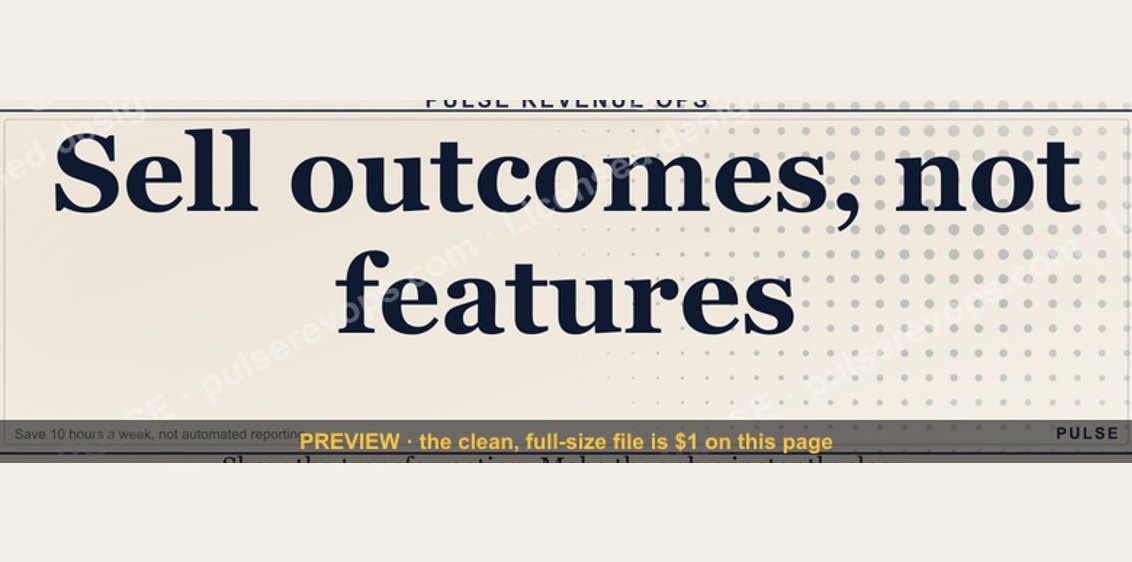 graphicSell outcomes, not features. — LinkedIn Wallpaper
 graphicInspect. Qualify. Commit. — LinkedIn Wallpaper
 graphicStay in the deal. — LinkedIn Wallpaper
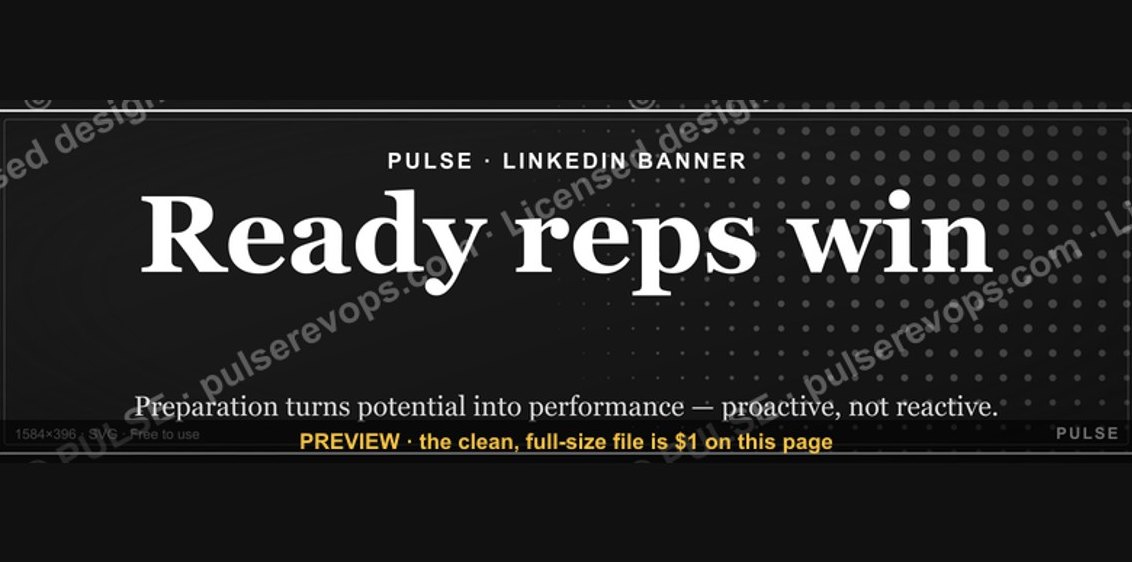 graphicReady reps win. — LinkedIn Wallpaper
 graphicHow to design a LinkedIn banner that converts viewers into leads in 2027?
 graphicStartup Founder — LinkedIn Banner
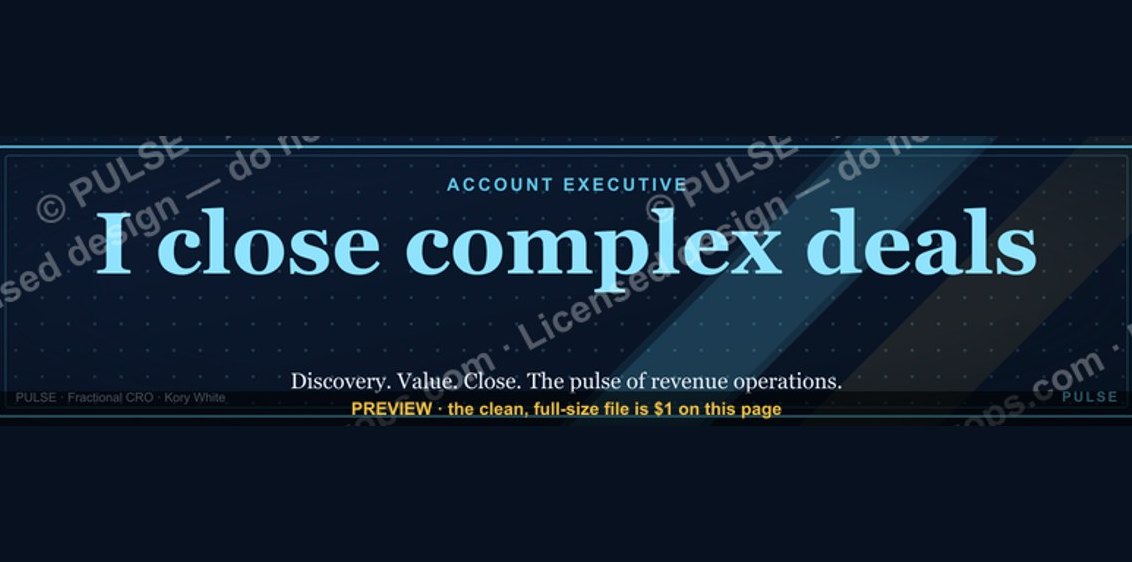 graphicAccount Executive — LinkedIn Banner
 graphicHow to build a champion champion plan in 2027?