
SDR Manager — LinkedIn Banner
 Curated byKory White · Fractional CRO · Maryland
 PULSEKNOWLEDGE LIBRARY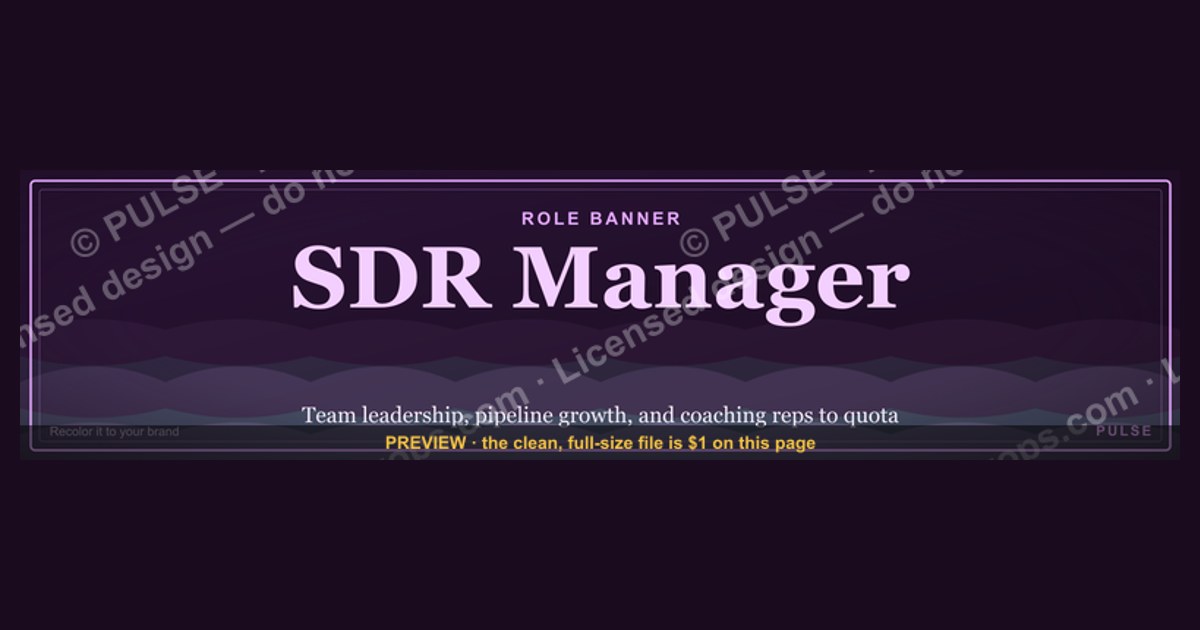
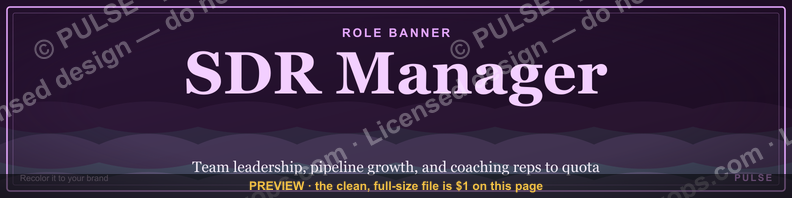
An SDR Manager LinkedIn banner should visually communicate leadership, team growth, and sales pipeline focus. Common design elements include a professional headshot or team photo, a clear headline like "SDR Manager," and a background that reflects metrics, targets, or coaching themes. The banner typically avoids clutter, using brand colors and a clean layout to convey authority and approachability.
SDR Manager — LinkedIn Banner

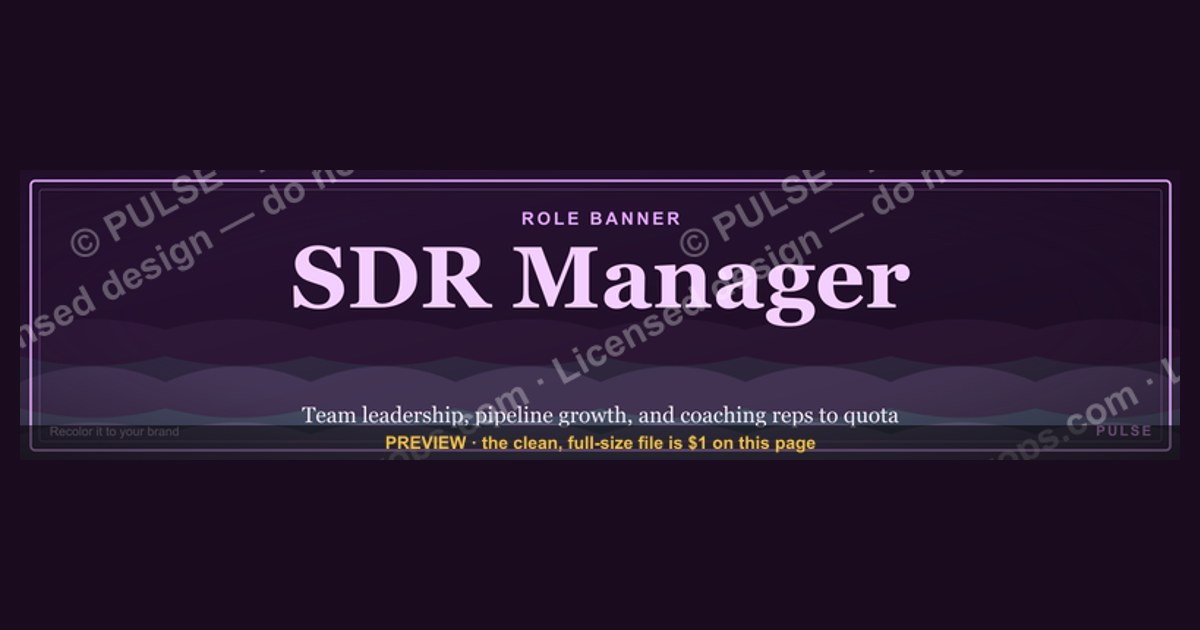
A bold dark LinkedIn cover banner for an SDR Manager — recolorable to any team or company palette. 1584×396.
Format: SVG (scalable vector) · Size: 1584×396 px · Category: Role Banner · License: Free to use — no attribution required.
Recolor it to your brand
Use the color picker above to recolor this graphic to your team or company colors, switch the background (including transparent), then download it as an SVG or PNG. No sign-up, no watermark.
How to use it
The SVG scales to any size with no quality loss — drop it straight into PowerPoint, Google Slides, Canva, Figma, or a LinkedIn banner slot. The PNG export is ready to upload anywhere that wants a raster image.
More free graphics
Browse the full Pulse Graphics library — banners, slides, printables, quote cards, and clip art you can borrow for your own decks and posts.
Related on PULSE
- SDR Manager — LinkedIn Banner
- SDR Comp Structure Breakdown
- AI does 60% of SDR work — RevOps Banner
- SDR / BDR — LinkedIn Banner
- “Looking for my next SDR role.” — LinkedIn Banner
- Customer Success Manager — LinkedIn Banner
Designing for Visual Hierarchy: What to Place Where on Your LinkedIn Banner
A common mistake SDR Managers make is treating their LinkedIn banner like a digital billboard where everything competes for attention. In reality, the most effective banners guide the viewer’s eye through a deliberate visual journey. The human brain processes images 60,000 times faster than text, so every pixel on your 1584 x 396 pixel canvas (LinkedIn’s recommended banner dimensions) should serve a strategic purpose.
The left third – Your anchor zone. This is where the viewer’s eye naturally lands first (in Western reading cultures). Place your most critical element here: typically your company logo, your name with title, or a key metric. For SDR Managers, a compelling stat like “$2M+ Pipeline Generated in Q3” or “150% Team Quota Attainment” works powerfully in this zone. Keep text minimal – 3-5 words maximum. Use your brand’s primary color for background accents here to create a visual anchor.
The center – Your narrative space. This middle section should bridge your personal brand with your company’s value proposition. Consider a subtle tagline like “Building Elite SDR Teams” or “From Cold Outreach to Closed Won.” If you’re hiring, this is the prime real estate for “Now Hiring: SDRs” with a simple arrow or icon directing to your profile link. Avoid clutter – one clear message beats three competing ones.
The right third – Your call-to-action zone. This area often gets neglected, but it’s where you drive engagement. Use it for a subtle CTA like “Let’s Connect” or “Open to Opportunities.” If you’re a thought leader in the SDR space, consider “Subscribe to My Newsletter” with a small arrow icon. The key is keeping it understated – no flashing elements or oversized buttons. LinkedIn banners don’t support clickable links, so your CTA should direct viewers to your profile headline or featured section.
Background imagery considerations. Avoid busy patterns, stock photos of people on phones (overused), or anything that competes with your text. Solid gradients, subtle textures, or abstract geometric patterns work best. For SDR Managers, a dark navy or charcoal background with your brand’s accent color creates a professional, authoritative feel. Light backgrounds (white, light gray) can work but require higher contrast text. Test your banner on both mobile and desktop – mobile crops the left and right edges more aggressively.
The 3-second rule. Most LinkedIn visitors spend 3-5 seconds on your profile. Your banner should communicate your role, value, and next step within that window. If someone has to squint or think about what they’re seeing, you’ve lost them. Use high-contrast text (white on dark backgrounds, dark on light backgrounds) and avoid fonts under 24pt for primary text. Sans-serif fonts like Helvetica, Arial, or Montserrat read better than serif fonts at banner sizes.
Leveraging Your Banner for SDR Team Recruitment and Brand Building
Your LinkedIn banner isn’t just a personal branding tool – it’s a recruitment asset that can attract top SDR talent to your team. The best SDRs are constantly evaluating potential managers on LinkedIn, and your banner is often the first impression they get of your leadership style and team culture.
Showcasing team achievements without bragging. Instead of “I’m the best SDR Manager,” frame your banner around team success. Examples: “Team: 12 SDRs | 140% of Target | 3 Promotions to AE in 2024” or “Building the Next Generation of AEs at [Company].” This signals that you’re a manager who develops people, not just hits numbers. Include a subtle nod to your coaching philosophy if space allows – “Hiring: SDRs Who Want to Learn Enterprise Sales” is more attractive than “Hiring SDRs.”
Creating a consistent visual brand for your team. If you manage multiple SDRs, consider creating a shared visual language. Use the same color palette, font, and layout style across your banner and your team’s banners. This creates a recognizable “SDR team brand” that recruiters and candidates notice. Some SDR Managers even create a simple badge or icon that appears on all team member banners – a small star, a rocket, or a company logo treatment. This builds team identity and makes your SDRs feel part of something bigger.
Using the banner to filter candidates. Your banner can subtly communicate your management style and expectations. A banner with “High Velocity Sales Development” attracts candidates who thrive in fast-paced environments. One with “Strategic Enterprise SDR” pulls in candidates interested in longer sales cycles and relationship building. If your team focuses on outbound vs. inbound, make that clear: “Outbound-Focused SDR Team | 50+ Meetings/Month.” This self-selects candidates who fit your team’s approach.
Seasonal and event-based updates. Treat your banner like a living asset, not a static image. Update it quarterly or around major industry events. Before SaaStr, Dreamforce, or Sales Hacker conferences, add “Attending [Event] – DM Me to Connect.” During hiring surges, feature “Now Hiring: 3 SDR Positions” with your company logo. After a record quarter, update with the achievement. These updates signal that you’re active, engaged, and results-oriented – all qualities that attract top talent.
Avoiding common recruitment banner mistakes. Don’t use generic phrases like “We’re Hiring!” without context. Don’t feature stock photos of smiling people in conference rooms – they feel inauthentic. Don’t list salary ranges unless your company publicly shares them (and even then, keep it vague like “Competitive Base + Uncapped Commission”). Don’t use hashtags in your banner – they look unprofessional and clutter the design. And never use your banner to complain about hiring challenges or team turnover – that’s a red flag for candidates.
Measuring Banner Performance and Iterating for Better Results
Most SDR Managers design their LinkedIn banner once and never touch it again. This is a missed opportunity. Your banner is a marketing asset, and like any marketing asset, it should be tested, measured, and optimized over time. While LinkedIn doesn’t provide banner-specific analytics, you can track its effectiveness through indirect signals.
Profile view metrics as your primary KPI. LinkedIn provides a 90-day profile view history. Track your weekly profile views before and after changing your banner. A well-designed banner should increase profile views by 20-50% within the first two weeks. If you’re actively job searching, track how many recruiters view your profile. If you’re hiring, track how many SDR candidates view your profile. Create a simple spreadsheet with columns for banner version, date range, average weekly views, and notes on any other profile changes (like headline updates or new posts).
Connection request quality and volume. After updating your banner, monitor the quality of inbound connection requests. Are more SDRs, AEs, or sales leaders reaching out? Are they mentioning your banner in their request? A banner that says “Hiring SDRs” should generate more connection requests from candidates. A banner that says “Open to Consulting” should attract more founder or VP-level connections. If the wrong audience is connecting, your banner message might be unclear.
InMail response rates. If you’re actively recruiting, track how many candidates respond to your InMails. A strong banner can increase response rates by 10-20% because candidates feel they already know you before you reach out. Test different banner messages and see which correlates with higher response rates. For example, a banner featuring team achievements might outperform one featuring your personal photo.
A/B testing on a budget. You don’t need expensive tools to test banner variations. Create 2-3 versions and rotate them weekly. Version A: Focus on personal brand (your photo, title, key stat). Version B: Focus on team culture (team photo, achievement, hiring message). Version C: Focus on thought leadership (quote, book recommendation, industry insight). Track which version generates the most profile views, connection requests, and relevant messages. After 3-4 weeks, you’ll have enough data to identify your winner.
Iterating based on career stage. Your banner should evolve with your career. An SDR Manager looking for a Director role should emphasize leadership metrics and team development. One happy in their current role should focus on recruitment and team building. One transitioning to a new industry should feature industry-specific language and logos. Update your banner at least quarterly, or whenever your professional focus shifts.
The 80/20 rule for banner maintenance. Spend 80% of your effort on getting the initial design right, and 20% on ongoing optimization. Once you find a banner that works, don’t change it just for the sake of change. Only update when you have a clear reason: a new role, a major achievement, a hiring push, or an industry event. Consistency builds recognition – if someone sees the same banner across multiple interactions, they start associating that visual with your personal brand.
Sources
- LinkedIn Official Blog — career insights and role-specific guidance for sales management
- Harvard Business Review — leadership and management best practices for sales teams
- Salesforce Blog — sales performance metrics and team management strategies
- Glassdoor — salary benchmarks and job responsibilities for SDR managers
- SaaStr — scaling sales teams and revenue leadership in SaaS companies
- Gartner — sales technology trends and organizational effectiveness research
FAQ
What does an SDR Manager do on a daily basis? An SDR Manager oversees the outbound sales development team, setting daily activity targets, coaching reps on messaging and prospecting, and analyzing pipeline metrics. They typically spend 30-50% of their time in one-on-one coaching sessions and the rest on reporting, strategy, and cross-functional alignment with marketing and sales leadership.
How many SDRs should a manager typically lead? Most organizations assign 5-10 SDRs per manager to maintain effective coaching and oversight. Some high-growth teams stretch to 12, but anything beyond that often dilutes individual development and pipeline quality.
What key metrics should an SDR Manager track? Core metrics include meetings set, qualified opportunities created, conversion rates from activity to meeting, and rep ramp time. Leading indicators like call volume, email response rates, and LinkedIn engagement also matter, but the ultimate focus is on pipeline contribution and quota attainment.
Is prior sales experience required to become an SDR Manager? Yes, most companies expect 2-4 years of SDR or BDR experience, plus at least 1-2 years in a team lead or senior rep role. Some organizations also value management experience in adjacent fields like customer success or inside sales, but direct outbound sales background is strongly preferred.
What tools do SDR Managers commonly use? Typical tech stacks include Salesforce or HubSpot for CRM, Outreach or SalesLoft for sequencing, LinkedIn Sales Navigator for prospecting, and Gong or Chorus for call coaching. Many also use analytics platforms like Tableau or Looker to track team performance and pipeline health.
How long does it take to see results from a new SDR Manager? Ramp time varies, but most managers need 60-90 days to fully assess team dynamics, implement process changes, and start seeing improved metrics. Sustainable pipeline growth and rep development often become visible in the third to sixth month.
This page will be disappearing soon. Save it to your device for $1 — or read it free while it is here.
@Kory-White- · if Venmo asks, the last 4 of my number are 2012
This page is gone.
This one is off the shelf now. $1 keeps it on your phone for good — the whole page, pictures and diagrams included.
 graphicCustomer Success Manager — LinkedIn Banner
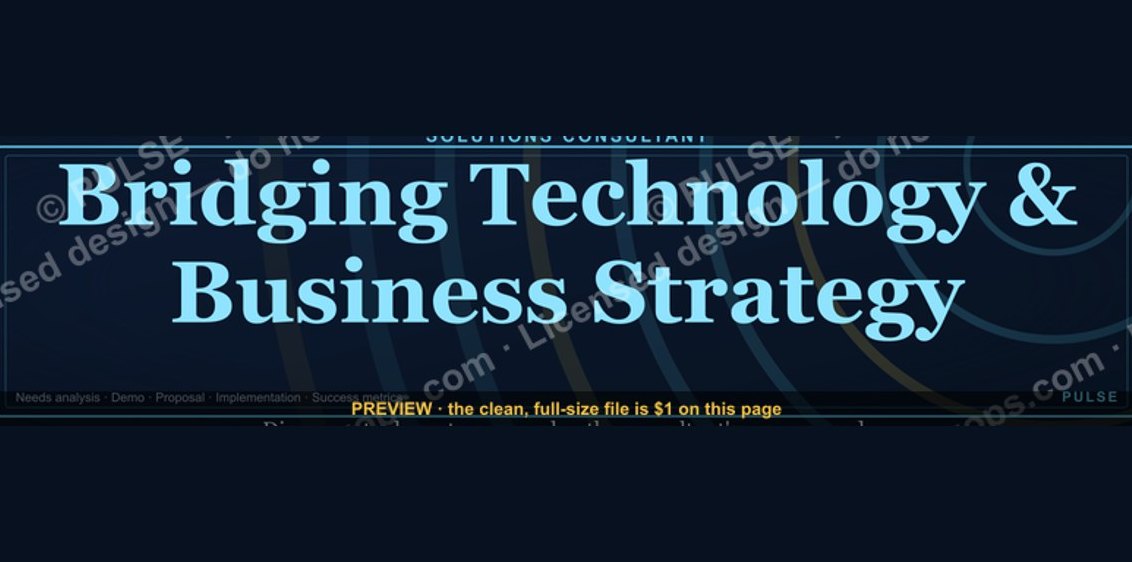 graphicSolutions Consultant — LinkedIn Banner
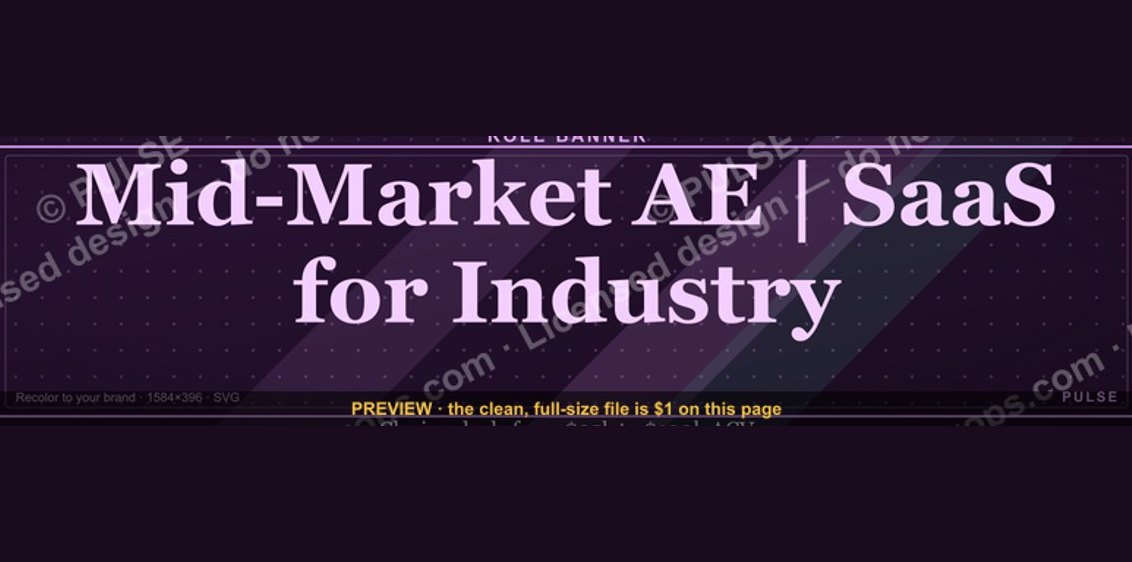 graphicMid-Market Account Executive — LinkedIn Banner
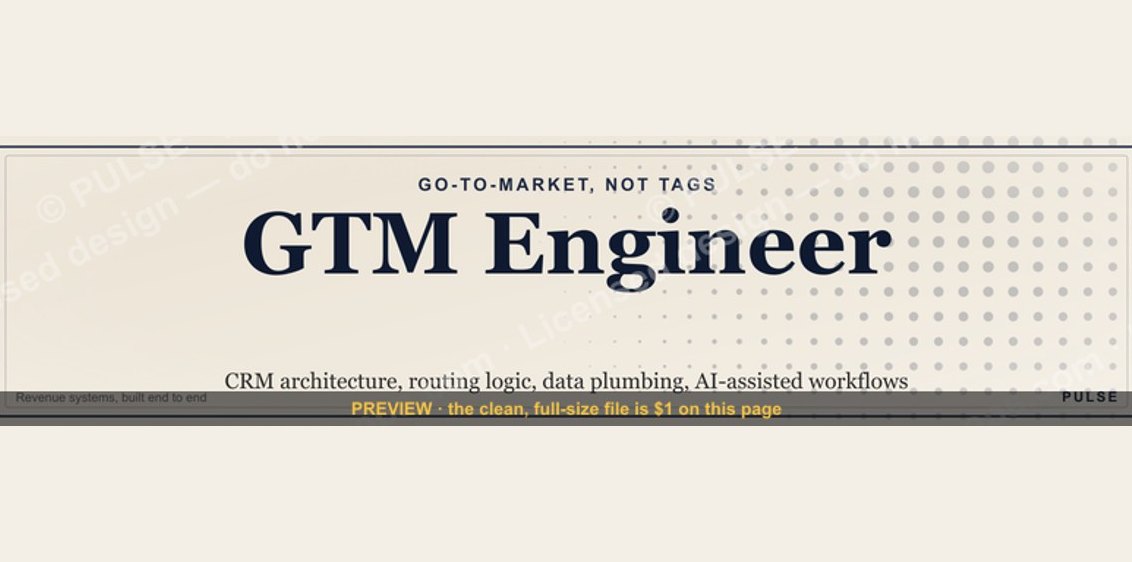 graphicGTM Engineer — LinkedIn Banner
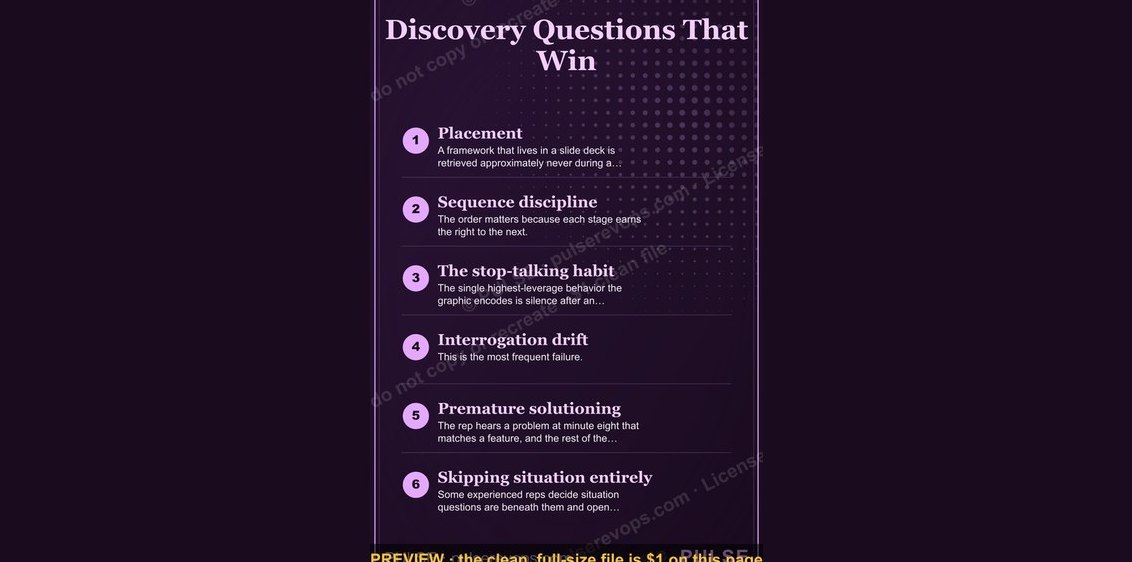 graphicDiscovery Questions That Win — Infographic
 graphicCommercial Director — LinkedIn Banner
 graphicSales Funnel — Icon / Clip Art
 graphic“FREE CONSULTING SESSION” — Sales Meme
 graphicSales Coach — LinkedIn Banner
 graphic“Bring the energy every call.” — LinkedIn Banner