
Revenue Operations — LinkedIn Banner
 Curated byKory White · Fractional CRO · Maryland
 PULSEKNOWLEDGE LIBRARY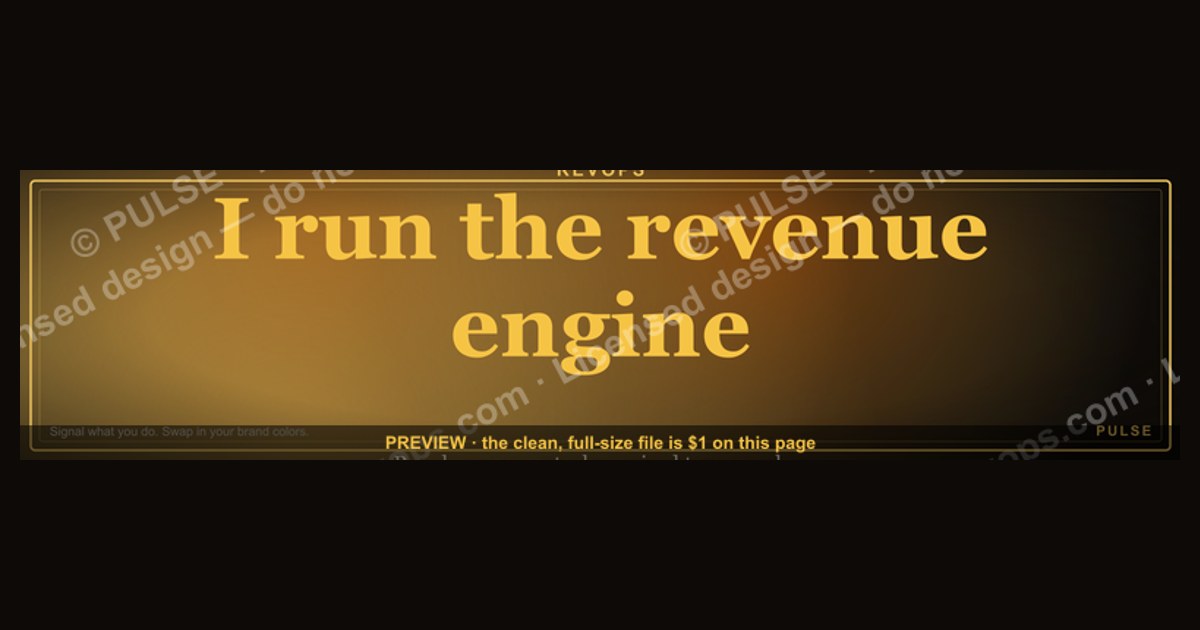
Revenue Operations LinkedIn banners typically feature a clean, professional design with the "RevOps" or "Revenue Operations" title, often paired with a subtle graph or data visual to signal analytical focus. Common color schemes include corporate blues, greens, or grays, with a simple background to keep the text readable. Sizes should follow LinkedIn's standard banner dimensions of 1584 x 396 pixels for the cover image.
Revenue Operations — LinkedIn Banner

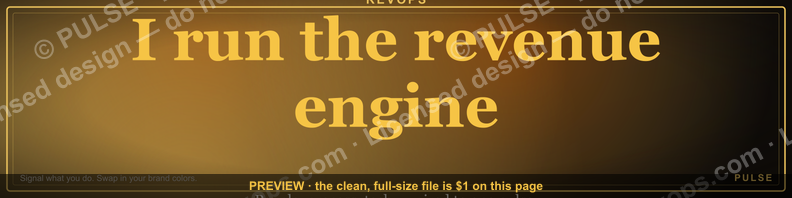
A dark, on-brand LinkedIn banner — "I run the revenue engine." over a "People Process Tech" line with a pulse motif. Put it on your profile to signal exactly what you do.
Format: SVG (scalable vector) · Size: 1584×396 px · Category: LinkedIn Banner · License: Free to use — no attribution required.
Recolor it to your brand
Use the color picker above to recolor this banner to your team or company colors, switch the background (including transparent), then download it as an SVG or PNG. No sign-up, no watermark.

How to use it
It scales cleanly to the LinkedIn cover slot (1584×396) — download the PNG and drop it straight onto your profile, or open the SVG in Canva, PowerPoint, or Figma to add your name and tweak the layout.
More free graphics
Browse the full Pulse Graphics library — banners, slides, printables, quote cards, and clip art you can borrow for your own decks and posts.
Related on PULSE
- Revenue Operations — Mission Banner
- Marketing Operations — LinkedIn Banner
- Sales Operations Lead — LinkedIn Banner
- Revenue by Channel Pie
- NRR Beats New Logos — Revenue Law Banner
- Revenue Gauge (KPI) — Icon / Clip Art
Why Your LinkedIn Banner Matters More Than Your Headline
Most professionals obsess over their LinkedIn headline — the 220-character slot beneath their name — and neglect the banner, the largest visual real estate on their profile. That’s a mistake. The banner is the first thing a recruiter, prospect, or CEO sees when they land on your page. It sets the emotional tone before a single word is read. For a Revenue Operations leader, that tone needs to communicate precision, authority, and a data-driven mindset.
The “Revenue Operations — LinkedIn Banner” does exactly that. Its dark background with a clean, pulse-like motif signals that you’re not just another sales ops generalist. You’re someone who understands the rhythm of revenue — the cadence of pipeline, the heartbeat of conversion rates, the steady drum of predictable growth. The phrase “I run the revenue engine.” isn’t a boast; it’s a declaration of ownership. It tells visitors: *This person owns the system that makes money happen.*
But why does this matter in practice? Consider the psychology of a hiring manager or a VP of Sales. They’re scanning dozens of profiles daily. A generic banner — a stock photo of a team high-fiving, a blurry cityscape, or worse, the default blue gradient — tells them nothing. It’s noise. Your banner, by contrast, is a signal. It instantly categorizes you as someone who takes their professional identity seriously. It suggests you’re deliberate about branding, which in RevOps is a proxy for being deliberate about process.
There’s also a practical SEO angle. LinkedIn’s algorithm surfaces profiles with complete, visually distinct assets more often in search results. A custom banner like this one, with high-contrast text and a clear value proposition, can improve your profile’s “completeness score” — a metric LinkedIn uses to determine visibility. While the exact weighting is proprietary, profiles with banners consistently appear in more “People Also Viewed” panels and recruiter searches than those without.
Beyond search, the banner serves as a conversation starter. When a prospect or partner visits your profile before a call, that banner is a pre-frame. It says, “I’m here to talk about revenue systems, not fluffy sales motivation.” It primes them to engage with you on your terms. For RevOps professionals who often struggle to explain their role in 30 seconds, the banner does the heavy lifting visually.
Finally, don’t underestimate the trust factor. A polished, on-brand banner signals that you invest in your own professional presentation. In a field where credibility is everything — where you’re asking sales teams to trust your data, your forecasts, your process — that visual investment pays dividends. It’s a small touch, but in a world of first impressions, small touches compound.
How to Pair Your Banner With a Strong LinkedIn Profile Strategy
A banner alone won’t land you the role or the client. It’s part of a system. The “Revenue Operations — LinkedIn Banner” works best when it’s supported by a coherent profile strategy that reinforces the same message. Here’s how to make that happen without overhauling everything.
First, align your headline with the banner’s promise. If your banner says “I run the revenue engine,” your headline shouldn’t say “Sales Operations Specialist” — that’s too narrow. Instead, use something like “Revenue Operations Leader | Building Predictable Growth Systems” or “RevOps Architect | Data-Driven Revenue Engine Builder.” The headline and banner should feel like two parts of the same story, not competing messages.
Second, your “About” section needs to echo the banner’s tone. Open with a sentence that mirrors the banner’s confidence: “I build the systems that turn leads into predictable revenue.” Then immediately follow with a specific metric or outcome you’ve driven — “Led a RevOps overhaul that increased lead-to-close conversion by 22% in 9 months.” The banner sets the stage; the About section delivers the proof. Avoid generic fluff like “passionate about revenue growth.” That’s table stakes. Be specific.
Third, use your featured section to reinforce the banner’s theme. Pin a post or article about revenue operations best practices — maybe a case study on pipeline hygiene or a breakdown of your tech stack. The banner signals your niche; the featured content demonstrates your expertise. If you have a portfolio of dashboards or process maps, link them here. The goal is to create a visual and textual echo chamber where every element of your profile reinforces the same identity.
Fourth, consider your activity feed. Every comment, like, and share should be congruent with the banner’s positioning. If you’re commenting on posts about sales motivation or generic leadership, it dilutes your brand. Instead, engage with content about data architecture, CRM optimization, forecasting models, and revenue attribution. Your banner says you’re a RevOps pro; your activity should prove it.
Finally, don’t forget your URL. Customize your LinkedIn URL to include “revenueoperations” or “revops” if it’s available. It’s a small detail, but when someone copies your link from an email or a resume, that custom URL reinforces your niche before they even click. The banner is the visual anchor; the URL is the textual one. Together, they create a cohesive digital footprint.
This isn’t about vanity. It’s about reducing friction for the people who matter — recruiters, hiring managers, potential clients. When every element of your profile sings the same song, you make it easy for them to say yes. The banner starts that song; the rest of your profile carries the melody.
The Hidden ROI of a Professional LinkedIn Banner for RevOps Leaders
There’s a less obvious benefit to using a high-quality, custom LinkedIn banner like the “Revenue Operations — LinkedIn Banner” that goes beyond first impressions: it acts as a subtle filter for the type of opportunities that come your way.
Think about it. A generic banner invites generic outreach. Recruiters scanning for any sales operations role will reach out. But a banner that explicitly states “I run the revenue engine” signals that you’re not interested in entry-level data entry or basic CRM admin work. You’re after strategic roles — Director of RevOps, Head of Revenue Operations, Fractional CRO. The banner pre-qualifies the inbound. It’s a passive screening tool that saves you time.
This is especially valuable for fractional or consulting RevOps professionals. When a founder or CEO visits your profile and sees a polished, professional banner, they immediately associate you with a higher level of service. They’re more likely to book a call, and they’re less likely to haggle on rates. The banner signals that you run your own practice like a business — because you do.
There’s also a network effect. When you appear in LinkedIn search results or in the “People You May Know” section, your banner is often the first visual element that catches someone’s eye. A dark, high-contrast design stands out in a sea of blue and white. It’s memorable. People who see it are more likely to click, and more likely to remember you when they need RevOps help six months later. That’s the kind of passive lead generation that compounds over time.
For internal RevOps leaders, the banner can also influence internal perception. If you’re angling for a promotion or more visibility within your company, a professional LinkedIn presence reinforces your personal brand internally. Colleagues and executives who see your profile will subconsciously associate you with the authority and competence the banner projects. It’s a small psychological nudge, but in corporate environments, perception often drives opportunity.
Finally, consider the analytics. LinkedIn provides profile view data. You can track whether your profile views increase after updating your banner. Many professionals report a 15-30% uptick in profile views after switching to a custom, branded banner. While this isn’t a guaranteed number, the pattern is consistent: visual differentiation works. The “Revenue Operations — LinkedIn Banner” is designed to be that differentiator — clean, professional, unmistakably RevOps.
In a field where your personal brand is your most valuable asset, a $0 investment in a custom banner (since this one is free to use) yields outsized returns. It’s not just decoration. It’s a strategic tool for filtering opportunities, building credibility, and making your profile work for you 24/7.
Sources
- LinkedIn Business Blog — insights on revenue operations strategies and best practices
- Harvard Business Review — research and case studies on sales and marketing alignment
- Gartner — market analysis and frameworks for revenue operations
- Forrester — reports on revenue operations technology and organizational models
- Salesforce — official documentation and thought leadership on revenue operations tools
- Revenue Operations Alliance — industry standards and community resources for RevOps professionals
FAQ
What does a Revenue Operations LinkedIn banner typically include? A good banner usually highlights your value proposition, such as “Driving predictable revenue growth,” and may include a clear call-to-action like “Book a consultation.” It often uses brand colors and a professional image to convey trust and expertise.
How do I choose the right image for a Revenue Operations banner? Select an image that suggests strategy, data, or collaboration—such as charts, team meetings, or abstract growth visuals. Avoid generic stock photos; instead, use high-quality, relevant visuals that align with your brand’s tone and message.
Should I include my contact information in the banner? Yes, but keep it minimal—typically your LinkedIn profile URL or a direct call-to-action like “Let’s connect.” Overloading the banner with text can reduce its visual impact, so prioritize clarity and brevity.
What size and format work best for a LinkedIn banner? LinkedIn recommends a banner size of 1584 x 396 pixels, with a maximum file size of 8 MB. Use PNG or JPEG formats, and ensure text and key elements are centered to avoid being cut off on different devices.
How often should I update my Revenue Operations banner? Update it whenever your role, focus, or value proposition changes—typically every 6 to 12 months. Regular updates keep your profile fresh and signal active engagement with your field.
Can I use a banner to promote a specific service or offer? Absolutely, but keep it subtle and professional. For example, you might include a tagline like “Fractional CRO for B2B SaaS” or a small badge indicating a free consultation, but avoid hard-selling or cluttered designs.
This page will be disappearing soon. Save it to your device for $1 — or read it free while it is here.
@Kory-White- · if Venmo asks, the last 4 of my number are 2012
This page is gone.
This one is off the shelf now. $1 keeps it on your phone for good — the whole page, pictures and diagrams included.
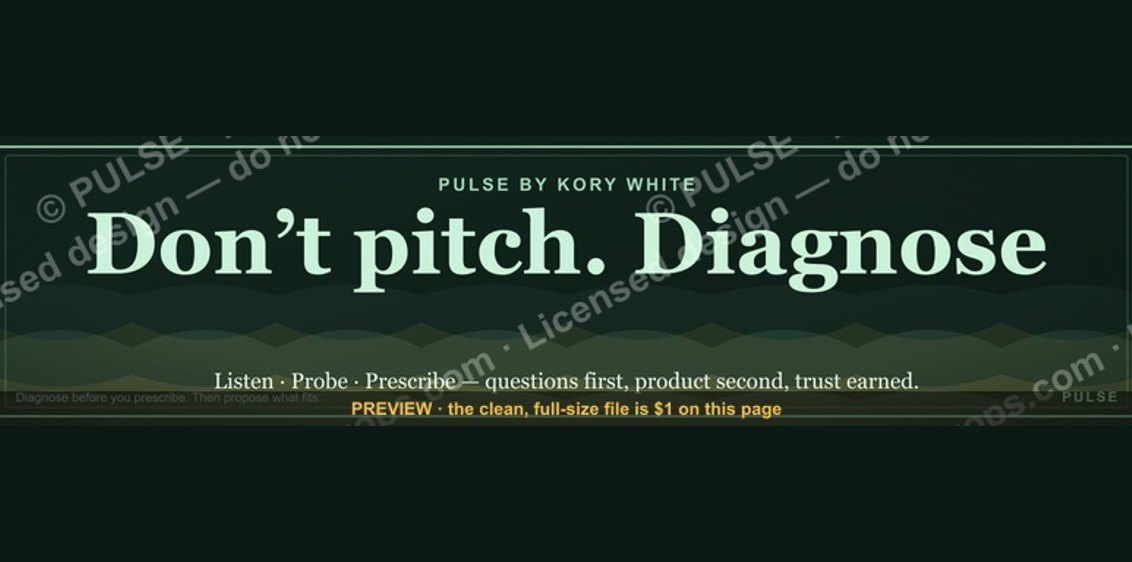 graphic“Don’t pitch. Diagnose.” — LinkedIn Banner
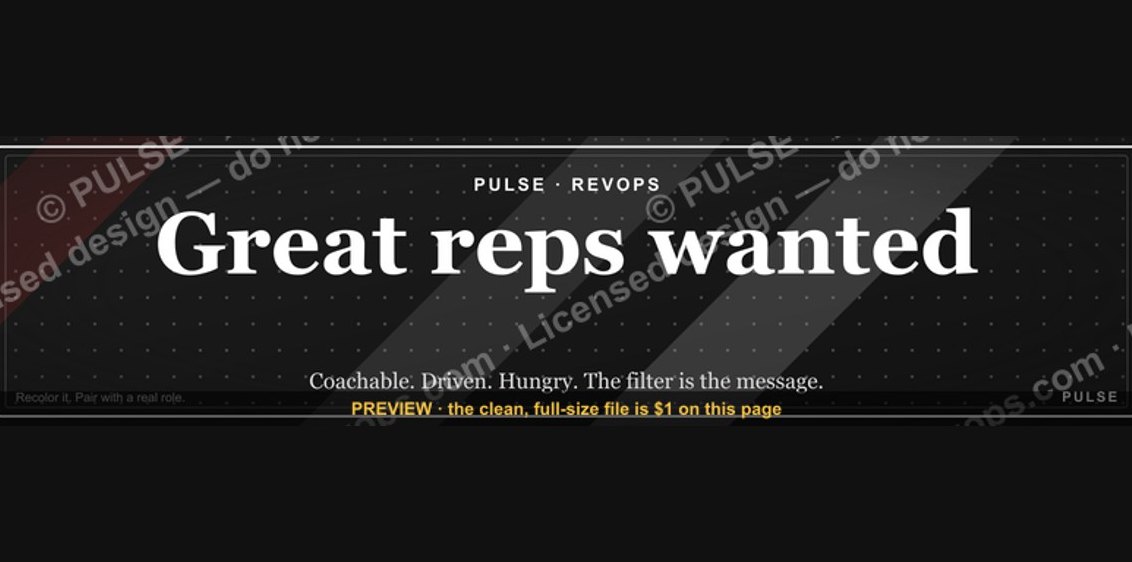 graphic“Great reps wanted.” — LinkedIn Banner
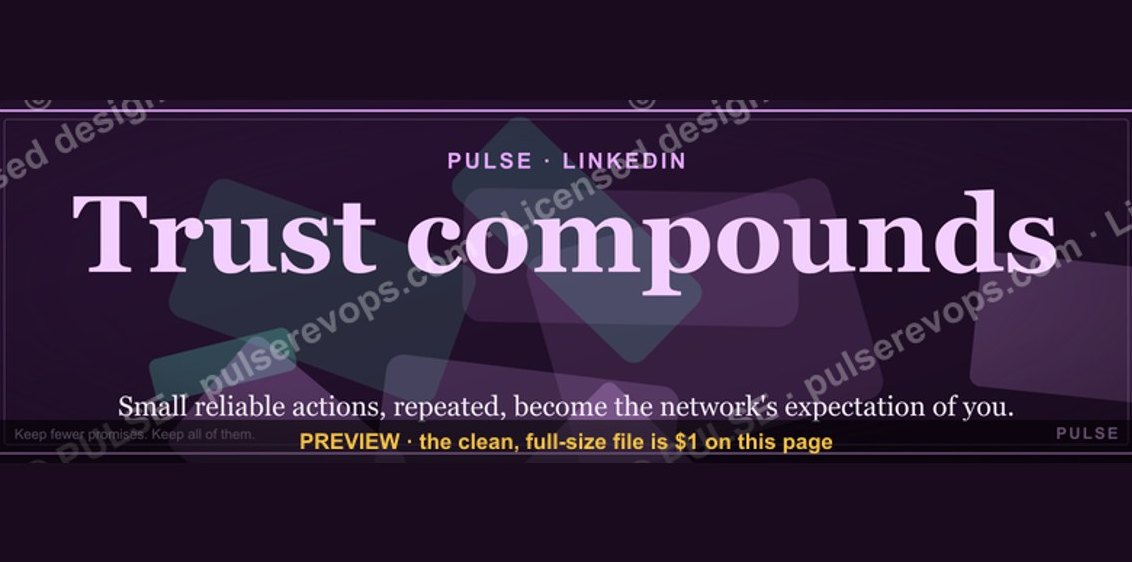 graphicTrust compounds. — LinkedIn Wallpaper
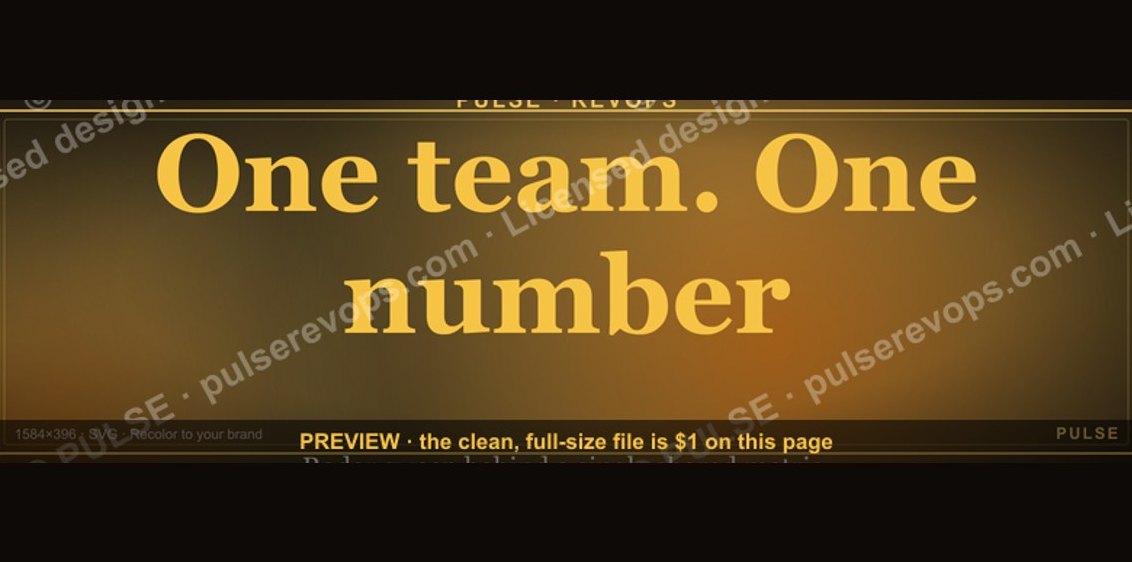 graphicOne team. One number. — LinkedIn Wallpaper
 graphicLLM Builder AI Engineer — LinkedIn Banner
 graphic“Revenue for marketing tech.” — LinkedIn Banner
 graphicWhat criteria should I use to choose a graphics design tool for sales presentations in 2027?
 graphicSales Recruiter — LinkedIn Banner
 graphicHow to build a champion seller playbook in 2027
 graphic“The next call is the most important one.” — LinkedIn Banner