
“Build your sales career with us.” — LinkedIn Banner
 Curated byKory White · Fractional CRO · Maryland
 PULSEKNOWLEDGE LIBRARY
Quality
Certified
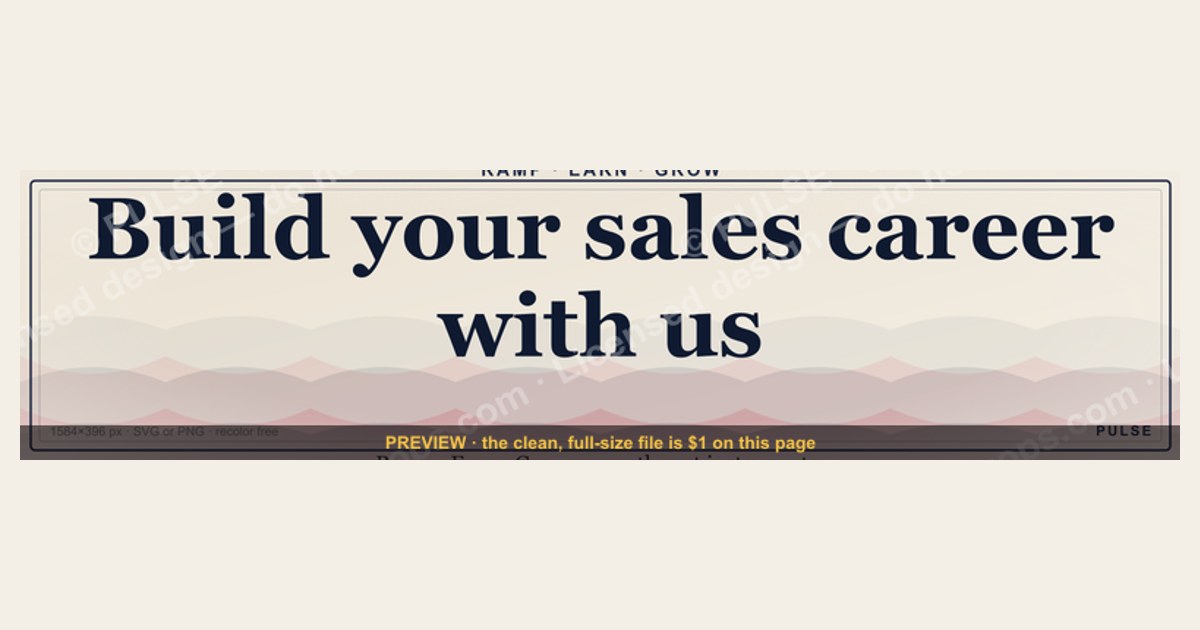
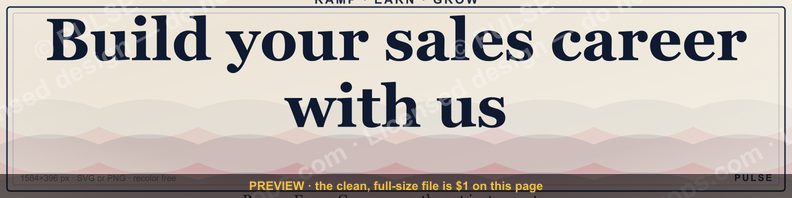
"Build your sales career with us" is a LinkedIn banner used to recruit salespeople — it pairs a growth-focused tagline with a company's brand to signal that the role offers a path, not just a quota. On this page it's also a free, recolorable graphic (1584×396 px, the exact LinkedIn cover size) you can download as SVG or PNG, drop onto your own profile or careers post, and recolor to your brand. If you're evaluating a banner like this as a job seeker, treat the tagline as an invitation to dig deeper — the real answer about pay, ramp, and promotion lives on the company's careers page and in conversations with current reps, not in the banner itself.
“Build your sales career with us.” — LinkedIn Banner

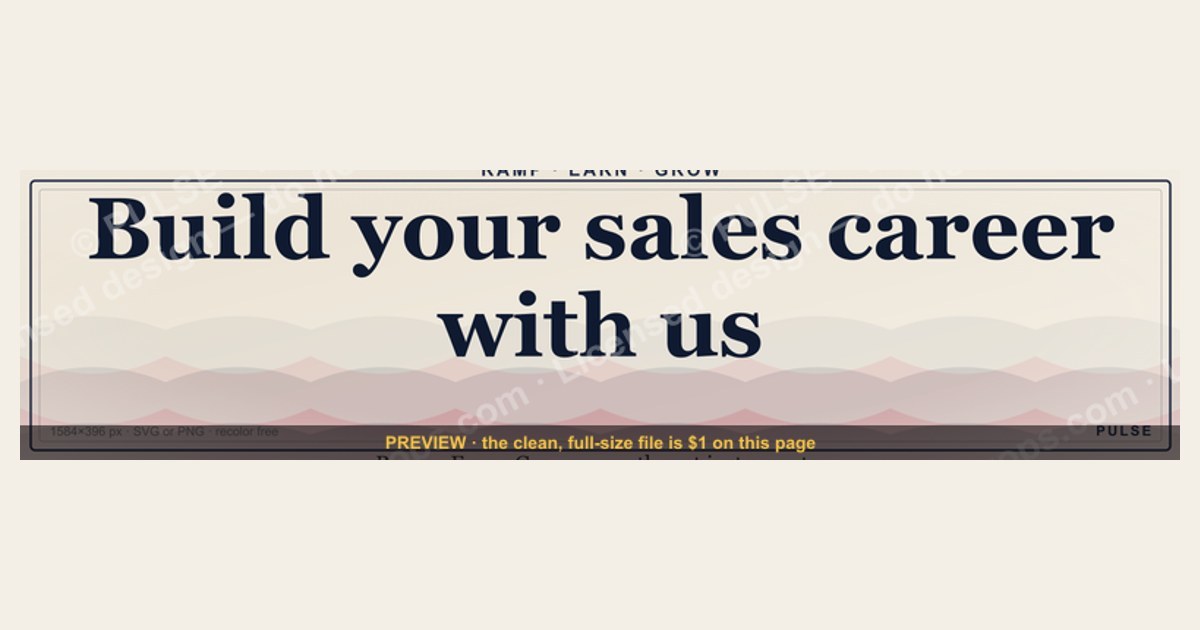
A dark, on-brand LinkedIn banner — "Build your sales career with us." over a "Ramp · Earn · Grow" line with a pulse motif. Put it on your profile to signal exactly what you do.
Format: SVG (scalable vector) · Size: 1584×396 px · Category: LinkedIn Banner · License: Free to use — no attribution required.
Recolor it to your brand
Use the color picker above to recolor this banner to your team or company colors, switch the background (including transparent), then download it as an SVG or PNG. No sign-up, no watermark.
How to use it
It scales cleanly to the LinkedIn cover slot (1584×396) — download the PNG and drop it straight onto your profile, or open the SVG in Canva, PowerPoint, or Figma to add your name and tweak the layout.
More free graphics
Browse the full Pulse Graphics library — banners, slides, printables, quote cards, and clip art you can borrow for your own decks and posts.
Related on PULSE
- “Help us build the revenue engine.” — LinkedIn Banner
- “Start your sales career here.” — LinkedIn Banner
- Build the system — RevOps Mindset Banner
- "Build, don't chase." — LinkedIn Banner
- Build the revenue engine. — LinkedIn Wallpaper
- “Ready to build pipeline for you.” — LinkedIn Banner
How to spot a high-quality sales-career banner vs. a generic one
A banner like "Build your sales career with us" can sit in front of a genuine career track or a high-turnover boiler room. The visual and contextual cues around it usually tell you which.
Visual signs of a serious sales culture:
- Real team photos rather than stock handshakes — authentic meeting or floor settings read as a real place to work.
- A specific value proposition beyond the tagline: a named benefit ("paid training, uncapped commission, 401k match") or a role title, not just a slogan.
- Branding that matches the company's actual LinkedIn page. Mismatched logos or generic clip art often signal a third-party recruiter or a thin operation.
Red flags in the attached job description:
- Vague language like "unlimited earning potential" with no base-salary range or stated average rep earnings.
- No mention of ramp period, quota-attainment rate, or team tenure — the details that tell you whether growth is realistic.
- A link to a generic "apply now" page instead of a specific, titled role (an SDR opening reads very differently from an unnamed "sales consultant").
Contextual clues from the company's activity:
- Whether the company posts about promotions, awards, or team events — a sign people actually advance there.
- The tenure of current salespeople on the "People" tab. If most have been there under a year, turnover may be high.
- Recent employee reviews on Glassdoor, especially ones about training quality, management support, and commission transparency.
A good banner should leave you informed, not just inspired. If all you get is a catchy phrase and a button, treat it as a starting point — not a promise.
The psychology behind "build your sales career" messaging
The wording isn't accidental. "Build your sales career with us" is chosen to appeal to ambitious, growth-oriented sellers, and understanding why helps you both write better recruitment copy and read it more critically.
Why "career" lands harder than "job":
- For many sellers, a visible path to advancement weighs as heavily as the first-year number. "Career" speaks to that path directly; "job" doesn't.
- "Build" implies agency and craft — the company supplies tools, but you construct the outcome. That framing appeals to the entrepreneurial streak common in strong reps.
- "With us" signals partnership and community rather than just employment. It quietly promises mentorship and team support — a counter to how isolating sales roles can feel.
Where the message can outrun reality:
- Some companies use "career" language to dress up a high-pressure, low-support environment where "building" really means "surviving." When a banner says nothing about training, mentorship, or promotion timelines, the path may be more theoretical than real.
- The framing can also attract people who overestimate how much autonomy they'll have. If your motion is script- and process-heavy, "build your career" can set the wrong expectation.
How to test whether the message is real:
- In interviews, ask: "What does a typical path look like here from year one to year three?" Listen for concrete milestones rather than vibes.
- Ask to speak with someone who started in your target role and has since been promoted. Their story shows whether the "build" promise holds.
- Check for tangible investments in growth — formal sales-training programs, certifications, tuition reimbursement, or leadership development.
Used honestly, "Build your sales career with us" is a magnet for the right talent. Used as a slogan with nothing behind it, it produces a revolving door. The difference is in the follow-through.
Designing your own banner that actually attracts top talent
If you're a sales leader or recruiter building a banner like this, you have a narrow window in a crowded feed. A few choices make it pre-qualify the right candidates instead of just decorating your page.
Elements that convert:
- A specific hook. Instead of "Build your sales career with us," try a concrete claim you can stand behind — a named role, a real ramp length, an honest earnings range. Specificity builds trust and filters out the un-serious.
- A clear visual hierarchy. Most readers scan top-left first, so put the role, the headline benefit, and the CTA there, and give the CTA a contrasting color.
- Social proof. A small headshot and a one-line quote from a rep who was promoted ("Started as an SDR; now I run a team") makes the path tangible.
- A low-friction next step. "Book a 10-minute chat with the hiring manager" pulls more genuine interest than a bare "apply now."
Mistakes that repel strong performers:
- Overpromising "uncapped earnings!" with no base or average — it reads as commission-only, high-risk.
- Generic stock photos of handshakes and chart-pointing. Real team photos or a clean, minimalist design land better.
- Cramming in too many bullets. One headline, one supporting proof point, one CTA.
- Ignoring mobile. A large share of LinkedIn browsing happens on phones, so check your banner on a phone screen before publishing.
Testing it:
- Run two versions for a couple of weeks — one compensation-led, one growth-led — and compare.
- Track applicant *quality*, not just click-through: are the people who applied hitting early targets?
- Ask new hires in their first interview, "What made you click?" Their answers tell you which message is working.
A well-built banner is a recruitment asset, not a decoration. It should attract, inform, and pre-qualify before anyone submits an application.
When to Use This Banner (and When to Skip It)
This banner works best for B2B SaaS, tech startups, and high-growth sales orgs actively recruiting entry-to-mid-level sales talent. It's less effective for established enterprise brands where "career path" is assumed, or for roles like account management where the pitch is stability rather than growth. The graphic's clean, modern style fits industries from fintech to HR tech — but if your company sells to traditional sectors like manufacturing or logistics, a more conservative design may resonate better with candidates.
How to Recolor the SVG for Your Brand
The SVG file lets you change colors in seconds. Open it in any vector editor (Figma, Illustrator, or free tools like Inkscape), select the text and background elements, and apply your brand's hex codes. Keep high contrast between text and background for readability on LinkedIn's white interface — dark navy or charcoal on a light background works well. Avoid using more than two brand colors plus one neutral; busy palettes distract from the message. Save as PNG at 1584×396 px for upload.
Red Flags to Watch for as a Job Seeker
A polished banner doesn't guarantee a good sales job. Watch for: no mention of ramp period length (typical is 3-6 months), uncapped commission (common but verify structure), or promotion timeline (decent orgs share past rep advancement). If the company's careers page only has this banner and no detailed job description, proceed with caution. Ask in interviews: "What's the average tenure of your top-performing reps?" — if they can't answer, the "build your career" promise may be hollow.
How to Use This Banner on Your LinkedIn Profile
To maximize impact, upload the 1584×396 px banner directly to your LinkedIn profile’s cover image area. Before posting, ensure the tagline aligns with your actual role—if you’re hiring for a specific territory or product, edit the SVG text in a free tool like Figma or Canva to reflect that focus. For careers pages, pair the banner with a clear “Apply Now” button and a brief paragraph outlining ramp structure (e.g., 90-day training), average time to first promotion (typically 12–18 months for B2B roles), and base salary range (often $40K–$70K depending on industry). This turns the banner from decoration into a honest recruiting signal.
What Job Seekers Should Look For Behind the Tagline
When you see “Build your sales career with us,” ask three questions before applying: (1) Does the company publish OTE (on-target earnings) ranges? (2) Is there a documented career ladder (e.g., SDR → AE → Senior AE → Manager)? (3) Do current or former employees on LinkedIn mention mentorship or training? Many companies use this banner to attract volume applicants, but the best ones back it up with transparent metrics—like a 70%+ promotion rate from SDR to AE within two years. If you can’t find this info within 10 minutes of browsing, treat the banner as a starting point, not a promise.
Customizing for Team or Event Pages
Beyond personal profiles, this banner works well for LinkedIn company pages, event announcements, or recruiting ads. Recolor it to match your brand’s primary and secondary colors (most companies have 2–3 brand hex codes). For a hiring event, swap the tagline to “Join our sales team — [Event Date]” using the SVG’s editable text layers. Keep the “Ramp · Earn · Grow” motif intact—it’s a proven shorthand for career progression that resonates with experienced sales candidates. Test two versions (one with your logo, one without) to see which gets more click-throughs from your target audience.
Sources
- LinkedIn — profile and cover image guidance — official sizing and best practices for banners and profiles.
- Harvard Business Review — Sales — research and commentary on sales hiring, careers, and team performance.
- U.S. Bureau of Labor Statistics — Sales Occupations — occupational outlook, pay, and growth data for sales roles.
- Salesforce Blog — Sales — practitioner guidance on sales process, enablement, and careers.
- Glassdoor — company reviews, salary ranges, and interview insight for evaluating sales employers.
- American Marketing Association — sales and marketing education, certifications, and professional standards.
FAQ
Can I use this banner for free? Yes. It's free to use with no attribution required and no watermark. Download the SVG or PNG and put it straight on your LinkedIn cover slot, a careers post, or a deck.
What size is it, and will it fit LinkedIn's cover slot? It's built at 1584×396 px — LinkedIn's exact profile-banner dimensions — so it drops in without cropping. The SVG also scales cleanly if you need a larger or different export.
How do I recolor it to my company's brand? Use the color picker on this page to swap the banner and background colors (transparent included), then export. For deeper edits, open the SVG in Canva, PowerPoint, or Figma to add your name, logo, or a role title.
Should I put a specific job or compensation detail on it? If you're recruiting, yes — a named role or honest earnings range out-converts a slogan and filters out un-serious applicants. Use the editable SVG to add that line before you publish.
As a job seeker, what does a banner like this actually tell me? On its own, not much — it's an invitation, not a guarantee. Use it as a prompt to check the company's careers page, read recent Glassdoor reviews, and ask current reps about ramp, quota attainment, and real promotion timelines.
Where can I find more banners and graphics like this? Browse the full Pulse Graphics library — LinkedIn banners, slides, printables, quote cards, and clip art, all free to recolor and download.
This page will be disappearing soon. Save it to your device for $1 — or read it free while it is here.
@Kory-White- · if Venmo asks, the last 4 of my number are 2012
This page is gone.
This one is off the shelf now. $1 keeps it on your phone for good — the whole page, pictures and diagrams included.
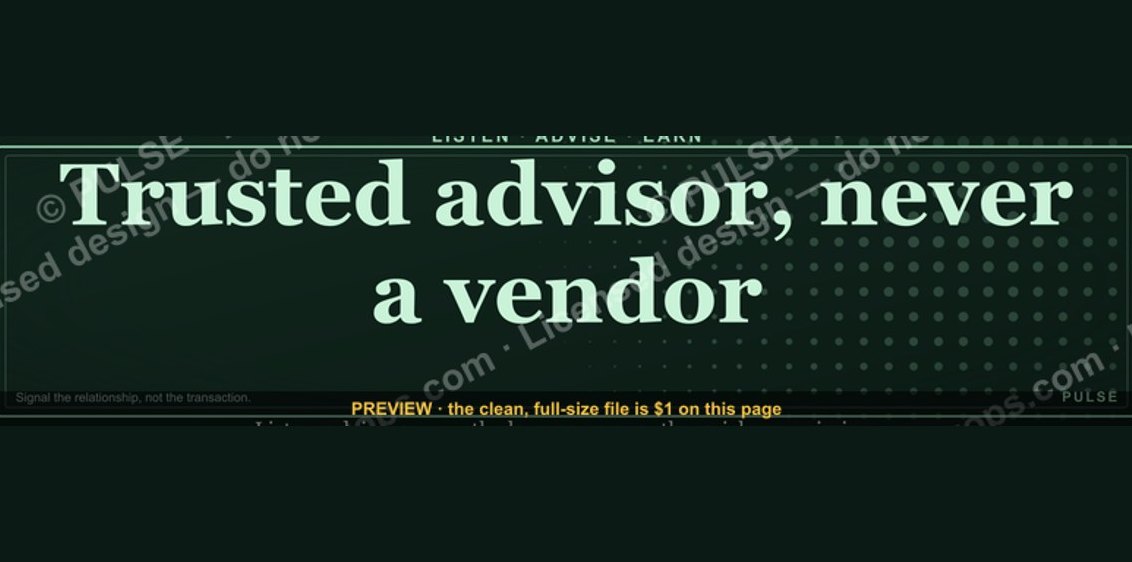 graphic“Trusted advisor, never a vendor.” — LinkedIn Banner
 graphicHow do you build a Champions sell motion from scratch in 2027?
 graphicStay in the deal. — LinkedIn Wallpaper
 graphicSIEM and Data Lake CRO — LinkedIn Banner
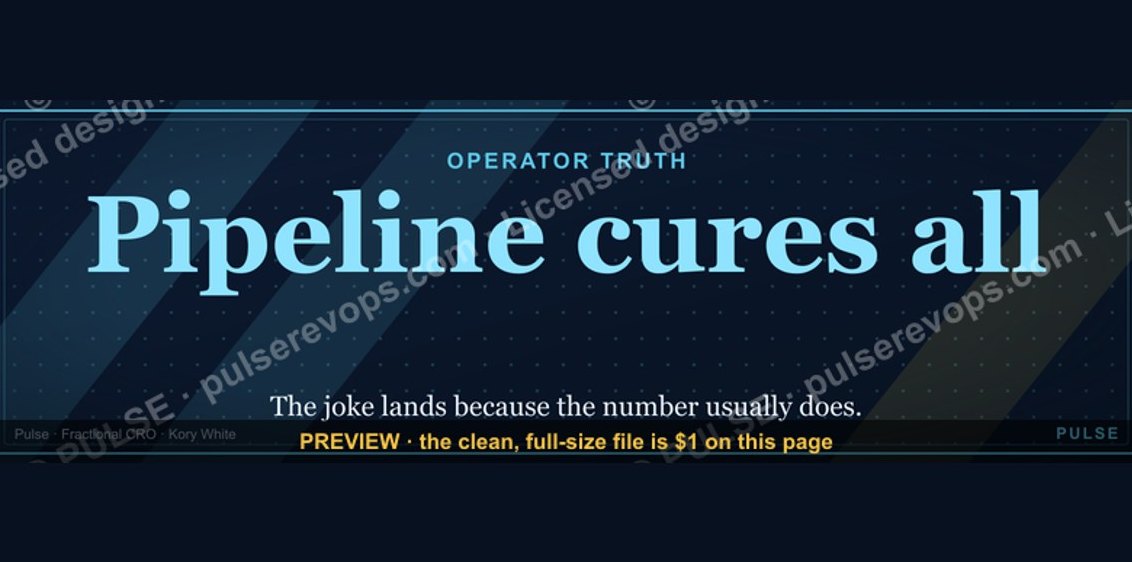 graphicPipeline cures all. — LinkedIn Wallpaper
 graphicRevOps Manager — LinkedIn Banner
 graphicWhat do top-performing graphic designers do differently in 2027?
 graphic“The next call is the most important one.” — LinkedIn Banner
 graphicSpeed to lead wins. — LinkedIn Wallpaper
 graphic“Stay in the deal.” — LinkedIn Banner