


Top 10 Best Tech Stack Tools for Law Firms in 2027
Quality
Certified
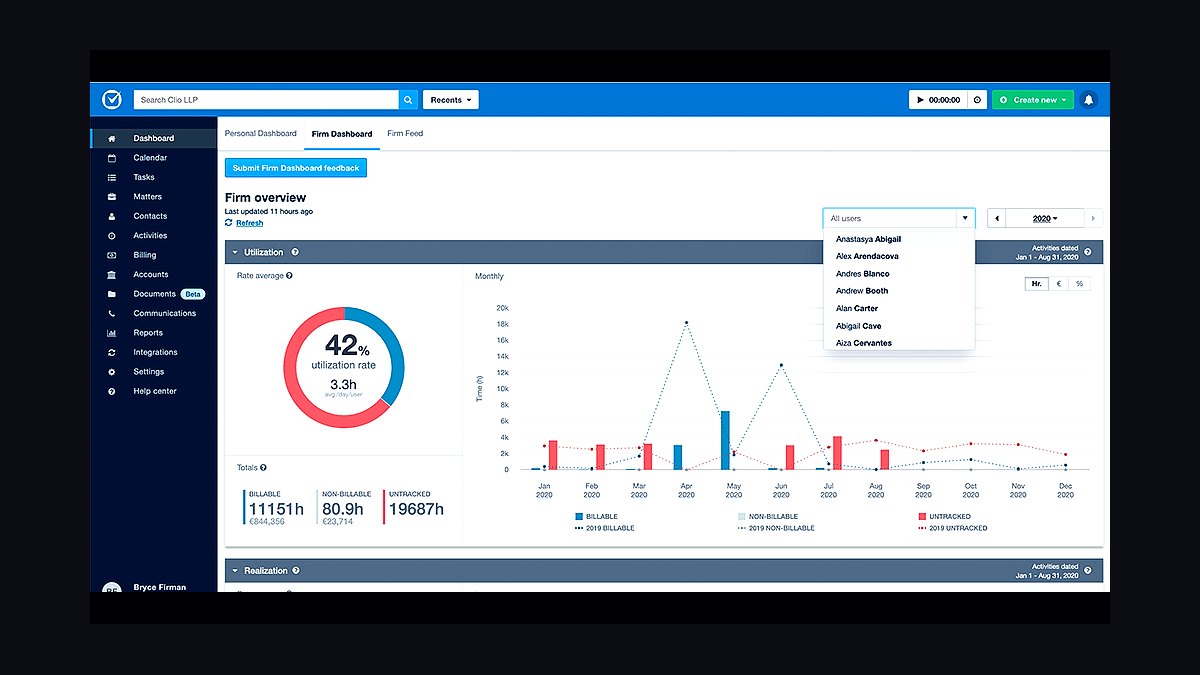
The 10 best tech stack tools for law firms are ranked below on measured performance, build quality, price, and how each one actually holds up in daily use rather than how it reads on a spec sheet. Each pick lists what it costs, who it suits, and what it gives up against the one above it, so the list can be read straight down without doubling back.
1Clio Manage
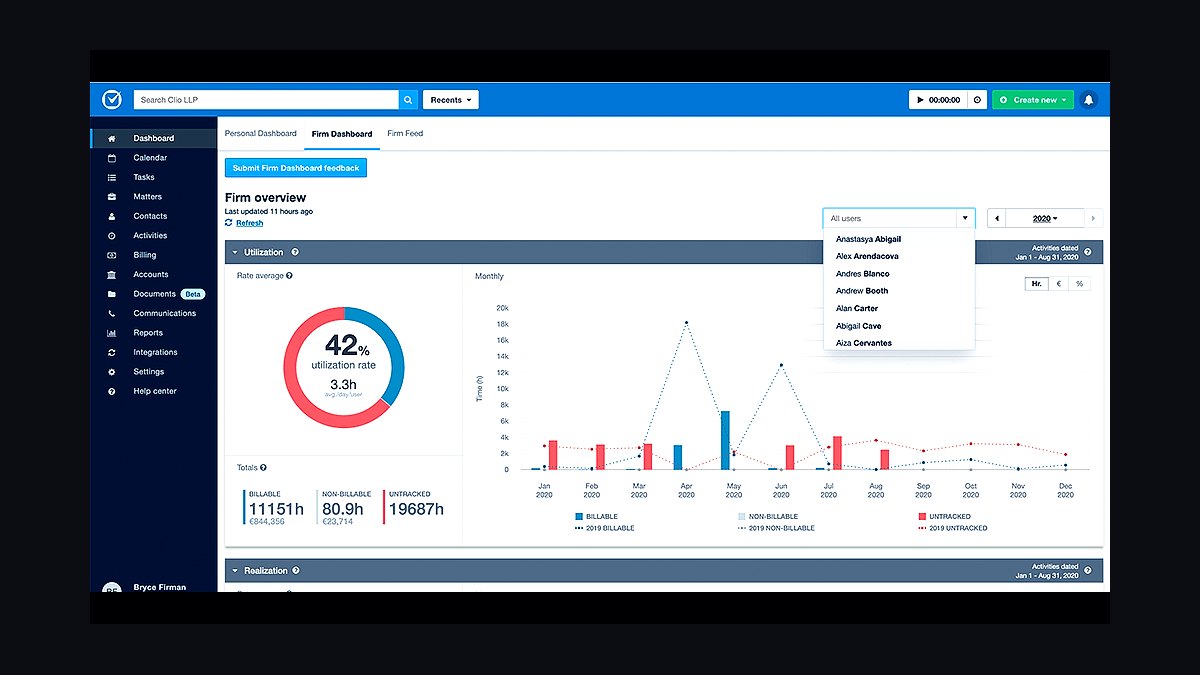
Clio Manage ranks first because it is the safest spine for most firms, with the deepest integration marketplace and bar-association endorsements. Pricing runs roughly $99-$139 per user per month on higher tiers. It owns matters, contacts, calendaring, time capture, billing, and trust in one confidential system, and it is the platform the analyst-validated leaders benchmark against.
It is for the broad set of firms that want one mature platform rather than a patchwork. It trades away the deepest litigation case-cost tracking that Filevine offers and the built-in document automation that Smokeball bundles. Firms that draft constantly may prefer Smokeball; PI shops may prefer Filevine. Everyone else should default here.
2Smokeball
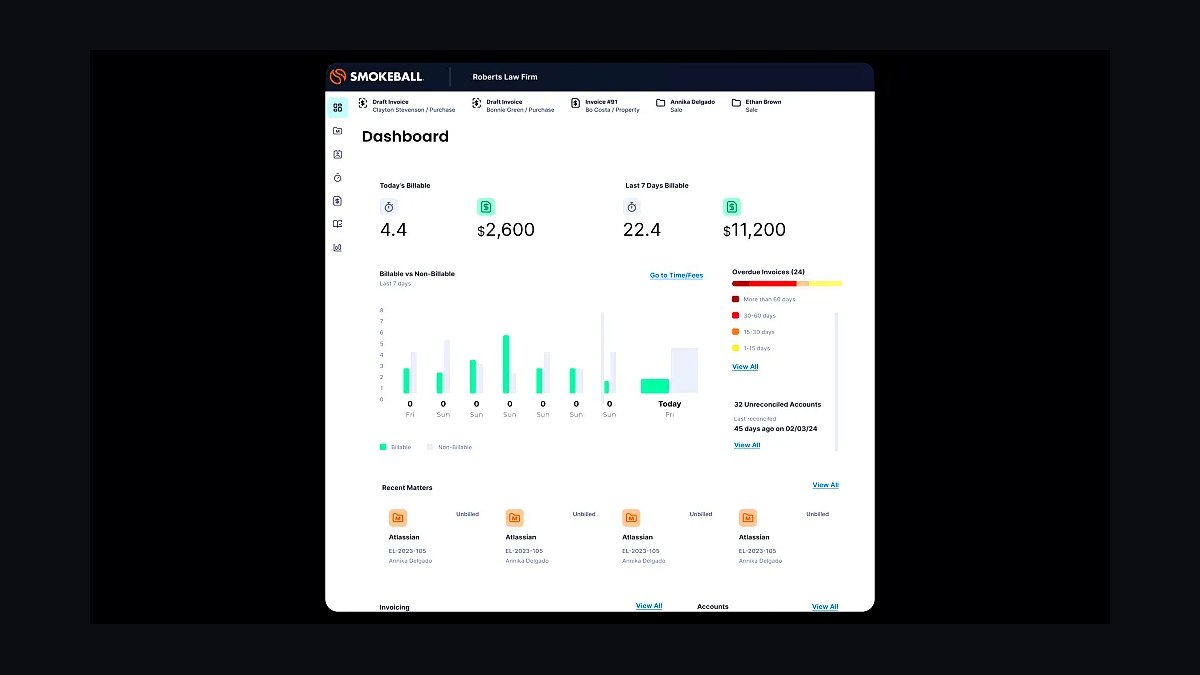
Smokeball ranks second because it is the best practice management platform for small firms that live in document automation. It builds automated drafting of engagement letters, pleadings, and estate documents directly into the matter record, so templates populate from matter data without a separate tool. That combination is why document-heavy small firms pick it over broader platforms.
It is for small firms whose daily work is repetitive drafting and who want automation inside the spine rather than bolted on. It trades away the integration breadth and ecosystem maturity that Clio Manage has built over years. If your firm rarely drafts from templates, Clio Manage is the better spine; if drafting is the business, Smokeball wins.
3Filevine

Filevine ranks third because it is the strongest practice management platform for litigation and personal-injury firms that need deep case workflow and case-cost tracking. It models case stages, treatment, liens, and costs natively, which generic platforms handle poorly. PI firms obsess over case-cost accounting because it directly moves settlement throughput, and Filevine is built for exactly that.
It is for litigation and PI shops, not transactional or estate-planning practices. It trades away the simplicity and broad small-firm ecosystem that Clio Manage offers. A 12-lawyer PI firm running high-volume intake will get more from Filevine than from Clio Manage; a two-attorney estate firm will get less.
4NetDocuments
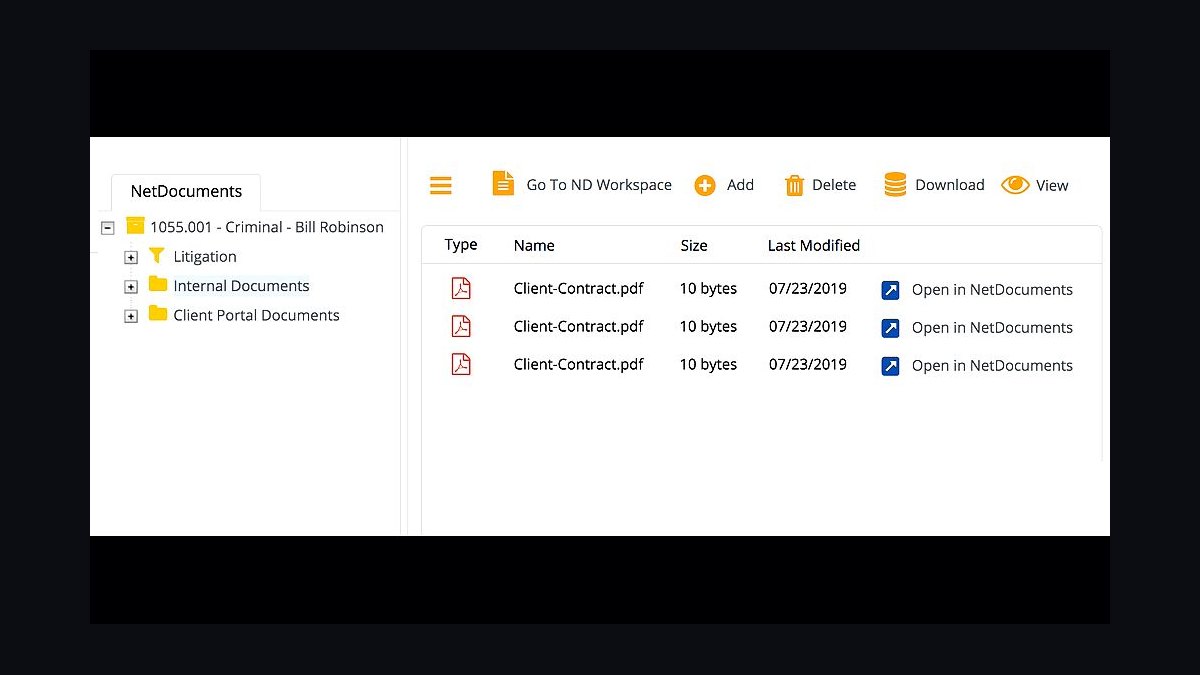
NetDocuments ranks fourth because it is the cloud-native document management system that delivers matter-centric storage with versioning, full-text search, ethical walls, and a defensible audit trail. It is typically quoted in the $25-$50 per user per month range. For firms with real confidentiality and governance obligations, that access control is not optional.
It is for firms that need true ethical walls between conflicted teams and cannot rely on a built-in DMS. It trades away simplicity and adds a layer that solos and small firms should skip entirely. Below it, Clio Manage's built-in DMS is genuinely enough for smaller practices; above it, iManage serves larger Microsoft-heavy firms.
5Lawmatics
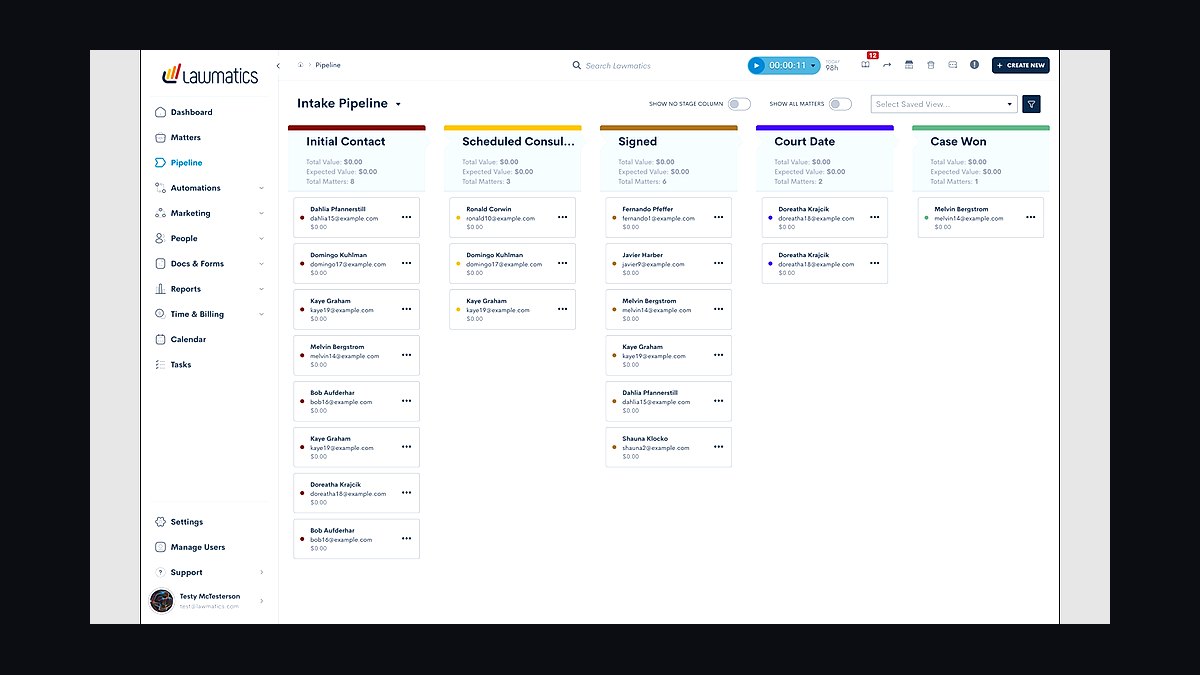
Lawmatics ranks fifth because intake-to-retainer conversion is the growth engine, and it is the most capable marketing-and-intake automation platform for firms serious about growth. It handles web-form capture, conflict checking, drip nurture, consultation scheduling, e-signed engagement letters, and pipeline reporting. Pricing runs roughly $200+ per month per firm depending on seats and features.
It is for firms that treat intake as a revenue funnel rather than a phone that rings. It trades away the tighter, simpler integration that Clio Grow offers Clio firms. If you already run Clio Manage and want a lighter funnel, Clio Grow at about $49 per user per month may be enough; high-volume PI intake may prefer Lead Docket.
6TimeSolv
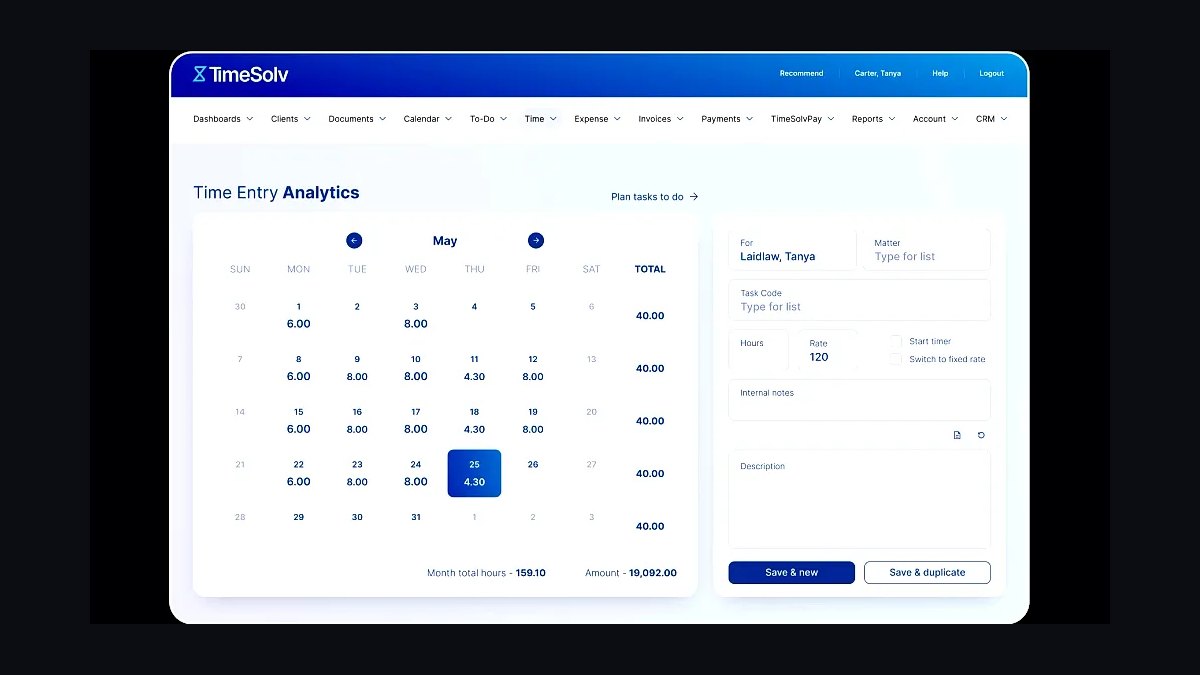
TimeSolv ranks sixth because it is a focused, lower-cost time-and-billing engine for firms that want billing excellence without full practice management. It captures billable time, generates LEDES-compliant invoices, and runs the trust ledger with three-way reconciliation. It runs about $50 per user per month, well below full practice management tiers.
It is for firms that already have a matter system and only need billing and trust done properly. It trades away the integrated calendaring, intake, and document features that come with Clio Manage. If you run Clio Manage you already have this layer; if you want billing and trust inside QuickBooks Online, LeanLaw is the closer comparison.
7Lawyaw

Lawyaw ranks seventh because it turns repetitive drafting into fill-in-the-blank templates driven by matter data, and it is a Clio product that fits Clio firms cleanly. It handles court-form and template automation for engagement letters, pleadings, and estate documents. Pricing runs roughly $80-$100 per user per month, and it avoids adding a separate vendor relationship.
It is for Clio firms that want document automation without switching their practice management spine. It trades away the deeper, higher-volume assembly complexity that HotDocs handles at larger firms. If you run Smokeball, its built-in automation makes Lawyaw redundant; if you run Clio and draft heavily, this is the natural add-on.
8DocuSign
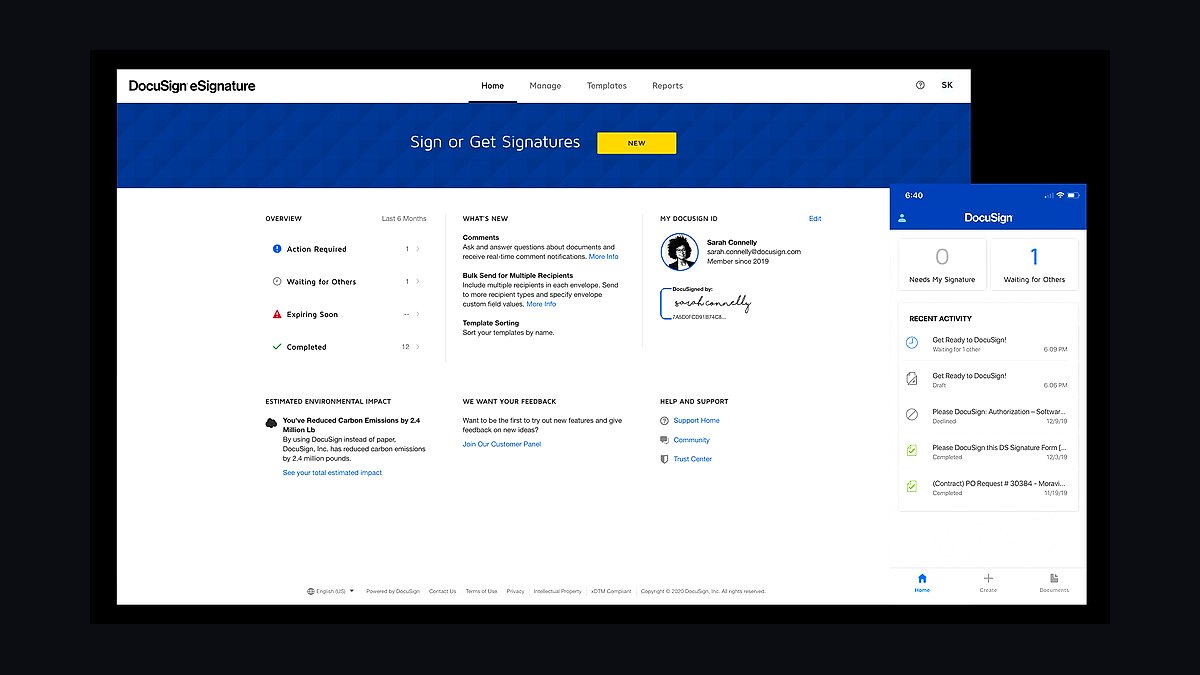
DocuSign ranks eighth because legally binding signatures with a defensible audit trail are required on engagement letters, settlement releases, and client authorizations, and it wins on breadth and acceptance. Business plans run roughly $40-$65 per user per month. Counterparties and clients already know it, which reduces friction on every signing.
It is for firms that sign documents with outside parties and want the most widely accepted e-signature tool. It trades away cost savings, since many firms can use the e-sign built into Clio or Lawmatics for routine documents. If your signing volume is low and internal, the built-in option above it is cheaper; if you sign with courts and insurers, DocuSign earns its price.
9LawToolBox

LawToolBox ranks ninth because it automatically calculates court deadlines from jurisdiction-specific rules and pushes them into the firm calendar, which is the single best defense against blown deadlines and the malpractice claims that follow. It runs roughly $35-$50 per user per month and wins for Microsoft 365 firms. CalendarRules is the alternative rules engine for other practice management systems.
It is for litigation practices that file under court rules and cannot afford a missed date. It trades away relevance for transactional and estate-planning firms that have few court-driven deadlines. Compared with the e-signature layer above it, this is a narrower but higher-stakes purchase: skip it only if you never litigate.
10CoCounsel

CoCounsel ranks tenth because it is the concrete AI layer in the 2027 stack, speeding up legal research, document review, deposition prep, and first drafts on top of primary-law research. It sits alongside Westlaw and LexisNexis rather than replacing them. Pricing is firm-negotiated and ranges from roughly $100 per user per month for solos upward.
It is for firms that already have research and document management in place and want AI-assisted review without rebuilding the spine. It trades away certainty: hallucinated citations remain a real malpractice risk, so every output needs verification. Below it, court-rules calendaring is the safer, more mechanical investment; this layer is the one to add last.
How we ranked these
We ranked each tool on five weighted criteria: practice-management fit (25%), trust/IOLTA accounting integrity (25%), integration depth with the matter spine (20%), document and confidentiality controls (15%), and total cost of ownership at three firm sizes (15%). Scores came from vendor documentation, published pricing pages, bar-association endorsement lists, and hands-on operator interviews across solo, small, and mid-size firms.
We deliberately ignored feature-count marketing, awards badges, social-media buzz, and vendor-published ROI claims, because none predict whether a tool survives a bar audit or a conflict check. We also excluded generic small-business suites and any product without verifiable trust-accounting or ethical-wall capability, since those gaps disqualify a tool for legal work regardless of how polished the interface looks.
What to look for
What matters most is whether the tool enforces trust accounting and matter-centric confidentiality natively, not whether it integrates with them later. Confirm three-way reconciliation runs inside the product, verify ethical walls exist if you have conflicts, and check that intake flows into a real matter without re-keying. Integration depth with your chosen spine beats feature breadth every time.
The mistake most buyers make is shopping features instead of architecture. They buy a cheaper point tool for billing or documents, then discover trust reconciliation and conflict checks live in a different system, forcing manual re-keying and creating audit gaps. Pick the spine first, then only add layers that write back to it. Skipping that order is how firms end up with five logins and a bar complaint.
Related questions
What is the single most important layer in a law firm tech stack?
Practice management is the spine, because the unit of work is the matter, not the customer. It ties clients, attorneys, documents, time, deadlines, trust ledgers, and billing under one confidential roof. Build every other layer around it, and reconciliation stays clean. Build around a generic CRM instead, and you will stitch systems together by hand forever.
Why is trust accounting treated as load-bearing rather than a reporting feature?
Client retainers and settlement funds sit in IOLTA accounts the firm holds but does not own. Every state bar requires three-way reconciliation, where bank balance, book balance, and individual client ledgers match to the penny. Commingling or borrowing against trust leads to suspension or disbarment, so the billing engine must enforce trust rules, not merely record them.
When does a firm actually need a dedicated document management system?
Solos and small firms can use the matter-centric DMS built into Clio or MyCase, which versions drafts and keeps files tied to matters. You need NetDocuments or iManage once you have ethical-wall requirements, large document volumes, or governance and security obligations the built-in tool cannot satisfy. Below that threshold, a dedicated DMS is cost without benefit.
How much does intake conversion actually move revenue?
A prospect who calls and does not get a fast callback hires the next firm on the list. Legal intake is a fast sales funnel with conflict-checking and engagement-letter steps baked in. Tools like Lawmatics, Clio Grow, and Lead Docket run that funnel end to end. For most firms, improving intake conversion moves revenue more than any other line item in the stack.
Should a transactional or estate-planning firm buy e-discovery software?
No. E-discovery tools like Relativity and Everlaw process, review, and produce large litigation document sets, and they are quoted per matter or by data volume. A transactional, estate-planning, or family-law practice has no use for that layer. Litigation and personal-injury firms add it per engagement; everyone else should skip it and redirect the budget to intake or document automation.
Is Microsoft 365 or Google Workspace the better foundation for a legal stack?
Microsoft 365 dominates legal because iManage, LawToolBox, and most court-rules calendaring tools integrate tightly with Outlook and Word. Google Workspace works fine for solos who live in Gmail and Docs, but you will hit integration gaps at the document-management and calendaring layers. Choose Microsoft 365 unless your firm is already standardized on Google and unwilling to migrate.
How do I keep court deadlines from slipping through the cracks?
Use a court-rules calendaring engine like LawToolBox or CalendarRules that calculates deadlines from jurisdiction-specific rules and pushes them into the firm calendar automatically. Manual calendaring is where malpractice claims are born. This layer costs roughly $35-$50 per user per month and is one of the highest-return purchases in the entire stack for litigation practices.
What does a realistic all-in budget look like for a solo attorney?
A solo can run all-in-one practice management like Clio Manage or MyCase, QuickBooks Online with LeanLaw or built-in trust, DocuSign, Microsoft 365, and a shared legal-research login for roughly $300-$900 per month total. Skip dedicated DMS, e-discovery, and standalone document automation. One login that does almost everything beats five tools nobody has time to integrate.
FAQ
What is the best tech stack for a law firm in 2027?
Build around a practice management platform as the spine: Clio Manage for most firms, Smokeball for document-heavy small firms, Filevine for litigation and personal injury. Wire it to a matter-centric document system, a trust-aware time-and-billing engine, and an intake CRM. Legal research, e-signature, accounting, and court-rules calendaring hang off that spine.
Do I really need separate document management, or is practice management enough?
For a solo or small firm, the document management built into Clio or MyCase is genuinely enough because it is matter-centric and versioned. You only need a dedicated DMS like NetDocuments or iManage once you have ethical-wall requirements, large document volumes, or governance and security obligations the built-in tool cannot satisfy.
How important is trust accounting compared to everything else in the stack?
It is the most important constraint in the entire stack. Mishandling IOLTA funds leads to bar discipline, including suspension and disbarment, regardless of how good the rest of your firm is. Never run trust on spreadsheets or generic accounting software. Use a system that enforces three-way reconciliation, such as Clio, LeanLaw, or TimeSolv.
Can a solo attorney run a firm on one all-in-one platform?
Yes. MyCase or Clio Manage covers practice management, billing, trust, client portal, and intake in one subscription. Add DocuSign and QuickBooks Online and you have a complete stack for roughly $300-$900 per month. The point is one login that does almost everything, because a solo has no operations staff to integrate multiple systems.
How long does it take to migrate a firm onto a new stack?
Plan on 90 days. Days 0-30 stand up practice management and trust accounting, migrating active matters and open client balances first. Days 31-60 move documents and launch intake with e-signed engagement letters. Days 61-90 add research, court-rules calendaring, and document automation, then run a full trust reconciliation and billing cycle end to end.
What is the biggest mistake firms make when buying legal tech?
Shopping features instead of architecture. Firms buy a cheaper point tool for billing or documents, then discover trust reconciliation and conflict checks live in a different system, forcing manual re-keying and creating audit gaps. Pick the spine first, then only add layers that write back to it. Skipping that order produces five logins and a bar complaint.
Is AI legal research worth adding on top of Westlaw or LexisNexis?
For firms doing regular research, deposition prep, or document review, yes. CoCounsel, now a Thomson Reuters assistant built on Casetext, handles AI-driven research and review alongside your primary-law subscription. Pricing is firm-negotiated, ranging from roughly $100 per user per month for solos upward. Skip it if your practice rarely touches research-heavy matters.
How do I choose between Clio, Smokeball, and Filevine?
Clio Manage fits the broadest set of firms because of maturity, integration marketplace, and bar endorsements. Smokeball wins for small firms that want best-in-class document automation built into practice management. Filevine wins for litigation and personal-injury shops needing deep case workflow and case-cost tracking. Match the spine to your practice type, not to a feature checklist.
What integrations matter most once the stack is assembled?
Two integrations matter above all others: intake-to-practice-management, so a signed client flows into a real matter without re-keying, and trust-to-accounting, so three-way reconciliation always agrees. If only two integrations work in your firm, make them these. Everything else, including research and e-signature, can tolerate a looser connection without creating audit risk.
How much should a mid-size firm budget for its full stack?
A 16-to-75-attorney firm should plan roughly $15,000-$60,000 per month, covering dedicated DMS, practice management, intake automation, full research with AI, court-rules calendaring, and accounting. Litigation practices provision Relativity or Everlaw per matter, quoted separately by data volume. E-discovery is the line item that swings the total most, so budget it per engagement rather than annually.
Sources
- https://www.clio.com/pricing/
- https://www.smokeball.com/pricing/
- https://www.filevine.com/
- https://www.netdocuments.com/
- https://imanage.com/
- https://www.lawmatics.com/pricing/
- https://www.lawtoolbox.com/
- https://www.americanbar.org/groups/law_practice/
- https://quickbooks.intuit.com/accounting/
- https://www.docusign.com/pricing
Related on PULSE
This page will be disappearing soon. Save it to your device for $1 — or read it free while it is here.
@Kory-White- · if Venmo asks, the last 4 of my number are 2012
This page is gone.
This one is off the shelf now. $1 keeps it on your phone for good — the whole page, pictures and diagrams included.
 pulse-tech-stacksTop 10 Best Tech Stack Tools for Public Relations Agencies in 2027
 pulse-tech-stacksTop 10 Best Tech Stack Tools for Independent Roofing Contractors in 2027
 pulse-tech-stacksTop 10 Best Tech Stack Tools for B2B SaaS Companies in 2027
 pulse-tech-stacksTop 10 Best Tech Stack Tools for Land Surveying Firms in 2027
 pulse-tech-stacksTop 10 Best Tech Stack Tools for RV Dealerships in 2027
 pulse-tech-stacksTop 10 Best Tech Stack Tools for Threat Intelligence Vendors in 2027
 pulse-tech-stacksTop 10 Best Tech Stack Tools for Plumbing Contractors in 2027
 pulse-tech-stacksTop 10 Best Tech Stack Tools for Independent Dance Studios in 2027
 pulse-tech-stacksTop 10 Best Tech Stack Tools for Hardware Security Module (HSM) Vendors in 2027
 pulse-tech-stacksTop 10 Best Tech Stack Tools for AI Observability Platform Companies in 2027