


Top 10 Best Tech Stack Tools for Accounting and CPA Firms in 2027
Quality
Certified
The 10 best tech stack tools for accounting and cpa firms are ranked below on measured performance, build quality, price, and how each one actually holds up in daily use rather than how it reads on a spec sheet. Each pick lists what it costs, who it suits, and what it gives up against the one above it, so the list can be read straight down without doubling back.
1CCH Axcess Tax
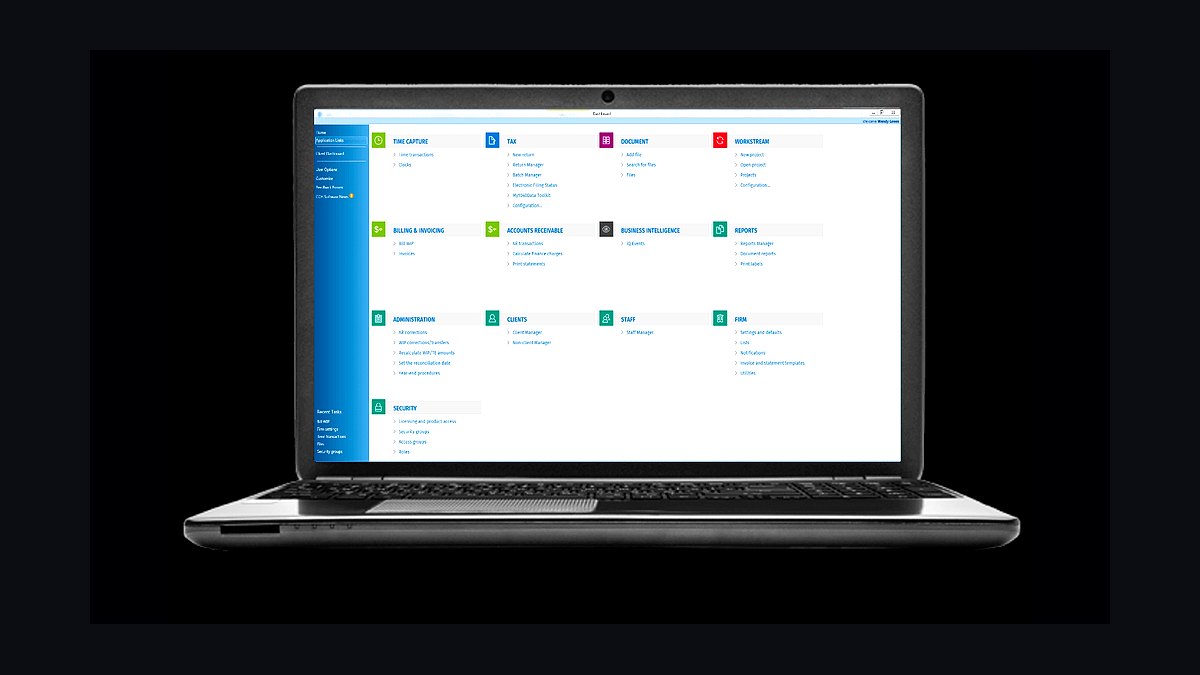
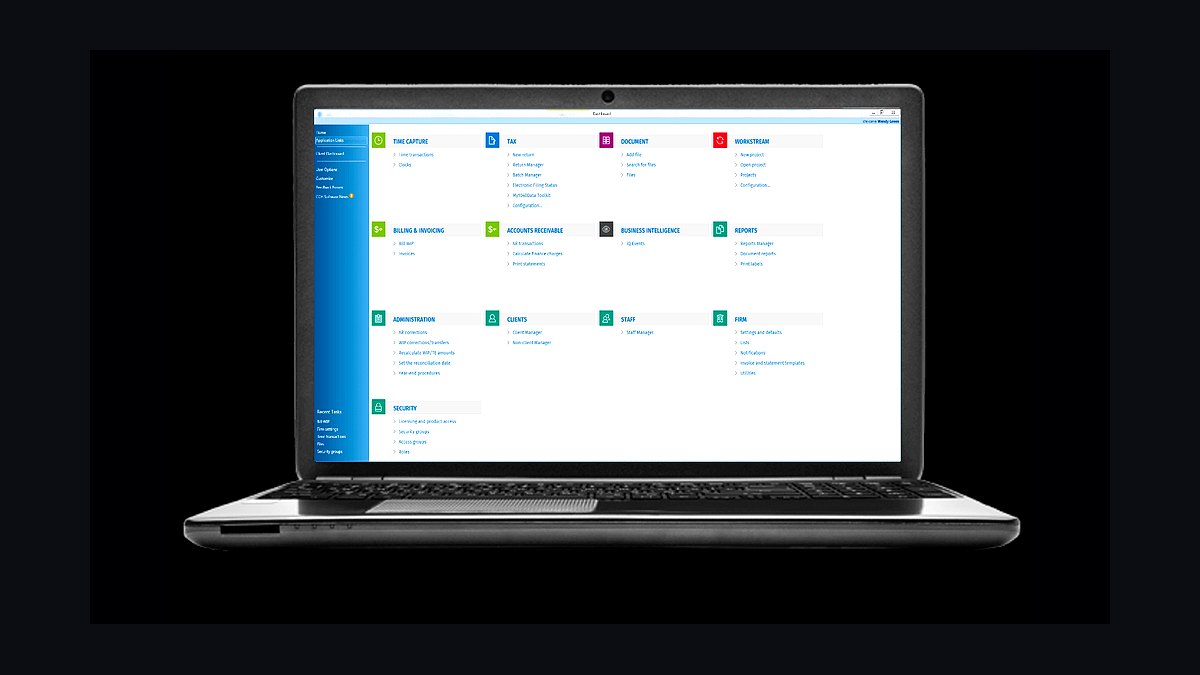
CCH Axcess Tax ranks first because it is the only single cloud platform spanning tax, document, and workflow, which removes the double-entry problem that sinks most CPA stacks. Modular pricing typically lands between $4,000 and $15,000-plus annually depending on modules and return volume. It handles multi-state, partnership, and trust complexity that value engines cannot match.
It is built for mid-size regional firms with 25 to 75 staff, not solo preparers who would burn thousands on unused capacity. The trade-off is cost and a real migration window if you switch later. Compared to UltraTax CS directly below, Axcess wins on native cloud architecture but loses on per-return pricing flexibility for smaller books.
2Thomson Reuters UltraTax CS

UltraTax CS ranks second because it carries the deepest multi-state and complex-return depth of any desktop tax engine, and firms with heavy partnership or trust work weight engine depth above portal convenience. Pricing commonly runs $3,000 to $12,000-plus annually depending on returns and states. It integrates tightly with Karbon and SmartVault in the standard small-firm stack.
It suits firms with 4 to 10 staff and above roughly 500 returns, where complexity justifies the seat cost. The trade-off is that it requires managed hosting like Rightworks for secure remote access, a real per-user expense. Compared to CCH Axcess above, UltraTax gives more pricing flexibility but less native cloud integration.
3Karbon Practice Management
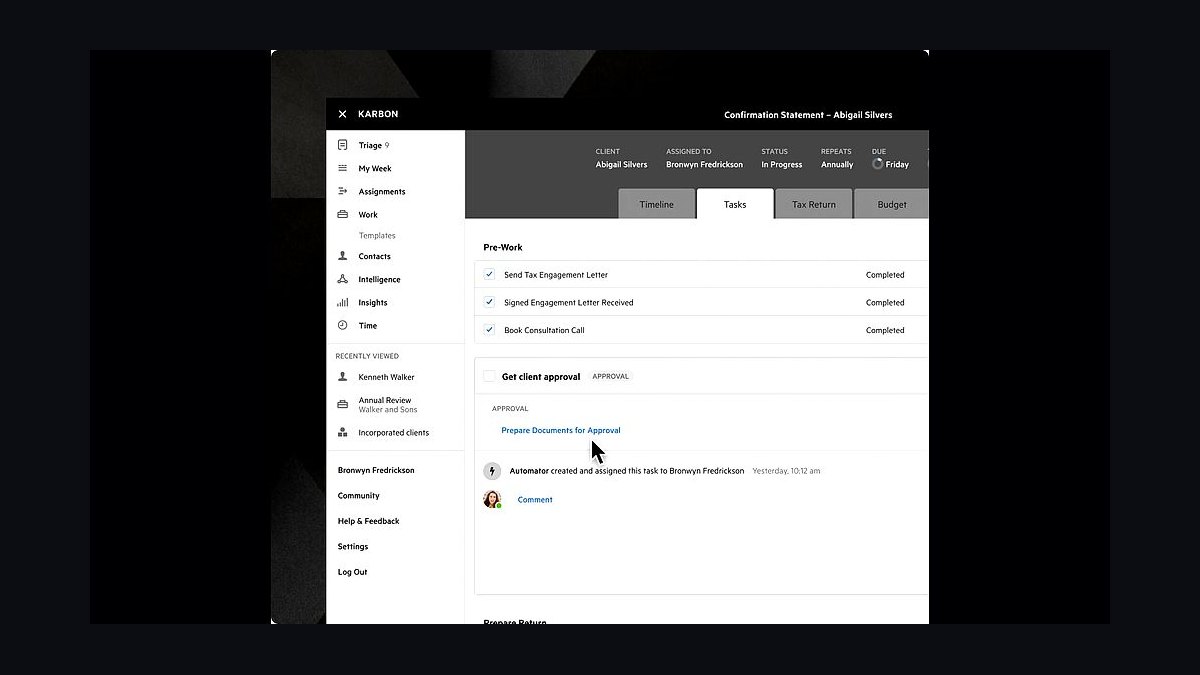
Karbon ranks third because it is the practice-management spine that turns a tax engine into a system of record, tracking every return's stage, owner, and blocker during the ten-week crunch. Pricing sits near $59 to $89 per user per month. Firms that fix workflow visibility typically cut days from the assigned-to-filed gap.
It is built for firms with multiple preparers and reviewers who need review routing that all-in-ones handle thinly. The trade-off is that Karbon is workflow-first, so portal and e-signature come from separate tools. Compared to Canopy below, Karbon offers stronger capacity visibility but a thinner built-in document layer.
4Canopy Practice Management
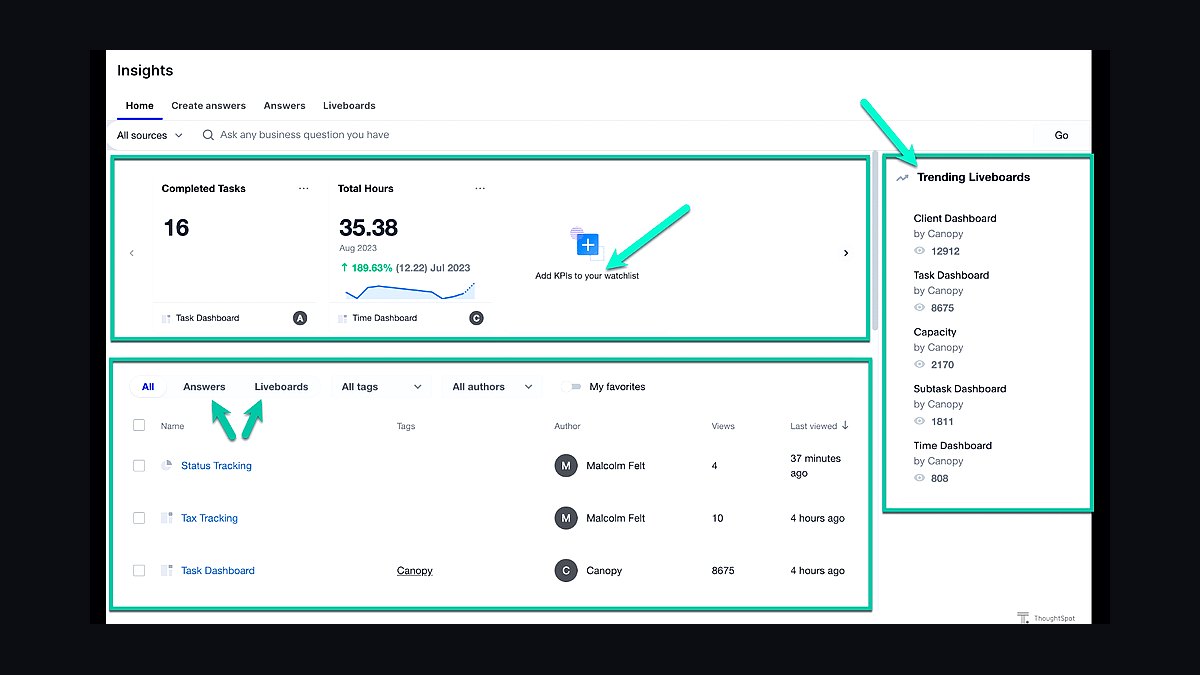
Canopy ranks fourth because it bundles workflow, portal, and e-signature modules into one platform, which collapses three line items into one for firms that want fewer integrations to maintain. Pricing runs $40 to $100-plus per user per month by module. It is a common pick for small firms moving off email-based document collection.
It suits 4-to-10-staff firms that prefer an integrated suite over best-of-breed stitching. The trade-off is that module pricing adds up fast, and review routing is thinner than Karbon's. Compared to TaxDome below, Canopy scales better to multi-preparer firms but costs more per seat.
5TaxDome Practice Management
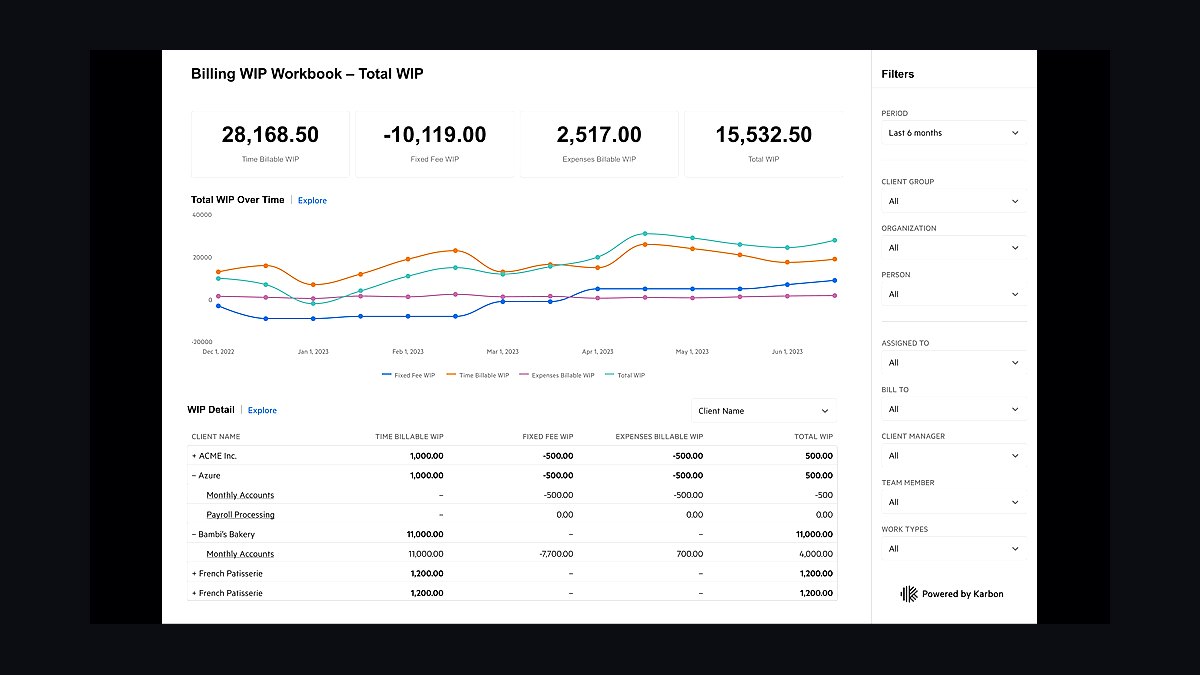
TaxDome ranks fifth because it is the strongest all-in-one for solo and very small practices, combining workflow, portal, e-signature, and billing near $800 per user per year. For a solo preparer running 50 to 250 returns, it replaces three separate subscriptions. Automated document requests chase missing W-2s and K-1s without staff involvement.
It is built for solo preparers and two-to-three-person shops, not firms with dedicated reviewers. The trade-off is thinner capacity reporting and review routing once multiple preparers are involved. Compared to Canopy above, TaxDome wins on price and simplicity but loses on scaling to a mid-size team.
6Drake Tax
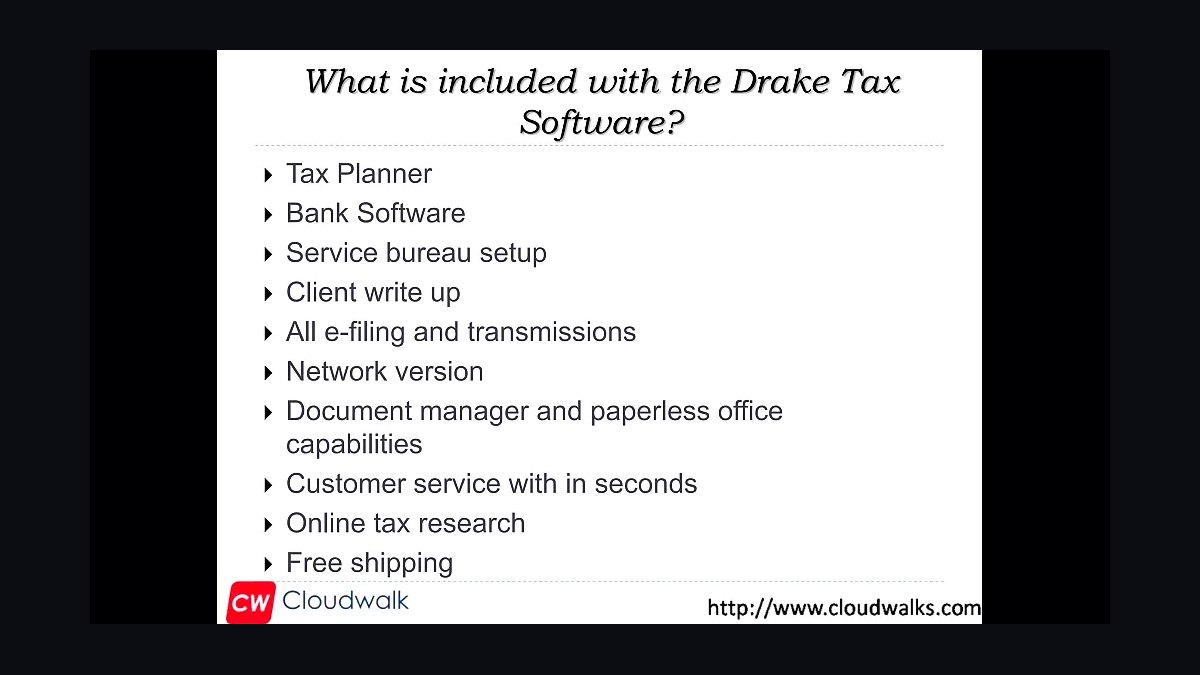
Drake Tax ranks sixth because it delivers unlimited returns at roughly $2,000 to $2,600 annually, the lowest cost-per-return of any professional engine for value-focused practices. It handles individual and business returns competently and is well known among preparers for flat pricing that does not punish volume. It anchors the solo stack alongside TaxDome.
It suits solo preparers and small firms under a few hundred returns where multi-state complexity is limited. The trade-off is less depth on complex partnership and trust returns than UltraTax CS or CCH Axcess. Compared to ProConnect below, Drake wins on flat unlimited pricing but loses on Intuit and QuickBooks ecosystem integration.
7Intuit ProConnect Tax
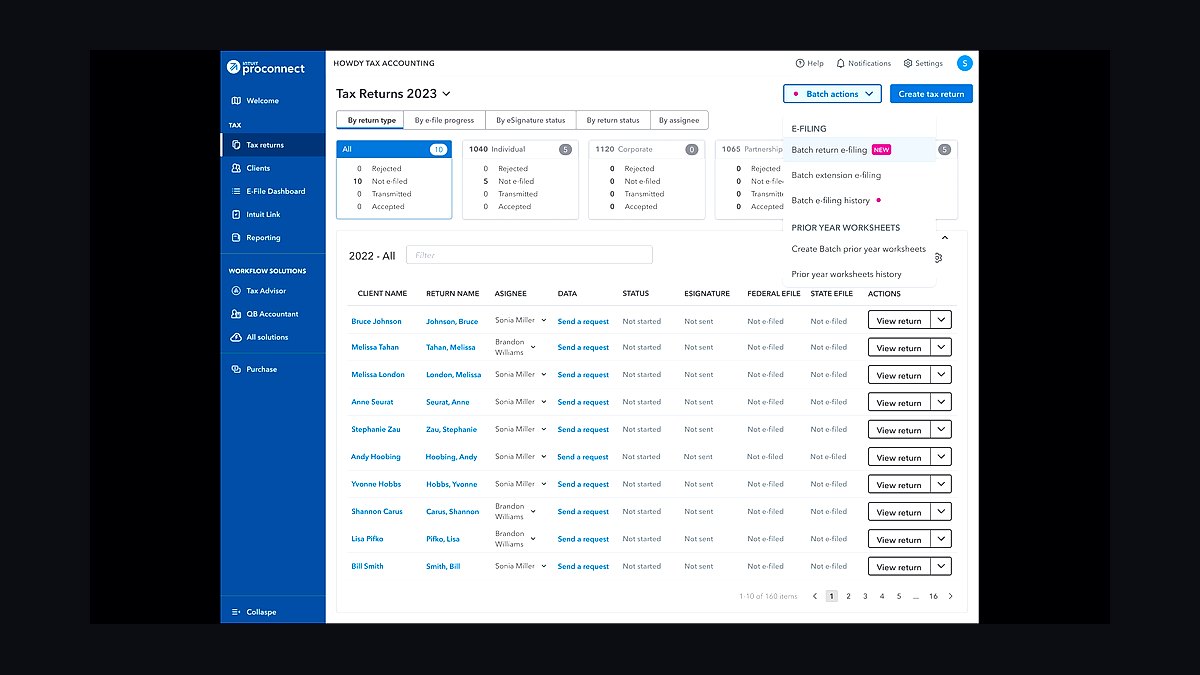
ProConnect Tax ranks seventh because it is pay-per-return, which means a solo preparer pays only for what they file and nothing during the other forty-two weeks. It integrates natively with QuickBooks Online Accountant, so client data flows without re-keying. It is the natural engine for practices already living in the Intuit world.
It suits solo and small firms with modest return volume and heavy QuickBooks usage. The trade-off is that per-return pricing becomes expensive at high volume, where Drake's flat fee wins. Compared to Lacerte below, ProConnect is lighter and cloud-first, while Lacerte carries more depth for larger books.
8Intuit Lacerte
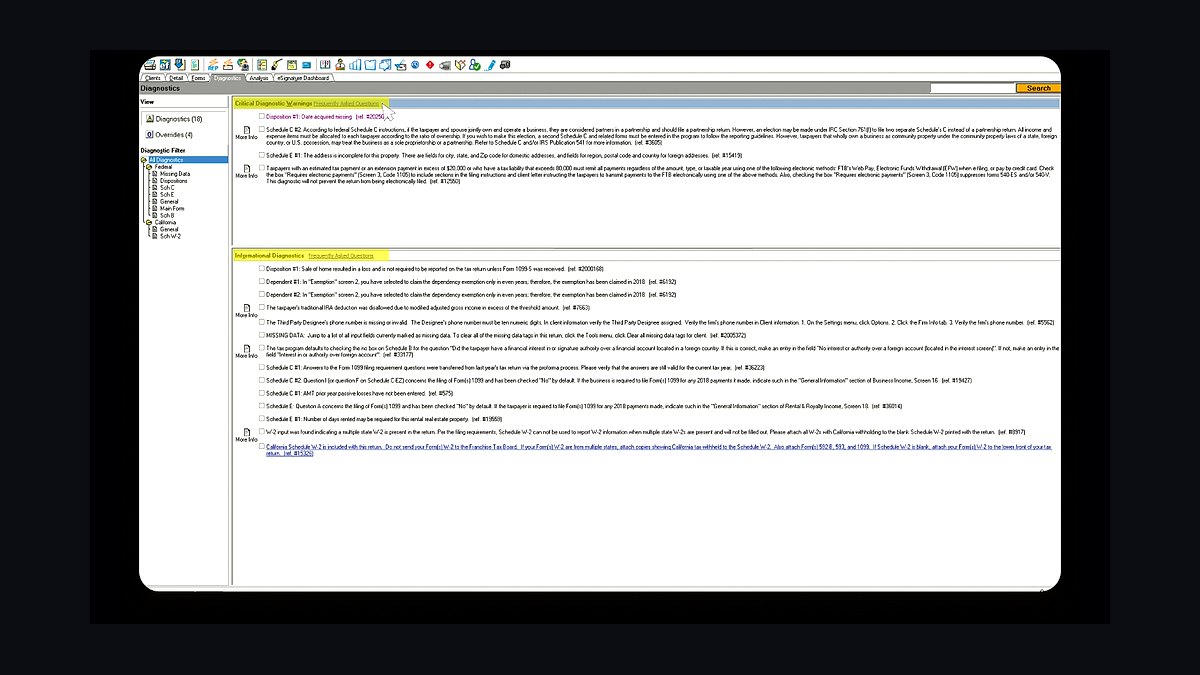
Lacerte ranks eighth because it is Intuit's professional-grade desktop engine, carrying more return complexity and multi-state depth than ProConnect while staying inside the QuickBooks ecosystem. It is a common pick for small firms that outgrow ProConnect but do not want to leave Intuit. It requires managed hosting for remote access.
It suits 4-to-10-staff firms with moderate multi-state work and existing Intuit integrations. The trade-off is desktop architecture, which means hosting costs and no native cloud access. Compared to UltraTax CS above, Lacerte is cheaper at entry but carries less depth on the most complex partnership and trust returns.
9SmartVault Client Portal
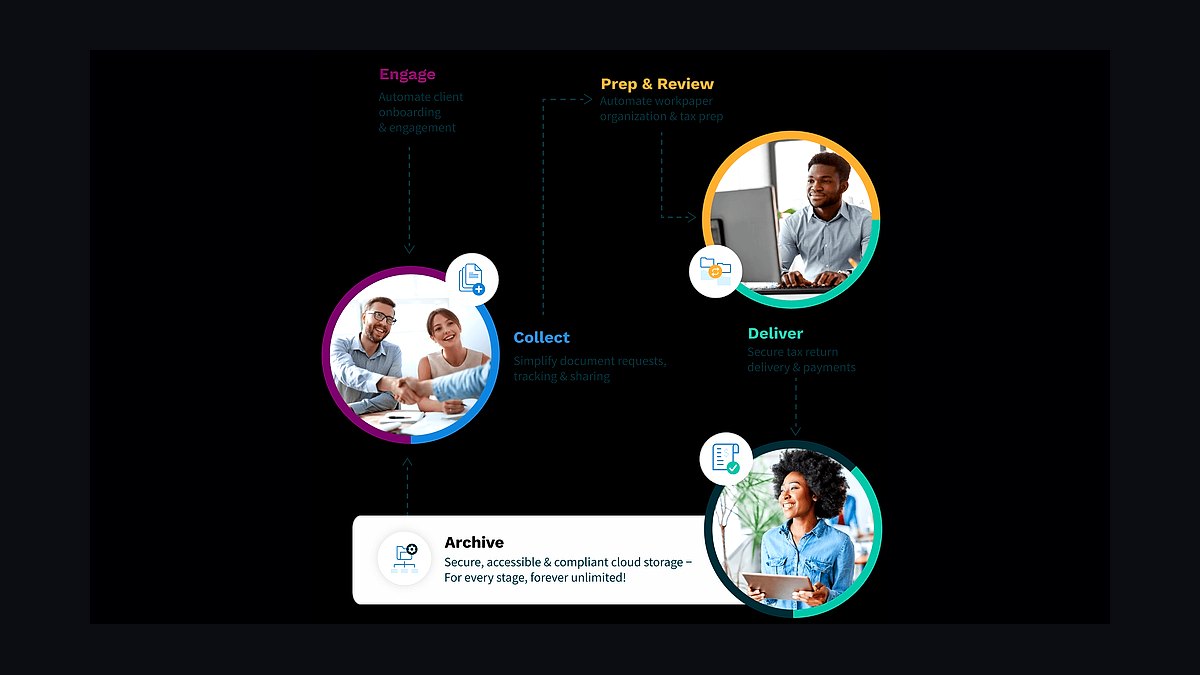
SmartVault ranks ninth because it is the dedicated document portal layer that pairs with desktop tax engines, running roughly $25 to $50 per user per month. It timestamps what arrived and when, which is the fix for firms still collecting documents through email threads. It integrates with UltraTax CS and Lacerte.
It suits firms that already run a desktop engine and need a secure portal without switching practice-management tools. The trade-off is that it is a portal, not a workflow spine, so it does not replace Karbon or Canopy. Compared to TaxDome above, SmartVault offers deeper document management but no built-in workflow or billing.
10Rightworks Hosting
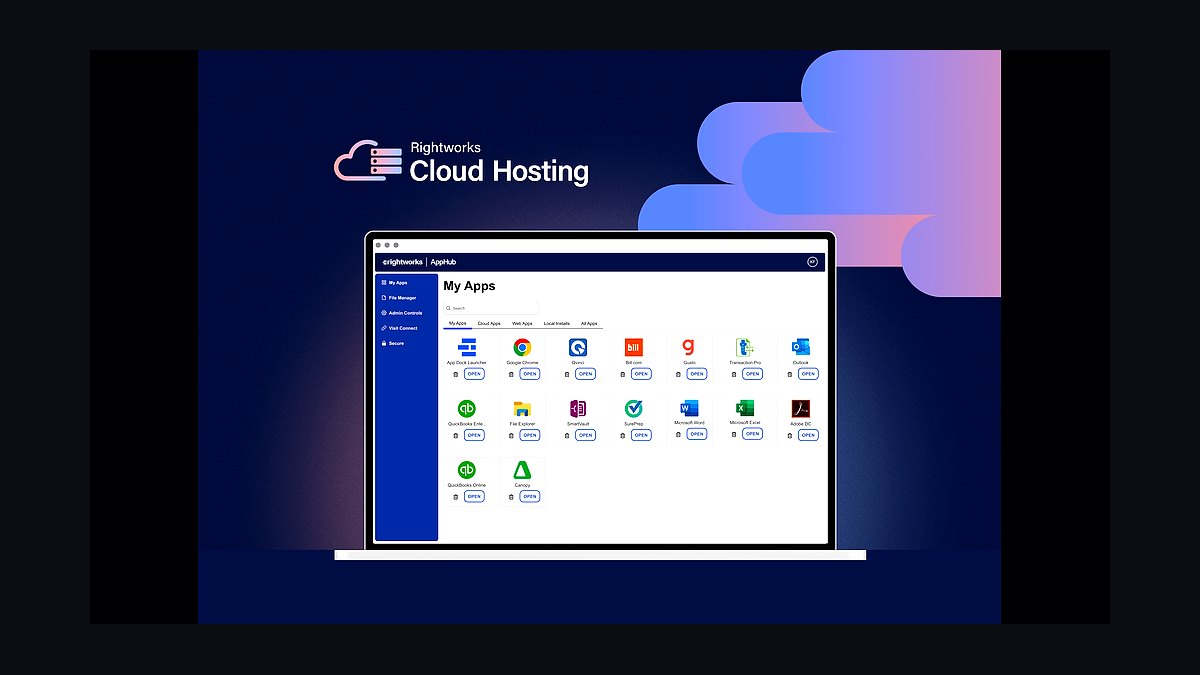
Rightworks, formerly Right Networks, ranks tenth because it is the managed hosting layer that makes desktop tax software like UltraTax CS, Lacerte, Drake, and QuickBooks Desktop securely accessible remotely. Pricing runs roughly $70 to $150 per user per month. Firms running desktop engines cannot skip it without losing secure remote access.
It suits firms committed to desktop tax software and needing compliance-grade hosting. The trade-off is real per-user cost that cloud-native firms avoid entirely by running CCH Axcess or fully cloud tools. Compared to CCH Axcess above, Rightworks solves remote access but adds a recurring line item that native cloud platforms eliminate.
How we ranked these
We ranked tools by weighting four measurable outcomes: compressed review cycle (days from document-complete to filed), capacity visibility during the ten-week crunch, realization tracking per engagement, and offseason cost discipline. Tax-engine depth and practice-management workflow routing carried the heaviest weight, followed by portal automation, native integrations, and per-return or concurrent-user pricing. Vendor claims were discounted; only capabilities verifiable in documentation or hands-on trials counted.
We deliberately ignored brand prestige, conference sponsorships, and analyst quadrant placement, because none predict whether staff actually use a tool in week three of March. We also excluded generic CRM features, marketing automation, and advisory upsell modules, since they do not move returns. Pricing was treated as a range, not a ranking factor, because over-buying enterprise capacity hurts small firms more than paying a fair per-return rate.
Related questions
Do I need separate tax software and practice management, or can one tool do both?
At solo and small scale, an all-in-one like TaxDome or Canopy plus one tax engine covers it. Once you have multiple preparers and reviewers, a dedicated practice-management spine earns its cost through capacity visibility and review routing that all-in-ones handle more thinly.
Which tax software should a small firm choose?
Drake Tax for value and flat unlimited pricing, ProConnect or Lacerte if you live in the Intuit and QuickBooks world, UltraTax CS for deep multi-state and complex returns, and CCH Axcess when you want one Wolters Kluwer cloud platform spanning tax, document, and workflow.
What is the single highest-leverage tool to add first?
A client portal with automated document collection. Missing client documents, not preparation speed, is the bottleneck for most firms. A portal that requests and chases documents on a schedule cuts review cycles more than any tax-software upgrade.
Do I still need Right Networks if my tax software is in the cloud?
No. Right Networks (Rightworks) exists to host desktop applications like UltraTax CS, Lacerte, Drake, or QuickBooks Desktop securely in the cloud. If you run CCH Axcess or fully cloud-native tools, you can skip dedicated hosting.
How should the stack handle the busy-season capacity spike?
Favor tools priced by return or with concurrent-user licensing rather than idle per-seat costs, and lean on the practice-management spine for real-time visibility into which returns are stuck and who is overloaded.
Where does client accounting services fit in the stack?
CAS lives in the ledger layer: QuickBooks Online Accountant and Xero for the books, Dext for capture, and Bill.com for payables, all coordinated through the same workflow tool that runs tax. Many firms now build advisory revenue on this CAS foundation alongside seasonal compliance work.
How long does a full stack rollout take?
Plan for a 90-day rollout: 30 days to configure the tax engine and workflow spine, 30 days to launch the portal and connect the ledger, and 30 days to wire billing and run a pilot return end-to-end. Validate every handoff before busy season, not during it.
Can a solo preparer justify enterprise tax software?
Rarely. A two-person practice signing a full CCH Axcess or large UltraTax CS contract burns thousands annually on capacity it will never use. Drake or ProConnect under a few hundred returns is the better match; revisit when you cross roughly 500 returns or add a second reviewer.
FAQ
What is the best tech stack for an accounting or CPA firm in 2027?
The best stack pairs a professional tax engine (CCH Axcess, UltraTax CS, Lacerte, or Drake) with a practice-management spine (Karbon, Canopy, or TaxDome), then adds a client portal, source-document capture, a cloud ledger, payments, and hosting only as the bottleneck moves. Tax and workflow are the two non-negotiable layers.
How much should a small CPA firm budget for its stack?
A 4-to-10-staff firm should expect roughly $20,000 to $60,000 per year, with tax software and per-user practice management as the largest lines. A solo preparer lands nearer $3,500 to $6,000 per year using an all-in-one plus one tax engine.
Where does CAS fit in the stack?
CAS lives in the ledger layer: QuickBooks Online Accountant and Xero for the books, Dext for capture, and Bill.com for payables, all coordinated through the same workflow tool that runs tax. Many firms now build advisory revenue on this CAS foundation alongside seasonal compliance work.
Can I run an accounting firm stack without a client portal?
You can, but you will pay for it in stalled returns. Email-based collection loses track of what arrived and re-requests the same items. A portal with scheduled, automated document requests is the highest-return fix in the entire stack.
Do I need BI and dashboards as a small firm?
No. A solo preparer or very small firm should skip BI entirely and use the built-in reporting in practice management. Power BI or dedicated dashboards start earning their cost once you have several staff and need partner-level realization and capacity reporting.
How long does implementation take?
Plan for a 90-day rollout: 30 days to configure the tax engine and workflow spine, 30 days to launch the portal and connect the ledger, and 30 days to wire billing and run a pilot return end-to-end. Validate every handoff before busy season, not during it.
What is the biggest mistake firms make when buying a stack?
Over-buying enterprise capacity they will never use, then underinvesting in training and migration. The stack fails at the handoff, not at the license. A tool that is 90 percent configured reverts to spreadsheets under March pressure, which defeats the entire purchase.
How do I know if my stack has a visibility gap?
If you cannot produce realization rate per engagement and average days from document-complete to filed without a manual export, you have a visibility gap. Both benchmarks should come straight out of your practice-management spine, not a spreadsheet assembled by an admin.
Should I switch tax engines to get better integrations?
Almost never mid-season. Choosing tax software effectively dictates hosting, document routing, and portal integrations, so switching is a multi-season migration. Get the engine decision right first, then build the rest of the stack around it rather than swapping later for marginal integration gains.
What should a mid-size regional firm expect to spend?
A 25-to-75-staff firm lands around $120,000 to $400,000-plus per year. CCH Axcess modular pricing typically runs $4,000 to $15,000-plus annually depending on modules and returns. Tax-software seats and hosting scale fastest, while document management and BI become standalone budget lines.
Sources
- https://www.wolterskluwer.com/en/solutions/cch-axcess
- https://tax.thomsonreuters.com/en/products/ultratax-cs
- https://proconnect.intuit.com/lacerte/
- https://proconnect.intuit.com/
- https://www.drakesoftware.com/
- https://karbonhq.com/
- https://taxdome.com/
- https://quickbooks.intuit.com/accountants/
- https://www.xero.com/us/accountants-bookkeepers/
- https://www.aicpa-cima.com/
Related on PULSE
This page will be disappearing soon. Save it to your device for $1 — or read it free while it is here.
@Kory-White- · if Venmo asks, the last 4 of my number are 2012
This page is gone.
This one is off the shelf now. $1 keeps it on your phone for good — the whole page, pictures and diagrams included.
 pulse-tech-stacksTop 10 Best Tech Stack Tools for Painting Contractors in 2027
 pulse-tech-stacksTop 10 Best Tech Stack Tools for Medical Billing and RCM Companies in 2027
 pulse-tech-stacksTop 10 Best Tech Stack Tools for Software Development Agencies in 2027
 pulse-tech-stacksTop 10 Best Tech Stack Tools for Plumbing Contractors in 2027
 tkTop 10 Best Tech Stack Tools for Concrete and Paving Contractors in 2027
 pulse-tech-stacksTop 10 Best Tech Stack Tools for HVAC Equipment Distributors in 2027
 pulse-tech-stacksTop 10 Best Tech Stack Tools for Small Pest Control Companies in 2027
 pulse-tech-stacksTop 10 Best Tech Stack Tools for Public Relations Agencies in 2027
 pulse-tech-stacksTop 10 Best Tech Stack Tools for Employee Benefits Consulting Firms in 2027
 pulse-tech-stacksTop 10 Best Tech Stack Tools for Appliance Repair Services in 2027