


Top 10 Best Tech Stack Tools for Concrete and Paving Contractors in 2027
Quality
Certified
The 10 best tech stack tools for concrete and paving contractors are ranked below on measured performance, build quality, price, and how each one actually holds up in daily use rather than how it reads on a spec sheet. Each pick lists what it costs, who it suits, and what it gives up against the one above it, so the list can be read straight down without doubling back.
1STACK Construction Technologies
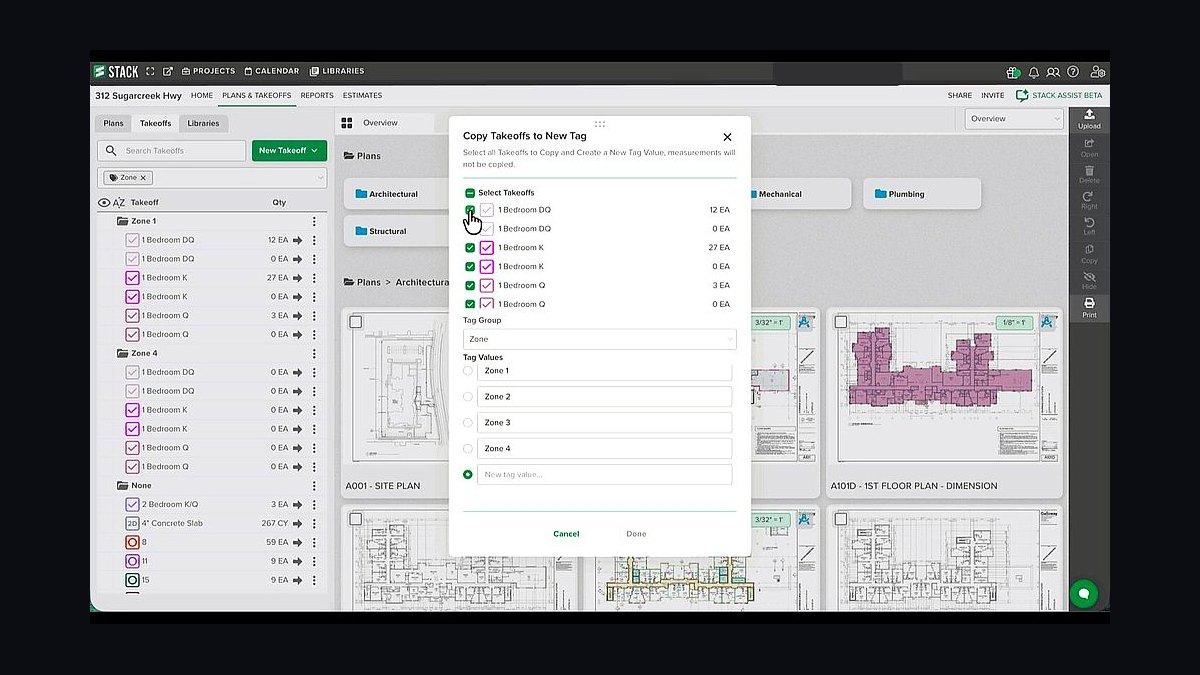
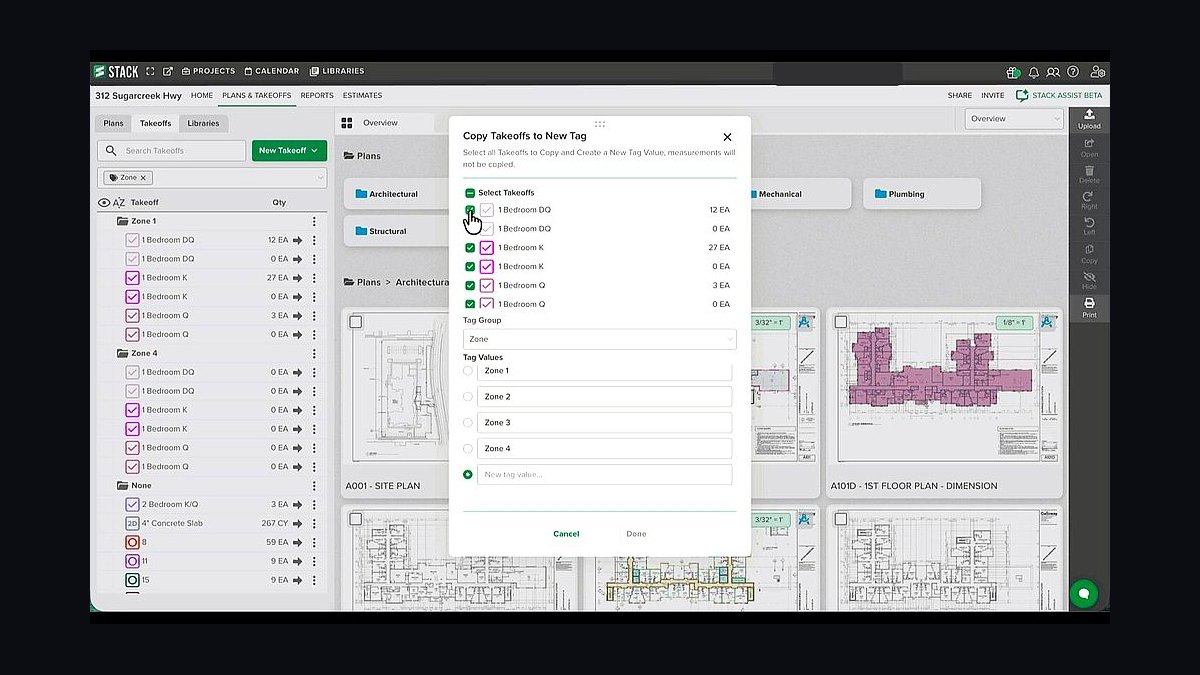
STACK ranks first because materials takeoff is the margin in concrete and paving, and STACK's cloud PDF measurement converts plan dimensions into cubic yards and tons with a defensible audit trail. It runs roughly $2,000-$4,000 per user per year, handles flatwork, foundations, and building concrete, and forces consistent quantity logic instead of copy-pasted spreadsheet waste factors.
It is built for the residential and commercial flatwork contractor doing driveways, patios, and slabs, not DOT item-list paving. It trades away heavy-civil production-activity estimating and earthwork cut-and-fill, which HCSS HeavyBid and InSite SiteWork handle. Buy STACK before any PM or accounting tool, because every downstream budget depends on its numbers being right.
2HCSS HeavyBid
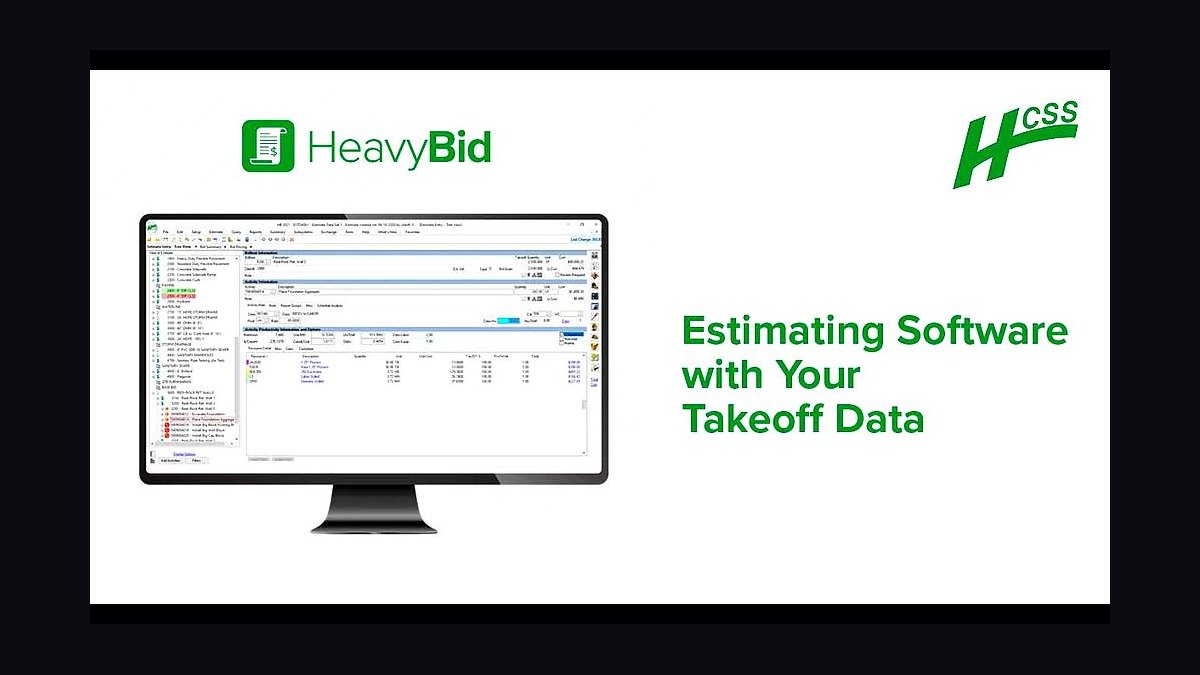
HeavyBid ranks second because DOT and large site-work bids are priced from cost-coded activities — haul, place, compact — not sheet takeoff, and it is the de facto civil standard. Pricing is quote-based, typically $10,000+ per year all-in, and it pairs directly with HeavyJob so field production flows back against the bid.
It suits the $20M+ civil and paving contractor bidding municipal and DOT work, not a small flatwork crew. It trades away the low-cost, fast-start simplicity of STACK, and it is overkill below a few million in annual volume. Choose HeavyBid over STACK only when item-based bidding and earthwork volumes drive your revenue.
3Procore
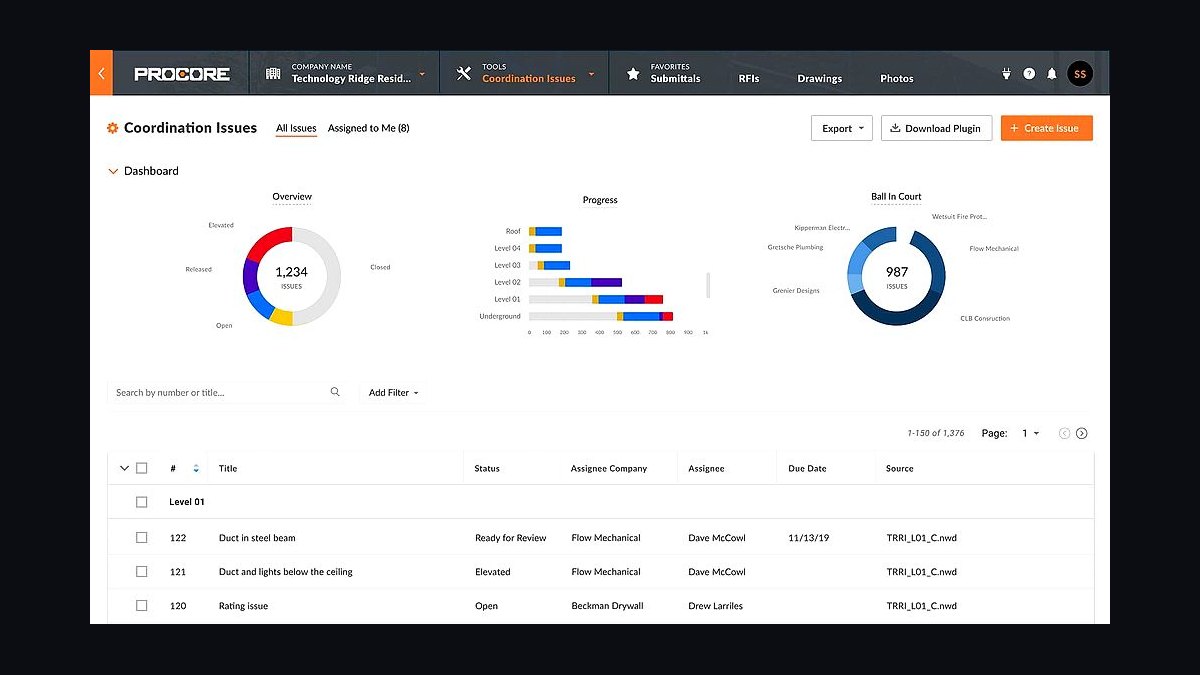
Procore ranks third as the commercial system of record — RFIs, submittals, daily logs, and change orders tracked against budget. It is priced as a percentage of annual construction volume, often $15,000-$50,000+ per year, which is why it earns its keep only above several million in volume where change-order leakage is the real risk.
It fits commercial concrete and paving contractors working for general contractors who already run Procore. It trades away affordability and fast setup, and it is usually overkill for a small flatwork shop. Compared with Knowify directly below, Procore wins on enterprise depth but loses badly on cost for mid-size crews.
4Knowify
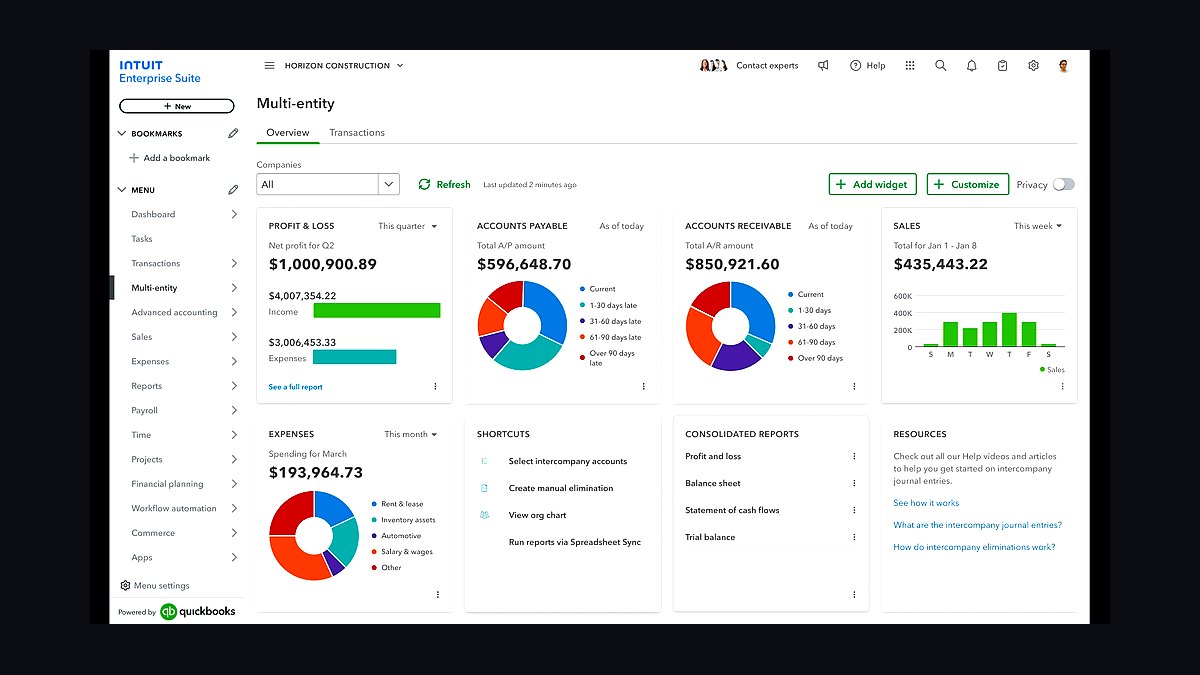
Knowify ranks fourth as the mid-size sweet spot, roughly $200-$700 per month, delivering job costing plus AIA-style progress billing without Procore's volume-based pricing. For a $3M-$15M concrete contractor it turns a won bid into a live budget and shows actual cost against bid while the job is still open.
It is built for mid-size concrete and specialty contractors who need job costing and billing but not enterprise submittal workflows. It trades away Procore's deep GC-facing collaboration and submittal management. Against Buildertrend below, Knowify leans commercial and job-costing while Buildertrend leans residential client experience.
5Buildertrend
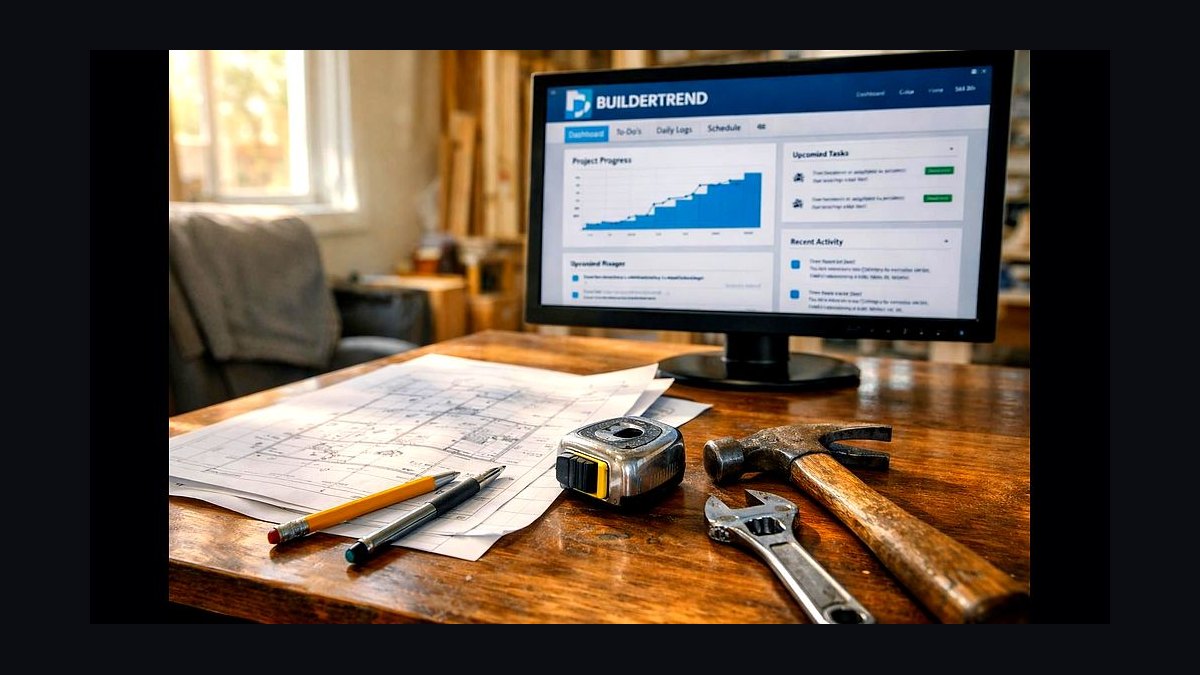
Buildertrend ranks fifth for residential-facing concrete work, roughly $400-$700 per month, where client selections, change orders, and photo updates matter as much as job costing. Decorative and residential concrete companies use it to communicate design decisions and capture approved change orders before the pour.
It fits residential and light-commercial contractors whose clients want a portal experience. It trades away heavy-civil estimating and DOT item bidding, and its job costing is lighter than Knowify's. Compared with Contractor Foreman below, Buildertrend costs more but delivers a more polished homeowner-facing experience.
6busybusy
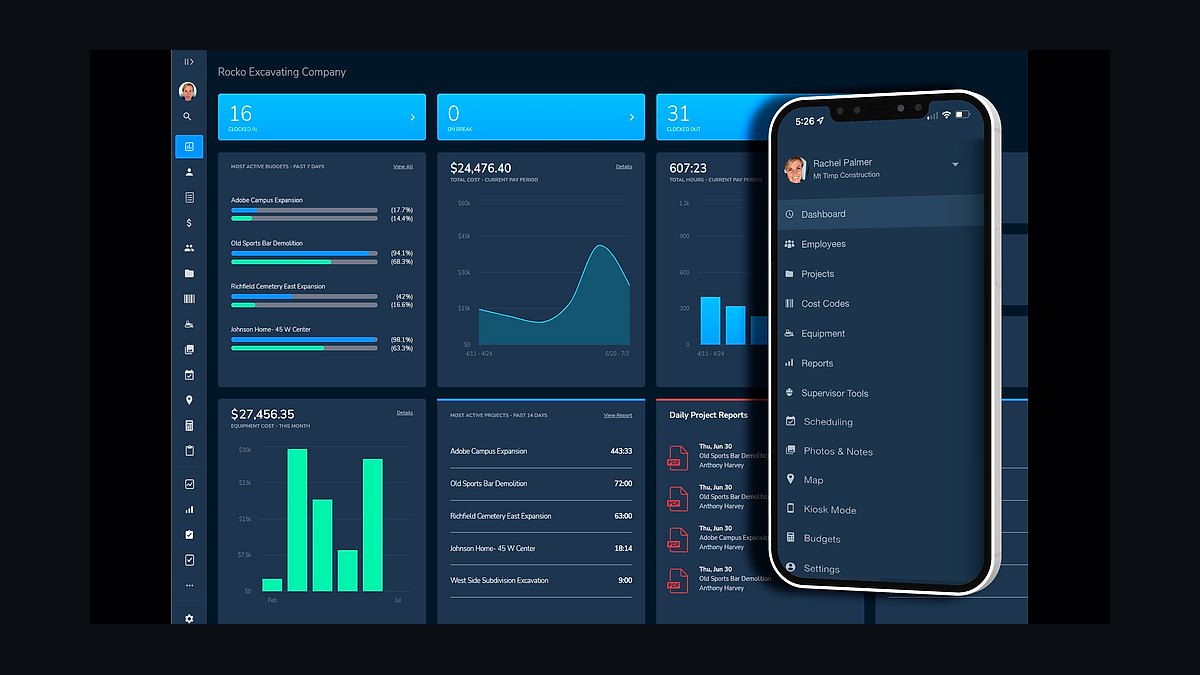
busybusy ranks sixth because field hours and placed quantities must hit the office daily, not at closeout. At roughly $10-$15 per user per month it GPS-stamps crew time, and when it feeds Knowify or Procore the office sees actual cost versus bid within the same week instead of after the job closes.
It is built for crews of any size needing simple, verifiable time tracking with location. It trades away the production-quantity depth of HCSS HeavyJob, which tracks yards placed and tons laid against cost codes. For a small flatwork crew, busybusy plus Knowify is the practical pairing; HeavyJob only pays off on civil work.
7Foundation Software
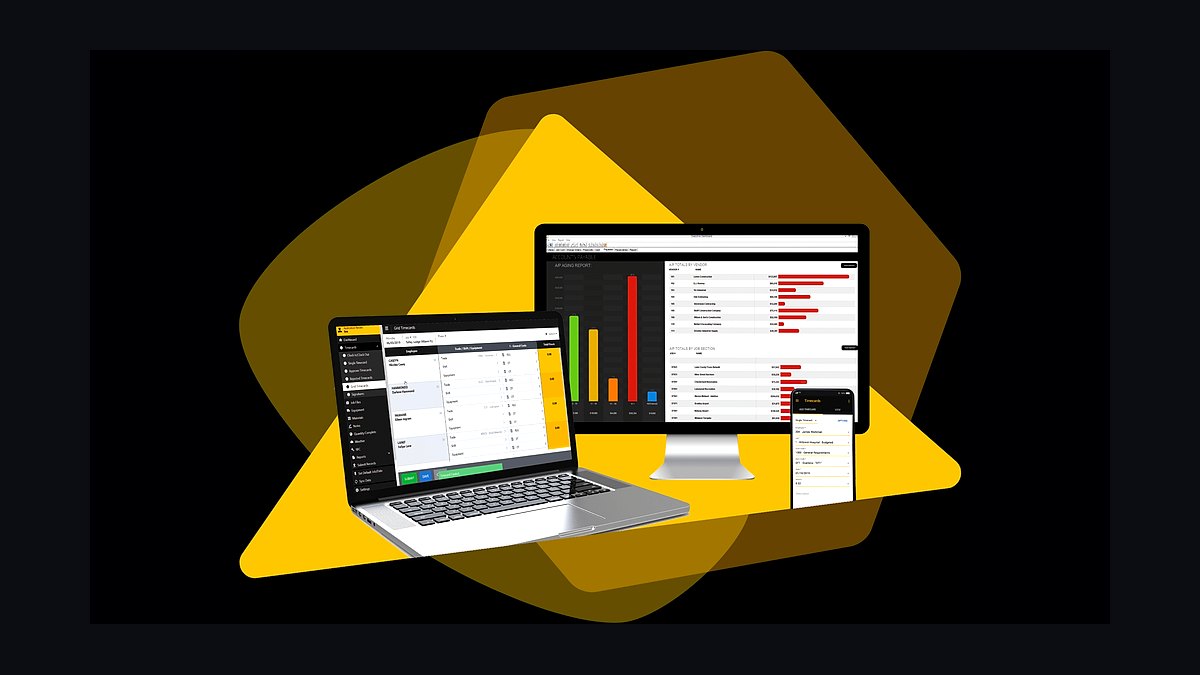
Foundation ranks seventh because generic accounting cannot do job costing by cost code or produce a WH-347 certified payroll, and public work makes both mandatory. Pricing is quote-based, typically $5,000-$15,000+ per year, and it bundles certified payroll so a first municipal award does not trigger a scramble.
It fits contractors touching public, DOT, or federally funded work where prevailing wage applies. It trades away the low cost and familiarity of QuickBooks, which remains fine for private residential flatwork. Stand it up before the first public award clears, not after, because late or wrong certified payroll means withheld payment.
8Tenna
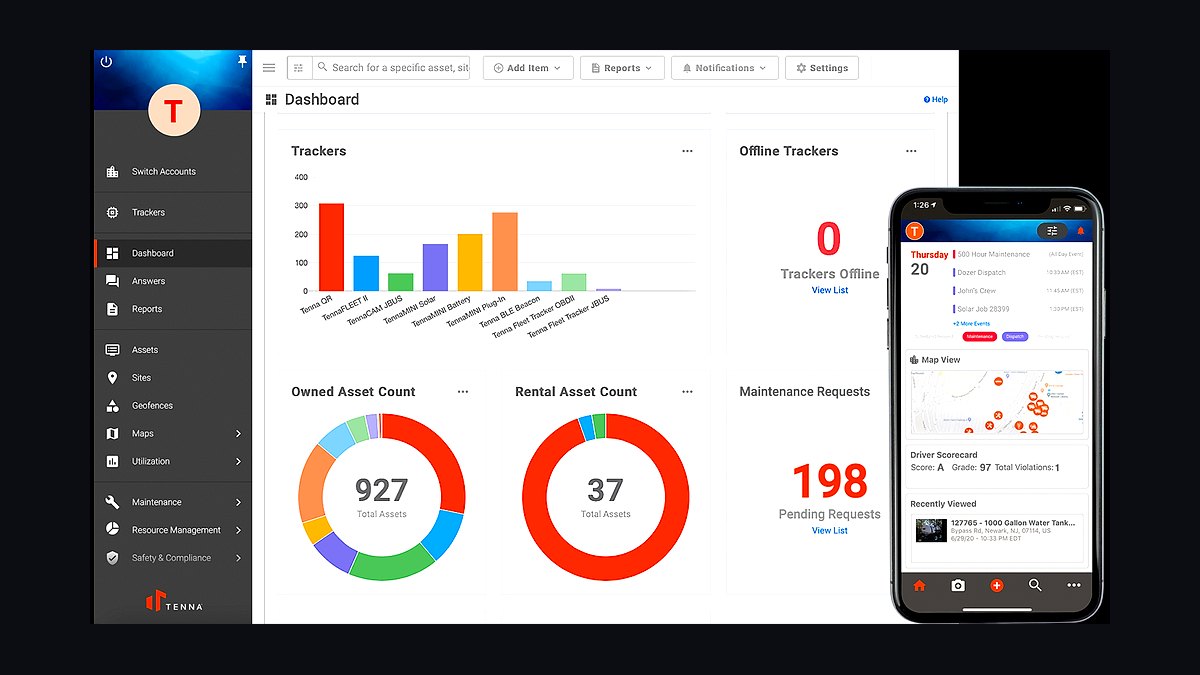
Tenna ranks eighth because skid steers, pavers, and rollers are major capital, and idle iron is a silent margin leak. Construction-specific asset tracking runs roughly $20-$40 per asset per month, showing location, utilization, and maintenance status so bid assumptions about equipment hours get validated against reality.
It fits contractors with enough owned equipment that utilization variance moves the P&L, typically mid-size and larger fleets. It trades away on-road fleet compliance, which Samsara handles with ELD and dash cams. Pair Tenna for off-road assets with Samsara for trucks rather than expecting one tool to cover both.
9BuildingConnected
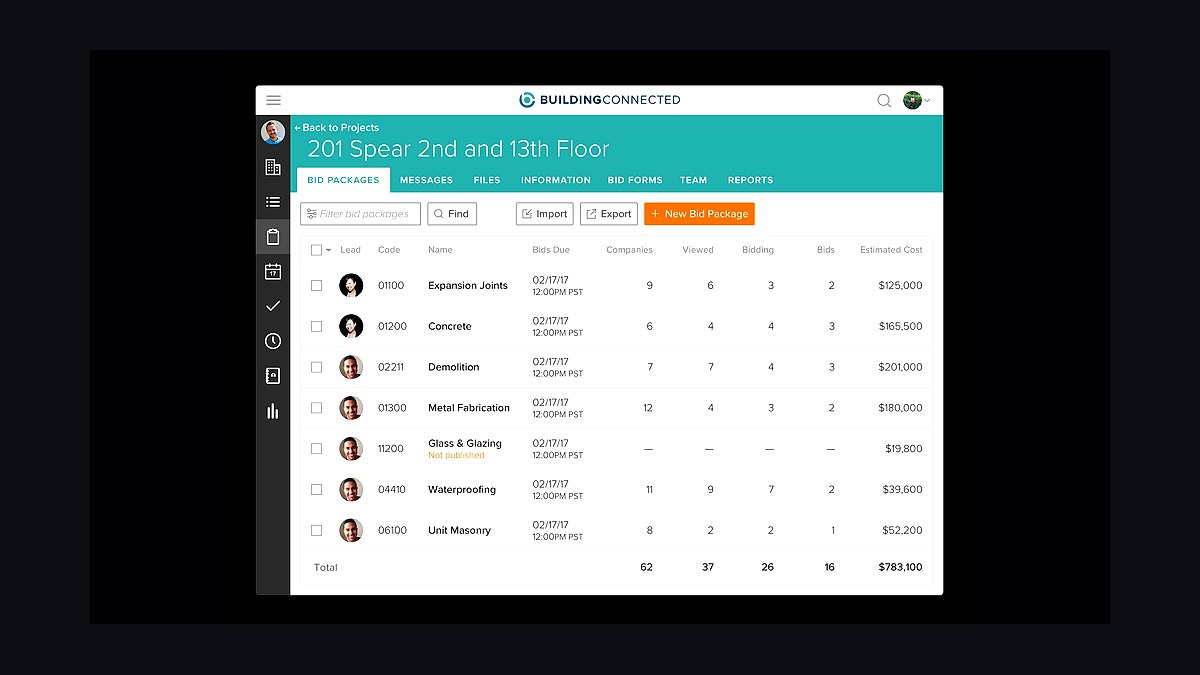
BuildingConnected ranks ninth because public and commercial work arrives as invitations to bid through plan rooms, not phone calls, and a contractor without a plan-room presence never sees half the available revenue. It is free to subcontractors on the basic Autodesk tier, making it the cheapest revenue lever in the stack.
It fits any concrete or paving contractor chasing GC and municipal bid invitations. It trades away deep historical project data, which iSqFt/ConstructConnect carries, and it does not estimate or quantify anything itself. Treat it as a lead source feeding STACK or HeavyBid, not as a takeoff tool.
10Microsoft Power BI
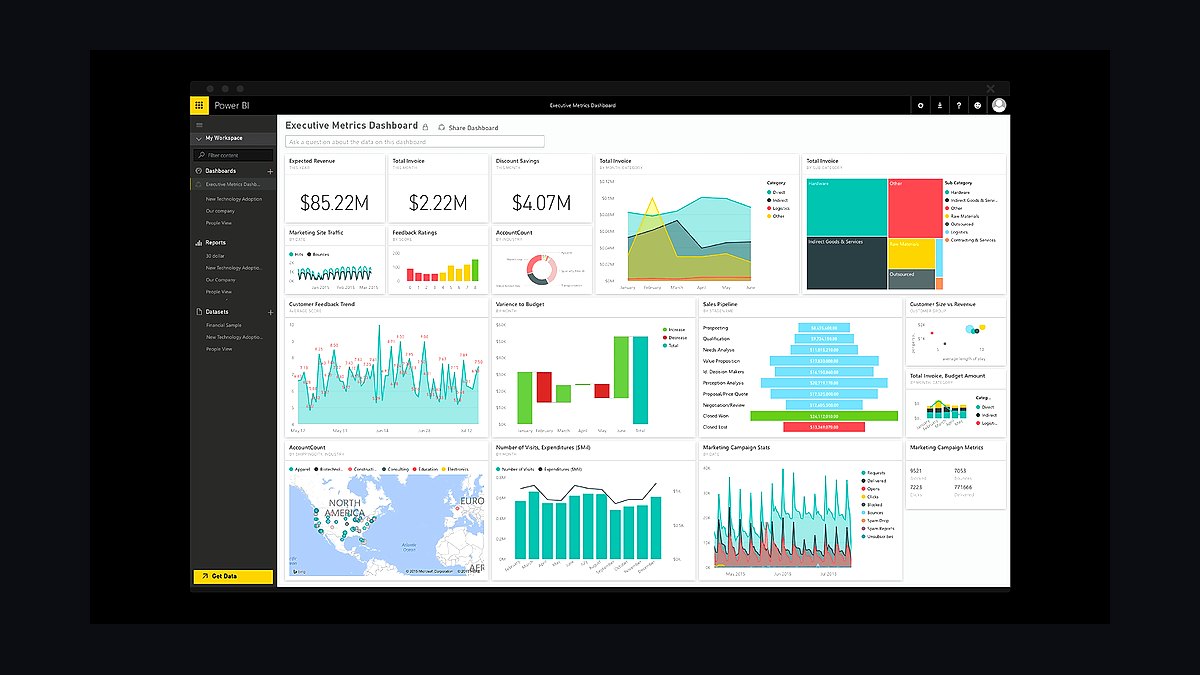
Power BI ranks tenth because once job-cost, equipment, and accounting data exist, someone has to consolidate bid-hit rate, gross margin by job type, and equipment utilization into one operator view. At roughly $10-$20 per user per month it is the cheapest layer, but it only works after the upstream systems are clean.
It fits contractors at scale with data in Procore, Foundation, and telematics that needs one dashboard. It trades away simplicity — smaller shops live fine inside Procore or Knowify native dashboards and skip BI entirely. Add it last, after estimating, job costing, and accounting are integrated.
How we ranked these
We ranked each tool on five weighted criteria: materials-takeoff accuracy for concrete yardage and asphalt tonnage (30%), job-costing and change-order depth (20%), certified-payroll and prevailing-wage capability (20%), field-crew and equipment tracking integration (15%), and total cost of ownership at realistic contractor volumes (15%). Scores came from vendor documentation, published pricing, and hands-on workflow testing against flatwork, paving, and public-work bid scenarios.
We deliberately ignored CRM features, marketing automation, generic task management, and mobile-app polish that does not affect a pour or a paving pass. We also excluded vendor awards, review-site star averages, and analyst quadrant placement, because none of them predict whether a 4-inch slab gets ordered at 4.5 inches. Compliance claims were only credited when the vendor publishes an actual WH-347 output or state equivalent.
When choosing between these tools, the deciding factor is almost always the estimator-to-accounting handoff, not the feature list. A takeoff tool that cannot push quantities into job costing forces re-keying, and re-keying is where waste factors and cost codes drift. Match the estimator to your work type first, then confirm the PM and accounting layers accept its output natively.
The mistake most buyers make is starting with project management or accounting because those feel like the "real" system, then bolting on estimating last. That inverts the dependency chain. The bid defines the budget, the budget defines job costing, and job costing defines what accounting must report. Contractors who buy Procore before a real takeoff engine end up managing bad numbers faster.
A second common error is buying certified-payroll capability only after winning public work. Standing up Foundation or Points North mid-project means reconstructing weeks of payroll history under deadline. If public bidding is anywhere in your two-year plan, budget for that layer now and test one WH-347 run before you need it.
What to look for
What actually matters is whether the estimator's output flows into job costing without manual re-entry, and whether your accounting layer can produce a certified-payroll report on demand. Concrete and paving margins live in cubic yards and tons, so waste factors, plant pricing, and cost codes must survive the trip from takeoff to invoice. Integration depth beats feature breadth every time.
The mistake most buyers make is buying project management or accounting first because those feel like the real system, then adding takeoff last. That inverts the dependency chain: the bid defines the budget, the budget defines job costing, and job costing defines what accounting reports. Contractors who buy Procore before a real takeoff engine just manage bad numbers faster.
A second error is deferring certified payroll until the first public award. Standing up Foundation or Points North mid-project means reconstructing payroll history under deadline. If municipal or DOT work is in your two-year plan, budget for that layer now and run one test WH-347 before you need it.
Related questions
What software do concrete contractors use for estimating?
Most flatwork and foundation contractors estimate in STACK or PlanSwift, which convert PDF plan dimensions into cubic yards of concrete with a waste factor. Heavy-civil and paving contractors instead use HCSS HeavyBid or B2W Estimate, which price item-based activities like haul, place, and compact. Bluebeam Revu remains common for markup and measurement among smaller crews.
How much does a concrete contractor tech stack cost per month?
A small crew runs roughly $300 to $700 monthly using PlanSwift or STACK entry tiers, ClockShark, QuickBooks Online, and PlanHub. Mid-size firms spend $1,500 to $4,000 monthly adding Knowify or Buildertrend plus Foundation Software. Large site-work contractors often exceed $8,000 to $25,000 monthly with the full HCSS suite, Procore, Sage 300 CRE, and fleet telematics.
Do paving contractors need certified payroll software?
Only for public and government-funded work. Davis-Bacon and state prevailing-wage laws require a weekly certified-payroll report listing every worker, classification, hours, and rate paid. Private commercial and residential paving avoids that requirement entirely. The moment you bid a DOT or municipal project, Foundation Software or Points North becomes mandatory, not optional.
Is Procore worth it for a mid-size concrete company?
Procore is priced as a percentage of annual construction volume, often $15,000 to $50,000 yearly, so it generally only pays off above a few million in revenue with commercial general-contractor relationships. Mid-size concrete firms usually get better value from Knowify at $200 to $700 monthly, which handles job costing and AIA-style progress billing without enterprise overhead.
What is the best takeoff software for asphalt paving?
For DOT and heavy-civil paving, HCSS HeavyBid and B2W Estimate are the standards because they build bids from cost-coded activities and handle tonnage, haul cycles, and compaction passes. For smaller commercial paving, STACK handles square-yard and tonnage takeoff from PDF plans at a fraction of the cost. InSite SiteWork is strongest for cut-and-fill earthwork volumes.
How do contractors track equipment like pavers and rollers?
Construction-specific telematics platforms such as Tenna track off-road assets including pavers, rollers, and skid steers, showing location, utilization, and maintenance intervals. Samsara covers on-road fleet needs with ELD compliance, dash cams, and GPS. Both run roughly $20 to $40 per asset monthly, and the payoff is catching idle iron that the bid assumed was working.
Can QuickBooks handle job costing for concrete work?
QuickBooks Online or Desktop Contractor can track basic job costs for small crews, but it cannot cost by detailed cost code or generate a federal WH-347 certified-payroll report. Contractors doing public work or running multiple concurrent pours typically outgrow it and move to Foundation Software or Sage 100 Contractor, which are purpose-built for construction accounting.
Where do concrete contractors find bids and plan sets?
Most commercial and public invitations arrive through BuildingConnected, iSqFt or ConstructConnect, and PlanHub. BuildingConnected is free to subcontractors on its basic tier, ConstructConnect carries deep historical project data, and PlanHub is the value option for smaller general-contractor relationships. State DOT portals remain the primary source for highway and paving work.
FAQ
What is the single most important tool for a concrete or paving contractor?
The quantity-takeoff estimator. Because the bid is the product and materials are priced by volume and tonnage, a tool like STACK, PlanSwift, or HeavyBid that produces accurate, consistent yardage and tonnage protects margin on every job. Buy it before any project management or CRM software.
Do I need certified-payroll software if I only do private work?
No. Certified payroll and prevailing wage apply to public and government-funded jobs. A private residential or commercial flatwork contractor can run QuickBooks indefinitely. The moment you bid a municipal, DOT, or federally funded project, certified payroll through Foundation Software or Points North becomes mandatory.
Is Procore overkill for a small concrete company?
Usually yes. Procore is priced as a percentage of annual construction volume and typically justifies itself only above a few million in revenue with commercial general-contractor relationships. Small crews get better value from Knowify, Buildertrend, or Contractor Foreman, which handle job costing and progress billing at a fraction of the cost.
How do I stop losing money on concrete over-pours?
Tie takeoff waste factors to actual placed quantities. If the estimator assumes 5% waste but field logs show 9%, the bid is wrong on every future job. Tools like HCSS HeavyJob or busybusy that capture daily placed quantities against the bid budget surface that drift while the job is still live, not at closeout.
What is the difference between HeavyBid and STACK?
HeavyBid builds item-based estimates from cost-coded activities like haul, place, and compact, which suits DOT and heavy-civil paving bids. STACK performs on-screen quantity takeoff from PDF plans, which suits flatwork, foundations, and building concrete. Many contractors use STACK for commercial flatwork and HeavyBid for civil work side by side.
How long does it take to implement a full contractor tech stack?
A realistic rollout runs 90 days. Days 0 to 30 cover the takeoff tool, cost-code library, and material pricing. Days 31 to 60 add project management and field time tracking so live cost versus bid is visible. Days 61 to 90 move accounting, validate certified payroll, and build reporting dashboards.
Do I need equipment telematics if I only own a few machines?
Below roughly five assets, telematics rarely pays for itself and a shared calendar plus maintenance log works fine. Above that, Tenna or Samsara at $20 to $40 per asset monthly usually pays back by catching idle iron, preventing missed service, and validating the utilization assumptions baked into your bids.
Can I run a concrete business on spreadsheets alone?
A solo estimator with a well-tuned spreadsheet can bid accurately for a while, but the model breaks as volume grows. Waste factors get copy-pasted wrong, cost codes drift, and there is no audit trail. Moving to STACK or PlanSwift forces consistent quantity logic and creates a defensible record when a bid goes sideways.
What accounting software is best for public paving work?
Foundation Software and Sage 300 CRE are the two standards because both handle job costing by cost code and produce certified-payroll reports natively. Foundation bundles certified payroll directly, while Sage 300 CRE is common among larger civil contractors. QuickBooks cannot generate a WH-347 without third-party add-ons.
How do I choose between Knowify and Buildertrend?
Knowify leans toward commercial and mid-size concrete contractors, with job costing, AIA-style progress billing, and subcontractor management. Buildertrend leans residential, with client-facing selections, change orders, and photo updates that matter for homeowner work. Match the tool to your customer type, not the feature checklist.
Sources
- https://www.hcss.com/estimating/
- https://www.procore.com/
- https://www.foundationsoft.com/
- https://www.sage.com/en-us/products/sage-300-cre/
- https://www.tenna.com/
- https://www.samsara.com/
- https://www.stackct.com/
- https://www.points-north.com/
- https://www.buildingconnected.com/
- https://www.osha.gov/prevailing-wage
Related on PULSE
This page will be disappearing soon. Save it to your device for $1 — or read it free while it is here.
@Kory-White- · if Venmo asks, the last 4 of my number are 2012
This page is gone.
This one is off the shelf now. $1 keeps it on your phone for good — the whole page, pictures and diagrams included.
 tkTop 10 Best Tech Stack Tools for Lawn Care and Landscaping Companies in 2027
 tkTop 10 Best Tech Stack Tools for Fencing and Deck Contractors in 2027
 pulse-tech-stacksTop 10 Best Tech Stack Tools for Vulnerability Management Software Vendors in 2027
 pulse-tech-stacksTop 10 Best Tech Stack Tools for Independent Food Trucks in 2027
 pulse-tech-stacksTop 10 Best Tech Stack Tools for Septic and Portable Sanitation Services in 2027
 pulse-tech-stacksTop 10 Best Tech Stack Tools for Home Inspection Companies in 2027
 pulse-tech-stacksTop 10 Best Tech Stack Tools for Mobile Threat Defense (MTD) Vendors in 2027
 pulse-tech-stacksTop 10 Best Tech Stack Tools for Embeddings API Companies in 2027
 pulse-tech-stacksTop 10 Best Tech Stack Tools for CrossFit Boxes in 2027
 pulse-tech-stacksTop 10 Best Tech Stack Tools for Medical Billing and RCM Companies in 2027