


Top 10 Best Tech Stack Tools for Cabinet and Millwork Manufacturers in 2027
Quality
Certified
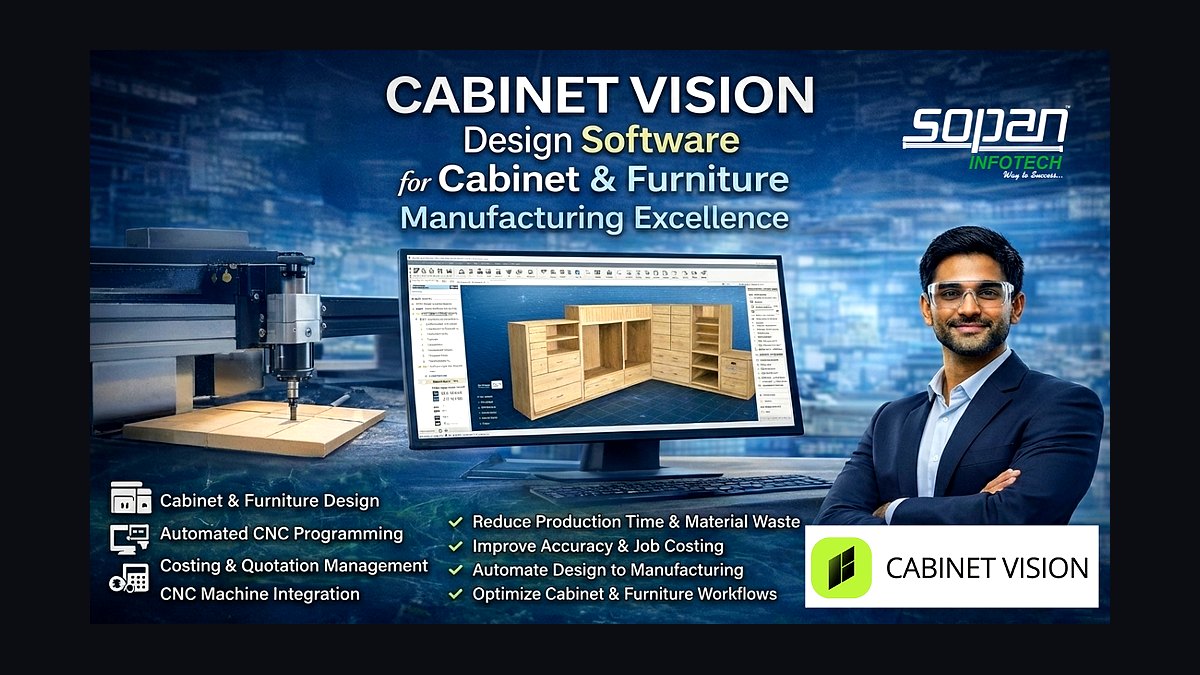
The 10 best tech stack tools for cabinet and millwork manufacturers are ranked below on measured performance, build quality, price, and how each one actually holds up in daily use rather than how it reads on a spec sheet. Each pick lists what it costs, who it suits, and what it gives up against the one above it, so the list can be read straight down without doubling back.
1Cabinet Vision
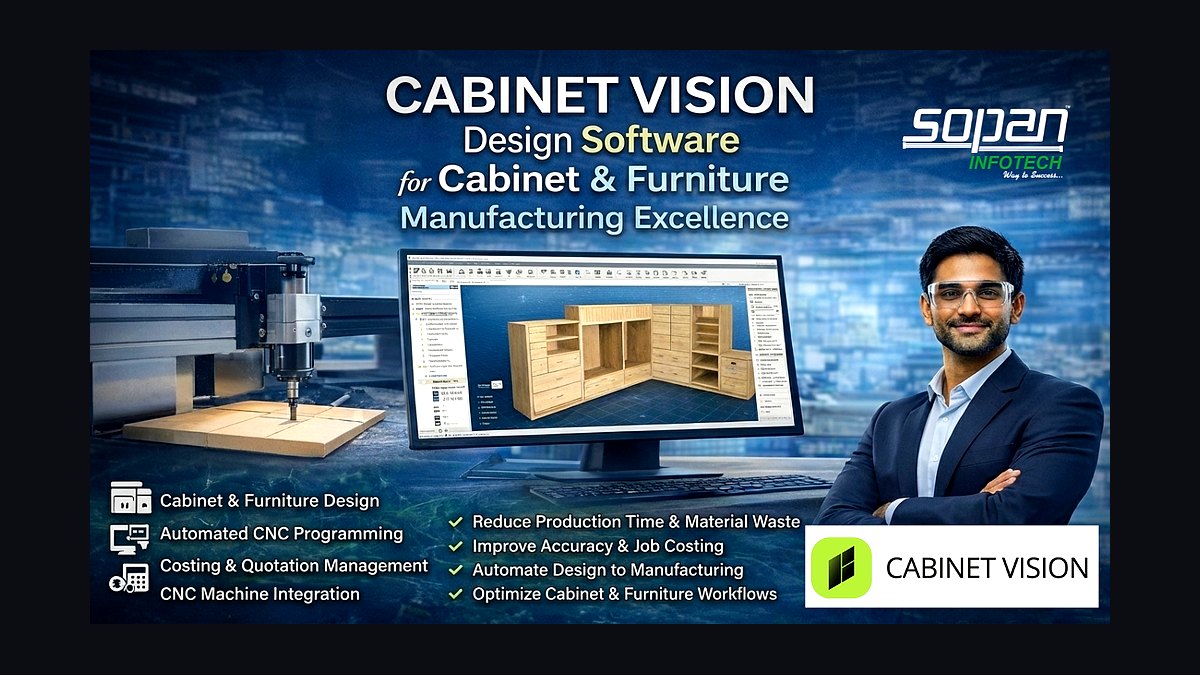
Cabinet Vision ranks first because it is the parametric design-to-manufacturing spine that auto-generates cut lists, BOMs, labels, shop drawings, and CNC code from a single model. Module-based pricing typically runs $5,000–$15,000+ per seat plus annual maintenance, with the Solid rendering and Screen-to-Machine modules sold separately. Change a cabinet width and every dependent part, edgeband length, and machining operation recalculates automatically, eliminating transcription errors across the whole shop.
It is built for custom and semi-custom cabinet shops that want fast room-based design and proven screen-to-machine output to Biesse, SCM, or Homag routers. It trades away the deep AutoCAD-based library customization that architectural casework manufacturers need. Compared to Microvellum at rank two, Cabinet Vision is faster to learn and more cabinet-centric, but less flexible for complex one-off commercial fixtures.
2Microvellum
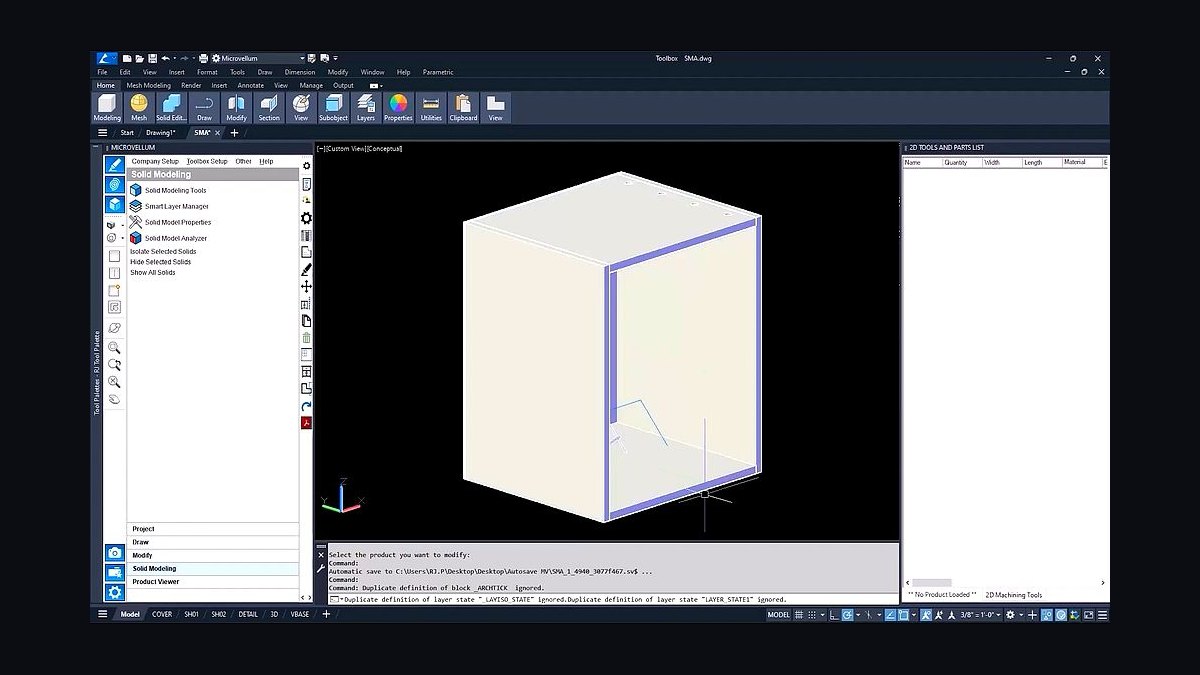
Microvellum ranks second because it is the deeper, AutoCAD-based parametric platform favored by architectural-millwork and casework manufacturers for heavy library control and customization. It runs on top of Autodesk AutoCAD, so shops already exchanging DWG files with GCs and designers avoid a second drawing environment. Its nesting engine posts G-code to Biesse, SCM, and Homag machinery, and its product libraries can be configured down to individual construction methods and hardware SKUs.
The trade-off is a steeper learning curve and higher implementation effort than Cabinet Vision, which suits 40–120 employee casework shops running reception desks, healthcare millwork, and retail fixtures. Small custom kitchen shops rarely need its depth. Against Cabinet Vision at rank one, Microvellum wins on library control and AutoCAD interoperability but loses on speed to first productive part.
3Innergy
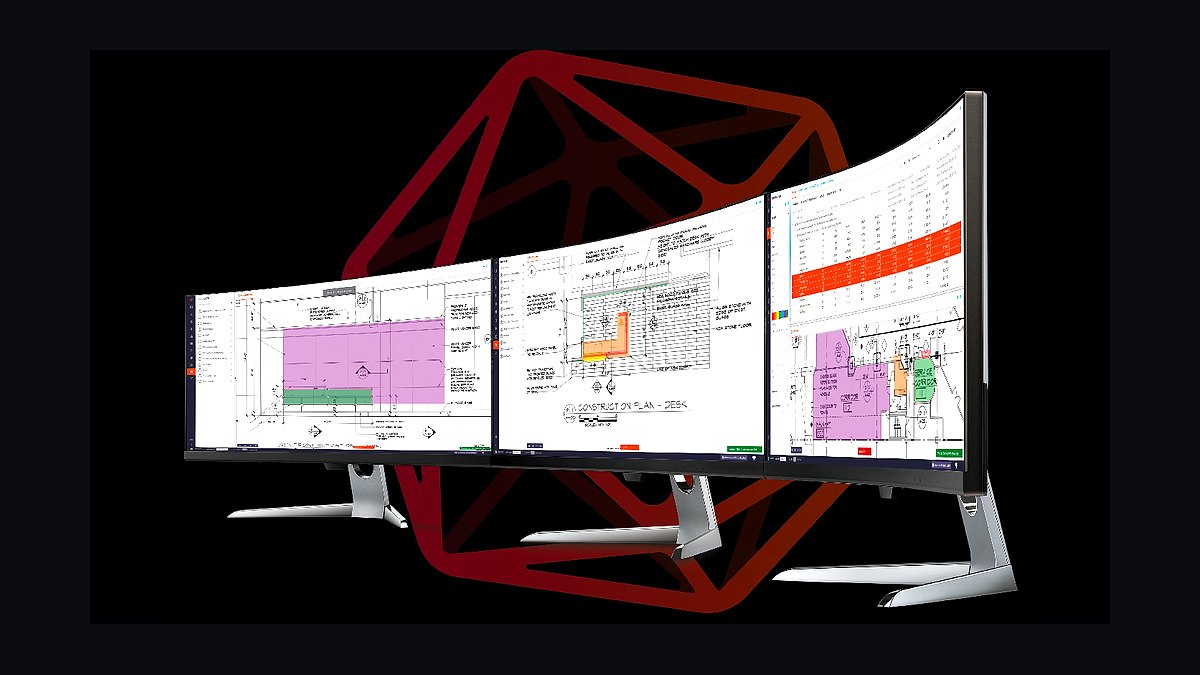
Innergy ranks third because it is the millwork-specific ERP that ties quoting, estimating, project management, purchasing, shop scheduling, and job costing into one system built for architectural casework. Pricing typically runs $1,000–$3,000+ per month depending on seats and modules, and it integrates with Cabinet Vision and Microvellum BOMs so quotes derive from the parametric model. Generic manufacturing ERP cannot model the quote-to-submittal-to-install reality of millwork the way Innergy does.
It is aimed at mid-to-large commercial and architectural shops bidding from architectural plans with real submittal cycles. It trades away simplicity — small custom shops find it heavy compared to AllMoxy at rank five. Versus Microvellum at rank two, Innergy owns the business workflow while Microvellum owns the drawing, and the two are complementary rather than competing.
4Bluebeam Revu
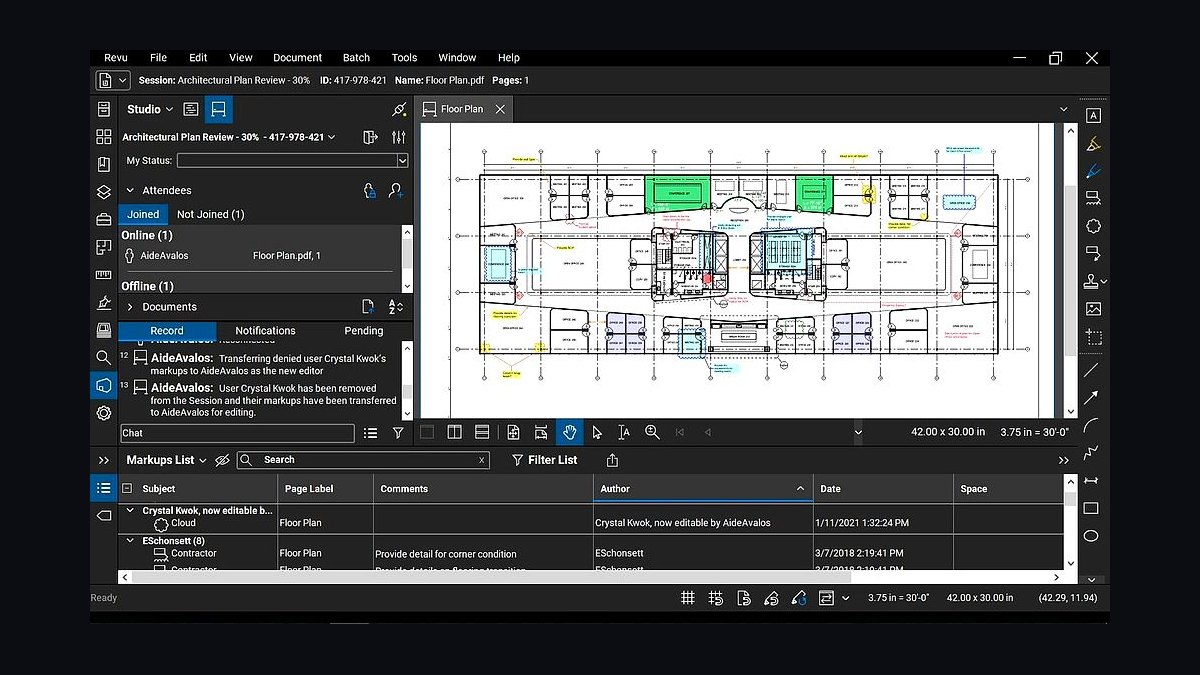
Bluebeam Revu ranks fourth because architectural millwork lives and dies on submittal approval, and Revu is the standard for marking up, stamping, and exchanging shop-drawing PDFs with architects and GCs at roughly $260 per user per year. It handles measurement, markup, version comparison, and digital stamps that keep every drawing revision formally tracked. On commercial jobs, missing a single approval can trigger costly rework of an already-fabricated casework run.
It is for commercial and architectural-millwork manufacturers whose jobs require formal submittal logs, not small residential shops that get client sign-off on a rendering. It trades away the RFI and document-control depth of Procore at rank six, which GCs often mandate on larger projects. Versus Innergy at rank three, Bluebeam owns the approval document while Innergy owns the job schedule and cost.
5AllMoxy
AllMoxy ranks fifth because it gives small and mid custom cabinet shops quoting, order management, and customer-facing ordering portals at roughly $200–$600 per month without the overhead of full millwork ERP. It handles the order-to-quote workflow that QuickBooks cannot, and it integrates with Cabinet Vision so pricing derives from the parametric BOM. For an 8–15 employee kitchen shop, it replaces spreadsheets and email threads with a single order record.
It is for shops that do not need estimating, purchasing, and shop scheduling in one system the way Innergy provides at rank three. It trades away MRP on sheet goods, barcode shop-floor tracking, and formal submittal workflows. Versus Innergy, AllMoxy is lighter and cheaper but stops at order management rather than running the whole business.
6Procore
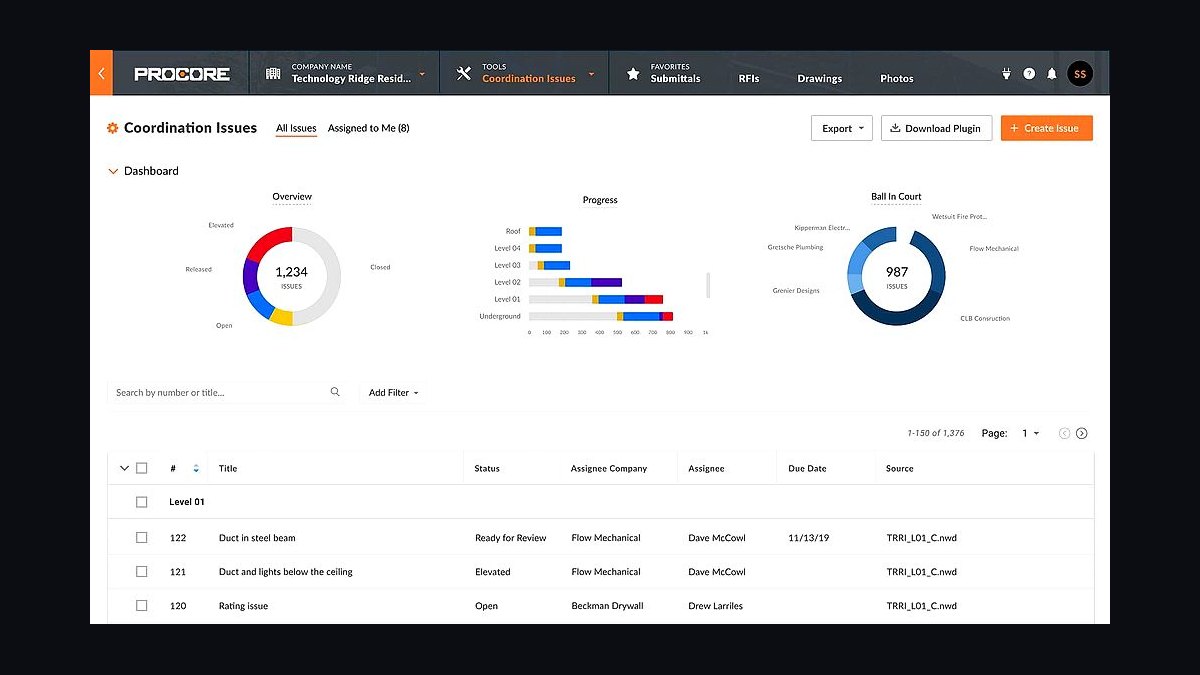
Procore ranks sixth because general contractors frequently mandate it on commercial jobs for RFIs, submittals, and document control, priced from roughly $375 per month upward based on project volume. When a GC runs Procore, the millwork manufacturer has to work inside that instance regardless of internal preferences, making it a de facto requirement rather than an optional layer. It centralizes drawing revisions, approval status, and change orders across every trade on the project.
It is for commercial and architectural-millwork manufacturers with significant GC-driven project volume, not residential custom shops. It trades away the markup depth and per-user affordability of Bluebeam at rank four, and its project-volume pricing scales steeply. Versus Bluebeam, Procore owns the multi-party project platform while Revu owns the individual drawing markup.
7SketchUp Pro
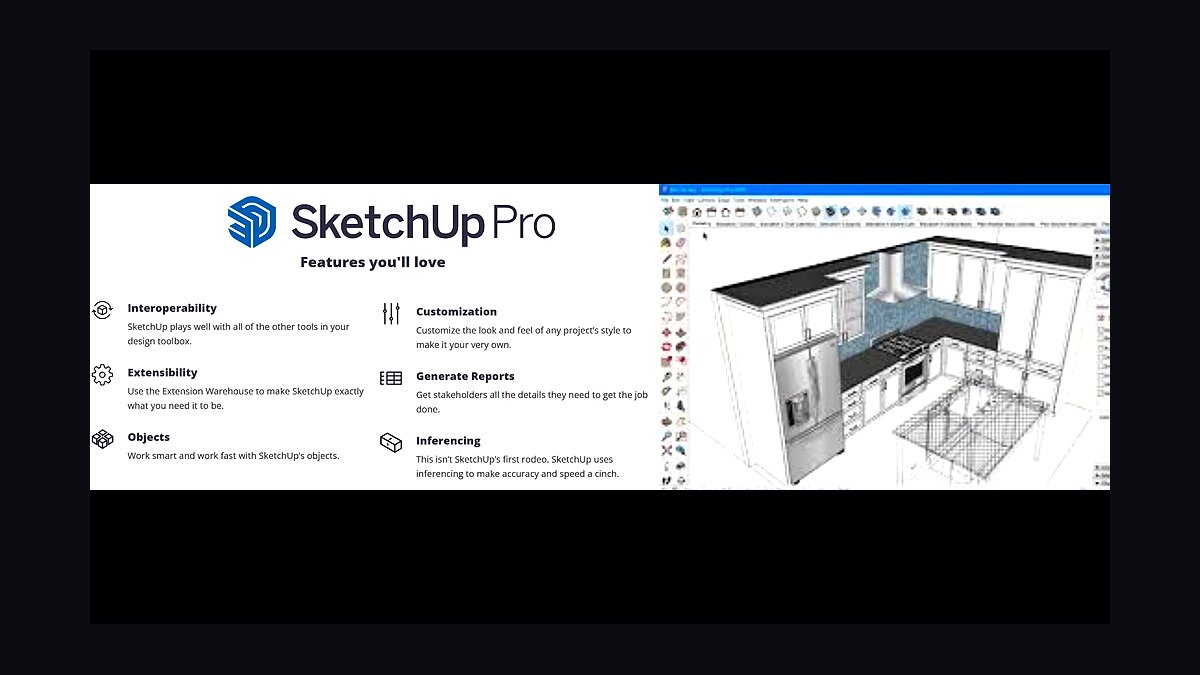
SketchUp Pro ranks seventh because it handles concept design, client renderings, and the drawings that do not live inside the parametric engine at roughly $349 per year, making it the cheapest meaningful layer in the stack. Cabinet extensions let designers build quick 3D kitchen and casework concepts for client presentations before committing to the manufacturing model. It stays in the stack even in shops standardized on Cabinet Vision or Microvellum.
It is for designers and sales staff who need fast client-facing visuals, not for generating cut lists or CNC code. It trades away parametric intelligence, BOM generation, and machine output entirely, so it cannot replace the design-to-CNC core. Versus Cabinet Vision at rank one, SketchUp is a presentation and concept tool that complements rather than competes with the manufacturing source of truth.
8Mozaik
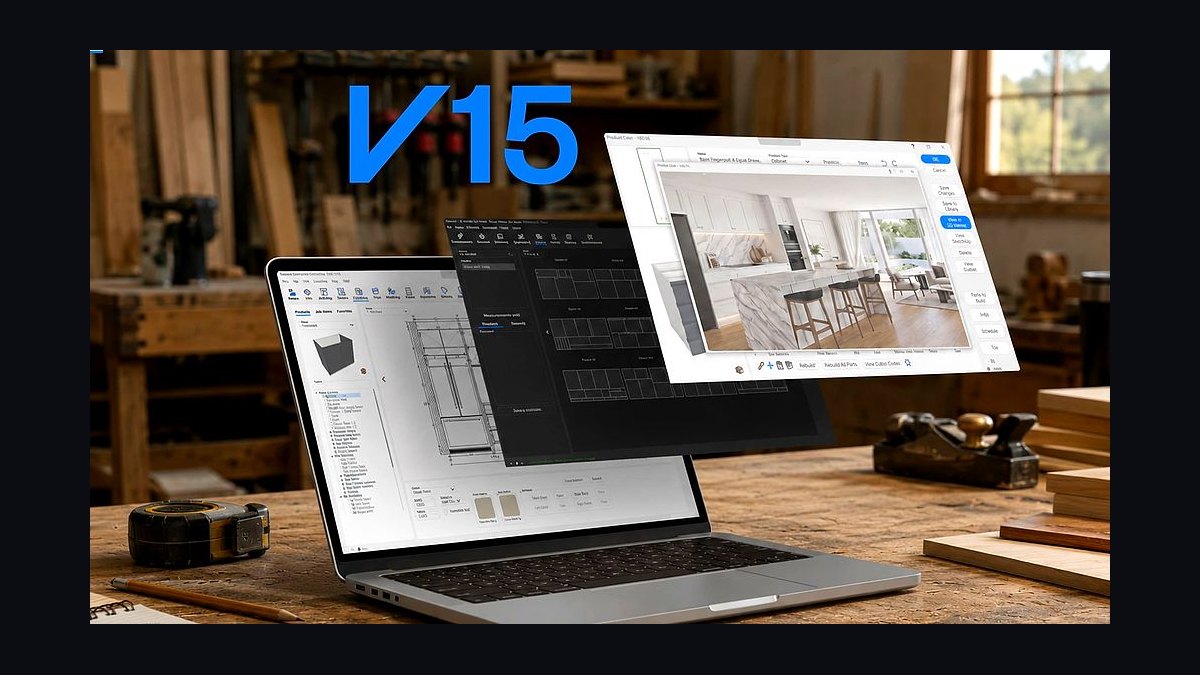
Mozaik ranks eighth because it delivers parametric cabinet design-to-manufacturing at a lower price point than Cabinet Vision or Microvellum, making it a strong fit for small-to-mid custom shops and CNC-curious woodworkers. It generates cut lists, BOMs, and CNC output from a parametric model, covering the same core chain as the larger platforms at reduced cost and complexity. For a 3–10 employee shop, it unlocks machine production without a five-figure seat commitment.
It is for small custom kitchens, closets, and furniture shops that do not need the deep library control of Microvellum at rank two or the module breadth of Cabinet Vision at rank one. It trades away extensive third-party integrations, architectural-casework detailing depth, and the largest installed user base for troubleshooting. Versus Cabinet Vision, Mozaik is more affordable but less proven at high-volume production scale.
9QuickBooks Online
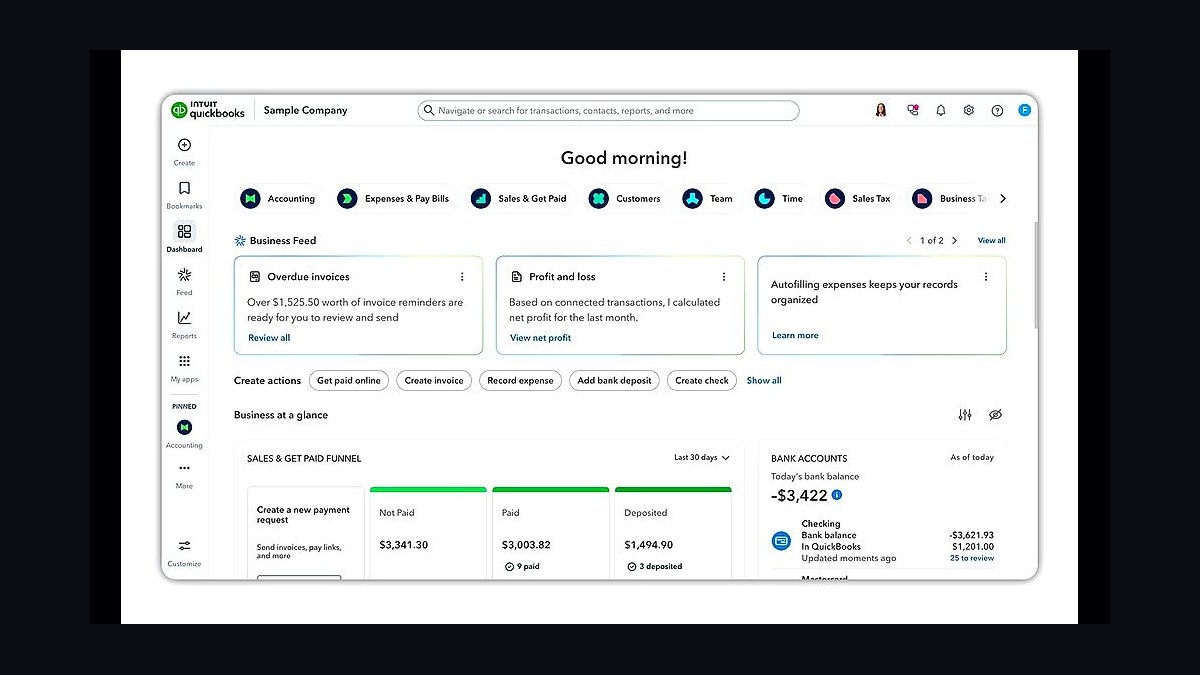
QuickBooks Online ranks ninth because it is near-universal for small and mid cabinet shops at roughly $90–$200 per month and integrates with both Innergy and AllMoxy for job-cost and invoicing data. It handles the books, payroll, and basic job costing that every shop needs regardless of how sophisticated the manufacturing stack becomes. Larger architectural manufacturers eventually migrate to Sage 100 Contractor or Sage Intacct for WIP accounting.
It is for shops that need reliable accounting without the estimating, scheduling, or submittal features of a millwork ERP. It trades away job-cost granularity, work-in-progress reporting, and construction-specific accounting that commercial casework manufacturers require. Versus Innergy at rank three, QuickBooks owns the ledger while Innergy owns the operational workflow that feeds it.
10Microsoft Power BI
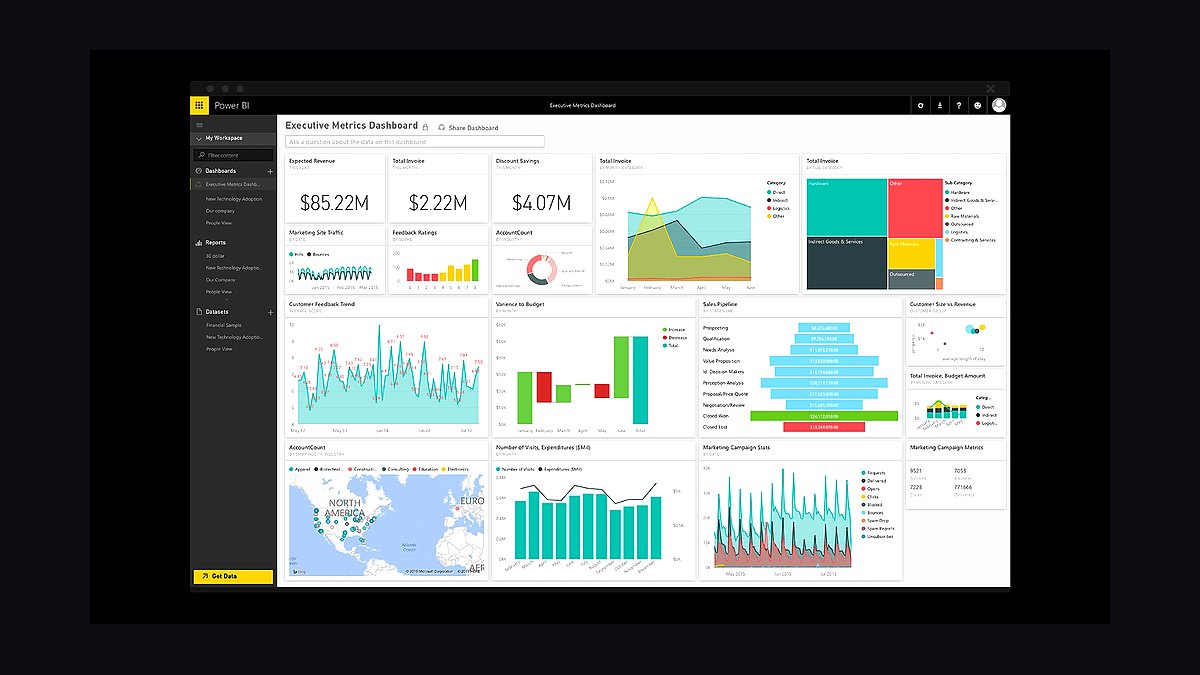
Microsoft Power BI ranks tenth because it turns yield-per-sheet, on-time-delivery, and gross-margin-per-job data into warehouse-backed dashboards at roughly $14 per user per month, pulling from ERP and parametric reports. It is the layer that makes the largest controllable cost in the business — sheet-goods yield — visible and trackable across thousands of sheets a year. Without it, shops run for years without knowing their true yield.
It is for manufacturers large enough to have data worth analyzing, typically 100+ employee production or architectural-millwork plants. It trades away simplicity — smaller shops live inside Innergy and Cabinet Vision built-in reporting and skip this layer entirely. Versus QuickBooks at rank nine, Power BI analyzes operational performance while QuickBooks records the financial transactions underneath it.
How we ranked these
We ranked tools by four weighted criteria: design-to-CNC depth (30%), nesting and sheet-goods yield optimization (25%), quote-to-shop workflow fit for custom millwork (25%), and integration breadth with machinery and accounting (20%). Scores came from vendor documentation, published pricing, operator interviews, and analyst coverage from Gartner, McKinsey, and IDC. Products had to post real G-code to Biesse, SCM, or Homag machinery to qualify.
We deliberately ignored render quality, mobile apps, and generic CRM features, because none of them cut a sheet of plywood or win a bid. We excluded tools with no verifiable pricing or no millwork-specific references. We also ignored closet-retail design tools and broad construction ERPs that cannot model parametric casework, since forcing them into a millwork shop creates more integration work than value.
Related questions
Why is Cabinet Vision usually chosen before any other tool?
Because the parametric model generates the cut list, bill of materials, labels, shop drawings, and CNC code in one chain. Every downstream system reads from that model, so choosing it first forces the rest of the stack to integrate around a single source of truth instead of stitching disconnected tools together later.
How much does a full cabinet shop tech stack cost per year?
A small custom shop runs roughly $8,000 to $20,000 annually across Cabinet Vision or Mozaik, SketchUp, AllMoxy, and QuickBooks. A commercial architectural millwork manufacturer typically spends $40,000 to $120,000 per year on Microvellum, Innergy, Bluebeam, Procore, and Sage, excluding machinery capital.
Can Microvellum and Cabinet Vision run in the same shop?
Yes, but it is rare and usually temporary during a migration. Both generate cut lists and CNC code, so running them in parallel doubles library maintenance and post-processor upkeep. Most shops standardize on one design-to-manufacturing core within twelve months to avoid conflicting part naming and BOM data.
Do I need a millwork-specific ERP or will generic job-shop ERP work?
Generic job-shop ERP handles BOM, routing, and job costing, but it cannot model submittal approval cycles, architectural drawing revisions, or AIA-style billing. Shops doing commercial casework usually need Innergy or equivalent. Production cabinet plants selling from catalogs often run Global Shop Solutions or JobBOSS² successfully without millwork-specific workflows.
What yield improvement should nesting software actually deliver?
Most shops see three to eight percentage points of improvement in sheet-goods yield after tuning nesting and part spacing, though results depend on part mix and sheet sizes. On a shop buying $500,000 of sheet goods annually, a five-point gain is roughly $25,000 recovered, which typically covers the nesting module in the first year.
Is Procore mandatory if the general contractor uses it?
Often yes on large commercial jobs, because GCs mandate Procore for RFIs, submittals, and document control. Bluebeam alone handles PDF markup and stamping, but Procore owns the formal submittal log and approval trail. Budget for both if you bid hospital, school, or large retail work regularly.
How long does implementation take for a parametric design-to-CNC core?
Expect eight to sixteen weeks for Cabinet Vision or Microvellum, including library build, post-processor tuning, and operator training. Shops that skip library standardization take longer and fight inconsistent output for months. Budget one experienced person part-time through go-live and keep the old process running until the first job ships clean.
When should a shop add Power BI on top of ERP reporting?
Once you want yield-per-sheet, on-time-delivery, and gross-margin-per-job trends across hundreds of jobs, native ERP dashboards get thin. Power BI at roughly $14 per user per month pulls from ERP and parametric reports into a warehouse-backed view. Shops under twenty employees rarely need it and live fine inside Innergy or Cabinet Vision reporting.
FAQ
What is the single most important tool for a cabinet manufacturer?
The parametric design-to-manufacturing platform, usually Cabinet Vision or Microvellum. It is the source of truth that generates cut lists, BOMs, labels, shop drawings, and CNC code. Everything else in the stack reads from it, so choosing it first and forcing integration around it prevents years of duplicate data entry and mismatched parts.
How does nesting software reduce sheet-goods cost?
Nesting packs parts onto each sheet of plywood, MDF, or melamine to minimize waste, then posts the layout as machine code. Because sheet goods are the largest controllable cost in a millwork shop, even a few percentage points of yield improvement across thousands of sheets per year produces savings that dwarf most other software spending.
Do small cabinet shops need a full ERP?
Usually not. Shops under fifteen employees often run Cabinet Vision or Mozaik plus AllMoxy for quoting and order management, with QuickBooks for accounting. A full millwork ERP like Innergy makes sense once job complexity, submittal volume, or shop scheduling outgrows spreadsheets and point tools.
What CNC brands does this software post to?
Cabinet Vision and Microvellum post G-code to Biesse, SCM, and Homag routers and beam saws, plus many others through machine-specific post-processors. The post-processor is the critical piece: confirm your exact machine model is supported before buying software, because a mismatched post leaves an expensive router idle.
How do submittals fit into the millwork workflow?
Architectural millwork requires shop drawings and submittals approved by architects and general contractors before fabrication. Bluebeam handles PDF markup and stamping, while Procore manages the formal submittal log on commercial jobs. Approval revisions then flow back into the parametric model, so the design engine and submittal tools must stay connected.
Is SketchUp enough for cabinet design?
SketchUp is excellent for concept design, client renderings, and drawings outside the parametric engine, but it does not generate cut lists, BOMs, or CNC code. Shops use it alongside Cabinet Vision or Microvellum, not instead of them. Relying on SketchUp alone means manual takeoffs and hand-cut parts, which caps capacity.
What does Innergy do that QuickBooks cannot?
Innergy handles estimating, quoting, project management, purchasing, shop scheduling, time tracking, and job costing specific to millwork, including submittal-driven workflows. QuickBooks handles accounting, payroll, and invoicing. Most shops run both, with Innergy feeding job-cost data into QuickBooks or Sage for financial reporting and WIP accounting.
How do I measure ROI on a design-to-CNC investment?
Track three numbers before and after: sheet-goods yield percentage, engineering hours per job, and on-time delivery rate. Most shops see yield gains of three to eight points, engineering time cut by half, and fewer remakes from drawing errors. Those three metrics together usually justify the full stack within twelve to eighteen months.
Should I buy machinery or software first?
Software first, always. Choose the design-to-CNC platform, prove the post-processor works with your intended machine model, and train an operator before the router arrives. Shops that buy machinery first often watch it sit idle because nobody can program it or the software cannot post clean code to it.
What changes for a production cabinet plant versus a custom shop?
Production plants need high-volume order processing, MRP on sheet goods and hardware, and barcode shop-floor tracking, usually through Global Shop Solutions or Innergy. Custom shops need flexible quoting, one-off design, and submittal workflows. The parametric core is similar, but the ERP layer and scheduling depth differ sharply.
Sources
- https://www.gartner.com/en/documents/erp-magic-quadrant
- https://www.mckinsey.com/capabilities/operations/our-insights
- https://www.idc.com/getdoc.jsp?containerId=US52041723
- https://www.hexagon.com/products/cabinet-vision
- https://www.microvellum.com/
- https://www.innergy.com/
- https://www.bluebeam.com/
- https://www.procore.com/
- https://www.biesse.com/
- https://www.homag.com/
Related on PULSE
This page will be disappearing soon. Save it to your device for $1 — or read it free while it is here.
@Kory-White- · if Venmo asks, the last 4 of my number are 2012
This page is gone.
This one is off the shelf now. $1 keeps it on your phone for good — the whole page, pictures and diagrams included.
 pulse-tech-stacksTop 10 Best Tech Stack Tools for Tree Services in 2027
 pulse-tech-stacksTop 10 Best Tech Stack Tools for Septic and Portable Sanitation Services in 2027
 pulse-tech-stacksTop 10 Best Tech Stack Tools for Fine-Tuning Platform Companies in 2027
 pulse-tech-stacksTop 10 Best Tech Stack Tools for Window Cleaning Services in 2027
 pulse-tech-stacksTop 10 Best Tech Stack Tools for Podiatry Practices in 2027
 pulse-tech-stacksTop 10 Best Tech Stack Tools for AI Music Generation Companies in 2027
 pulse-tech-stacksTop 10 Best Tech Stack Tools for HOA and Community Association Management Companies in 2027
 pulse-tech-stacksTop 10 Best Tech Stack Tools for Hardware Security Module (HSM) Vendors in 2027
 pulse-tech-stacksTop 10 Best Tech Stack Tools for Independent Driving Schools in 2027
 pulse-tech-stacksTop 10 Best Tech Stack Tools for Bot Mitigation Vendors in 2027