
Deal Review — Title Slide
 Curated byKory White · Fractional CRO · Maryland
 PULSEKNOWLEDGE LIBRARY
Quality
Certified
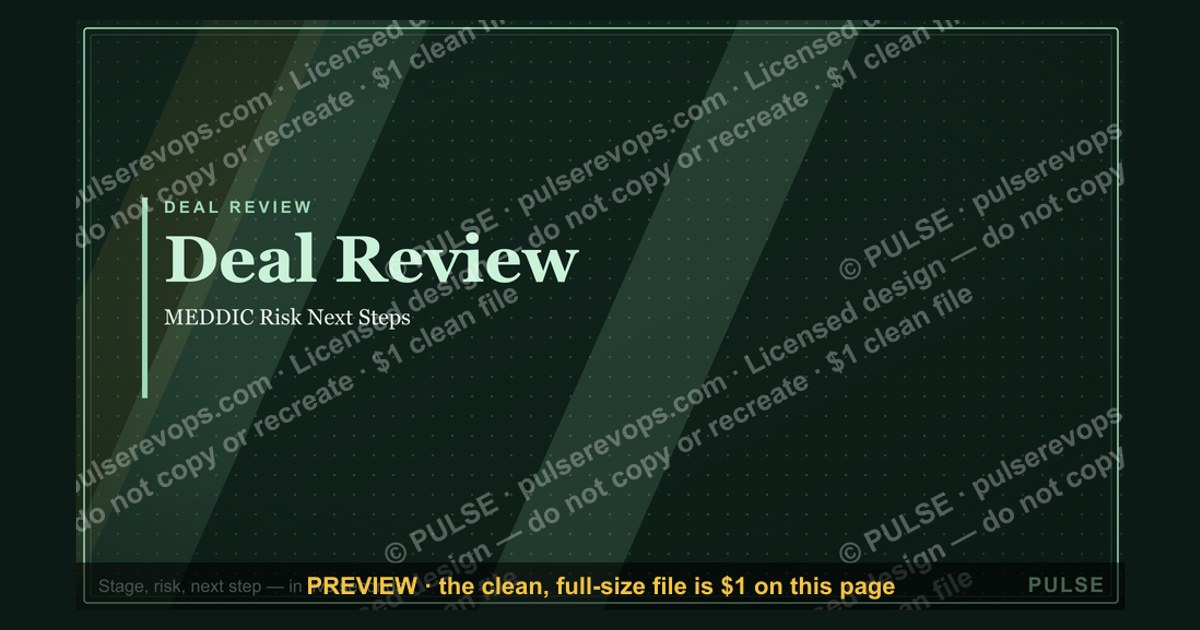
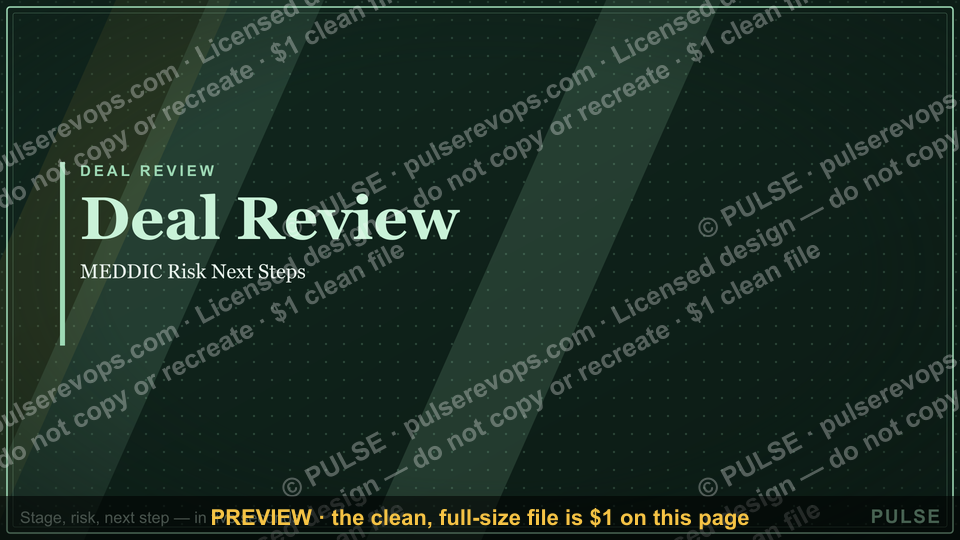
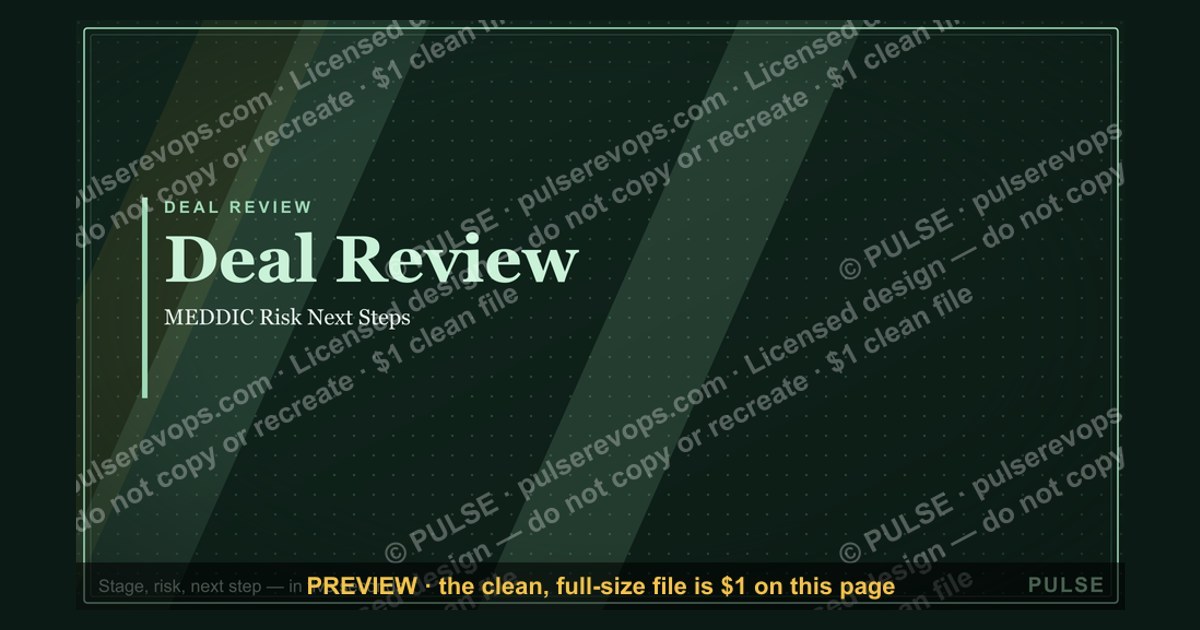
This is a presentation slide at 1920×1080 px titled "Deal Review — Title Slide," carrying the headline "Deal Review" with a "MEDDIC Risk Next Steps" sub-line and a pulse accent. It opens a deal review deck, orients the room in seconds, and signals that the session will cover qualification, risk, and forward motion on the Deal in question.
The Monday pipeline meeting that ran forty minutes long
Picture a B2B sales organization running its weekly pipeline Review. Eleven Deal owners join, one Deal at a time gets discussed, and the session is scheduled for sixty minutes. By minute forty, the team has covered four opportunities. The VP of Sales is frustrated because the same three questions keep resurfacing: Where are we in the cycle, what is the risk, and what happens next? Nobody can answer quickly because each rep opens a different slide deck with a different layout. One rep leads with a logo wall, another with a 14-row financial table, a third with a wall of text pulled from CRM notes.
The fix is rarely a new forecasting methodology. It is a Title Slide that does one job: it puts the Deal name, the stage, the risk posture, and the immediate next step on screen in under five seconds so the conversation starts at the decision, not at orientation. When a team standardizes that opening Slide, the same sixty-minute meeting typically covers eight to ten Deals instead of four, because the first three minutes of every Deal discussion stop being spent on "remind me where this one stands."
This matters most in MEDDIC or MEDDPICC shops, where the review is supposed to test Metrics, Economic Buyer, Decision Criteria, Decision Process, Identify Pain, and Champion. If the Title Slide already carries a risk flag and a next-step line, the reviewer can skip straight to the weakest letter in the acronym. The Slide becomes a forcing function: you cannot fill in "Champion: unconfirmed" on a slide in front of your peers without that gap becoming the agenda item.
The scenario repeats across company sizes. A ten-person startup running a Friday Deal Review and a two-thousand-person enterprise running a monthly forecast call have the same underlying problem — the opening artifact either accelerates alignment or burns the first ten percent of every meeting. The Title Slide is the cheapest lever available, because it is a template, not a process overhaul.
How the mechanism actually works
A Deal Review Title Slide works because it front-loads the four facts that determine whether a Deal conversation needs ten minutes or thirty. Those four facts are identity (which Deal), position (what stage and how long), posture (risk level), and motion (the next step and its owner). Everything else — pricing detail, legal redlines, competitive intel — belongs on later Slides.
The mechanism has three moving parts. First, the Slide is populated from CRM fields rather than typed by hand, so it cannot drift from the system of record. Second, it is distributed 24 to 48 hours before the meeting, which converts the Review from a status update into a decision session. Third, it carries one explicit ask, so the meeting has a defined output even if the discussion wanders.

The diagram above shows the four inputs collapsing into a single outcome: the conversation starts where it should. Notice that no branch leads to "financial detail" or "competitive landscape." Those are deliberately excluded, because a Title Slide that tries to carry them stops being scannable.
The second mechanism is the risk flag. In practice, teams use a three-state indicator rather than a numeric score, because a number invites debate ("why is it a 6 and not a 7?") while a color invites action ("this is amber, what unblocks it?"). Amber typically means one of the MEDDIC letters is unconfirmed. Red means the Economic Buyer has not been engaged or the Decision Process is unknown. Green means all six letters are evidenced and the only remaining work is execution.
The third mechanism is the next-step line. A Title Slide without it produces a Review that ends with "let's keep an eye on it," which is not a decision. A Title Slide with "Next step: secure security review slot by Thursday, owner: AE" produces a Review that ends with a calendar invite. The difference in Deal velocity between those two outcomes compounds across a quarter.
Real numbers, ranges, and benchmarks
The numbers below reflect common operating ranges that sales and revenue operations teams converge on when they standardize this Slide. Treat them as starting points to calibrate against your own pipeline, not as universal law.

Field count. Six to nine data points is the sweet spot. Below six, the reviewer lacks context and asks clarifying questions. Above nine, scanning time exceeds roughly ten seconds and the Slide stops functioning as an orienting device. Most teams land on eight: Deal name, CRM ID, stage, days in stage, amount, close date, risk flag, next step.
Font sizing. The Deal name sits at 24 to 28 points on a 1920×1080 canvas. Supporting fields sit at 12 to 14 points. Anything below 12 points on a projected screen becomes unreadable from the back of a conference room, which defeats the purpose.
Scan time. A well-built Title Slide should be comprehensible in 45 to 60 seconds of silent reading. If a stakeholder needs longer, the Slide is over-specified. If they need less than 20 seconds, it probably lacks the risk or next-step line.

Days in stage. This is the single most useful number on the Slide. A Deal sitting in "Negotiation" for more than 60 days is a stall signal regardless of what the rep says. Many teams set an amber threshold at 1.5× the historical average days-in-stage for that stage, and a red threshold at 2×.
Pre-read distribution window. 24 to 48 hours before the meeting. Sending at 48 hours gives stakeholders a full business day to respond. Sending at 24 hours is the practical minimum. Sending 10 minutes before means the Slide functions only as a visual aid, not as an alignment tool.
Pre-read response rate. Teams that track this aim for 80 percent or higher of attendees opening the Slide before the meeting. Below 60 percent, the pre-read is not working and the meeting reverts to live orientation.

Meeting time recovered. Organizations that standardize the Slide and enforce pre-reads commonly report covering roughly twice as many Deals per Review hour. That is the compounding benefit: not faster meetings, but more pipeline inspected per meeting.
Risk distribution sanity check. In a healthy pipeline, expect roughly 50 to 65 percent green, 25 to 35 percent amber, and 5 to 15 percent red. If 90 percent of your Deals are green, your risk flag is decorative. If 40 percent are red, either your qualification bar is too high or your pipeline is genuinely distressed.
Deal amount display. Show ACV and TCV separately when they differ materially, because finance and sales leadership read those numbers differently. A three-year Deal at $40K ACV is a $120K TCV conversation, and collapsing them into one figure causes confusion in the Review.

Trade-offs and alternatives
The Title Slide is not the only way to open a Deal Review, and choosing the wrong format for the audience creates friction. The main trade-off is between standardization and context: a rigid template guarantees scannability but can flatten nuance, while a bespoke Slide per Deal carries more context but destroys the reviewer's ability to compare Deals side by side.
The four branches above represent the common variants. The standard eight-field Slide is the default for weekly pipeline Reviews because it lets a reviewer flip between Deals and compare stage age and risk posture instantly. The executive variant strips CRM IDs and granular fields, replacing them with a single sentence describing why the Deal matters and what decision is needed.
The cross-functional variant is the most expensive in scanning time. Adding a blockers panel with legal, finance, and product dependencies can push the Slide past the ten-second scan threshold, which is acceptable when the meeting's purpose is unblocking rather than forecasting. Do not use this variant in a weekly pipeline Review; it will slow the room down.

The rescue variant inverts the hierarchy. Risk posture moves to the top, the Deal name is secondary, and the next-step line becomes a proposed recovery plan with a date. This is appropriate when a Deal has stalled past 2× average days-in-stage or when the Economic Buyer has gone dark for more than three weeks.
There is also a build-versus-buy trade-off. Hand-building each Slide in PowerPoint or Google Slides takes 10 to 20 minutes per Deal and guarantees drift from CRM. Templating with linked CRM fields takes setup effort but eliminates transcription errors. Auto-generating from a CRM report is fastest but constrains layout flexibility. Most teams start templated, then automate once the field set stabilizes.
A final trade-off: color. One accent color for urgency works. Three or more accent colors turn the Slide into a heat map that requires interpretation. Use bold weight for hierarchy and reserve color strictly for the risk flag.

Common pitfalls and how to avoid them
Pitfall: the Slide is stale. If the data was pulled three days ago and the Deal moved yesterday, the reviewer's first question is about accuracy, not strategy. Fix: refresh from CRM within two hours of distribution, and timestamp the Slide in a small footer so everyone knows the vintage.
Pitfall: no explicit ask. A Title Slide without a "decision needed" line produces a Review that ends without a decision. Fix: every Slide carries one sentence naming the decision and the deadline. "Decision needed: approve 12 percent discount to close by month-end."
Pitfall: hiding the Deal age. Reps under pressure will omit days-in-stage. Fix: make it a required field in the template, so omitting it breaks the layout visibly rather than silently.
Pitfall: vanity metrics. Claims like "Deals like this close 87 percent of the time" without a source undermine credibility the moment someone asks where the number came from. Fix: cite the internal dataset or remove the claim.

Pitfall: inconsistent date formats. A global team reading 03/04/2026 cannot tell whether that is March 4 or April 3. Fix: standardize on an unambiguous format such as 04-Mar-2026 across every Slide.
Pitfall: no owner on the next step. "Follow up with procurement" is not a next step. "AE sends revised MSA to procurement by Thursday 5pm" is. Fix: require a named owner and a date on every next-step line.
Pitfall: the Slide tries to do the whole meeting. When the opener carries pricing tables, org charts, and competitive grids, the room spends its first ten minutes reading instead of deciding. Fix: hold the Title Slide to eight fields and push everything else to subsequent Slides.

Pitfall: risk flag inflation. If every Deal is green, the flag carries no information. Fix: audit the distribution monthly and recalibrate the definitions of amber and red with the team.
Pitfall: no pre-read discipline. Sending the Slide ten minutes before the meeting means nobody reads it. Fix: set a recurring calendar reminder 48 hours before each Review to finalize and distribute.
Pitfall: the Slide is never updated after the meeting. The next Review starts from the same stale artifact. Fix: assign an owner to update the next-step line within 24 hours of the Review, so the following week's Slide reflects what actually happened.
Related questions
What belongs on a Deal Review Title Slide?
Deal name, CRM ID, stage, days in stage, amount (ACV and TCV where they differ), close date, risk flag, and one next-step line with a named owner. Six to nine fields total keeps the Slide scannable in under a minute.
Should the Title Slide include financial detail?
No. Keep it to headline amounts only. Pricing tables, discount history, payment terms, and margin analysis belong on later Slides, where the audience has already oriented and can absorb detail without slowing the opening.
How long should a reviewer spend on the Title Slide?
Ten to twenty seconds of live discussion, assuming the pre-read was distributed 24 to 48 hours earlier. The Slide is a transition point, not a deep dive. If the room spends two minutes on it, the pre-read is not working.
Can the Title Slide be reused across Deals?
Yes, and it should be. A standardized template with linked CRM fields lets reviewers compare Deals side by side. Customize only the variant — standard, executive, cross-functional, or rescue — not the underlying field set.
What if the Deal name changes mid-cycle?
Update the text field and refresh the date. Because the Slide is a template rather than a bespoke design, a name change is a two-minute edit, not a redesign. Keep the CRM ID stable so history remains traceable.
FAQ
What is a Deal Review Title Slide used for? It opens a Deal Review presentation and orients the room in seconds. It names the Deal, shows stage and days in stage, flags risk posture, and states the next step. Everything else in the deck builds on that shared starting point.
Does the Title Slide include financial data? Only headline figures — typically ACV and TCV. Detailed pricing, discount history, payment terms, and margin analysis are reserved for later Slides so the opener stays scannable and the Review starts at the decision rather than the spreadsheet.
Can I customize the Title Slide for different audiences? Yes. Four common variants exist: standard for weekly pipeline, executive for VP-level Reviews, cross-functional for legal and finance involvement, and rescue for stalled Deals. Keep the core fields consistent across variants so Deals remain comparable.
How long should I spend presenting the Title Slide? Ten to twenty seconds live, provided it was distributed 24 to 48 hours in advance. It is a transition artifact, not a discussion topic. If the room lingers, the pre-read failed or the Slide carries too many fields.
Is a sponsor or partner logo required on the Title Slide? No. Logos are optional and should be added only when they carry meaning — for example, a co-sell partner on a joint Deal. Decorative logos consume space that is better spent on the risk flag and next-step line.
What happens if the Deal name changes after the Slide is made? Edit the text field and refresh the date. Because the Slide is templated, this takes minutes. Keep the CRM ID unchanged so the Deal's history and stage-age calculations remain continuous across the rename.
Sources
- Harvard Business Review — sales and negotiation research
- McKinsey & Company — B2B sales and growth insights
- Gartner — sales execution and revenue operations research
- Salesforce — CRM and opportunity management documentation
- HubSpot — sales pipeline and deal stage resources
- Nielsen Norman Group — visual perception and scanning research
- Microsoft — PowerPoint design and accessibility guidance
- Google — Slides collaboration and commenting documentation
Related on PULSE
- [Sales Kickoff 2027 — Title Slide](/knowledge/gb0007)
- [Quarterly Business Review — Title Slide](/knowledge/gb0005)
- [RevOps Review — Title Slide](/knowledge/gb0080)
- [Demand Gen Review — Title Slide](/knowledge/gb0079)
- [Sales Training — Title Slide](/knowledge/gb0078)
- [Your Proposal — Title Slide](/knowledge/gb0077)
This page will be disappearing soon. Save it to your device for $1 — or read it free while it is here.
@Kory-White- · if Venmo asks, the last 4 of my number are 2012
 graphicExecutive Briefing — Title Slide
 graphicThe Ask — Section Divider Slide
 graphicAgenda — Section Divider Slide
 graphicProduct Launch (GTM) — Title Slide
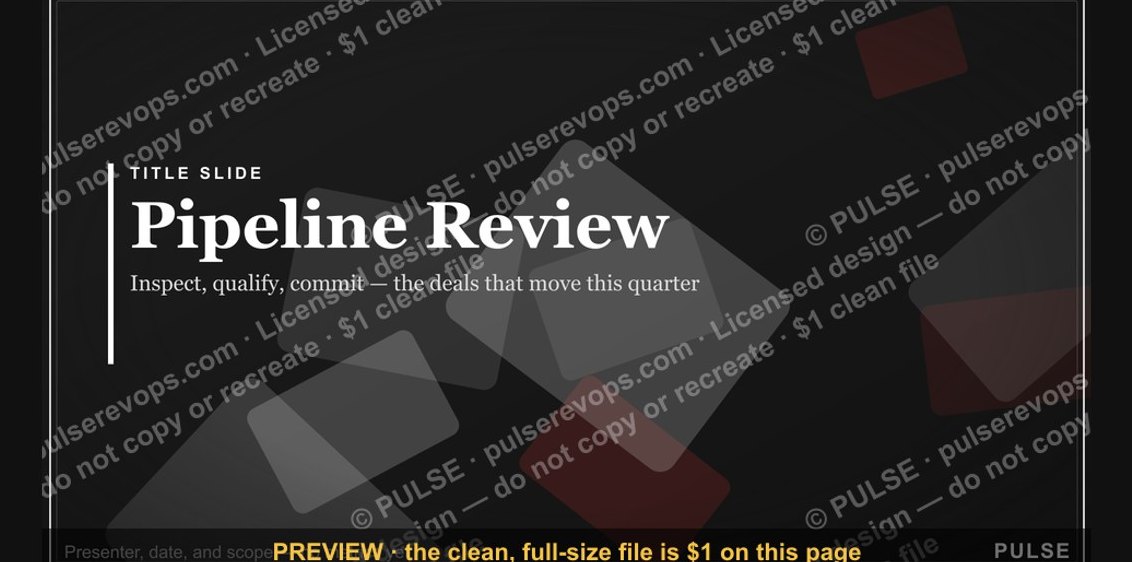 graphicPipeline Review — Title Slide
 graphicLet's talk. — Closing Slide
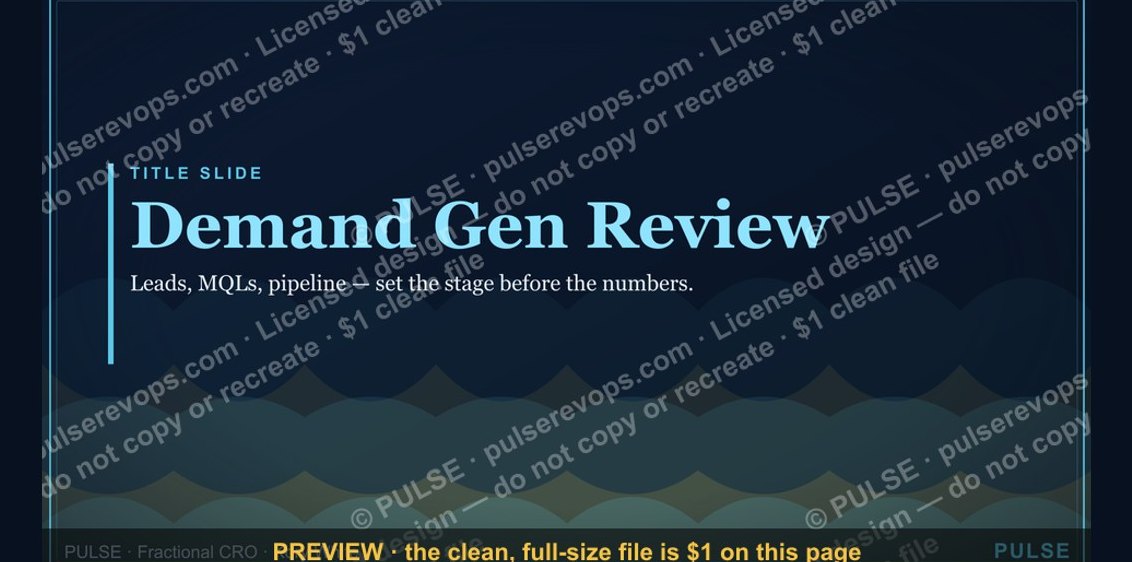 graphicDemand Gen Review — Title Slide
 graphicPerformance — Section Divider Slide
 graphicRevenue Review (Board) — Title Slide
 graphicQuarterly Business Review — Title Slide