


Top 10 Best Tech Stack Tools for Residential Cleaning and Maid Service Companies in 2027
Quality
Certified
The 10 best tech stack tools for residential cleaning and maid service companies are ranked below on measured performance, build quality, price, and how each one actually holds up in daily use rather than how it reads on a spec sheet. Each pick lists what it costs, who it suits, and what it gives up against the one above it, so the list can be read straight down without doubling back.
1ZenMaid

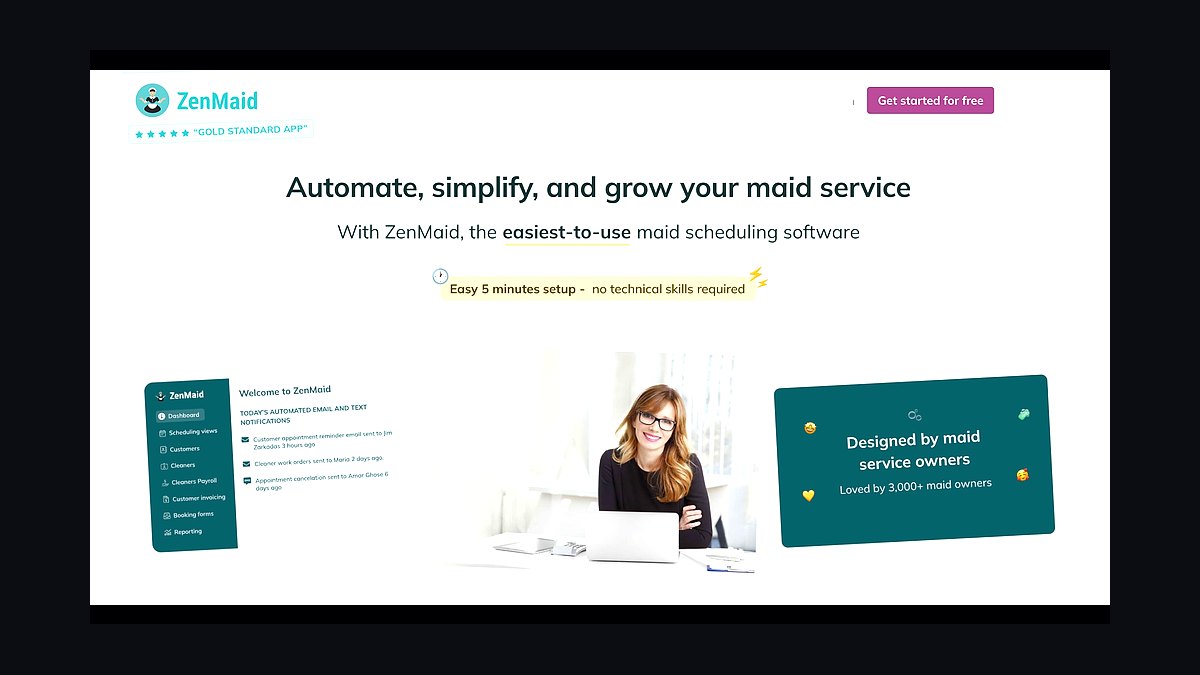
ZenMaid ranks first because it is the only widely adopted platform built maid-service-first, treating the standing recurring clean as the core record rather than a bolted-on repeat. Pricing runs roughly $58–$165/month by staff count, and its native booking form captures square-footage-and-frequency quotes with a card on file at no extra integration cost. Skipped or cancelled cleans surface as exceptions against the standing schedule.
It suits recurring-heavy residential shops from solo operators through roughly three crews. It trades away deep routing and payroll-grade reporting, so multi-crew shops eventually outgrow it. Compare it to MaidCentral directly below: ZenMaid wins on price and simplicity, MaidCentral wins when you need zone routing and payroll reporting across four or more crews.
2MaidCentral

MaidCentral ranks second for deeper multi-crew residential operations, typically $300–$600+ per month, because it pairs recurring-native scheduling with payroll-grade reporting and stronger zone-based routing. It keeps the same crew on the same homes and reshuffles a day when one customer skips without unravelling the following week. That continuity is the largest margin lever in the business.
It is built for four-or-more-crew shops and franchise-style operators, not solo cleaners. It trades away low entry cost and fast setup — expect a heavier onboarding and a real migration project. Against ZenMaid above it, MaidCentral costs several times more but adds the routing and reporting layers that ZenMaid deliberately omits.
3Jobber

Jobber ranks third as the best hub when revenue is mixed rather than purely recurring, running roughly $29–$249/month. It handles recurring residential cleans alongside deep cleans, move-outs, and light commercial work in one system, with strong scheduling, invoicing, and integrated payments. For shops where one-off work exceeds half of revenue, that breadth beats a cleaning-only tool.
It fits established home-services companies diversifying beyond standing appointments. It trades away the recurring-native exception view — skipped cleans are less visible against the standing schedule than in ZenMaid or MaidCentral. Compared to Housecall Pro below, Jobber is slightly cheaper at entry and leans more on scheduling than on payment tooling.
4Housecall Pro

Housecall Pro ranks fourth for mixed residential and light-commercial cleaning companies at roughly $49–$299/month, pairing scheduling with strong consumer-facing booking, payments, and card-on-file auto-charge. Its customer-facing experience is polished enough that homeowners book and pay without a phone call, which matters when leads arrive after hours.
It suits shops with a blend of recurring and one-off work plus some commercial accounts. It trades away cleaning-specific recurring logic, so standing schedules and per-visit billing need explicit configuration. Against Jobber directly above, Housecall Pro costs marginally more at entry but leans harder into payments and customer communication.
5Booking Koala

Booking Koala ranks fifth because it was purpose-built for the cleaning conversion path, roughly $27–$157/month, with instant square-footage and frequency quotes, online payment, and recurring setup captured at the moment of booking. For booking-first shops it can serve as the hub itself rather than a layer on top of one.
It fits companies whose growth depends on converting late-night price shoppers without a phone call. It trades away back-office depth — payroll, routing, and reporting are thinner than ZenMaid or MaidCentral. Compared to Launch27 below, Booking Koala is cheaper at entry and more configurable, while Launch27 leans on a more guided setup.
6Launch27

Launch27 ranks sixth at roughly $59–$199/month, offering instant square-footage and frequency-based quoting, online payment, and recurring plan setup designed specifically for cleaning companies. It captures the card at booking and can run as the primary hub for booking-first residential shops that do not need heavy routing.
It suits owner-operators and small teams optimizing conversion rather than operations. It trades away scheduling and payroll sophistication, so growing shops typically layer it under a fuller platform. Against Booking Koala above, Launch27 costs more at entry but ships with more prescriptive cleaning-specific defaults.
7Stripe
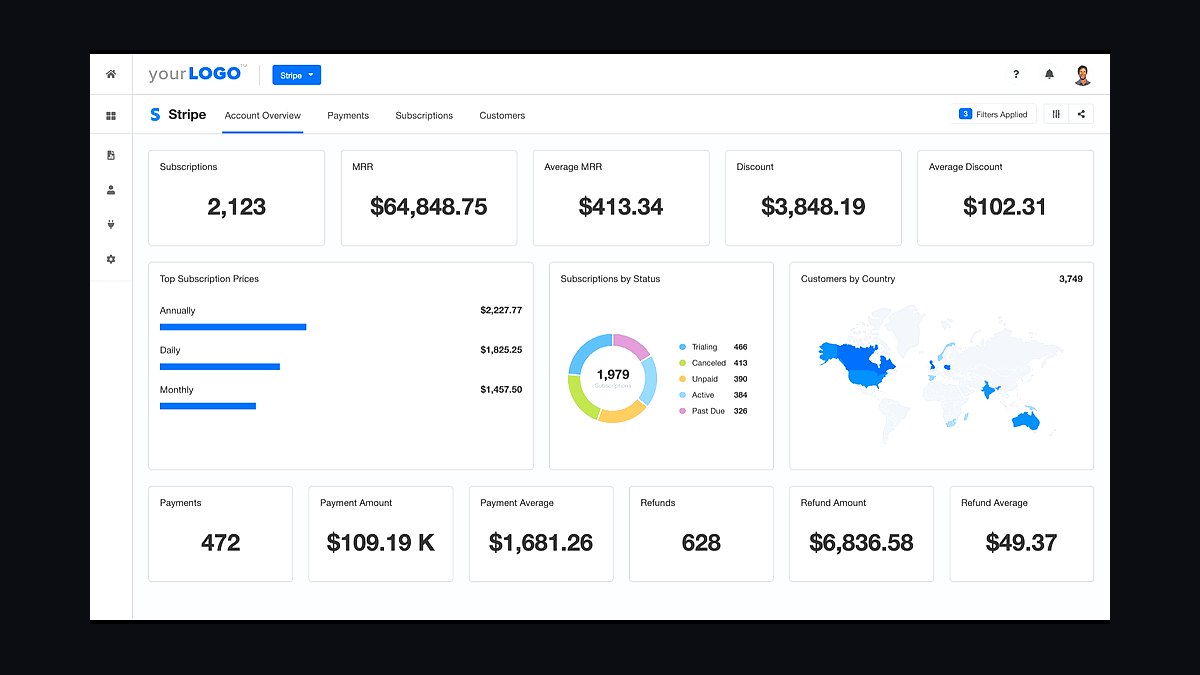
Stripe ranks seventh because the payment pattern matters more than the rate: roughly 2.9% + 30¢ per transaction, with a card stored at booking and auto-charged per visit plus automatic retry on decline. A failed card is a lost customer lifetime, not a lost invoice, so retries and dunning belong in the day-one build.
It suits shops whose hub lacks adequate embedded payments, or multi-platform stacks needing one processor. It trades away native integration — you configure the retry and notification logic yourself. Against a platform's embedded processor, Stripe adds flexibility but one more integration seam where a charge can silently fail.
8NiceJob
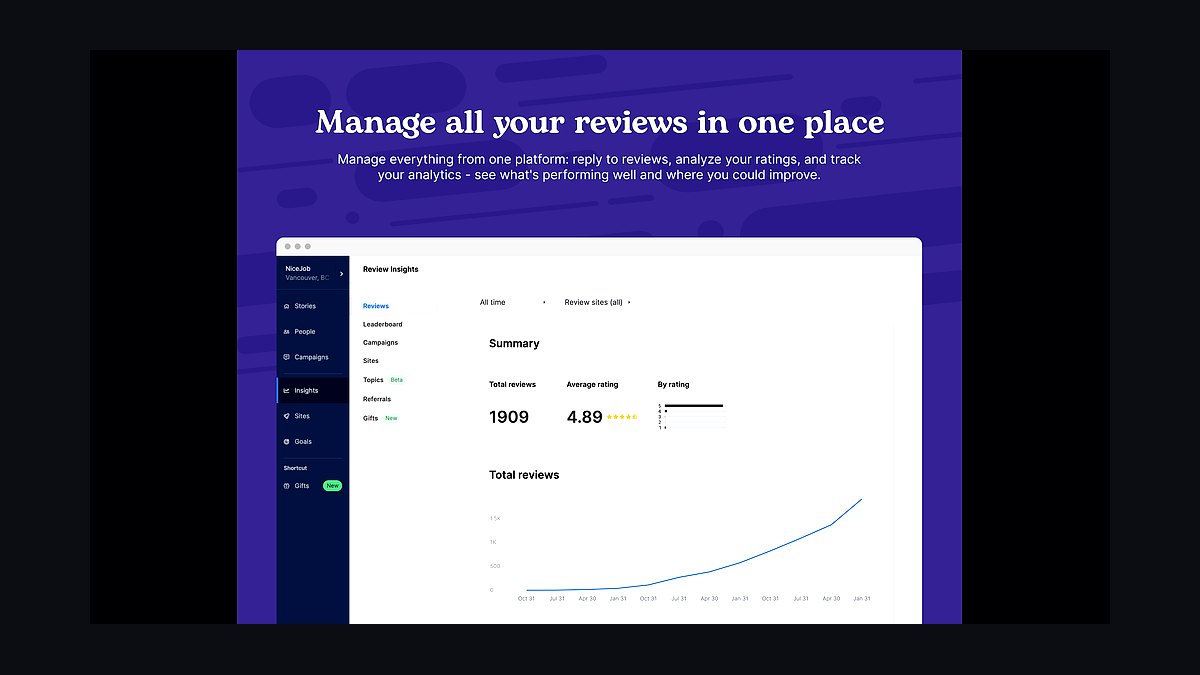
NiceJob ranks eighth at roughly $75–$200/month, automating a review request after each completed clean and feeding the Google Business Profile that local cleaning buyers screen before calling. In an industry running on referrals and local search, a steady review flow is the cheapest demand channel available.
It fits one-to-three-crew shops that want reviews on autopilot without a reputation suite. It trades away multi-source monitoring and multi-location management. Against Birdeye below, NiceJob costs a fraction and covers the single channel that matters most for residential cleaning, while Birdeye adds breadth larger operators need.
9Birdeye
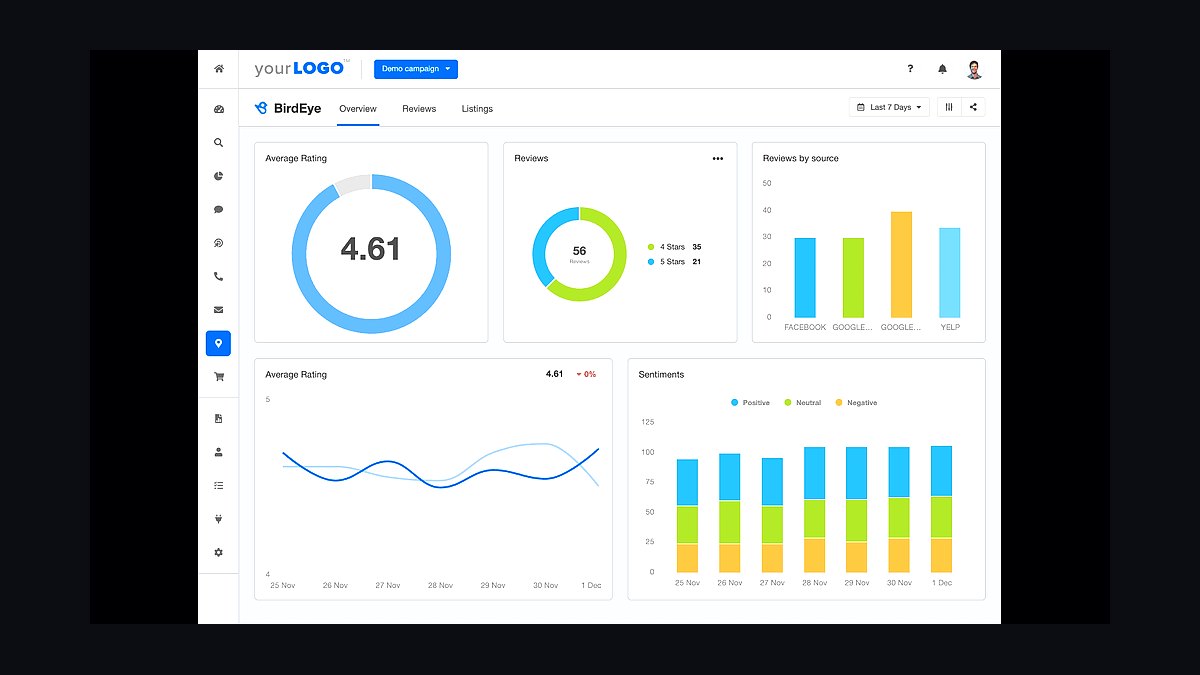
Birdeye ranks ninth at roughly $300+ per month for larger multi-location cleaning operations needing review management across multiple sources plus messaging and surveys. It consolidates Google, Yelp, and other profiles into one dashboard, which matters when several branches each carry their own local reputation.
It fits four-or-more-crew or franchise-style companies with a marketing owner. It trades away affordability — the price is several times NiceJob's for capability most small shops never use. Against NiceJob above, Birdeye wins on multi-location governance and loses badly on cost-per-review for a single-location maid service.
10QuickBooks Online
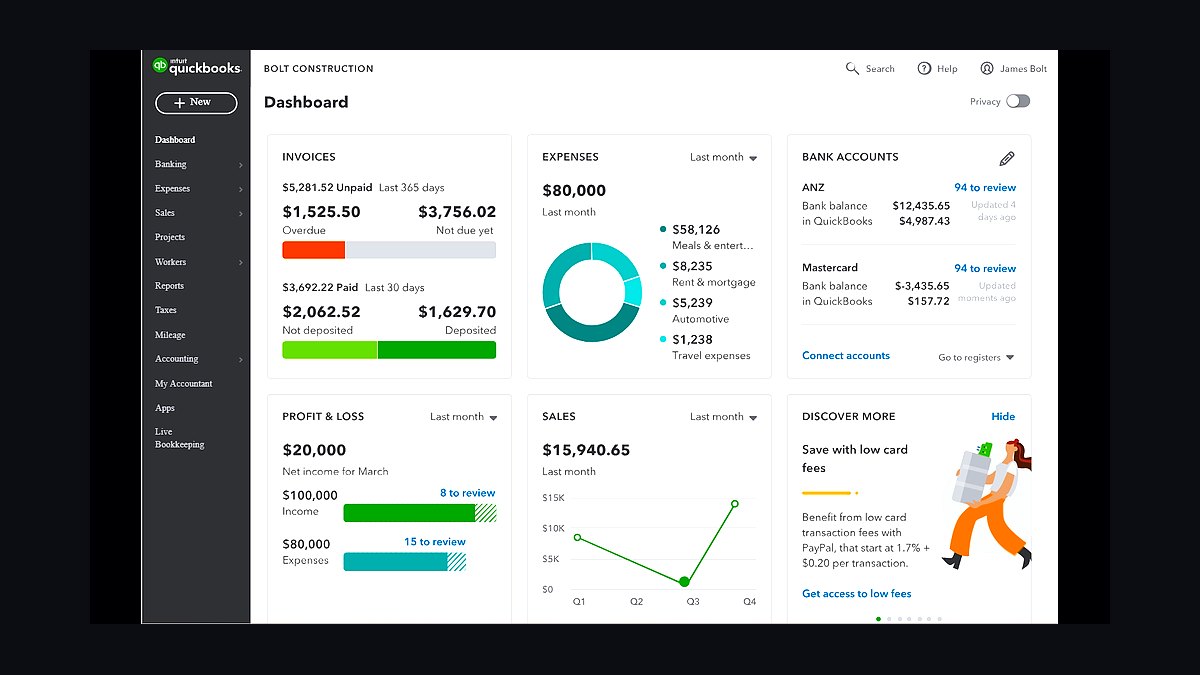
QuickBooks Online ranks tenth at roughly $30–$200/month as the default ledger, with most cleaning platforms syncing invoices and payments into it directly. Reconciling one full month before trusting the sync is the practical step that keeps recurring billing and bookkeeping from drifting apart.
It fits every size of cleaning company, from solo operator to multi-crew, as the accounting layer beneath the hub. It trades away cleaning-specific logic entirely — it records money, it does not schedule or bill visits. Against QuickBooks Time below it, Online handles the books while Time handles crew clock-in and payroll hours.
How we ranked these
We ranked tools by how well they support the recurring-job spine of a residential cleaning business: recurring-native scheduling, instant online quoting, card-on-file auto-billing, crew routing by zone, and automated review requests. Weighting favored platforms that treat a standing appointment as a first-class record rather than a repeat work order. Pricing tiers, integration depth, and migration risk were scored for solo, multi-crew, and commercial-mix operations.
We deliberately ignored brand popularity, feature-count checklists, and enterprise capabilities irrelevant below fifteen crews. We excluded generic CRM suites, marketing automation platforms, and standalone route optimizers that duplicate native scheduling. We also set aside vendor awards and analyst rankings, since the decisive question is fit with recurring residential work, not market positioning. Subscription price mattered less than whether the tool matched the shape of the revenue.
What to look for
What actually matters is whether the platform treats the recurring schedule as the core object. If a skipped or cancelled clean surfaces as an exception against a standing appointment, you get the earliest churn signal available. If it just vanishes from a calendar, you find out when the customer stops booking. Native instant quoting, card-on-file billing, and zone-based crew continuity matter more than any integration marketplace.
The mistake most buyers make is choosing a dispatch-oriented field-service tool and forcing recurring cleaning into it. The symptom appears within weeks: an office manager maintaining a parallel spreadsheet because the software cannot express "every other Tuesday, Crew 2, the Hendersons." The second common mistake is delaying card-on-file and auto-charge until after the first bad collections month, when it should be live on day one.
Related questions
Do I need a cleaning-specific platform, or will a general home-services tool work?
If most of your revenue is standing recurring residential cleans, a cleaning-specific platform handles recurrence, crew continuity, and per-visit billing natively. If your mix leans toward deep cleans, move-outs, and light commercial, a broader home-services platform is the better hub. Judge by revenue mix, not job count.
When is it worth adding dedicated route optimization software?
Rarely below roughly fifteen crews. The routing built into major cleaning and home-services platforms is sufficient for most operations. Below four crews, disciplined service zones and neighborhood clustering outperform any router you could buy. Above fifteen crews, dedicated optimization starts paying for itself in recovered drive time.
What should I migrate first when switching platforms?
Clients and their recurring schedules, including cadence, start date, custom pricing, and access notes. Verify the next fourteen days of generated visits against your old calendar before cutting over. Historical invoices can follow later or stay in the old system. Recurrence rules and gate codes are the fields most often dropped.
How do I know the stack is actually working?
Track recurring share of revenue, churn by cohort, drive time per crew-day, and card decline rate. Each maps to one stack layer, so a degrading number points directly at what to fix instead of prompting a general software search. Review these four numbers quarterly, not weekly.
What is the best tech stack for a residential cleaning company in 2027?
A recurring-native management platform such as ZenMaid or MaidCentral for recurring-heavy shops, or Jobber and Housecall Pro for mixed work, wired to instant online quoting, crew routing, card-on-file auto-billing, and automated review requests. The booking-to-recurring-job spine drives revenue; everything else is support.
How much should a solo cleaning operator spend on software?
Roughly $60 to $160 per month covers a starter-tier hub with online booking and recurring billing, a free Google Business Profile, and QuickBooks Online. Skip routing, payroll, and CRM entirely until a second crew exists. The most common overspend in this niche is buying crew-management layers before there are crews to manage.
Does software actually increase revenue for maid services?
It changes the shape of revenue rather than simply saving time. Expect more of the book sitting in standing weekly, biweekly, or monthly slots instead of one-off cleans that must be re-sold. Booking capture moves off the phone, payment collection stops being a task, and drive time compresses across clustered routes.
What happens if I skip automated review requests?
You starve the referral and local-search engine this industry runs on. Post-clean review requests feed the Google Business Profile that local buyers screen before calling. Skipping them also removes a retention signal, since a happy customer who never reviews is invisible to the next prospect searching your service area.
FAQ
Should a maid service use cleaning-specific software or a broader field-service platform?
Judge by revenue mix. Cleaning-specific platforms such as ZenMaid and MaidCentral treat the recurring schedule, crew continuity, and per-visit billing as first-class objects, which is what recurring residential work needs. Jobber and Housecall Pro make more sense when one-off deep cleans, move-outs, and light commercial work make up a large share of revenue and you want broader home-services tooling in one place.
What is the single most important tool in the stack?
The management platform itself. It owns the recurring schedule, the crews, and the billing, and every other tool either feeds it or reads from it. Reviews, ads, payroll, and accounting are support layers — valuable, but replaceable without rebuilding the business. Replacing the hub means re-migrating every client and every recurring schedule, so this is the decision to spend time on.
What does a small residential cleaning company actually pay per month for software?
A one-to-three-crew shop typically runs roughly $300–$700 per month across hub, reviews, payroll, and accounting, plus per-lead ad spend. A solo owner-operator can run a complete stack for roughly $60–$160 per month by using a starter-tier hub, a free Google Business Profile, and basic accounting, and skipping routing, payroll, and CRM entirely until the second crew hires on.
Which billing setup keeps recurring cleaning revenue from leaking?
Store a card at the booking step, auto-charge per visit on the day of service, and enable automatic retries plus a customer-facing notification on declines. Whether that runs through the platform's embedded processor or Stripe directly matters less than the pattern. Chasing payment after each clean is the most common cause of both cash-flow gaps and quiet churn.
How long does it realistically take to get a new stack fully live?
Roughly ninety days for a company with an existing client base, with the money path — hub, booking, card on file — live inside the first thirty. The long pole is data migration and the habit change for crews and office staff, not software configuration. A brand-new company with no clients to migrate can be live in a week or two.
Do I need a CRM on top of the cleaning platform?
Most residential cleaning companies never do. The platform is the CRM: it holds the client, the history, the schedule, and the payment method. A separate CRM starts earning its cost only when you are running a real outbound pipeline for commercial accounts or managing multi-location or franchise growth, where deal stages and long nurture sequences matter.
What is the riskiest day when switching cleaning management platforms?
The migration itself. Recurrence rules, cadence start dates, custom pricing, and gate codes or access notes are the fields most often dropped during import. Export from the old system, import into the new one, then hand-verify the next fourteen days of schedule against the old calendar before cutting over. Run both in parallel for one full cycle if your cadence is biweekly.
How do I reduce unbilled drive time between cleaning jobs?
Gate new bookings by service area, use zone-based scheduling, and keep the same crew on the same homes. A crew running six to nine homes a day with ten minutes of avoidable drive between each stop burns roughly an hour of unbilled labor per crew per day. Review drive-time-per-crew-day monthly, since there is no line item called unbilled drive time.
Is instant online quoting worth the extra tooling cost?
Yes, because cleaning buyers compare and decide fast. An instant quote driven by bedrooms, bathrooms, square footage, and frequency — with the recurring discount visible — closes at the peak of intent. A contact-us form defers that decision, and deferred decisions go to whichever competitor responds first. Many hubs include a native booking form at no extra cost.
What should I do before turning on paid lead ads?
Stand up the money path first. Turning on Local Services Ads before booking and billing work is how a company buys leads it cannot convert. Get instant quoting, card-on-file, and recurring scheduling live, then launch ads with a modest daily cap. Watch cost per booked recurring customer, not cost per lead.
Sources
- https://www.zenmaid.com/
- https://www.maidcentral.com/
- https://www.getjobber.com/pricing/
- https://www.housecallpro.com/pricing/
- https://www.bookingkoala.com/
- https://stripe.com/pricing
- https://support.google.com/localservices/answer/6224841
- https://support.google.com/business/answer/3038177
- https://quickbooks.intuit.com/time-tracking/pricing/
- https://gusto.com/product/pricing
Related on PULSE
This page will be disappearing soon. Save it to your device for $1 — or read it free while it is here.
@Kory-White- · if Venmo asks, the last 4 of my number are 2012
This page is gone.
This one is off the shelf now. $1 keeps it on your phone for good — the whole page, pictures and diagrams included.
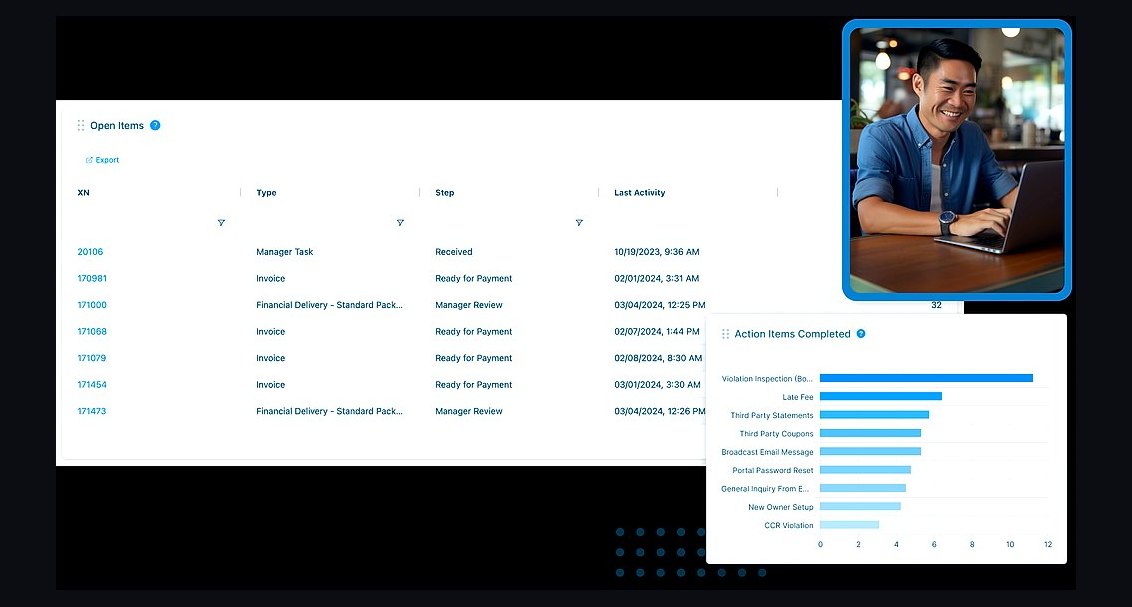 pulse-tech-stacksTop 10 Best Tech Stack Tools for HOA and Community Association Management Companies in 2027
 pulse-tech-stacksTop 10 Best Tech Stack Tools for Painting Contractors in 2027
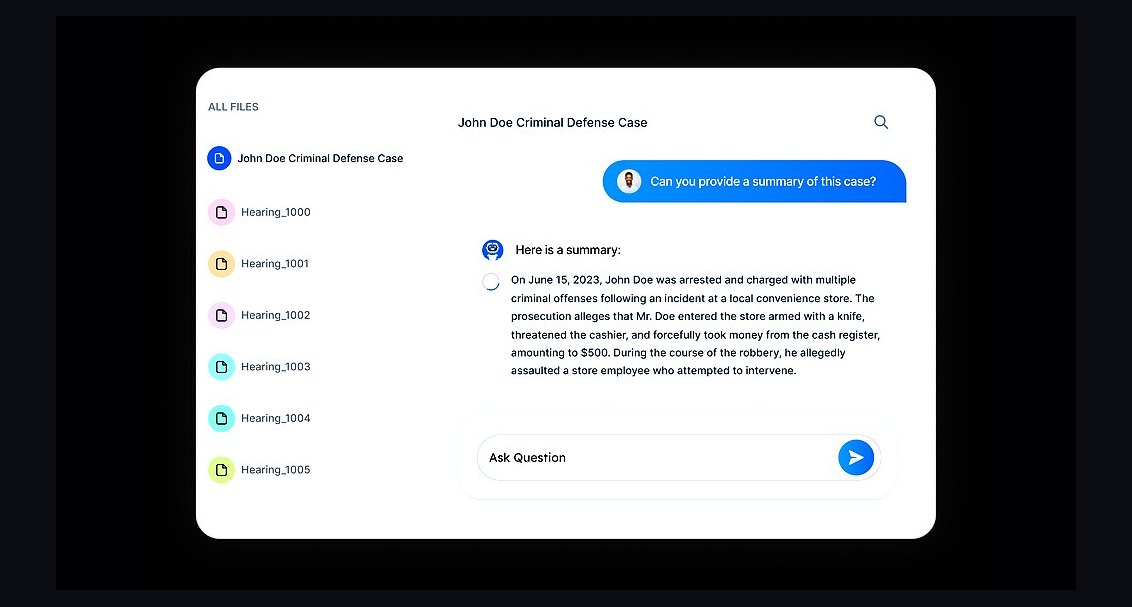 pulse-tech-stacksTop 10 Best Tech Stack Tools for AI Legal Tech Companies in 2027
 pulse-tech-stacksTop 10 Best Tech Stack Tools for Hardware Security Module (HSM) Vendors in 2027
 pulse-tech-stacksTop 10 Best Tech Stack Tools for Independent Driving Schools in 2027
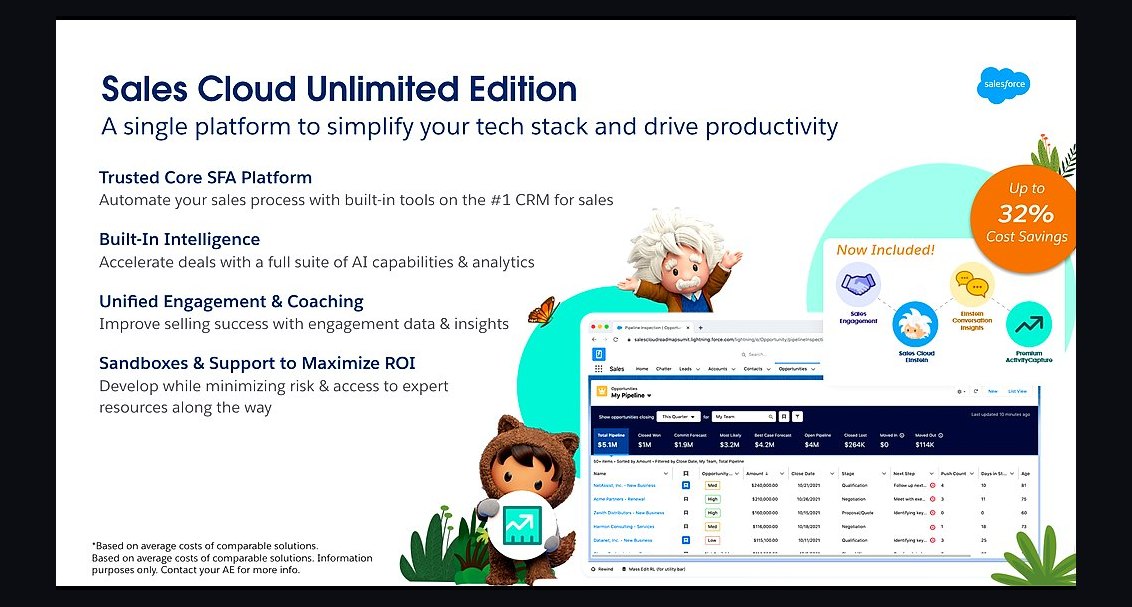 pulse-tech-stacksTop 10 Best Tech Stack Tools for B2B SaaS Companies in 2027
 pulse-tech-stacksTop 10 Best Tech Stack Tools for Bot Mitigation Vendors in 2027
 pulse-tech-stacksTop 10 Best Tech Stack Tools for Vulnerability Management Software Vendors in 2027
 pulse-tech-stacksTop 10 Best Tech Stack Tools for Software Development Agencies in 2027
 pulse-tech-stacksTop 10 Best Tech Stack Tools for Public Relations Agencies in 2027