


Top 10 Best Tech Stack Tools for Coffee Shops in 2027
Quality
Certified
The 10 best tech stack tools for coffee shops are ranked below on measured performance, build quality, price, and how each one actually holds up in daily use rather than how it reads on a spec sheet. Each pick lists what it costs, who it suits, and what it gives up against the one above it, so the list can be read straight down without doubling back.
1Square for Restaurants
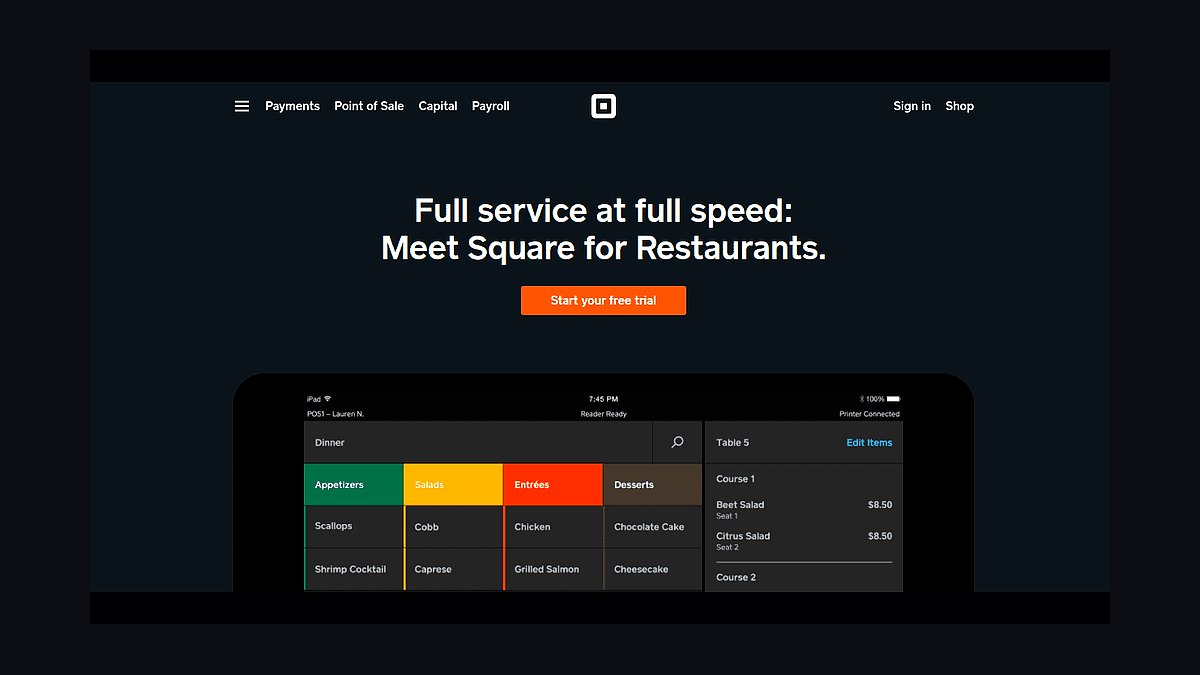
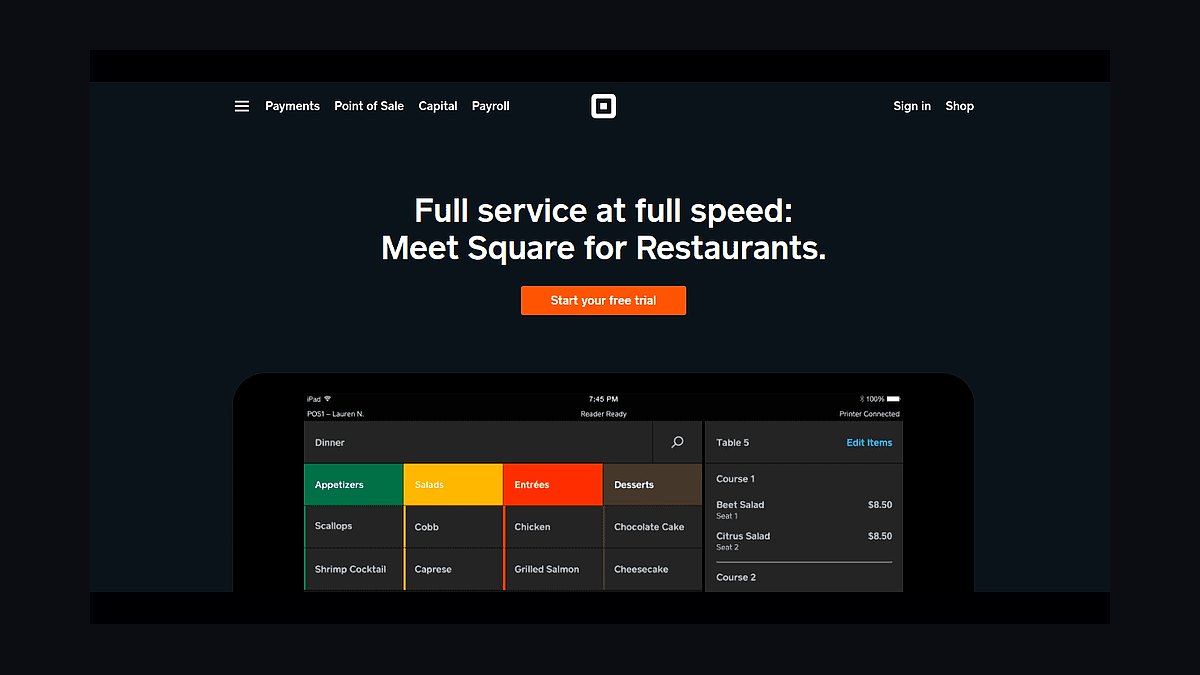
Square for Restaurants ranks first because it bundles POS, loyalty, and commission-free online ordering into one system at a price single-location coffee shops can absorb. The free tier covers core transactions, while paid plans run roughly $69 to $299 monthly per location, and card processing lands in the mid-single-digit percentage range. Setup handles modifiers like milk type, syrup, and size without hand-keying.
This is built for counter-service cafés ringing several hundred tickets daily, not white-tablecloth kitchens with course timing. It trades away deep kitchen display routing and complex split-check logic that a drinks-and-pastry operation never uses. Compared to Toast Restaurant POS directly below, Square costs less and locks operators into no multi-year contract, though it offers thinner enterprise reporting at scale.
2Toast Restaurant POS
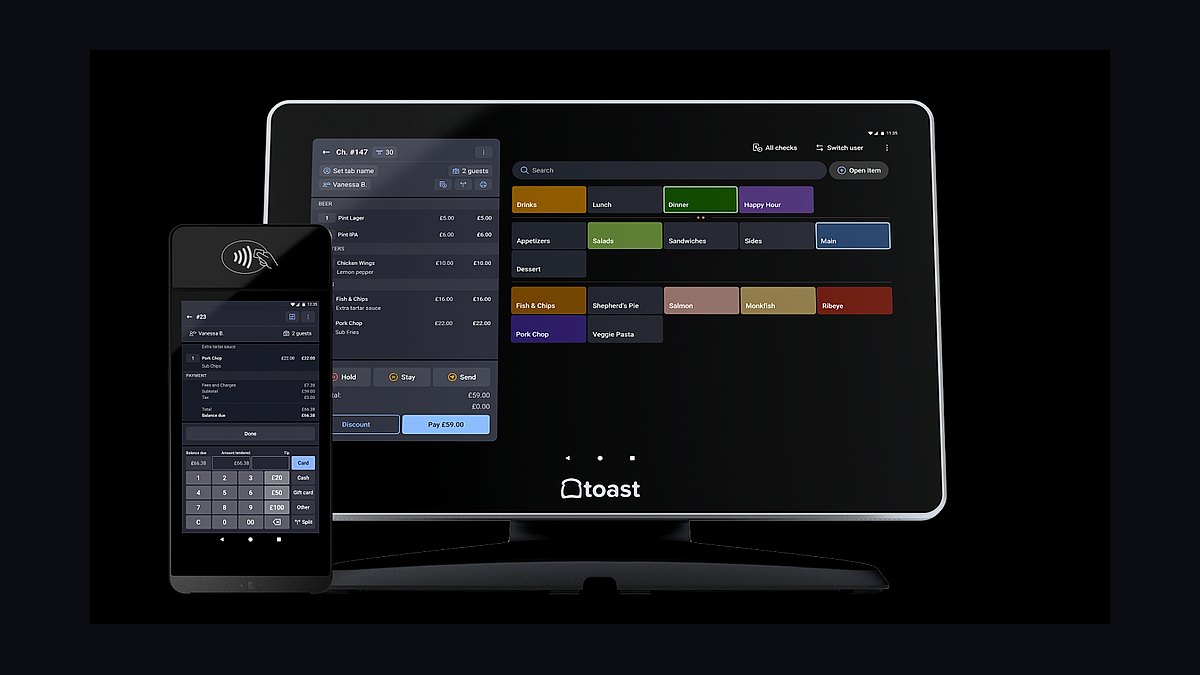
Toast ranks second for coffee shops that run a real hot-food kitchen alongside espresso, since its course timing, kitchen display routing, and multi-station prep logic solve problems Square handles less gracefully. Hardware bundles start around $0 upfront with processing commitments, and software tiers climb from roughly $69 to $165 monthly per location. It posts daily sales summaries cleanly to accounting.
This suits shops with genuine food menus and multiple prep stations, not a straightforward espresso counter. It trades away contract flexibility — multi-year commitments are standard — and costs more than Square for Restaurants above. Compared to Clover POS below, Toast offers stronger kitchen workflow but weaker retail-style inventory for bagged bean sales.
3Clover POS
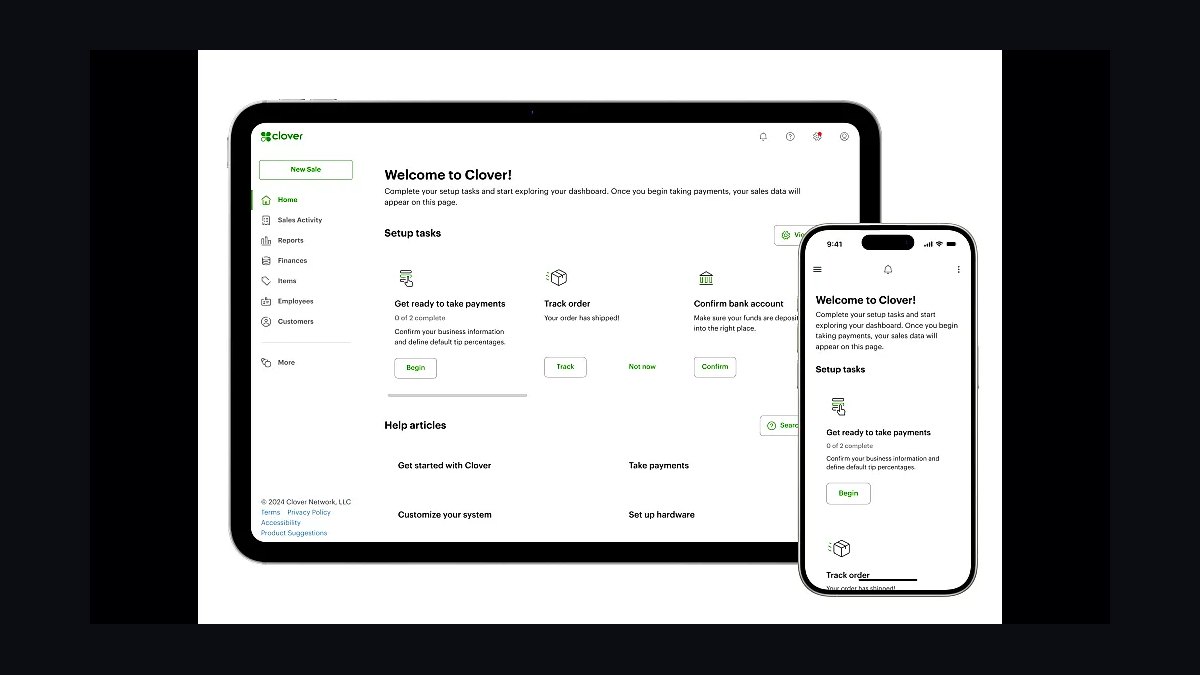
Clover ranks third because its flexible app marketplace lets a coffee shop bolt on loyalty, scheduling, and inventory modules without replacing the register. Hardware runs roughly $599 to $1,799 outright, with software plans from about $60 to $190 monthly per location. The customer directory feeds marketing tools directly, which keeps segmentation clean.
This fits single-location shops wanting modularity over an all-in-one bundle, especially those selling retail bags alongside drinks. It trades away the deep native loyalty integration Square for Restaurants offers, often requiring a third-party app. Compared to Shopify POS below, Clover handles in-store counter speed better but trails on direct-to-consumer ecommerce for bean subscriptions.
4Shopify POS
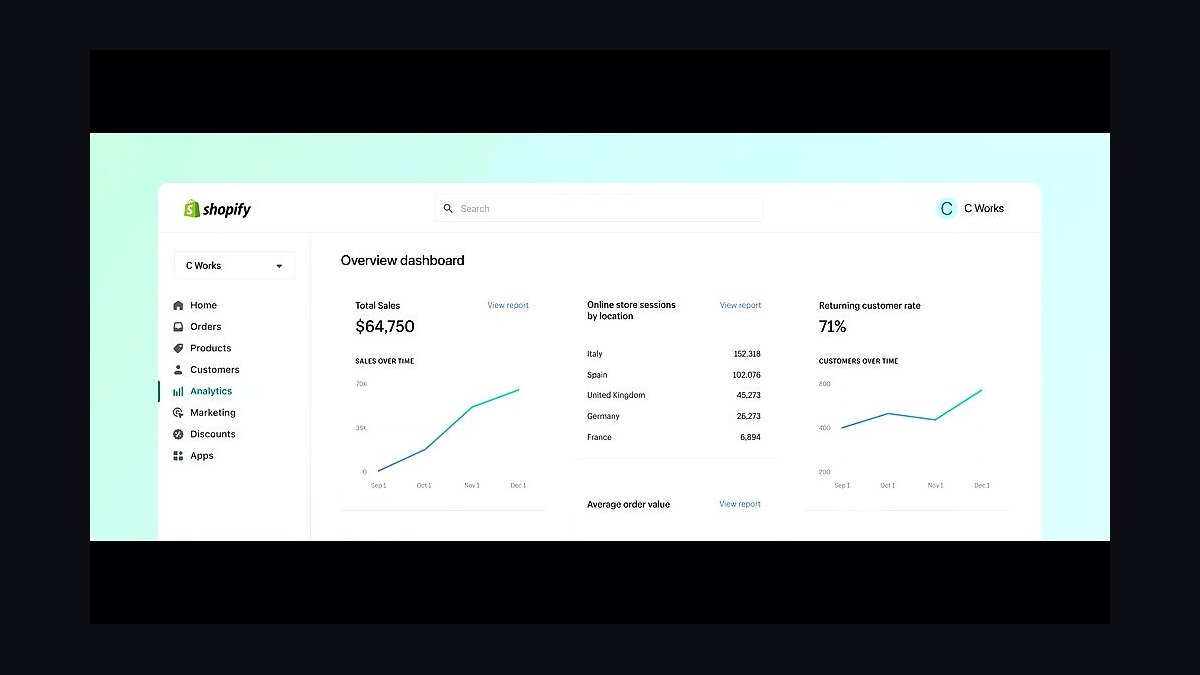
Shopify POS ranks fourth for coffee brands running both a café counter and a direct-to-consumer bean business under one roof. The POS Lite tier is free with a Shopify plan starting around $39 monthly, and POS Pro adds roughly $89 monthly per location. Inventory syncs natively between in-store bags and online orders.
This is built for shops where wholesale or subscription bean revenue is meaningful, not a pure walk-in counter. It trades away some counter-speed polish that Square for Restaurants delivers, and loyalty requires the Shopify app ecosystem. Compared to HubSpot Sales Hub below, Shopify handles transactions and fulfillment better but trails on wholesale account pipelines.
5Klaviyo
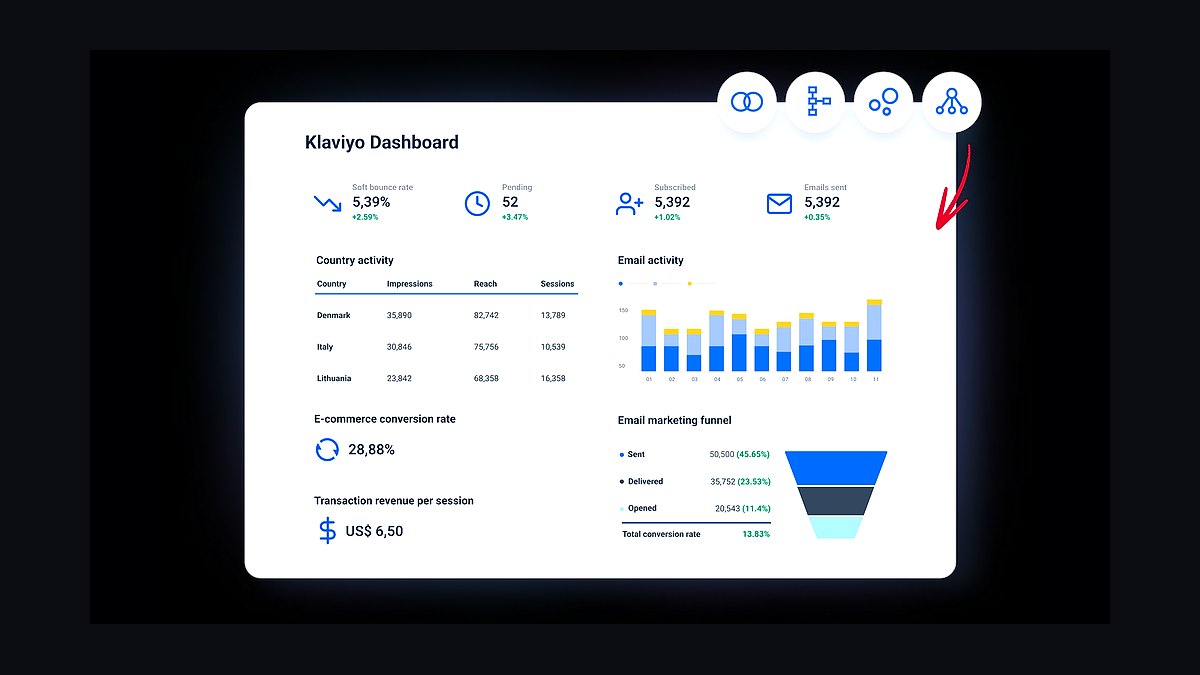
Klaviyo ranks fifth because email and SMS segmentation drives repeat visits once the POS customer directory is clean and de-duplicated. Pricing scales by contact count, starting free under 250 contacts and climbing to roughly $45 monthly at 1,500 contacts, then higher as lists grow. It pulls purchase history to trigger win-back and birthday flows automatically.
This suits shops with an established loyalty base ready to segment, not brand-new locations still building a list. It trades away simplicity — setup requires deliberate one-way sync from the POS to avoid duplicate profiles. Compared to Square for Restaurants above, Klaviyo is a marketing layer, not a transaction engine, and depends entirely on clean sales data flowing beneath it.
6QuickBooks Online
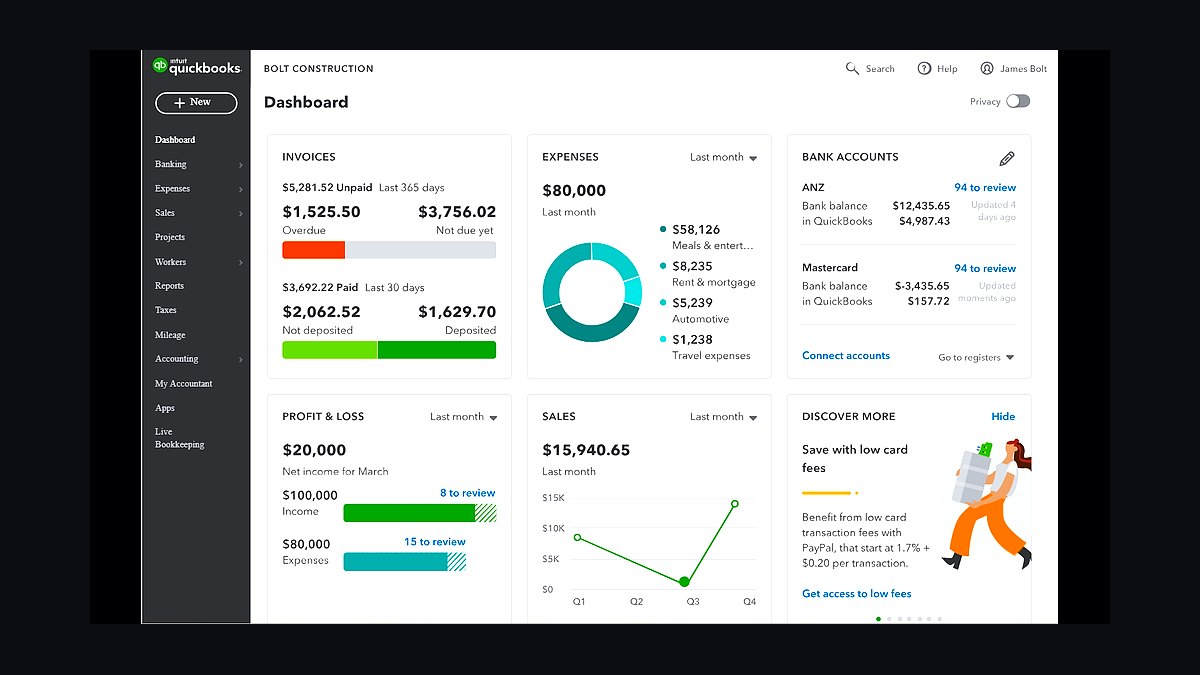
QuickBooks Online ranks sixth because it posts daily summary journal entries — gross sales, tips, tax, refunds, processing fees — instead of importing every ticket, which keeps bookkeeping manageable at hundreds of transactions daily. Plans run roughly $30 to $200 monthly, with Plus tier around $90. Native POS integrations handle the daily sync automatically.
This fits single and multi-location shops wanting clean books without a full-time accountant. It trades away advanced multi-entity consolidation that larger operations eventually need. Compared to Gusto Payroll below, QuickBooks covers accounting and bill pay but requires separate payroll configuration for tipped wages, making the pairing common rather than either-or.
7Gusto Payroll
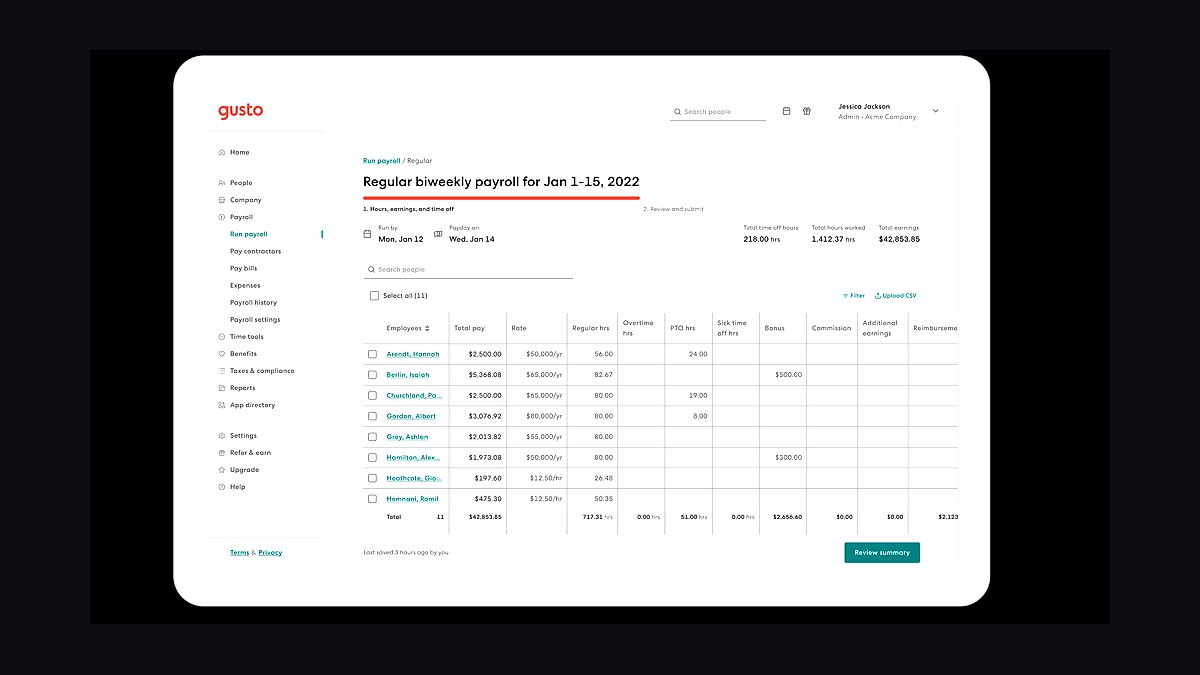
Gusto ranks seventh because it configures tipped wages correctly from day one, handling tip income, tip credits, and overtime without retrofitting after a tax period starts. Pricing runs about $40 monthly plus $6 per employee on the Core tier, with Plus at roughly $80 monthly. It files payroll taxes and supports tip-credit reporting natively.
This suits shops with tipped baristas where payroll mistakes compound fast, not salaried-only operations. It trades away deep restaurant-specific scheduling that 7shifts provides. Compared to QuickBooks Online above, Gusto handles payroll compliance better but leaves general accounting to a separate system, so most shops run both.
87shifts
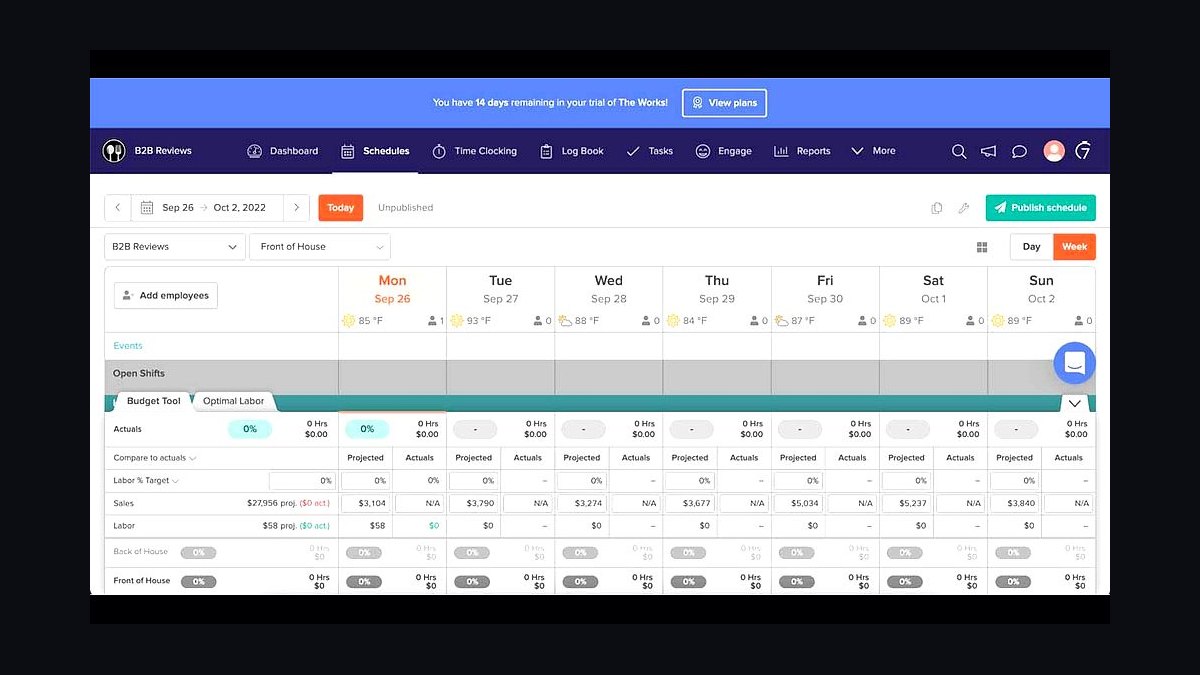
7shifts ranks eighth because it ties scheduling directly to live sales data, letting managers staff against a percentage-of-sales target instead of gut feel. Pricing starts free for a single location under 30 employees, with paid tiers around $30 to $80 monthly per location. Labor cost shows as a live percentage throughout each shift.
This fits shops where labor is the second-largest cost line after goods, not operations running on fixed salaried crews. It trades away payroll processing, which stays with Gusto Payroll above. Compared to HubSpot Sales Hub below, 7shifts addresses daily labor efficiency while HubSpot handles wholesale account relationships, making them complementary rather than competing.
9HubSpot Sales Hub
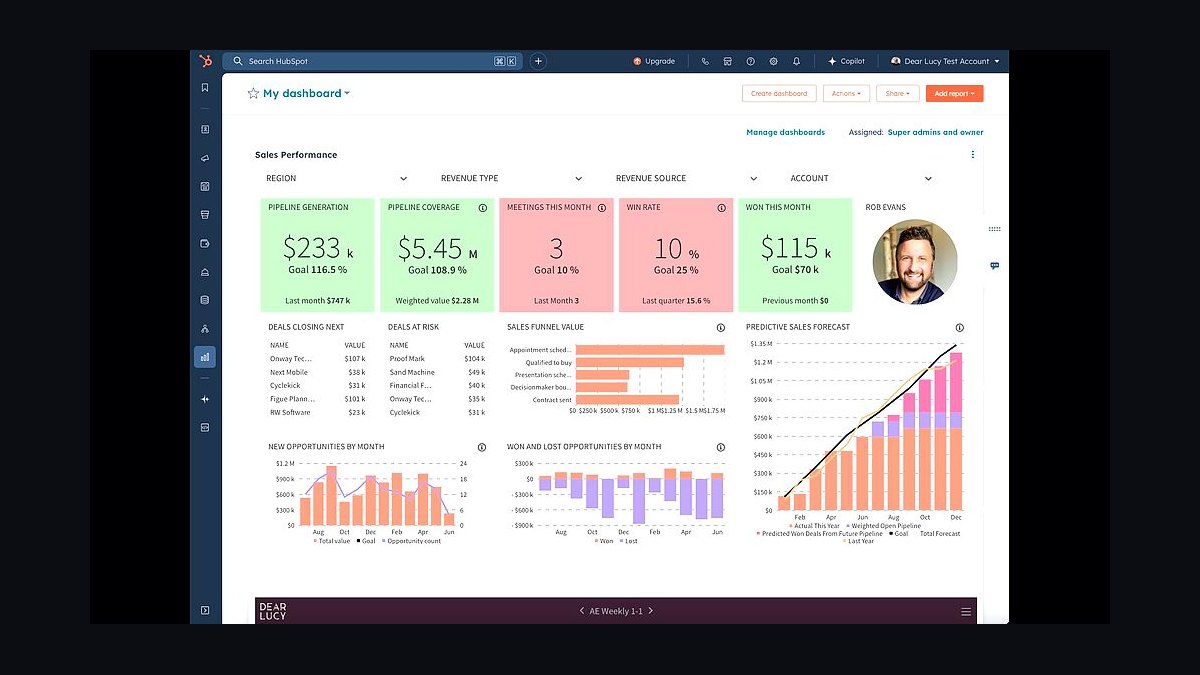
HubSpot Sales Hub ranks ninth for shops whose wholesale bean accounts have grown into a real pipeline needing purchase orders, net terms, and per-account pricing. Starter tier runs about $20 monthly per seat, with Professional around $100 monthly per seat. Deal tracking and email sequences manage grocery and office accounts systematically.
This suits roasters selling recurring bags to offices, cafés, or grocery accounts, not pure retail counters. It trades away simplicity — a small wholesale operation can run through Shopify POS instead. Compared to 7shifts above, HubSpot manages external account relationships while 7shifts handles internal labor, and neither replaces the other.
10Shopify Plus B2B
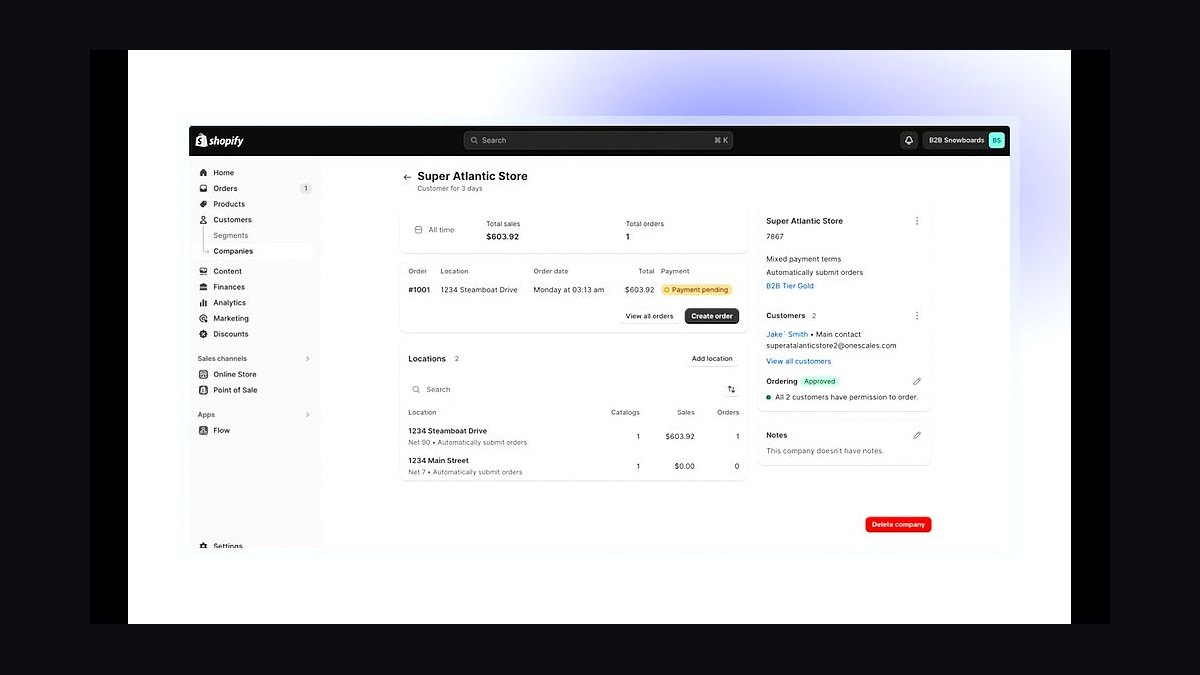
Shopify Plus B2B ranks tenth because it handles wholesale pricing tiers, net payment terms, and purchase-order checkout that retail POS systems cannot track properly. Plus pricing starts around $2,000 monthly, making it viable only once wholesale revenue justifies the spend. Company accounts and catalogs segment buyers automatically.
This fits roasters with substantial recurring wholesale volume across many accounts, not occasional bag sales. It trades away affordability — the cost exceeds most single-location shops' entire software budget. Compared to HubSpot Sales Hub above, Shopify Plus B2B handles transactions and fulfillment while HubSpot manages the relationship pipeline, so larger wholesale operations often run both.
How we ranked these
We ranked tools on five weighted criteria: transaction speed at the counter (25%), loyalty and repeat-visit mechanics built into the POS (25%), mobile order-ahead capability (20%), integration depth with accounting, payroll, and scheduling (20%), and total monthly cost including processing fees (10%). Each tool was scored against a single-location specialty café doing several hundred tickets daily, then re-scored for two-to-three-location operators.
We deliberately ignored enterprise features a coffee counter will never use: course timing, kitchen display routing, table management, and complex split-check logic. We also excluded hardware aesthetics, vendor sales-demo polish, and any tool whose loyalty flow requires a second app or separate scan. Contract length was noted but not weighted, since it varies by negotiation rather than product quality.
Related questions
Do I need separate software for a wholesale bean business?
Yes, once it becomes a meaningful revenue stream. Wholesale needs purchase orders, net payment terms, and per-account pricing that a retail point-of-sale isn't built to track, so it should run through its own CRM and ecommerce platform.
How important is loyalty compared to the rest of the stack?
Very — coffee is a habit purchase, and a loyalty program built into the point-of-sale (not a separate app) is one of the highest-leverage tools in the entire stack for driving repeat visits and turning casual customers into daily ones.
Should mobile order-ahead be a priority for a new shop?
Yes. Mobile ordering has become a baseline customer expectation rather than a differentiator, and shops without it give up a meaningful share of weekday transaction volume to competitors that offer it. Getting the URL live early costs little.
What's the biggest cost mistake owners make with the tech stack?
Signing a heavy, restaurant-grade point-of-sale contract for a counter-service operation that doesn't need course timing or complex kitchen routing. The monthly cost and multi-year contract terms rarely match the actual business, and switching later is expensive.
Can one point-of-sale system handle both retail and wholesale sales?
Technically yes, but it shouldn't. Mixing them produces messy transaction records with no purchase-order history, which makes wholesale account management nearly impossible. Keep wholesale on its own ecommerce and CRM tooling, touching accounting only at invoicing.
How much should a single-location coffee shop budget monthly for software?
Roughly $250 to $700 monthly for one location, covering POS with bundled loyalty, a commission-free online ordering page, email/SMS, cloud accounting, tipped-wage payroll, and scheduling. Add a separate CRM only once wholesale bean revenue justifies the extra seat cost.
Why does sequence matter when building the stack?
Each layer depends on clean data from the layer beneath it. Marketing and analytics tools bought before the POS is configured correctly end up segmenting against a dirty customer database, which breaks win-back campaigns, birthday offers, and spend-based tiers.
Is card processing a software cost or a separate line item?
Separate, but frequently the largest software-adjacent cost a shop pays. Blended rates typically run mid-single-digit percentages of total sales, meaning a busy shop can pay more in processing fees alone than its entire subscription stack combined.
FAQ
Should a brand-new single-location coffee shop choose a simple cloud POS or a restaurant-grade one?
A simple cloud POS is almost always the better starting point. It comes with lower hardware costs, no multi-year contract commitment, bundled loyalty, and commission-free online ordering — all things a counter-service shop needs immediately and a heavier restaurant system doesn't necessarily offer at the entry tier.
Is a loyalty program really worth paying for as a bundled feature?
Yes, for almost any shop with steady daily traffic. Loyalty members visit measurably more often and spend more per visit than non-members, and because the cost is usually bundled into the point-of-sale fee the payback period is extremely short.
Do I need a separate ecommerce platform for selling bags of beans, or can I use my existing online ordering page?
A lightweight, low-volume bean business can run through the same online ordering page the café already has. Once bag sales become a significant, recurring revenue stream, moving to a dedicated ecommerce platform with better subscription and wholesale-pricing tools becomes worthwhile.
What's a realistic card processing rate a coffee shop should expect to pay?
Blended processing costs for the category typically land in the mid-single-digit percentage range of total sales. On meaningful monthly volume, this fee is often the single largest software-adjacent cost line in the entire business — larger than the software subscriptions themselves.
How should tipped wages be handled for tax purposes?
Payroll software should be configured specifically for tipped employees, including support for tip income and available tip-credit filings. Getting this configuration right from the start avoids costly corrections during tax season and can meaningfully reduce employer-side payroll tax liability.
How often should an owner review the software stack for unused or redundant tools?
Quarterly, at minimum. Subscription creep — a loyalty app trialed and forgotten, a marketing tier sized for a customer list that no longer matches reality, a duplicate scheduling tool left over from a previous system — is one of the easiest and highest-return things an owner can catch with a short review.
Why does running loyalty through a standalone app usually fail?
Coffee customers are in transit — headed to work or running an errand — so anything adding a second screen, separate login, or extra scan gets ignored. Loyalty that lives inside the POS and triggers from a phone number or tap at checkout gets used; bolted-on apps mostly don't.
What happens if two systems maintain competing customer databases?
You end up with duplicate profiles that have no purchase history attached, and every segmentation effort breaks because the platform can't tell which record is real. The fix is a strict one-way sync: the POS customer directory is the source of truth, and marketing tools pull from it.
How should scheduling connect to sales data?
Scheduling should pull real-time or near-real-time sales so a manager can staff against a percentage-of-sales target instead of gut feel. Labor is typically the second-largest cost line after COGS, and spreadsheet scheduling quietly compounds into thousands of avoidable dollars annually.
When does a shop outgrow entry-level accounting and payroll plans?
The deciding factor is complexity, not size alone. A single straightforward location runs comfortably on entry-level plans, but multi-location operations, multi-state payroll, or a wholesale division with its own invoicing typically need the next tier for additional users, bill-pay, and tip-credit filing support.
Sources
- https://squareup.com/us/en/point-of-sale/restaurants/pricing
- https://pos.toasttab.com/pricing
- https://sca.coffee/research
- https://www.klaviyo.com/pricing
- https://quickbooks.intuit.com/pricing/
- https://gusto.com/product/pricing
- https://www.7shifts.com/pricing/
- https://www.shopify.com/plus/solutions/b2b-ecommerce
- https://www.hubspot.com/pricing/sales
- https://investor.starbucks.com
Related on PULSE
This page will be disappearing soon. Save it to your device for $1 — or read it free while it is here.
@Kory-White- · if Venmo asks, the last 4 of my number are 2012
This page is gone.
This one is off the shelf now. $1 keeps it on your phone for good — the whole page, pictures and diagrams included.
 pulse-tech-stacksTop 10 Best Tech Stack Tools for Land Surveying Firms in 2027
 pulse-tech-stacksTop 10 Best Tech Stack Tools for Email Security Vendors in 2027
 pulse-tech-stacksTop 10 Best Tech Stack Tools for Independent Dance Studios in 2027
 pulse-tech-stacksTop 10 Best Tech Stack Tools for Movie Theaters in 2027
 pulse-tech-stacksTop 10 Best Tech Stack Tools for AI Translation API Companies in 2027
 pulse-tech-stacksTop 10 Best Tech Stack Tools for Private Ambulance and EMS Companies in 2027
 pulse-tech-stacksTop 10 Best Tech Stack Tools for Pressure Washing Companies in 2027
 pulse-tech-stacksTop 10 Best Tech Stack Tools for Plastics and Injection Molding Manufacturers in 2027
 pulse-tech-stacksTop 10 Best Tech Stack Tools for B2B SaaS Companies in 2027
 pulse-tech-stacksTop 10 Best Tech Stack Tools for AI Customer Support Companies in 2027