


Top 10 Best Tech Stack Tools for General Contractors in 2027
Quality
Certified

The 10 best tech stack tools for general contractors are ranked below on measured performance, build quality, price, and how each one actually holds up in daily use rather than how it reads on a spec sheet. Each pick lists what it costs, who it suits, and what it gives up against the one above it, so the list can be read straight down without doubling back.
1Buildertrend

Buildertrend ranks first because it is the only 2027 platform that bundles estimating, scheduling, change orders, selections, client portal, and lender integrations into one login. Most GCs report $8,000-$10,000/year all-in for unlimited users. Its selections module and signed change-order flow are the two features that directly protect margin on fixed-price jobs.
It is built for shops billing $5M-$25M/year that need volume features like rebate programs and lender reporting. It trades away transparent published pricing and cheap entry for depth. Below it, JobTread wins on price under $5M revenue; above it, Procore wins on enterprise RFI and BIM workflows past $50M commercial volume.
2JobTread
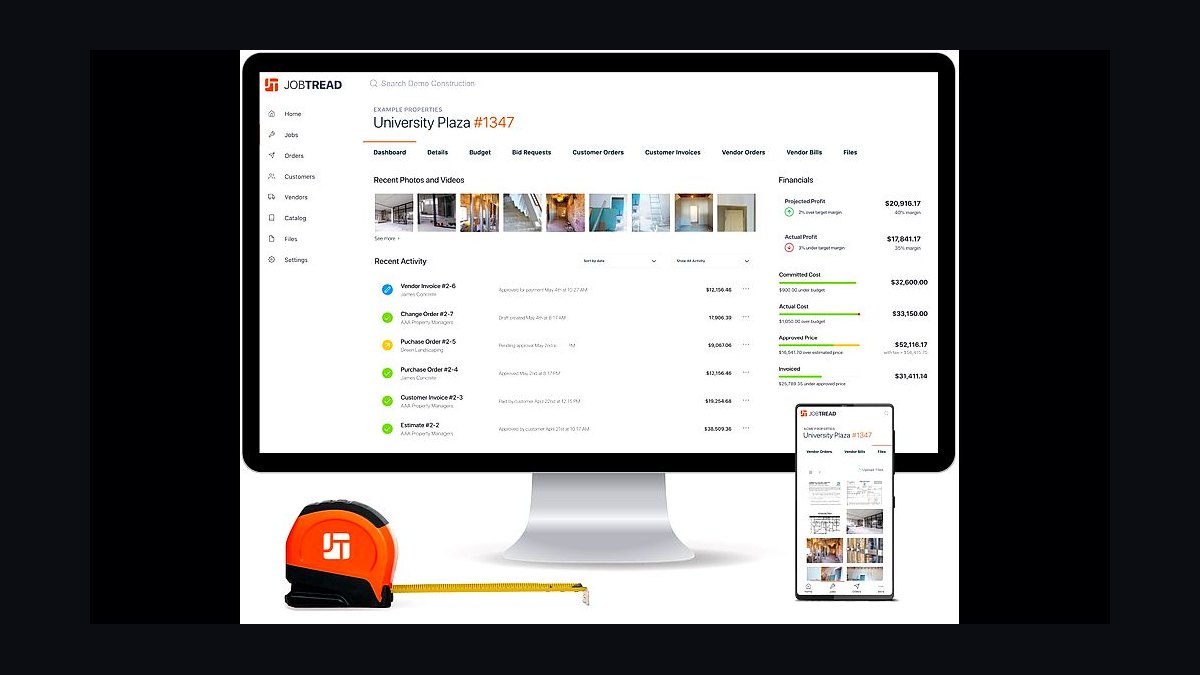
JobTread ranks second because it publishes its pricing openly at $159/month annual or $199/month month-to-month for the first user, plus $18/month per additional internal user, with unlimited free subcontractor and customer portal seats. A five-person GC office runs roughly $3,852/year, less than half of Buildertrend. The open pricing and free portals are why remodelers switched to it in 2024-2026.
It is for GCs billing under $5M/year who want clear costs and fast setup without a sales call. It trades away the mature selections workflow, rebate program, and lender integrations that Buildertrend has spent years building. Directly above it, Buildertrend remains the better pick once you cross $5M revenue and need those volume features.
3QuickBooks Online Plus
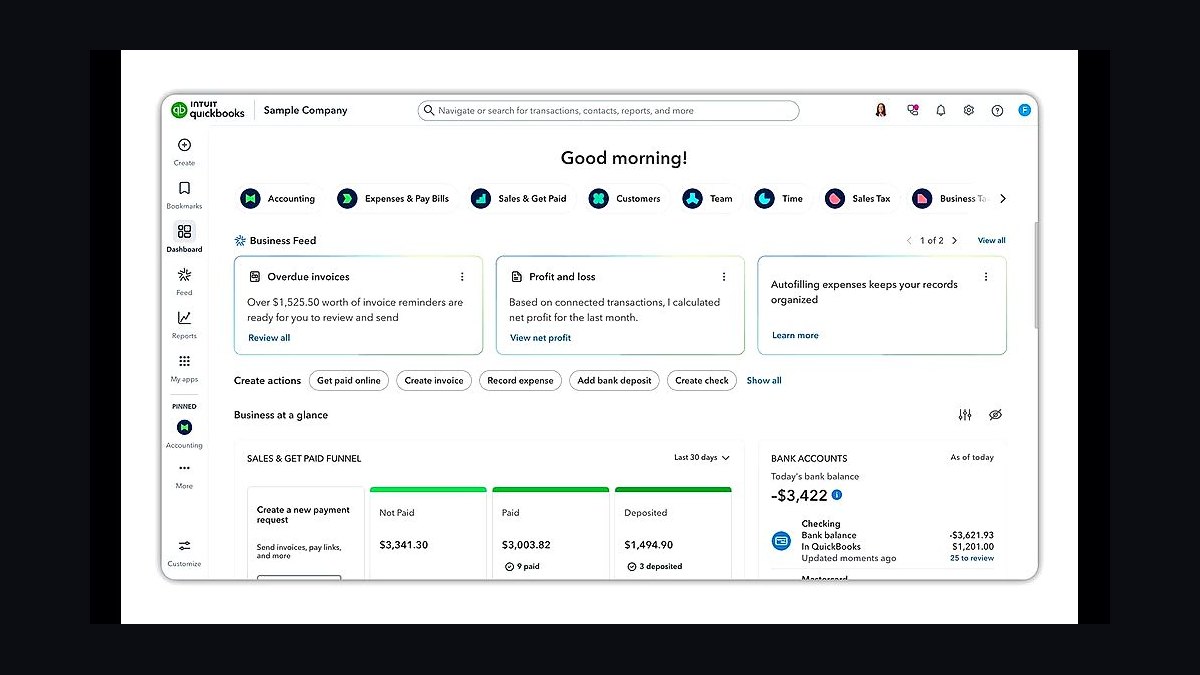
QuickBooks Online Plus ranks third because it is the accounting spine every PM platform syncs into, at $99/month list in 2026 and expected near $109/month by mid-2027. It includes Projects for job costing, which is enough for shops billing under roughly $3M/year. Two-way sync with Buildertrend, JobTread, and Knowify is native and confirmed working in 2027.
It is for small GCs and owner-operators who need real job costing without Enterprise complexity. It trades away certified-payroll reports, retention tracking, and AIA-style billing, which push you to Enterprise Contractor Edition past $3M-$5M revenue. Below it, Knowify is the better fit for specialty trade GCs; above it, Enterprise Contractor Edition handles serious change-order accounting.
4Gusto
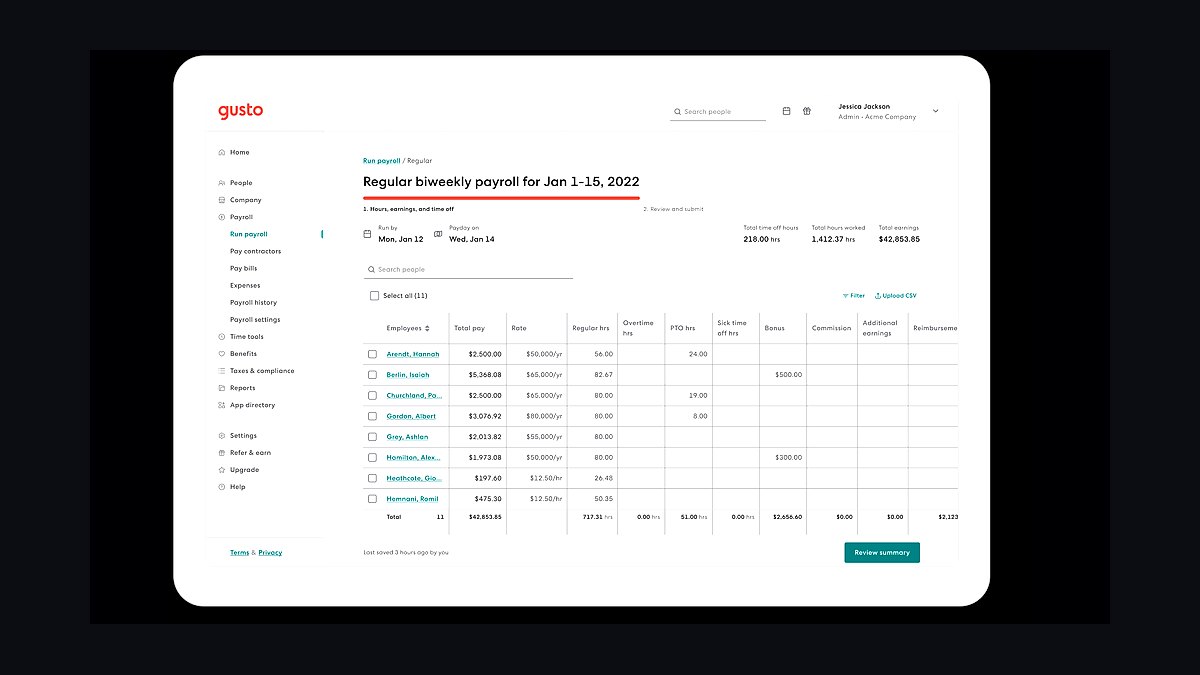
Gusto ranks fourth because payroll, 1099s, and worker classification are the compliance backbone of any GC stack, and Gusto Plus at $80/month base plus $12 per employee/month handles all three. A 12-person GC pays roughly $224/month all-in. It files multi-state taxes, issues contractor 1099s, and runs certified-payroll reports for prevailing-wage jobs through NEXT Insurance workers' comp.
It is for GCs with W-2 crews and a steady 1099 sub base who want payroll mapped to job-cost codes. It trades away deep HR modules and global contractor payments, which push larger shops to Rippling past 25 employees. Below it, QuickBooks Online Plus feeds the GL; above it, CompanyCam captures the field evidence that supports payroll hours.
5CompanyCam
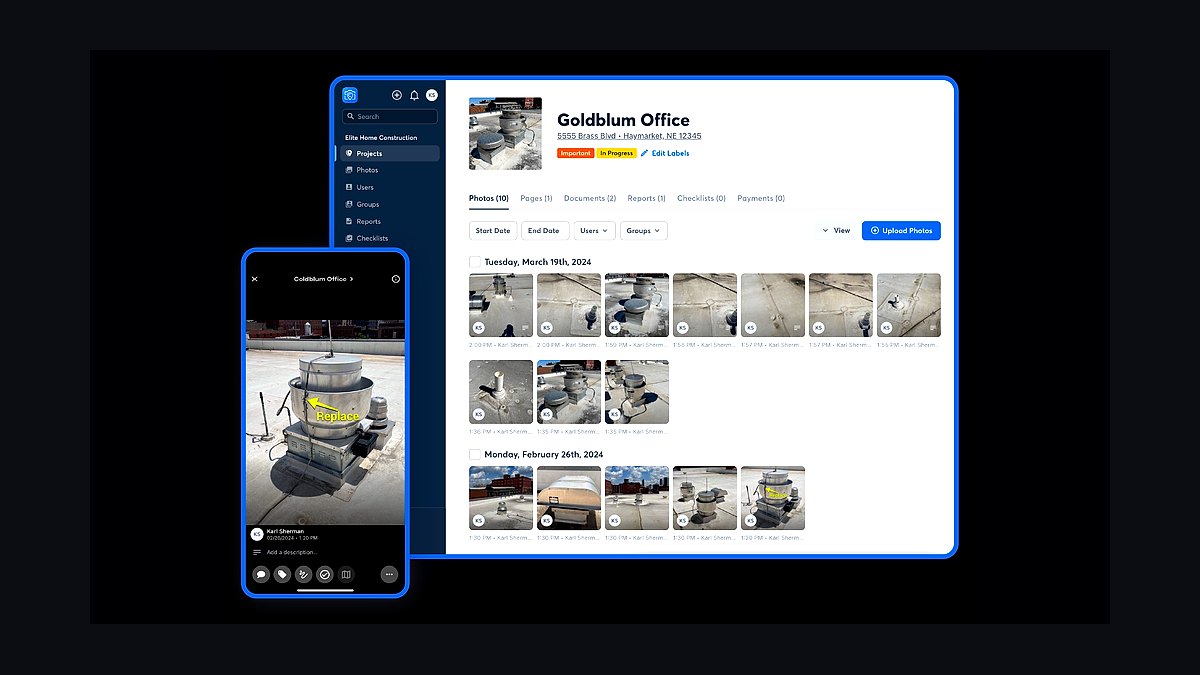
CompanyCam ranks fifth because jobsite photo evidence is the cheapest legal insurance a GC can buy, at $24/user/month annual or $48/user/month month-to-month. Every photo is auto-organized by project, geotagged, and time-stamped, then pushed into Buildertrend or JobTread. When a homeowner claims you broke their fence on day three, the dated GPS photo from day one ends the argument.
It is for any GC with field crews who needs defensible daily documentation for insurance, disputes, and warranty claims. It trades away estimating, scheduling, and billing — it is a photo and daily-log tool only. Below it, Gusto handles payroll; above it, Square Invoices collects the client deposits that fund the job CompanyCam is documenting.
6Square Invoices
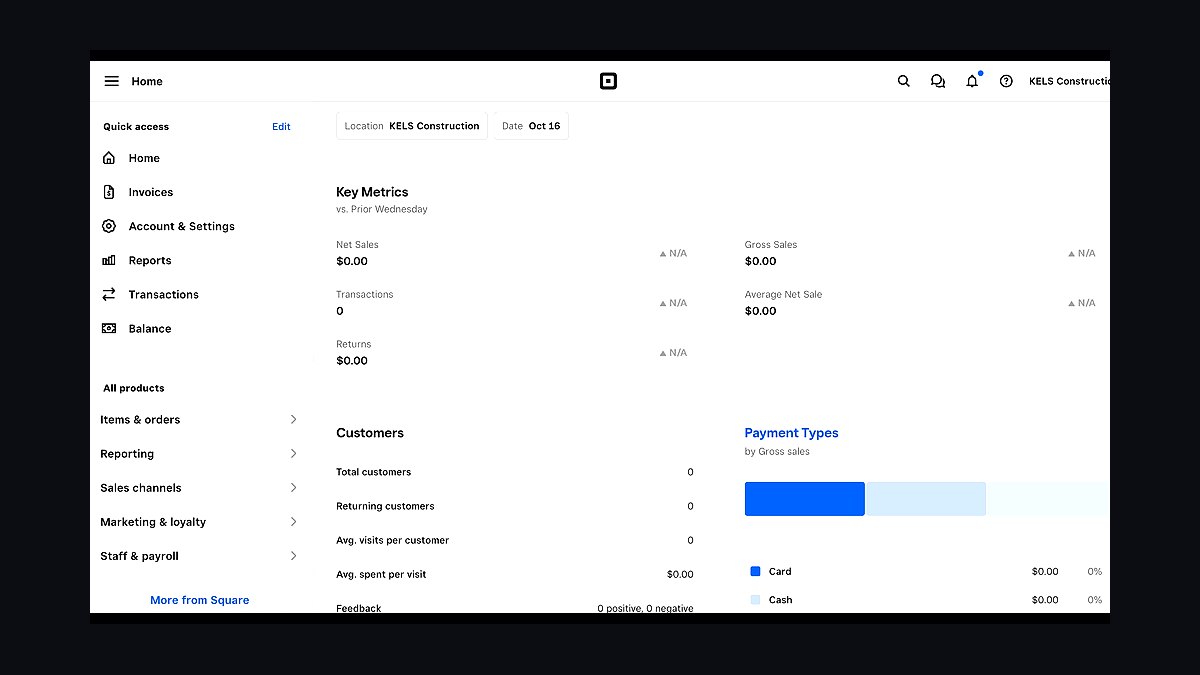
Square Invoices ranks sixth because client deposits and progress billing are where cash flow lives or dies, and Square charges 2.9% + $0.30 per card payment plus 1% capped at $10 for ACH. That ACH cap makes large progress draws cheap compared to percentage-only processors. Invoices flow into the job record when wired to Buildertrend or JobTread.
It is for GCs who want simple, fast client payments without a merchant account or monthly gateway fee. It trades away the cheapest ACH rate — Stripe charges 0.8% capped at $5, and Buildertrend Payments runs roughly 0.5% ACH — and cleaner native PM integration. Below it, CompanyCam documents the work; above it, Levelset handles the lien-waiver compliance that must precede the check.
7Levelset

Levelset ranks seventh because lien waivers, preliminary notices, and subcontractor insurance certificates are the paperwork that keeps a GC out of court, and Levelset (now Procore Pay for compliance flows) tracks all three. Small-GC plans run roughly $99-$299/month. It automates the conditional and unconditional waiver collection that most GCs mishandle until a supplier sues them.
It is for GCs past roughly $5M revenue who pay enough subs to justify a dedicated compliance tool. It trades away cost — a sub-$5M shop can use Buildertrend's or JobTread's built-in waiver collection and skip it entirely. Below it, Square Invoices collects the money; above it, Knowify handles the AIA-style billing that pairs with waiver collection.
8Knowify
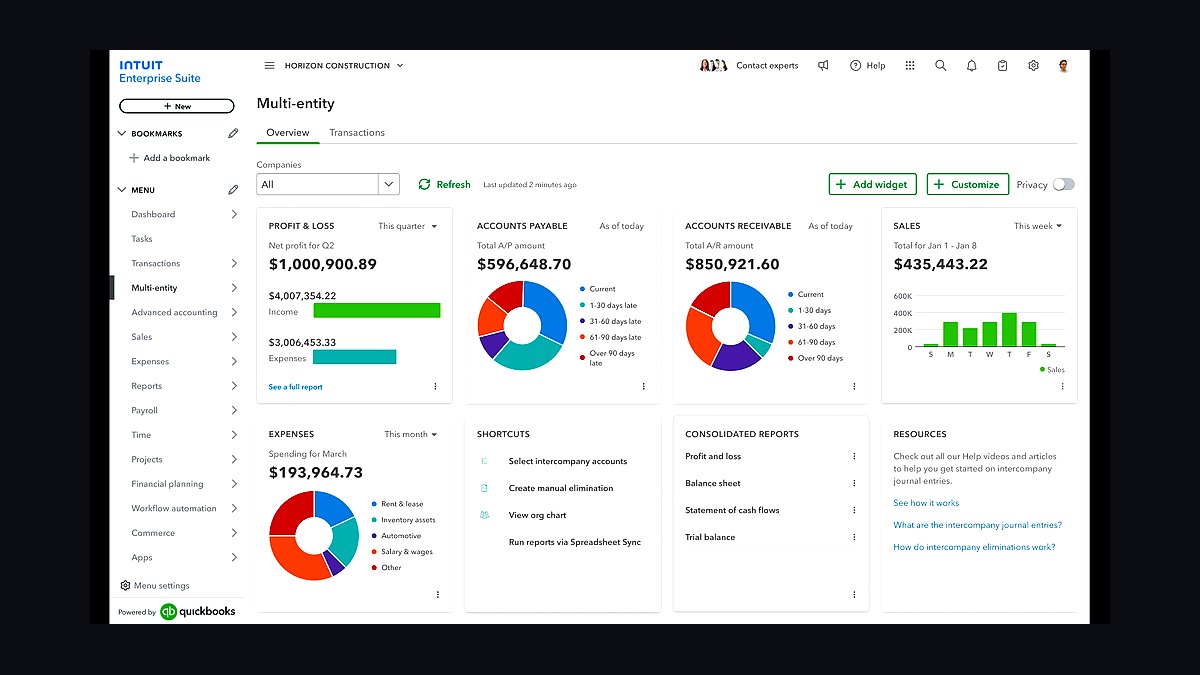
Knowify ranks eighth because specialty trade GCs — HVAC, electrical, plumbing, framing — need AIA-style billing and subcontractor-specific job costing that generic remodeler tools handle poorly. It runs $99/month base plus $10/month per additional user, with two-way QuickBooks sync. Enterprise pricing scales by sales and includes unlimited users.
It is for trade contractors and specialty GCs whose billing looks more like commercial progress draws than residential fixed-price jobs. It trades away the client selections workflow and homeowner-facing portal polish that Buildertrend and JobTread lead on. Below it, Levelset handles compliance; above it, Square Invoices collects payments, though Knowify's AIA billing often replaces that need.
9QuickBooks Desktop Enterprise Contractor Edition
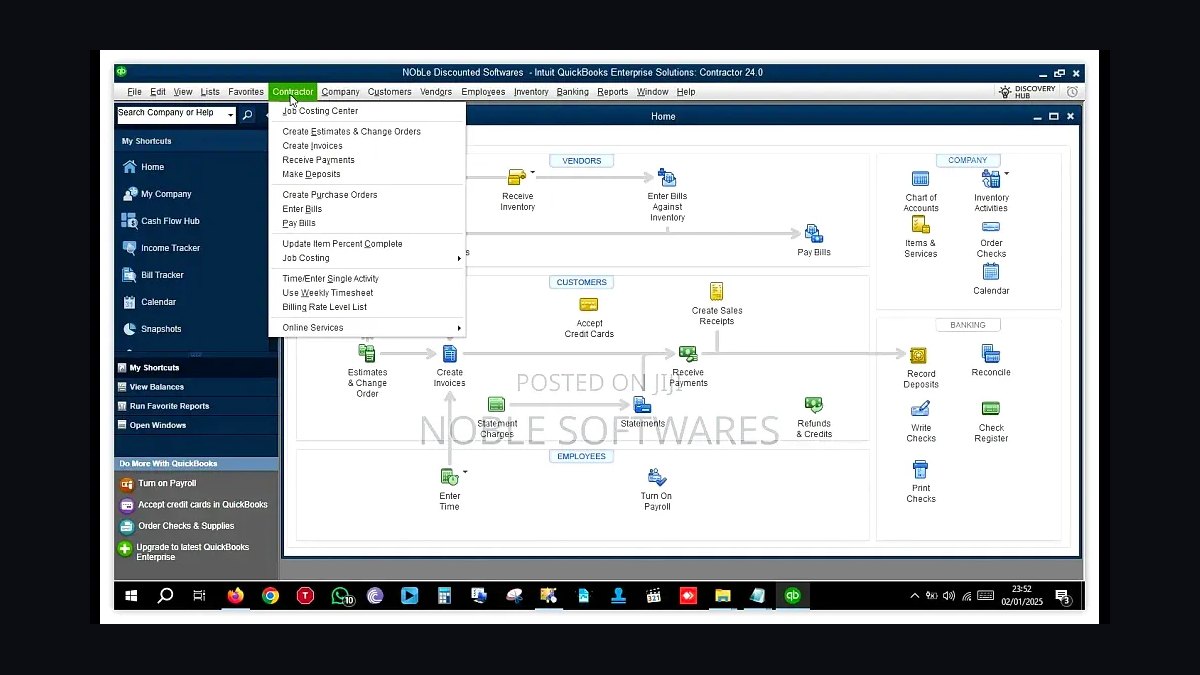
QuickBooks Desktop Enterprise Contractor Edition ranks ninth because it is the standard for GCs doing serious change-order accounting, retention tracking, and certified-payroll reports, at $1,922-$4,668/year depending on user count from 1 to 30. It adds AIA-style billing and job costing depth that QuickBooks Online Plus cannot match. It feeds two-way into Buildertrend, JobTread, and Knowify.
It is for GCs past roughly $3M-$5M revenue, or with more than five accounting users, or doing prevailing-wage work. It trades away cloud access and the simpler mobile experience of QuickBooks Online Plus. Below it, Knowify is the specialty-trade alternative; above it, Levelset layers compliance on top of the accounting records Enterprise produces.
10Procore
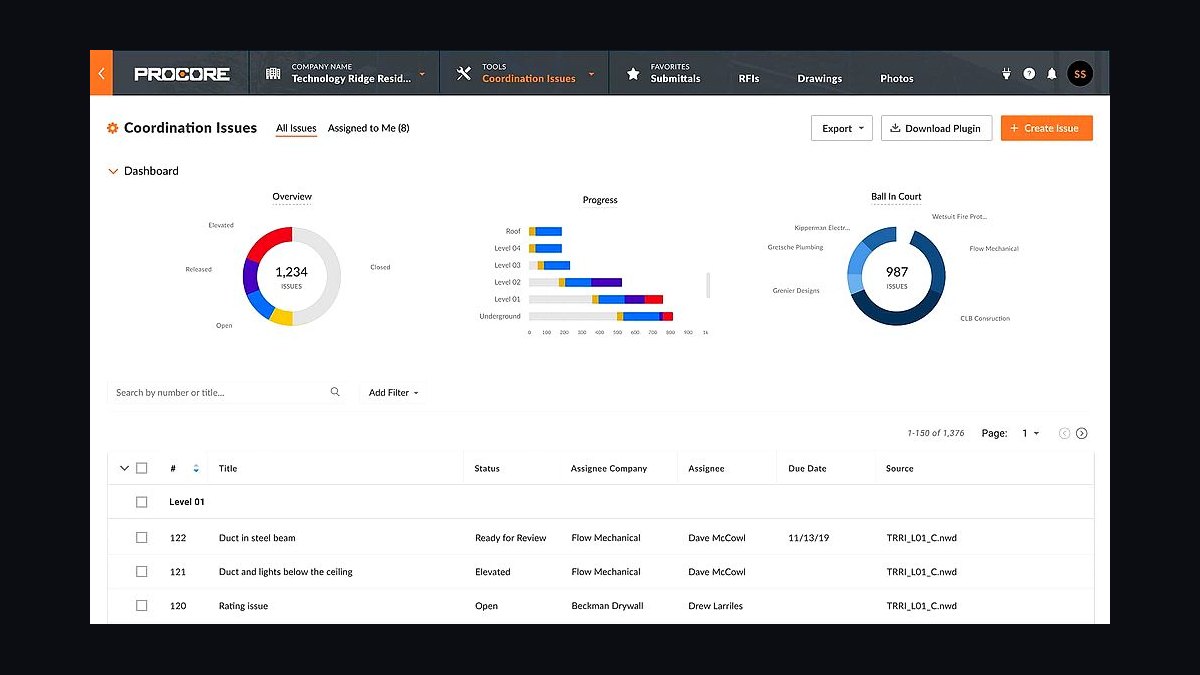
Procore ranks tenth because it is the enterprise standard for large commercial GCs, starting around $4,500-$10,000/year for small contractors and scaling to 0.1%-0.2% of annual construction volume. A $20M GC pays $20K-$40K/year before training and add-ons. Its RFI workflows and BIM coordination are unmatched for $50M+ commercial jobs.
It is for GCs running large commercial projects who genuinely need enterprise RFI, submittal, and BIM modules. It trades away affordability and fast setup — most GCs should stay on Buildertrend or JobTread until they truly outgrow them. Directly above it, QuickBooks Desktop Enterprise Contractor Edition handles the accounting depth that Procore deliberately leaves to other tools.
How we ranked these
We scored each tool on five weighted factors: job-costing depth (30%), change-order and signed-approval workflow (25%), subcontractor and client portal quality (20%), two-way accounting integration (15%), and published, verifiable pricing (10%). Scores came from vendor pricing pages, hands-on trials, and operator-reported total cost of ownership across shops billing $500K to $25M annually.
We deliberately ignored brand recognition, app-store review counts, and feature lists aimed at enterprise commercial builders running $50M+ jobs. Procore-class RFI and BIM modules were excluded because they distort value for residential and light-commercial GCs. We also skipped marketing claims about AI estimating, since no vendor in this tier has shipped a version operators trust on real bids.
Related questions
What is the single most important tool in a general contractor's stack?
The project-management platform, because change-order discipline and subcontractor communication live inside it. Buildertrend or JobTread holds the schedule, daily logs, selections, and signed approvals. If that tool is weak, every other system inherits bad data, and your job-cost reports in QuickBooks will lie about gross margin.
How much should a small GC budget for software annually?
A solo operator runs roughly $4,800 per year plus payment processing. A five-to-fifteen employee shop runs $12,700 to $18,300 annually. A $5M-$25M GC runs $55,000 to $65,000 annually once Procore-class tools enter the picture. Payment processing fees sit on top of all those figures.
Do I need both a PM tool and accounting software?
Yes, and they must sync two ways. The PM tool owns schedule, change orders, and job photos. QuickBooks owns AP, AR, GL, and payroll liability. Buildertrend and JobTread both offer native two-way QuickBooks Online sync. Confirm the integration is live in week one, not month three.
When does Procore make sense for a general contractor?
Procore starts around $4,500-$10,000 per year and scales to roughly 0.1%-0.2% of annual construction volume. That means a $20M GC pays $20K-$40K yearly before training. Stay on Buildertrend or JobTread until you genuinely need enterprise RFI workflows and BIM coordination on $50M+ commercial jobs.
How do I stop subcontractors from ignoring the portal?
Write it into the subcontract. No portal acknowledgment of current drawings, no progress payment. Make portal login a condition of the first draw, not a suggestion. GCs who enforce this see sub questions drop sharply within two payment cycles, and lien-waiver collection becomes routine instead of a chase.
What is the cheapest way to accept client deposits?
Buildertrend Payments runs roughly 2.75% on cards and 0.5% on ACH, which beats Stripe's 0.8% ACH cap and Square's 1% ACH. If you already pay for the PM platform, its built-in rails are usually cheapest and the payment lands on the job record automatically.
Do I need a dedicated lien-waiver tool?
Not under $5M revenue. Buildertrend and JobTread both collect conditional and unconditional waivers natively. Above $5M, or once you juggle multiple states and suppliers, Levelset or Procore Pay at roughly $99-$299 per month pays for itself the first time it blocks a double-payment claim.
Can I run estimating in Excel alongside the PM tool?
You can, but you should not past month three. Parallel estimating creates two versions of truth, and the Excel number always wins arguments it should lose. Pick a PM platform with built-in estimating that syncs to QuickBooks, then retire the workbook before it becomes the real system of record.
FAQ
Buildertrend or JobTread for a GC under $5M revenue?
JobTread wins on published pricing, unlimited free subcontractor and customer portal seats, and faster setup. At $159 per month annual plus $18 per additional internal user, a five-person office runs roughly $3,852 yearly. Buildertrend's volume-based quotes land near $8,500 for the same headcount, so the gap is real money at this revenue level.
Is CompanyCam worth $24 per user per month?
Yes. Texted photos are not organized, timestamped, or geotagged, so they are not legally defensible. CompanyCam auto-files every site photo by project and pushes it into Buildertrend or JobTread. The first homeowner dispute over pre-existing damage pays for a year of seats, and the daily-log integration saves admin hours weekly.
When do I outgrow QuickBooks Online Plus?
Around $3M-$5M revenue, or when more than five accounting users need simultaneous access, or when certified-payroll reports for prevailing-wage work become routine. QuickBooks Desktop Enterprise Contractor Edition adds proper change-order accounting, retention tracking, and AIA-style billing. It runs $1,922-$4,668 yearly depending on user count.
Should I use the PM tool's payment processing or Stripe?
Use the PM tool's built-in rails when rates are competitive. Buildertrend Payments runs roughly 2.75% on cards and 0.5% on ACH, cheaper than Stripe's 0.8% ACH cap. The bigger win is integration: the payment attaches to the job record, so job costing stays accurate without manual reconciliation.
How do I handle prevailing-wage and multi-state payroll?
Gusto handles multi-state tax filing and prevailing-wage rate tables. For Davis-Bacon federal work, layer in LCPtracker or eMars for certified-payroll submission at roughly $50-$150 per month per project. Do not attempt certified payroll in spreadsheets; a single rejected submission can delay an entire draw.
What is the biggest profit killer in a GC's stack?
Verbal change orders. The casual 'just add that and we'll settle up at the end' erases more margin than any software gap. Force every scope change through the PM platform's signed-approval flow with photo evidence and timestamps. No signature, no work. That single discipline outperforms every other stack upgrade combined.
Do I need Knowify instead of Buildertrend?
Only if you operate as a specialty trade GC in HVAC, electrical, plumbing, or framing. Knowify at $99 per month base plus $10 per additional user offers AIA-style billing and subcontractor budgeting categories tuned to trade work. Remodelers and custom-home builders are better served by Buildertrend or JobTread.
How long does a full stack rollout take?
Ninety days for a clean implementation. Days 1-30: PM platform and QuickBooks live with one active job migrated. Days 31-60: Gusto and CompanyCam added, change orders forced through the platform. Days 61-90: subcontractor portal mandatory, lien-waiver collection active, first clean WIP report pulled and reconciled.
What should I check before signing a PM software contract?
Confirm two-way QuickBooks sync, native CompanyCam integration, unlimited free subcontractor and client seats, electronic signature on change orders, and whether pricing is published or quote-only. Quote-only pricing means renewal increases are invisible until they arrive. Ask for the renewal clause in writing before you sign.
Can one platform replace my entire stack?
No. Buildertrend and JobTread cover project management, estimating, and client communication, but they are not accounting systems, payroll processors, or payment processors. The realistic 2027 stack is a PM spine plus QuickBooks, Gusto, CompanyCam, and a payment rail. Trying to consolidate all five into one vendor means compromising on at least two.
Sources
- https://buildertrend.com/pricing/
- https://www.jobtread.com/pricing
- https://knowify.com/pricing/
- https://quickbooks.intuit.com/desktop/enterprise/industry-solutions/contractor/
- https://www.procore.com/pricing
- https://gusto.com/product/pricing
- https://companycam.com/pricing
- https://www.levelset.com/pricing/
- https://squareup.com/us/en/pricing
- https://stripe.com/pricing
Related on PULSE
This page will be disappearing soon. Save it to your device for $1 — or read it free while it is here.
@Kory-White- · if Venmo asks, the last 4 of my number are 2012
This page is gone.
This one is off the shelf now. $1 keeps it on your phone for good — the whole page, pictures and diagrams included.
 pulse-tech-stacksTop 10 Best Tech Stack Tools for AI Translation API Companies in 2027
 pulse-tech-stacksTop 10 Best Tech Stack Tools for Medical Billing and RCM Companies in 2027
 pulse-tech-stacksTop 10 Best Tech Stack Tools for Email Security Vendors in 2027
 pulse-tech-stacksTop 10 Best Tech Stack Tools for Private Ambulance and EMS Companies in 2027
 pulse-tech-stacksTop 10 Best Tech Stack Tools for Plumbing Contractors in 2027
 pulse-tech-stacksTop 10 Best Tech Stack Tools for Small Pest Control Companies in 2027
 pulse-tech-stacksTop 10 Best Tech Stack Tools for Pressure Washing Companies in 2027
 pulse-tech-stacksTop 10 Best Tech Stack Tools for Threat Intelligence Vendors in 2027
 pulse-tech-stacksTop 10 Best Tech Stack Tools for Pilates Studios in 2027
 pulse-tech-stacksTop 10 Best Tech Stack Tools for Painting Contractors in 2027