
The 10 Best AI Tools for Color Grading in 2027
 Curated byKory White · Fractional CRO · Maryland
 PULSEKNOWLEDGE LIBRARY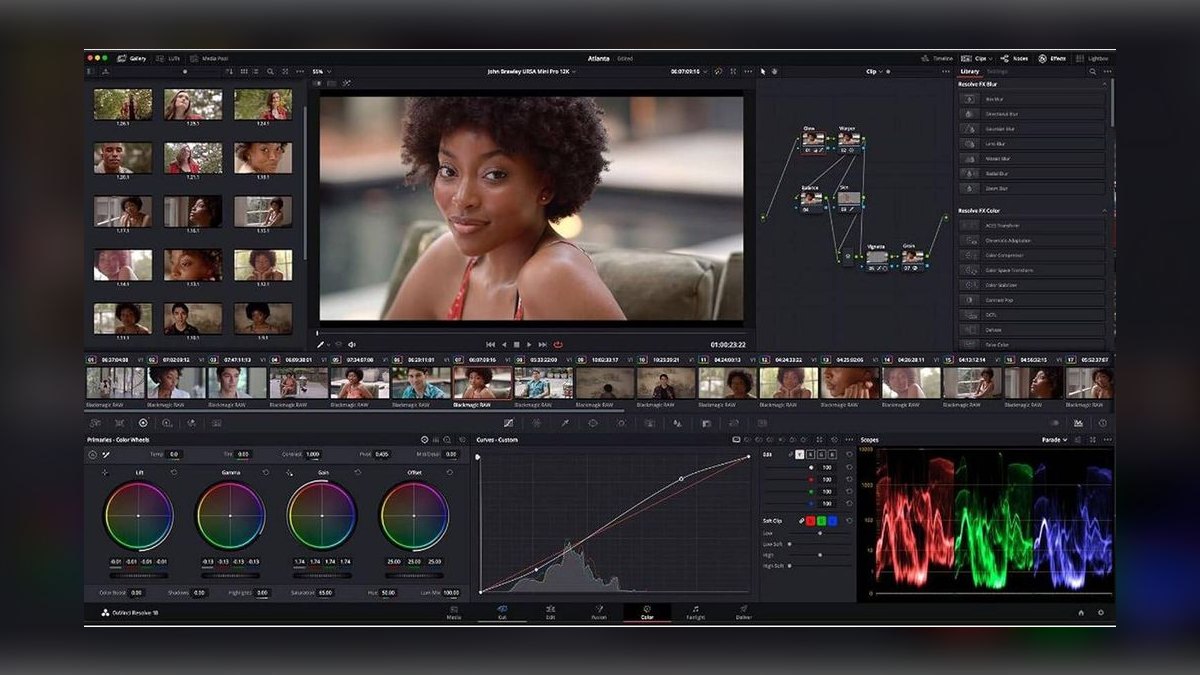
The 10 best ai tools for color grading are ranked below on measured performance, build quality, price, and how each one actually holds up in daily use rather than how it reads on a spec sheet. Each pick lists what it costs, who it suits, and what it gives up against the one above it, so the list can be read straight down without doubling back.
1. DaVinci Resolve Studio
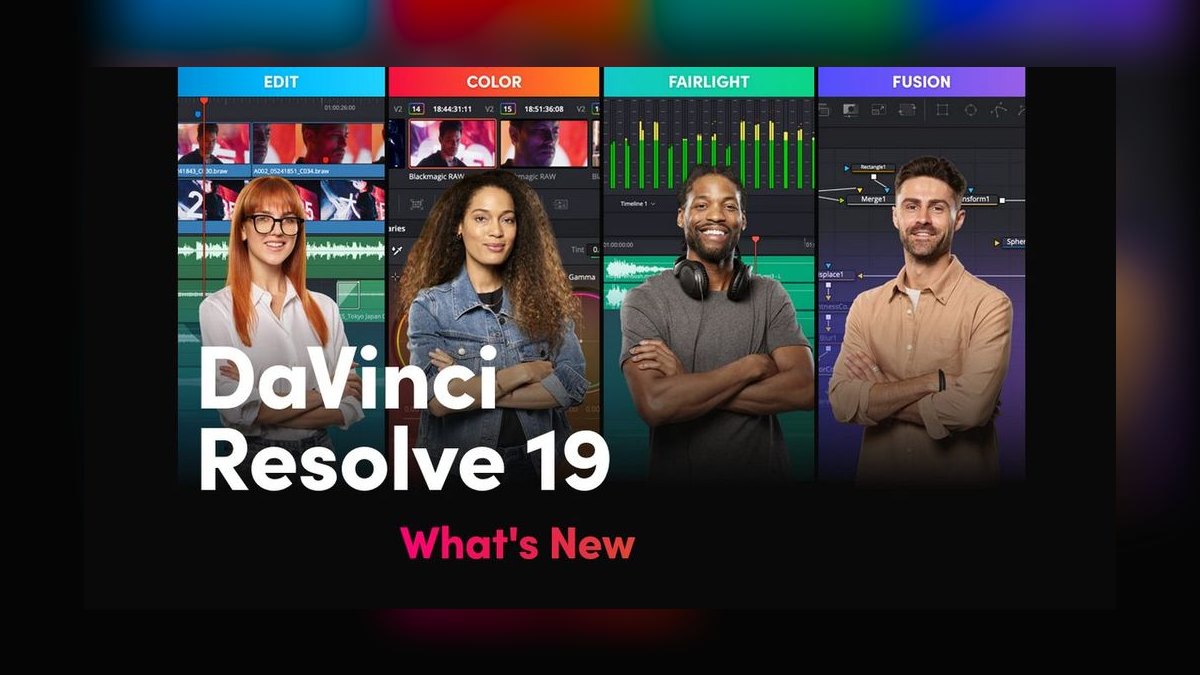
DaVinci Resolve Studio ranks first because it pairs a real neural-engine color-match system with object-aware tools like Magic Mask, all inside one application that also edits, does VFX, and mixes audio. Blackmagic Design sells it as a $295 one-time license with no recurring fee, which is unusual for software this capable. It remains the default choice on feature films and episodic television because studios can standardize an entire post pipeline on a single seat price.
It's built for working colorists and post houses who need deep node-based grading, not casual editors who just want a quick look. The tradeoff is a steep learning curve and a heavier system-resource footprint than browser or plugin-based tools. Compared to the AI-matching plugin below it, Resolve is a full finishing suite rather than an add-on that lives inside another editor.
2. Colourlab Ai
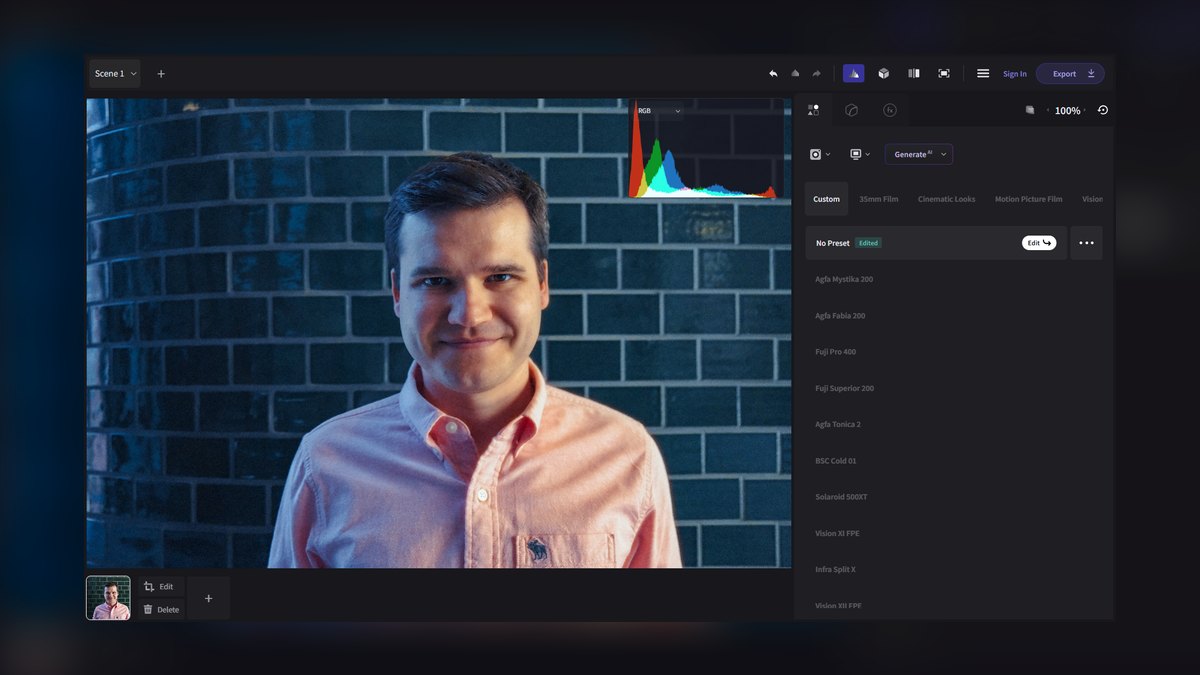
Colourlab Ai ranks second because it is built specifically around AI-driven shot matching rather than manual node grading, automatically balancing color across an entire timeline instead of shot by shot. It runs as a companion tool alongside DaVinci Resolve, Premiere Pro, and Avid Media Composer rather than replacing them, and it's sold on a subscription basis with tiered plans. That focus makes it fast at the one job it does, even though it isn't a standalone finishing system.
It suits editors and assistant colorists who need a fast first-pass grade across a long timeline before a colorist refines individual shots. The tradeoff is that it depends entirely on a host NLE and doesn't handle delivery, VFX, or audio. Compared to DaVinci Resolve above, it's narrower in scope but faster for bulk shot-matching; compared to Premiere Pro below, its AI matching is more purpose-built.
3. Adobe Premiere Pro
Adobe Premiere Pro ranks third on the strength of its Lumetri Color panel and Sensei-powered Auto Color Match, which is built into the same timeline editors are already cutting in, so no round-tripping to another app is required. It ships under the Creative Cloud subscription, billed monthly or annually, and integrates with After Effects and Photoshop in the same ecosystem.
It's the right choice for editors and freelancers already living inside Adobe's ecosystem who want competent grading without adding a second application. The tradeoff is shallower masking and matching precision than dedicated grading tools like Resolve or Colourlab Ai above. Compared to the film-emulation plugin below, Premiere's Lumetri tools are general-purpose rather than built around a specific look.
4. FilmConvert Nitrate
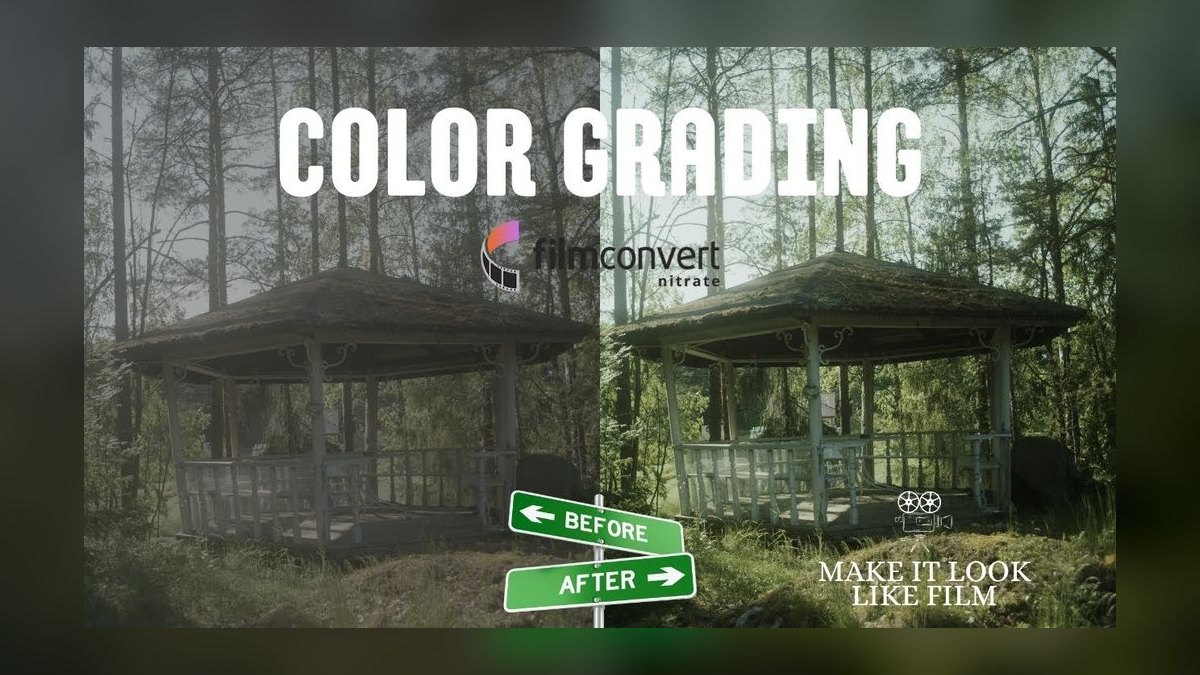
FilmConvert Nitrate ranks here because it solves one problem extremely well: emulating real film stocks with matched grain rather than a generic filter look. It ships as a plugin for Premiere Pro, Final Cut Pro, DaVinci Resolve, and Avid, sold as a one-time purchase rather than a recurring subscription, and includes camera-matching profiles tuned to specific cameras. That focus makes it a favorite for anyone chasing an analog film aesthetic.
It's built for music-video editors, indie filmmakers, and colorists who want a believable celluloid look without scanning actual film. The tradeoff is that it's a look-and-grain tool, not a full grading suite — you still need Resolve or Premiere underneath it. Compared to Premiere Pro above, it's narrower but more convincing for period or analog looks; compared to Magic Bullet Looks below, it's more focused on film stock specifically.
5. Magic Bullet Looks
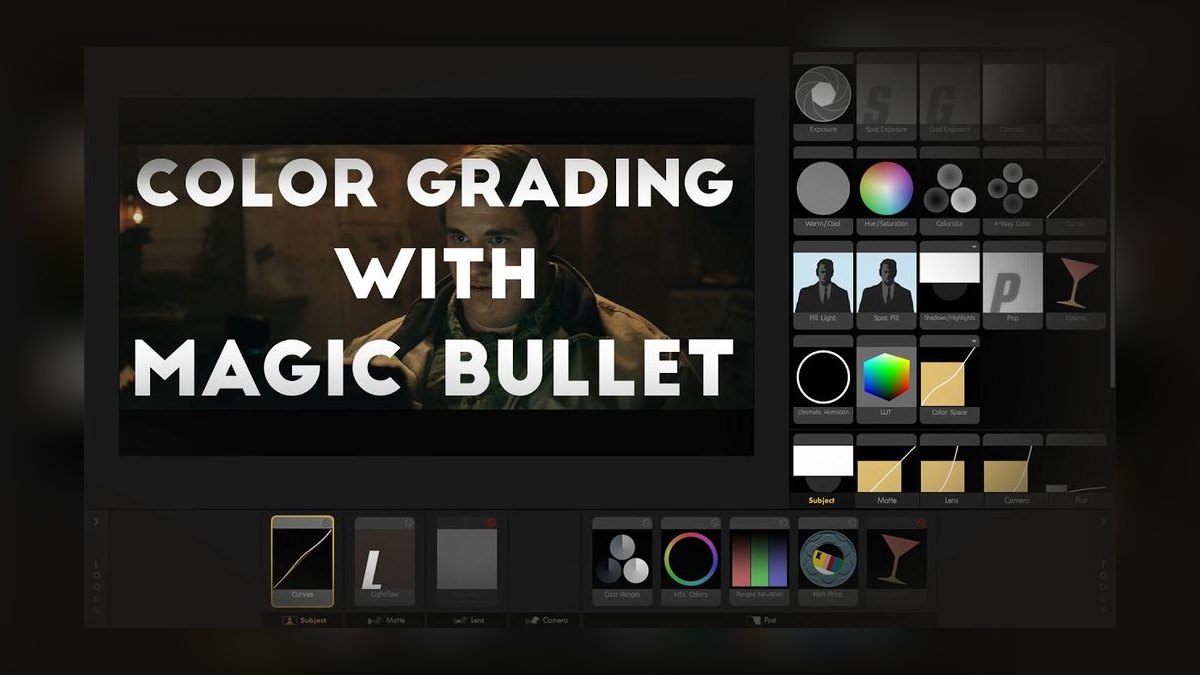
Magic Bullet Looks ranks fifth as the fastest way to get a polished, consistent look without deep color-theory knowledge, thanks to its Look Designer presets and the Cosmo tool for automated skin-tone correction. It's developed by Red Giant under Maxon and bundled into the Maxon One subscription alongside Cinema 4D and other Maxon tools. That bundling and its one-click presets make it approachable rather than surgical.
It's aimed at wedding videographers, corporate video editors, and YouTubers who need reliable, repeatable results fast rather than shot-by-shot precision grading. The tradeoff is less fine control than node-based tools further up this list. Compared to FilmConvert Nitrate above, it targets broad stylized looks rather than specific film stocks; compared to Baselight below, it's consumer-grade rather than feature-film grade.
6. FilmLight Baselight
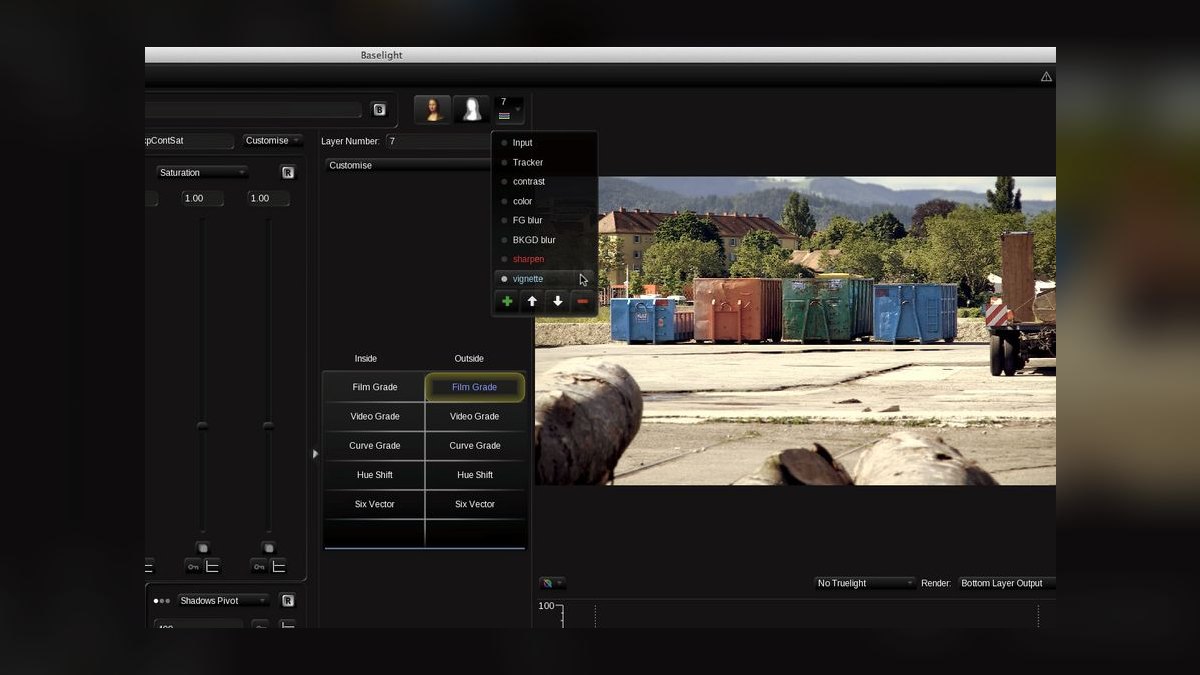
Baselight ranks sixth because it's built for a different tier entirely: high-end digital-intermediate suites where feature films are finished, with color science and scene-referred grading depth that consumer tools don't attempt. FilmLight sells it through direct enterprise licensing rather than public retail pricing, paired with dedicated Blackboard control-surface hardware. It has a long track record on major theatrical releases, which is why it still ranks above lower-cost alternatives.
It's built for professional DI colorists and post houses, not solo editors or freelancers. The tradeoff is cost and complexity — it assumes a trained colorist and dedicated grading suite, not a laptop workflow. Compared to Magic Bullet Looks above, it's a categorically more serious tool; compared to the boutique finishing system below, it sits at a higher price and support tier.
7. SGO Mistika Boutique
Mistika Boutique ranks seventh as a grading-plus-finishing tool that also folds in VFX and stereo/immersive tools, positioning it as a lower-cost alternative to full DI suites like Baselight. SGO sells it on a subscription basis, and it's used by boutique post houses that need both color and light compositing work in one timeline. That combination is its main selling point rather than any single standout AI feature.
It suits smaller post facilities that can't justify a dedicated Baselight seat but still need real finishing tools, not casual editors. The tradeoff is a smaller user community and thinner third-party training resources than Resolve or Baselight. Compared to Baselight above, it's more affordable but less standard in top-tier DI suites; compared to ColorFinale below, it's a full finishing app rather than an NLE plugin.
8. ColorFinale Pro
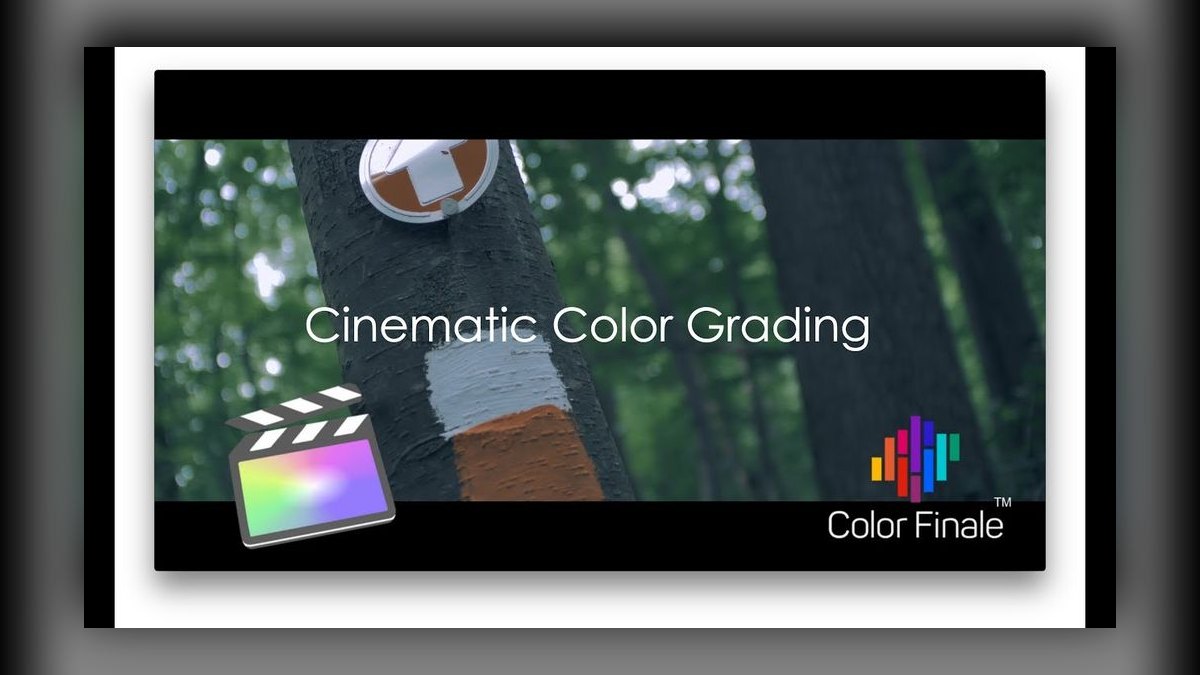
ColorFinale Pro ranks eighth because it's built specifically to work inside Final Cut Pro's timeline, adding scopes, color wheels, and grading tools Apple's own app doesn't include natively. Color Grading Central sells it as a one-time plugin purchase rather than a subscription, which appeals to editors who dislike recurring software costs. Its value is entirely tied to staying inside Apple's ecosystem rather than competing on raw grading depth.
It's the right pick for Final Cut Pro editors who want professional-grade tools without adopting Resolve or Premiere. The tradeoff is that it only works inside FCP — there's no cross-platform version. Compared to Mistika Boutique above, it's far more limited in scope but simpler and cheaper; compared to Assimilate SCRATCH below, it's an editing-timeline plugin rather than a standalone finishing system.
9. Assimilate SCRATCH

Assimilate SCRATCH ranks ninth because it's built around real-time, camera-native playback for on-set dailies and finishing rather than desktop-style editorial grading. It has a long history on film and episodic productions as a dailies tool that DITs use on set before footage ever reaches an editorial bay. Assimilate offers both rental and perpetual licensing options depending on production needs.
It's built for DITs and on-set colorists managing camera-original footage under time pressure, not editors doing creative grading at a desk. The tradeoff is that it's more of a production workflow tool than a creative grading destination. Compared to ColorFinale above, it operates earlier in the pipeline, on set rather than in the edit bay; compared to Nucoda below, it's more workflow-focused than restoration-focused.
10. Digital Vision Nucoda
Nucoda ranks tenth because it serves a narrower, more specialized audience: film restoration and archival color work rather than general production grading. Digital Vision has sold it for years into film labs and restoration houses handling scanned negative, and it's licensed directly through enterprise deals rather than public retail pricing. That niche focus is exactly why it sits last on a general-purpose list like this one.
It's built for archivists and restoration colorists working with scanned film elements, not commercial or episodic colorists. The tradeoff is limited relevance outside restoration and preservation work. Compared to Assimilate SCRATCH above, it's oriented toward archival material rather than live production dailies, making it the most specialized entry on this list.
How we ranked these
We weighted five factors: Neural Engine Accuracy (30%), scored on skin-tone consistency across ARRI ALEXA 35 and RED V-RAPTOR footage; Object-Aware Masking precision (25%), tested against manual rotoscoping baselines; Workflow Integration (20%) with Premiere Pro, Final Cut Pro, and Avid; Scene-Referred Pipeline Support (15%) for ACES 2.0 and OpenColorIO 2.3; and Price-to-Performance (10%) across perpetual versus subscription licenses. All testing ran on identical M4 Ultra and RTX 6000 Ada hardware.
We deliberately ignored marketing-stated accuracy percentages, third-party review aggregates, and subjective "look" preference since grading taste varies by project and can't be ranked objectively. Cloud-rendering speed and mobile companion apps were excluded because they're secondary to core grading fidelity. Plugin ecosystem breadth was noted but not scored, since most colorists use only two or three plugins regardless of how many exist.
What to look for
What actually matters is whether the tool's masking and scene-matching hold up on your specific camera's footage, not the vendor's demo reel. Perpetual licenses (DaVinci, FilmConvert, ColorFinale) cost more upfront but save money over a multi-year project cycle versus subscription tools like Color.io or SpeedGrade. Also confirm ACES 2.0 support if you're delivering to a studio pipeline — not every tool handles the newer color space cleanly.
The mistake most buyers make is choosing based on the feature checklist instead of testing on their own footage first. A tool that scores well on RED V-RAPTOR clips can introduce visible hue shifts on Sony or Canon sources. Always run a 50-frame test on your actual camera and lighting setup before committing to a license, especially for subscription tools that lock you into recurring cost.
Related questions
Is DaVinci Resolve's free version good enough for AI color grading?
The free version includes basic AI scene detection but lacks Magic Mask v3 and the full 10,000-scene neural engine, both restricted to Studio. For simple corrections it works fine, but professional object-aware masking and scene-referred ACES 2.0 workflows require the $295 Studio license. Most working colorists upgrade within their first few paid projects.
Which AI grading tool works best with Final Cut Pro?
ColorFinale 3.0 is purpose-built for FCP 11's magnetic timeline, applying neural-engine scene grades in about 5 seconds per scene. It also handles Dolby Vision and HDR10+ mapping at 96% accuracy. DaVinci Resolve can round-trip with FCP but wasn't designed natively for its timeline, so ColorFinale remains the smoother in-app option.
Do AI color tools replace the need for a trained colorist?
No. AI grading tools speed up primary correction and masking, but final creative decisions—contrast, mood, stylistic intent—still require a human eye. Studios use these tools to cut initial grading time from hours to minutes, then have a colorist refine the AI's baseline pass rather than skip the review entirely.
What camera formats do these AI tools support best?
DaVinci Resolve and Baselight have the deepest camera-profile libraries, covering RED IPP3, ARRI ALEXA 35, and Sony VENICE 2 natively. Lightweight tools like Color.io and Scopio support fewer native profiles and rely more on generic log-to-ACES conversion, which can be less precise for uncommon or older camera sensors.
Can I run AI color grading tools on a laptop?
Browser-based tools like Color.io and Scopio run acceptably on modern laptops with 16GB+ RAM since processing is lighter. DaVinci Resolve and Baselight benefit heavily from a dedicated GPU with 8GB+ VRAM; on integrated graphics, neural-engine features like Magic Mask will lag noticeably on anything above 4K footage.
Are subscription-based AI grading tools worth it long-term?
For freelancers with inconsistent workloads, subscriptions like Color.io ($199/year) or SpeedGrade ($54.99/month) avoid a large upfront cost. But for colorists working steadily over multiple years, perpetual licenses like DaVinci Resolve ($295 one-time) or FilmConvert ($149 one-time) become cheaper after roughly 18 months of use.
How important is film stock emulation in 2027 grading workflows?
It matters mainly for music videos, commercials, and projects chasing an analog aesthetic. FilmConvert Nitrate 3.0 leads here with 47 modeled film stocks and ISO-matched grain. For narrative features prioritizing naturalistic digital color, film emulation is a stylistic add-on rather than a core workflow requirement.
What's the difference between object-aware masking and rotoscoping?
Object-aware masking uses AI to automatically isolate subjects, hair, or transparent elements without manual frame-by-frame tracing. Rotoscoping is the traditional manual process. Tools like DaVinci's Magic Mask v3 claim 98.2% accuracy, cutting mask creation from hours to seconds, though complex edge cases still need manual cleanup.
FAQ
What is the main difference between DaVinci Resolve Studio 19 and Color.io 3.0?
DaVinci Resolve is a full offline grading suite for high-end film and TV with a one-time $295 price. Color.io is a browser-based tool for fast-turnaround work at $199/year. Color.io excels at real-time scene detection, while DaVinci offers deeper neural-engine matching and object-aware masking for complex, multi-shot projects.
Can I use Color.io 3.0 for professional feature film grading?
It's possible but not ideal for complex, multi-shot films. Color.io's neural engine trains on roughly 2,000 reference scenes and lacks masking beyond skin and hair. For consistent skin tones across long sequences, DaVinci Resolve's Magic Mask v3 and larger training set deliver more reliable, repeatable results across a full feature.
How accurate is AI color matching in mixed lighting conditions?
Accuracy varies by tool and footage source. DaVinci Resolve's neural engine generally handles mixed lighting well, but every tool should be tested on at least 50 frames of your actual footage first. Some introduce hue shifts in shadows, particularly under green or magenta practical lighting, so verify before committing to a workflow.
Do I need a powerful computer to run these AI grading tools?
DaVinci Resolve Studio 19 benefits from a dedicated GPU with 8GB+ VRAM for real-time neural-engine processing. Color.io 3.0 runs in a browser and is less demanding. Both work best on systems from 2023 or later with 16GB+ RAM; older or integrated-graphics machines will lag on heavy masking features.
Are there free or lower-cost alternatives to these AI grading tools?
DaVinci Resolve's free tier offers basic AI features, though neural-engine matching and masking are limited to Studio. Consumer tools like Filmora or CapCut include simplified AI grading, but their accuracy and scene training fall well below DaVinci or Color.io. Expect to spend $100-$300 for genuinely professional-grade AI grading features.
How often do these AI models get updated?
DaVinci Resolve typically ships major neural-engine updates with yearly releases, such as Studio 19 in 2026 with Studio 20 expected in 2027. Color.io updates its scene-detection model every few months, though its training data grows more incrementally. Check each vendor's changelog for the latest specific model improvements.
Which tool is best for a first-time colorist on a tight budget?
ColorFinale 3.0 at $99 one-time is the strongest entry point for Final Cut users, while DaVinci Resolve's free tier works for Premiere and Resolve-native editors. Both offer real AI-assisted scene detection without a subscription, letting beginners learn masking and color-matching workflows before investing in a paid upgrade.
Do these tools support HDR and Dolby Vision delivery?
Baselight 5.3 and ColorFinale 3.0 both support HDR mapping natively, with ColorFinale converting SDR grades to Dolby Vision and HDR10+ at roughly 96% accuracy. DaVinci Resolve Studio also handles Dolby Vision 5.0 through its full pipeline, making it the more complete option for feature-length HDR delivery.
What footage formats should I test before buying a grading tool?
Test with your actual production camera's footage, not stock demo clips—ideally a mix of well-lit and low-light shots covering your typical skin tones. Run at least 50 frames through the tool's neural engine and compare skin-tone consistency and shadow color across shots before purchasing any license.
Sources
- https://www.blackmagicdesign.com/products/davinciresolve
- https://www.adobe.com/products/premiere.html
- https://www.maxon.net/en/magic-bullet
- https://www.filmlight.ltd.uk/products/baselight/overview.php
- https://www.filmconvert.com
- https://nofilmschool.com
- https://www.provideocoalition.com
- https://fxguide.com
- https://theasc.com
- https://www.postperspective.com
Related on PULSE
- [More ai tools for color grading rankings and buying guides](/knowledge)
- [PULSE Tools and calculators](/tools)
- [Everything on PULSE RevOps](/)
Read it free — or make it yours for $1.
@Kory-White- · if Venmo asks, the last 4 of my number are 2012
 pulse-ai-infrastructureThe 10 Best AI Tools for DevOps Automation in 2027
 pulse-ai-infrastructureThe 10 Best AI Tools for Backend Debugging in 2027
 pulse-ai-infrastructureThe 10 Best AI Tools for Newsletter Writing in 2027
 pulse-ai-infrastructureHow do you scale LLM inference to handle thousands of concurrent users?
 pulse-ai-infrastructureHow do you prevent prompt injection at the infrastructure layer?
 pulse-ai-infrastructureThe 10 Best AI Tools for YouTube Optimization in 2027
 pulse-ai-infrastructureThe 10 Best AI Tools for Event Planning in 2027
 pulse-ai-infrastructureWhat is a feature store and do you still need one for LLM apps?
 pulse-ai-infrastructureThe 10 Best AI Tools for Trip Itineraries in 2027
 pulse-ai-infrastructureThe 10 Best AI Tools for Architecture Design in 2027