


The 10 Best AI Tools for Vue.js Development in 2027
Quality
Certified
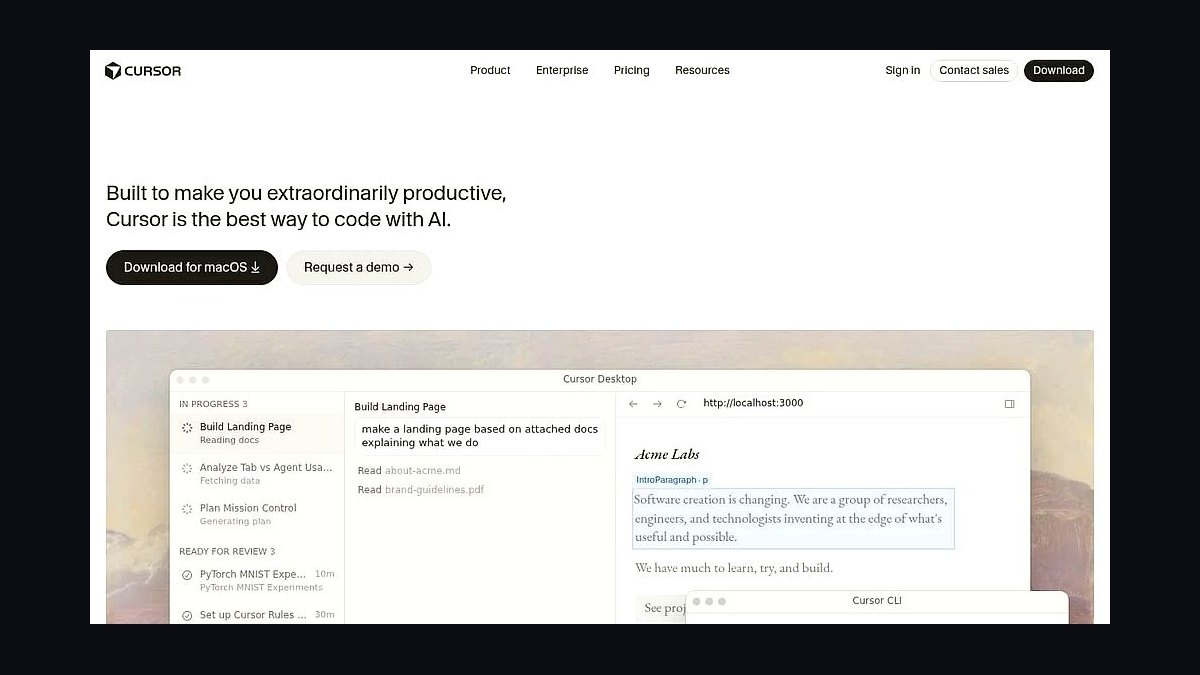
The best AI tool for Vue.js development in 2027 is Cursor, an AI-native editor whose codebase-wide context understands single-file components, the Composition API, and <script setup> syntax well enough to refactor and scaffold real Vue code. Pro is $20/month.
For developers who want strong AI help inside the editor they already use, the best value is GitHub Copilot, with a capable free tier and a $10/month Pro plan that autocompletes Vue templates and composables directly in VS Code or WebStorm.
This list is for Vue and Nuxt developers who want AI that actually speeds up writing components, refactoring to the Composition API, debugging reactivity, and generating UI. The 2027 field splits into AI-native editors (Cursor, Windsurf), IDE plugins (Copilot, Tabnine, JetBrains AI), and prompt-to-app generators (Bolt.new, Lovable). Below we rank ten real tools by how much they help with day-to-day Vue work.
How We Ranked the Top 10
We weighted six criteria, informed by developer feedback, hands-on testing, and product documentation:
- Vue/SFC understanding (30%) — quality of completions across templates, Composition API, and TypeScript.
- Codebase awareness (20%) — reasoning across components, composables, and stores.
- Editor and workflow fit (15%) — IDE support, latency, and flow.
- Refactoring and debugging (15%) — reactivity fixes, Options-to-Composition migrations, tests.
- Price/value (12%) — cost versus real output.
- Privacy and control (8%) — retention policy and self-host options.
1Cursor 🏆 BEST OVERALL
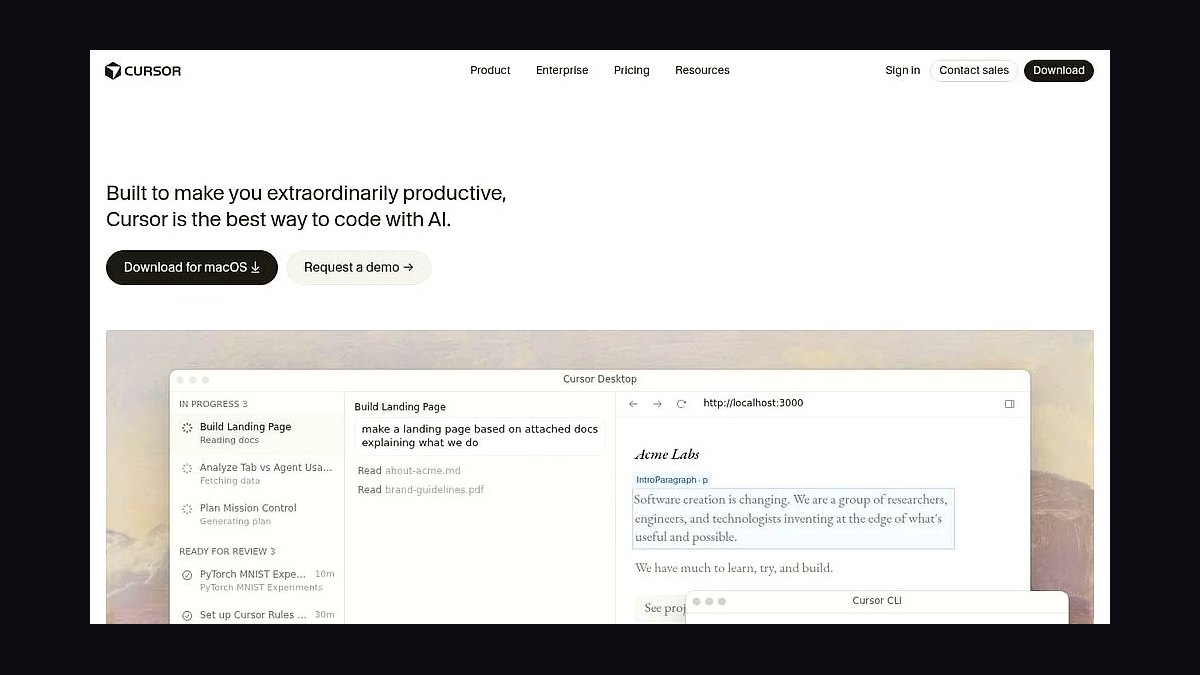
Best for: Full-time Vue/Nuxt engineers | Pricing: Free tier; Pro $20/month | Platform: macOS / Windows / Linux
Cursor leads for Vue because it indexes your whole project and edits across single-file components coherently. Ask it to "migrate this Options API component to <script setup>" or "extract this logic into a composable" and it produces idiomatic Vue 3. Tab completion predicts template blocks and reactive refs, while Agent mode scaffolds a component, its Pinia store usage, and a test together. You pick the underlying model and review every diff.
Pros:
- Codebase-aware edits across SFCs and composables
- Idiomatic Composition API and
<script setup>output - Agent mode scaffolds component + store + test
- Model choice with inline diff review
Cons:
- A separate editor to adopt
- Heavy use can hit request limits
Verdict: The best overall AI tool for Vue and Nuxt in 2027.
2GitHub Copilot 💎 BEST VALUE
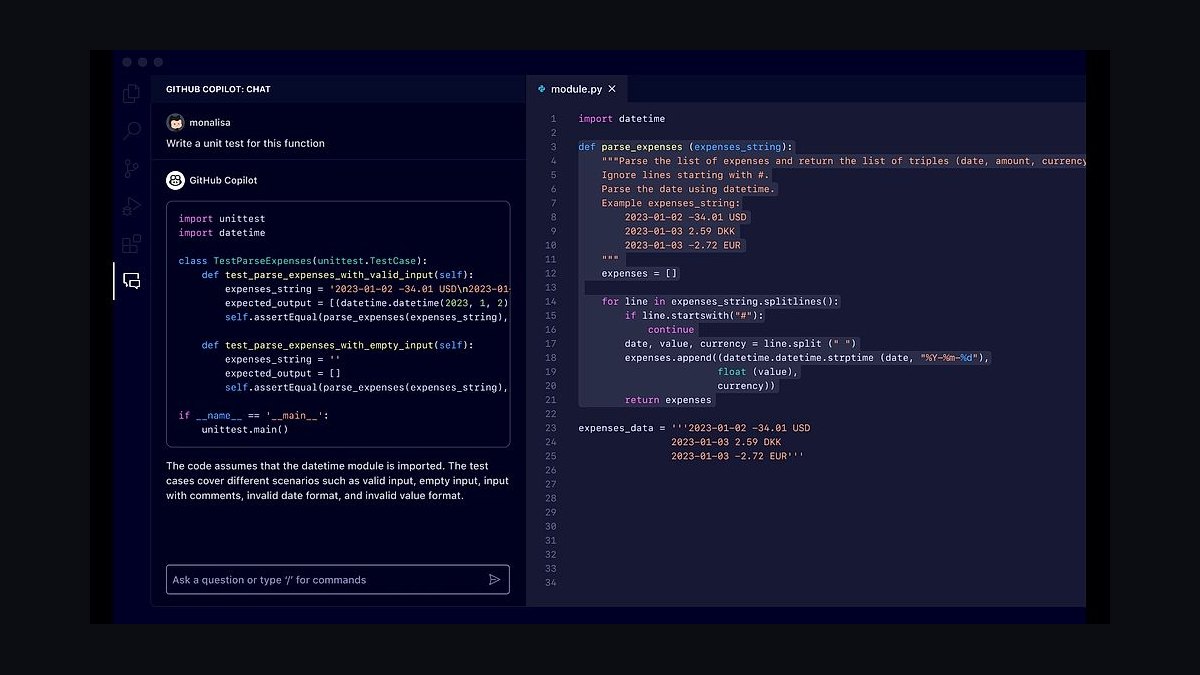
Best for: Vue devs staying in their current IDE | Pricing: Free tier; Pro $10/month | Platform: VS Code / JetBrains / Neovim
Copilot is the best value: its free tier covers real daily Vue work and Pro is only $10. It autocompletes templates, computed properties, and composables inline, and Copilot Chat explains reactivity bugs and writes Vitest tests. Agent mode handles multi-file changes from an issue. Paired with the Volar extension, it respects Vue's type information well.
Pros:
- Generous free tier; $10 Pro
- Inline completion plus chat and test generation
- Agent mode for multi-file changes
- Works with Volar's Vue type tooling
Cons:
- Codebase reasoning trails Cursor's index
- Free-tier limits reset monthly
Verdict: The best-value pick — start free, upgrade only when needed.
3Windsurf (Codeium)
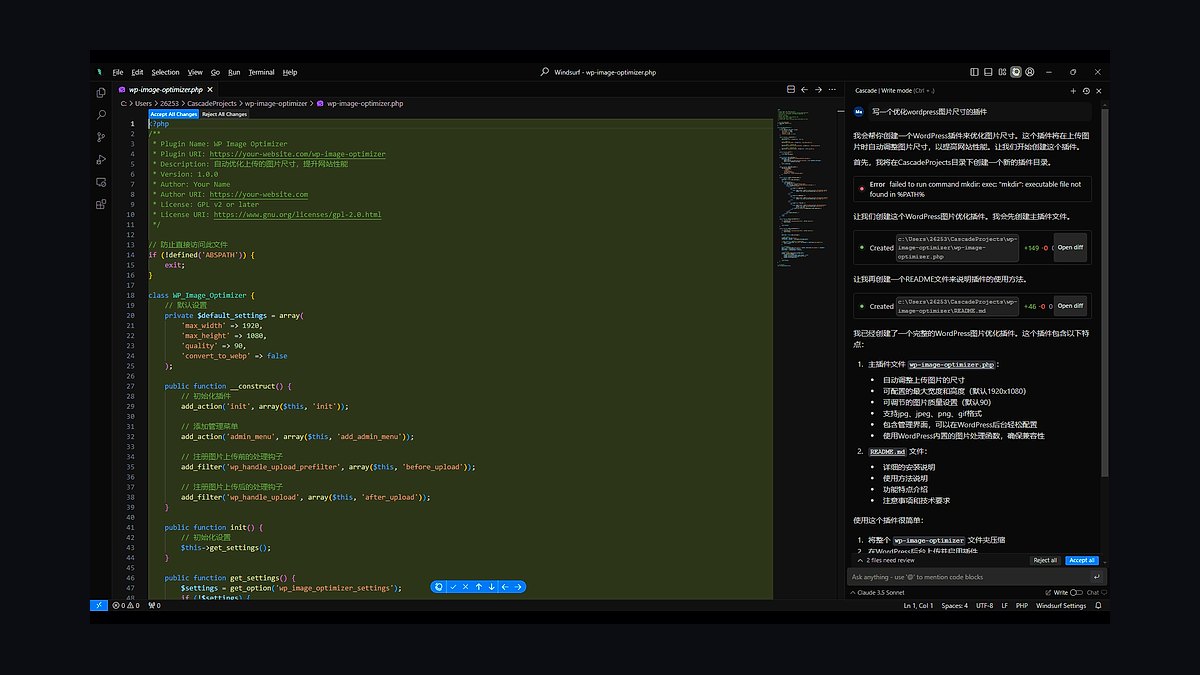
Best for: Agentic refactors of Vue apps | Pricing: Free tier; paid from ~$15/month | Platform: macOS / Windows / Linux
Windsurf keeps shared context through its Cascade agent, which suits long Vue refactors where the AI and developer take turns. It handles multi-file edits across components and stores, runs commands, and inherits Codeium's strong free completions.
Pros:
- Cascade agent maintains refactor context
- Usable free tier
- Good multi-file Vue changes
- Low-latency editor
Cons:
- Smaller plugin ecosystem than VS Code
- Some workflows still maturing
Verdict: A strong agentic alternative for Vue refactors.
4JetBrains AI Assistant (WebStorm)
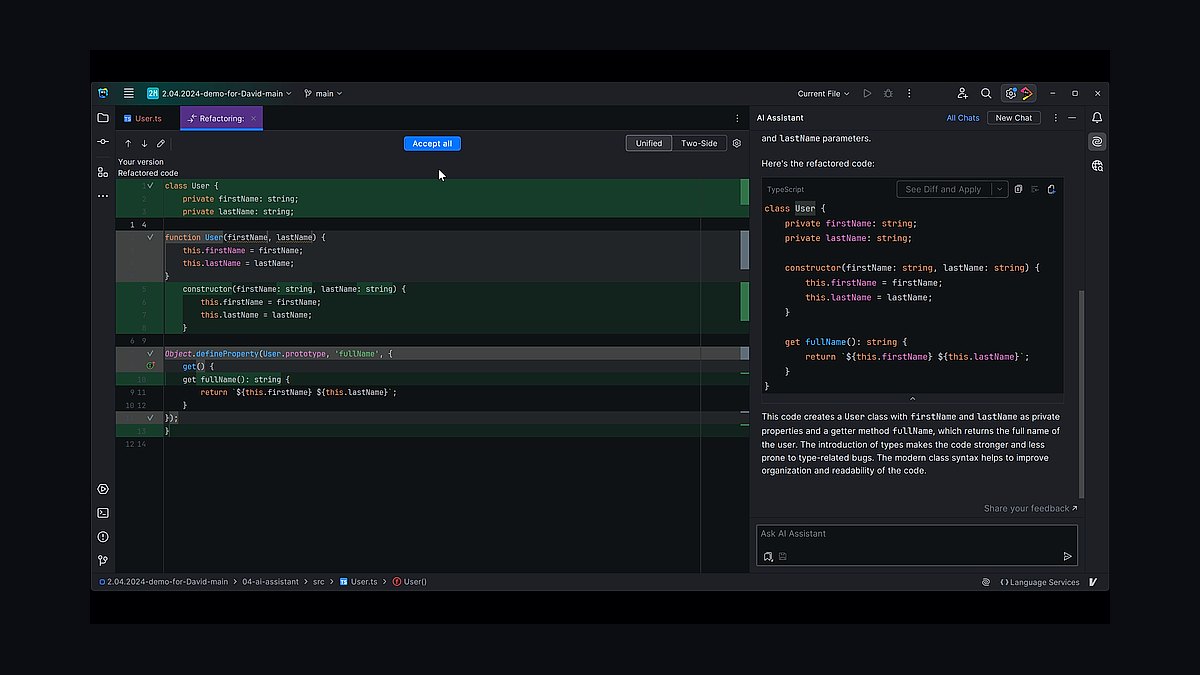
Best for: WebStorm users | Pricing: Free tier; AI Pro from ~$10/month | Platform: JetBrains IDEs
JetBrains AI Assistant is wired into WebStorm's deep Vue understanding, so its completions, refactors, and chat respect imports, types, and SFC structure. It generates tests and commit messages and explains code in context. For teams standardized on WebStorm, it is the most native option.
Pros:
- Deep integration with WebStorm's Vue tooling
- Context-aware completion, chat, and refactors
- Test and commit-message generation
- Familiar IDE
Cons:
- Only useful inside JetBrains IDEs
- Best features need the paid tier
Verdict: The right pick for committed WebStorm developers.
5Claude (Anthropic)
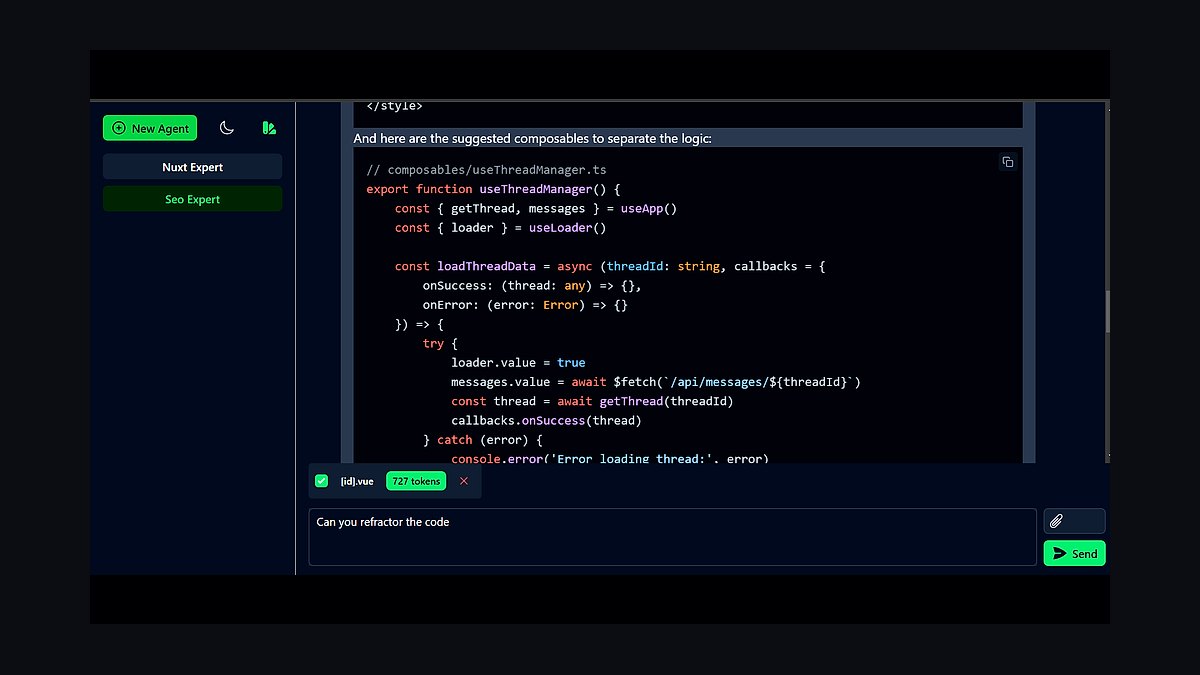
Best for: Reasoning through Vue architecture and bugs | Pricing: Free tier; Pro $20/month | Platform: Web / desktop / API
Claude is the assistant developers use for careful reasoning — untangling a reactivity loop, designing a Pinia store structure, or reviewing a large diff. Its long context handles many components at once, and Claude Code edits Vue projects from the terminal. Many other tools here also let you select Claude as the engine.
Pros:
- Strong reasoning for architecture and tricky bugs
- Long context for many components
- Claude Code edits projects from the terminal
- Clear, well-explained suggestions
Cons:
- Web chat alone is less integrated than a plugin
- Heavy use benefits from a paid plan
Verdict: The best assistant for thinking through hard Vue problems.
6ChatGPT (OpenAI)
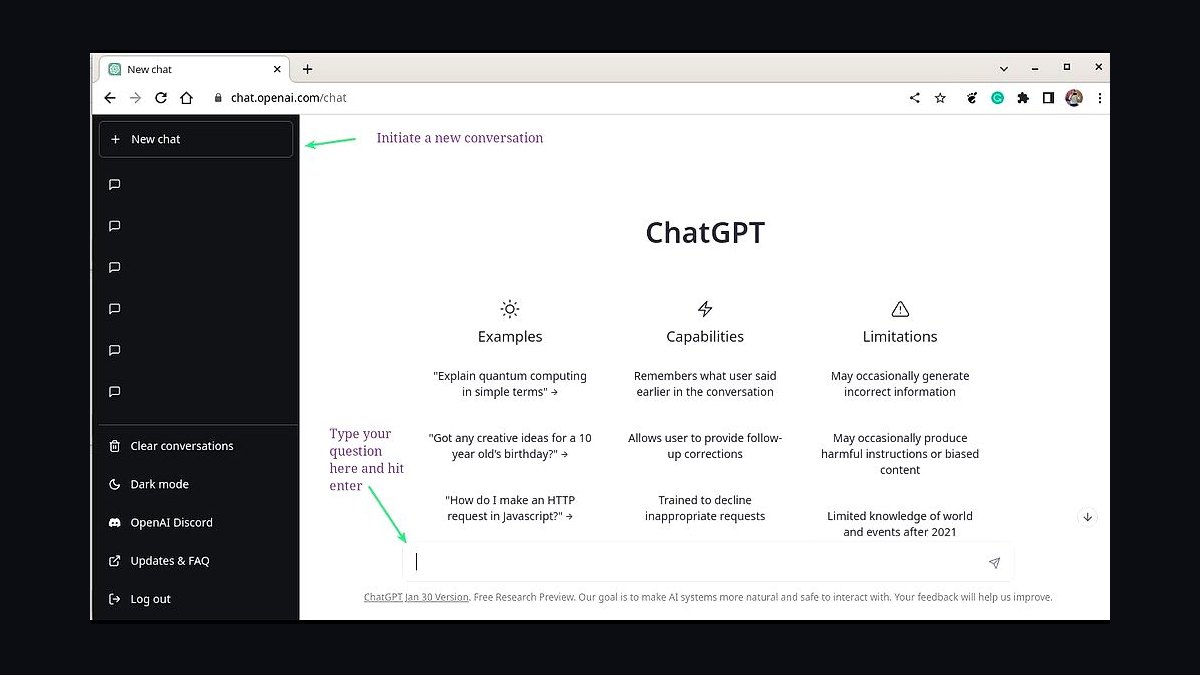
Best for: General Vue help and learning | Pricing: Free tier; Plus $20/month | Platform: Web / desktop / API
ChatGPT explains Vue concepts, generates boilerplate SFCs, converts designs to templates, and walks through errors. Its Canvas mode gives an editable panel for iterating on a single component. It is fast for unblocking and learning Vue.
Pros:
- Versatile for explanations and boilerplate
- Canvas mode for single-component iteration
- Large ecosystem
- Capable free tier
Cons:
- Not codebase-aware like an editor agent
- Copy-paste for multi-file changes
Verdict: The most flexible general assistant for Vue.
7Bolt.new (StackBlitz)
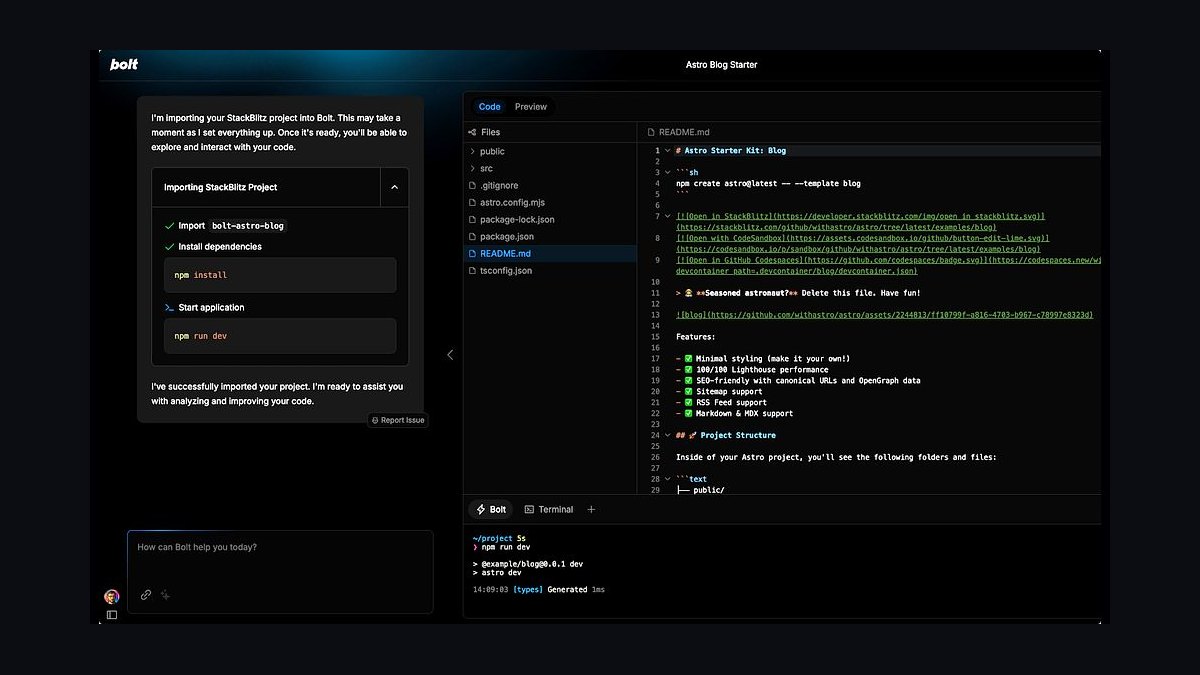
Best for: Prompt-to-Vue-app prototyping | Pricing: Free tier; token-based paid | Platform: Web
Bolt.new runs a full toolchain in the browser, so it can scaffold, install, run, and edit a complete Vue or Nuxt app from a prompt with no local setup. It fixes its own runtime errors and exports to GitHub when you are ready.
Pros:
- Generates and runs a full Vue app in-browser
- Installs packages and self-fixes errors
- Export to GitHub
- No local setup
Cons:
- Token pricing burns on big apps
- Better for prototypes than large codebases
Verdict: The fastest way to a running Vue prototype.
8Tabnine
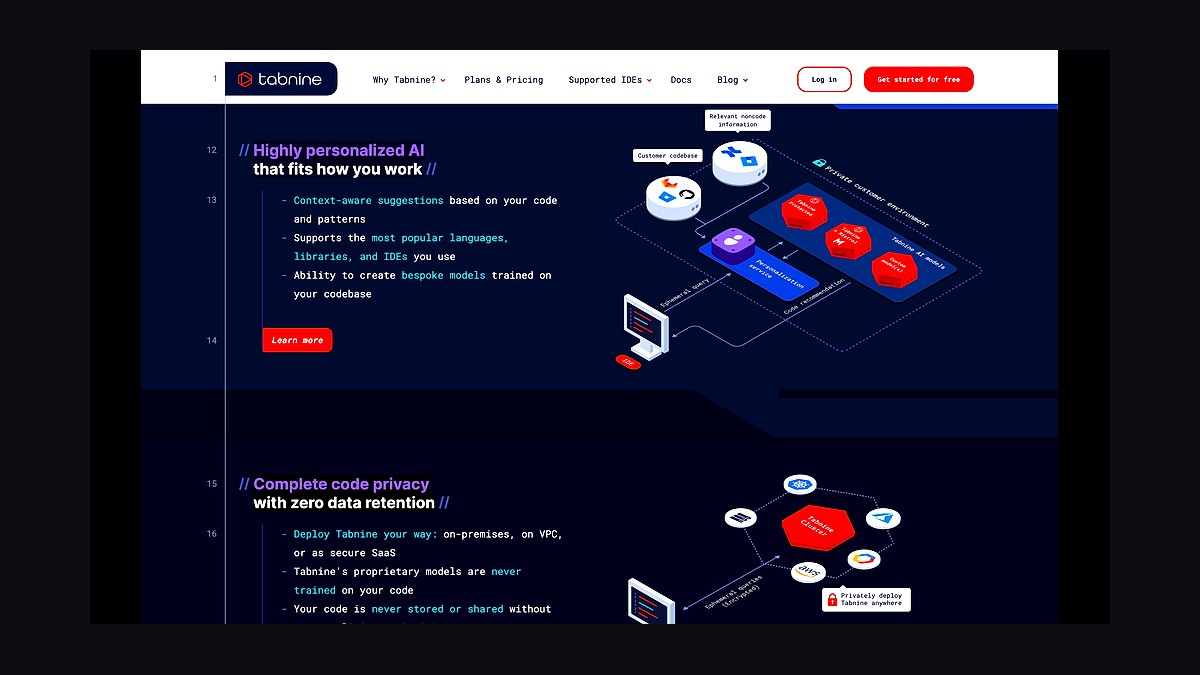
Best for: Privacy-conscious Vue teams | Pricing: Free tier; paid from ~$9/user/month | Platform: VS Code / JetBrains / and more
Tabnine offers zero-retention, air-gapped, and self-hosted deployments, so regulated teams can use AI completion on Vue code safely. It personalizes on your repositories so suggestions match your conventions and runs across major IDEs.
Pros:
- Self-hosted and zero-retention options
- Personalization on your codebase
- Broad IDE coverage
- Predictable per-seat pricing
Cons:
- Suggestion quality trails frontier-model tools
- Self-hosting adds overhead
Verdict: The pick for privacy-critical Vue teams.
9CodeRabbit
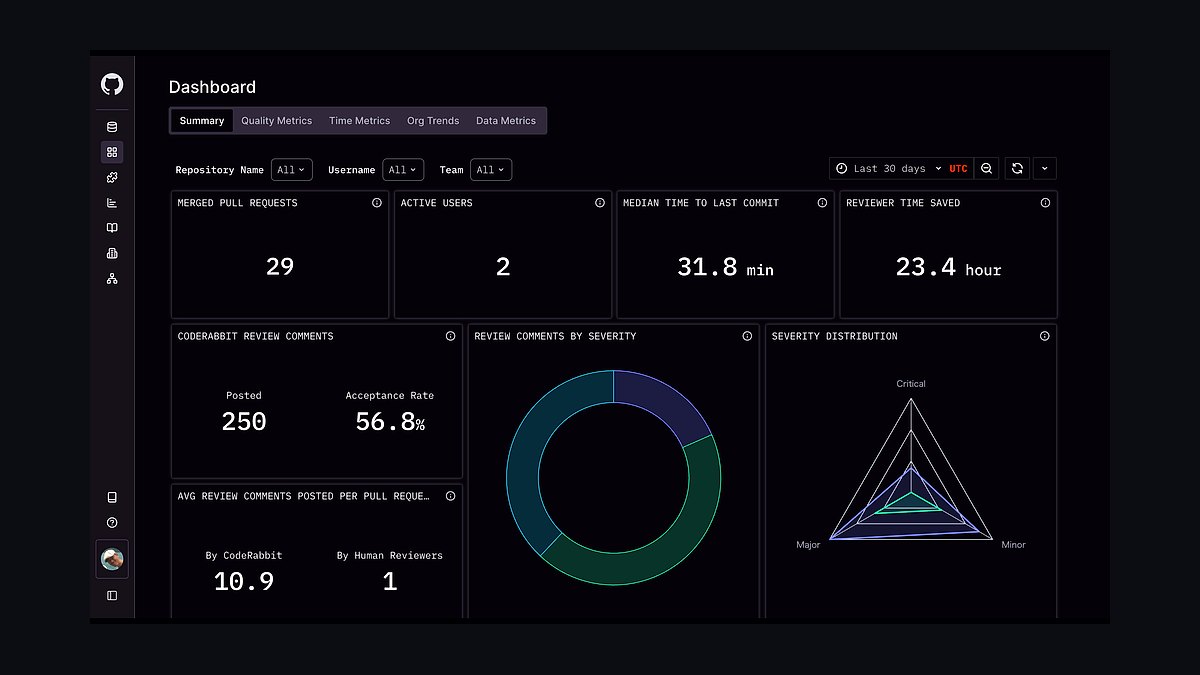
Best for: AI review of Vue pull requests | Pricing: Free for open source; paid from ~$15/user/month | Platform: GitHub / GitLab
CodeRabbit reviews Vue PRs line by line, catching missing keys in v-for, unnecessary watchers, prop mutation, and accessibility gaps. It summarizes changes, suggests committable fixes, and learns team conventions.
Pros:
- Context-aware PR review for real Vue pitfalls
- One-click fix suggestions
- Learns team conventions
- Free for open source
Cons:
- Review-only
- Adds a PR step
Verdict: The best AI reviewer to keep Vue PRs clean.
10Lovable
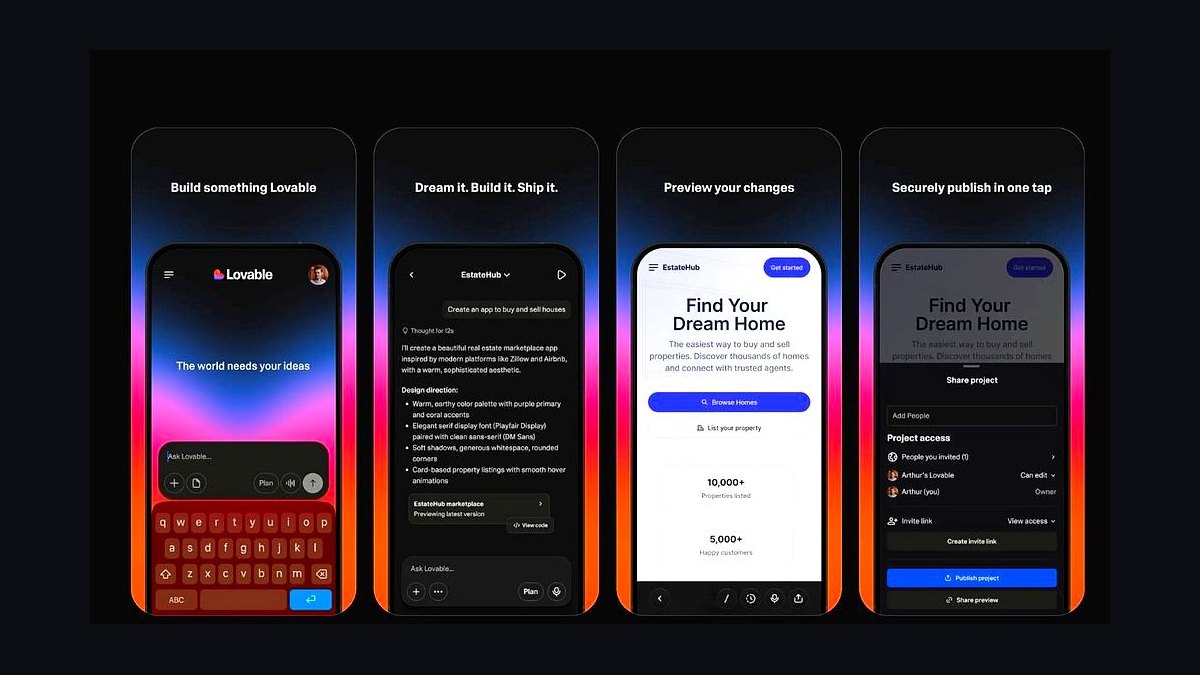
Best for: Prompt-to-app for non-frameworks-experts | Pricing: Free tier; paid from ~$25/month | Platform: Web
Lovable turns plain-language prompts into a working web app with a connected backend, useful when you want a Vue-style SPA experience without writing it all by hand. It iterates conversationally, manages data and auth, and lets you export or sync to GitHub. It is more of a builder than a code assistant, suited to fast MVPs.
Pros:
- Prompt-to-working-app with backend wiring
- Conversational iteration
- GitHub sync and export
- Fast MVPs
Cons:
- Less control than hand-writing Vue
- Generated stack may differ from your standards
Verdict: A fast builder for MVPs when you want results over control.
Decision Tree
Common Pitfalls When Using AI Tools with Vue.js
Even the best AI tools can produce frustrating results if you don't set them up correctly. The most common mistake developers make is not providing enough context — asking an AI to "create a form component" without specifying whether you're using Pinia for state, VeeValidate for validation, or a specific UI library like PrimeVue or Naive UI.
AI models in 2027 handle Vue 3's Composition API well, but they still struggle with deeply nested reactive objects and watch side effects unless you explicitly describe the reactivity chain.
Another frequent issue is over-reliance on generated code without understanding Vue's reactivity system. AI tools may suggest patterns that look correct but break when ref() values are unwrapped inside template expressions or when reactive() objects are destructured. Always review generated code for proper .value usage and avoid mutating props directly — AI still occasionally generates anti-patterns here.
For Nuxt projects, ensure the AI knows whether you're using auto-imports, server routes, or Nitro plugins, as these dramatically change the generated code structure.
How to Structure Your Prompts for Vue.js AI Tools
Getting useful Vue code from AI tools requires structured prompts. For component generation, use this template: *"Create a Vue 3 SFC using <script setup> and TypeScript that [describe purpose]. It should use [Pinia store name] for state, emit [event names], and accept props [list props]. Style with [Tailwind/Sass/scoped CSS]."* For refactoring, specify the target: *"Convert this Options API component to Composition API using defineComponent and setup() syntax, keeping all lifecycle hooks and computed properties."*
When debugging reactivity issues, include the error message and the specific reactive variable that's failing. For example: *"This watch on userProfile (a ref() object) fires twice on initial load. How do I use { immediate: false } correctly here?"* AI tools respond best when you break complex tasks into single-responsibility prompts — one for the template, one for the script logic, and one for styles — rather than asking for an entire page at once.
This approach reduces hallucinations and gives you more control over each section.
Future-Proofing Your Vue.js AI Workflow
The AI tool landscape for Vue.js evolves quickly, but three practices will keep your workflow effective through 2028 and beyond. First, maintain a local .cursorrules or .clinerules file that documents your project's conventions: component naming patterns, file structure (atomic design vs feature-based), preferred libraries, and TypeScript strictness settings. This trains the AI to match your team's style without repeating instructions.
Second, use AI-generated unit tests as documentation. Tools like Copilot and Cursor can now generate Vitest tests for Vue components that double as living documentation of expected behavior. When you refactor, regenerate these tests to catch regressions early. Finally, periodically audit your AI tool's Vue-specific performance by running a test suite of common tasks: generating a form with validation, creating a composable for API calls, and migrating a small Options API component.
If accuracy drops, check for model updates or consider switching tools — the market shifts every 6-12 months, and what's best today may be surpassed by a newcomer with better Vue syntax understanding.
FAQ
What is the best AI tool for Vue.js in 2027? Cursor is the best overall because it understands single-file components and edits across your project coherently. GitHub Copilot is the best value with a strong free tier.
Does GitHub Copilot support Vue? Yes. It autocompletes templates, computed properties, and composables, and its chat explains reactivity bugs and writes tests. It pairs well with the Volar extension.
Can AI build a full Vue or Nuxt app? Bolt.new can scaffold, install, run, and edit a complete Vue or Nuxt app from a prompt in the browser, and Lovable builds full apps with backends from plain language.
Which AI tool is best for privacy? Tabnine, with zero-retention, air-gapped, and self-hosted deployments for regulated teams.
Is there a good AI option for WebStorm Vue developers? JetBrains AI Assistant integrates with WebStorm's Vue tooling for context-aware completion, refactors, and tests.
Can AI review Vue pull requests? CodeRabbit reviews PRs line by line, flagging issues like missing v-for keys and prop mutation, with one-click fixes.
Related on PULSE
- The 10 Best AI Tools for Vue.js Development in 2027
- The 10 Best AI Tools for Node.js Development in 2027
- The 10 Best AI Tools for Next.js Development in 2027
- The 10 Best AI Tools for Node.js Development in 2027
- The 10 Best AI Tools for Express.js Development in 2027
- The 10 Best AI Tools for Next.js Development in 2027
Sources
- https://cursor.com
- https://github.com/features/copilot
- https://windsurf.com
- https://www.jetbrains.com/ai/
- https://claude.ai
- https://bolt.new
- https://www.tabnine.com
- https://www.coderabbit.ai
- https://lovable.dev
People also search for: best ai tools for vue.js development 2027 · top ai tools for vue.js development 2027 · top rated ai tools for vue.js development 2027 · top ranked ai tools for vue.js development 2027 · highest rated ai tools for vue.js development 2027 · ai tools for vue.js development reviews 2027
This page will be disappearing soon. Save it to your device for $1 — or read it free while it is here.
@Kory-White- · if Venmo asks, the last 4 of my number are 2012
This page is gone.
This one is off the shelf now. $1 keeps it on your phone for good — the whole page, pictures and diagrams included.
 pulse-ai-infrastructureThe 10 Best AI Tools for Crisis Communications in 2027
 pulse-ai-infrastructureThe 10 Best AI Tools for YouTube Optimization in 2027
 pulse-ai-infrastructureThe 10 Best AI Tools for Solving Math Problems in 2027
 pulse-ai-infrastructureThe 10 Best AI Tools for Presentations and Slide Decks in 2027
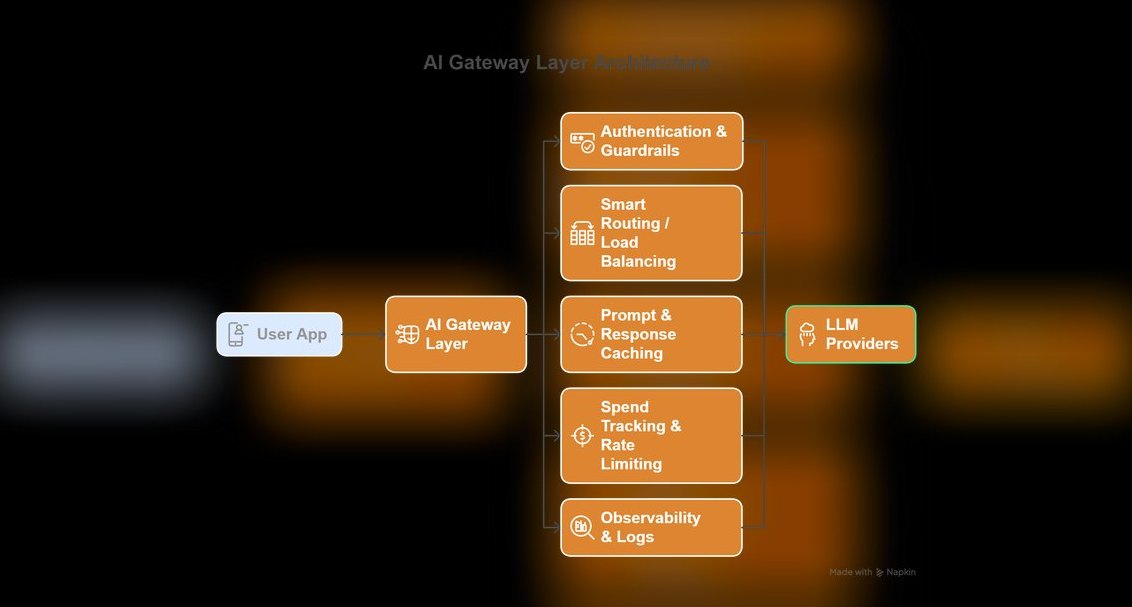 pulse-ai-infrastructureThe 10 Best LLM Gateways in 2027
 pulse-ai-infrastructureThe 10 Best AI Tools for Product Design in 2027
 pulse-ai-infrastructureThe 10 Best AI Tools for Mixing and Mastering in 2027
 pulse-ai-infrastructureThe 10 Best AI Tools for Animation in 2027
 pulse-ai-infrastructureThe 10 Best AI Tools for Restoring Old Photos in 2027
 pulse-ai-infrastructureThe 10 Best AI Tools for Email Writing in 2027