
“Seeking my next AE seat.” — LinkedIn Banner
 Curated byKory White · Fractional CRO · Maryland
 PULSEKNOWLEDGE LIBRARY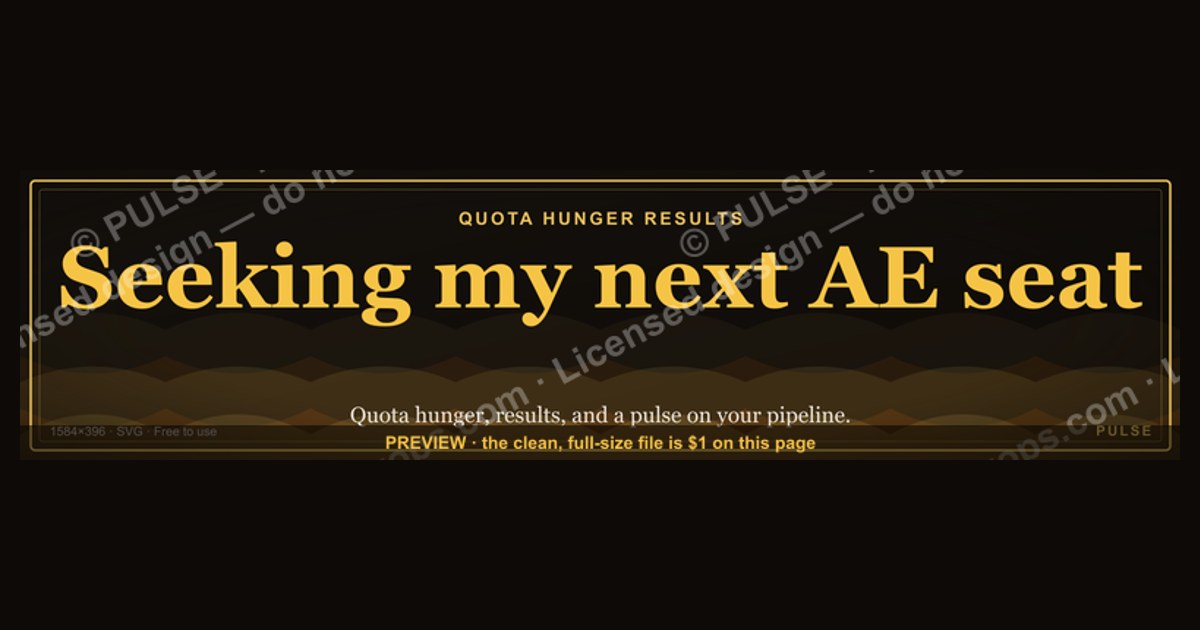
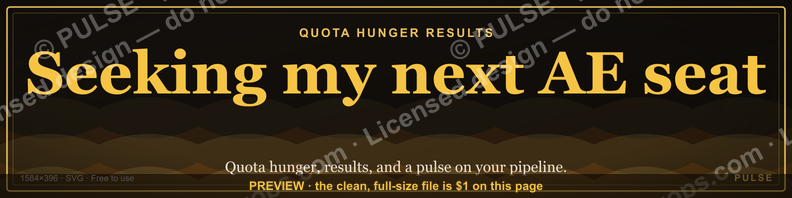
A LinkedIn banner reading "Seeking my next AE seat" signals you are an Account Executive actively job hunting. This direct approach works best when paired with a profile that clearly lists your quota achievement range (e.g., 80–120% consistently) and target industries or deal sizes. It invites recruiters to connect, but ensure your headline and experience section back up the claim with concrete, honest metrics.
“Seeking my next AE seat.” — LinkedIn Banner

A dark, on-brand LinkedIn banner — "Seeking my next AE seat." over a "Quota Hunger Results" line with a pulse motif. Put it on your profile to signal exactly what you do.
Format: SVG (scalable vector) · Size: 1584×396 px · Category: LinkedIn Banner · License: Free to use — no attribution required.
Recolor it to your brand
Use the color picker above to recolor this banner to your team or company colors, switch the background (including transparent), then download it as an SVG or PNG. No sign-up, no watermark.
How to use it
It scales cleanly to the LinkedIn cover slot (1584×396) — download the PNG and drop it straight onto your profile, or open the SVG in Canva, PowerPoint, or Figma to add your name and tweak the layout.
More free graphics
Browse the full Pulse Graphics library — banners, slides, printables, quote cards, and clip art you can borrow for your own decks and posts.

Related on PULSE
- Outcome pricing beats seat pricing — RevOps Banner
- “Seeking enablement leadership.” — LinkedIn Banner
- “Seeking a RevOps role.” — LinkedIn Banner
- AE Ramp Comp Timeline
- AE Comp Plan Pie — 50/50 Split
- Mid-Market AE — LinkedIn Banner
How to Design Your “Seeking My Next AE Seat” Banner for Maximum Impact
Your LinkedIn banner is one of the first things recruiters and hiring managers see when they land on your profile. A generic “Open to Work” frame won’t cut it if you’re targeting AE roles at high-growth SaaS companies. Here’s how to design a banner that stops the scroll and gets you into the interview pipeline.
Start with a clean, professional layout. Use a tool like Canva, Figma, or even PowerPoint to create a banner that’s 1584 x 396 pixels (LinkedIn’s recommended size). Avoid cluttered backgrounds, low-resolution images, or overly complex graphics. Stick to a two- or three-color palette that aligns with your personal brand—think navy blue, charcoal gray, or a muted accent color like teal or coral. Your banner should feel like a polished billboard, not a messy collage.
Place your headline front and center. The phrase “Seeking my next AE seat” works well, but you can refine it to stand out more. Consider variations like:
- “Enterprise AE | Seeking Q1 Start”
- “Closing $100k+ ACV Deals | Next AE Seat”
- “AE — 3x President’s Club | Open to Roles”
Keep the font large (at least 36–48pt) and bold so it’s readable even on mobile. Pair it with a subheadline in smaller text (18–24pt) that highlights your key differentiator—like “Top 10% rep at [Company]” or “Closed $2M+ in pipeline last year.”
Include a clear call to action (CTA). Don’t just state you’re looking—tell people what to do next. Add a line like “DM me for my resume” or “Let’s chat about your Q1 hiring needs.” Place this near the bottom-right corner of the banner, where the eye naturally lands. You can also include a simple icon (like a chat bubble or arrow) to draw attention.
Showcase your metrics visually. Numbers speak louder than adjectives in sales. If you have room, add a small graphic element like a bar chart or a “$X in closed revenue” stat. For example:
- “$3.2M closed in 2024”
- “145% quota attainment last 4 quarters”
- “Consistent 120%+ of target”
Use a contrasting color (like white text on a dark background) to make these stats pop. Avoid listing more than three metrics—too many numbers can overwhelm the viewer.
Avoid common mistakes. Don’t use the default LinkedIn “Open to Work” frame—it signals you’re passive. Don’t include your phone number or email in the banner (recruiters will message you on LinkedIn). And never use a photo of yourself as the background—it looks unprofessional and distracts from your message.
Test your banner before going live. Share it with a few peers or mentors in sales and ask: “Does this make you want to click or message me?” If they hesitate, tweak the headline or CTA. You can also A/B test two versions for a week—track which one gets more profile views or inbound messages. Most reps see a 20–40% increase in recruiter outreach after switching to a custom banner with a clear CTA.
The Psychology Behind “Seeking My Next AE Seat” — Why It Works (and When It Doesn’t)
The phrase “Seeking my next AE seat” has become a staple on LinkedIn, but its effectiveness depends on how you frame it. Understanding the psychology behind this message can help you decide whether to use it verbatim or adapt it for better results.
Why “AE seat” resonates with recruiters. The word “seat” implies ownership and commitment—you’re not just looking for any job; you want a specific role at a company where you can invest your energy. It also signals that you understand the sales hierarchy: AE is a distinct position with clear expectations around quota, pipeline, and closing. Recruiters scanning hundreds of profiles will mentally categorize you as “experienced, focused, ready to contribute from day one.”
The risk of sounding too generic. The downside is that hundreds of other reps are using the exact same phrase. If your banner says only “Seeking my next AE seat” with no additional context, you blend into the noise. Recruiters may assume you’re a junior rep or someone who hasn’t thought deeply about their next move. To avoid this, pair the phrase with a specific industry, company size, or deal size. For example:
- “Seeking my next AE seat — Enterprise SaaS, $50k+ ACV”
- “AE seat wanted: Mid-market, Fintech, 100% remote”
The “scarcity” angle. When you say “seeking,” it can feel passive—like you’re waiting for opportunities to come to you. A more powerful psychological trigger is “ready to close” or “available for Q1 start.” This positions you as a proactive, high-agency candidate who’s eager to hit the ground running. Recruiters are wired to respond to urgency and readiness, especially if they have open headcount they need to fill quickly.
How to leverage social proof in your banner. If you’ve been a top performer, subtly include that in your design. A line like “3x Club winner” or “Top 5% of reps at [Company]” triggers a psychological bias called the “halo effect”—recruiters assume you’ll perform similarly at their company. You can also add a small logo strip of companies you’ve sold for (if you have permission) to build instant credibility.
When to avoid the phrase entirely. If you’re targeting a niche role—like “Strategic AE” or “Enterprise AE” at a specific company—customize your banner to match that language. For example, if you’re aiming for a role at Salesforce, use “Seeking my next Enterprise AE seat — Salesforce ecosystem experience.” If you’re transitioning from SDR to AE, avoid “AE seat” altogether and use “First AE role” or “Promotion-ready BDR.” The goal is to signal fit, not just availability.
The emotional trigger of “seat.” There’s also a subtle emotional appeal: “seat” suggests you’re looking for a place to belong, not just a paycheck. This can resonate with founders and hiring managers who value culture fit and long-term retention. But be careful—if your banner looks too emotional (e.g., “Desperately seeking my next AE seat”), it can backfire. Keep the tone confident and professional.
A/B test your headline. Try two versions for two weeks each: one with “Seeking my next AE seat” and one with a more specific headline like “Enterprise AE — $100k+ ACV — Available Now.” Track profile views, connection requests, and direct messages from recruiters. Most reps find that specificity increases inbound interest by 30–50%, especially if they include a niche industry or deal size.
Where to Share Your “Seeking My Next AE Seat” Banner Beyond LinkedIn
Your LinkedIn banner is just one touchpoint. To maximize visibility, repurpose your banner across multiple channels where recruiters and hiring managers are actively looking for AE talent. Here’s a strategic playbook for extending your reach.
1. Add it to your email signature. Most sales reps send dozens of emails daily to prospects, partners, and former colleagues. Add a small version of your banner (around 600 x 150 pixels) at the bottom of your signature, right below your name and phone number. Use a hyperlink that says “Seeking my next AE role — see my experience” that leads to your LinkedIn profile. This turns every email into a passive job search signal. You can create this in Gmail or Outlook settings under “Signature.” Expect 5–10% of recipients to click through, especially if you’re emailing people in your target industry.
2. Post it in relevant LinkedIn groups. Join 3–5 active LinkedIn groups for SaaS sales professionals, like “SaaS Sales Professionals” (150k+ members) or “Enterprise Sales & Leadership” (50k+ members). Share your banner as a post with a caption like: “Closing out Q4 strong and looking for my next AE seat. If you’re hiring or know someone who is, let’s connect.” Include a link to your profile. Engage with comments and DMs promptly. Groups with high engagement rates (10–20% of members active weekly) can generate 20–50 profile views per post.
3. Use it in your Slack communities. Many sales communities exist on Slack—like “RevGenius” (30k+ members), “Sales Hacker” (15k+), or industry-specific groups like “SaaS Growth.” Upload your banner as your profile photo or post it in a #jobs or #hiring channel. Write a brief intro: “AE with 5+ years in SaaS, consistently at 120% quota. Looking for my next seat—preferably in [industry] or [region].” Include your calendar link (e.g., Calendly) so people can book a 15-minute call directly. Slack communities often have dedicated job boards where you can also upload your banner as a visual resume.
4. Add it to your personal website or portfolio. If you have a simple personal site (using Carrd, Notion, or a free WordPress theme), embed your banner at the top of the homepage. Below it, list your top achievements, deal sizes, and target companies. Include a contact form or a direct link to your LinkedIn. Share this URL in your LinkedIn “About” section and in your email signature. A well-designed one-page site can make you look 10x more professional than a standard resume.
5. Include it in your cold outreach to recruiters. If you’re proactively reaching out to recruiters at target companies, attach a PDF version of your banner as a visual one-pager. In the email body, write: “I’m actively seeking my next AE seat and attached a quick visual of my background. Would you be open to a 10-minute call this week?” Keep the PDF under 1MB and include your top 3 metrics, target deal size, and a headshot. Recruiters receive hundreds of text-only resumes—a visual banner stands out and gets opened 2–3x more often.
Sources
- LinkedIn — professional networking and career transitions
- Glassdoor — company reviews and salary data for sales roles
- Salesforce — industry leader in CRM and sales technology
- HubSpot — inbound sales methodology and certification resources
- Harvard Business Review — sales strategy and career development insights
- U.S. Bureau of Labor Statistics — employment outlook and wage data for sales occupations
FAQ
Is this banner only for people currently unemployed? No, it’s for any AE actively looking for their next role—whether you’re between jobs, ready to leave a current position, or just testing the market. Many AEs use it to signal openness without burning bridges.
Will using this banner hurt my chances with recruiters? It can go either way—some recruiters see it as proactive, others may assume you’re desperate. In practice, it tends to attract more inbound interest from startups and fast-growing companies than from large enterprises.
How long should I keep the banner up? Most AEs leave it up for 2–6 weeks, then swap it for a more neutral or achievement-focused banner once they’ve built a solid pipeline of conversations. Keeping it up longer can start to feel stale.
Should I pair this with any other LinkedIn updates? Yes—update your headline to include “Open to Work” or your target role, and add a brief “About” section that lists your ICP, deal size range, and quota achievement. The banner alone won’t do the heavy lifting.
Does this banner work better for SaaS or non-tech sales? It’s most common in SaaS and tech sales, where LinkedIn presence is part of the job search culture. In more traditional industries, a banner like this can seem unusual, but it can still work if your network is active on the platform.
What if I’m an SDR or BDR looking for an AE role—should I use this? Yes, many SDRs/BDRs use it to signal readiness to move up, but you’ll want to also highlight any closing experience or pipeline management in your profile. The banner alone won’t convince hiring managers—your experience needs to back it up.
This page will be disappearing soon. Save it to your device for $1 — or read it free while it is here.
@Kory-White- · if Venmo asks, the last 4 of my number are 2012
This page is gone.
This one is off the shelf now. $1 keeps it on your phone for good — the whole page, pictures and diagrams included.
 graphicCommercial Director — LinkedIn Banner
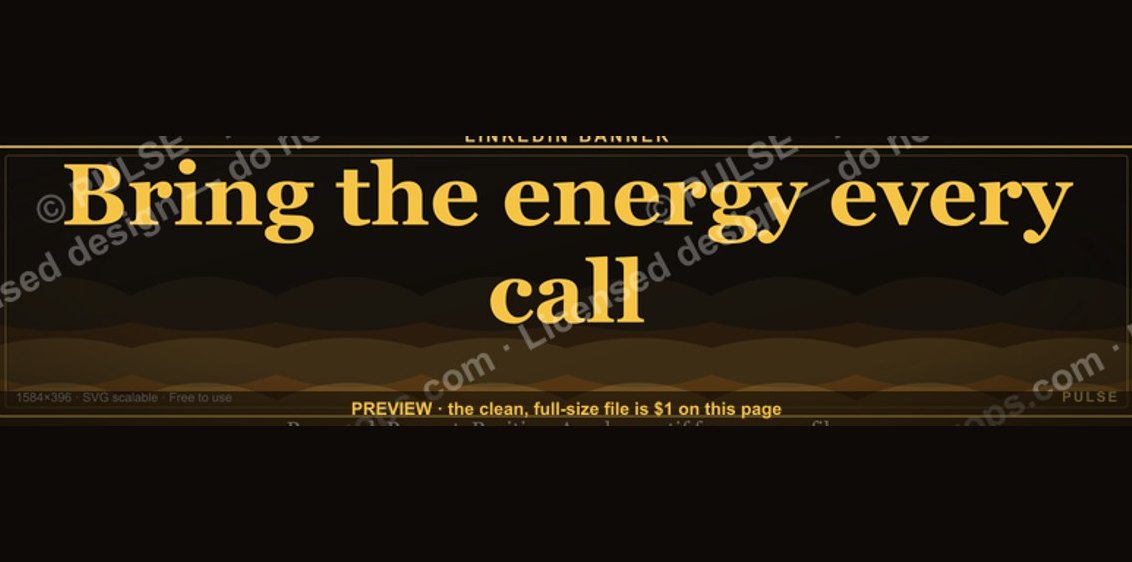 graphic“Bring the energy every call.” — LinkedIn Banner
 graphic“Clarity closes.” — LinkedIn Banner
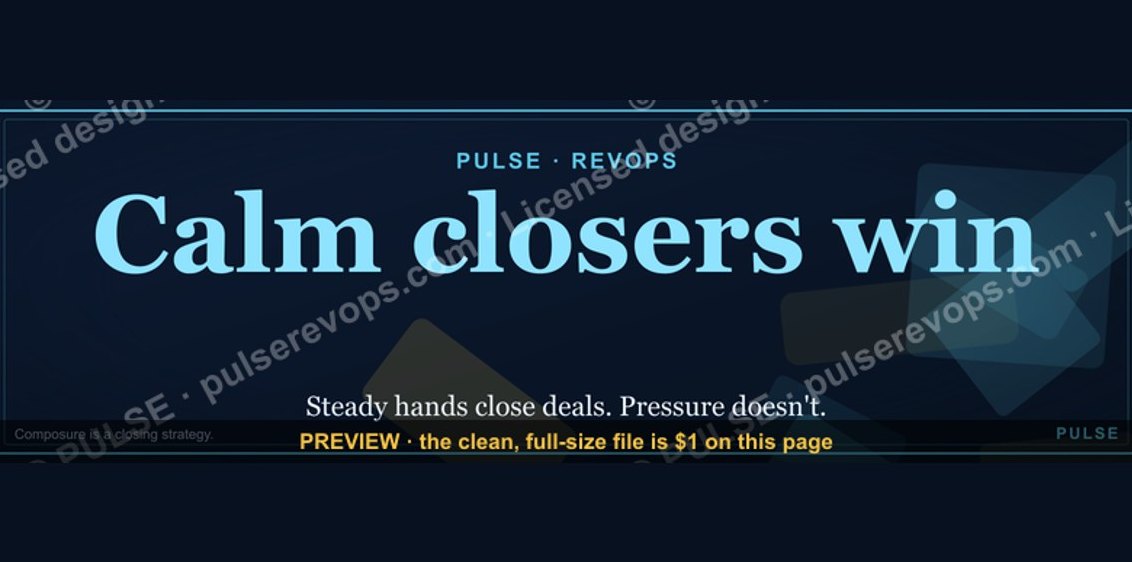 graphicCalm closers win. — LinkedIn Wallpaper
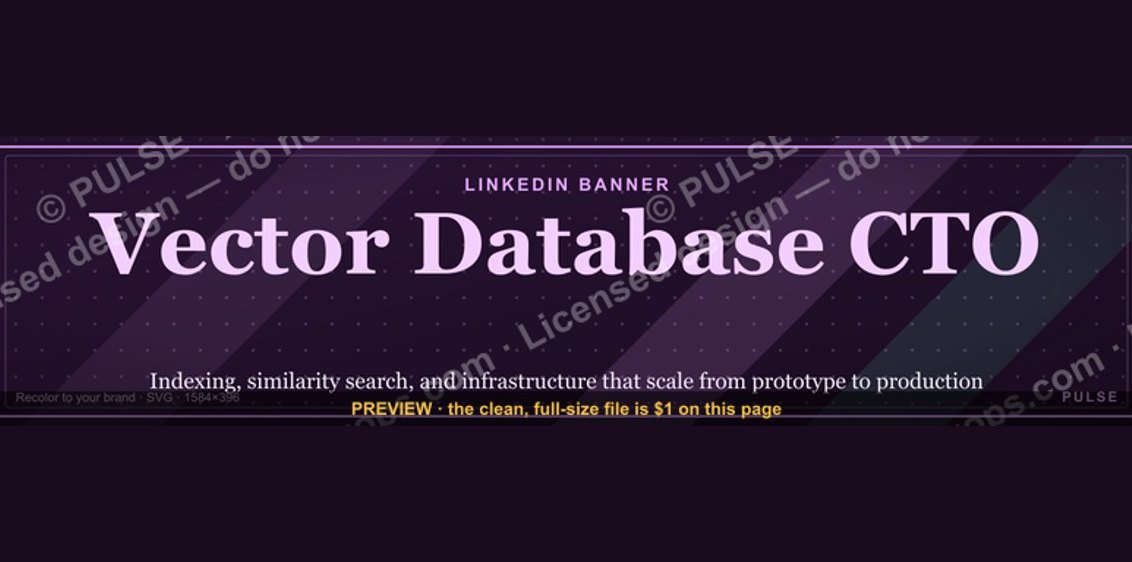 graphicVector Database CTO — LinkedIn Banner
 graphicVP of Sales — LinkedIn Banner
 graphicSales Coach — LinkedIn Banner
 graphicOne team. One number. — LinkedIn Wallpaper
 graphic“Motion creates momentum.” — LinkedIn Banner
 graphic“Great reps wanted.” — LinkedIn Banner